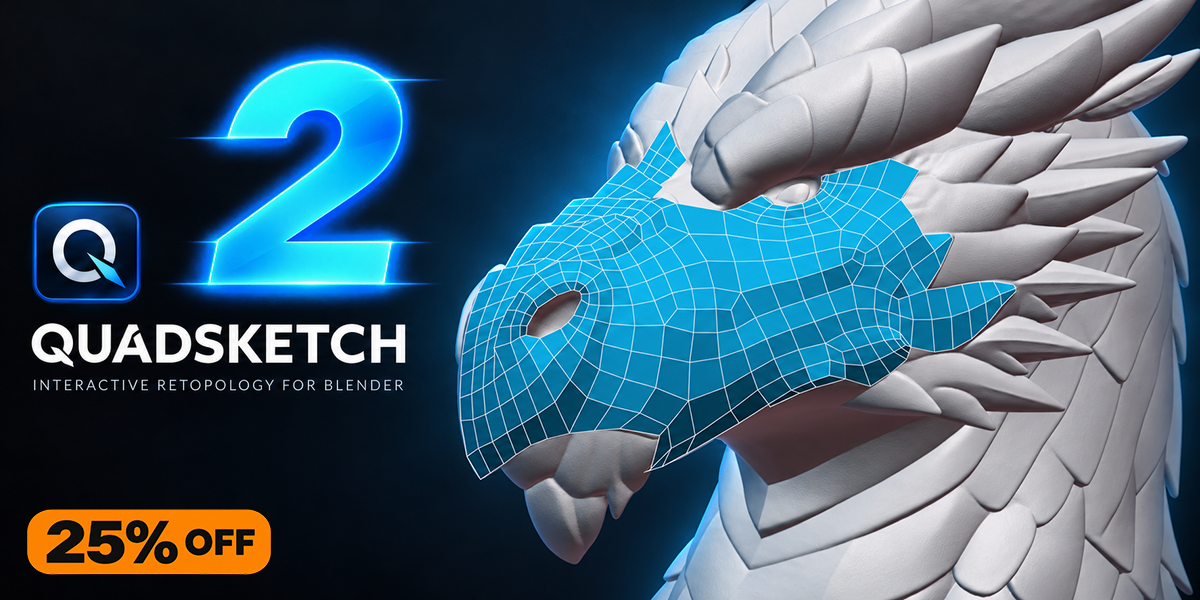
QuadSketch V2 is here — enjoy 25% off for a limited time.
BLENDER ADD-ON · INTERACTIVE RETOPOLOGY
QUADSKETCH V2
SKETCH YOUR RETOPOLOGY FLOW
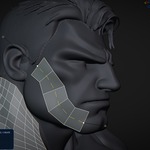
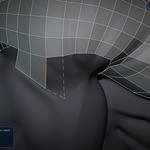
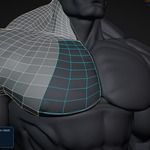
QuadSketch is an interactive retopology add-on for Blender designed to help artists create clean quad topology, control edge flow, and retopologize characters, creatures, and complex organic meshes directly inside Blender.
Version 2 expands the workflow with new patch-building tools, contour and cap creation, expanded symmetry, improved brush control, a reorganized interface, faster viewport visibility controls, and one-click access to training and documentation.
DRAW STROKES | GUIDE FLOW | BUILD CLEAN QUADS
QUADSKETCH V2 IN ACTION
V2 Retopology Demo
Watch the official QuadSketch V2 demo to see the updated workflow and new tools in action on a complex high-resolution character.
NEW IN VERSION 2
A Bigger, Faster Retopology Workflow
QuadSketch V2 expands the original hands-on workflow with new construction tools, improved editing controls, a cleaner interface, expanded symmetry, and faster access to learning resources. The goal remains the same: keep the artist in direct control while reducing repetitive retopology work.
Visual + Classic Categories

Draw Patch

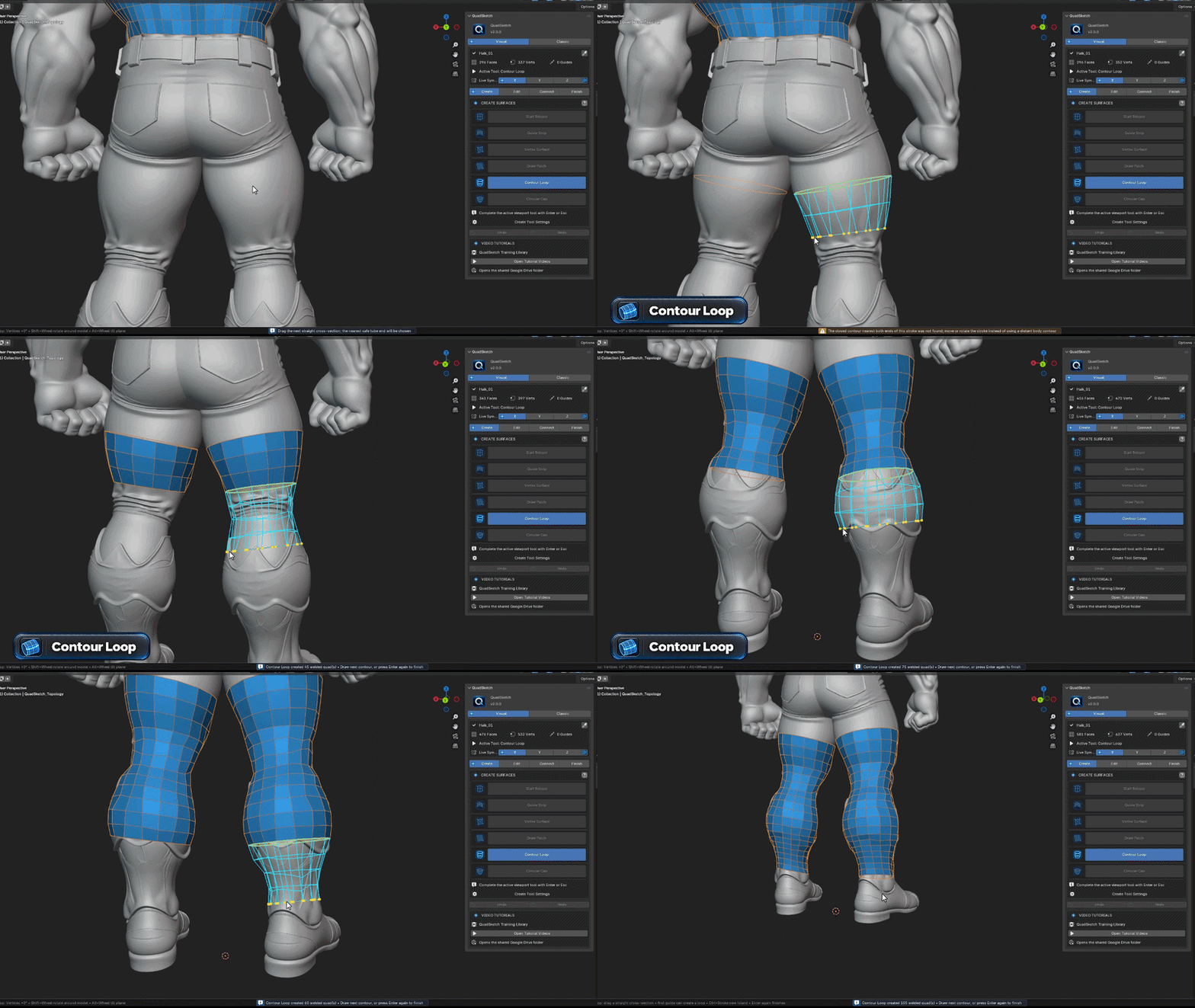
Contour Loop
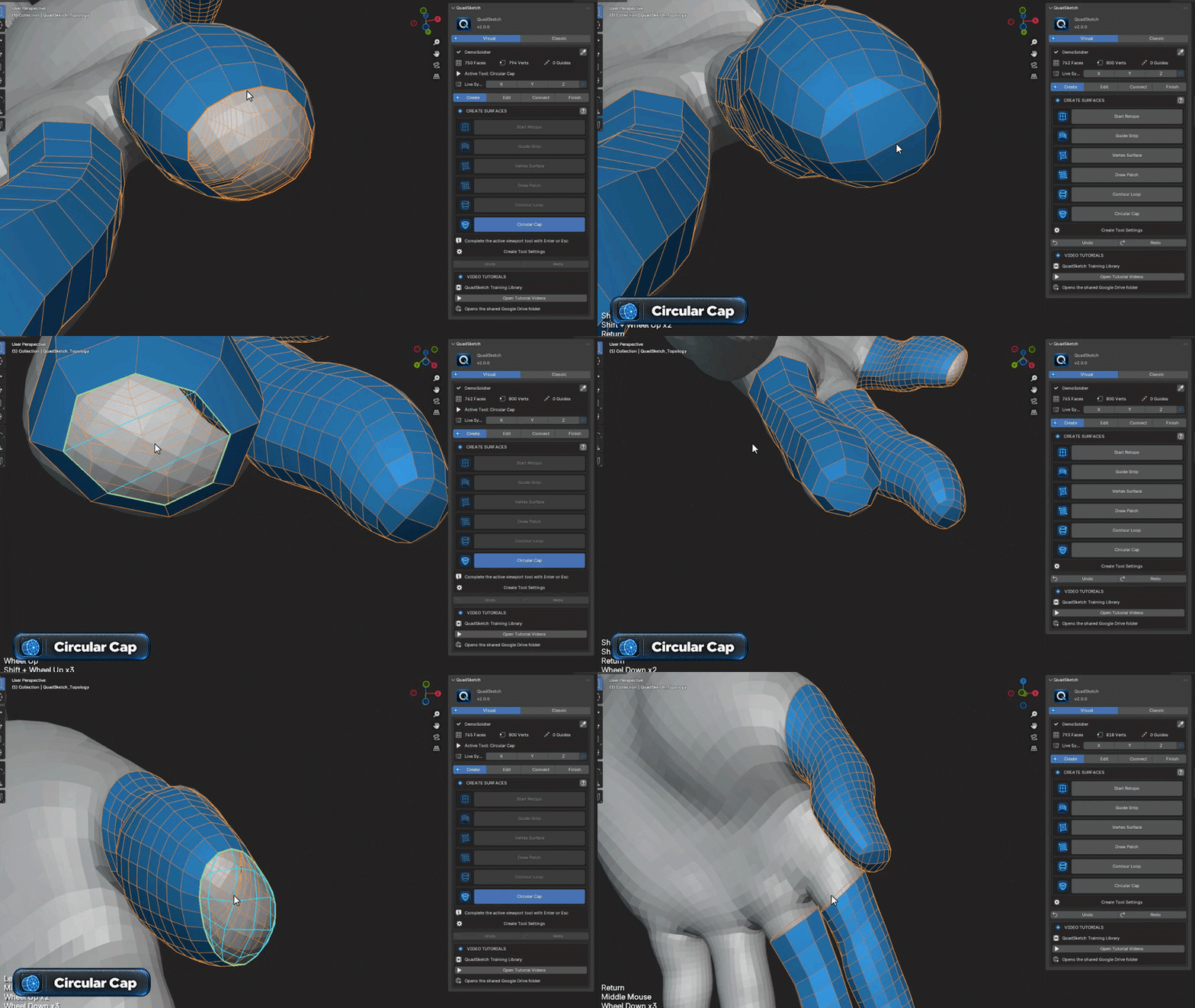
Circular Cap
X / Y / Z Symmetry
Improved Refine Brush Control
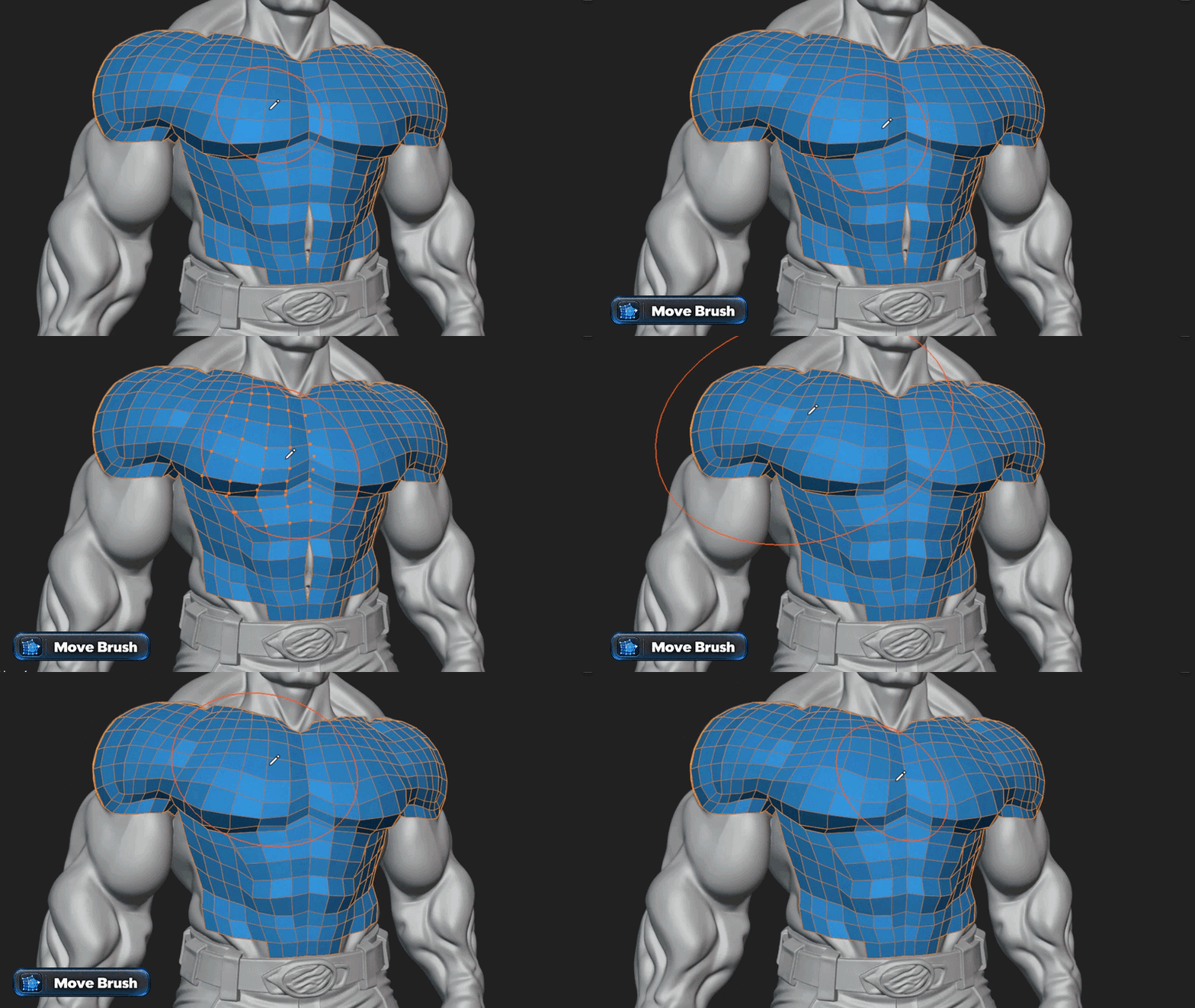
Move Brush
X-Ray Viewport Display
15+ Video Tutorials & PDF Guide — One-Click Access
Existing QuadSketch customers receive access to the V2 update through their existing purchase.
REDESIGNED INTERFACE
Visual + Classic Categories
A Cleaner Way to Navigate QuadSketch
Version 2 reorganizes the growing QuadSketch toolset into clearer Visual and Classic categories. The updated layout makes the interface easier to scan, keeps familiar tools easy to find, and gives the new workflow room to grow without turning the panel into a long, crowded list.
NEW · PATCH CONSTRUCTION
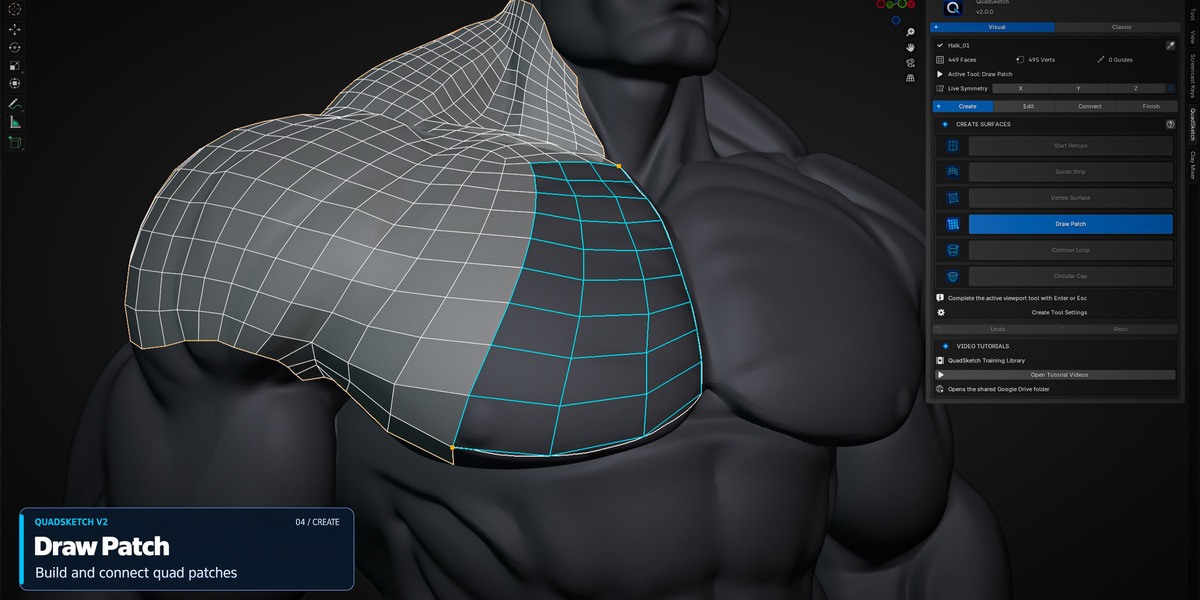
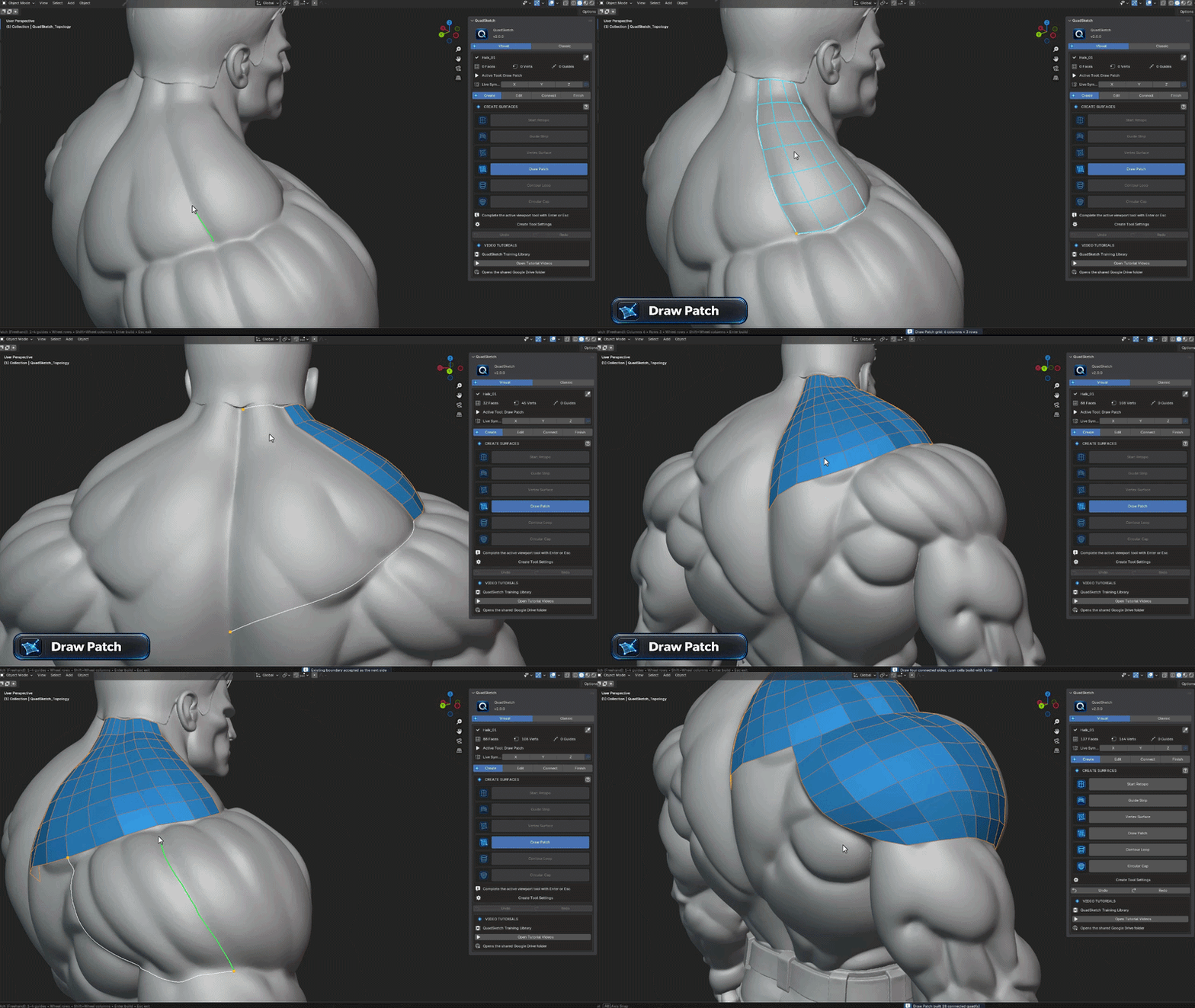
Draw Patch
Build Quad Patches Directly from Your Strokes
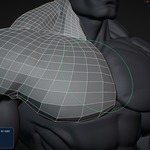
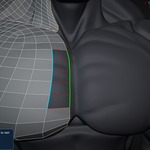
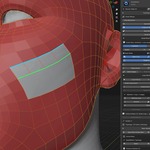
Draw Patch adds a fast, direct way to create quad patches over the source mesh. Draw the patch area with strokes, then smoothly control its row and column structure while you work. It is designed for quick surface construction, easy iteration, and clean continuation into surrounding topology.
NEW · LOOP CONSTRUCTION
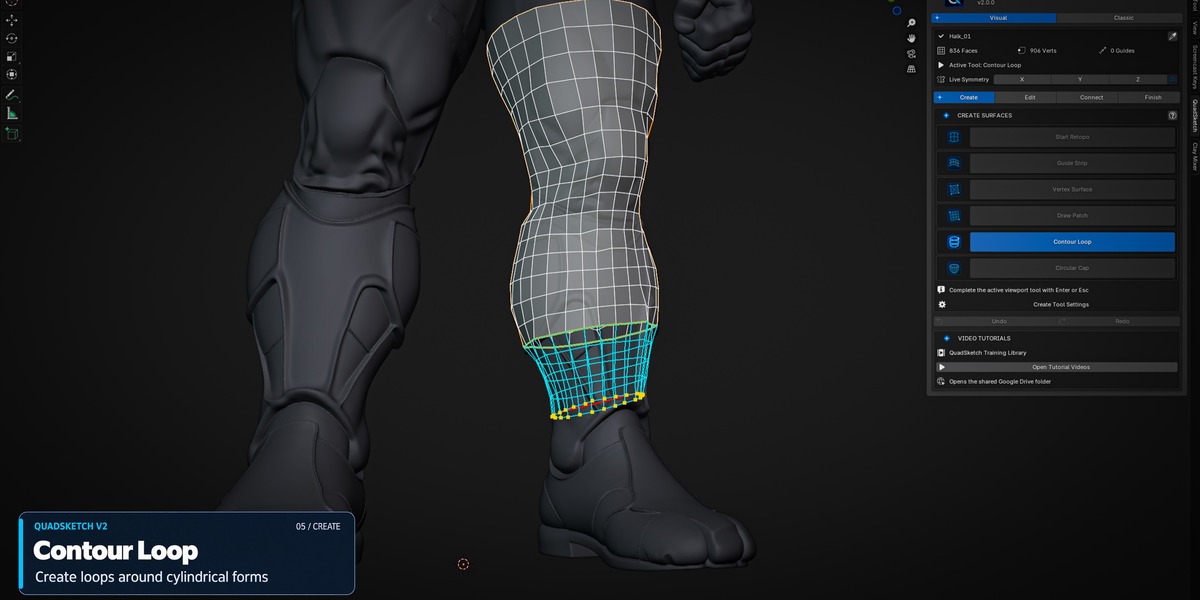
Contour Loop
Wrap Clean Loops Around Rounded Forms
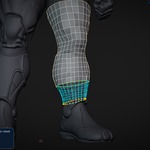
Contour Loop is built for cylindrical and rounded regions where a controlled loop needs to follow the form. Place the contour where you need it and adjust the segment density interactively, giving you a faster starting point for areas such as limbs, fingers, horns, tubes, and similar shapes.
NEW · CLOSING TOOL
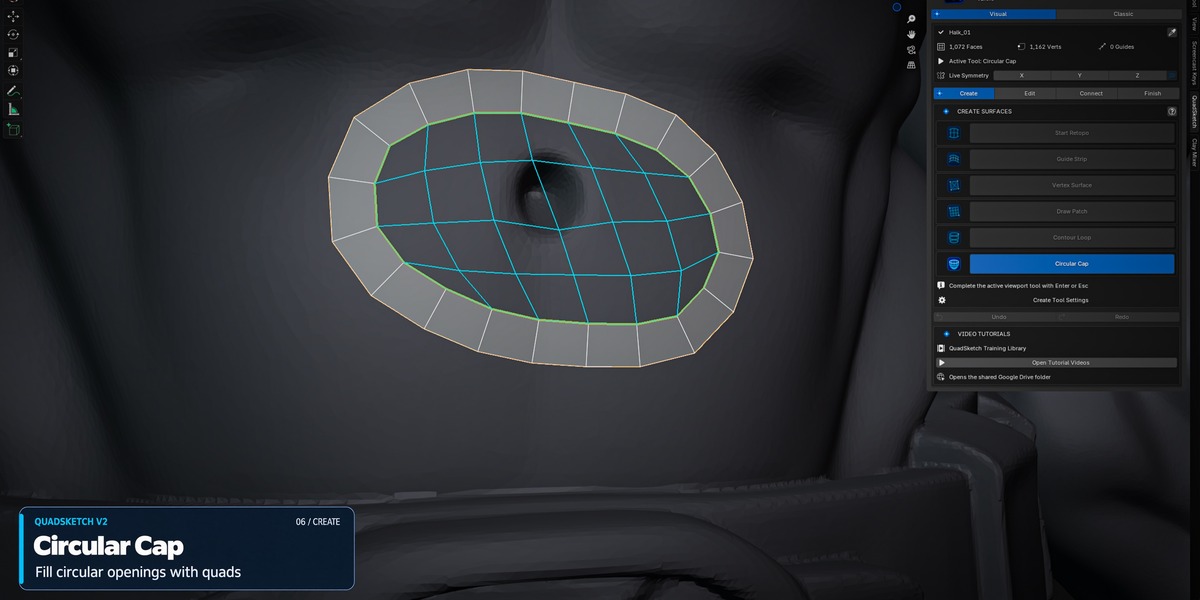
Circular Cap
Close Circular Boundaries Faster
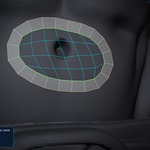
Circular Cap provides a dedicated way to close compatible circular boundary areas with a clean quad-based cap. Instead of manually rebuilding a circular end, the tool gives you a faster controlled starting point that can be refined with the rest of the QuadSketch workflow.
EXPANDED SYMMETRY
X · Y · Z Symmetry
More Freedom for Different Model Orientations
QuadSketch V2 expands symmetry beyond the original X-axis workflow by adding Y and Z axis support. This makes symmetry more flexible for models that are oriented differently and reduces the need to reorganize a scene just to match one working axis.
IMPROVED · BRUSH CONTROL
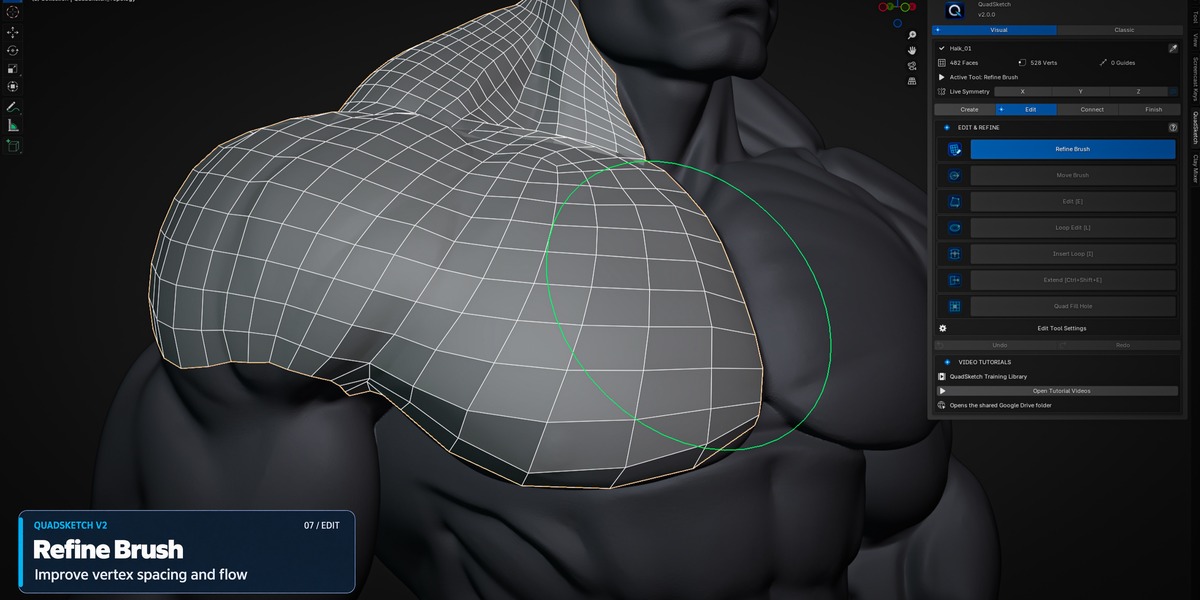
Refine Brush
Smoother, Faster Local Refinement
Refine Brush receives a more fluid and easier-to-control workflow in V2, making it faster to smooth local topology, improve spacing, and clean up edge flow while keeping the retopology surface aligned to the source mesh.
NEW · LOCAL EDITING
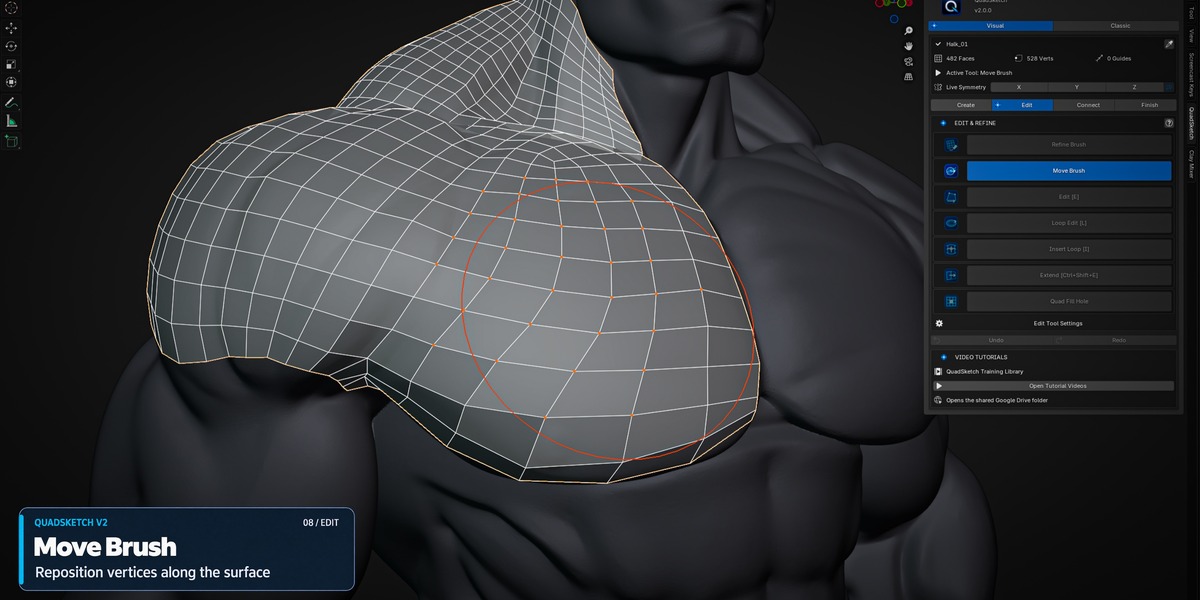
Move Brush
Push Topology into Better Shape
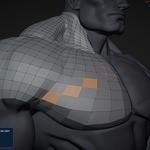
Move Brush adds direct local repositioning for your retopology mesh. Use it to adjust the placement of vertices and edge flow over the source surface without breaking the overall workflow, making small shape corrections faster and more intuitive.
NEW · VIEWPORT DISPLAY
X-Ray Display
Keep Topology Visible While You Work
The new X-Ray display control gives you another way to manage visibility while retopologizing. It helps keep the working topology readable in areas where the source mesh or overlapping geometry would otherwise make the surface harder to inspect and edit.
BUILT-IN LEARNING
15+ Video Tutorials + Complete PDF Guide
Learn QuadSketch V2 step by step with more than 15 video tutorials and a complete PDF user guide. Access the training resources directly from the QuadSketch menu without searching through the product page or external download lists.
VIDEO TRAINING
Step-by-step demonstrations covering the QuadSketch workflow, tools, practical retopology techniques, and the new V2 features.
AVAILABLE INSIDE QUADSKETCH
PDF USER GUIDE
A complete reference covering installation, controls, tools, workflows, shortcuts, and QuadSketch V2 features.
AVAILABLE INSIDE QUADSKETCH
VERSION 1 · ORIGINAL WORKFLOW
The QuadSketch Workflow That Started It All
Explore the original QuadSketch workflow and see the core retopology system that V2 builds upon. Version 1 remains fully relevant to the hands-on workflow and provides the foundation for the expanded V2 toolset.
CORE QUADSKETCH WORKFLOW
The Original Workflow, Still at the Core
QuadSketch V2 builds on the hands-on retopology workflow introduced in Version 1. The original core tools remain part of the system, giving you direct control over topology creation, surface alignment, extension, connection, and refinement.
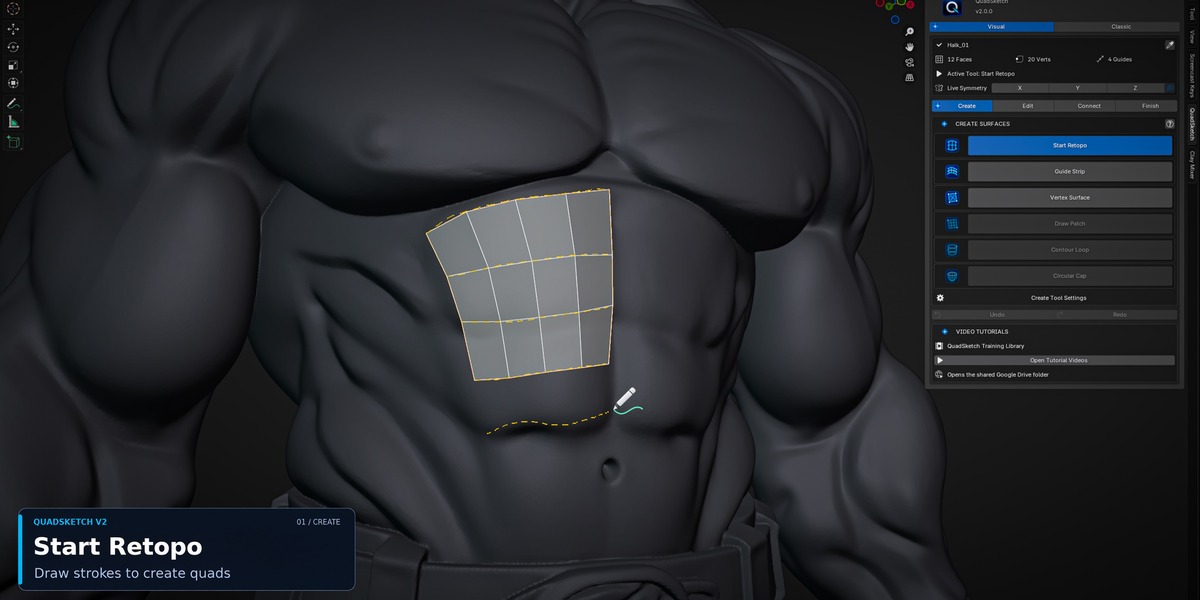
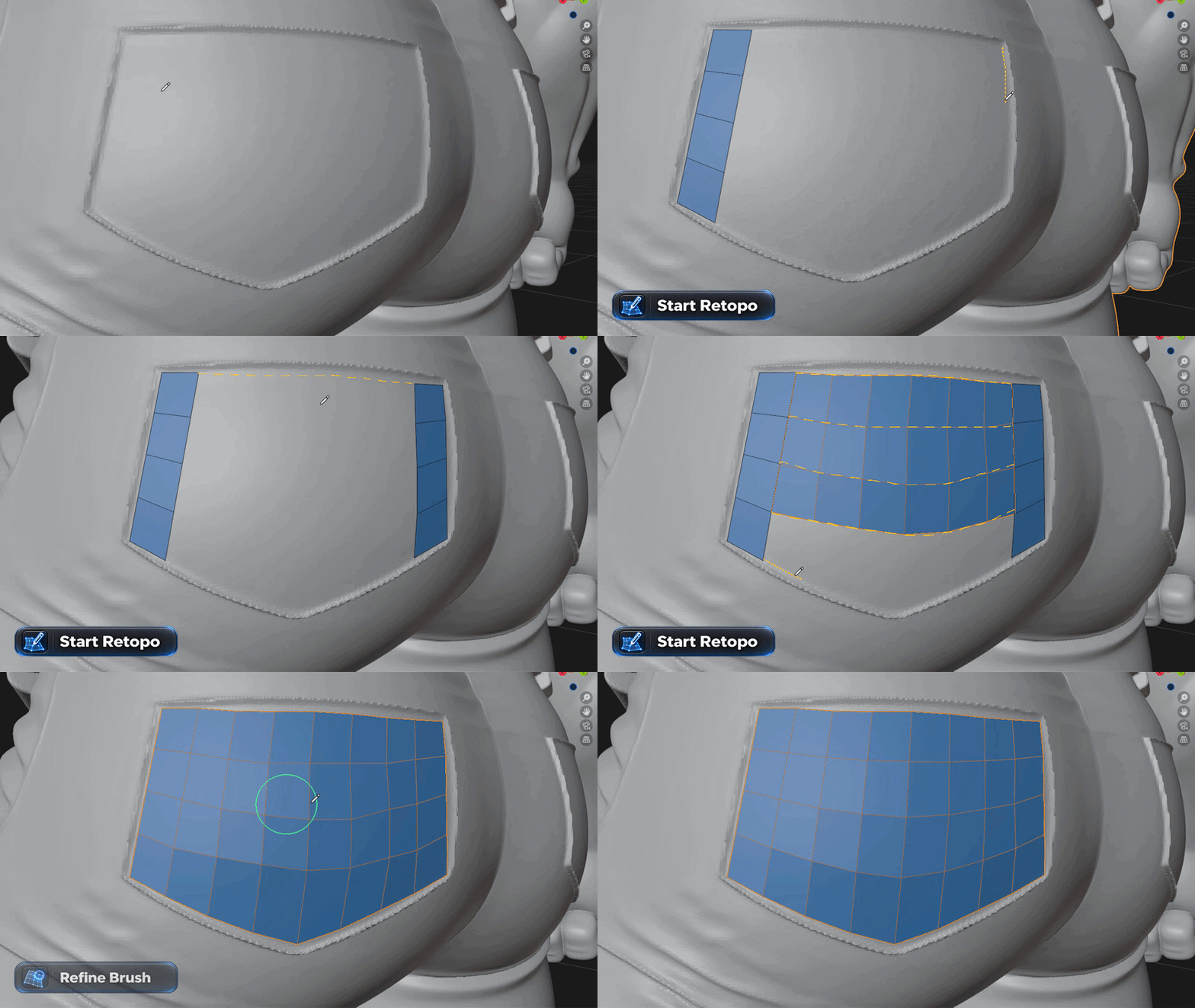
Start Retopo
Guide Strip
Vertex Surface
Extend
Stitch Edges
Loop Edit & Tools
Display Controls
CORE RETOPOLOGY
Start Retopo
Sketch Your Topology
Draw strokes directly over the source mesh and quickly generate clean quad topology with adjustable strip resolution and interactive control.
FLOW CONTROL
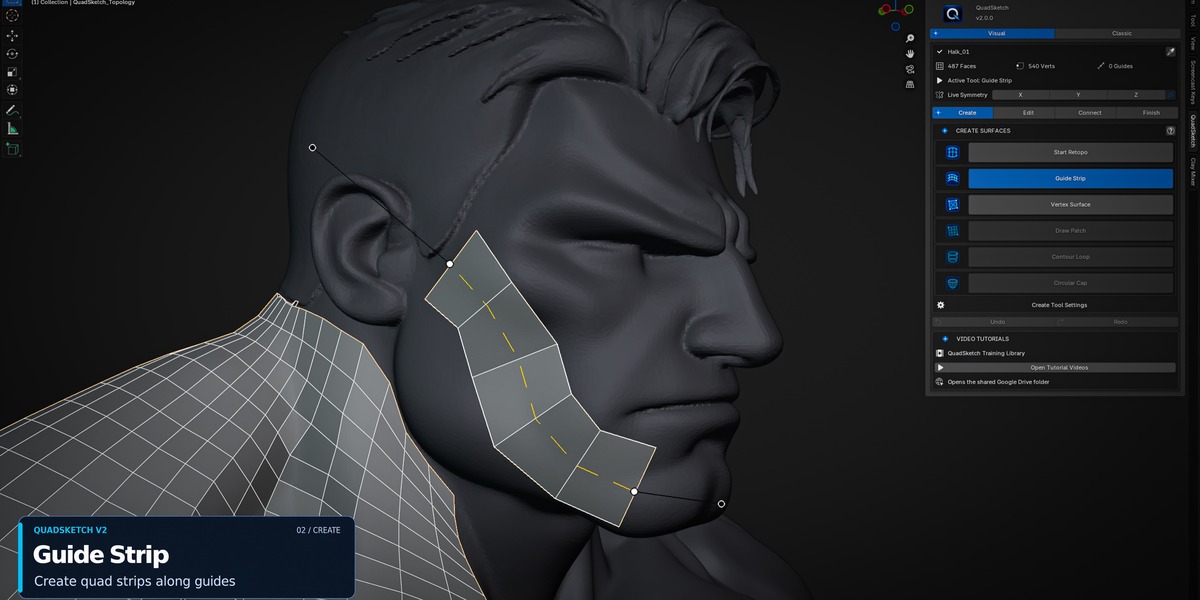
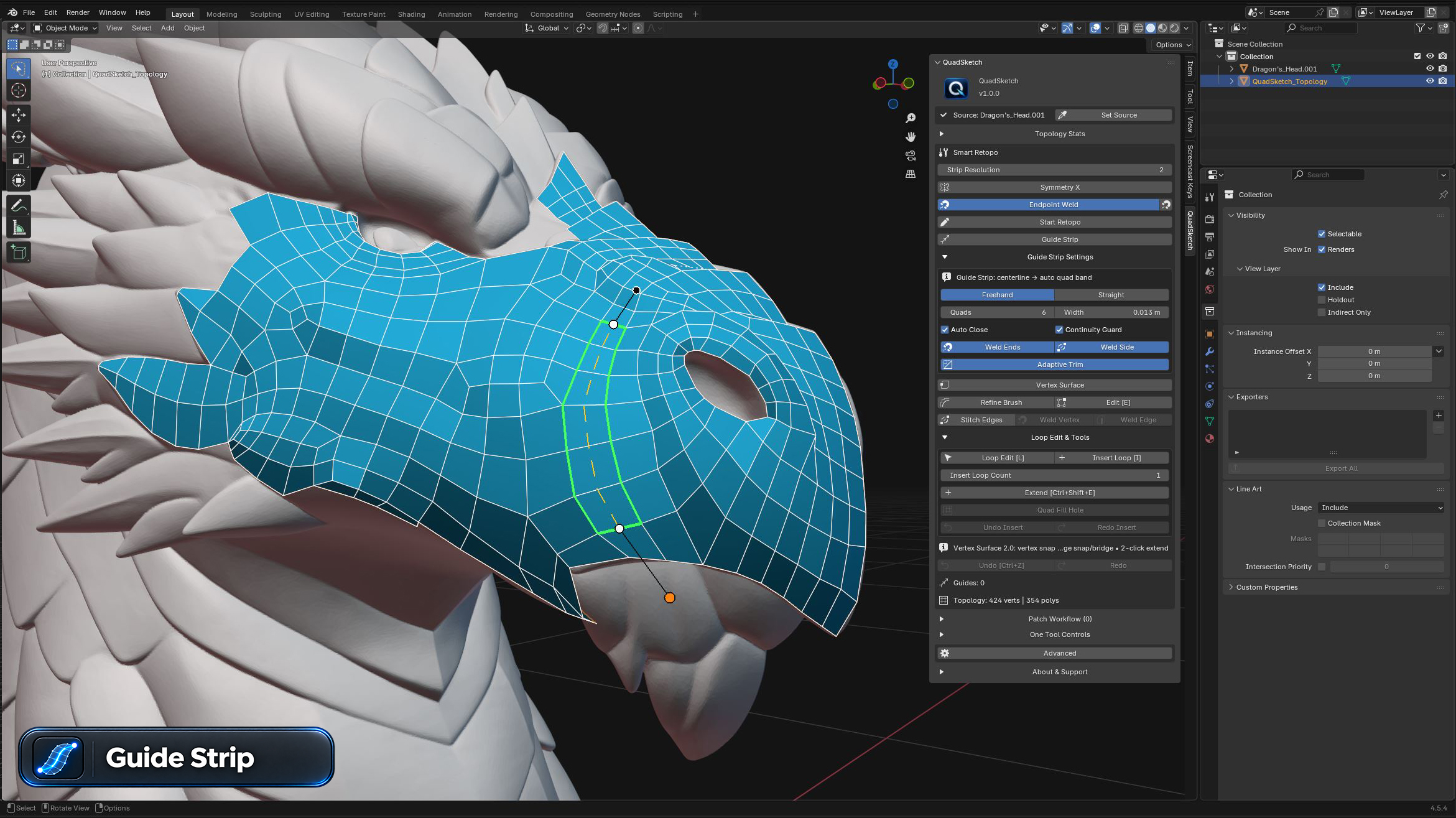
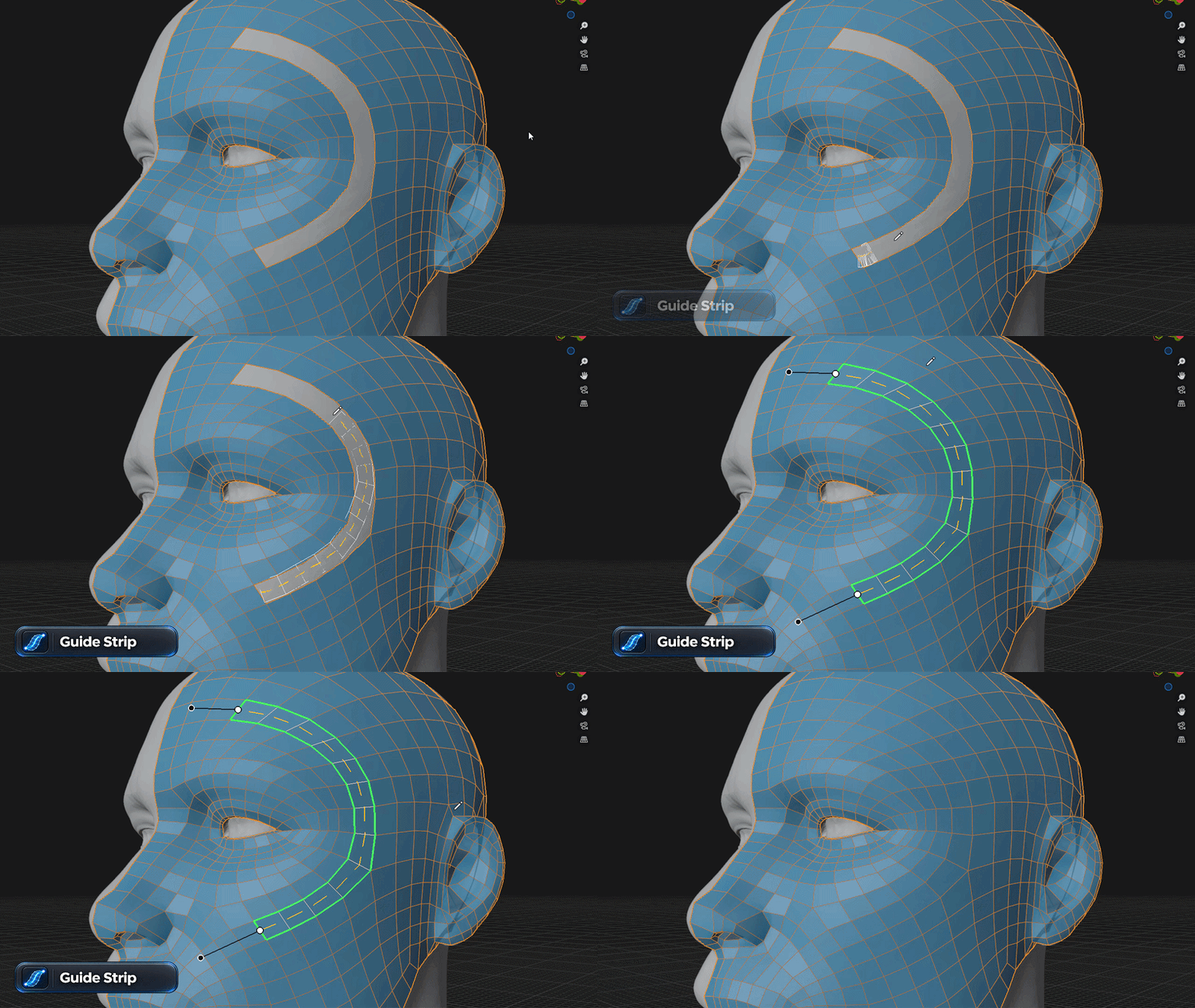
Guide Strip
Control Your Topology Flow
Create guided quad strips across complex surfaces while controlling direction, width, resolution, and continuity with the surrounding topology.
PRECISION CONTROL
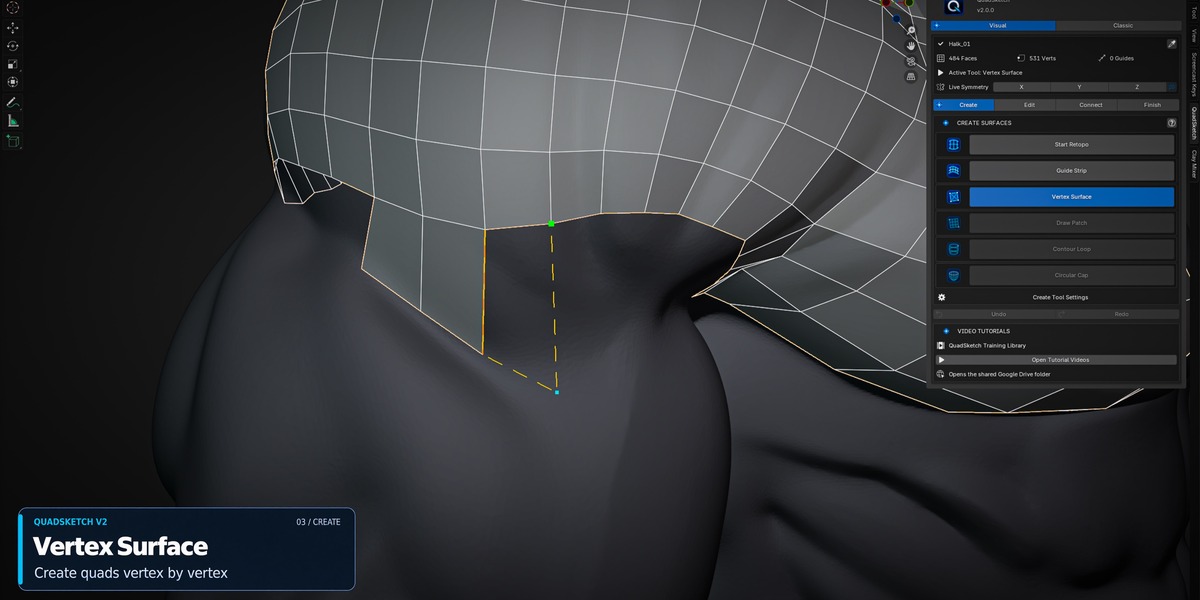
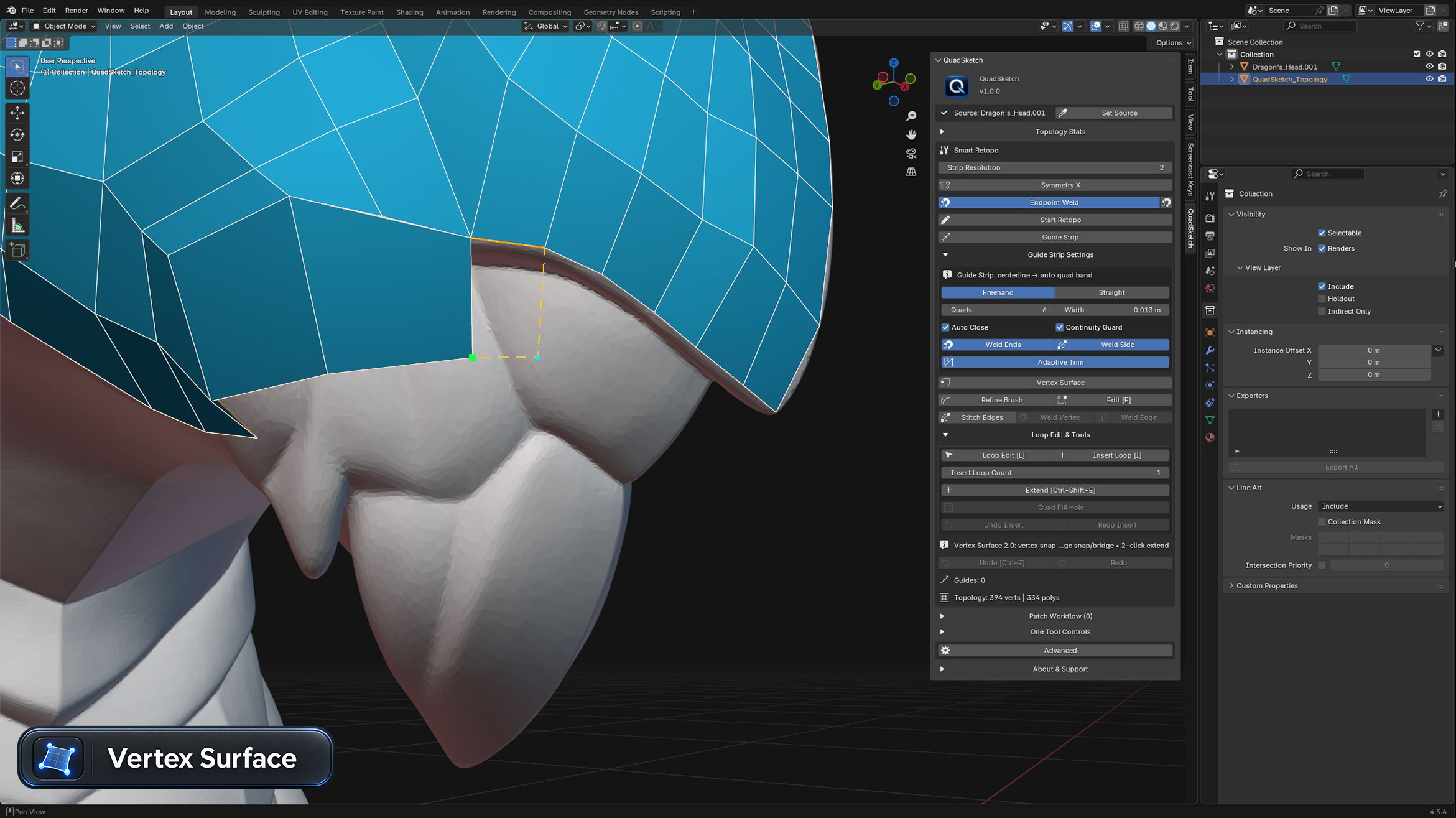
Vertex Surface
Build Where Precision Matters
Create and extend topology with precise vertex-based control for tight, complex, or hard-to-reach areas while staying aligned to the source surface.
SURFACE EXTENSION
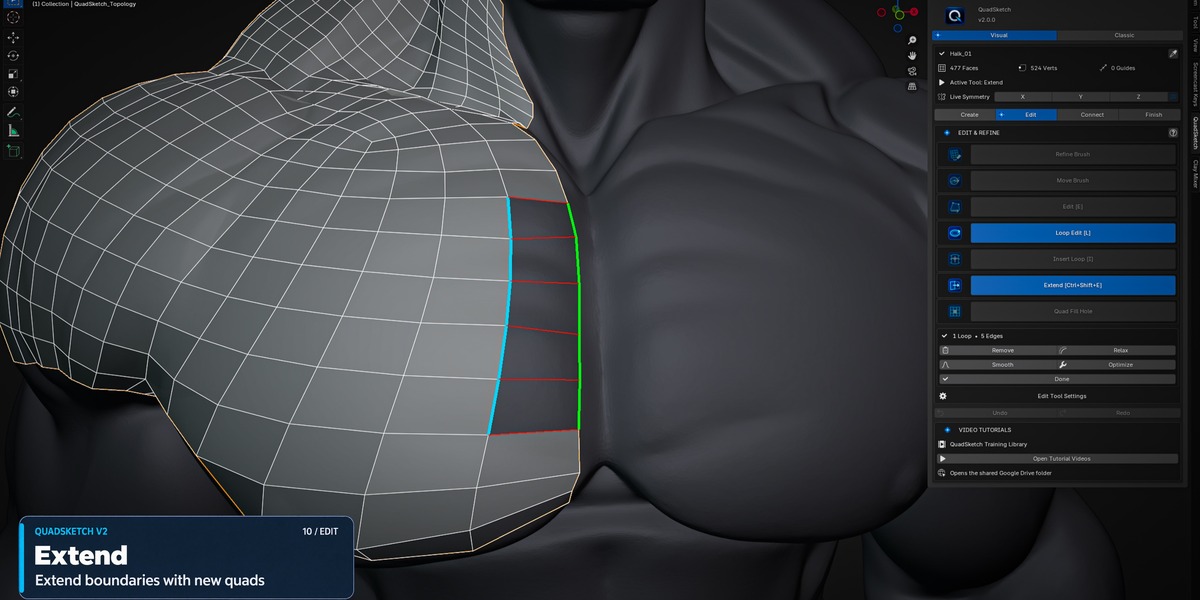
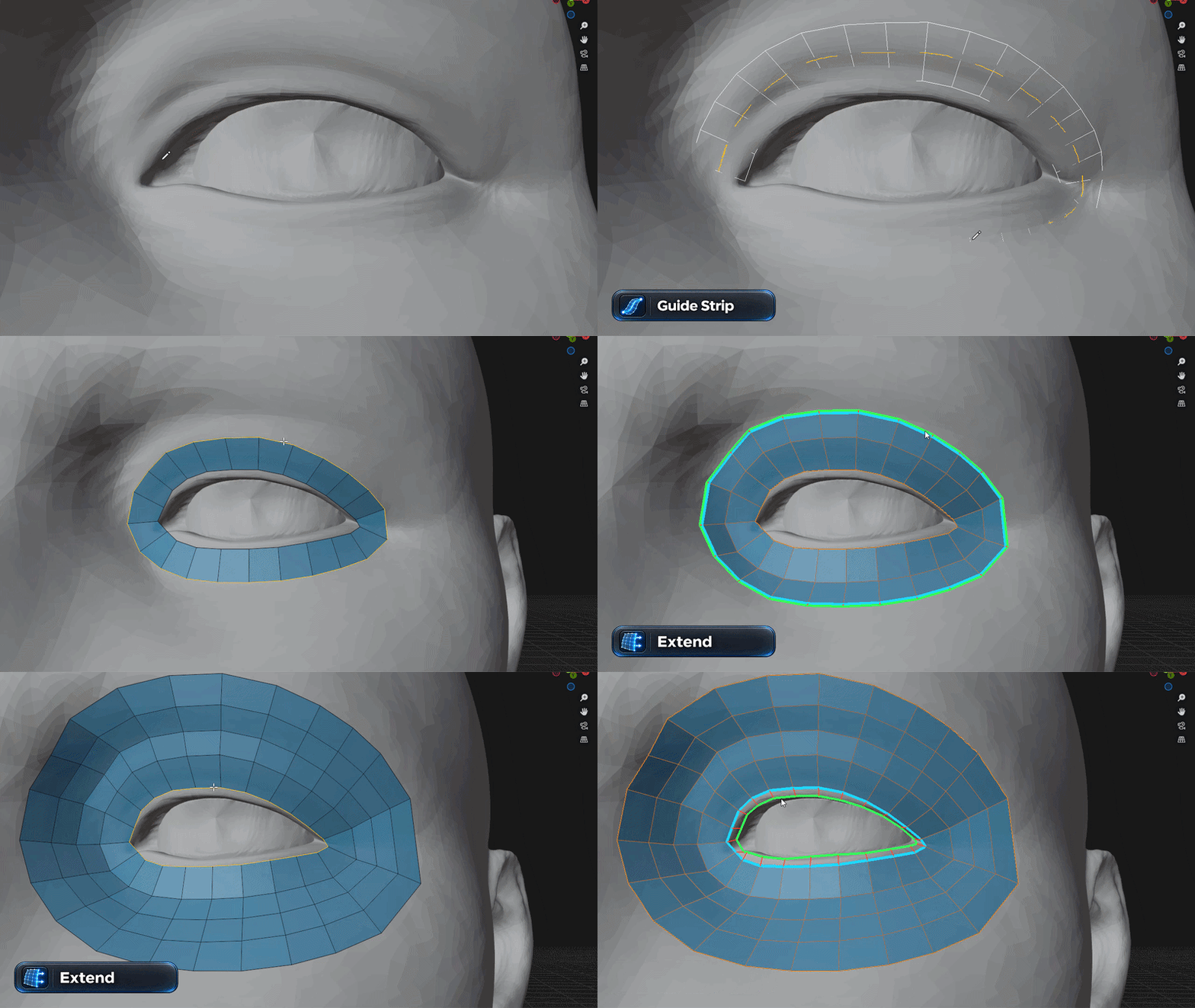
Extend
Continue Existing Topology
Extend existing topology across the source surface while maintaining clean quad flow and continuity with the surrounding mesh.
PATCH CONNECTION
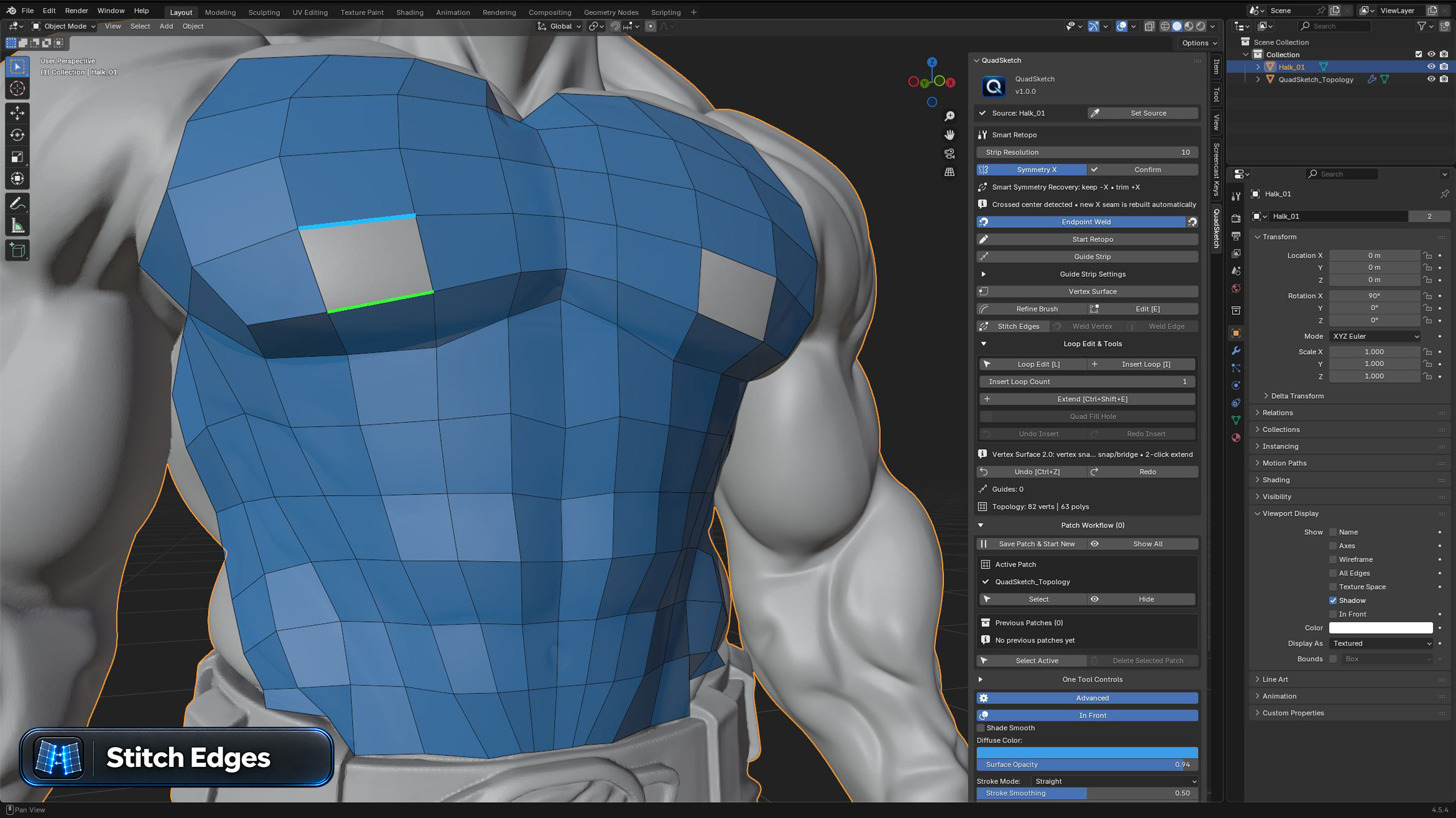
Stitch Edges
Connect Separate Topology Patches
Connect compatible boundary edges between separate topology patches and build a continuous quad surface while preserving clean edge flow across the surrounding mesh.
LOOP CONTROL
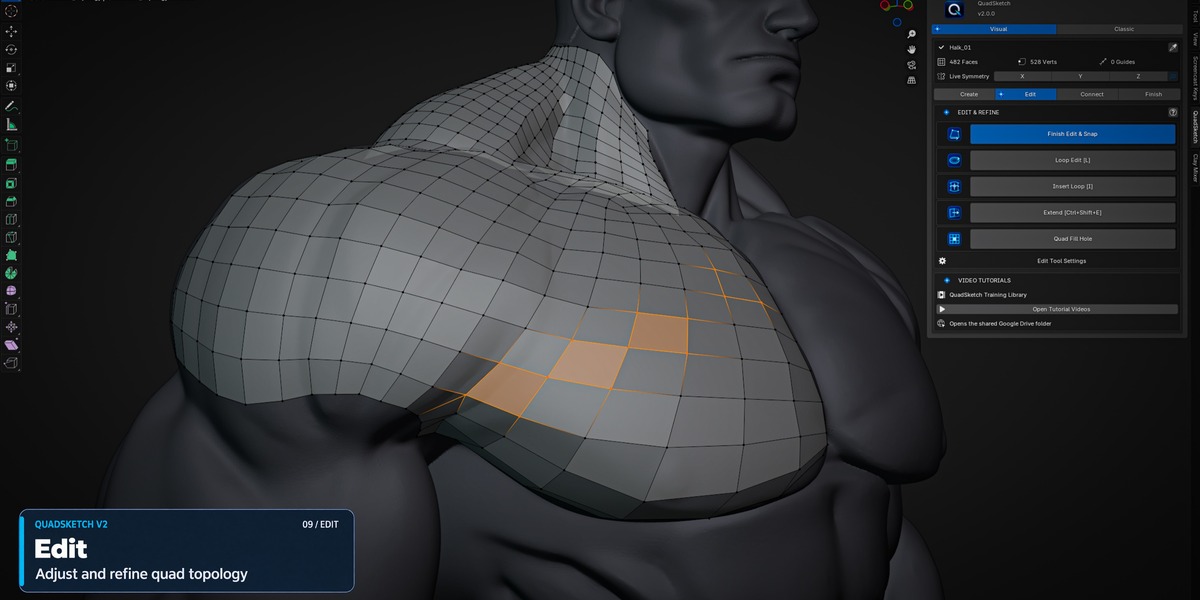
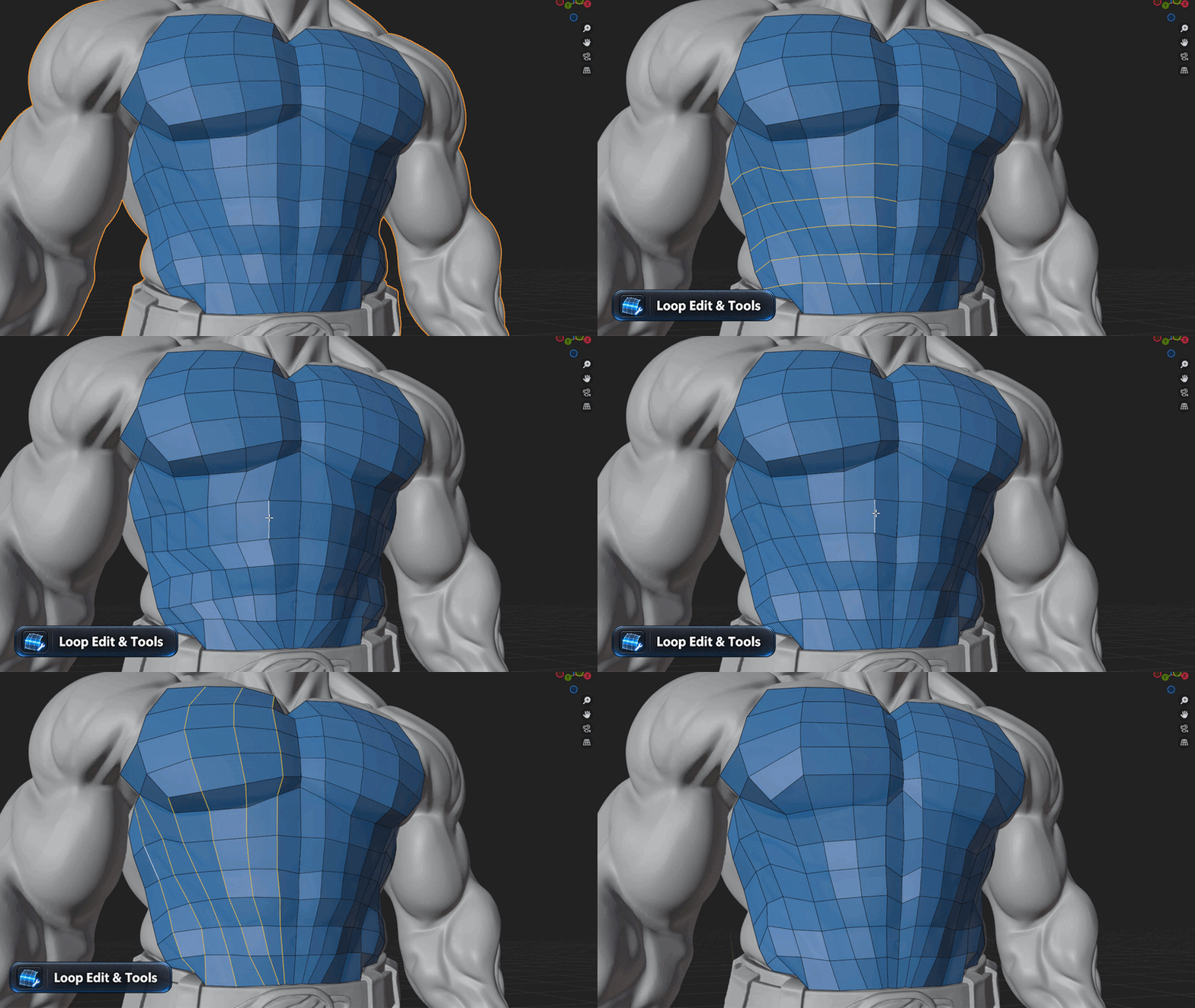
Loop Edit & Tools
Fine-Tune Your Topology
Edit and refine topology loops with tools for inserting, extending, smoothing, relaxing, and optimizing the mesh while keeping the workflow inside QuadSketch.
VIEWPORT CUSTOMIZATION
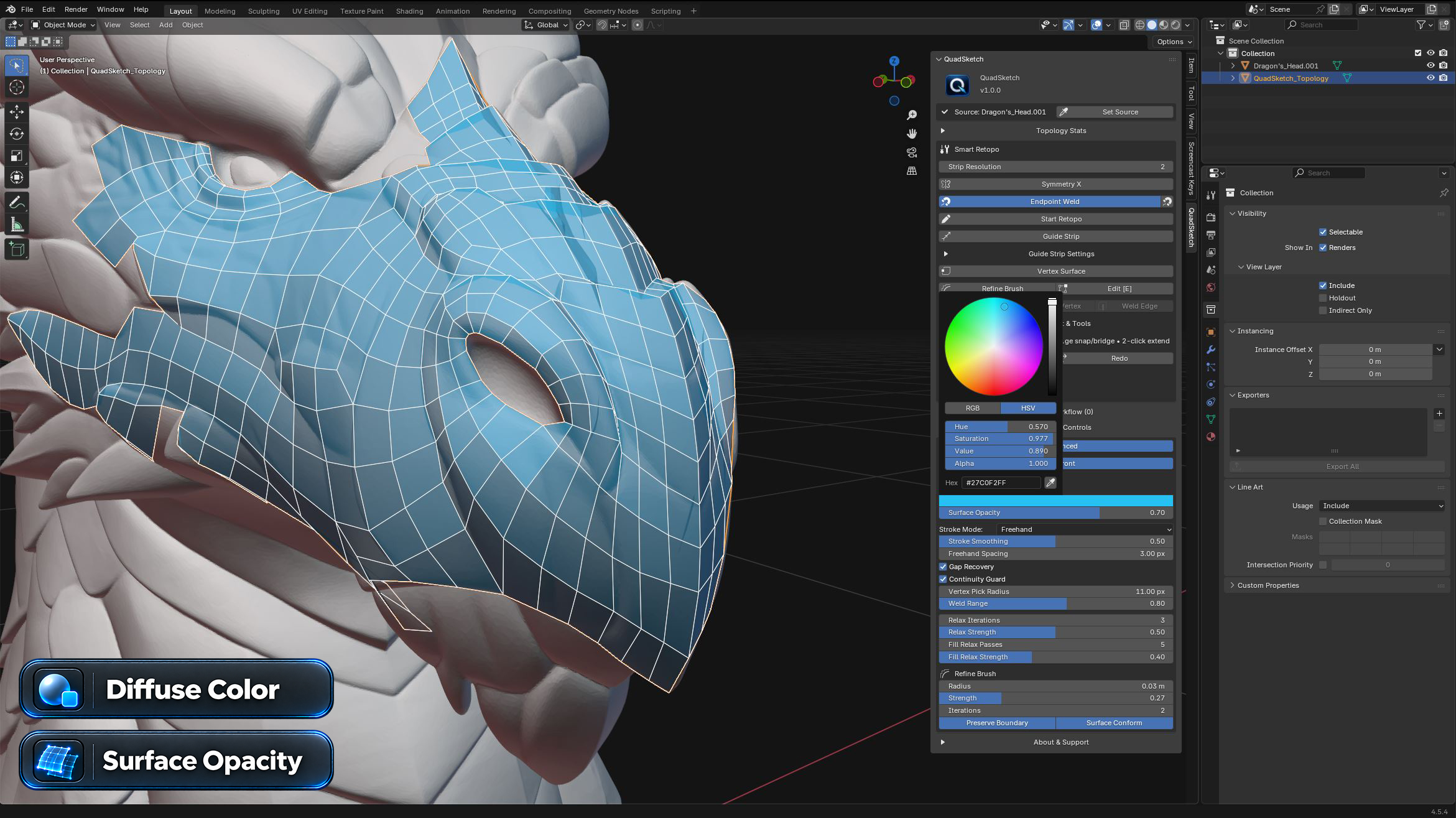
Viewport Controls
See Your Topology Clearly
Customize Diffuse Color and Surface Opacity for better visibility across different source meshes and working conditions. V2 also adds X-Ray display for clearer control over topology visibility.
CLEAN QUAD FLOW
Build Controlled Topology on Complex Forms
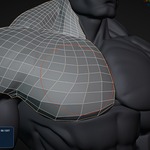
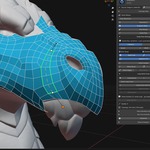
Combine QuadSketch tools to build, connect, extend, and refine clean quad topology while maintaining direct control over edge flow across complex organic surfaces.
BUILT FOR REAL RETOPOLOGY WORK
Made for Artists Who Need Control
CHARACTER ARTISTS
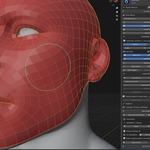
Build controlled facial and body topology with direct edge-flow control.
CREATURE ARTISTS
Guide clean quad flow across complex organic forms and detailed surfaces.
3D MODELERS
Create and refine clean quad topology directly inside Blender.
REQUIREMENTS & INSTALLATION
Ready for Blender 4.2+
Blender 4.2+
Tested with Blender 4.2 and 5.2.2
QuadSketch V2.0.0
Windows · macOS · Linux
Installation
1. Open Blender and go to Edit > Preferences > Extensions. 2. Open the drop-down menu in the top-right corner and choose Install from Disk. 3. Select the QuadSketch V2.0.0 Blender 4.2+ ZIP package. 4. Complete the installation and make sure QuadSketch is enabled. 5. Open the 3D Viewport and press N to open the sidebar. 6. Open the QuadSketch tab.
SUPPORT & UPDATES
Built to Keep Evolving
QuadSketch is continuously refined with workflow improvements, compatibility updates, and new retopology features.
If you encounter a bug or compatibility issue, please include your Blender version, QuadSketch version, and a short description of the issue, with a screenshot or video when possible.
INTERACTIVE RETOPOLOGY FOR BLENDER
QuadSketch V2
DRAW · GUIDE · BUILD · CONNECT · REFINE
A focused retopology workflow for artists who want direct control over quad flow, surface construction, patch connection, loop creation, and topology refinement inside Blender.
 OMiD Mousakhani