 Subframe
Quick start
- Install: Edit > Preferences > Get Extensions, open the menu at the top right, Install from Disk, and pick

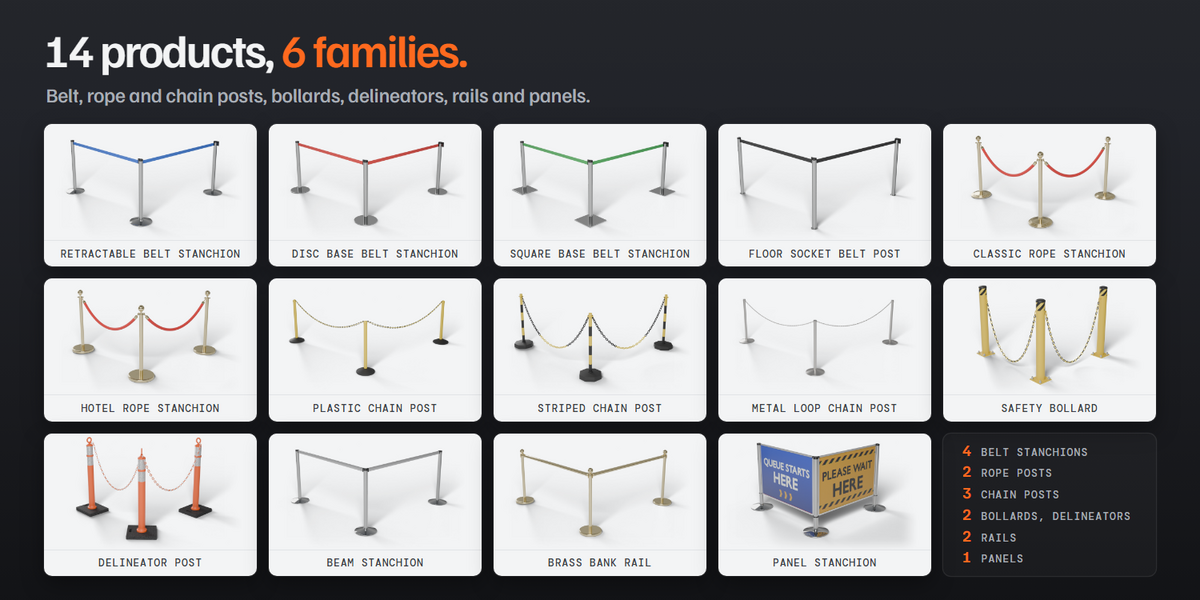
queue_barrier_pro-1.1.3.zip. - Add a curve, keep it active, press Shift+A > Barrier and pick a product.
- Open the sidebar (N) and the Barriers tab.
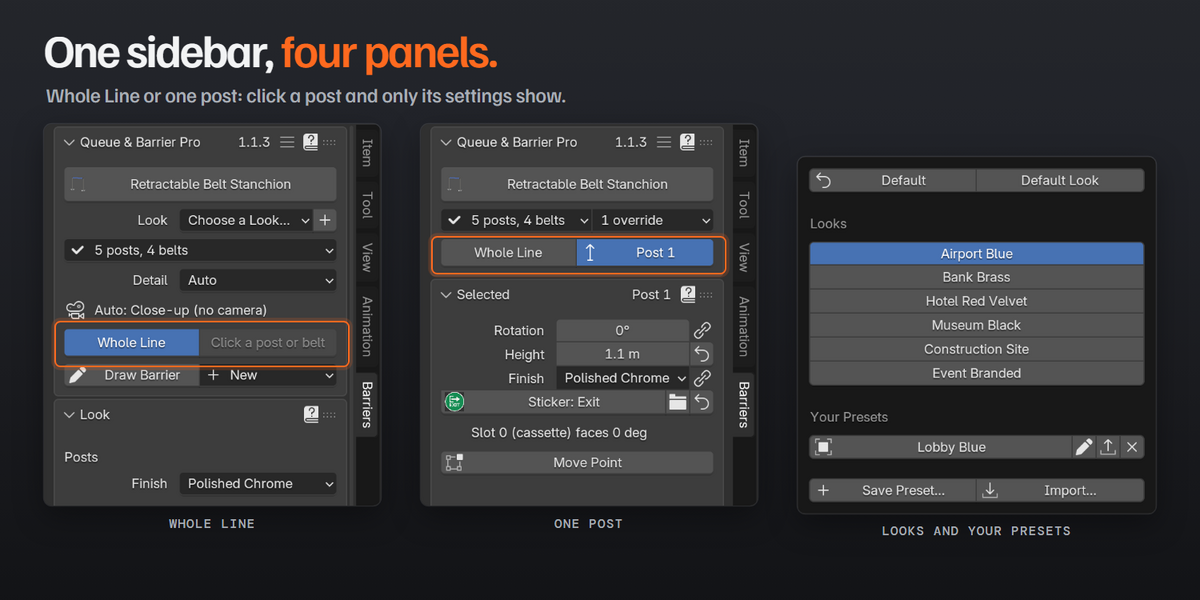
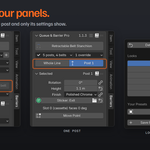
- Change the line in Look and Line. Click a post or belt to change only that part in Selected, and press Whole Line to go back.
Upgrading from an earlier version
Uninstall the old version, restart Blender, then install the new zip. Your saved files and your own presets are kept.
The four panels
- Queue & Barrier Pro: make a barrier, choose the product and a look, Detail, the barrier menu.
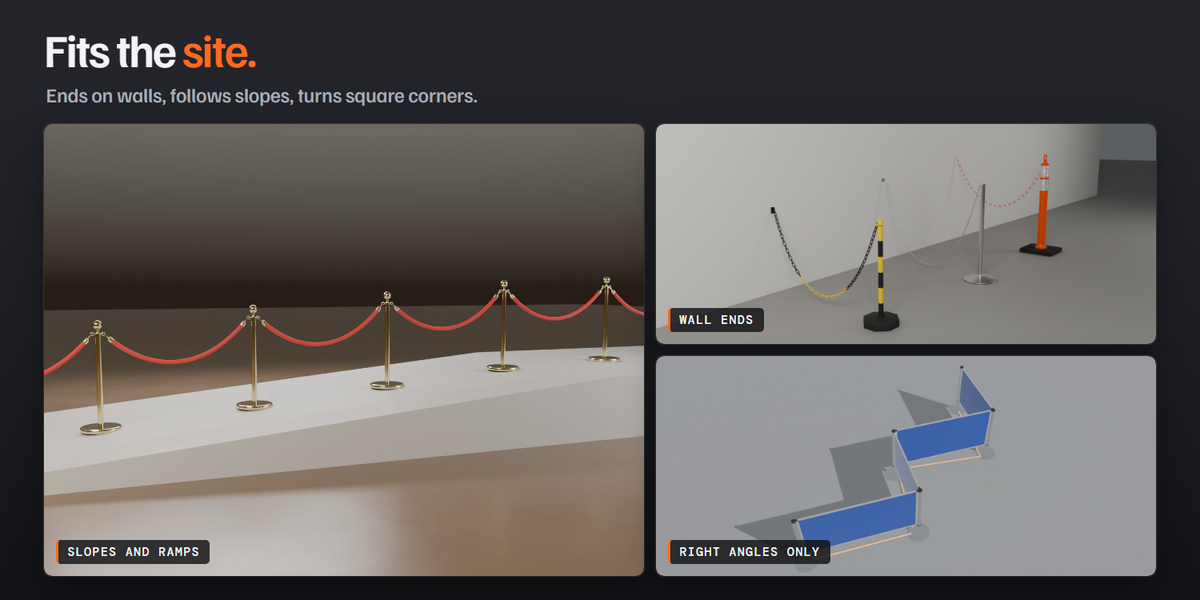
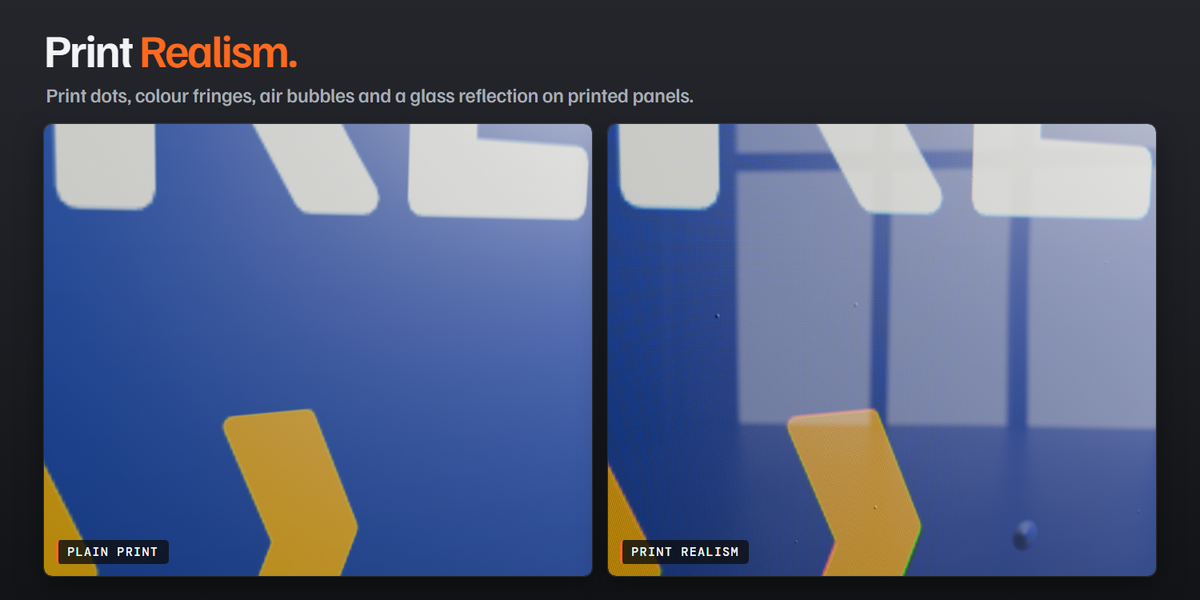
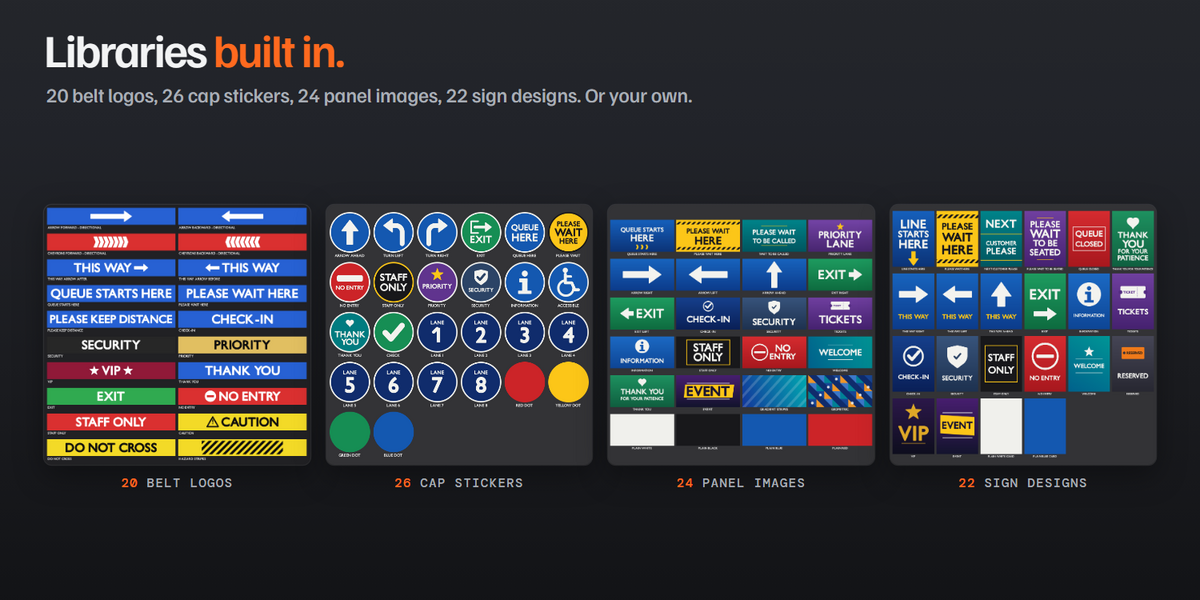
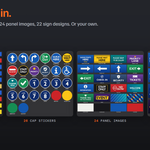
- Look: finishes, colours, logos, stickers, prints, wear, wall ends.

- Line: heights, belts, ropes or chains, spacing, base alignment, slopes, right angles and fixed lengths.
- Selected: the clicked post or segment, with its overrides, Unhook and Remove, wall mounts and signs.
The ? button on each panel opens its page of this documentation.
Full documentation online
Need help?
Message me through SuperHive. To report a problem, open the barrier menu, choose Report..., press Copy Report and paste it into your message.
Have questions about this product?
Login to message
| Blender Extension Compatible | Yes |
| Published | about 3 hours ago |
| Blender Version | 5.1 - 5.2 |
| Extension Type | Add-on |
| Render Engine Used | Cycles, Eevee |
| License | GPL |
Discover more products like this
queue queue line retractable belt traffic bollard crowd control fence barrier chain post velvet rope stanchion airport