 Subframe
Are updates free?
Yes. Every update is free for everyone who bought it. More barrier types are planned
What is the Studio licence?
The same add-on and updates for up to 5 people in one studio or company.
Can I use it in paid work?
Yes. The licence is GPL-3.0-or-later. Everything you make with it is yours, including for commercial work.
Can I export to other software or game engines?
Yes. Join for Export makes one plain mesh copy with the materials, ready for Blender’s normal export.
Does it work in Cycles and Eevee?
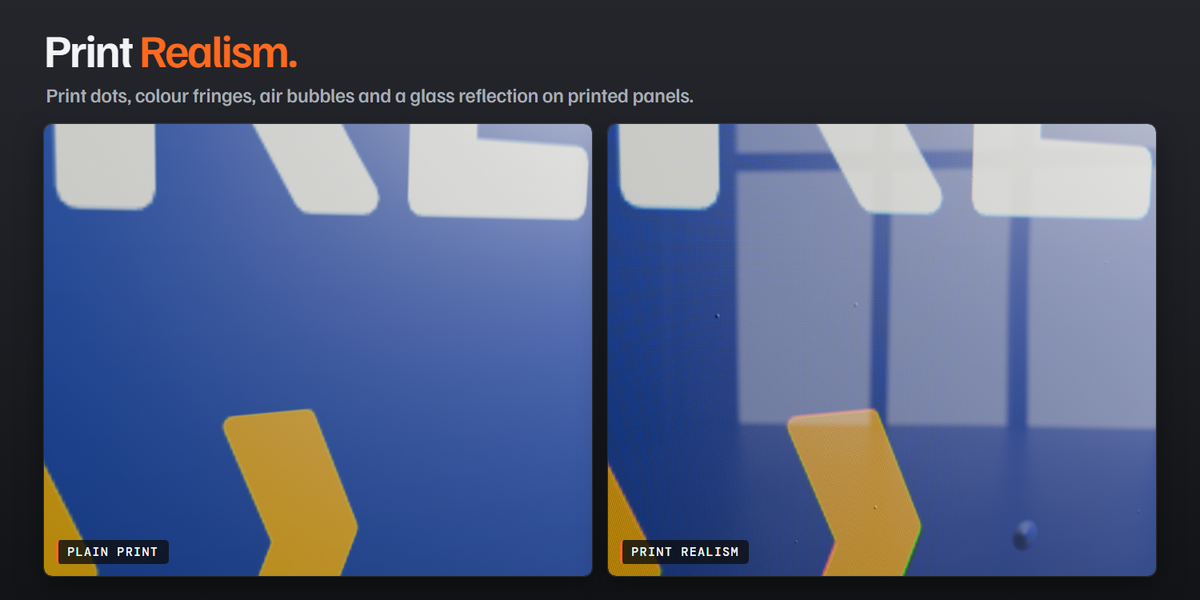
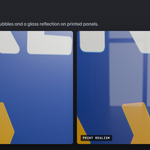
Yes. In Eevee, printed panel glass reflects only the world unless your scene has reflection probes. Cycles shows full reflections.
Is a long queue slow?
No. The Detail setting picks the level by camera distance, and dragging shows a light preview. Moving one post on a 50-post line takes a few milliseconds.
Can panels and rails follow slopes and right angles?
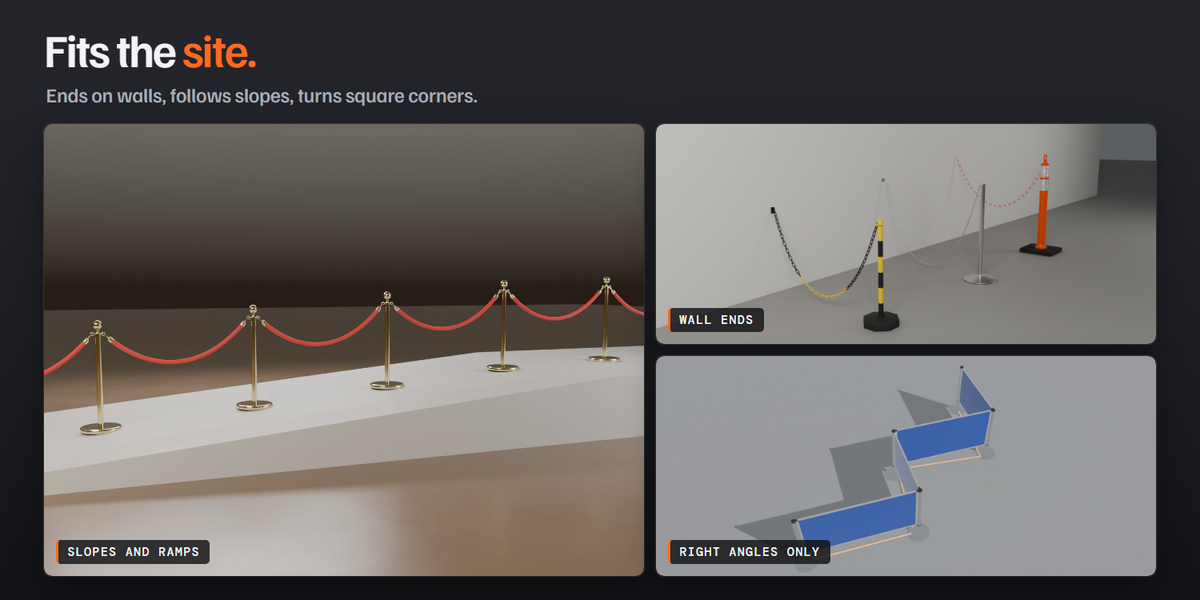
Yes. Panels on a slope can be Turned, Stepped or Shaped. Rails and panels can be limited to right-angle turns and to your own piece lengths, such as 1.5 m and 0.5 m.
Do ropes and chains stretch to fit?

No. They keep their real length and sag between posts. If posts are too far apart, the line shows a warning that says how to fix it.
Can a line end on a wall?
Yes, for every product. The fittings are belt receivers and cassettes, rope plates and hooks, chain hooks and screw eyes, beam brackets, rail flanges and panel wall rails. An end that touches a wall can become a wall mount by itself.
Can I use my own logos, images and materials?
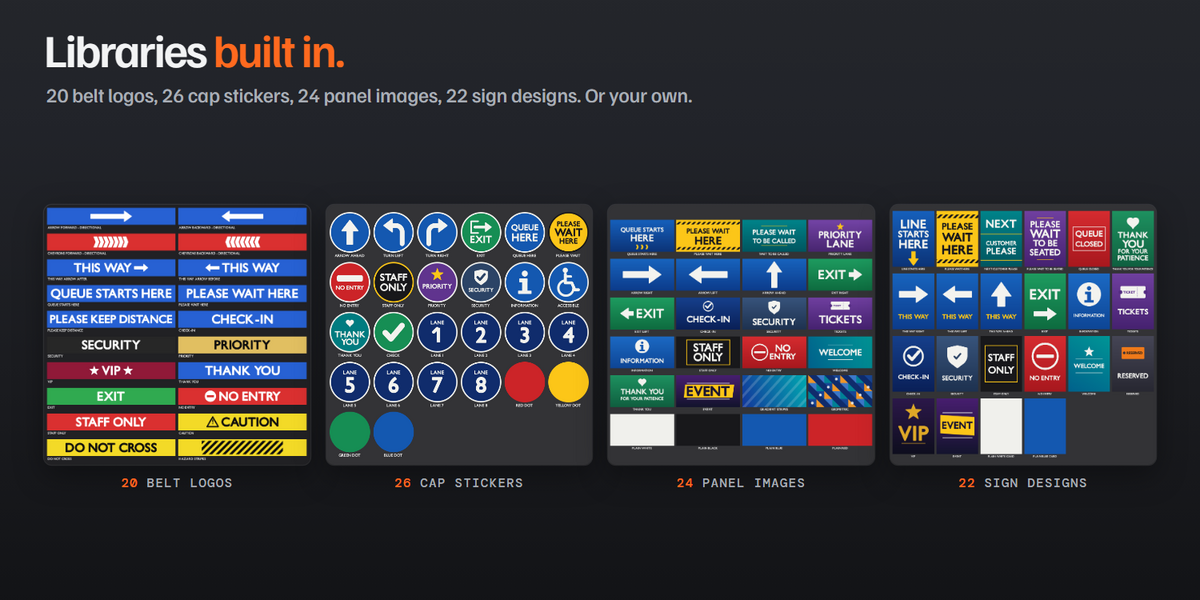
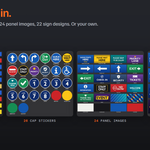
Yes. Every logo, sticker, panel and sign row has a button for your own image, and posts, belts, ropes, chains, rails and panels each take a custom material. The add-on also includes 20 belt logos, 26 cap stickers, 24 panel images and 22 sign designs.
Can I save my own looks?
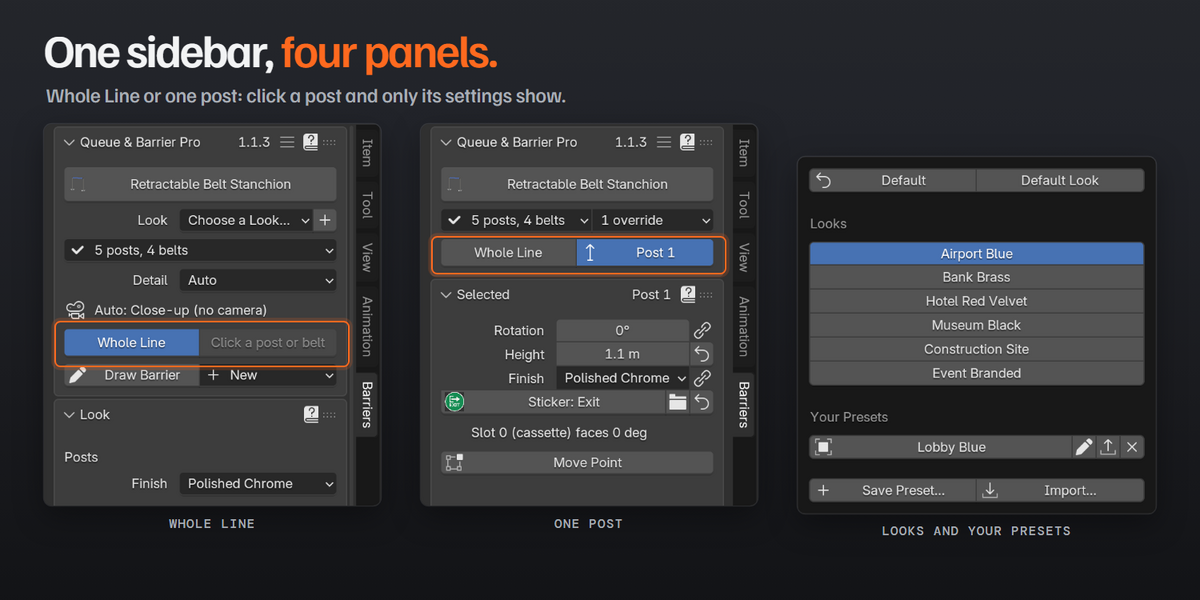
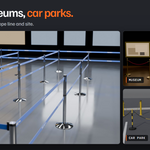
Yes. Six looks come built in: Airport Blue, Bank Brass, Hotel Red Velvet, Museum Black, Construction Site and Event Branded. Press + to save your own, then apply it to any line in any file with one click. Default brings back the product’s own values.
Do my changes survive a rebuild?
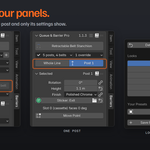
Yes. Any value can be set for the whole line, for one post or for one segment, and those overrides stay when the line changes. A reset arrow puts a value back to the line’s.
Does the barrier follow my curve?

Yes. Move, add or delete points and the barrier rebuilds itself. Moving the barrier’s empty moves the whole line.
What do I need?
Blender 5.1 or newer. It installs as a Blender extension. Everything it needs is in the zip, with no other add-ons and no extra downloads.
How do I make a barrier?
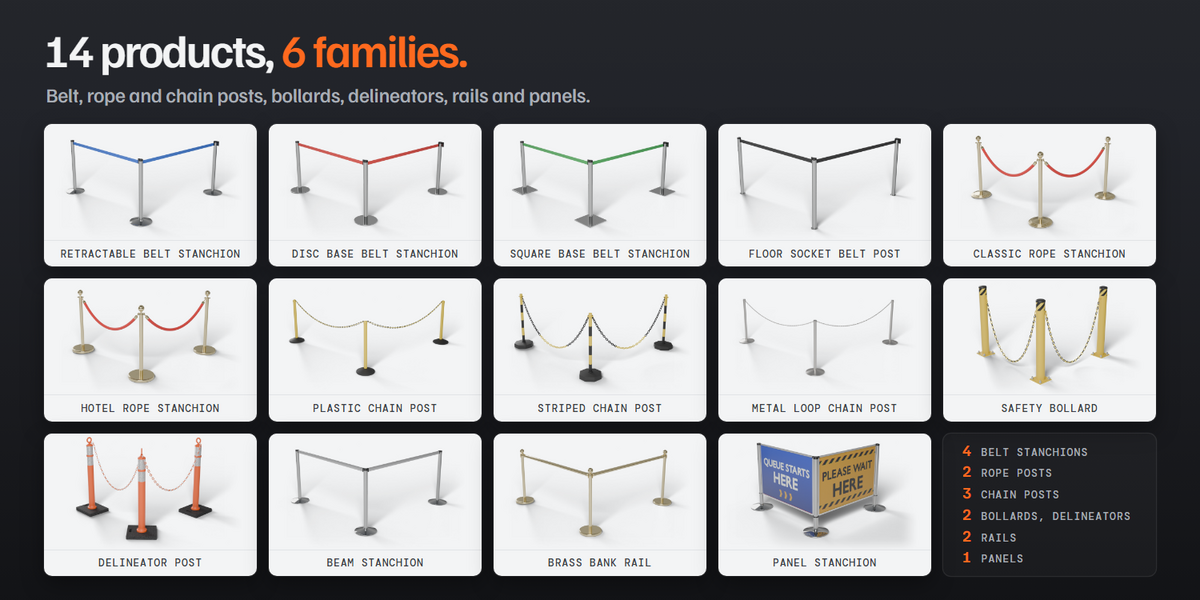
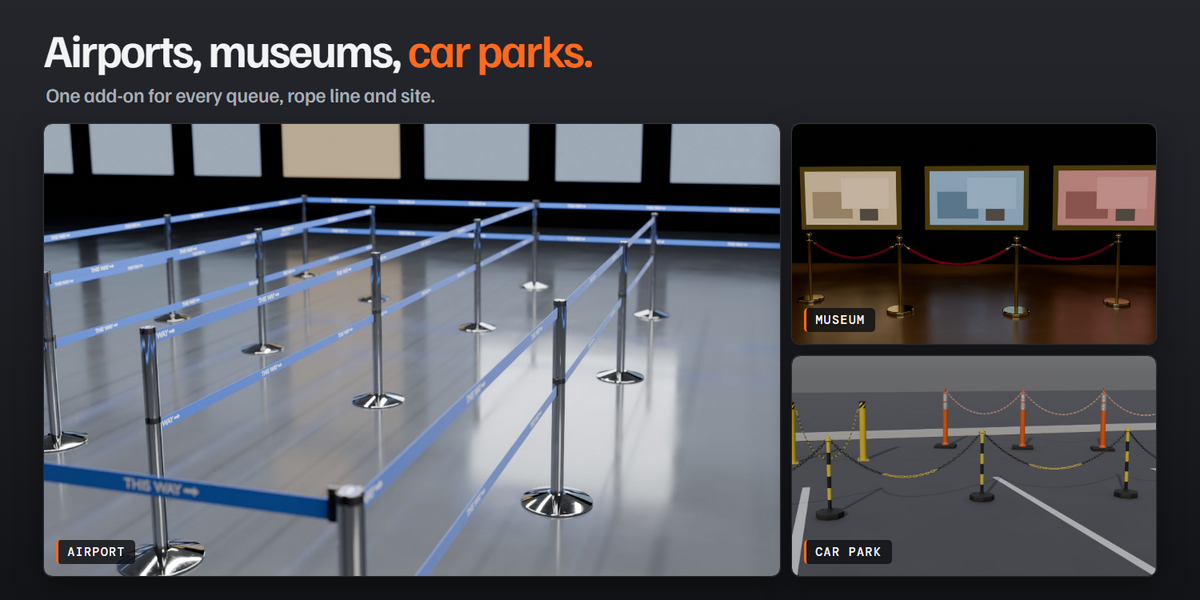
Add a curve or a mesh line, keep it active, press Shift+A > Barrier and pick a product. A post stands on every point, and a belt, rope, chain, rail or panel joins them. Or use Draw Barrier and click the posts in place.
Have questions about this product?
Login to message
| Blender Extension Compatible | Yes |
| Published | about 3 hours ago |
| Blender Version | 5.1 - 5.2 |
| Extension Type | Add-on |
| Render Engine Used | Cycles, Eevee |
| License | GPL |
Discover more products like this
bollard queue airport barrier retractable belt stanchion traffic crowd control fence chain post queue line velvet rope