 Subframe

Queue & Barrier Pro


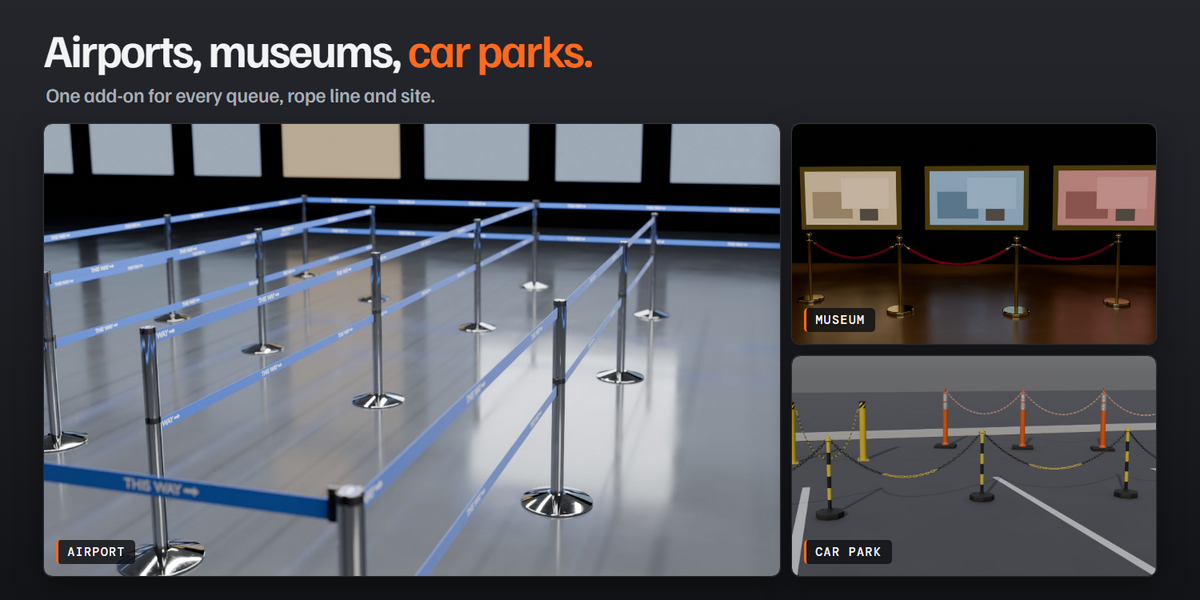
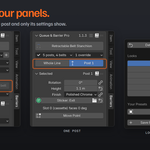
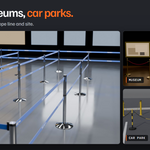
Procedural crowd-control barriers for Blender. Draw a curve or pick a mesh, choose a product, and get a complete barrier line: a post on every point and a belt, rope, chain, rail or panel on every segment. Move a point and the barrier follows.
What you get
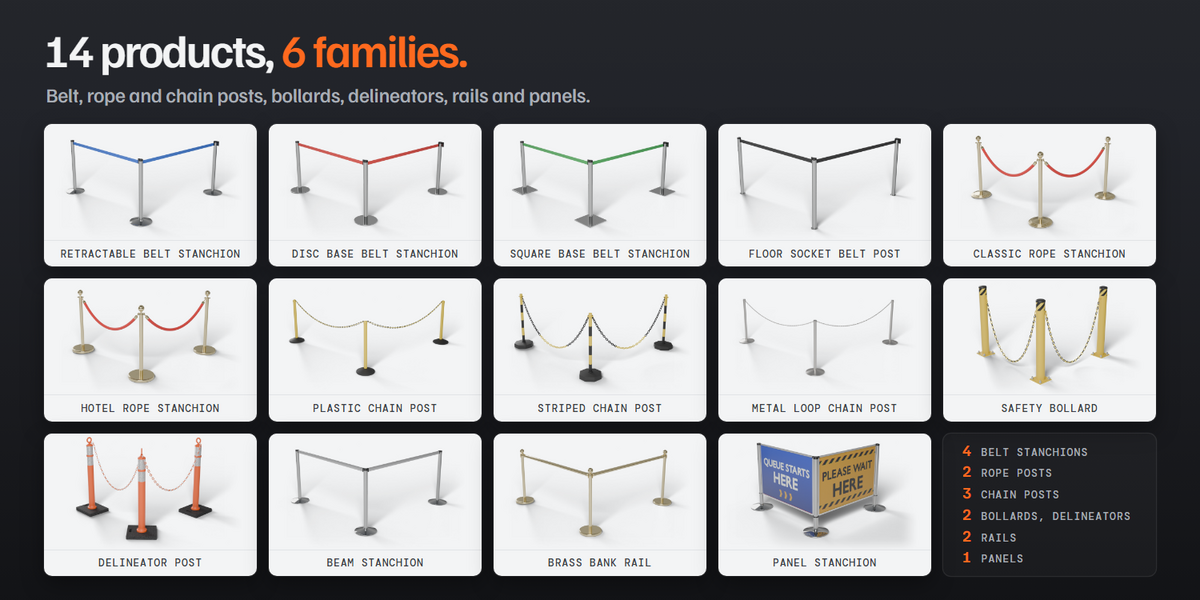
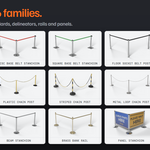
- 14 barrier products in 6 families: retractable belt stanchions, velvet rope posts, chain posts, safety bollards and delineators, rails, and acrylic panels
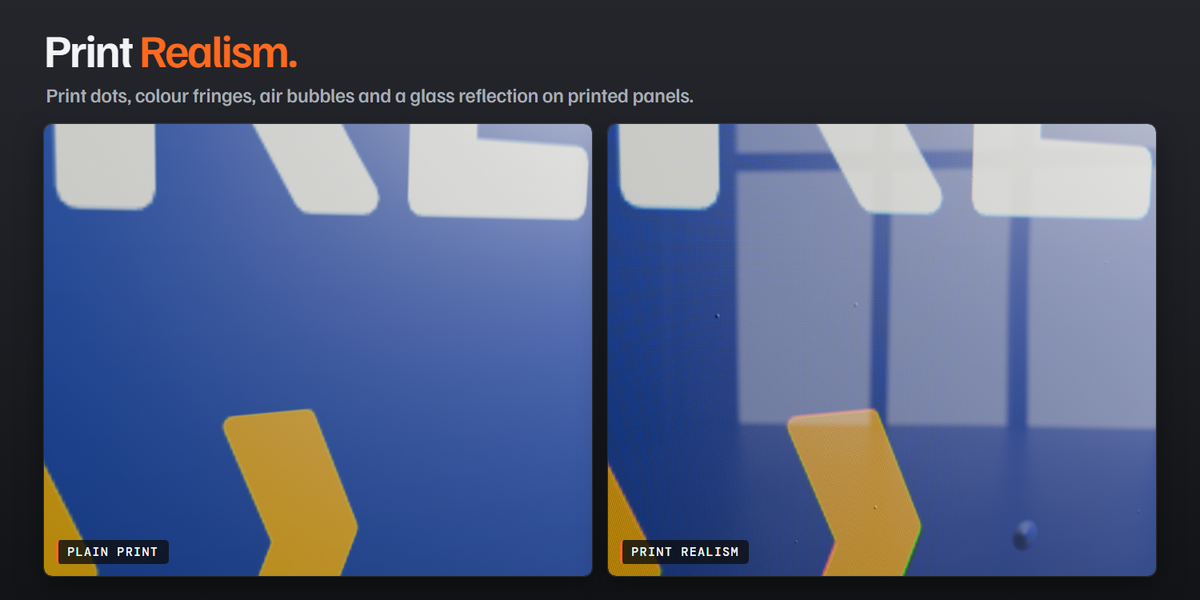
- Real dimensions, procedural materials with wear, and four detail levels for close-ups or wide shots
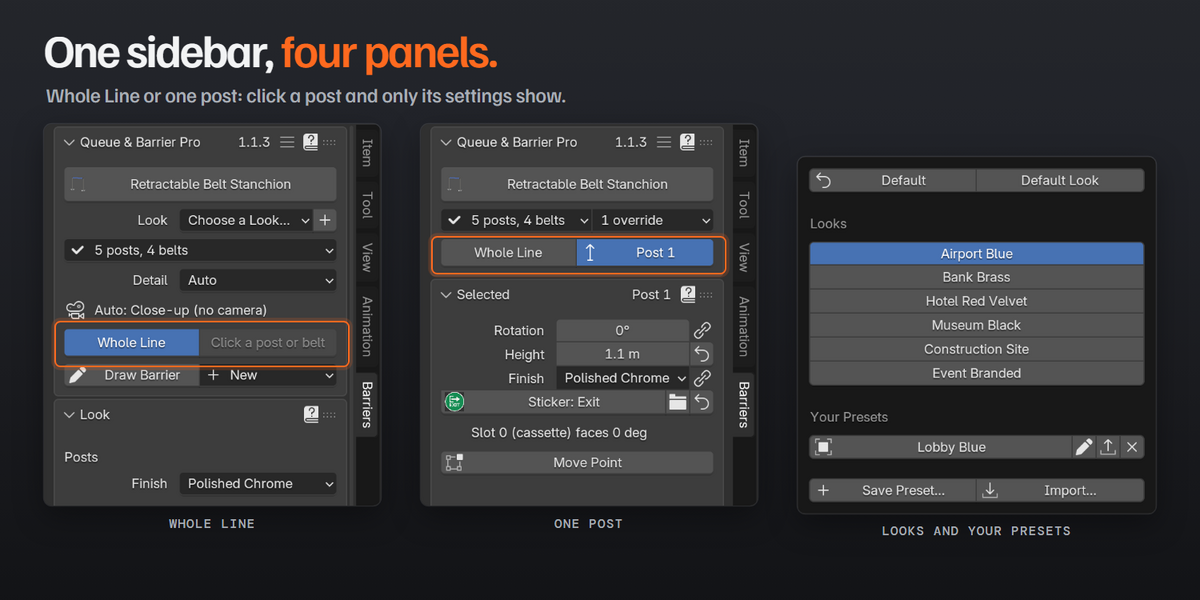
- Overrides for any single post or segment, look presets and your own saved presets
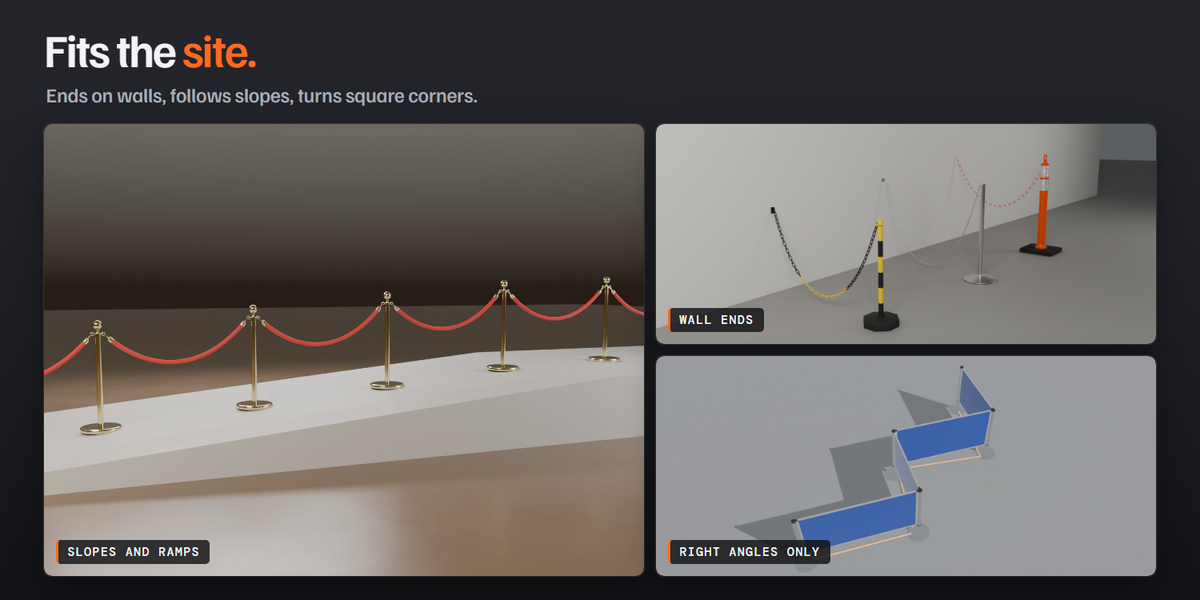
- Wall mounts, slopes, right-angle layouts, fixed piece lengths and automatic posts on long spans
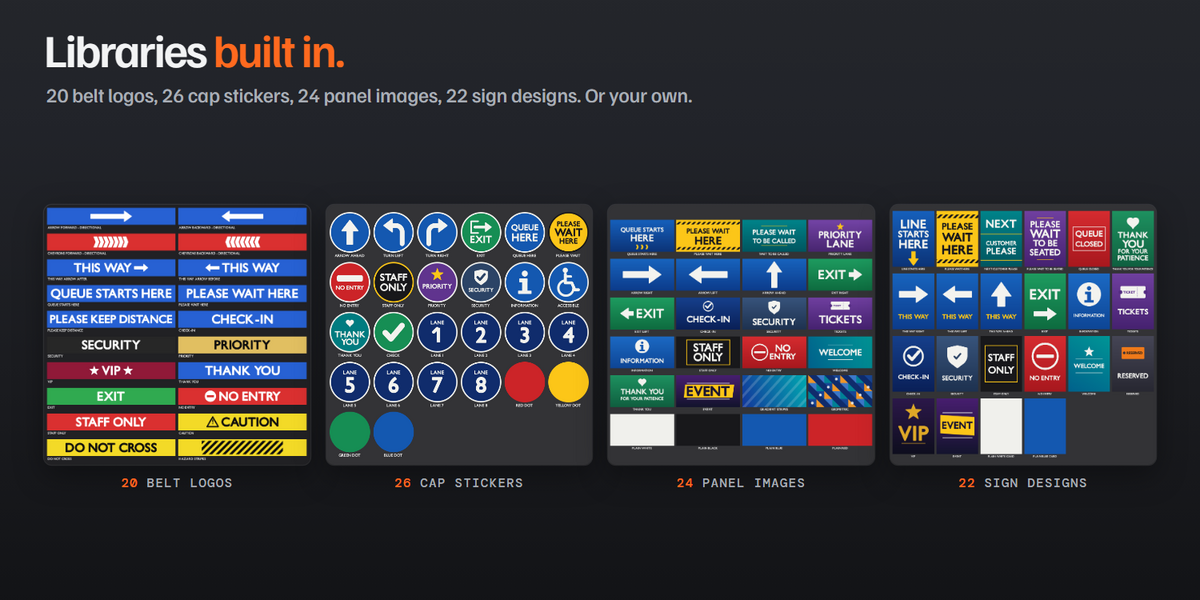
- Libraries of logos, cap stickers, panel prints and sign images, or use your own
- Make Queue: a full serpentine queue from a rectangle
- Join for Export: turn any barrier into one plain mesh for other software
Requirements
- Blender 5.1 or newer
- Works with Cycles and Eevee
Included
- The add-on as a Blender extension (.zip): install it from Preferences > Get Extensions > Install from Disk
- Full documentation in the Documentation tab
- Free updates: new barrier types are on the way
Licence: GPL-3.0-or-later. Everything you make with it, including renders, models and scenes, is yours to use commercially.
Support: message me through SuperHive.
Made by Subframe.