 Mamba CG

Quick Audio Visualizer — Music Visualizer & Audio Animation for Blender
Turn your music into animation. Quick Audio Visualizer is a Blender add-on for creating music visualizers, audio-reactive motion graphics, and sound-driven animation. Make objects move, lights pulse, and materials glow in response to your audio.
Start with one of six editable demo scenes or add audio reactions to your own Blender project. Create animated spectrum bars, neon equalizers, kinetic typography, abstract sculptures, and circular music visualizers.
Make Your Blender Scene React to Music
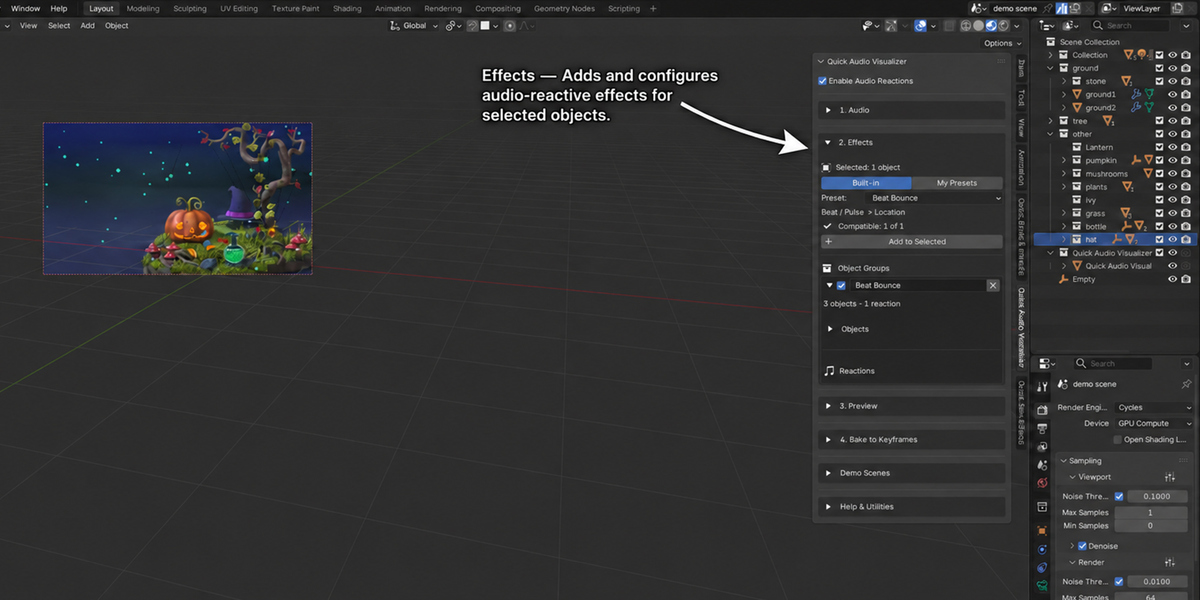
Connect audio to object scale, location, and rotation, or control lighting, materials, camera settings, shape keys, modifiers, Geometry Nodes inputs, and custom properties. Organize objects into reaction groups and combine multiple reactions for layered animation.
- Objects: create bouncing, scaling, rotating, and moving elements.
- Lights and materials: animate light intensity, emission, and material properties.
- Procedural setups: drive Geometry Nodes inputs, modifiers, and custom properties.
- Cameras and shape keys: add sound-driven changes to supported settings.
Choose the Frequencies. Shape the Movement.
Give different parts of your music their own visual response. Use bass for larger movements, mids for secondary motion, and treble for bright accents.
- Choose sub bass, bass, low mids, mids, high mids, or treble.
- Define custom frequency ranges for individual reactions.
- Use overall audio energy or Beat / Pulse signals.
- Adjust strength, threshold, smoothing, attack, release, and response curves.
- Add timing and strength variation across objects.
Beat / Pulse responds to rising audio transients within a selected frequency band. Sensitivity, cooldown, and frequency controls let you shape the response to your track.
23 Adjustable Reaction Presets
Start with 23 factory presets and customize the reaction settings for your scene. Save your own presets to a local library, then import or export them as JSON to reuse your setups across projects.
Six Editable Demo Scenes
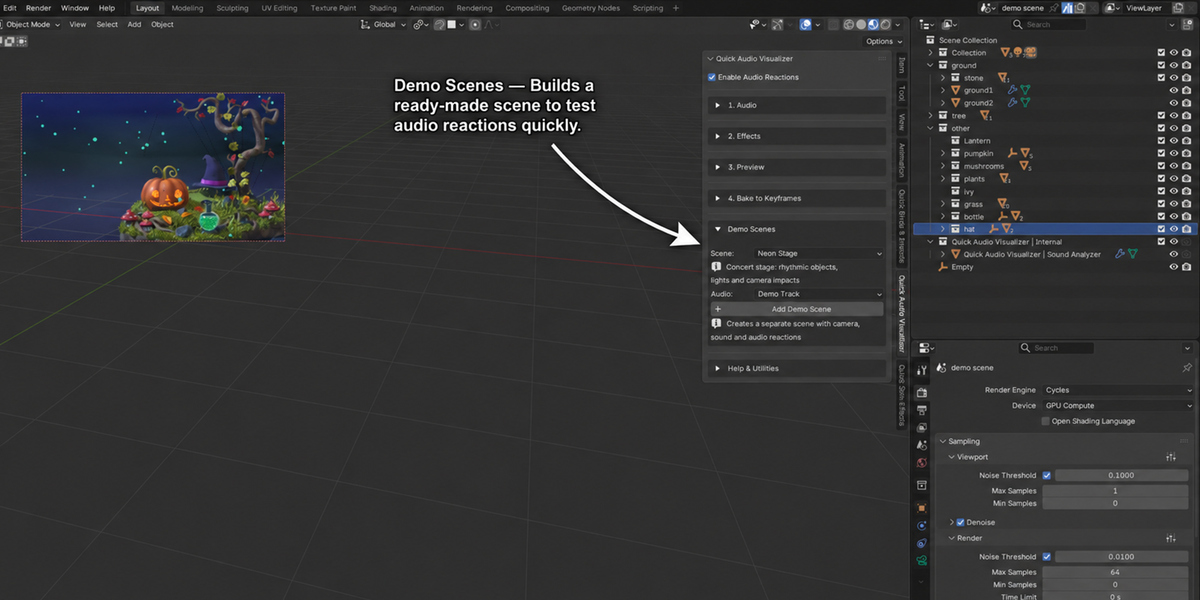
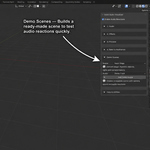
Explore six different approaches to music visualization in Blender. Each demo creates a separate scene with objects, materials, a camera, audio, and editable reaction groups.
- Neon Stage: bass-driven rings, bouncing pads, treble accents, and reactive lighting.
- Resonant Sculpture: flowing forms, glowing petals, material reactions, and camera focus.
- Signal City: a procedural skyline with audio controlling Geometry Nodes, modifiers, and custom properties.
- Neon Equalizer: a segmented frequency spectrum with luminous bars and a fading reflection.
- Kinetic Typography: editable 3D letters with bass pulses, staggered movement, and bright accents.
- Radial Spectrum: 48 radial frequency bars surrounding an editable text logo.
Use the included synthesized demo track or load your own music. Adjust the objects, materials, and reactions to build your own visual style.
From Audio to Editable Keyframes
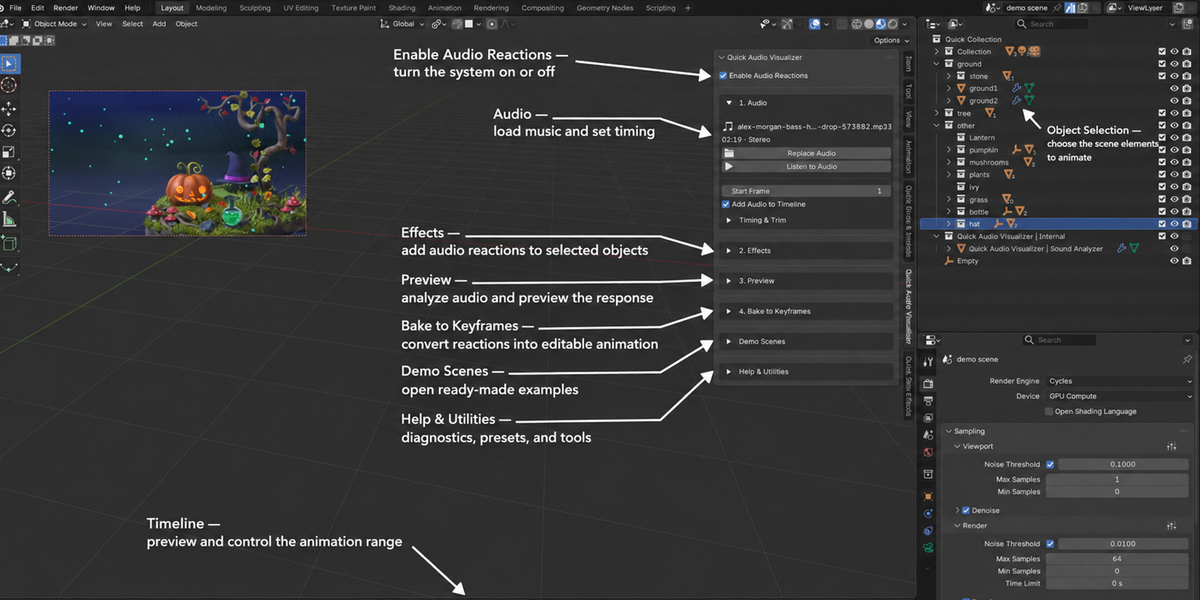
- Load your audio: choose a track and set its timing.
- Add reactions: assign objects, select a preset, and adjust the frequency range and response.
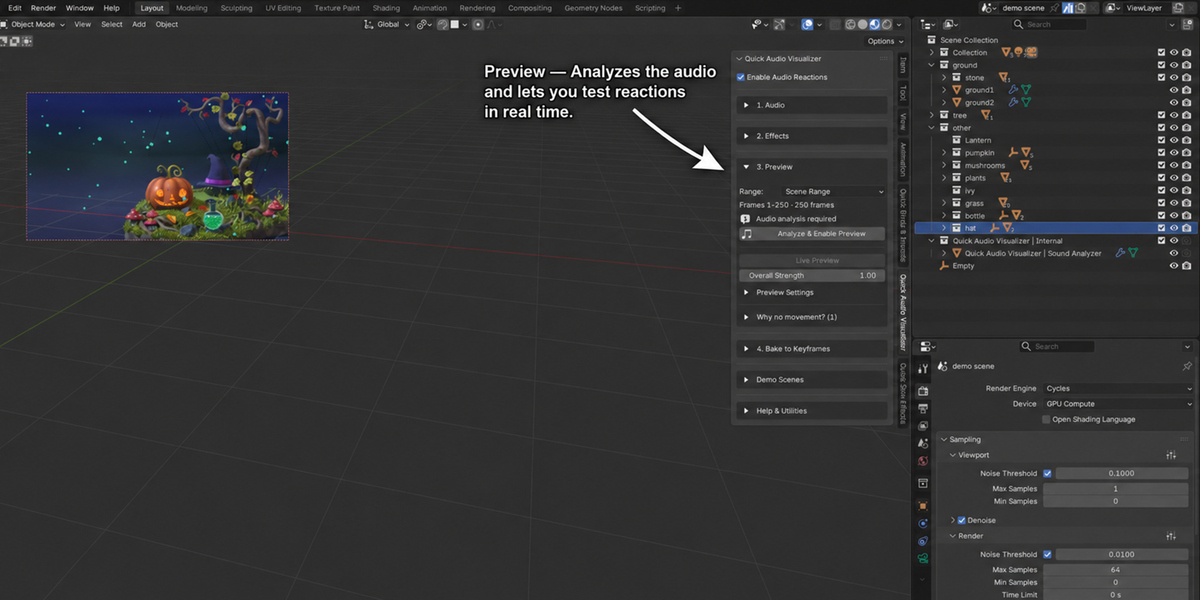
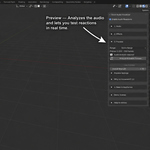
- Analyze and preview: check the animation on Blender’s timeline and refine the movement.
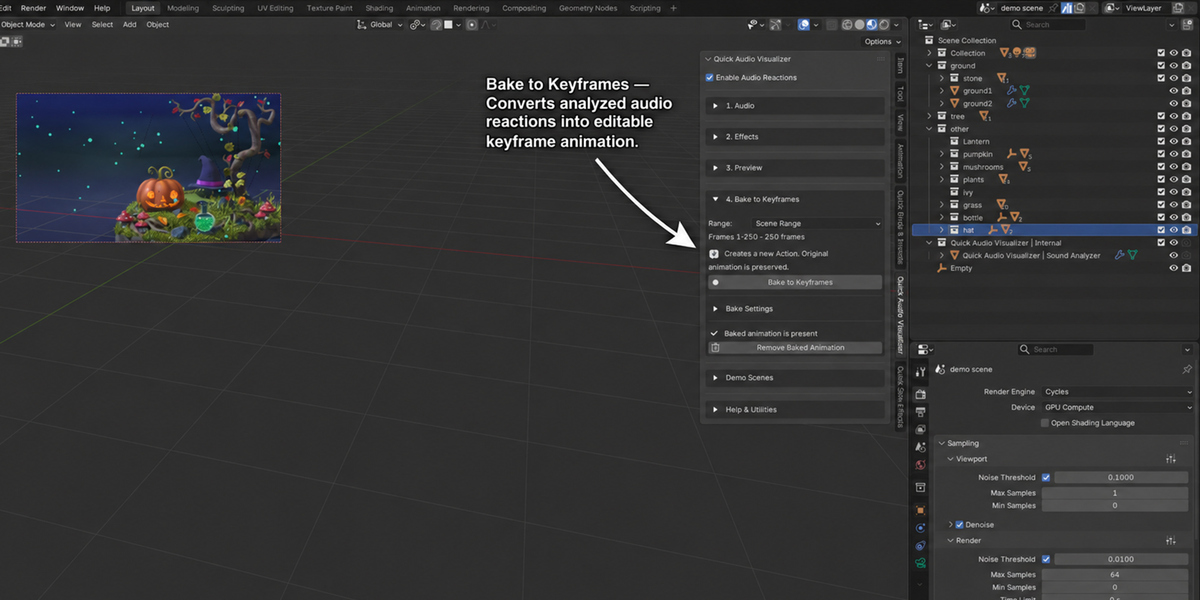
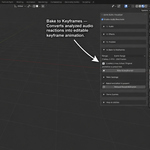
- Bake to Keyframes: create editable animation for rendering or export.
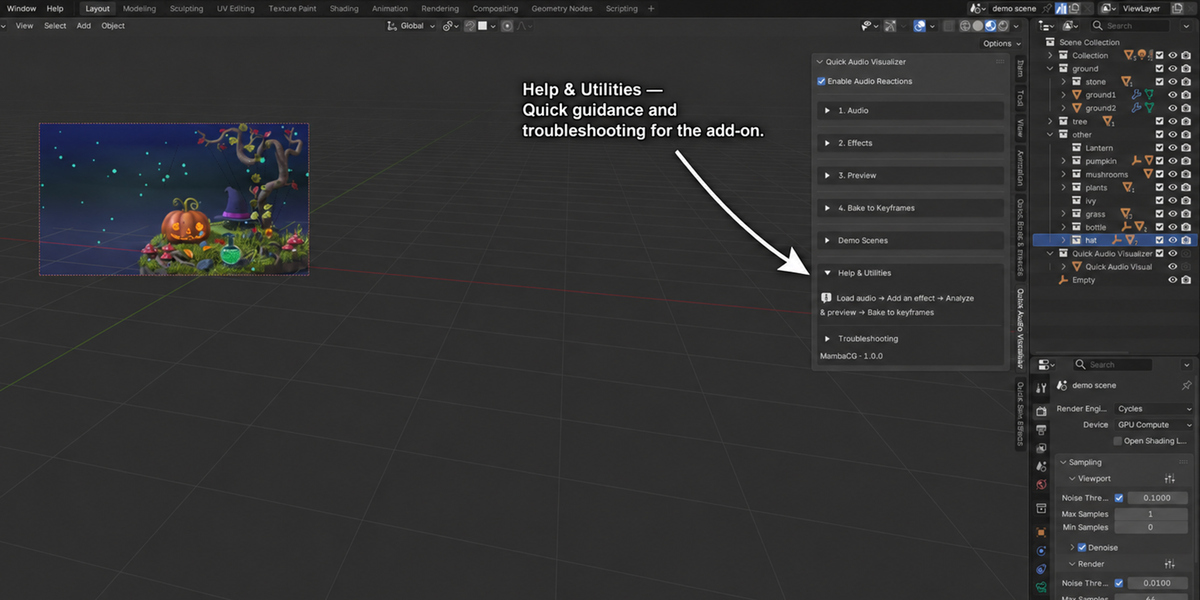
Fine-tune the baked keyframes with Blender’s animation tools. If you change the audio or reaction settings, bake again to update the result.
Built for Music Visualizers and Motion Graphics
Create visuals for music videos, animated backgrounds, title sequences, logo animations, and abstract motion design. Add subtle audio reactions to an existing scene or build an entire animation around your soundtrack.
Requirements and Audio Support
- Blender version: 5.2 or newer.
- Audio formats: WAV, MP3, FLAC, OGG, and other formats supported by your Blender build.
- Audio analysis: uses Blender’s native tools; no separate Python audio packages are required.
- Animation output: editable Blender keyframes.
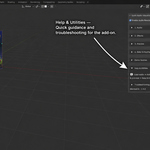
- Panel location: 3D Viewport → Sidebar → Quick Audio Visualizer.