 Mamba CG

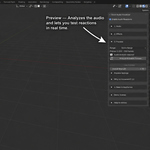
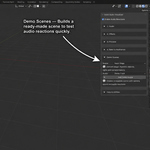
Which audio formats can I use?
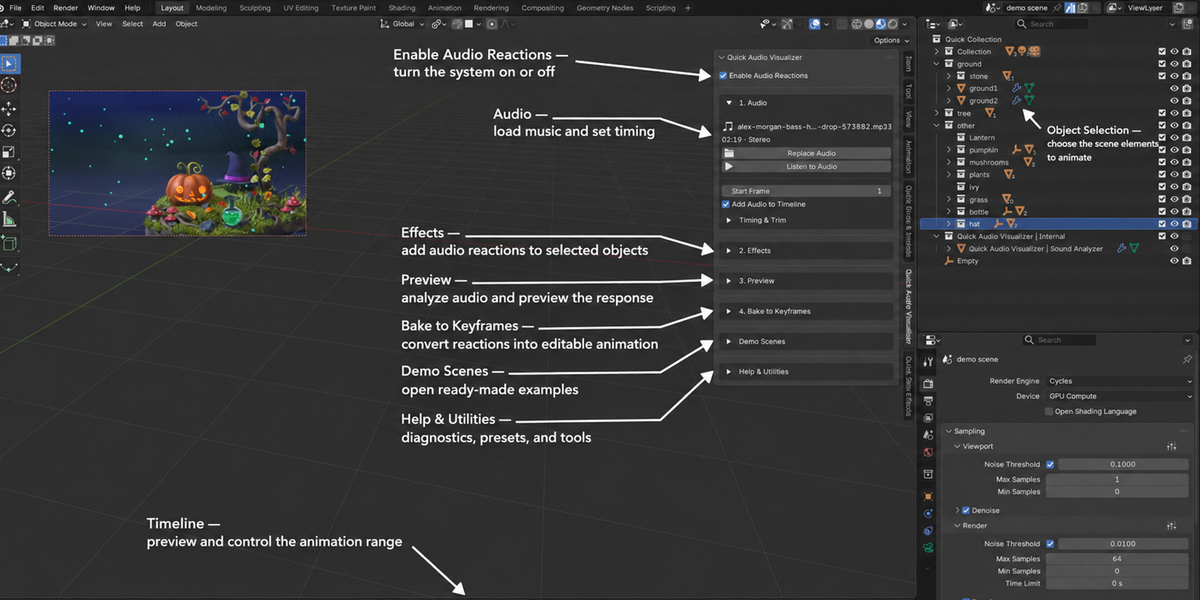
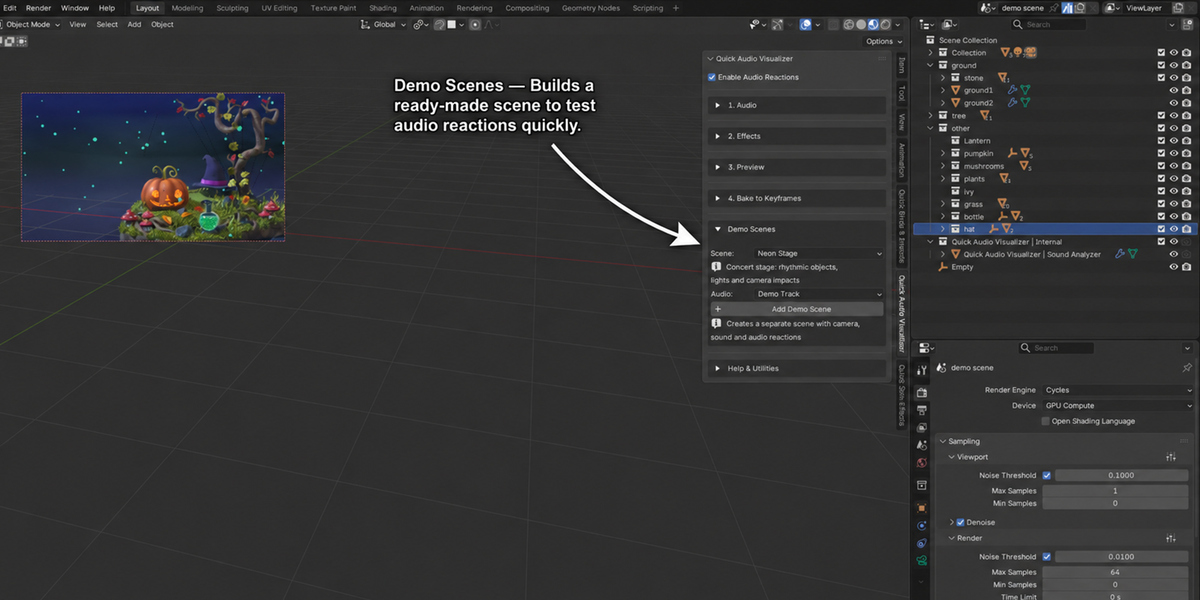
Use audio formats supported by your Blender installation. Load a track through the add-on’s Audio section.
Does Quick Audio Visualizer work with my Blender version?
The add-on requires Blender 5.2 or later.
Why isn’t my object reacting to the audio?
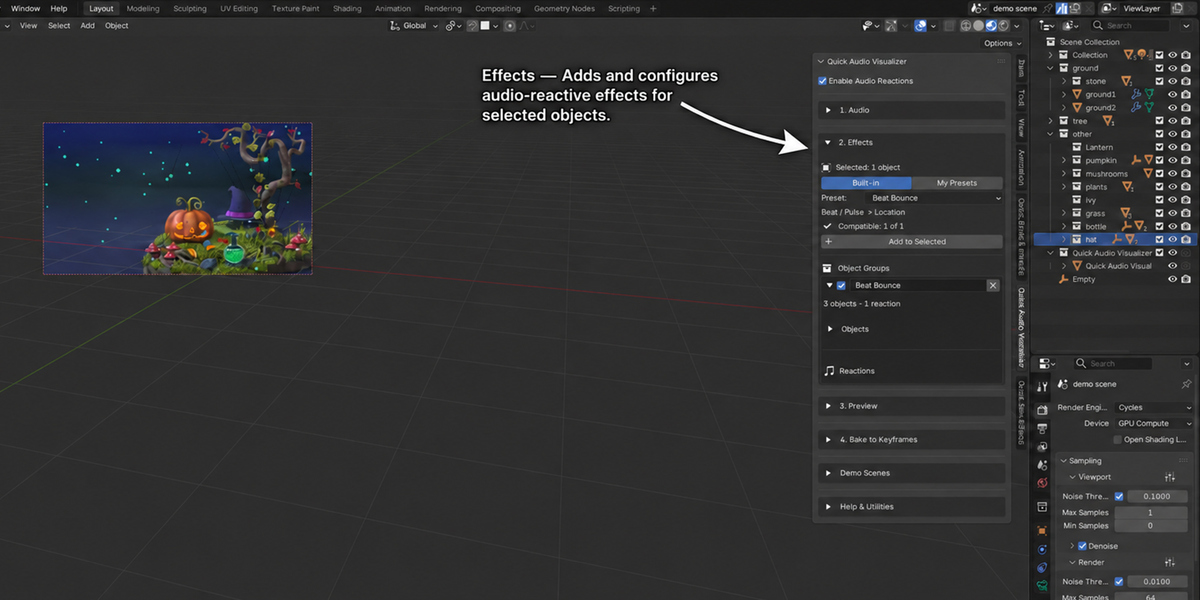
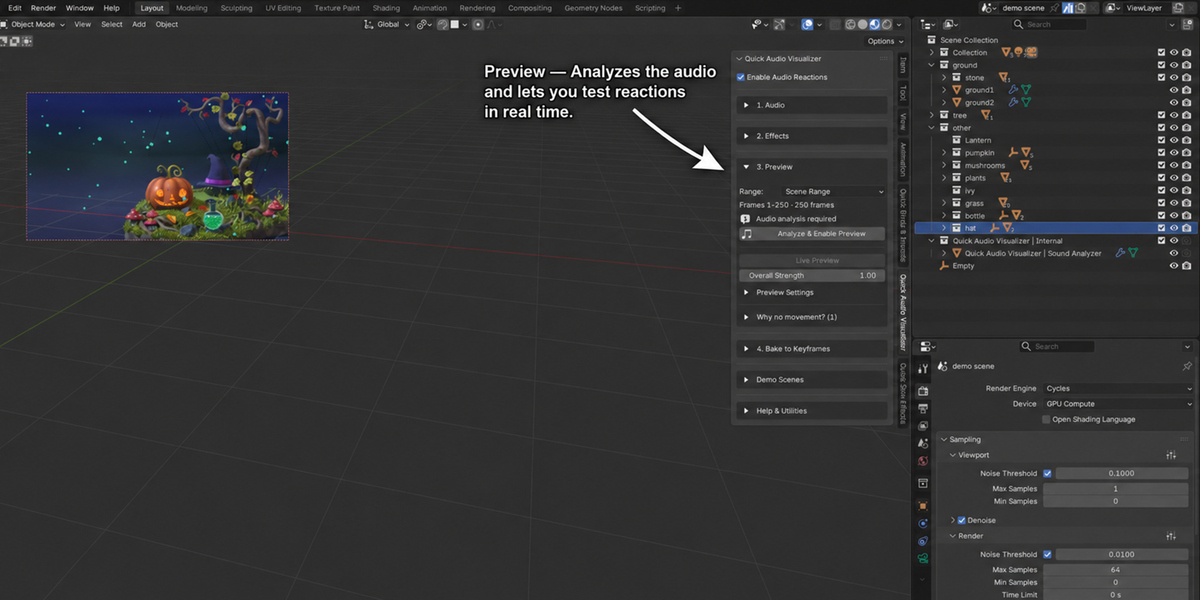
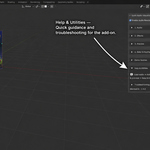
Make sure reactions are enabled, the object and target property are assigned, and the audio has been analyzed. Check the panel diagnostics for compatibility issues.
Can I animate materials, lights, and Geometry Nodes?
Yes. The add-on supports compatible animatable properties, including lights, materials, shader sockets, Geometry Nodes inputs, modifiers, shape keys, and custom properties.
Do I need to bake before rendering?
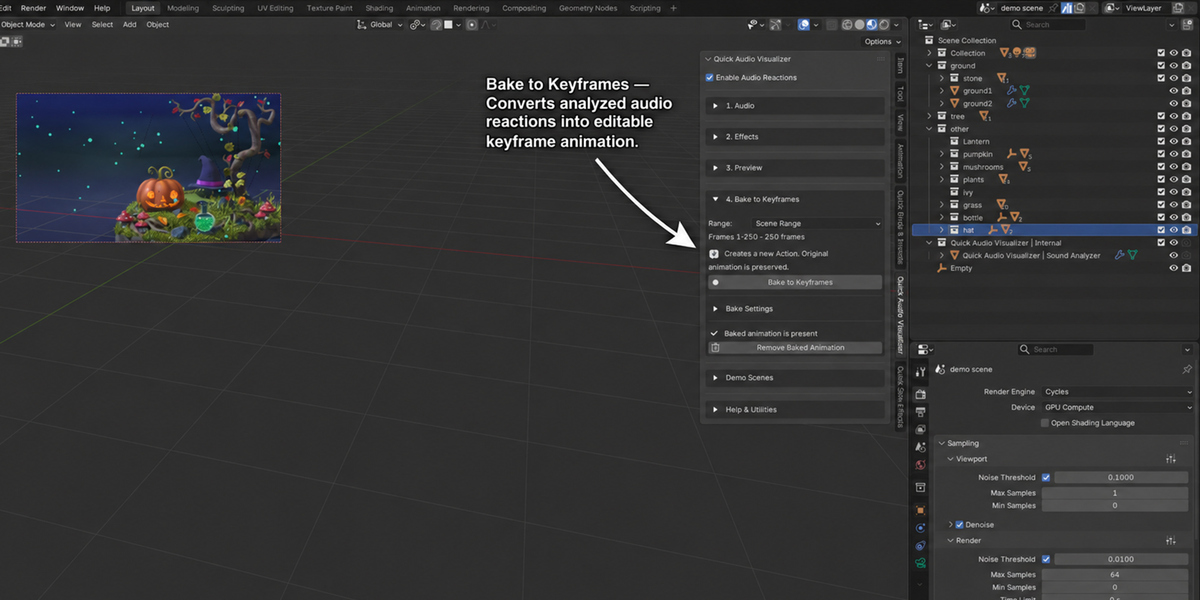
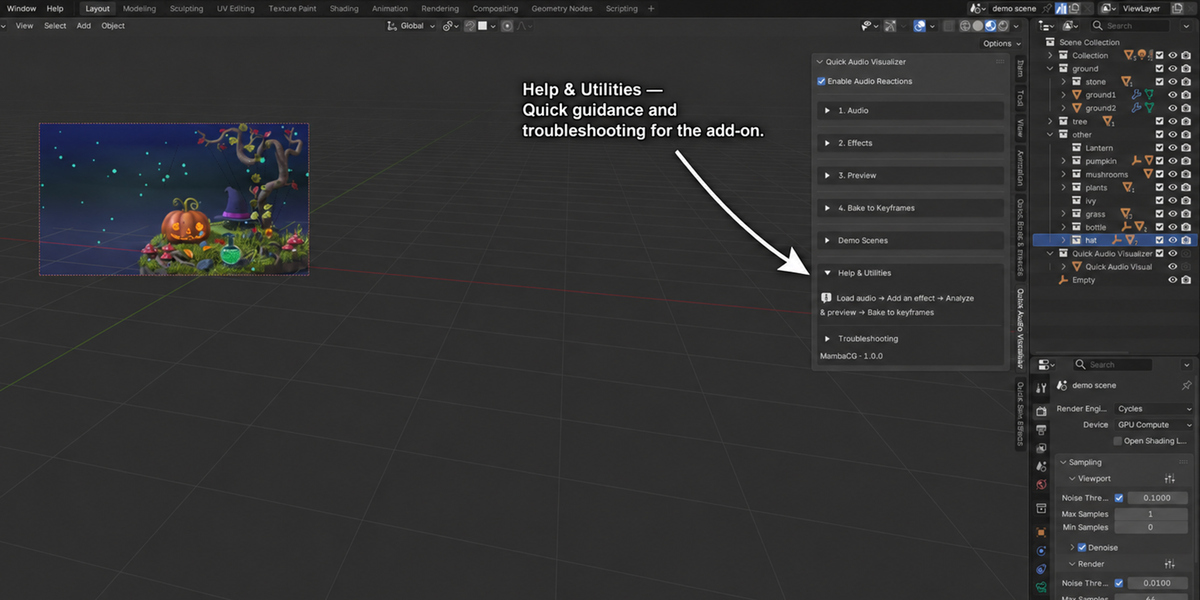
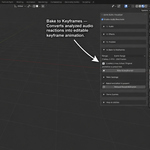
Baking to keyframes is recommended for reliable rendering and exporting. After changing the audio or reactions, bake again.
$9$7.20
Have questions about this product?
Login to message
| Blender Extension Compatible | Yes |
| Published | about 16 hours ago |
| Blender Version | 5.2 |
| Extension Type | Add-on |
| Render Engine Used | Cycles, Eevee |
| License | GPL |