 peterz






New Version Update 1.1
Quick Boolean Visualizer
An essential Blender add-on for enhancing hard-surface modeling efficiency
When performing complex hard-surface modeling in Blender, numerous Boolean modifiers often clutter the scene with messy cutter objects, making the viewport difficult to navigate and operate. Quick Boolean Visualizer addresses this pain point by providing an efficient and intuitive toolset for managing Boolean systems.
Through a streamlined sidebar panel or a convenient pie menu, you can instantly batch-manage the visibility of Boolean modifiers, the display state of cutter objects, and the solver type—eliminating the need for tedious manual adjustments on individual objects.
Key Features
1. Global and Local Visualization Control
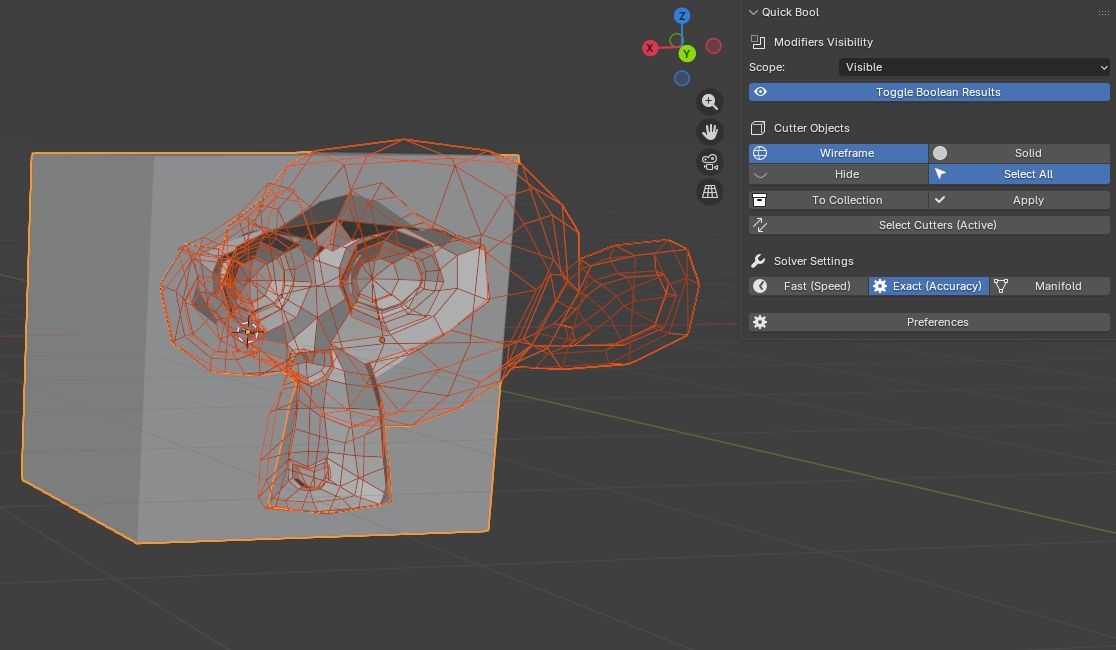
Quickly toggle the real-time viewport preview of Boolean modifiers. You can instantly disable Boolean effects to inspect the original mesh topology or enable them to view the final shape, without manually clicking through the modifier stack.
2. Intelligent Cutter Management
No more frustration trying to locate cutter objects. This add-on lets you hide or show all cutters with a single click.
Display Mode Toggle: Quickly switch between “Wireframe” and “Solid” display modes. Use wireframe mode to clearly see Boolean boundaries, or solid mode to easily select and reposition cutters.
3. Flexible Scope Options
All operations support three scope options to meet diverse workflow needs:
Selected: Affects only currently selected objects.
Visible: Affects all visible objects in the current view layer (default mode, ideal for immediate, visual adjustments).
Scene: Affects all objects in the scene, regardless of visibility.
4. Batch Solver Switching
One-click toggle between Fast and Exact Boolean solvers. Use Fast mode during initial modeling for smooth performance, then switch to Exact mode for final rendering or when artifacts appear, ensuring geometric precision.
5. Batch Apply
Supports batch applying Boolean modifiers to objects within the selected scope, accelerating preparation for model baking or export.
Usage
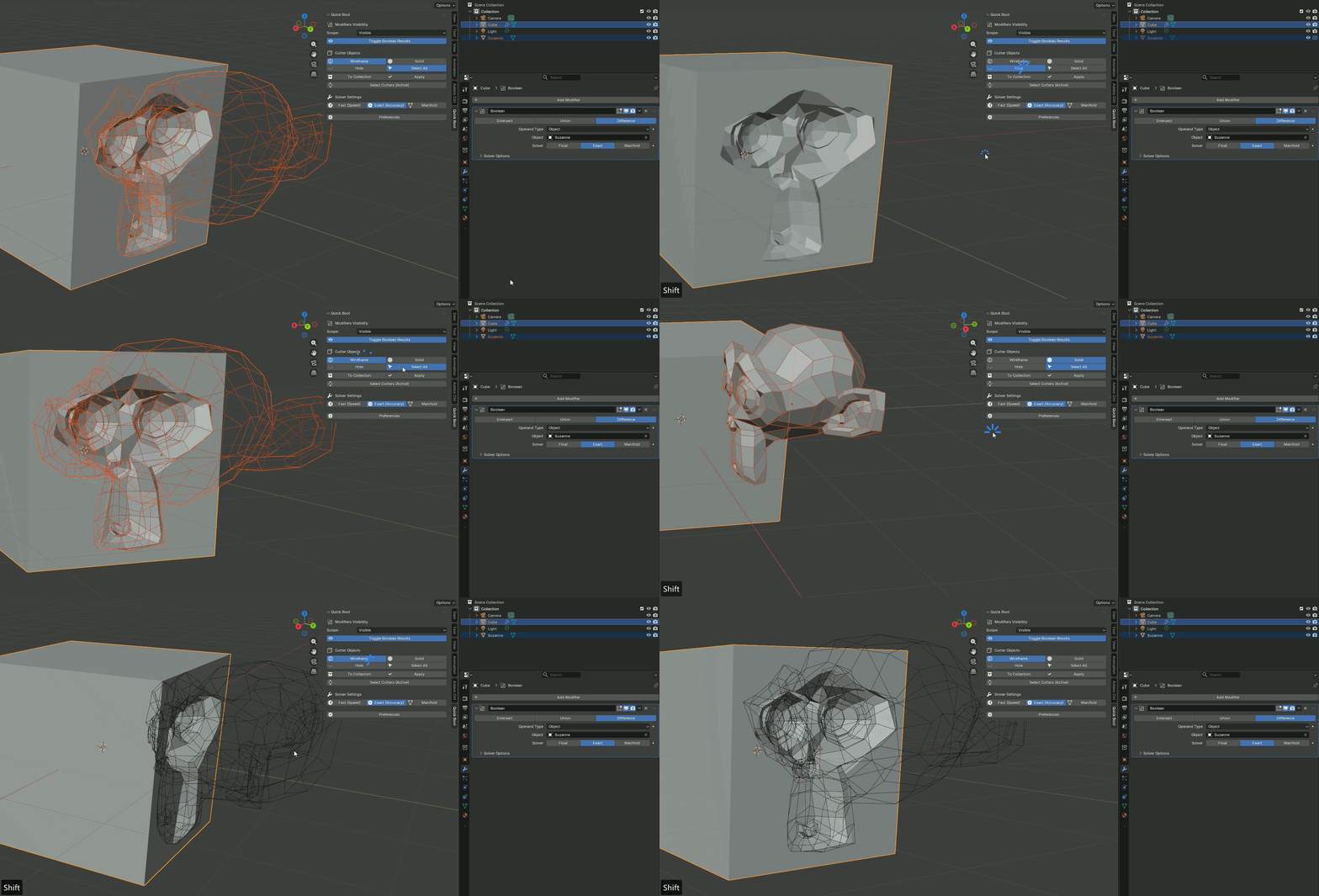
Sidebar Panel: Located in the 3D Viewport Sidebar (N) > Quick Bool tab.
Pie Menu: Default shortcut Shift + Alt + B—puts core functions at your fingertips without interrupting your mouse workflow.