 Me_D
Me_D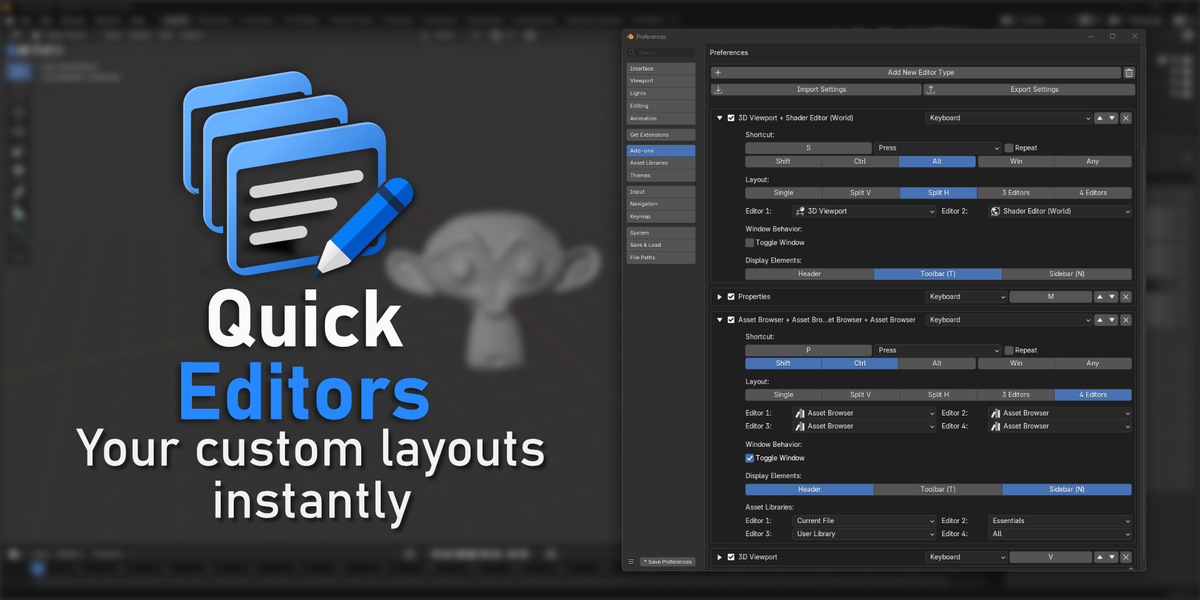
Introduction:
Quick Editors is a Blender add-on that lets you open your favorite editors in separate windows using custom keyboard shortcuts.
Create your own editor layouts, from a single editor to split configurations with two or three editors, or a four-editor grid.
Assign shortcuts to your setups and access the tools you need without constantly rearranging your workspace.
Whether you're modeling, UV unwrapping, texturing, shading, animating, compositing, or managing assets, Quick Editors helps you build a workflow that fits the way you work.
Configure once. Press your shortcut. Get straight to work.
⚙️ Features Overview:
- Quick shortcut assignment for custom editor layouts.
- Support for Single, Vertical Split, Horizontal Split, 3-Editors, and Quad Grid layouts.
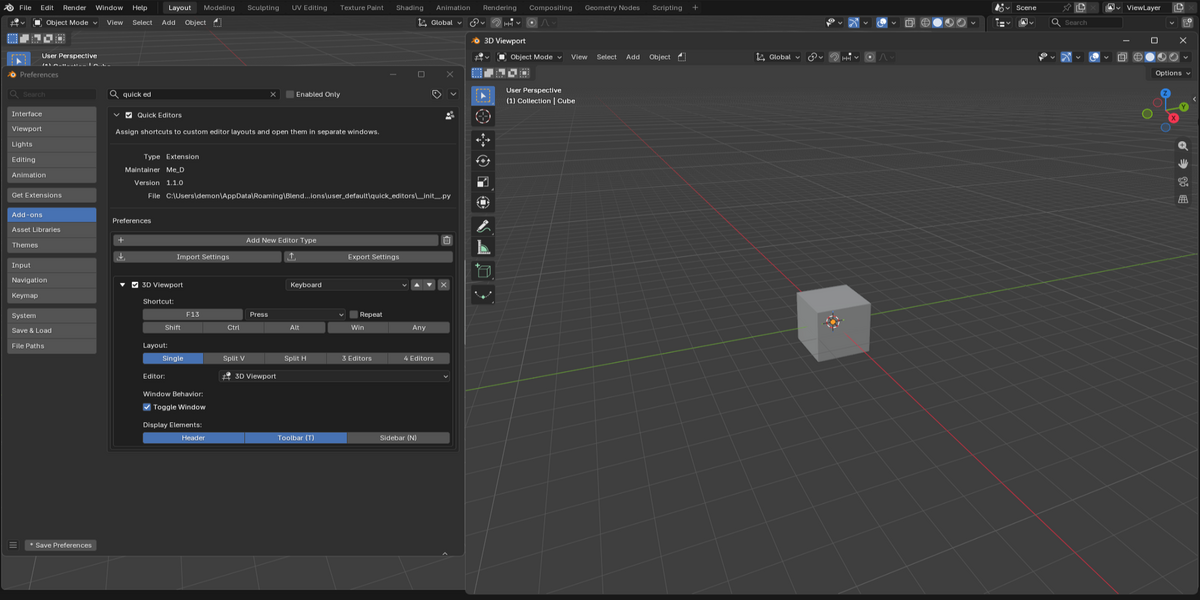
- Toggle Window mode to open and close editor windows with the same shortcut.
- Individual control over Headers, Toolbars (T), and Sidebars (N).
- Individual asset library selection for each Asset Browser pane (up to 2 per layout).
- Easy JSON settings import and export for backup or sharing.
💡 Main Features:
🎛️ Flexible Layout Configurations:
Build dedicated workspaces around your workflow. Choose the layout that suits your task and combine your preferred editors in a separate window.
• Single Layout:
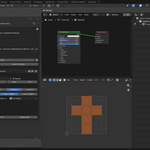
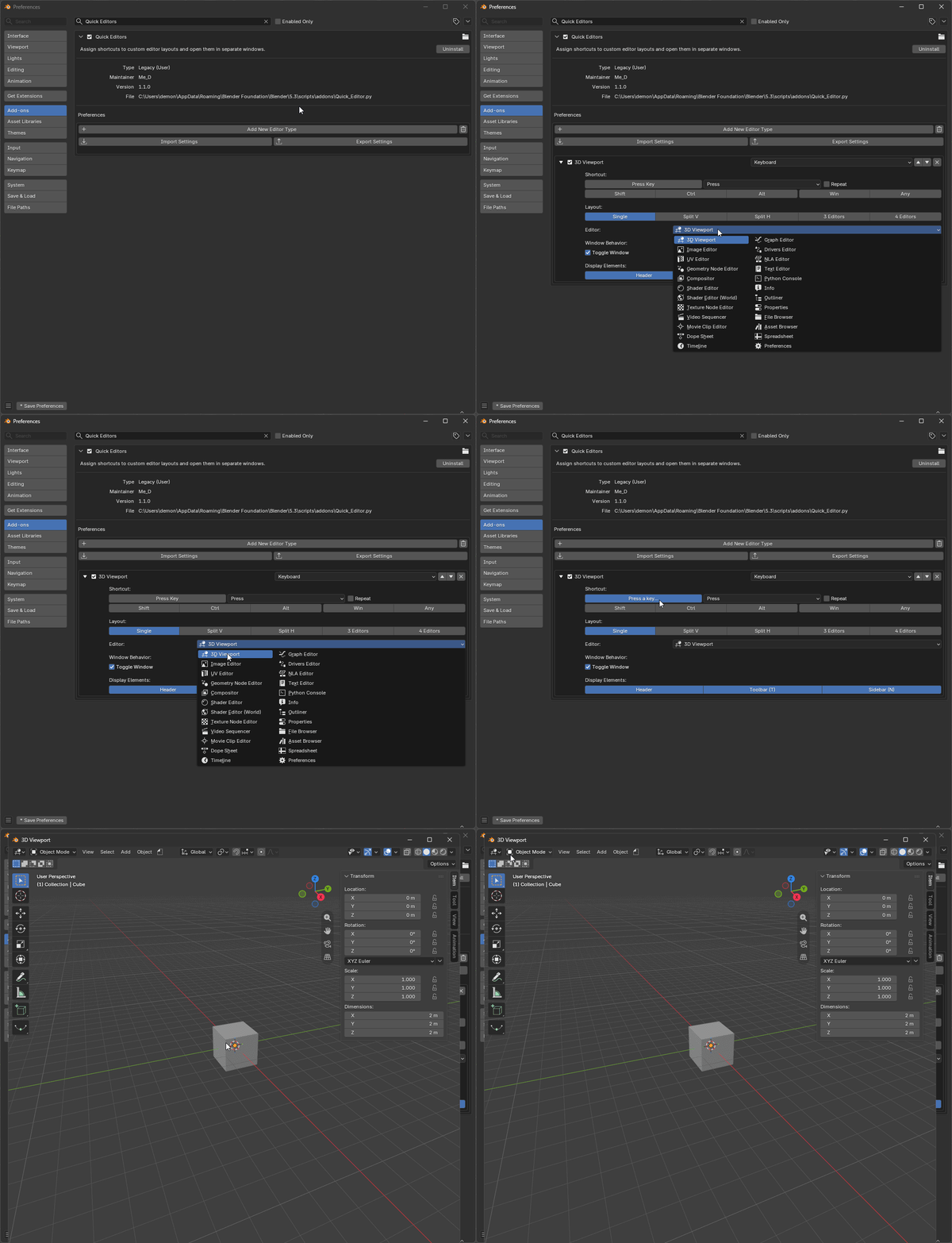
Open a dedicated window containing one editor. Ideal for a large 3D Viewport, Shader Editor, Image Editor, or Asset Browser without distractions from your main workspace.
• Split V & Split H (Vertical & Horizontal Splits):
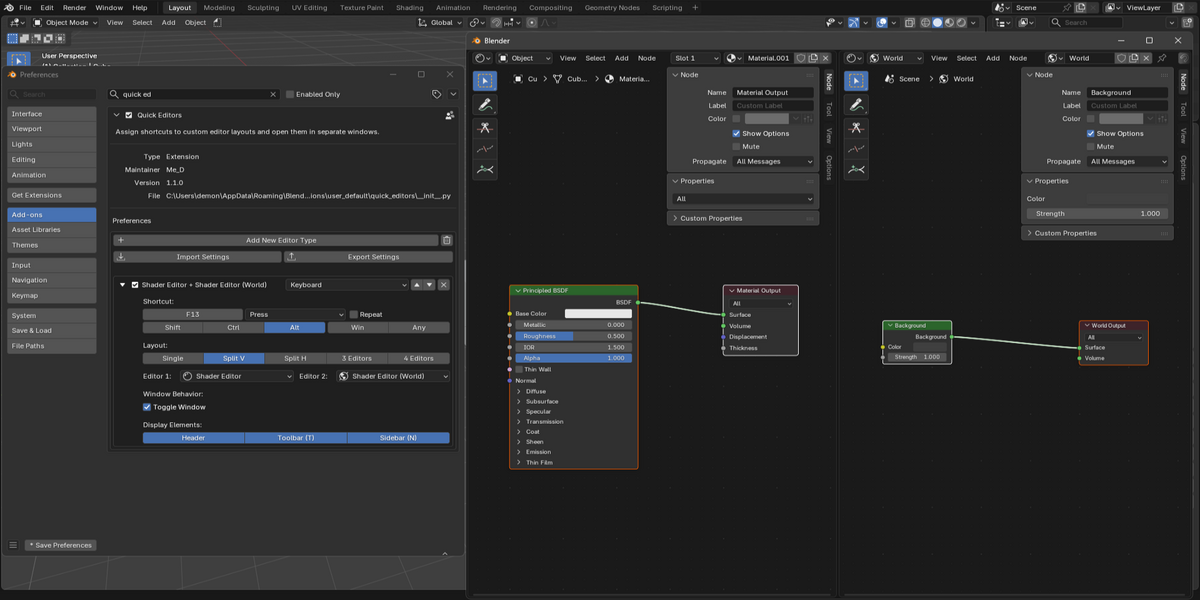
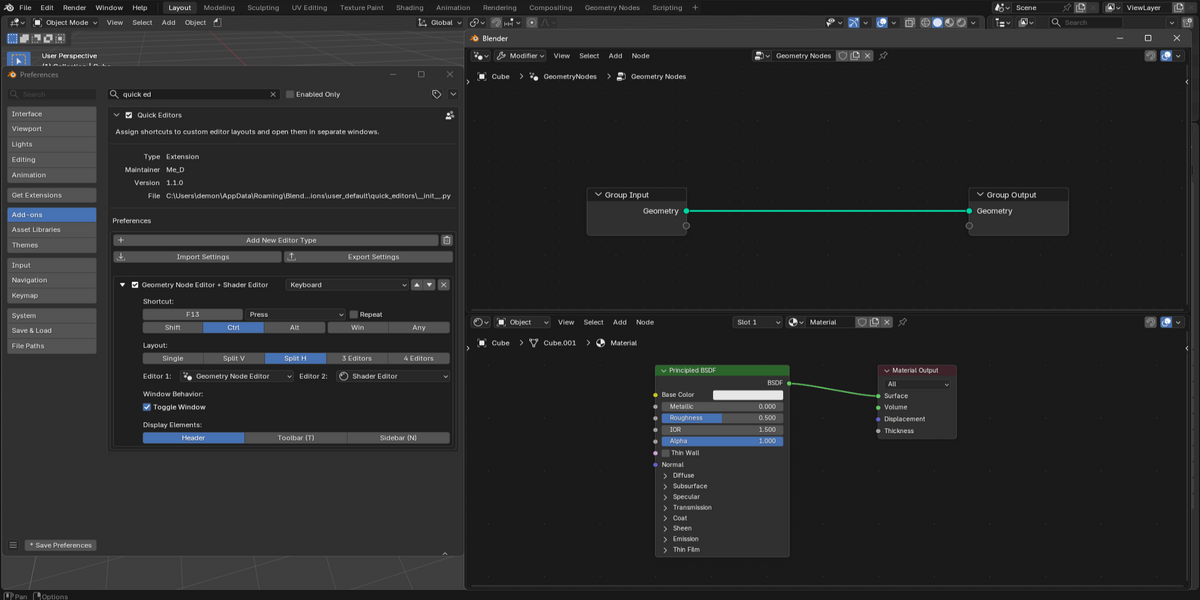
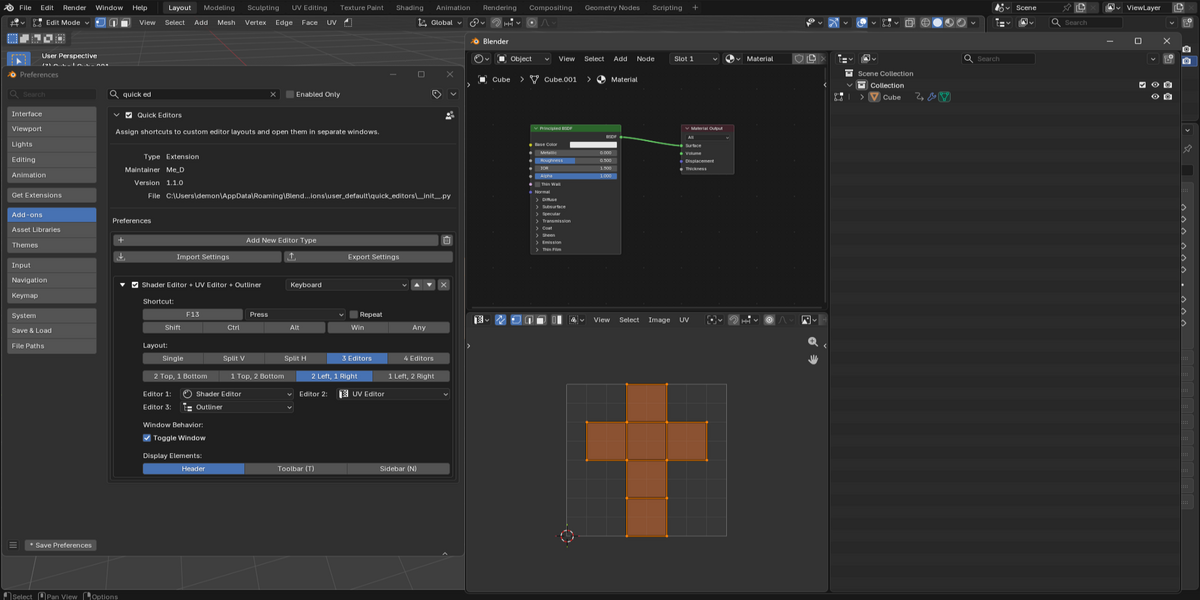
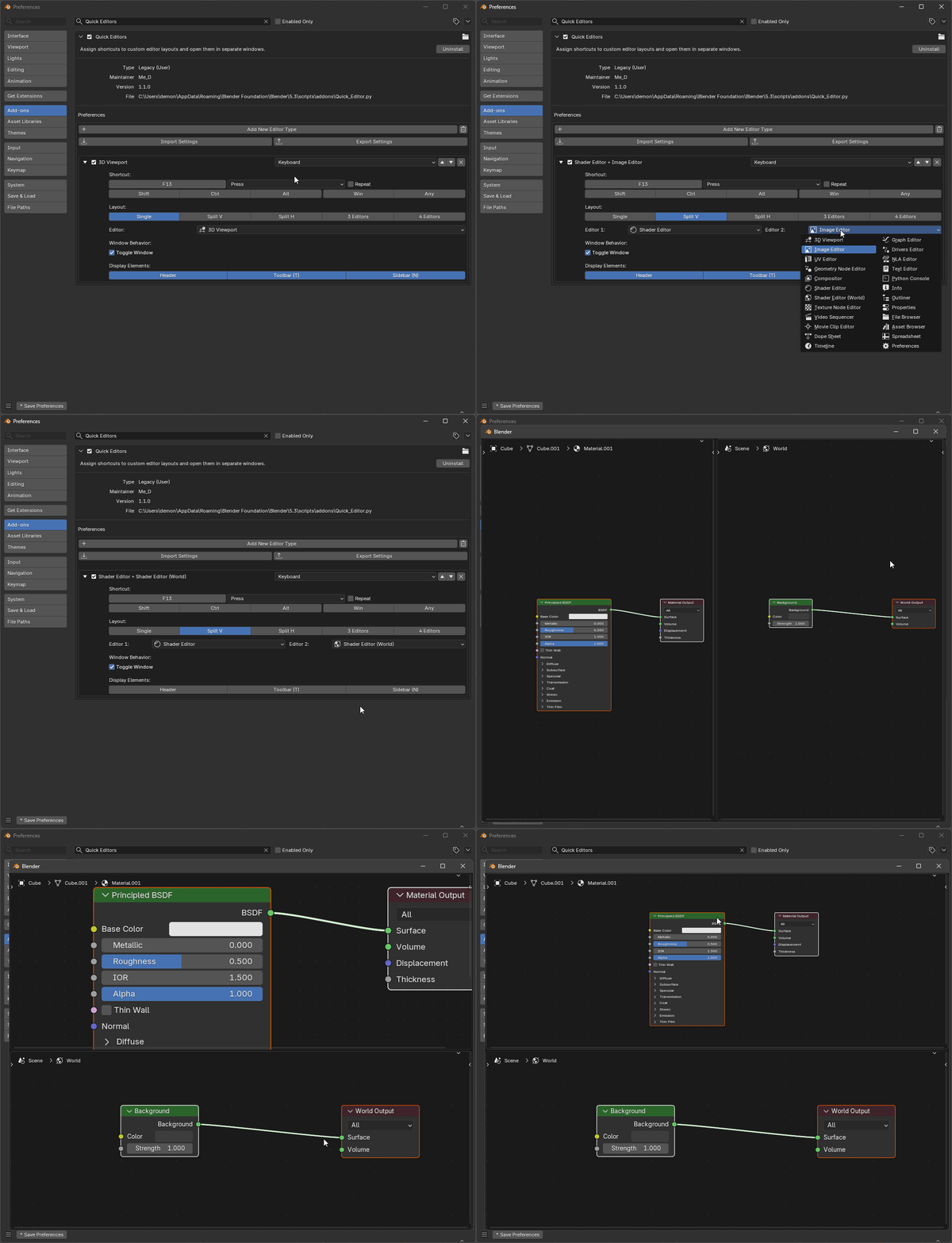
Arrange two editors in the same window, either side by side or one above the other.
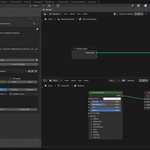
- Vertical Split (Split V): Place editors side by side, such as the Shader Editor and Shader Editor (Worldd), or the Image Editor and UV Editor.
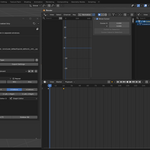
- Horizontal Split (Split H): Stack editors vertically, such as a 3D Viewport above a Timeline or Video Sequencer.
• 3-Editor Layouts:
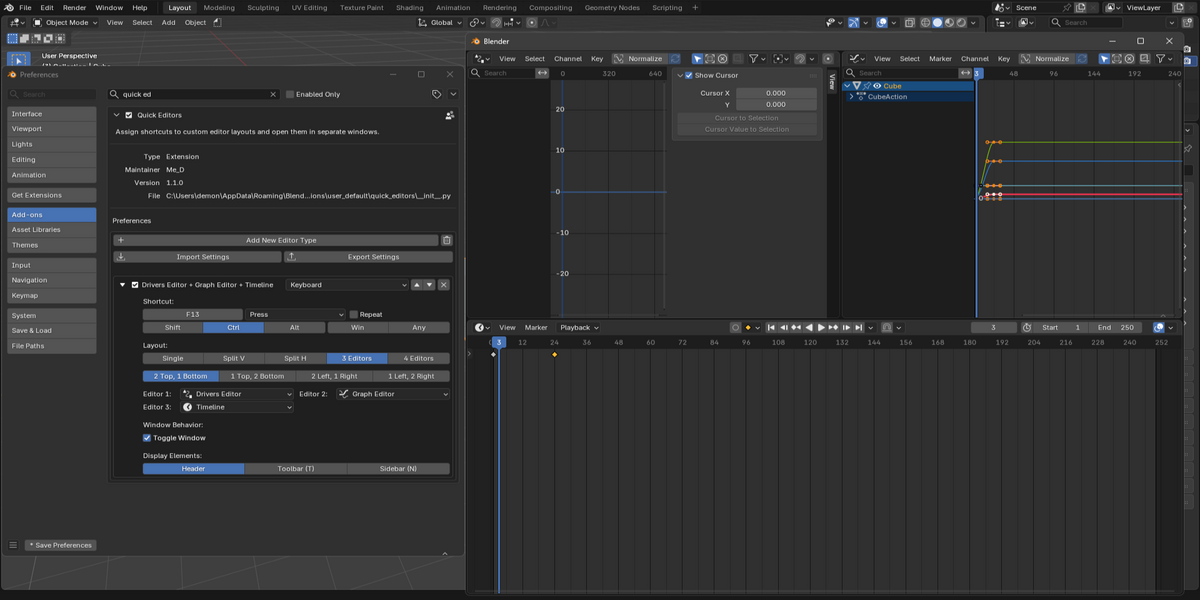
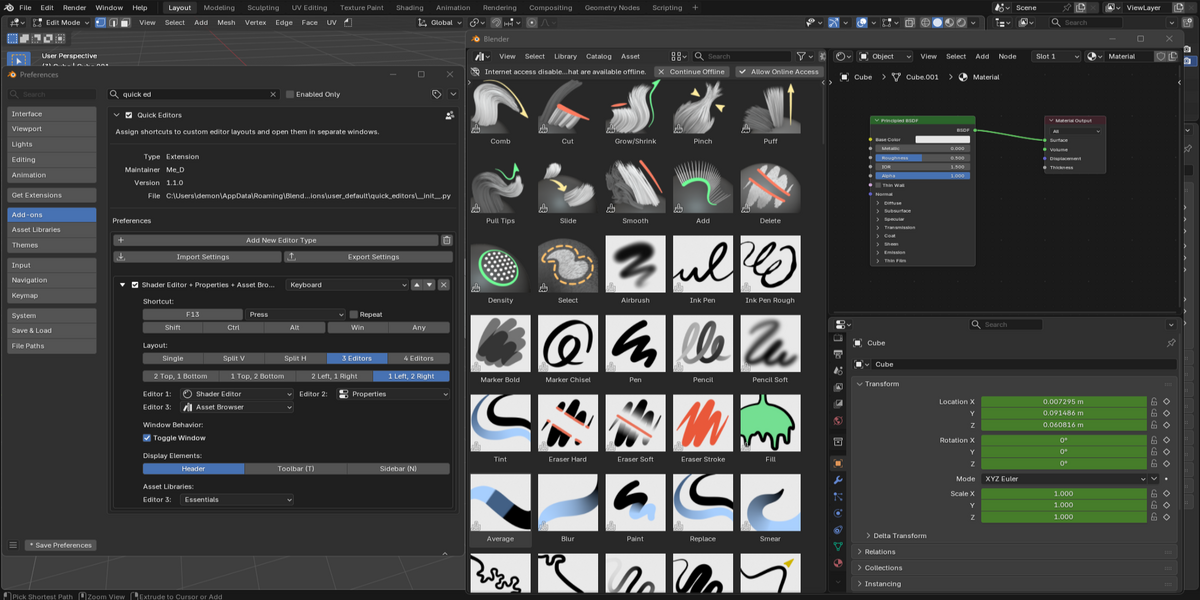
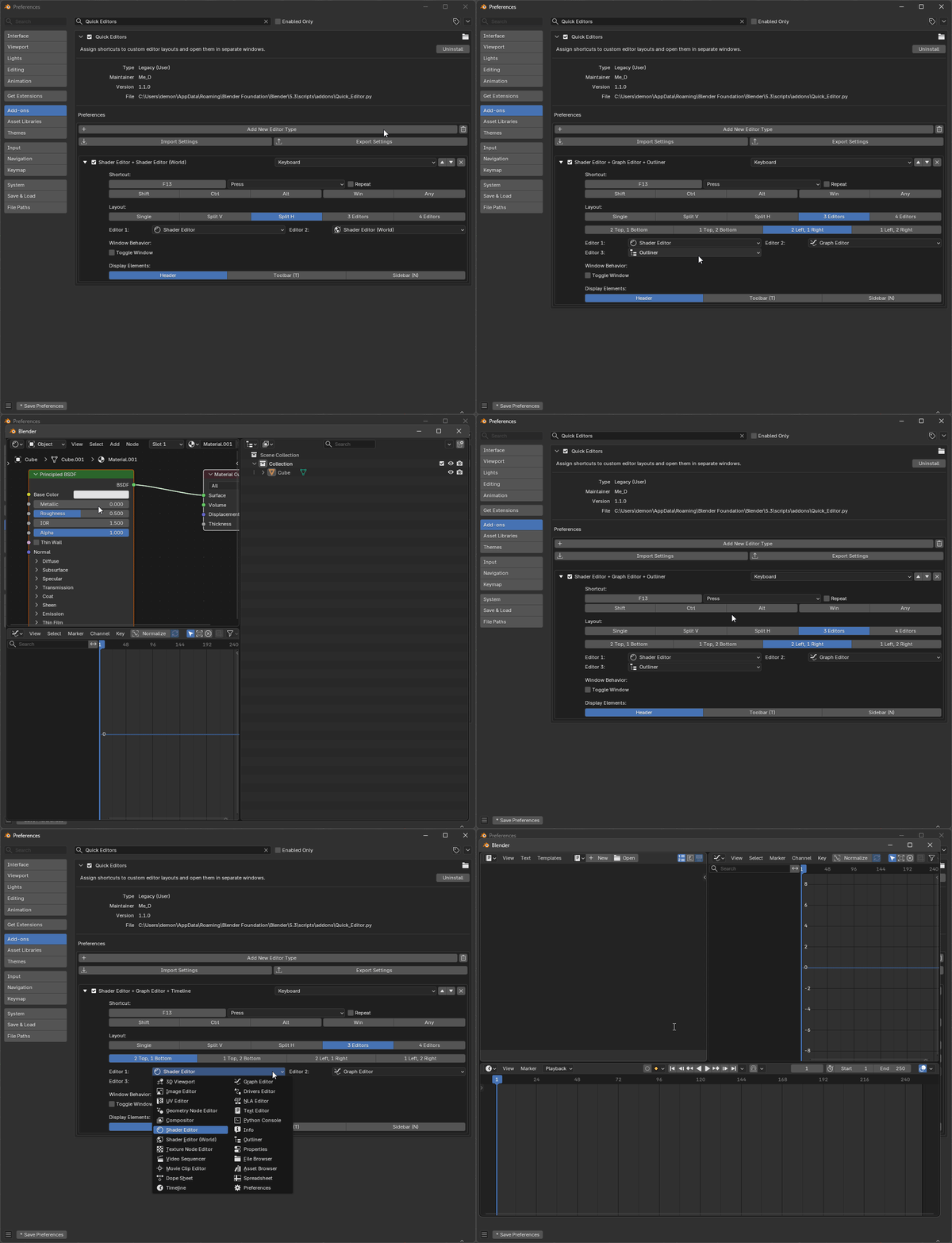
Combine three editors in a single window with four layout configurations. Choose the arrangement that best suits your screen and workflow.
- 2 Top, 1 Bottom: Two editors stacked above a wide lower panel.
- 1 Top, 2 Bottom: One wide editor above two side-by-side editors.
- 2 Left, 1 Right: Two stacked panels on the left side paired with a tall right panel.
- 1 Left, 2 Right: A tall left panel paired with two stacked panels on the right side.
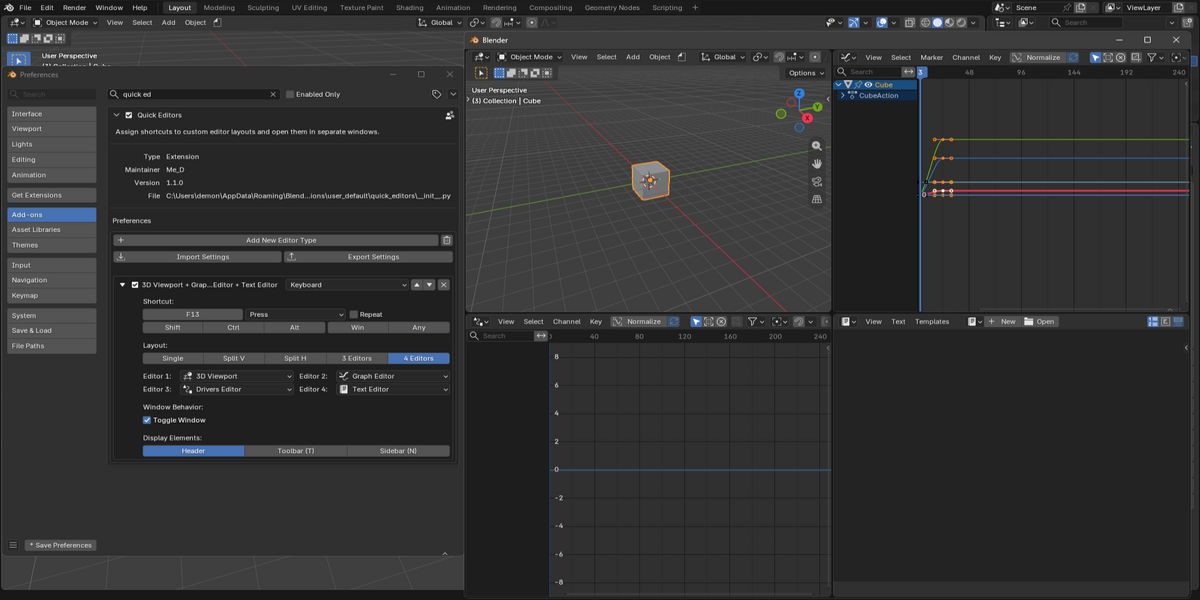
• Quad Grid Layout:
Open four editors simultaneously in a 2 × 2 grid. Useful for combining your 3D Viewport, Outliner, Properties, File Browser, or other tools in one dedicated workspace.
⚡ Instant Window Toggle:
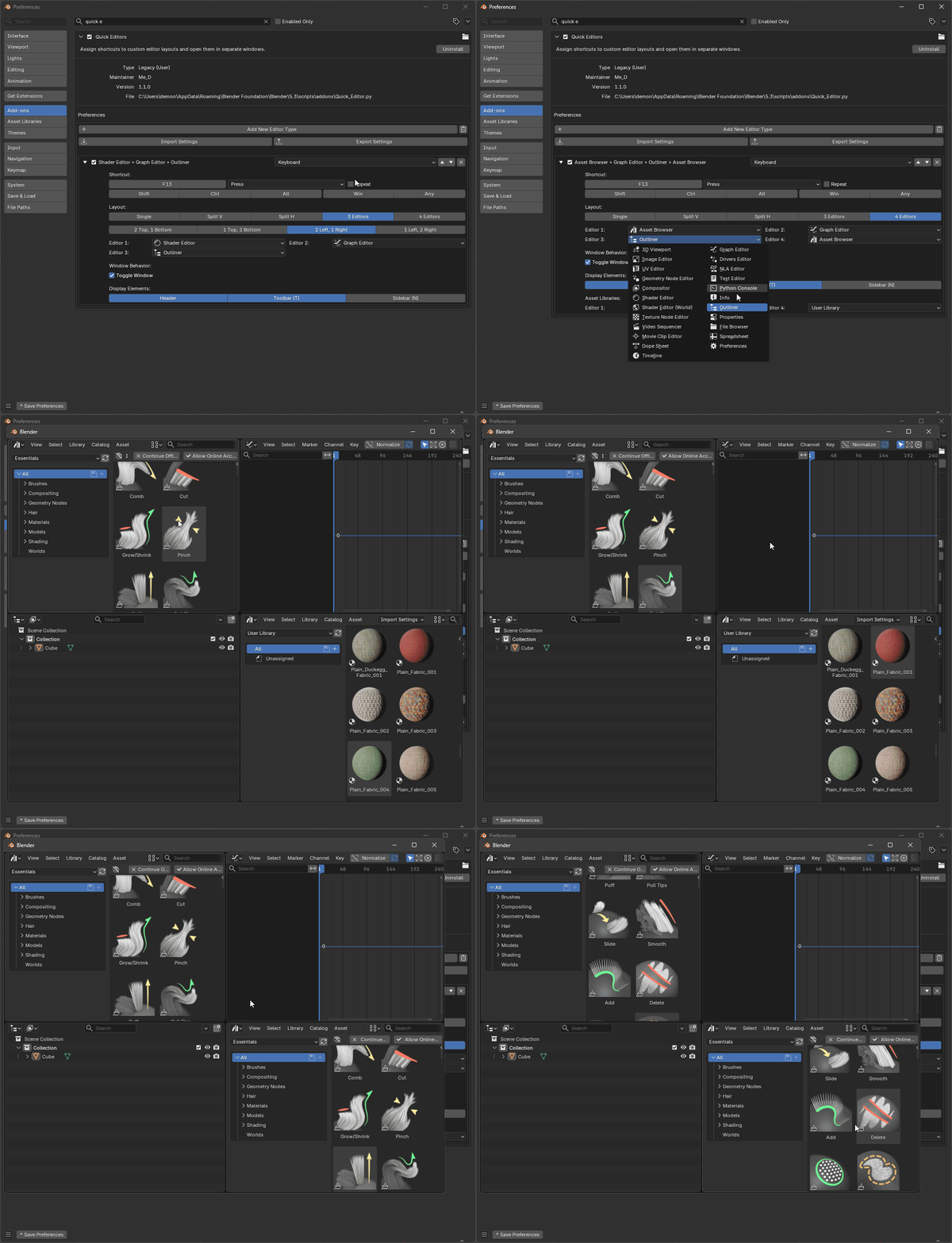
Open your configured editor layout with a single keyboard shortcut.
When Toggle Window is enabled, pressing the same shortcut again closes the matching window. Disable this option when you want the shortcut to open a new window instead.
Switch between your tools without repeatedly rebuilding your workspace.
📂 Asset Browser Integration:
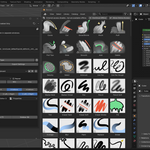
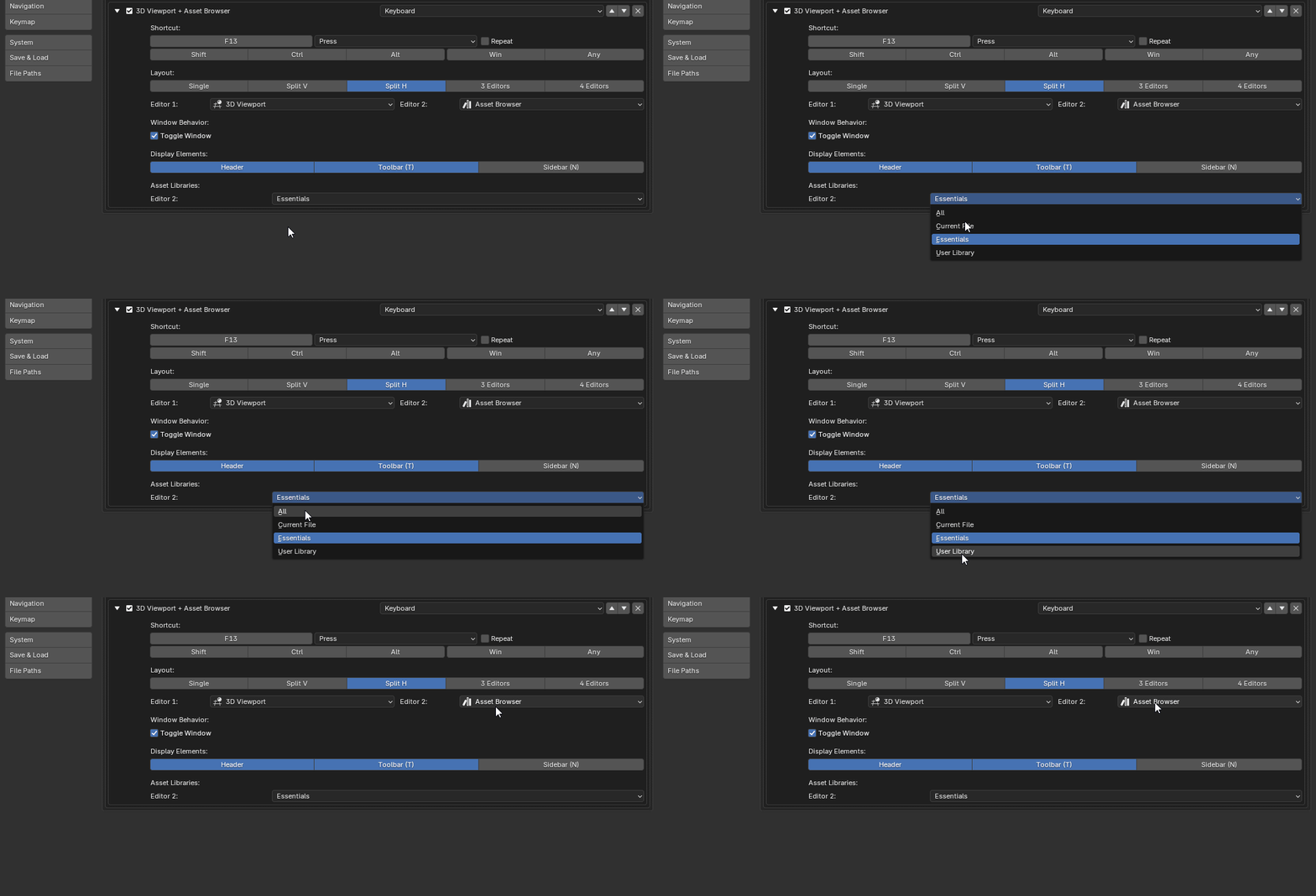
Select the asset library used by each Asset Browser instance in your layout, including Essentials, Current File, or custom libraries.
Supports up to 2 Asset Browser instances per layout.
👁️ Customize Your Editor Interface:
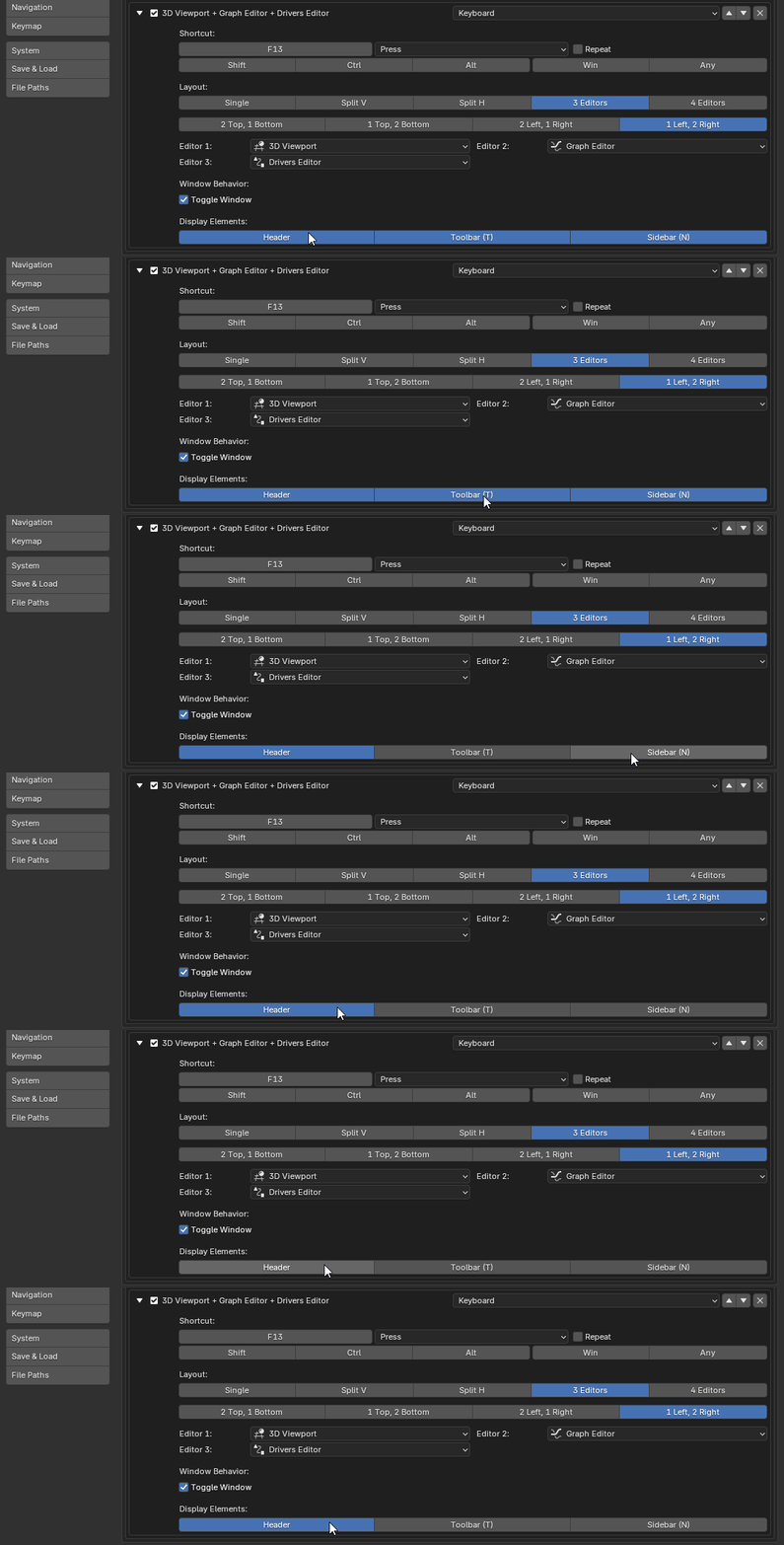
Control the visibility of interface elements for each editor configuration.
Show Header: Display or hide the editor header.
Show Toolbar (T): Display or hide the toolbar.
Show Sidebar (N): Display or hide the sidebar.
Customize your layouts to keep essential controls visible or free up screen space when you need a cleaner view.
🔄 Import & Export Settings:
Use the built-in JSON Import and Export tools to save, restore, and share your Quick Editors configurations and shortcut assignments.
📦 What's Included:
- Quick Editors Add-on (ZIP file).