Quick Lighting Presets Addon
 Alireza Taherpor


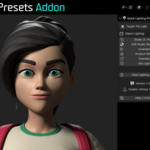
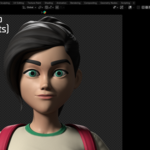
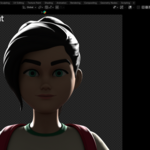
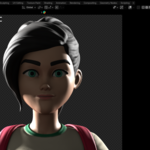
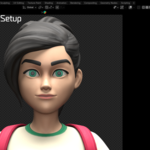
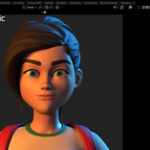
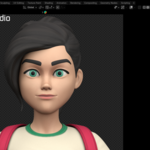
Installation
1. Download the addon ZIP file.2. Open Blender and go to Edit → Preferences → Addons.
3. Click Install... and select the downloaded ZIP file.
4. Enable Quick Lighting Presets Addon from the Addons list.
5. Open the 3D Viewport and press N to open the sidebar.
6. Find the Quick Lighting panel in the N-panel.
How to Use
1. Open the Quick Lighting from the N-panel.2. Select the object you want to preview.
3. Choose one of the available lighting presets.
4. The addon will automatically create the corresponding lighting setup around the selected object.
5. You can switch between presets to quickly compare different lighting styles.
-
$3
The complete version of Quick Lighting Presets with all available features included.
Have questions about this product?
Login to message
| Blender Extension Compatible | Yes |
| Published | about 2 months ago |
| Blender Version | 4.0 - 5.2 |
| Extension Type | Add-on |
| Render Engine Used | Cycles, Eevee |
| License | GPL |
Discover more products like this
character lighting Lighting preset blender lighting Studio Lighting studio rendering Lighting render setup lighting setup product rendering