 Imaginatta



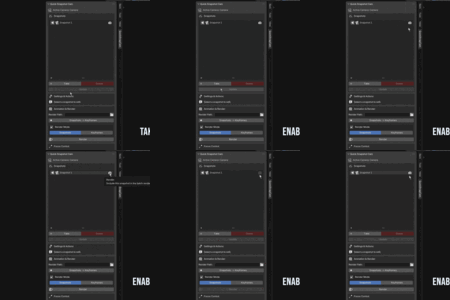
Quick Snapshot Camera: The Ultimate Camera Workflow Addon
Stop Juggling Cameras. Master Your Scene.
Managing multiple cameras in a single Blender project is a classic workflow bottleneck. Your Outliner becomes cluttered, maintaining consistent settings is a manual chore, and setting up complex animation sequences is slow and error-prone. Quick Snapshot Camera was designed from the ground up to solve this.
This addon revolutionizes your cinematography process by allowing you to save, manage, and animate infinite camera states using only a single camera. It’s a powerful, non-destructive preset system that centralizes control and dramatically accelerates your workflow from initial framing to final render.
Key Features
Advanced Snapshot System
Instead of creating new cameras, save their complete state as a "snapshot." This is more than just a location marker; it saves:
Position and Rotation
Focal Length & Lens Shift
Depth of Field Settings (including focus object and F-stop)
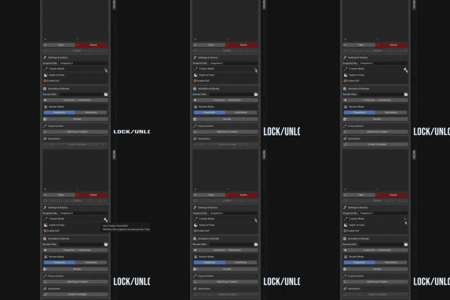
Focus Tracker Mode (whether it's locked to the tracker)
Intelligent & Safe UI
The user interface is designed to be intuitive and prevent common mistakes:
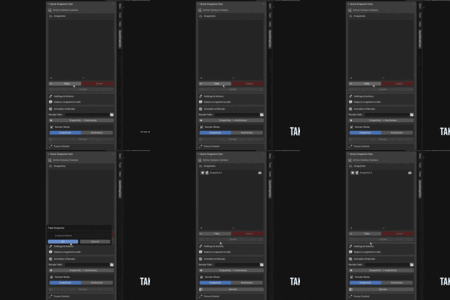
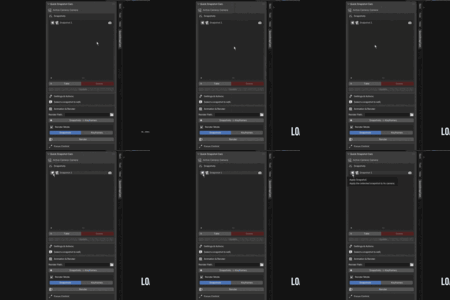
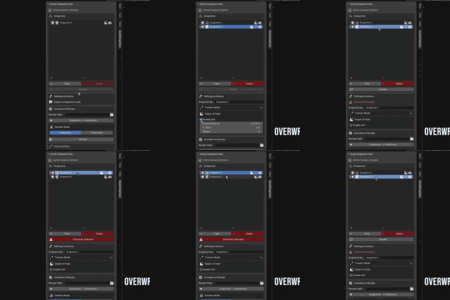
"Unsaved Changes" Warning: A clear visual alert reminds you to save modifications before switching snapshots.
Smart "Update" / "Overwrite" Button: The update button changes to a red "Overwrite" warning if you try to save changes to a snapshot different from the one you were editing, preventing accidental data loss.
Active Snapshot Indicator: The currently active snapshot is always highlighted, so you never lose track of your viewport's state.
Powerful Animation Tools
Go from static shots to dynamic animation in seconds.
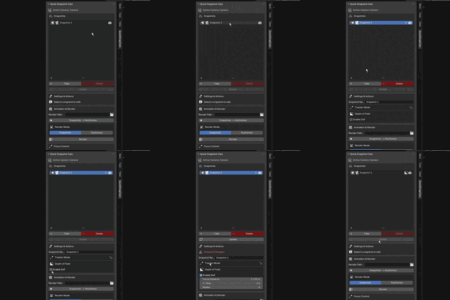
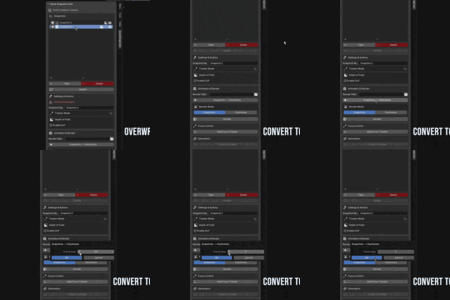
One-Click Keyframe Generation: Convert your entire list of snapshots into a complete camera animation on the timeline, with adjustable frame spacing for smooth transitions or hard cuts.
Automatic Turntable Generator: Create perfect orbital animations effortlessly. Simply set a focal point with the Focus Tracker, define the angle and number of shots, and the addon generates a full set of turntable snapshots instantly.
Flexible Batch Rendering
The dedicated render panel gives you complete control over your output.
Dual Render Modes: Choose to render your scene from your list of static Snapshots or from the timeline Keyframes animation.
Per-Snapshot Render Toggles: Easily enable or disable specific snapshots from the render queue, giving you granular control over your batch renders.
Custom Render Path: Set a dedicated output folder for your renders, keeping your project files organized.
Save & Load Profiles
Never set up your shots twice.
Save Your Entire Setup: Save your complete list of snapshots, including all their settings, to a single
.qscfile.Load Profiles Instantly: Load a profile into any Blender project to restore your entire camera setup, making it perfect for template files and recurring projects.
Who is this for?
Product Visualization Artists: Effortlessly create dozens of product angles and perfect turntable animations for your marketing materials.
Archviz Professionals: Save and manage all your key architectural viewpoints within a single, clean file.
Animators & Storyboard Artists: Quickly block out camera sequences and convert them to keyframes to build your animatic.
Any Blender user who wants a faster, more organized, and non-destructive camera workflow.
What You Get
The Quick Snapshot Camera Addon (
.zipfile)Full Documentation and UI Reference
Tutorial example .blend scene
Stop managing cameras and start directing your scene. Get Quick Snapshot Camera today and transform your workflow!
