Quick Snapshot Camera V3.0.1
 Imaginatta


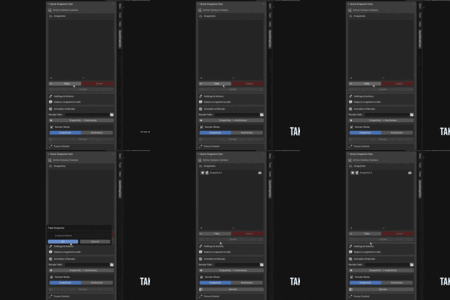
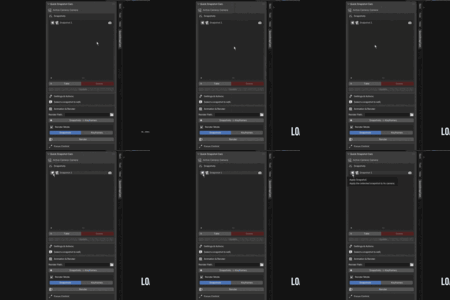
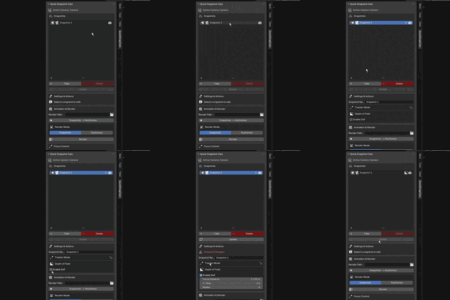
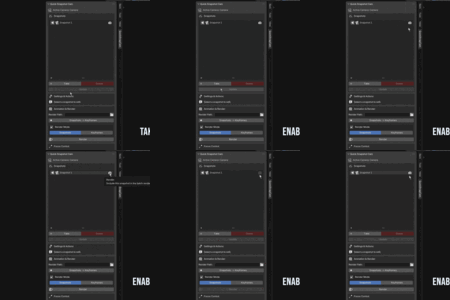
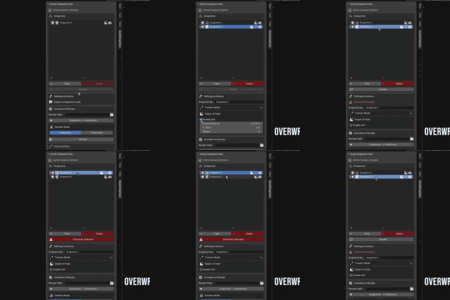
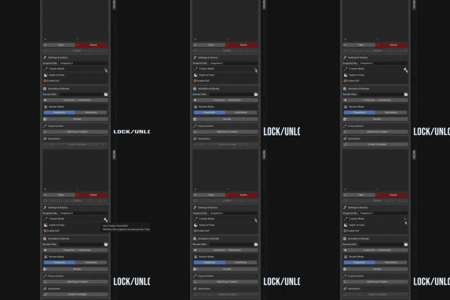
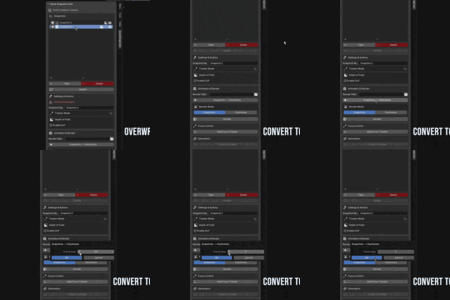
A - No, this addon is built specifically as a camera management tool. A snapshot saves camera-specific data (like focal length and F-stop) in addition to location and rotation. Therefore, you can only apply a snapshot to an active camera object, not to meshes, lights, or any other object type in Blender.
Yes and No. Using the eyedropper for Focus Distance will work correctly, as it simply measures and sets the distance between the camera and the selected object. In contrast, using the eyedropper for Focus on Object will not behave the same way—this option links the object directly to the camera as the point of focus. As a result, every snapshot with Depth of Field enabled will continue to use that object for focus, which may not be desirable in all cases. Focus Distance determines sharpness based on the measured distance, while Focus on Object establishes a persistent link that affects all camera views with depth of field enabled.
A - The addon is designed to work with one active camera at a time. All snapshots you create and manage in the list belong to whichever camera is currently active in your scene. While you could manually switch your active camera and create a separate set of snapshots for it, the addon does not have a feature to manage or batch render snapshots from multiple different camera objects simultaneously.

Discover more products like this
layout batch render camera addon camera Camera setup snapshot quick camera easy