 3dcinetv
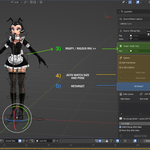
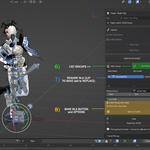
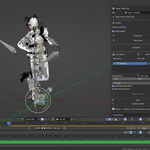
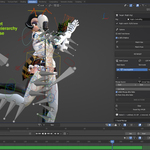
QuickMO — Workflow & Button Reference
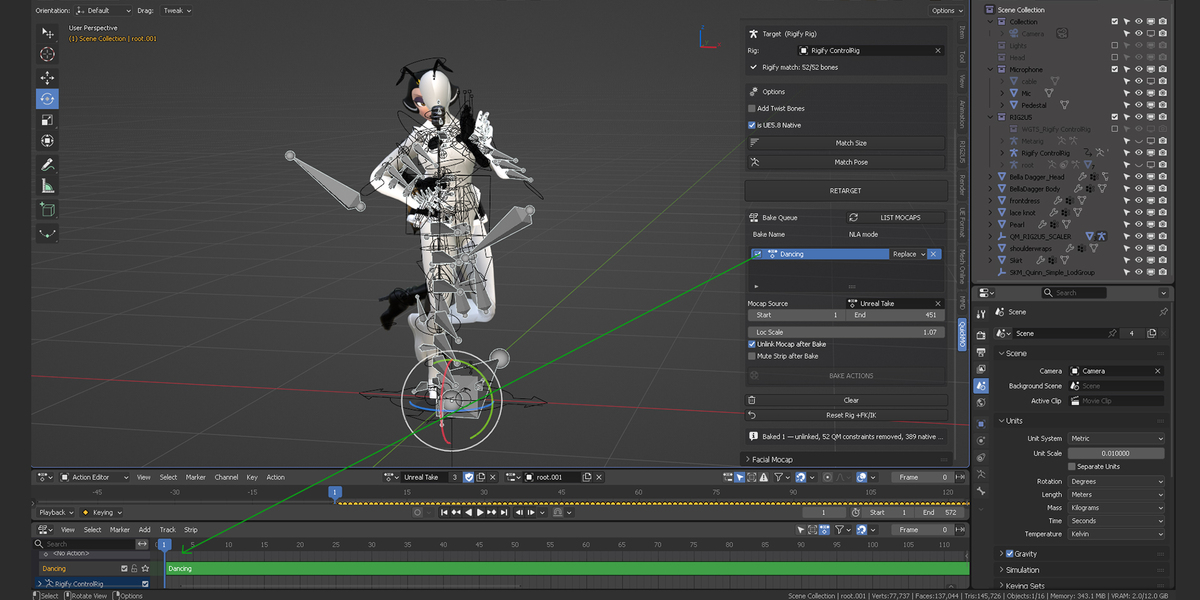
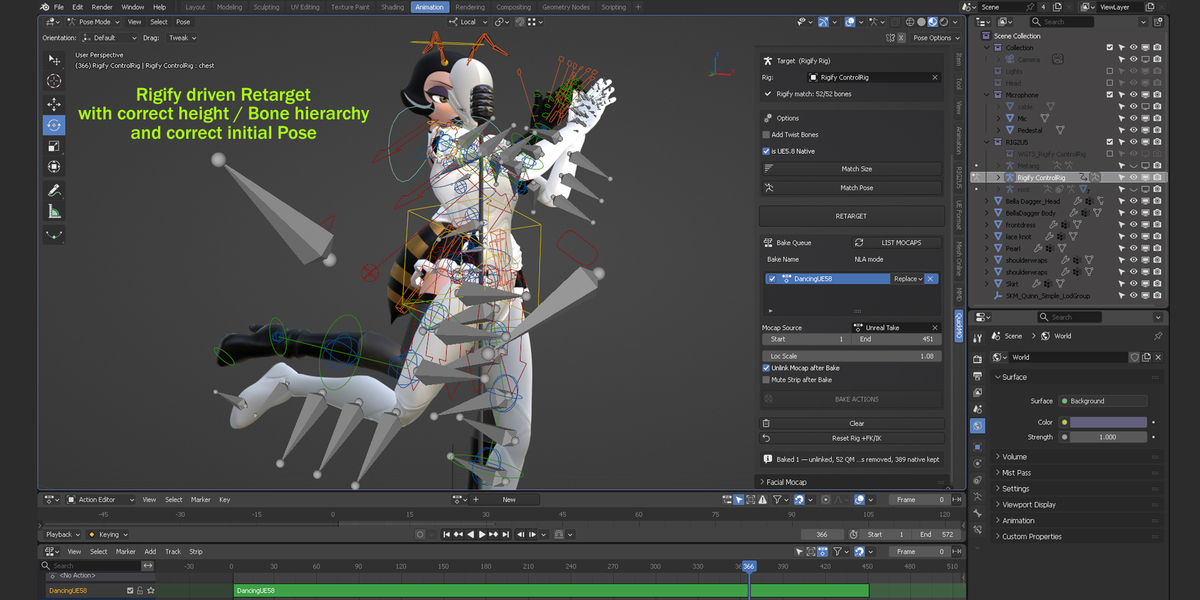
All buttons have been commented. If you'd like to know what a button does in the N panel, enable .py comments in Blender preferences. I've included a quick reference here as well:
Setup: have your mocap FBX imported into the scene, and your target Rigify or RIG2U5 rig present. Open the QuickMO panel in the View3D N-panel.
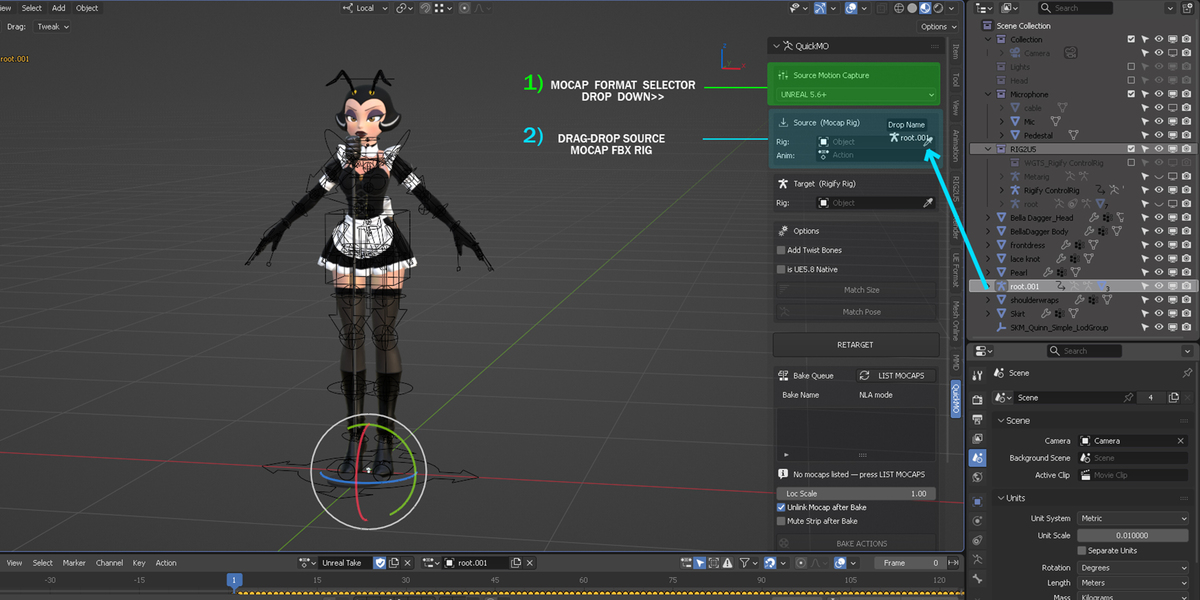
1. Source Motion Capture
Dropdown at the top of the panel selects the mocap profile:
- UNREAL 5.6+ — QuickMagic AI / Unreal Engine 5.6 Mannequin (also covers native UE5.8 exports, see below)
- QUICKMAGIC RIG — QuickMagic's native Boy/Girl avatar (3ds Max Biped skeleton; body, fingers and face in one export)
- MIXAMO — standard Mixamo skeleton, original captures or QuickMagic-via-Mixamo
- MMD (VMD / PMX) — MikuMikuDance, PMX skeleton + VMD motion
- SuperTK — modern fighting-game character skeleton (G_/GD_/GS_ prefixes)
2. Source (Mocap Rig)
- Rig — your imported mocap armature
- Anim — the action/take to retarget
- Status lines confirm the mapping: "Torso driven by: …" and "Profile match: N/M bones"
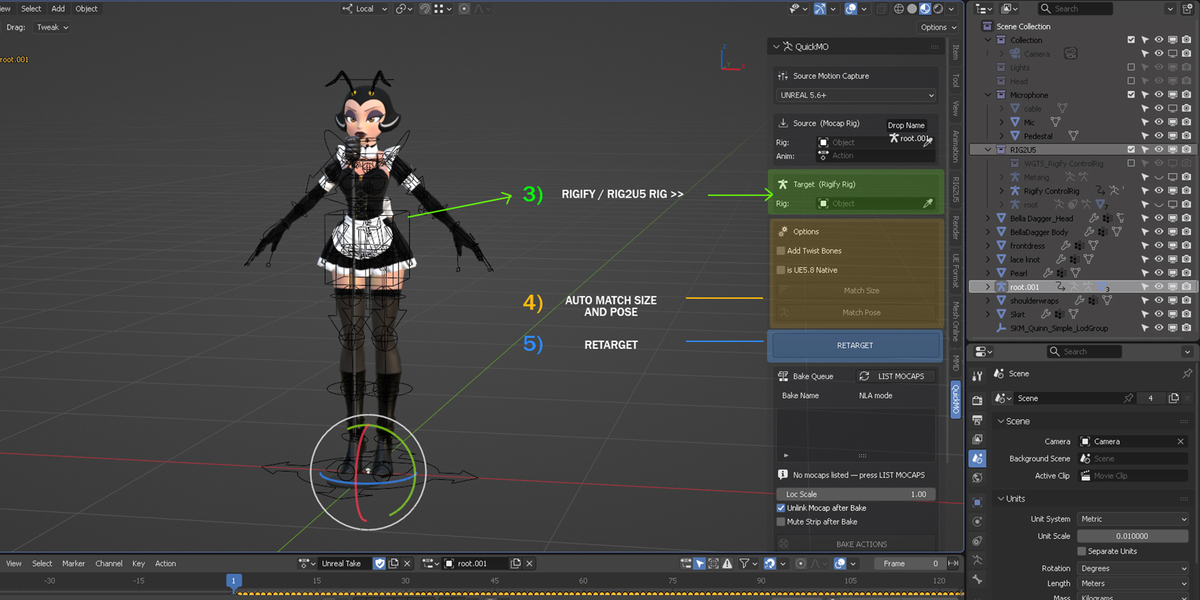
3. Target (Rigify Rig)
- Rig — your Rigify or RIG2U5 control rig
- Status line: "Rigify match: N/M bones"
4. Options
- Add Twist Bones — also retarget UE5 twist bones to Rigify's tweak controls
- is UE5.8 Native — check this only for a direct Unreal Engine 5.8+ export, where frame 1 is already mid-pose rather than a clean A/T rest. Other UE5.6+ sources should leave it unchecked.
5. The core workflow, in order
- Match Size — scales and floor-plants the mocap to your target rig automatically (works on both a life-size Rigify rig and a RIG2U5-scale rig, no manual input needed)
- Match Pose — calibrates and previews the alignment before committing
- RETARGET — applies the live retarget (button relabels to REMOVE RETARGET once active, letting you toggle off)
- Scrub the timeline to check the result
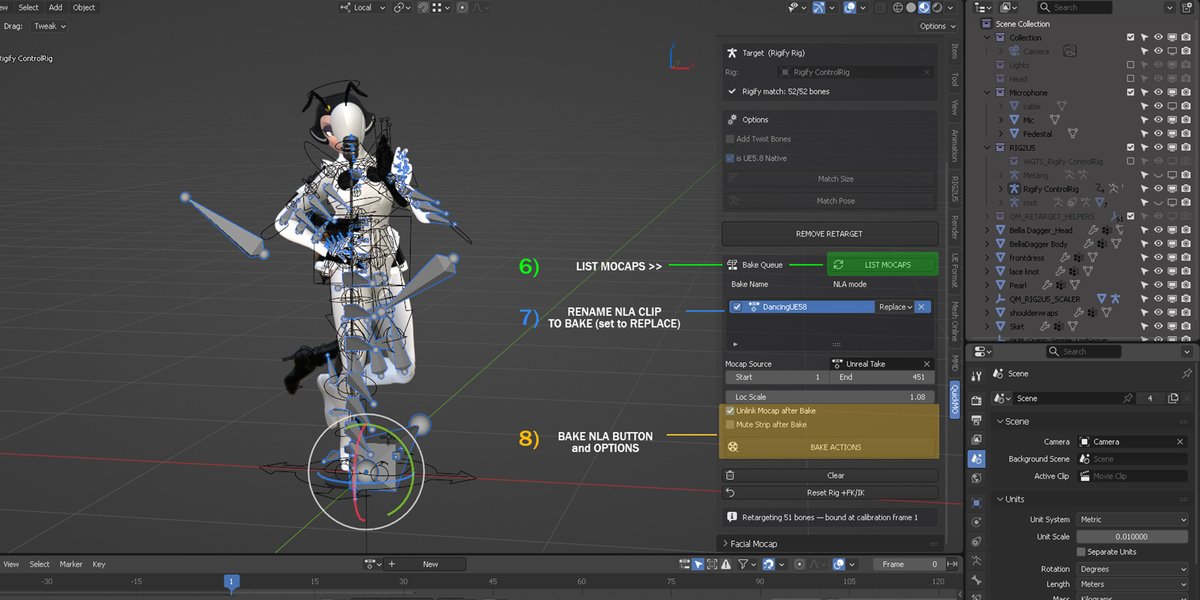
- BAKE ACTIONS — bakes the retargeted motion to actions in the Bake Queue section (press LIST MOCAPS first to populate it; each row lets you set Bake Name, in/out frame, and NLA mode)
- Clear — resets the panel and releases the rig for a fresh retarget
- Reset Rig +FK/IK — restores the target rig's default pose and IK/FK state if needed
6. Facial Mocap (separate panel)
- Source (Mocap Face) / Target (Your Face) — pick the source and target face mesh with the 51 Arkit blendshape keys
- Bake As — output action name
- BAKE FACE MOCAP — bakes the shape-key animation
$35
 Included
Includes 12 months of
- Support from 3dcinetv
- Product updates
Extend this product’s Support Period +12 months: 50% of product price
Have questions before purchasing?
Login to message
| Blender Extension Compatible | Yes |
| Dev Fund Contributor | |
| Published | 1 day ago |
| Blender Version | 4.3 - 5.2 |
| Extension Type | Add-on |
| Render Engine Used | Cycles, Eevee |
| License | GPL |
Discover more products like this
motion capture quickmagic rig unreal engine retarget Mixamo Compatible animation-baking mocap rigify unreal engine mocap vmd mocap retargeting rig2u5