 pl_workshop
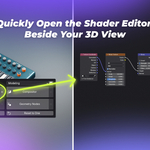
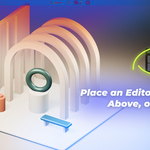
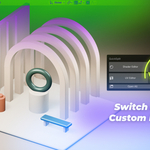
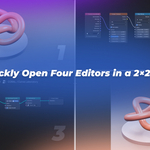
Split your view.
Build your layout.
An add-on for splitting and arranging editor areas in Blender.
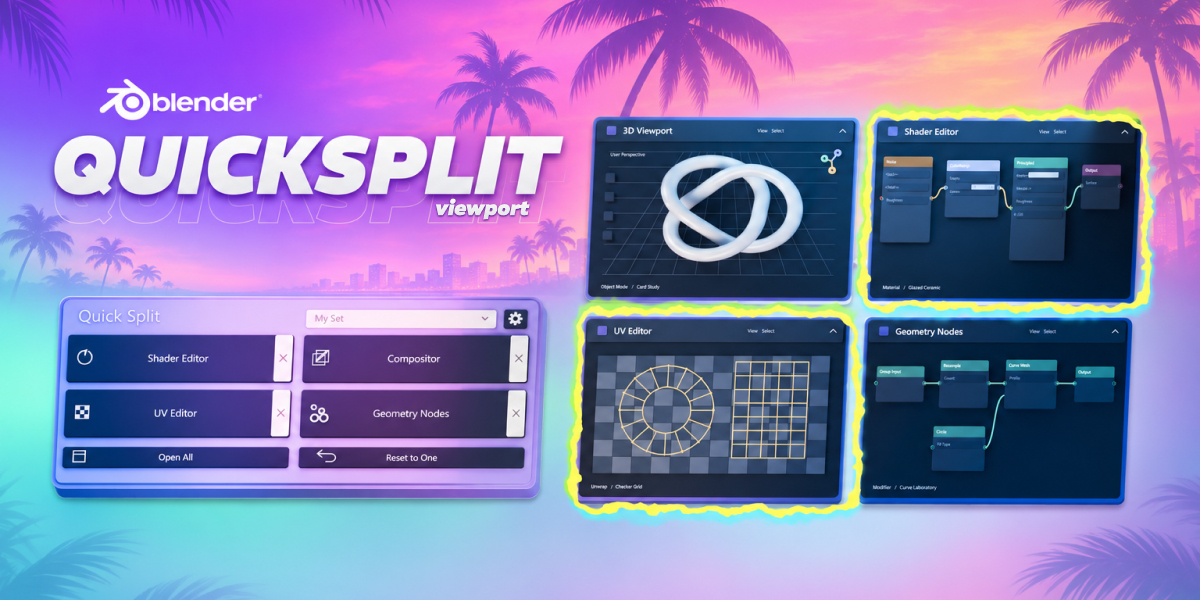
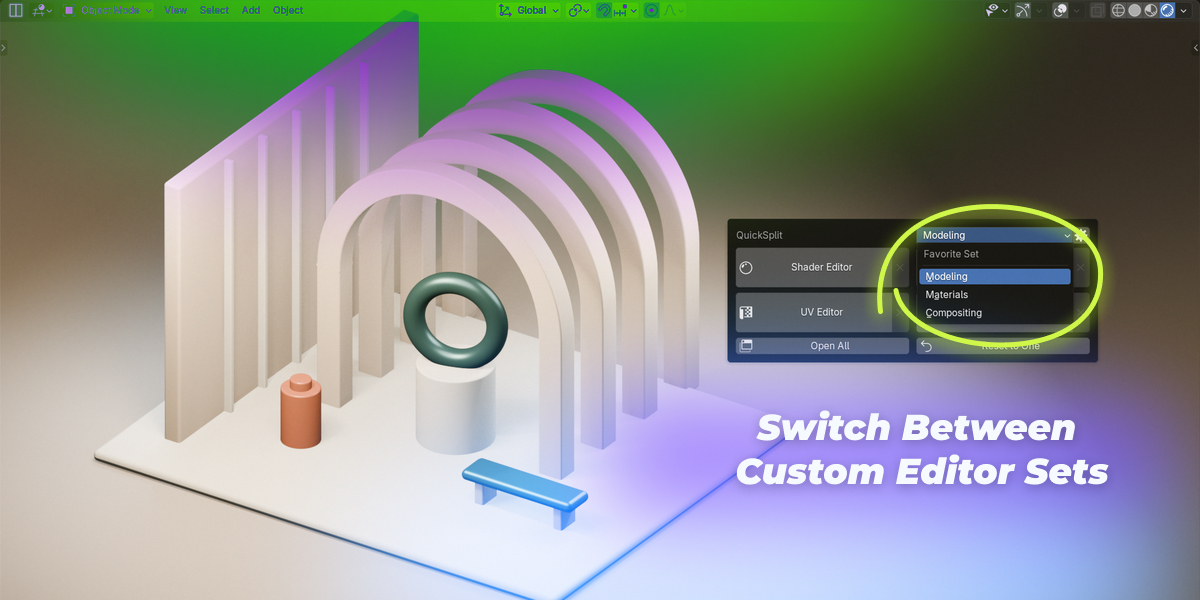
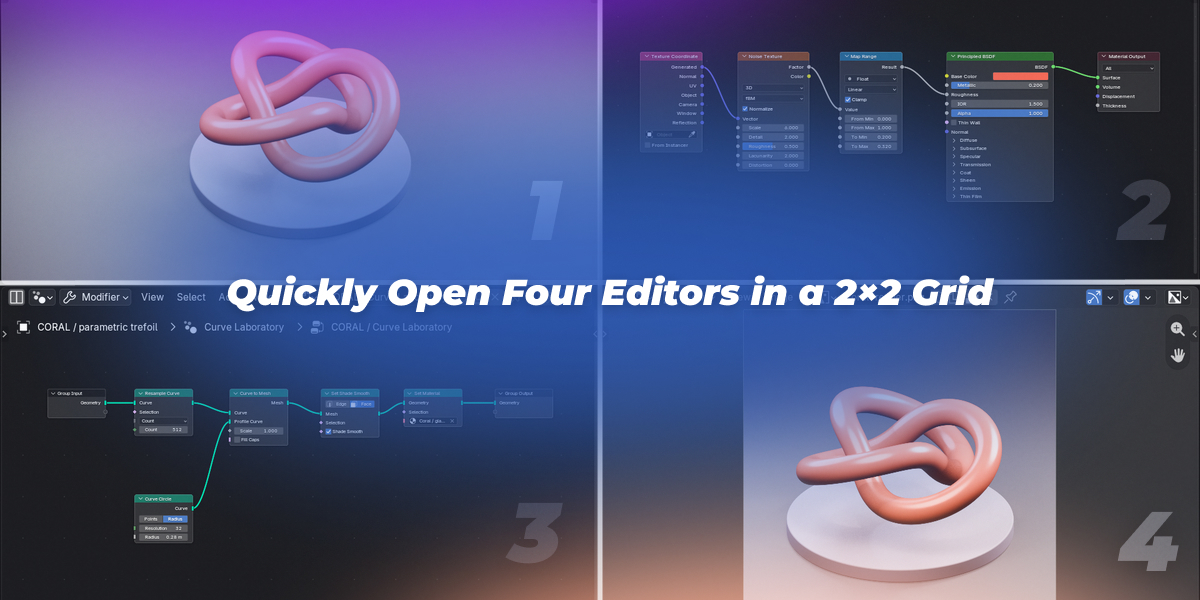
QuickSplit makes it easy to open additional Blender editors wherever you need them: left, right, above or below your current view. Open a favorite editor set or return to a single 3D Viewport for a faster, smoother workflow.
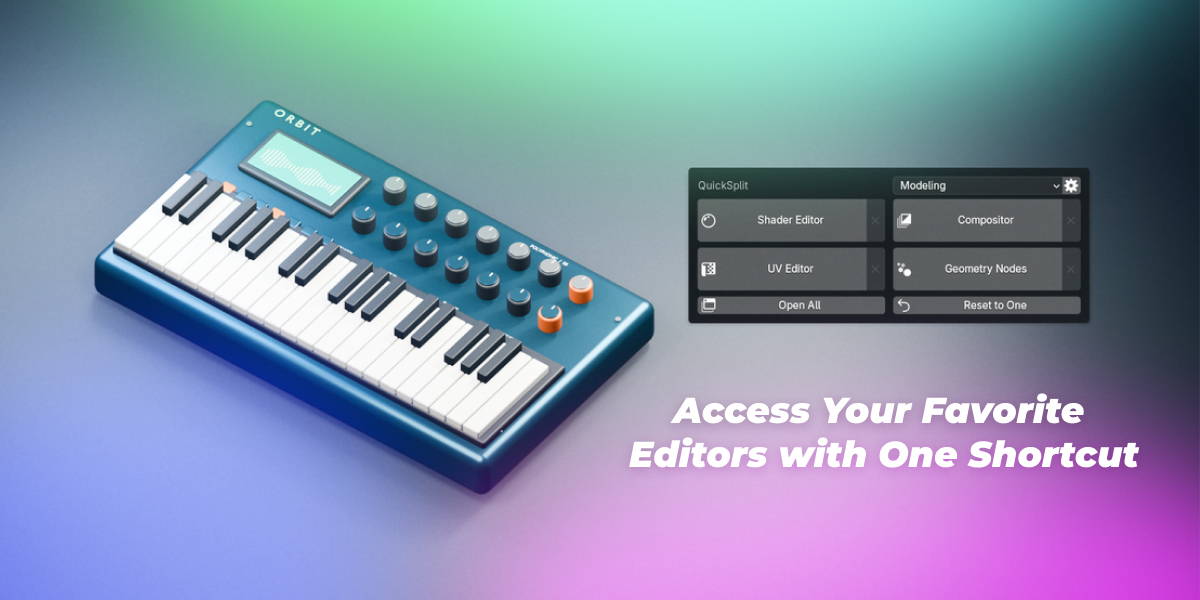
Ctrl + Shift + W Customizable shortcut
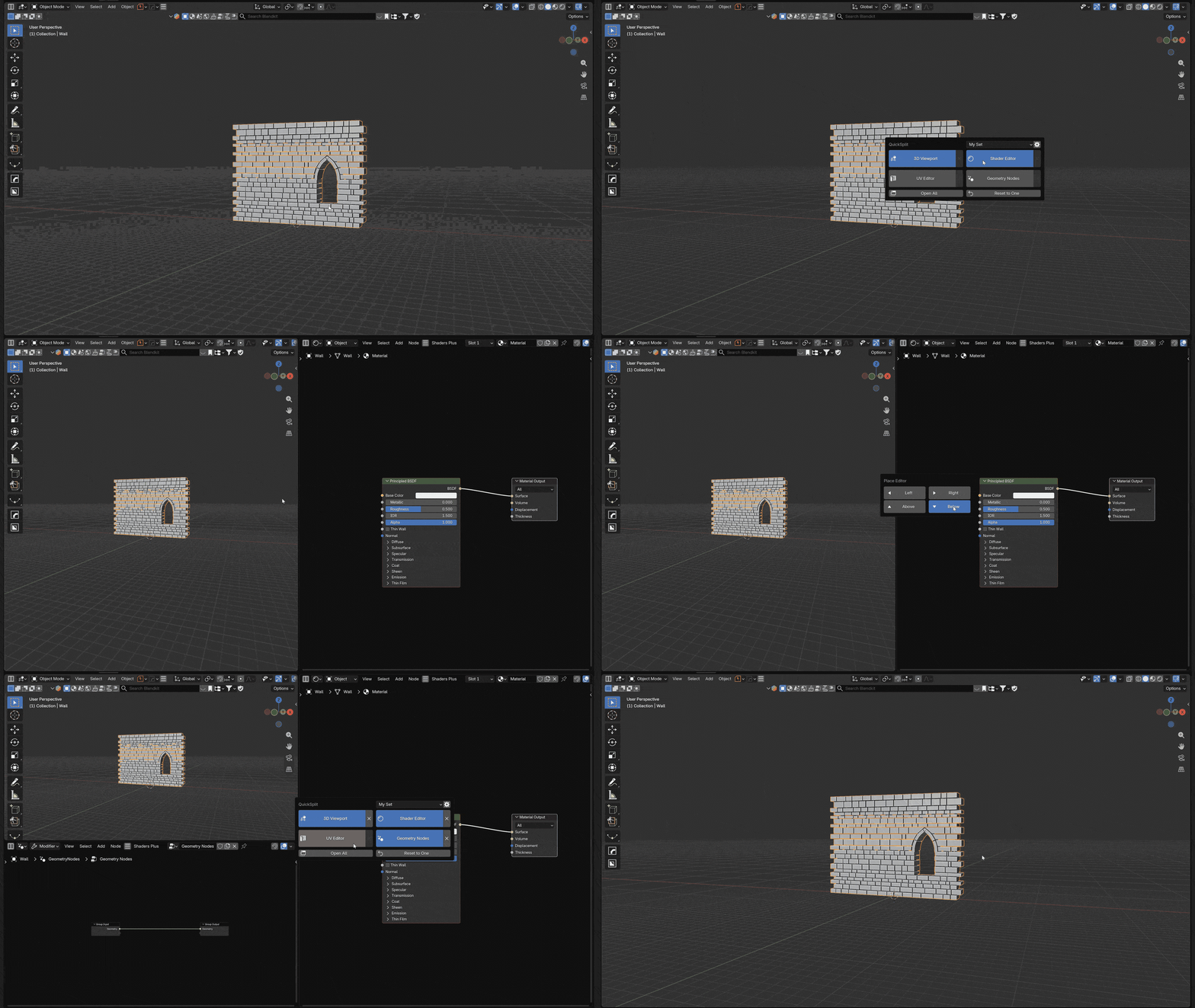
How it works
-
Open QuickSplit
Use the shortcut over an editor.
-
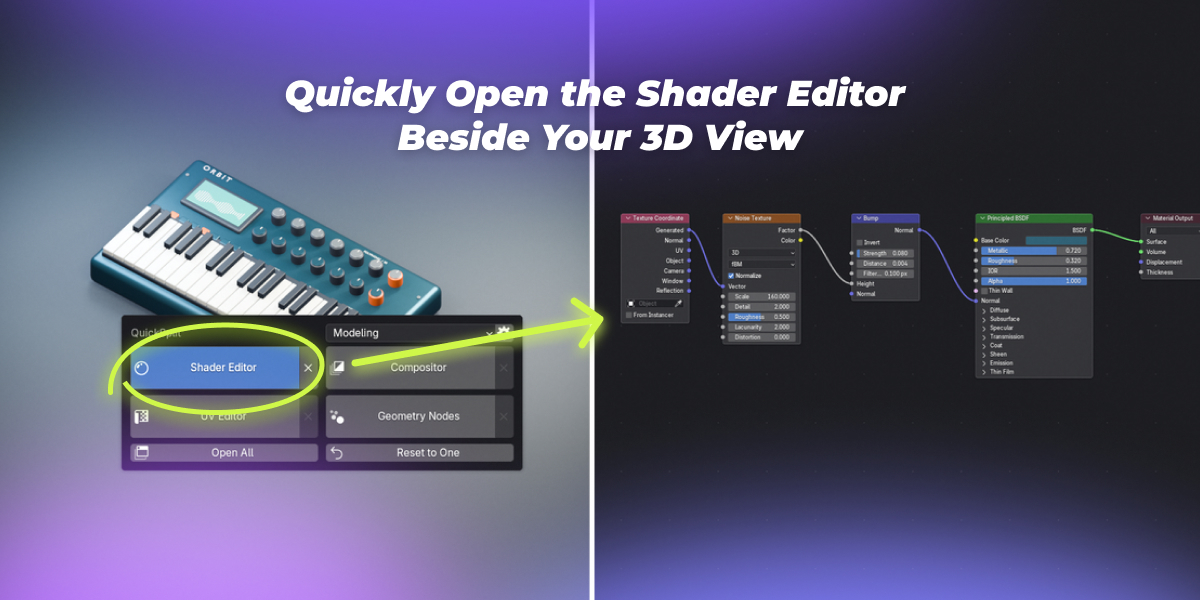
Choose an editor
Click one of your assigned buttons.
-
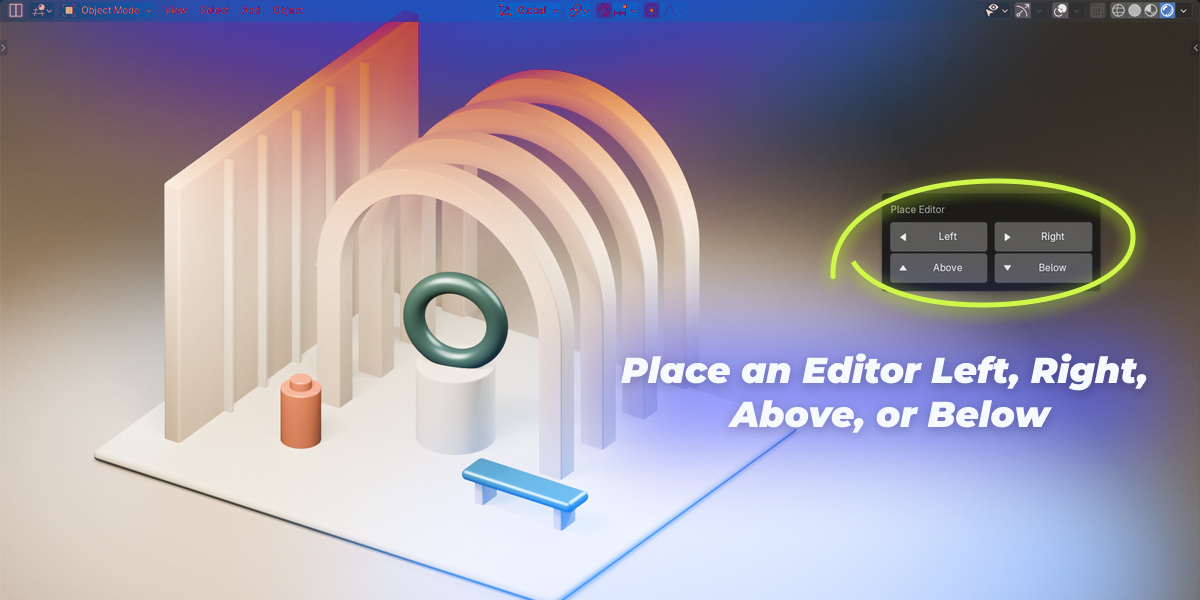
Pick a side
Left, right, above or below.
What QuickSplit does
| Action | What happens |
|---|---|
| Split | Open an editor left, right, above or below. Each split is 50/50; use up to four areas per zone. |
| Sets | Save three sets of four editor buttons. Leave unused buttons Empty. |
| Open All | Open the assigned editors together. Four form a 2×2 grid; empty buttons are skipped. |
| Close | Click X to close the linked area. Neighboring editors fill the space. |
| Reset | Return the zone to one 3D Viewport. Areas outside it keep their layout. |
Installation
Install & get started
- Install the add-on
Open Edit → Preferences → Get Extensions. From the top-right menu, choose Install from Disk, select the ZIP and enable QuickSplit.
- Open QuickSplit
Hover over an editor and press Ctrl + Shift + W. Use the gear icon to assign your favorite editors.
Open All — open the assigned editors in the current set.
Reset to One — return the zone to a single 3D Viewport.
Compatibility and behavior
Frequently asked questions.
Is this a workspace switcher?
QuickSplit adds individual editors inside your current working area. It does not embed or switch an entire workspace.
How many editors can I open?
Up to four areas per QuickSplit zone, including the original. An existing Timeline, Outliner or Properties area outside that zone does not count toward the limit.
Can I keep the 3D Viewport when using Open All?
Yes. Assign 3D Viewport to one of the four buttons. Open All uses the assigned editors only and does not add an extra viewport.
Which Blender versions and systems are supported?
The extension requires Blender 5.0+
QuickSplit
