QuickSplit
 pl_workshop
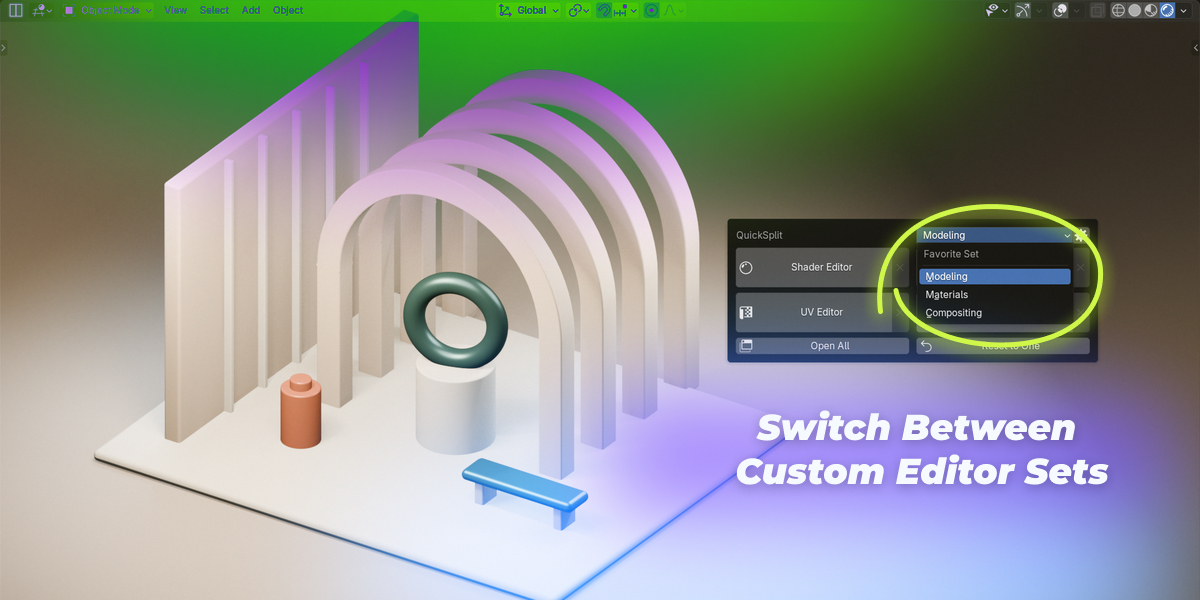
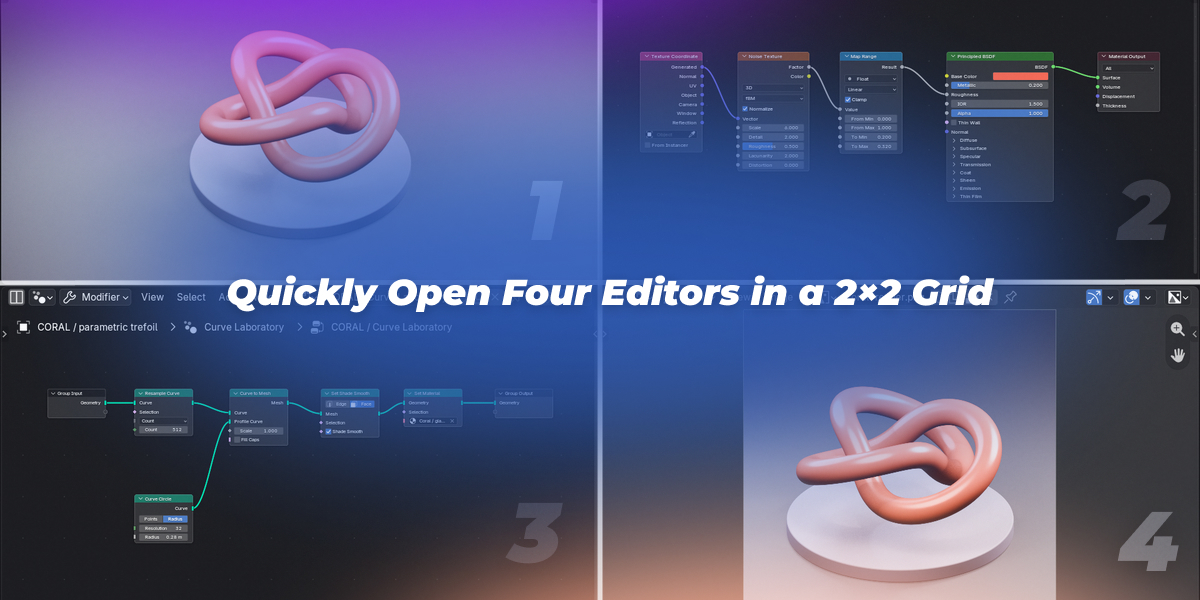
Is this a workspace switcher?
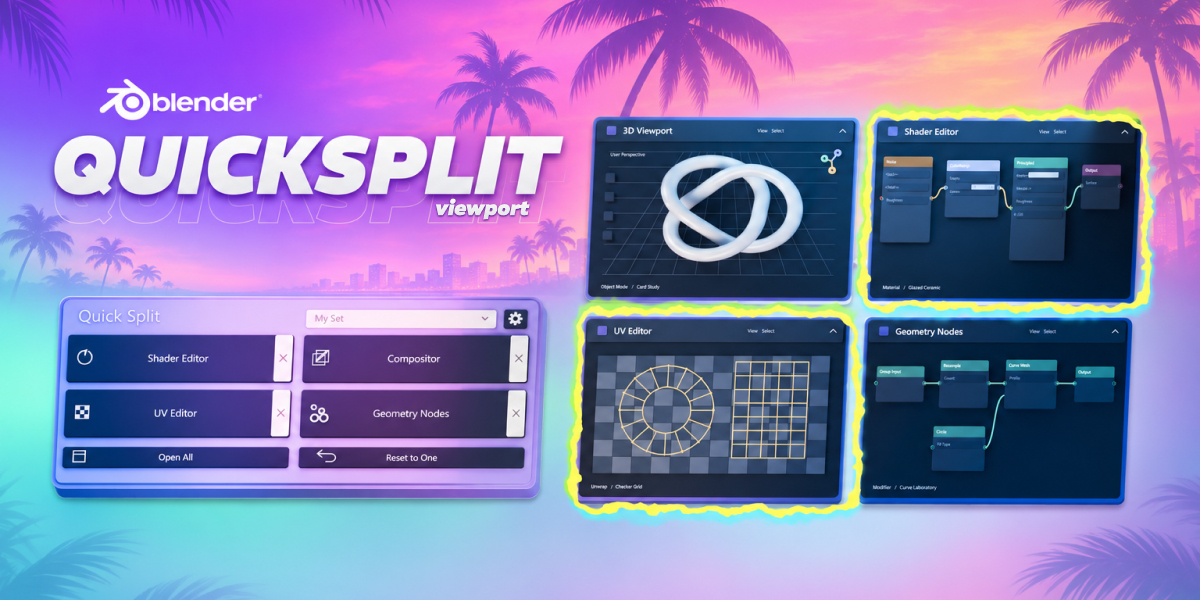
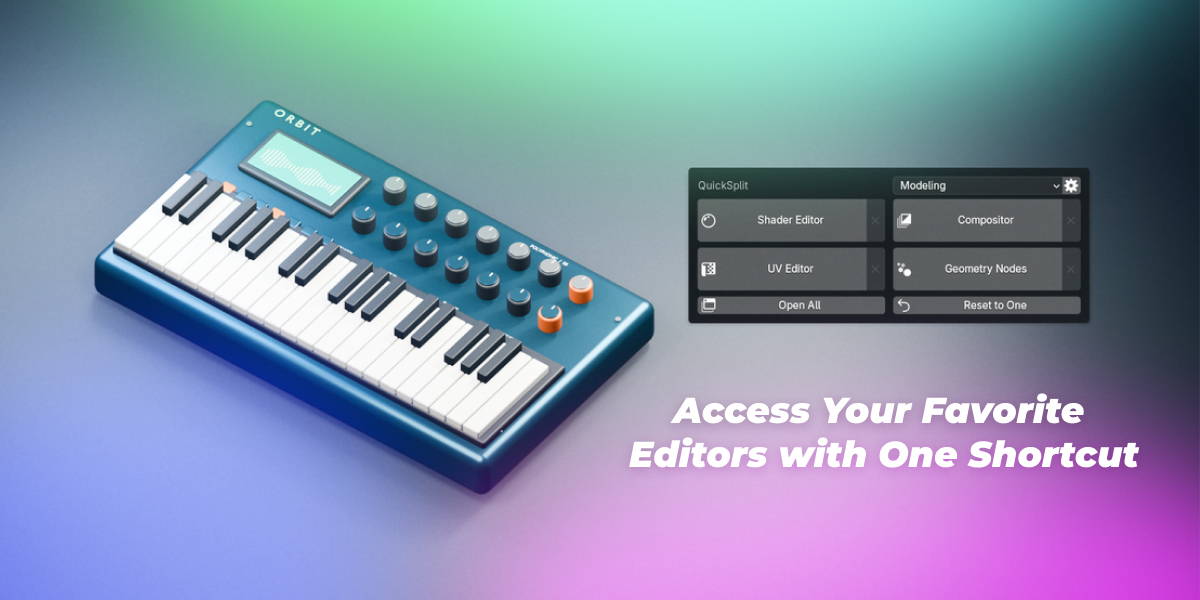
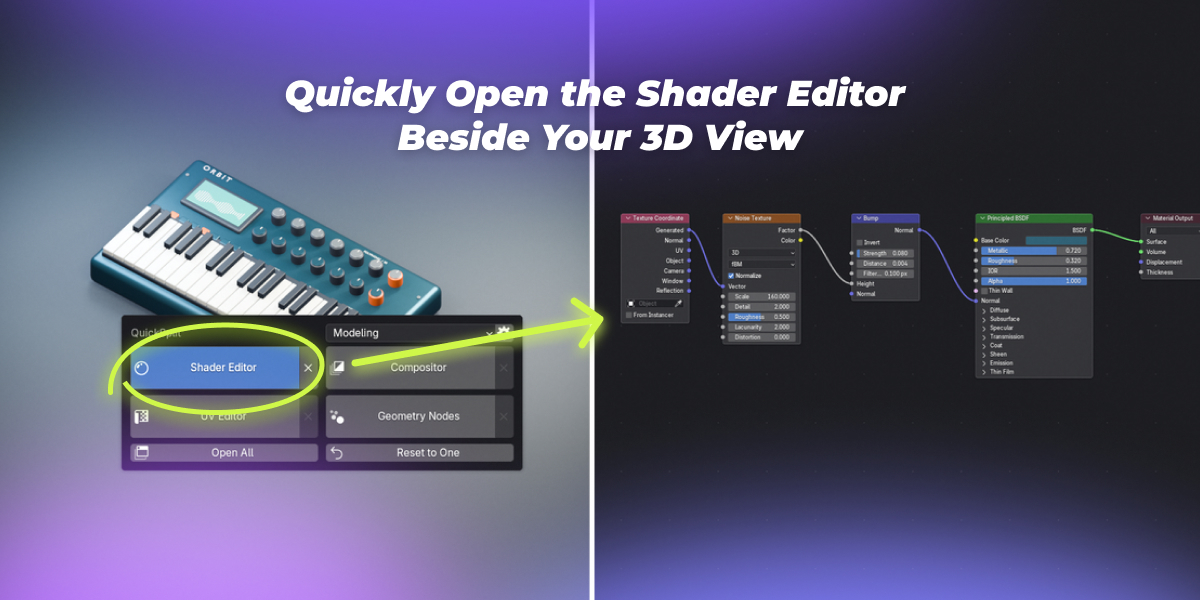
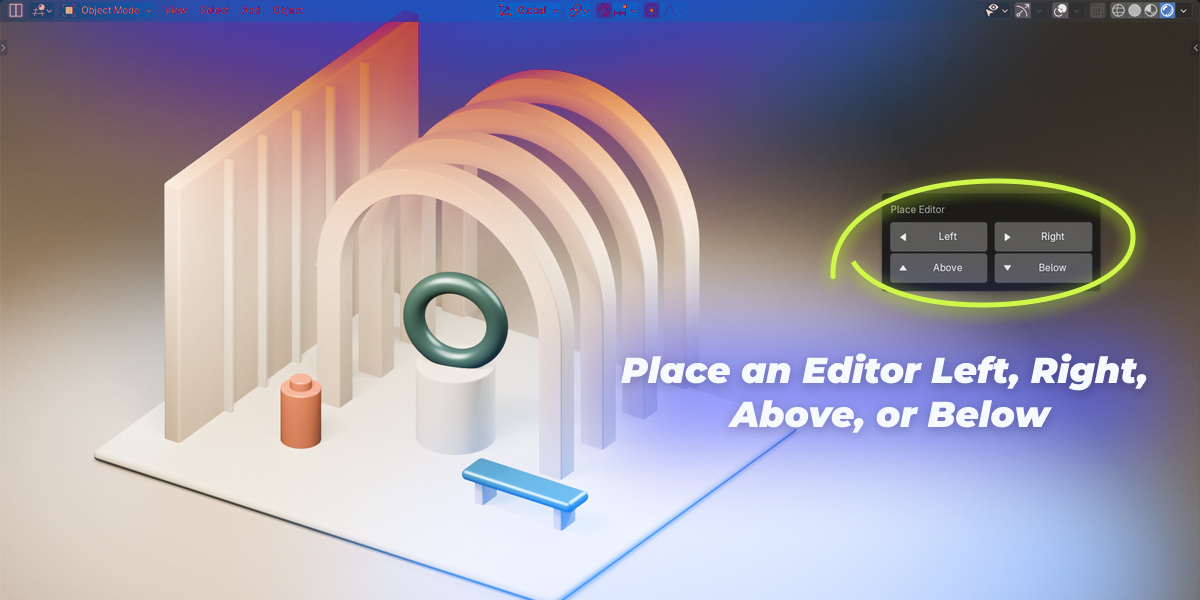
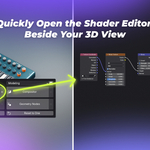
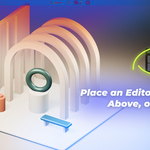
QuickSplit adds individual editors inside your current working area. It does not embed or switch an entire workspace.
How many editors can I open?
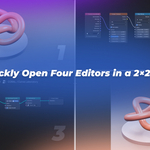
Up to four areas per QuickSplit zone, including the original. An existing Timeline, Outliner or Properties area outside that zone does not count toward the limit.
Can I keep the 3D Viewport when using Open All?
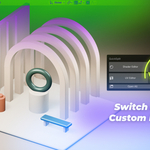
Yes. Assign 3D Viewport to one of the four buttons. Open All uses the assigned editors only and does not add an extra viewport.
Can buttons be empty or use the same editor twice?
Yes. Empty buttons are inactive and skipped by Open All. Repeated editor types are supported, and each X targets its linked area.
Can I close editors in any order?
Yes, in layouts created with QuickSplit. Click the X beside the editor you want to remove; neighboring editors expand to fill its space. The final area is kept.
Will it change my scene or my other panels?
QuickSplit changes editor layout, not geometry, materials or animation data. Areas outside its zone keep their layout. Reset to One returns the zone to a 3D Viewport.
Which Blender versions and systems are supported?
The extension requires Blender 5.0+
 Included
Includes 12 months of
- Support from pl_workshop
- Product updates
Extend this product’s Support Period +12 months: 100% of product price
Have questions before purchasing?
Login to message
| Blender Extension Compatible | Yes |
| Published | about 6 hours ago |
| Blender Version | 5.0 - 5.3 |
| Extension Type | Add-on |
| Render Engine Used | Arnold, Blender-Internal, Blender-Game-Engine, Cycles, Eevee, Freestyle, Luxrender, Mental-Ray, Octane, Vray |
| License | GPL |
Discover more products like this
compositor layout shader editor split screen interface shortcuts geometry nodes Workflow editors productivity asset-browser viewport