 ArtTalentStudio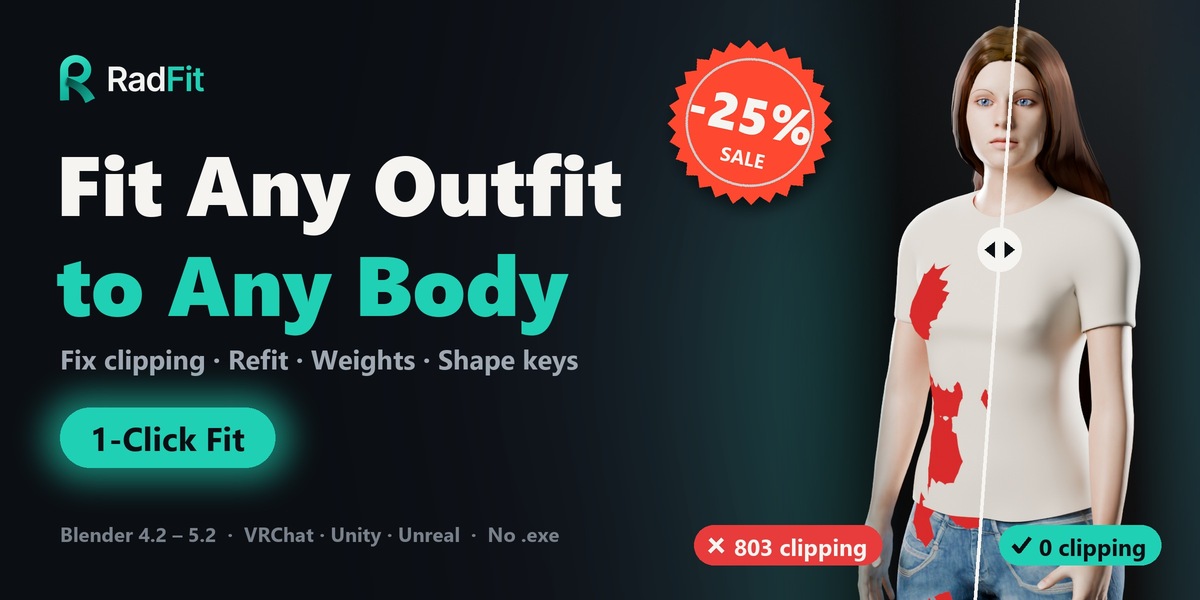

Fit Any Outfit to Any Body
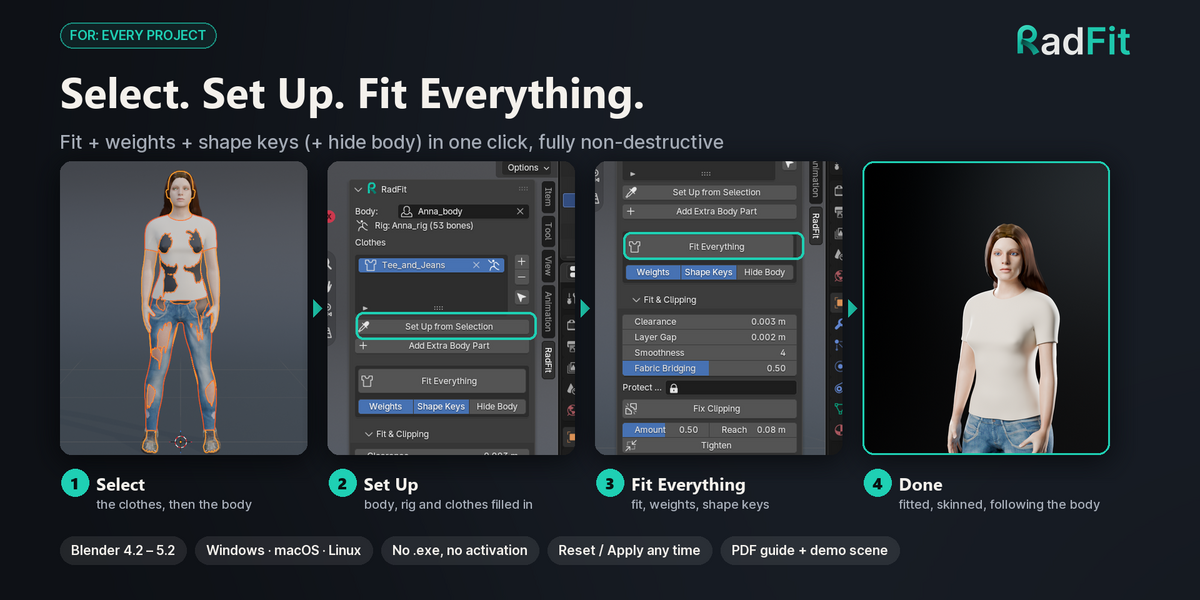
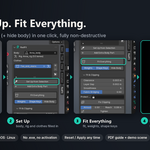
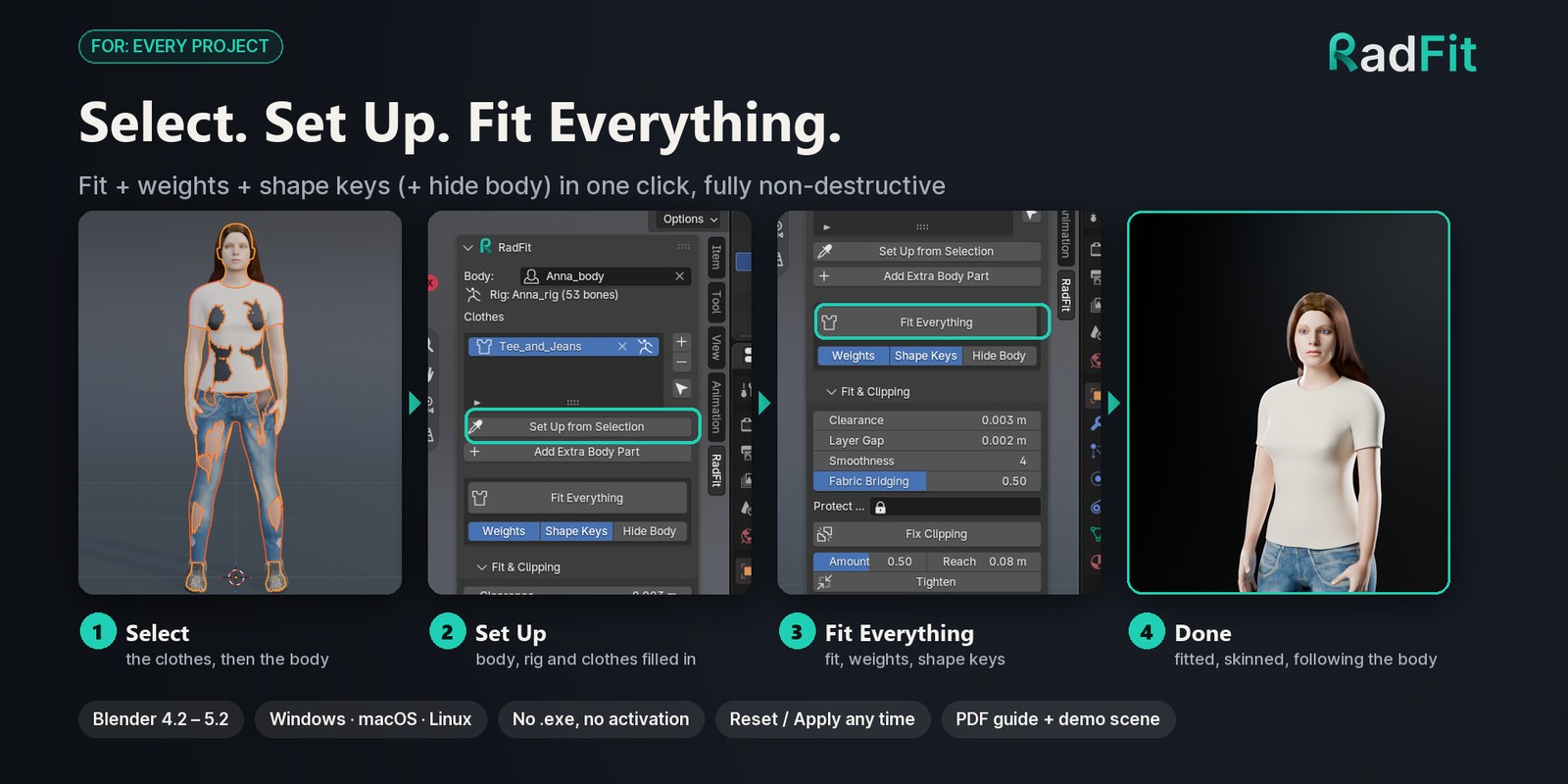
Fix clipping, move outfits to other bodies and rigs, skin them and make them follow shape keys. Select the clothes, Shift-click the body, press Fit Everything.
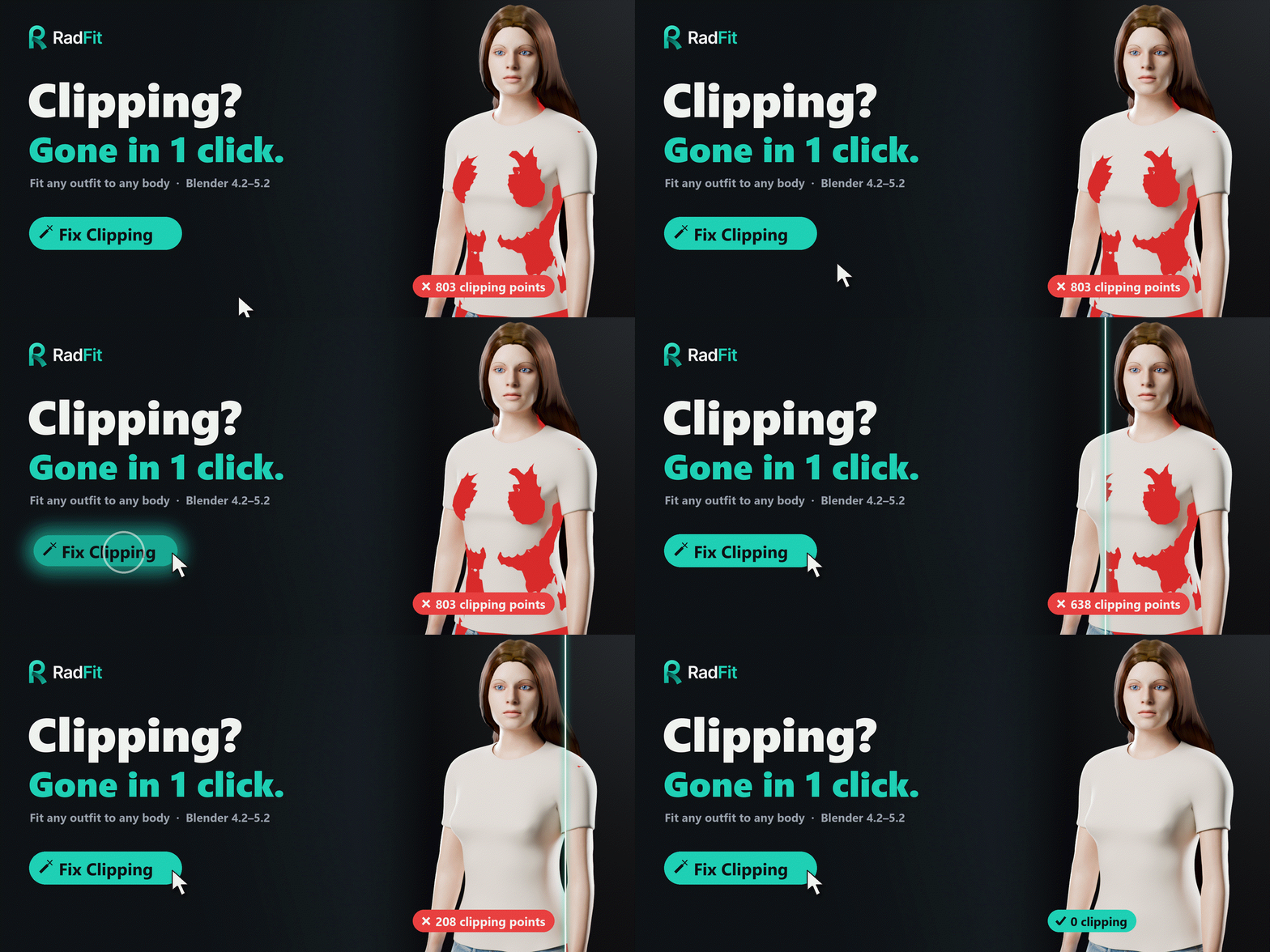
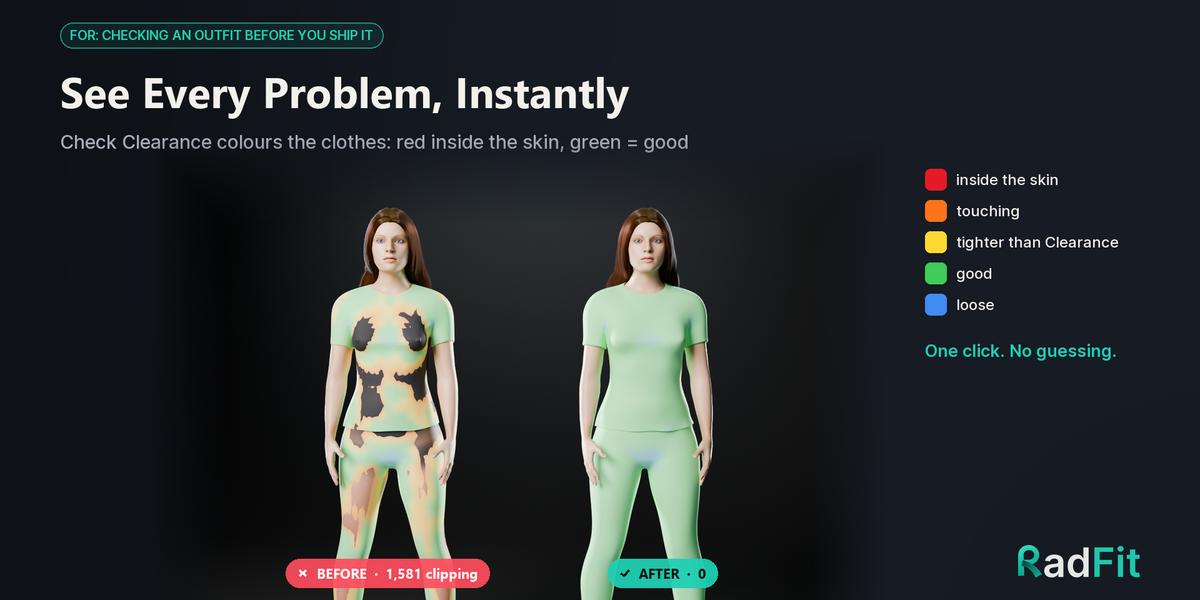
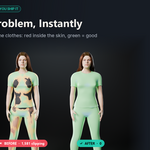
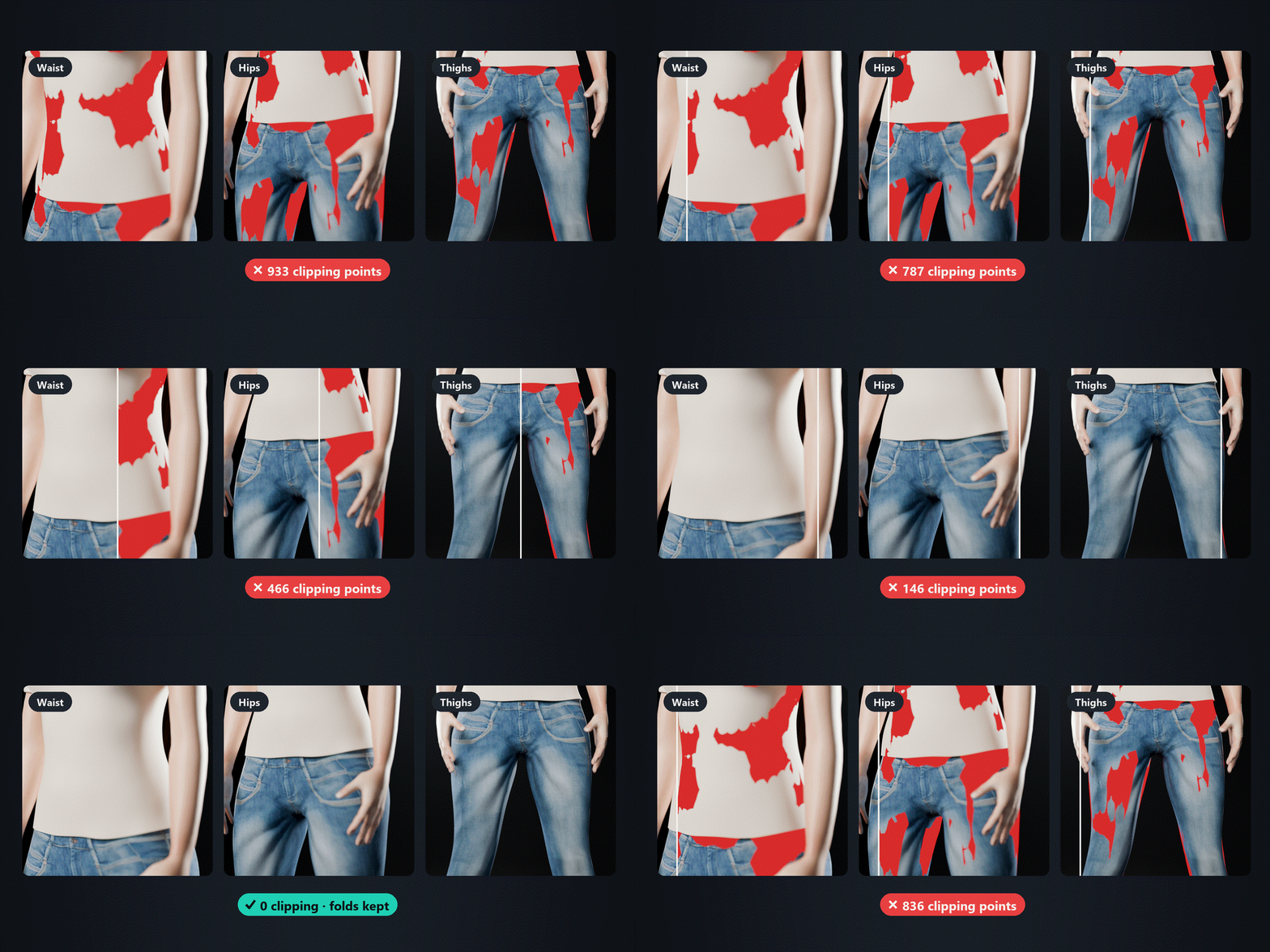
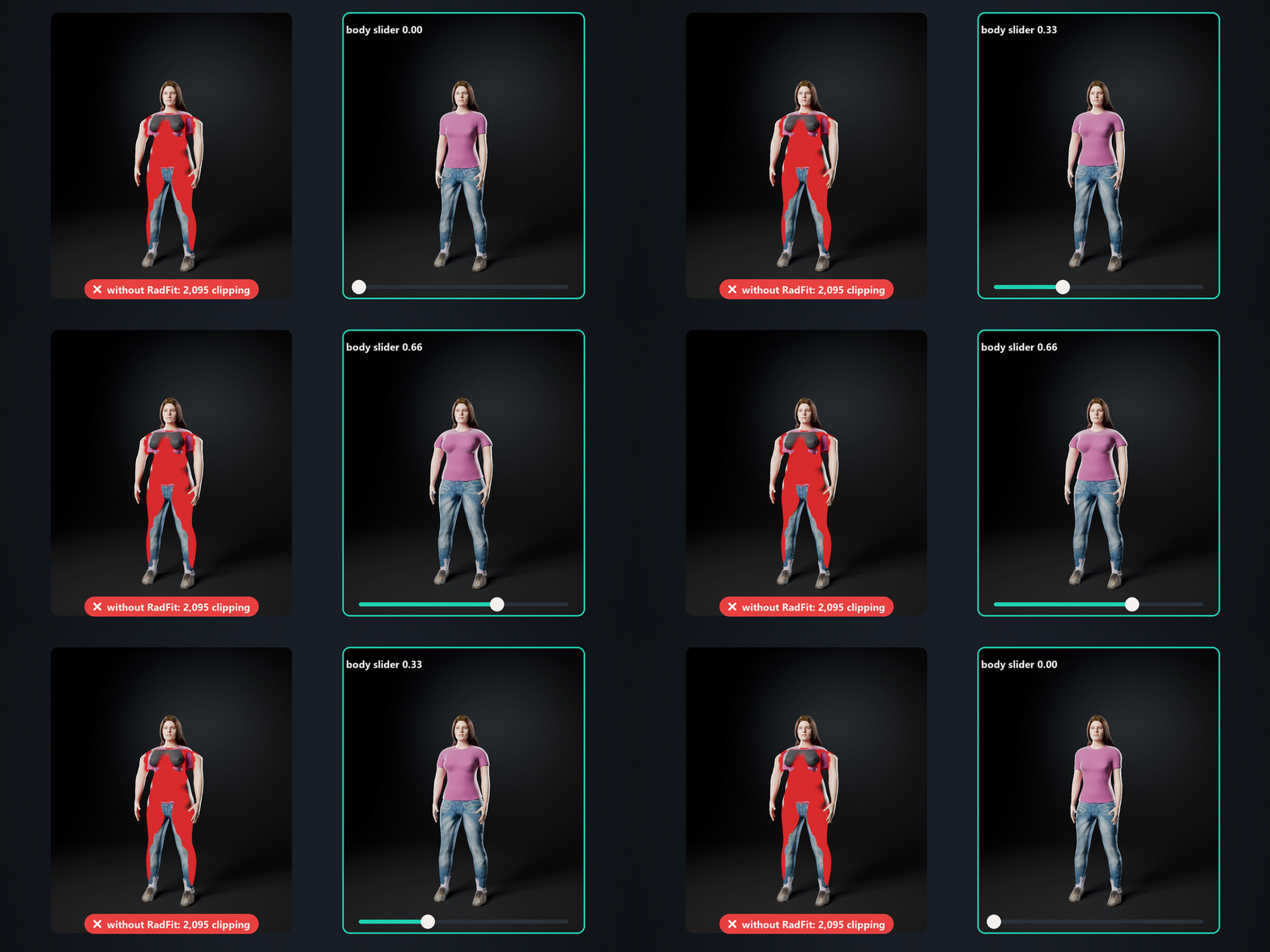
1,581 → 0
clipping points, tee + jeans
|
3–4 s
per refit to a new body
|
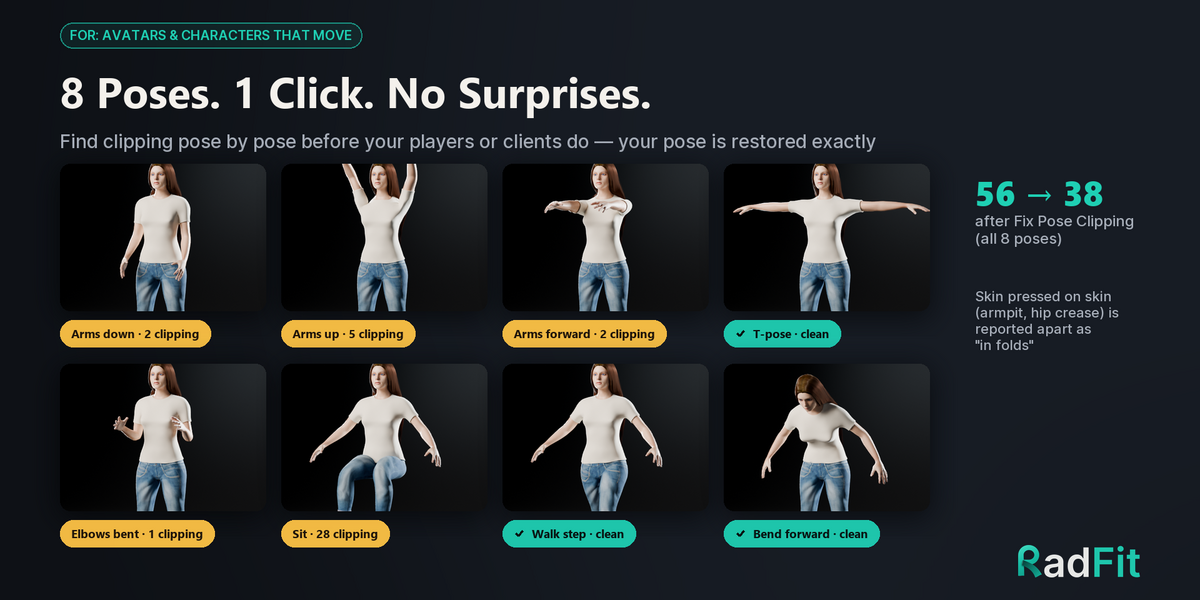
8 poses
checked in one click
|
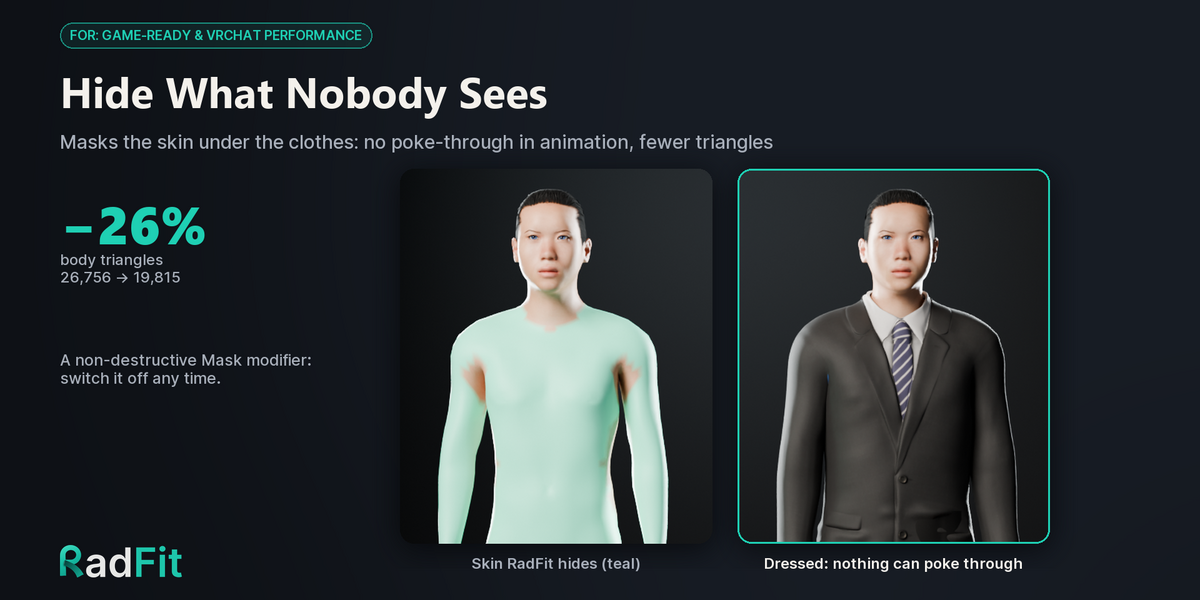
–26%
triangles under the clothes
|
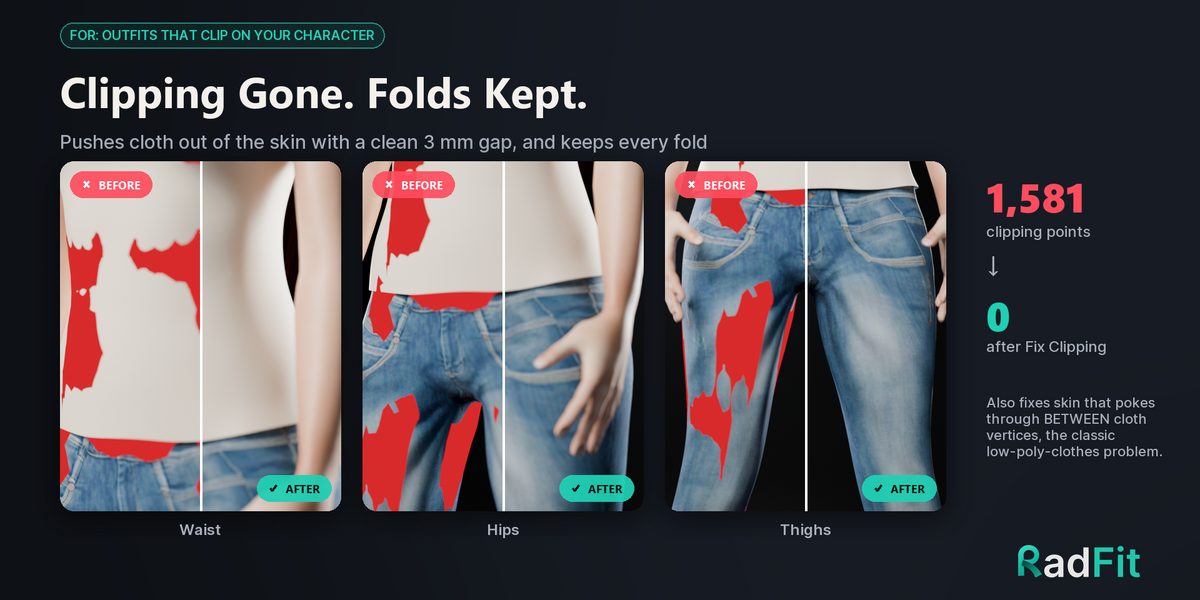
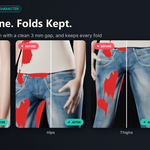
Clipping gone. Folds kept.
Pushes the clothes out of the skin with a small, even gap (3 mm by default) and keeps every fold. It also fixes skin that pokes through between cloth vertices, the classic problem of low-poly clothes on a high-poly body.
| ✓ | Protect Group keeps straps, buttons and belts exactly where they are. |
| ✓ | Works on split UV-seam game clothes, thick double-shell cloth, pockets and patches. |
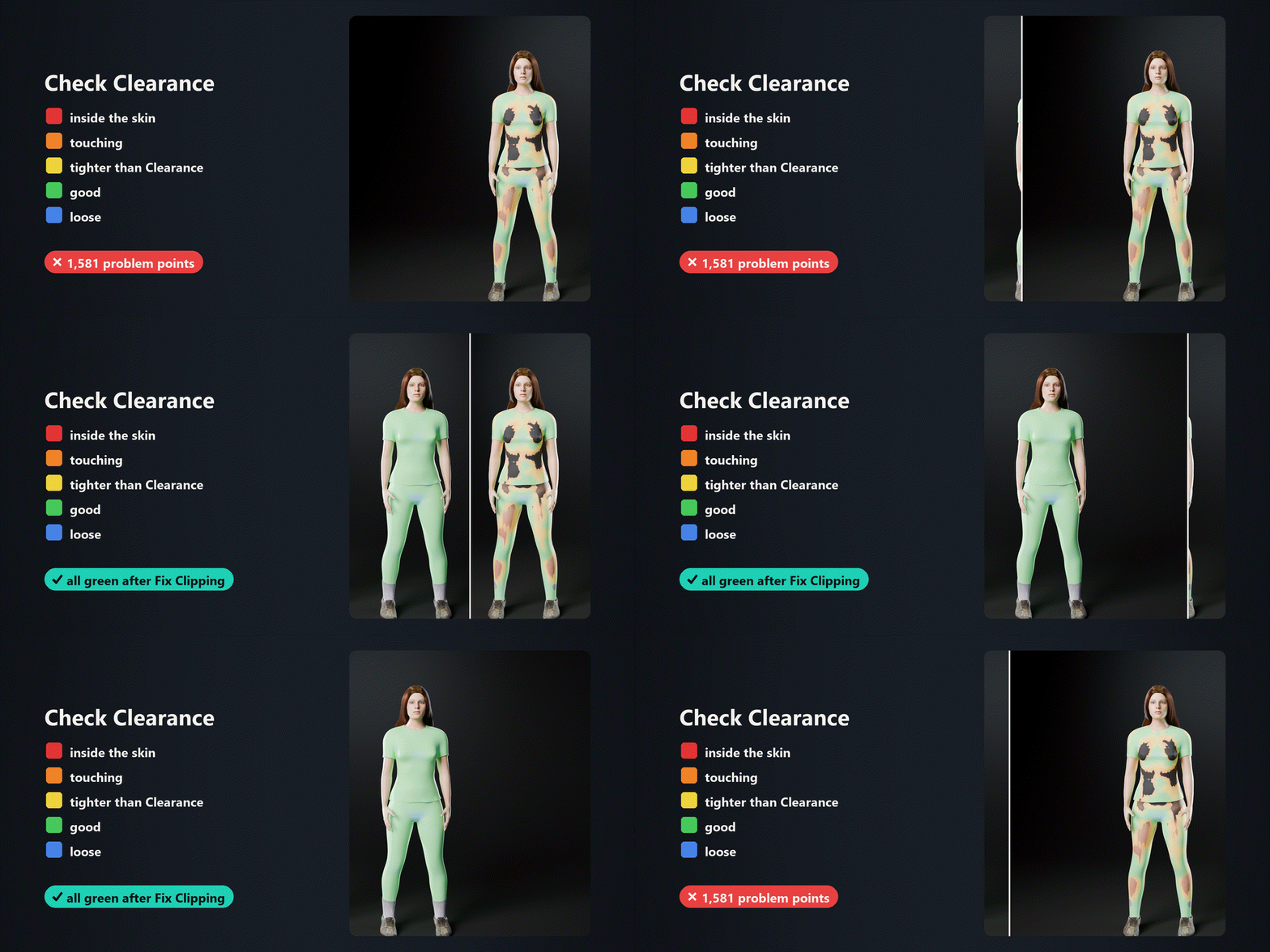
No guessing where it clips.
Colours the whole outfit by how close it sits to the skin: red inside, orange touching, green fine, blue loose. One more click fixes every red spot.
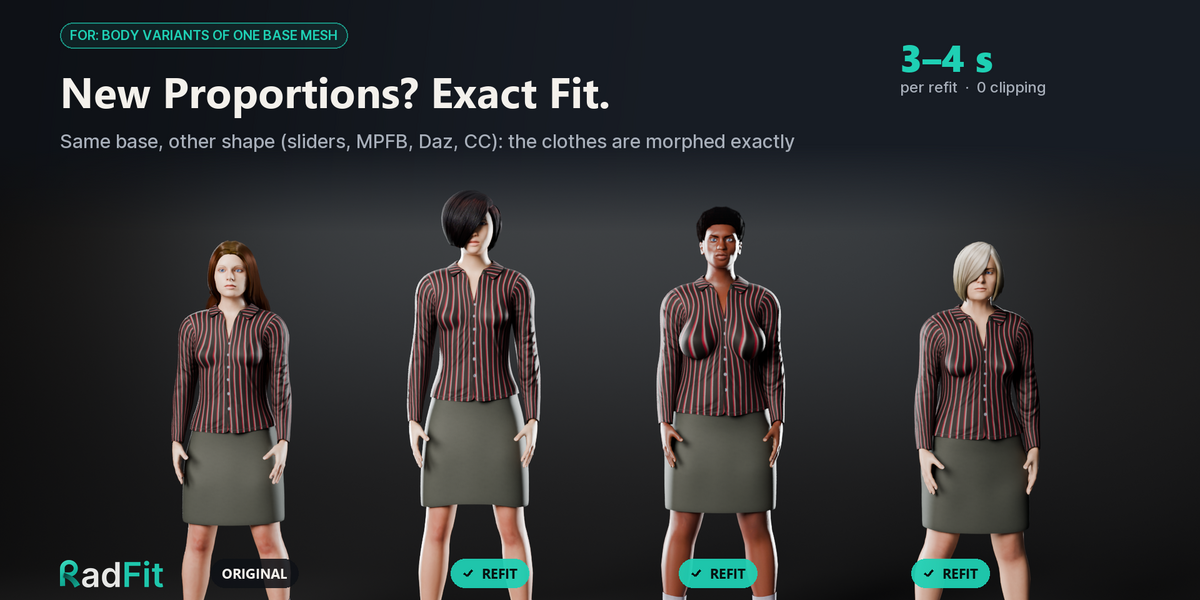
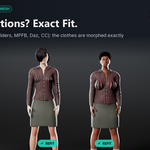
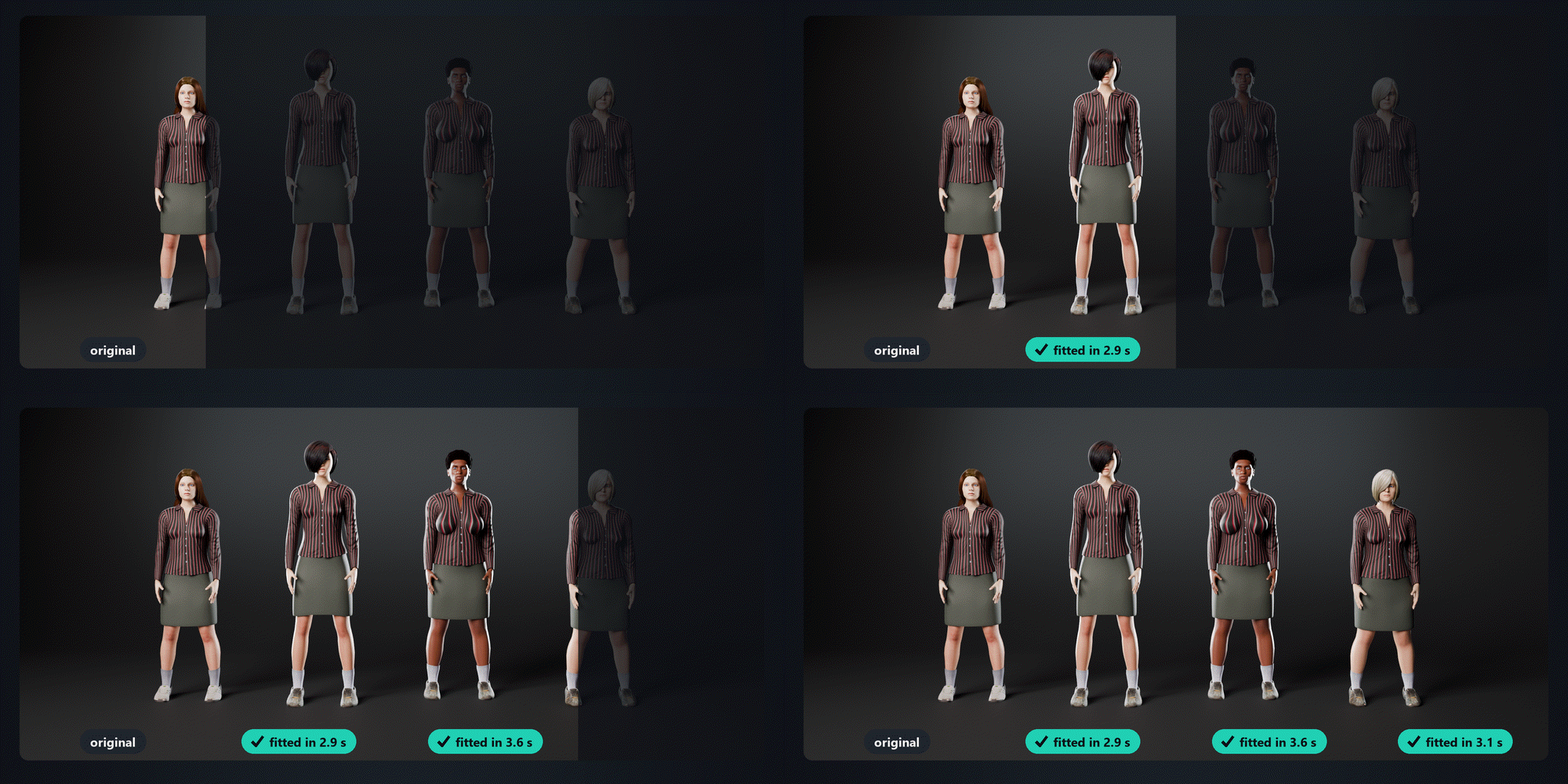
New proportions, exact fit.
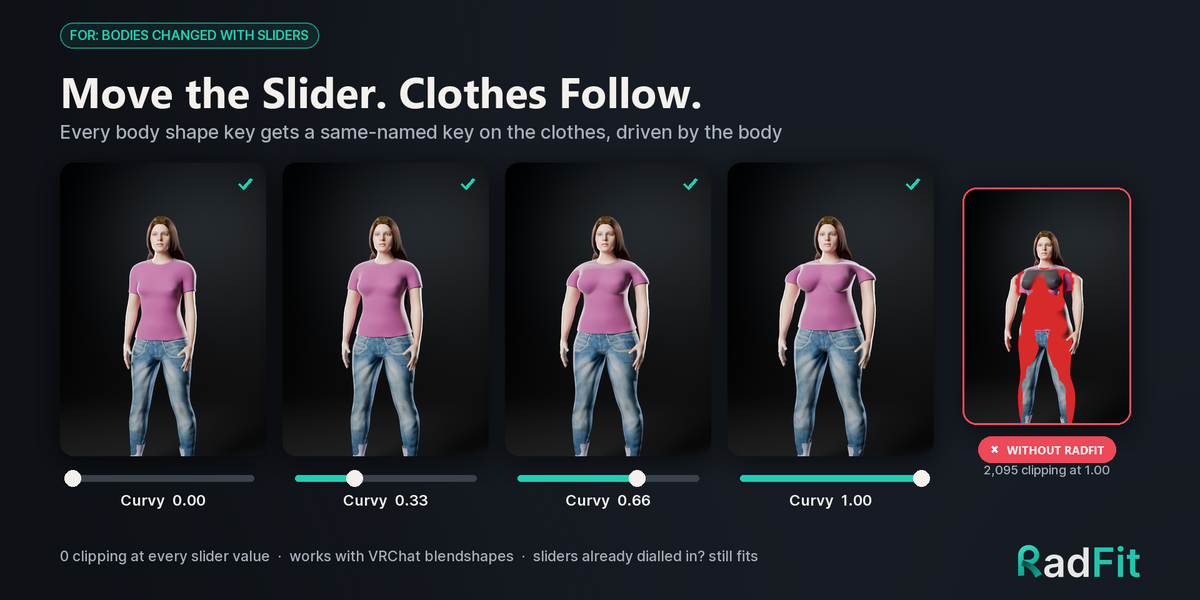
Shape-key bodies, MPFB, Human Generator, Daz or CC morphs of the same base: RadFit morphs the outfit exactly, in about three seconds per body.
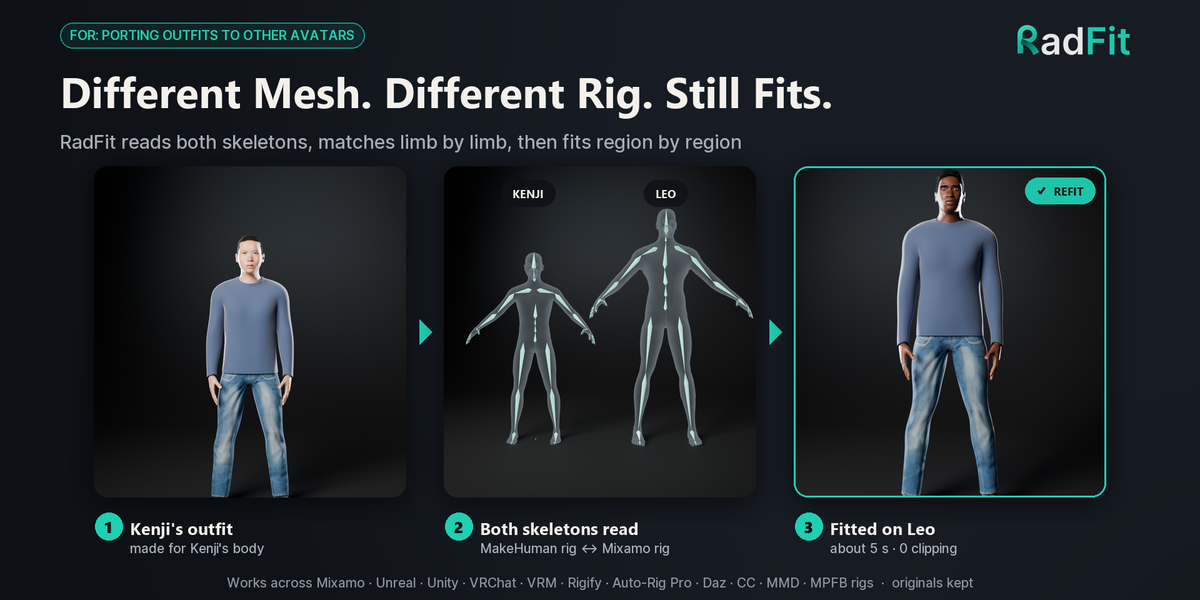
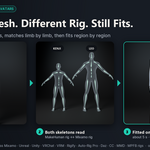
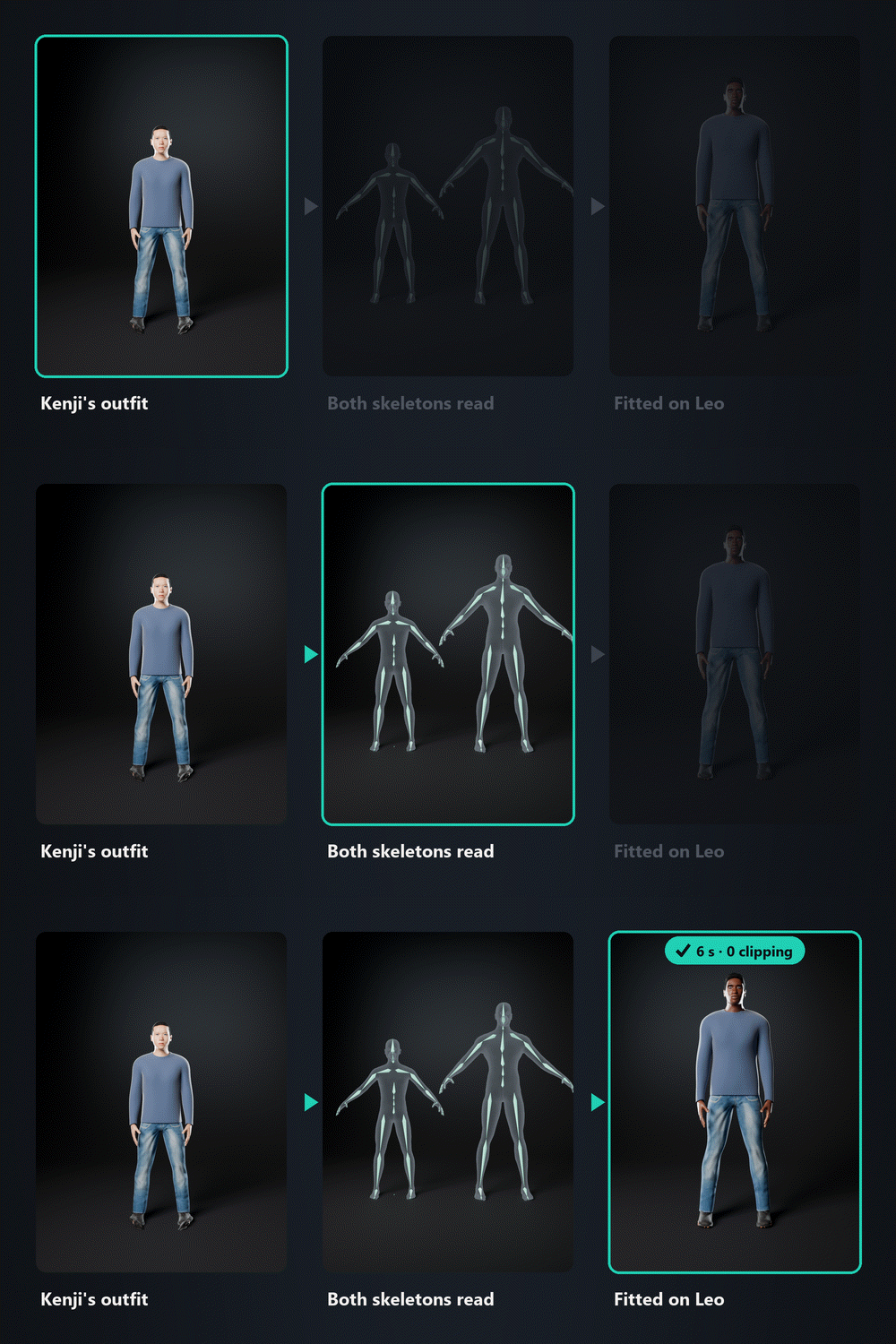
Different mesh. Different rig. Still fits.
RadFit reads both skeletons, lines the bodies up limb by limb and fits region by region, so an arm never ends up stuck to the torso.
| ✓ | Unreal, Unity, VRChat, VRM, Mixamo, Rigify, Auto-Rig Pro, Daz, CC, MMD and MPFB rigs, read by structure. |
| ✓ | A-pose or T-pose, any facing direction. Your originals stay untouched. |
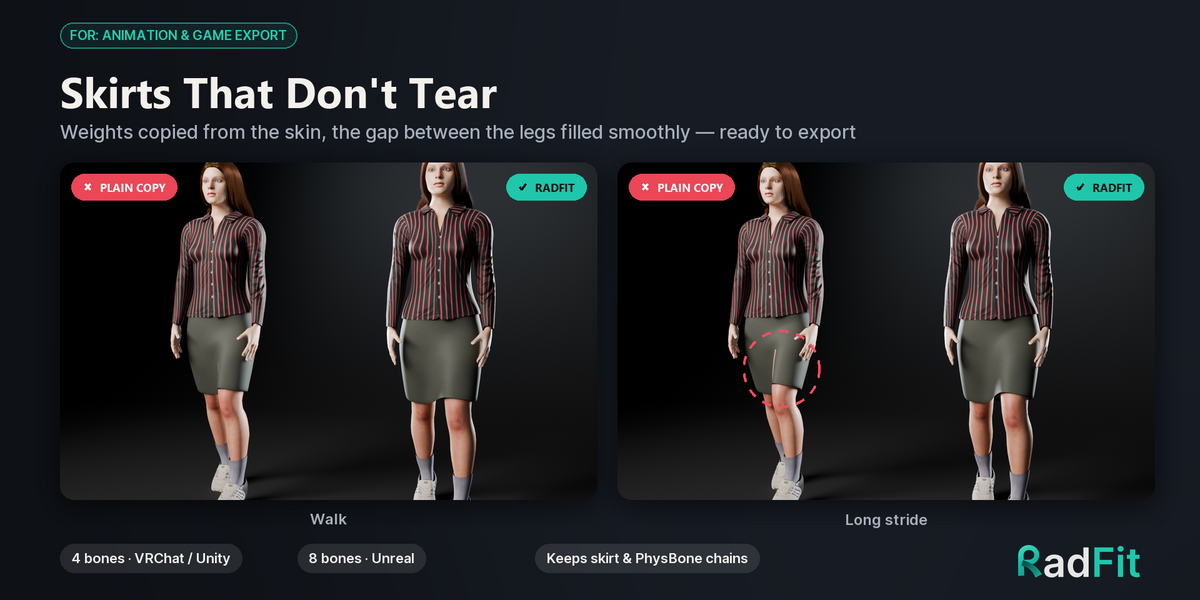
Skirts that don't tear.
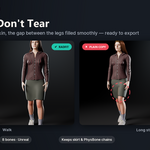
Copies the body's weights where the cloth lies on the skin and fills skirts, hoods, collars and capes smoothly instead of splitting them between the legs.
| ✓ | 4 bones per vertex for VRChat and Unity, 8 for Unreal. Normalised, ready to export. |
| ✓ | Keeps the garment's own bones: skirt, cape, hair and PhysBone chains. |
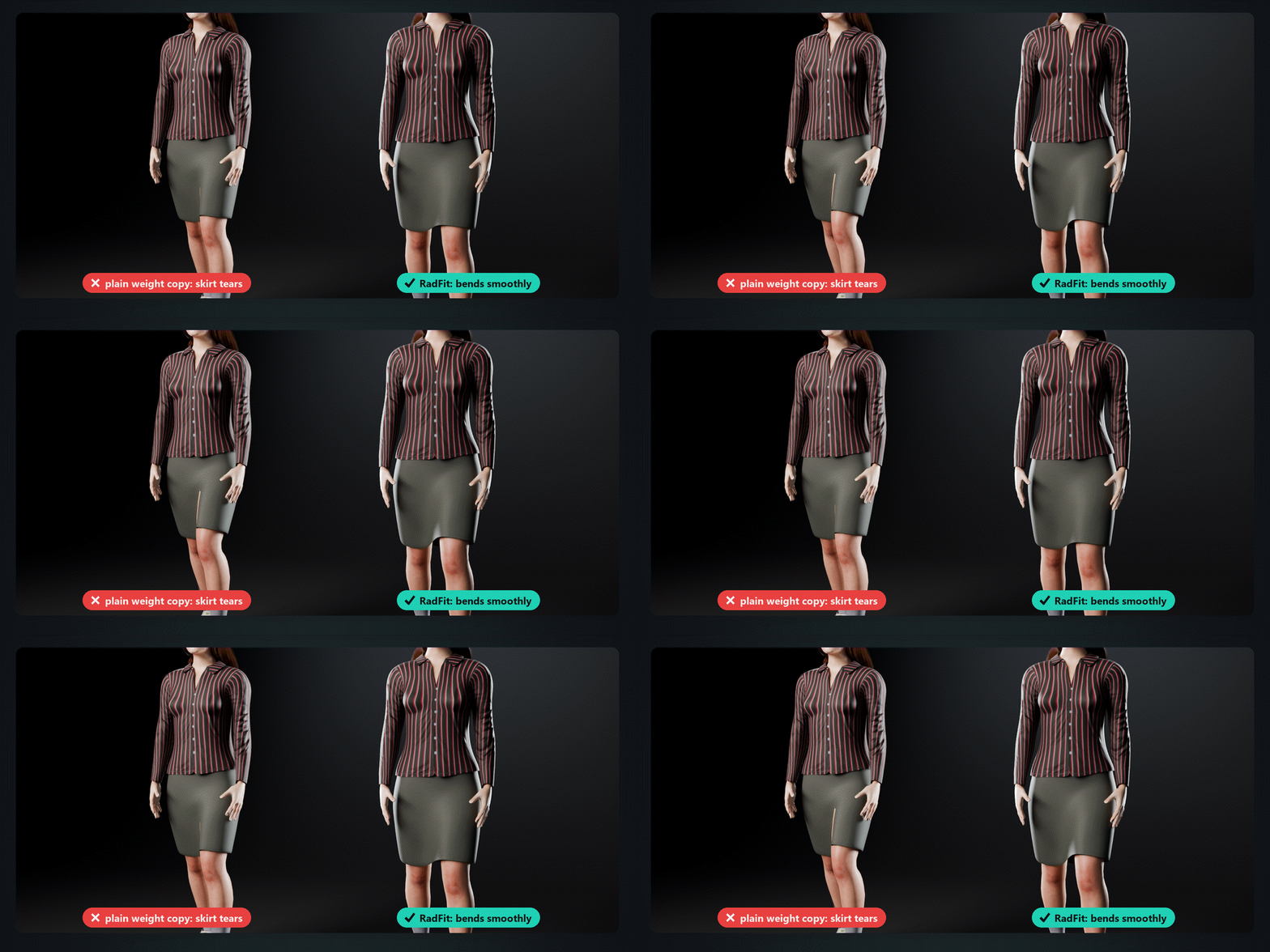
Move the slider. The clothes follow.
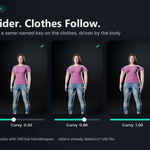
Every body shape key that moves skin under the clothes gets a garment key with the same name, driven by the body: body sliders, breathing, VRChat blendshape sync.
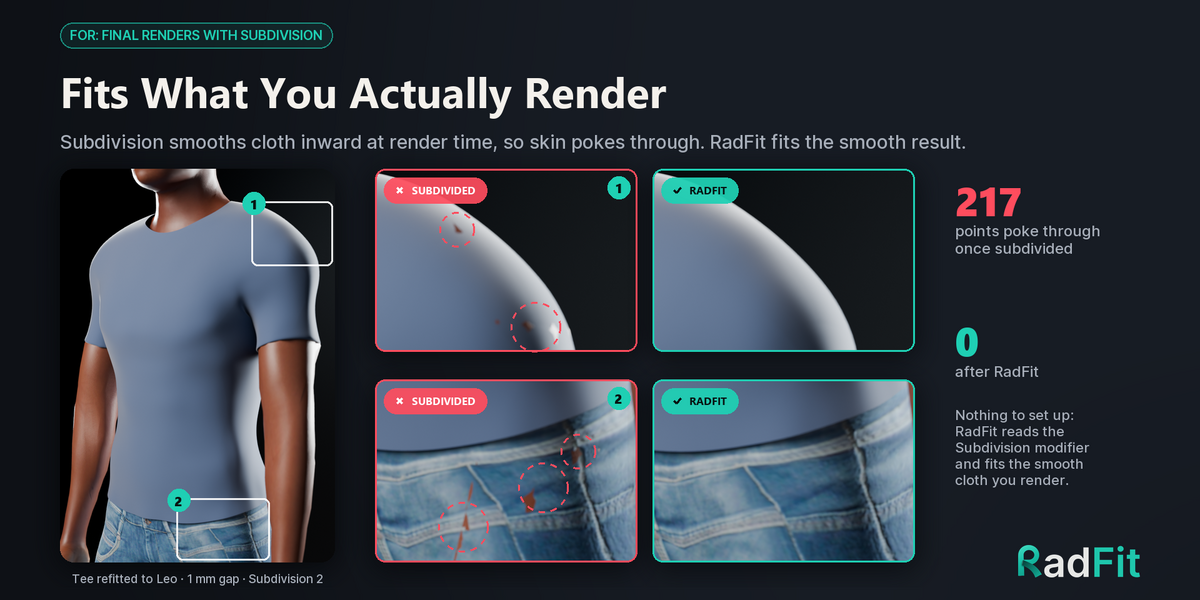
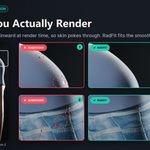
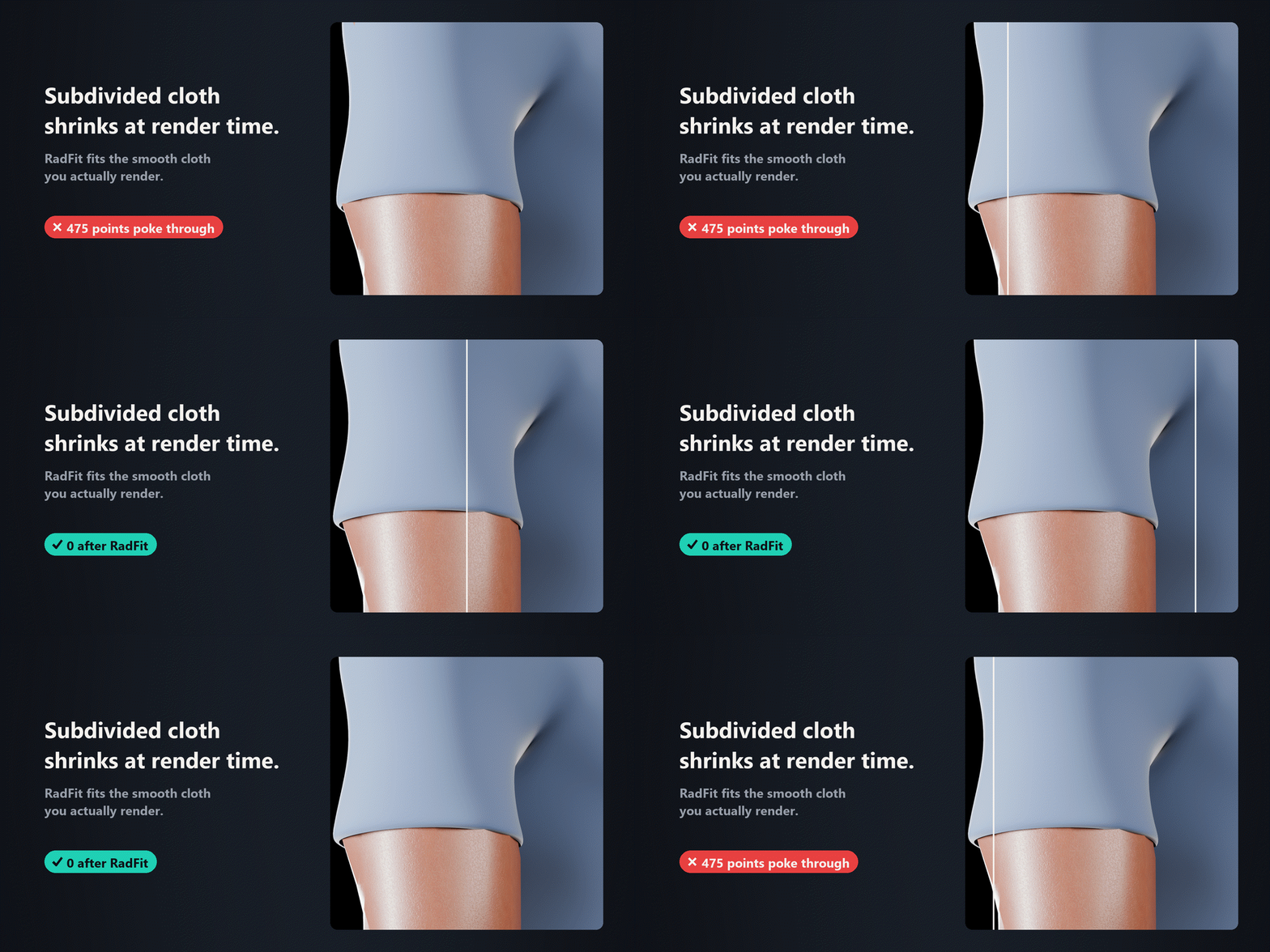
Fits what you actually render.
Subdivision shrinks cloth at render time, so skin shows through even when the cage looked clean. RadFit fits the subdivided cloth itself. Nothing to set up.
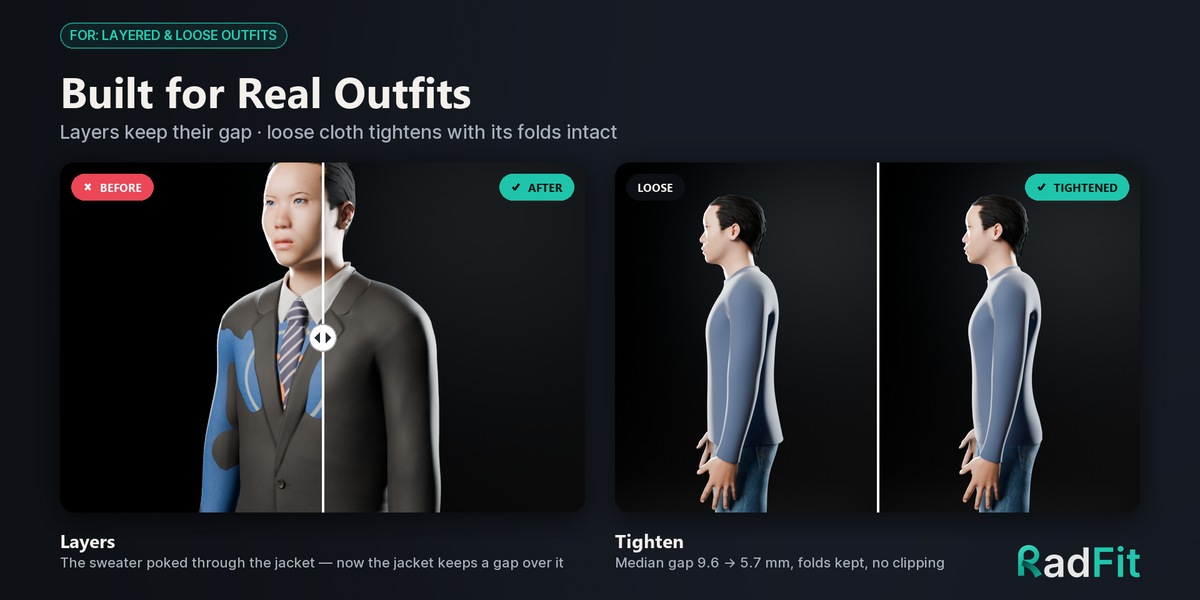
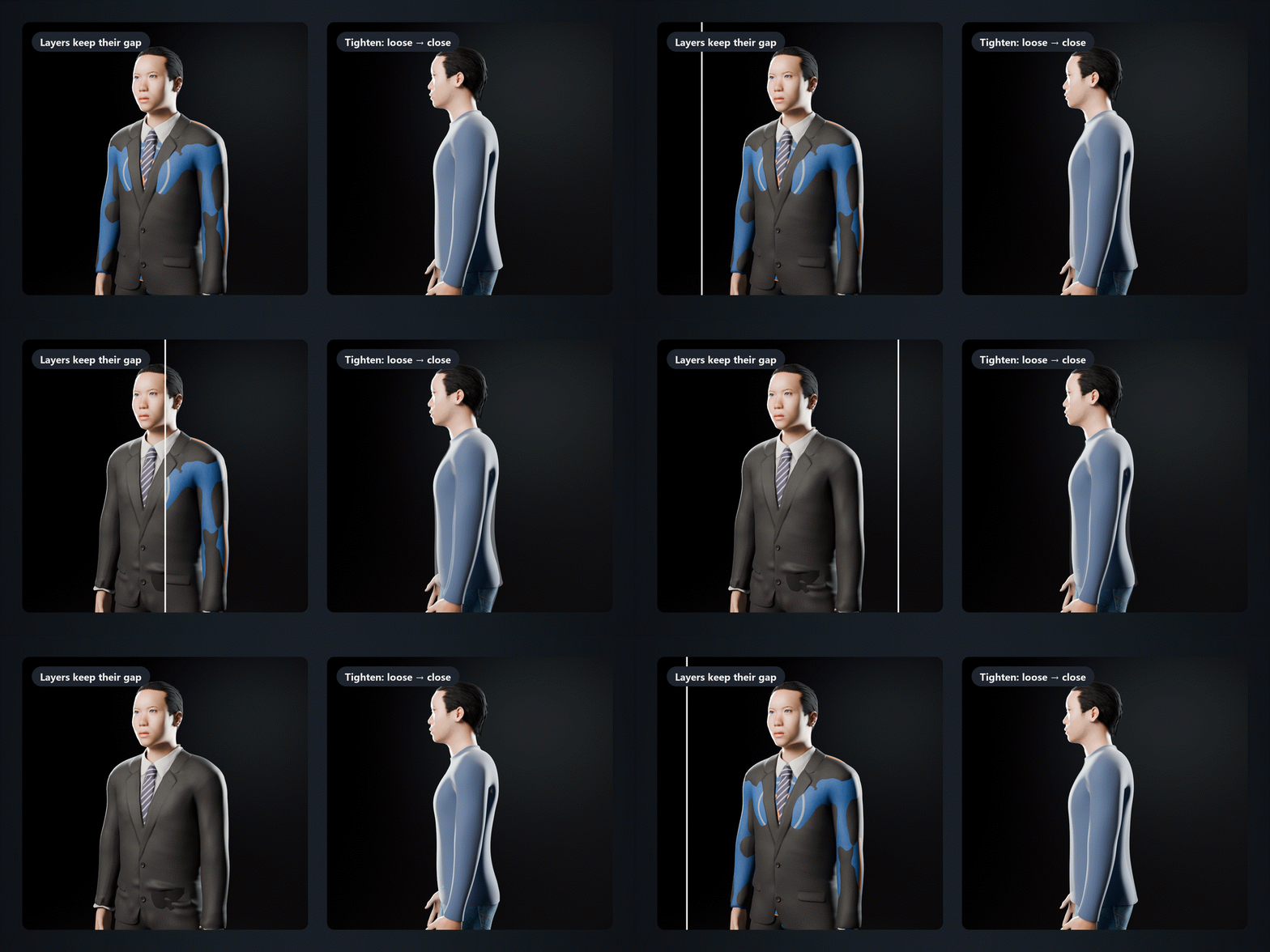
Layers, loose cloth, small details.
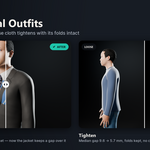
Each outer layer keeps a gap over the one below. Tighten pulls loose cloth closer and keeps the folds, and Fabric Bridging lets tight cloth span the navel or the crease under the bust like real fabric.
Find clipping before you animate.
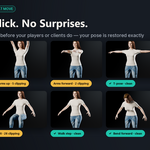
Runs your rig through up to 8 test poses in one click and counts the clipping in each. Fix Pose Clipping only keeps a change if no pose gets worse.
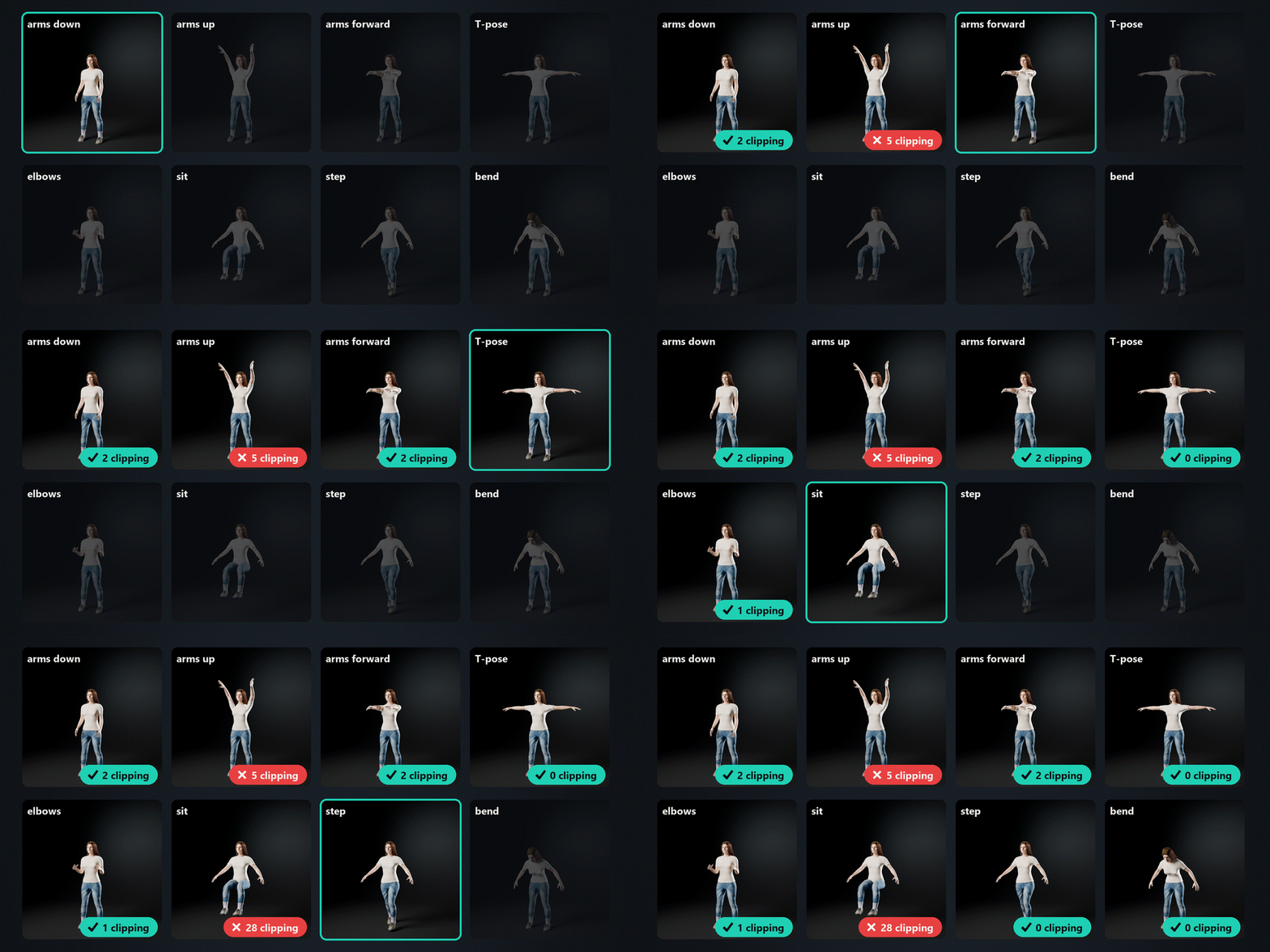
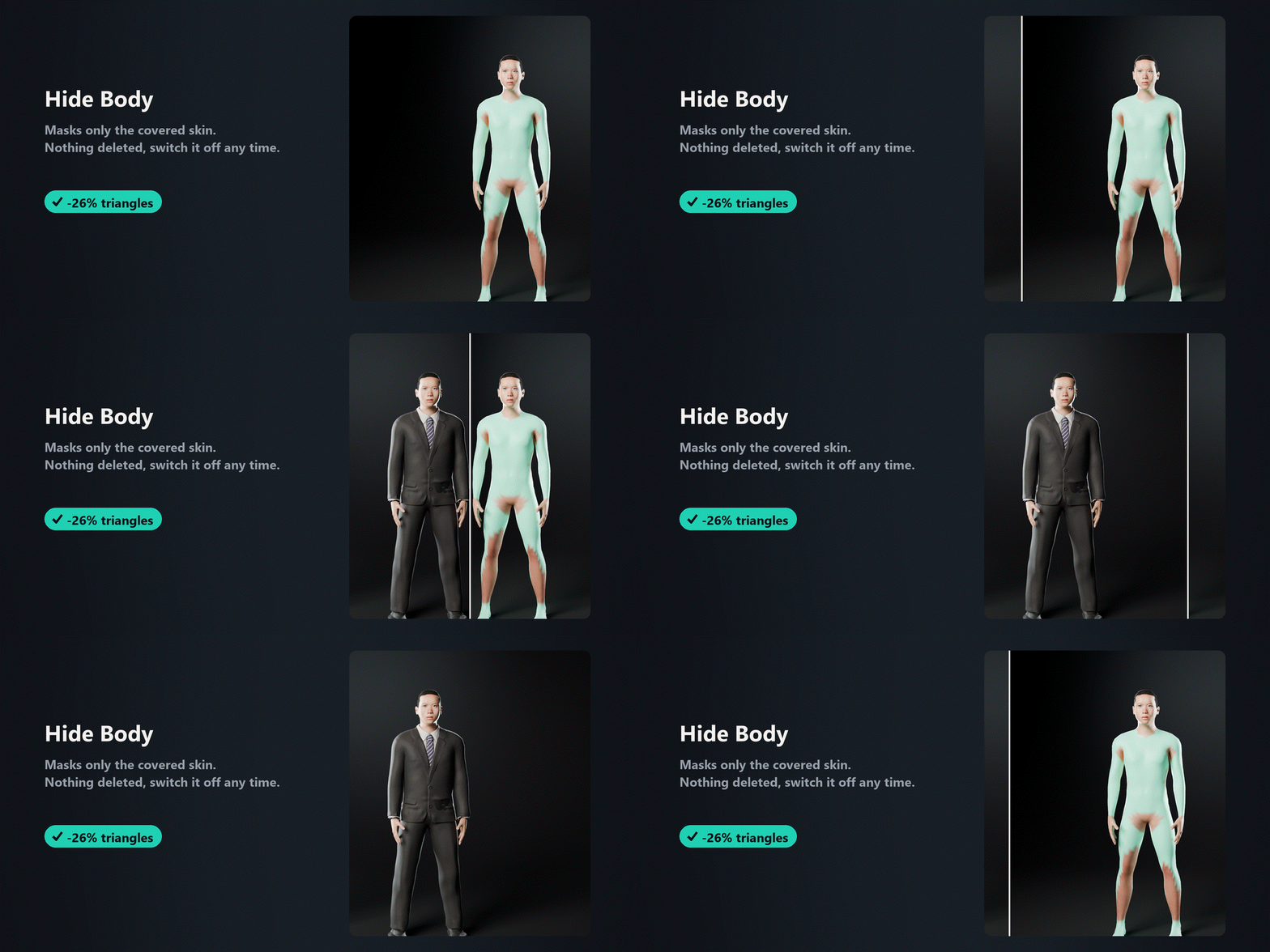
Nothing pokes through. Fewer triangles.
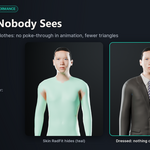
Masks only the skin that is completely covered, with a vertex group and a Mask modifier. Nothing is deleted, and you can switch it off any time.
Made for people who dress characters
VRChat & VRM creators
Refit outfits made for another base. 4-bone weights, and blendshape sync keeps working.
|
Outfit sellers
Port one outfit to many bases, then check every version before it reaches customers.
|
Game artists
Clean skinning for Unity (4 bones) or Unreal (8). Physics bones stay.
|
Daz, CC, MPFB users
Clothes clipping after an export or a morph change? One click.
|
Three clicks, fully reversible.
Fit, weights and shape keys in one go. The fit lives in a “RadFit” shape key: Reset Fit takes it back, Apply Fit bakes it in for export.
- It isn't a cloth simulator: no draping or gravity. It fits instantly and keeps the folds you already have.
- It doesn't model or tailor clothes. They should already sit roughly on the character.
- Pose Check and cross-mesh refit need a humanoid rig; quadrupeds aren't supported in 1.0.
- The add-on, a PDF user guide and a demo scene with CC0 bodies and clothes.
- Blender 4.2 – 5.2 · Windows, macOS, Linux · any render engine · nothing to install outside Blender.
- Free updates for every 1.x version.
Questions or a character it doesn't fit? Message me here or at [email protected] with the text from RadFit ▸ Report ▸ Copy Report. I answer every message.
