RadFit – Fit Any Outfit to Any Body
 ArtTalentStudio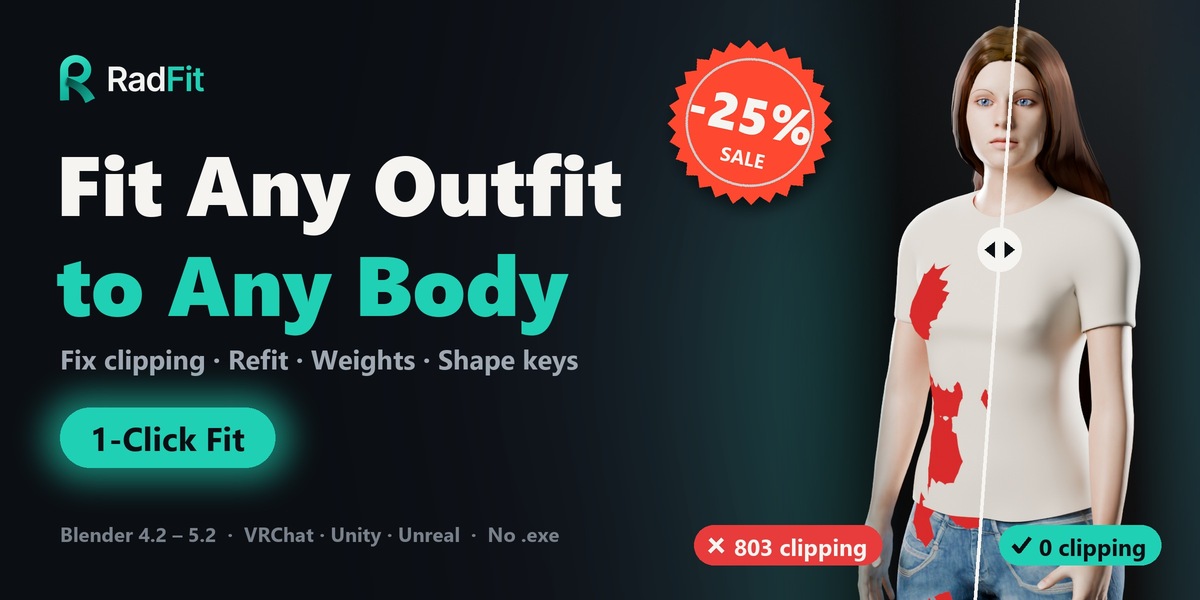
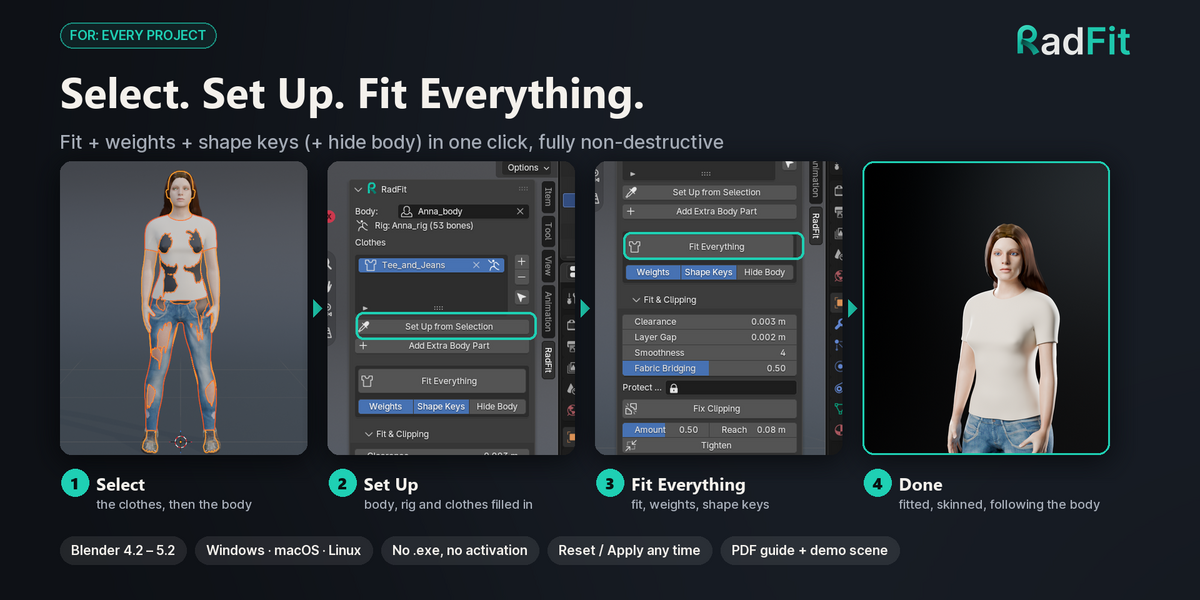

Quick Start Guide (2 Minutes)
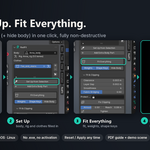
- Select: In the viewport, select the clothes, then Shift-click the body last (the body must be the active object).
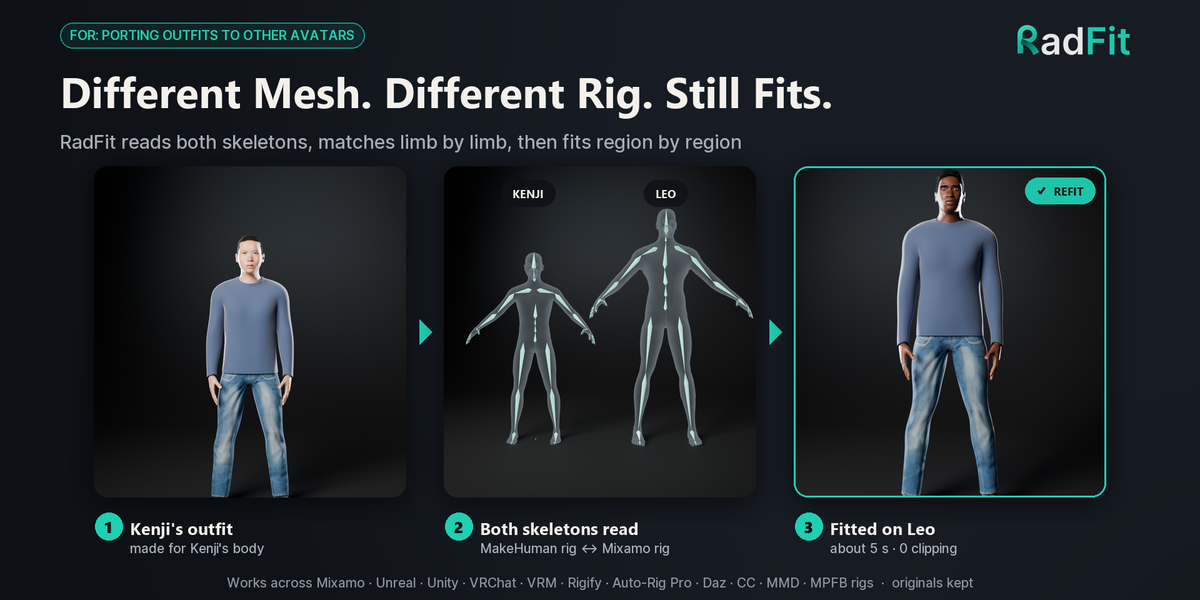
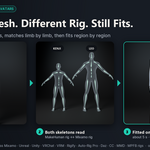
- Set Up: In Sidebar ▸ RadFit, click Set Up from Selection. RadFit automatically detects the rig and populates the clothes list.
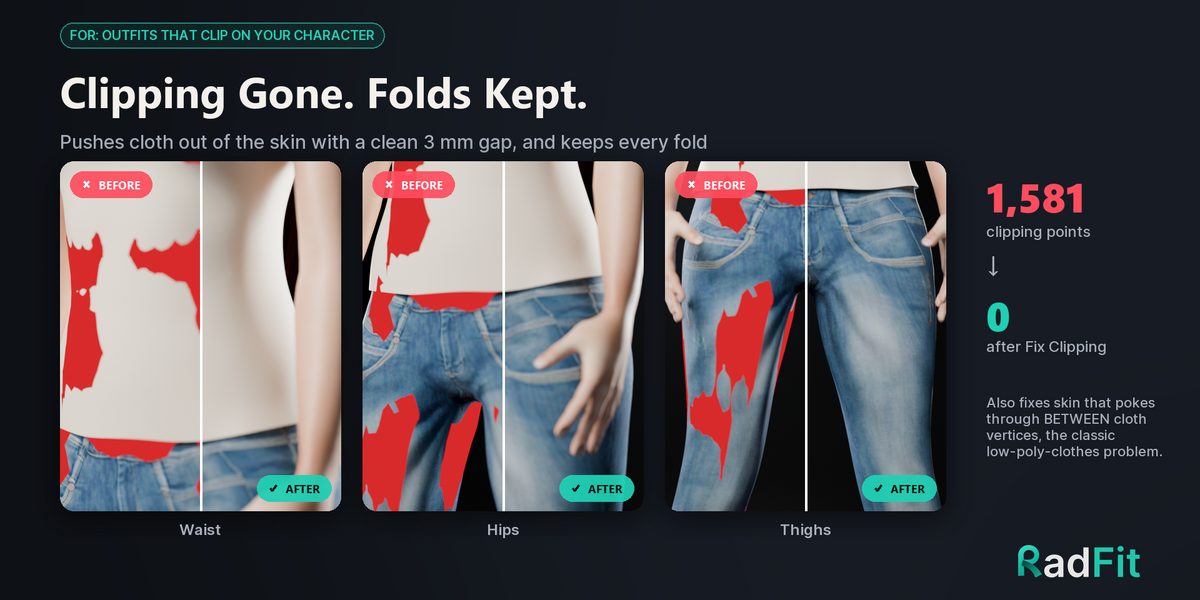
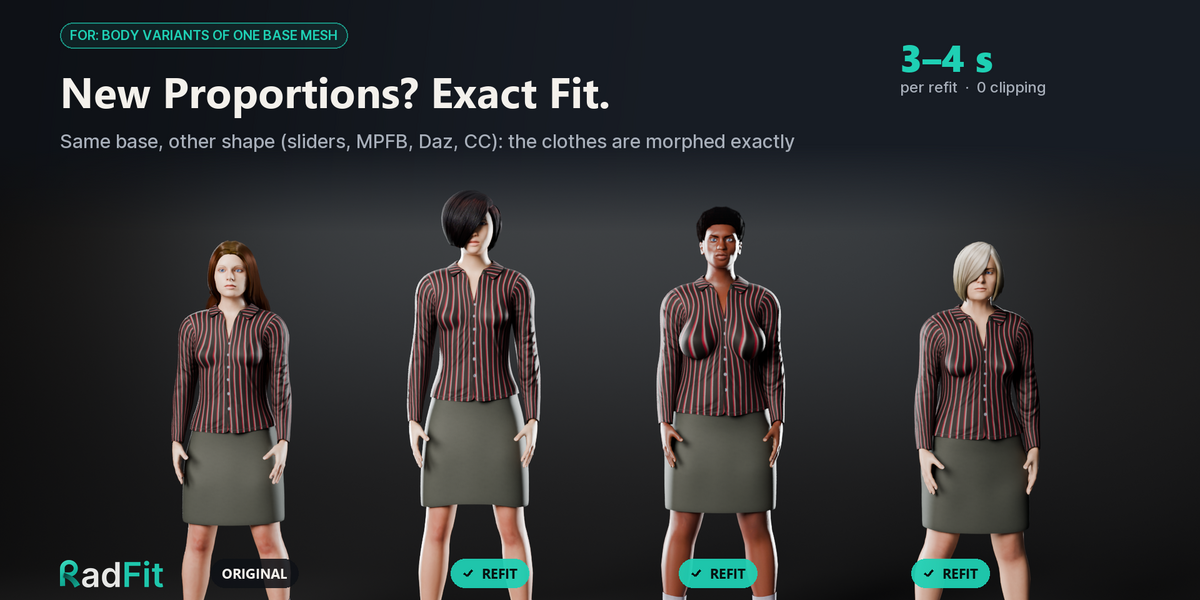
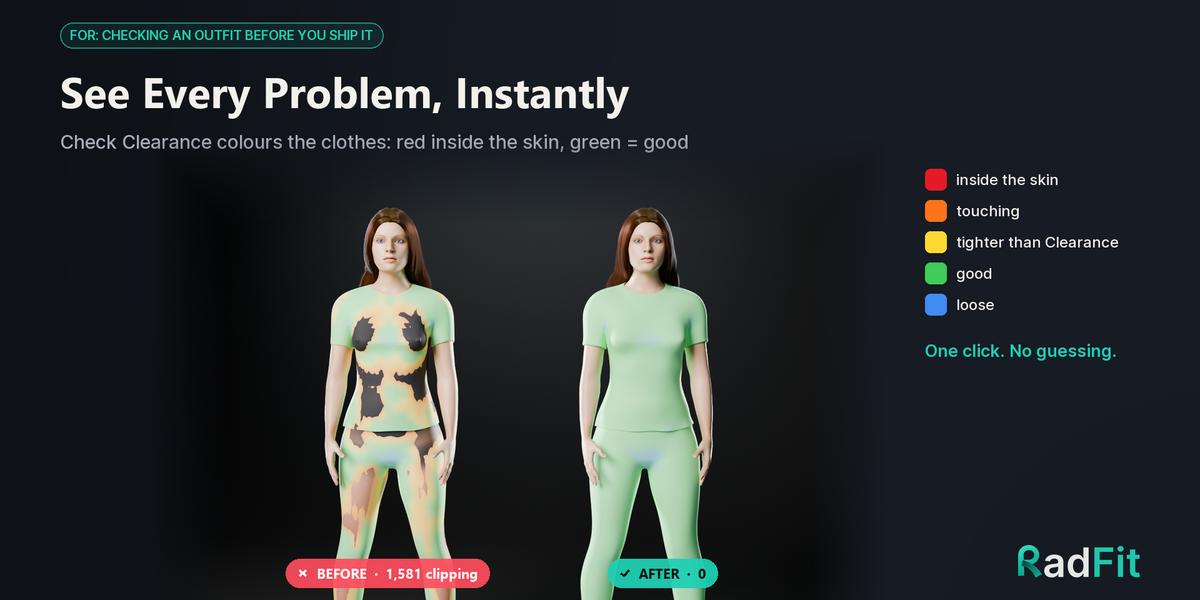
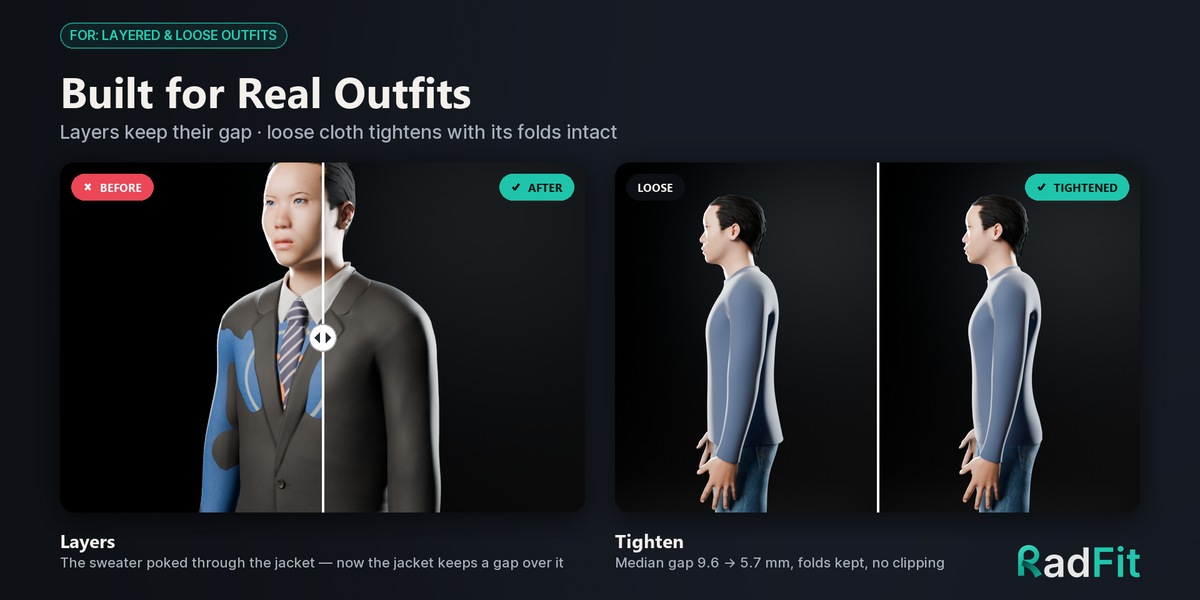
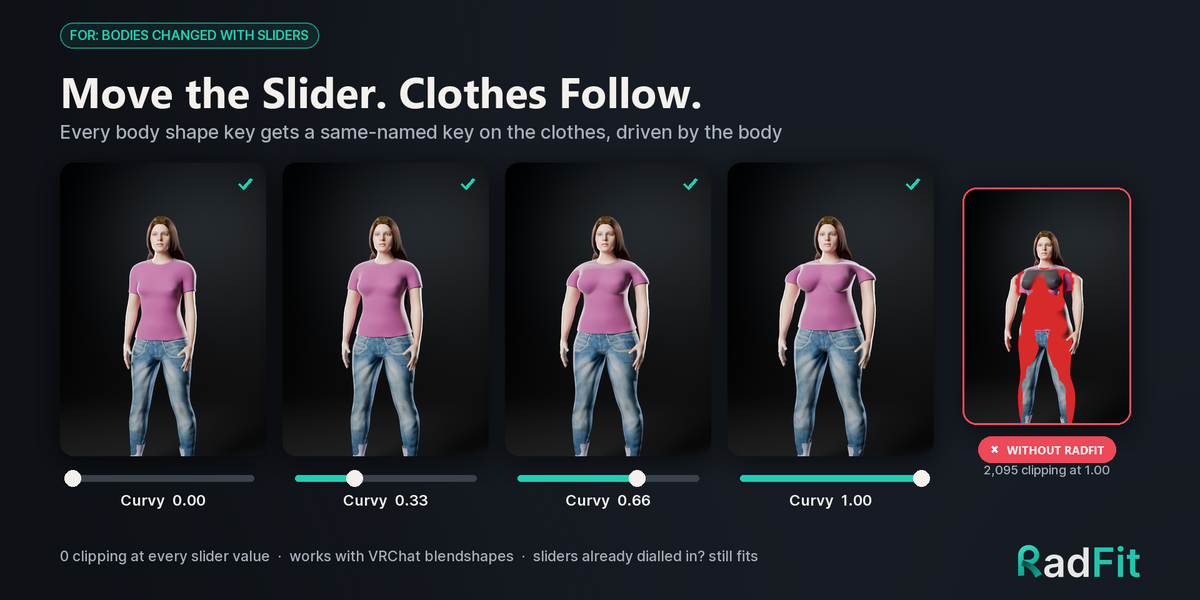
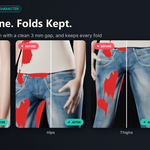
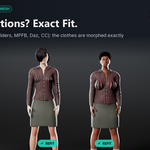
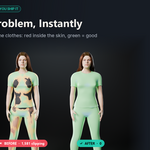
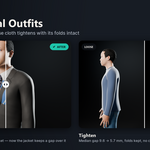
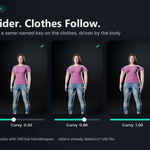
- Fit Everything: Click Fit Everything. The clothing is pushed 3 mm outside the skin (folds preserved), rigged to the body armature, and synchronized with body shape keys.
Installation
- Download
radfit-1.0.0.zip(do not unzip). - In Blender: Edit ▸ Preferences ▸ Get Extensions, open the top-right menu, select Install from Disk…, and choose the zip.
- Press N in the 3D Viewport to open the sidebar and access the RadFit tab.
Key Workflows & Tips
-
Non-Destructive Workflow: Fits are stored in a shape key named
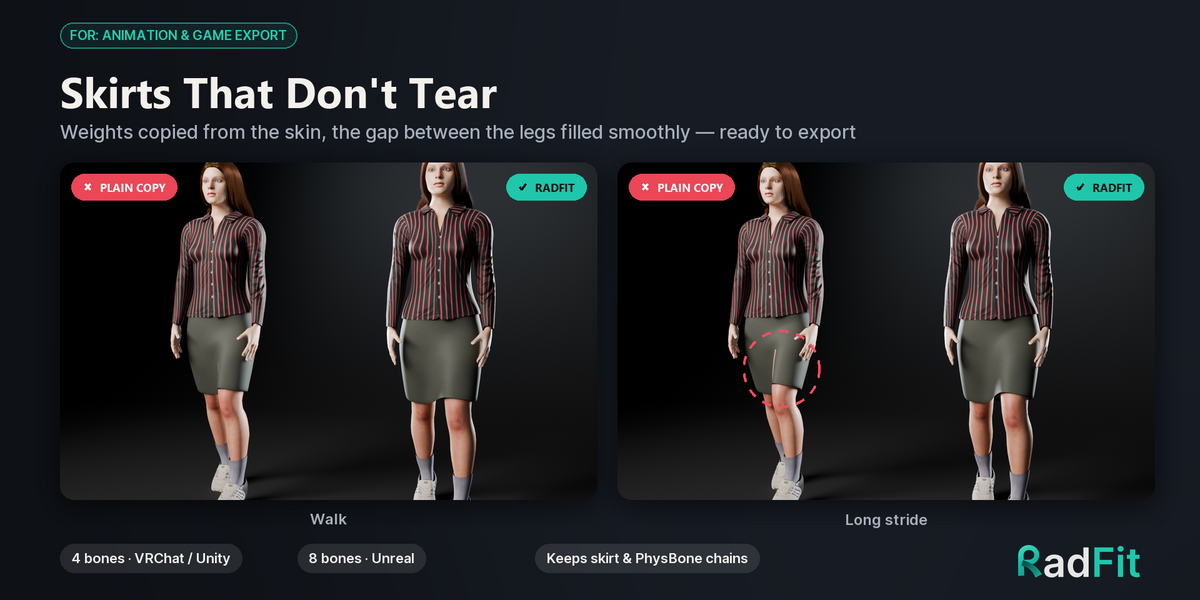
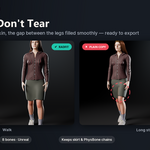
RadFit. Use Reset Fit to revert, or Apply Fit to bake it into the base mesh. - Exporting (VRChat / Unity / Unreal): Always click Apply Fit before exporting to FBX/glTF so game engines don't treat the fit as an extra blendshape.
- Weights: Set Max Bones per Vertex to 4 for Unity/VRChat, or 8 for Unreal Engine.
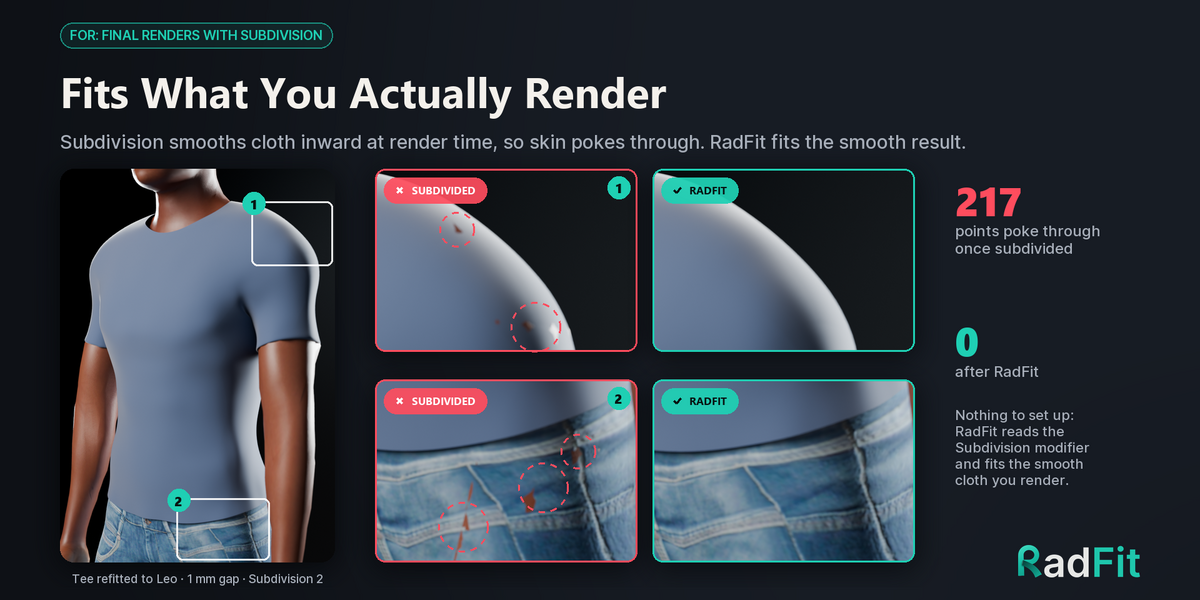
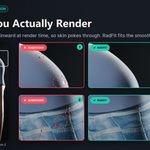
- Subdivision Surfaces: Add your Subdivision Surface modifier before running the fit; RadFit automatically fits the smoothed render surface.
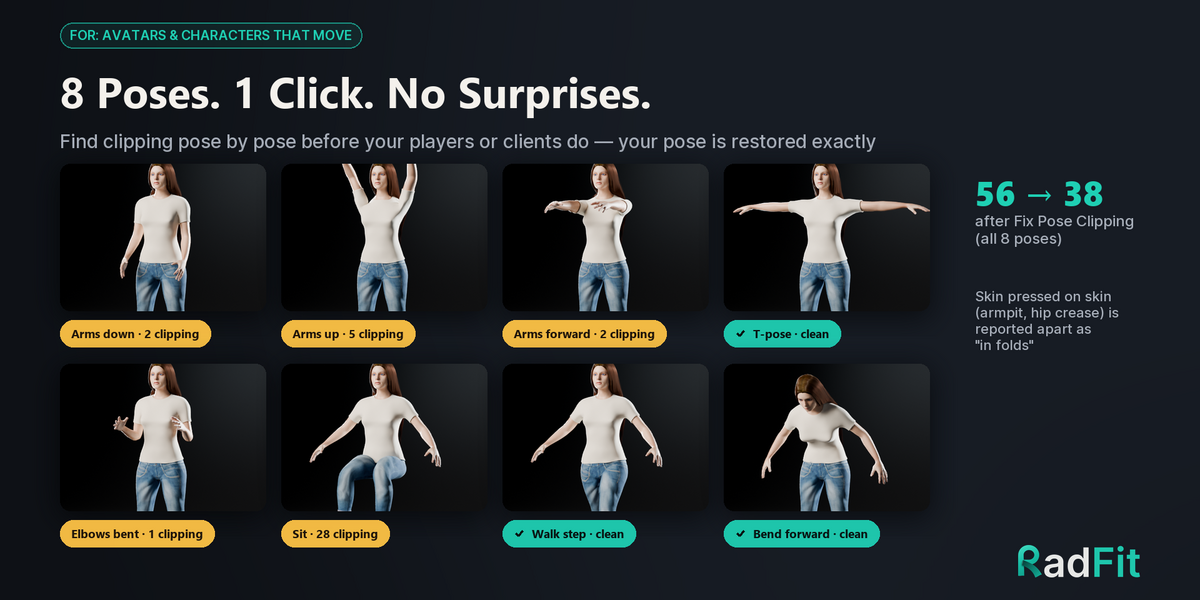
For detailed recipes, pose check guides, and multi-body refitting instructions, check the included 19-page PDF User Guide.
$19$14.25
 Included
Includes 12 months of
- Support from ArtTalentStudio
- Product updates
Extend this product’s Support Period +12 months: 50% of product price
Have questions before purchasing?
Login to message
| Blender Extension Compatible | Yes |
| Sales | 10+ |
| Published | 10 days ago |
| Blender Version | 4.2 - 5.2 |
| Extension Type | Add-on |
| Render Engine Used | Cycles, Eevee |
| License | GPL |