Sign Generator
 Raelin Assets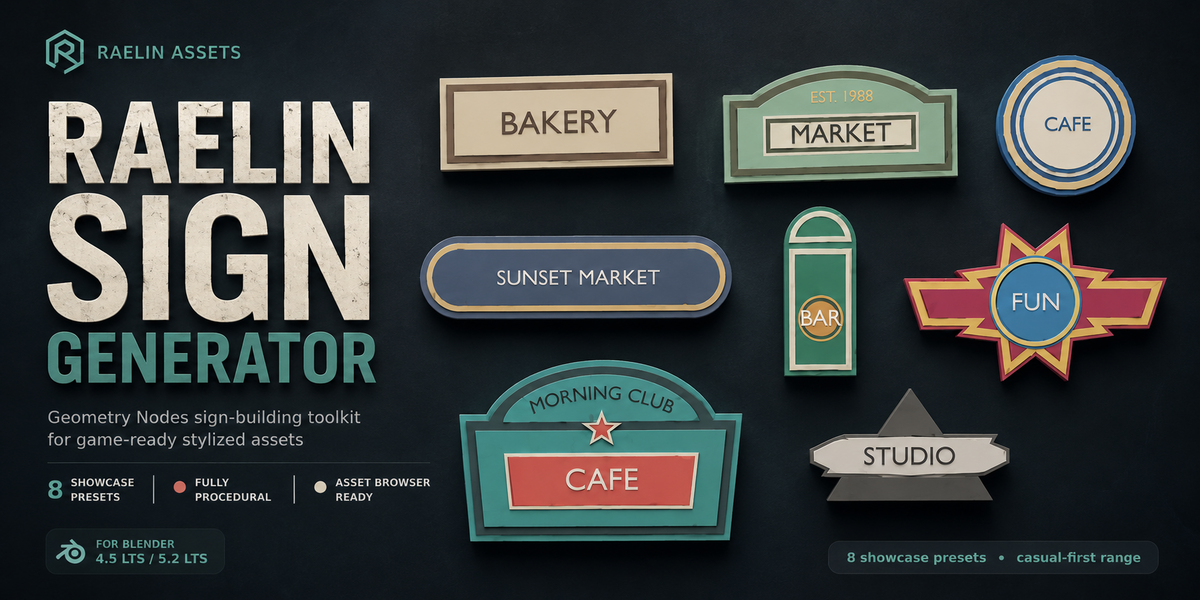


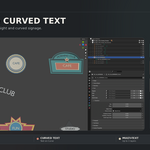
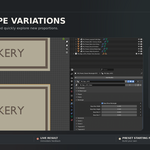
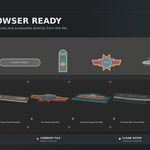
Getting Started
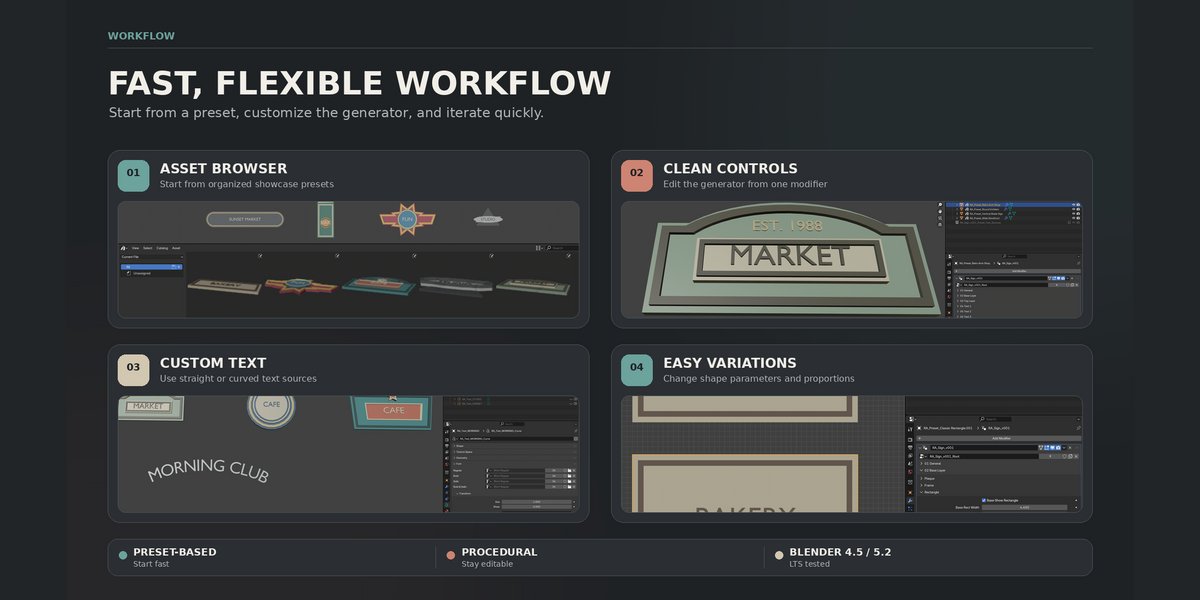
- Download and extract the product ZIP.
-
Open
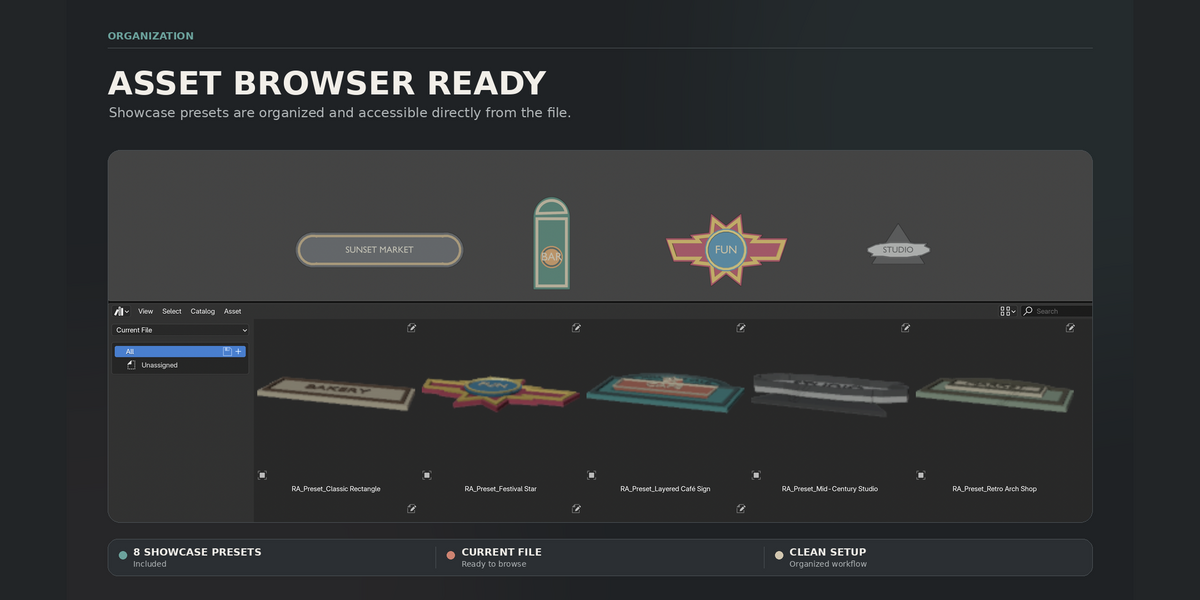
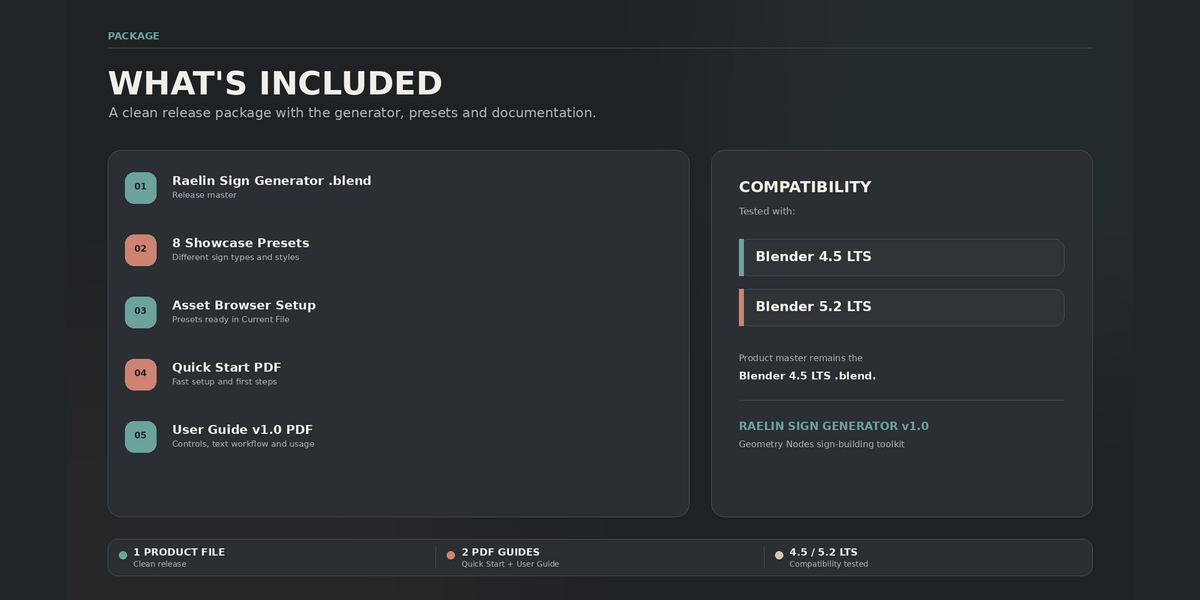
Raelin_Sign_Generator_v1.0.blendin Blender. - Choose one of the 8 included presets or duplicate an existing sign.
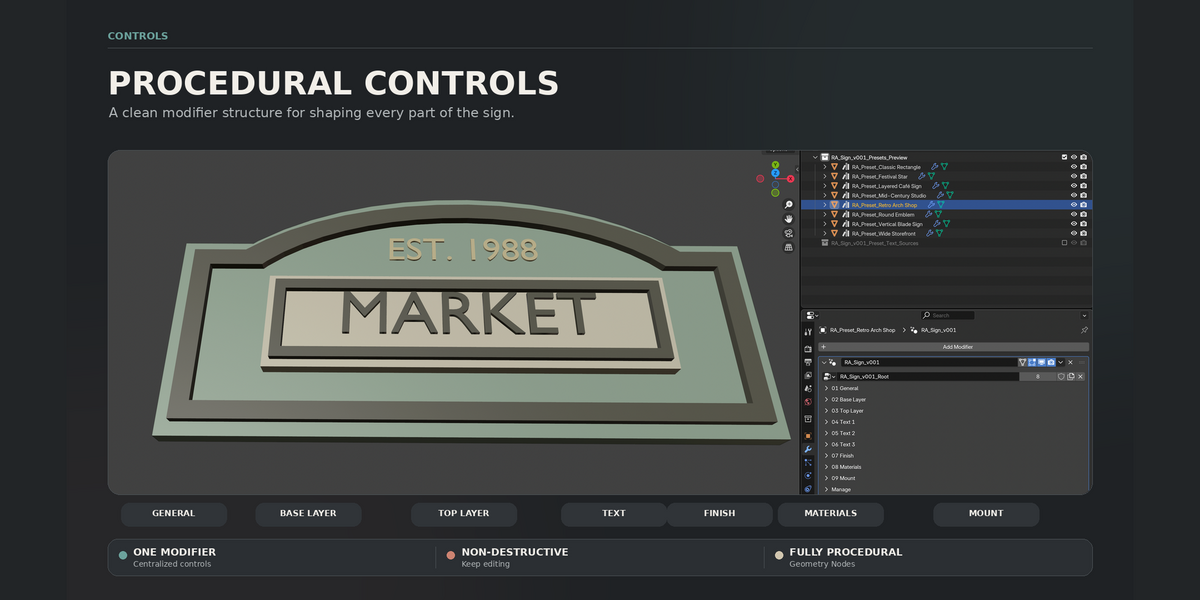
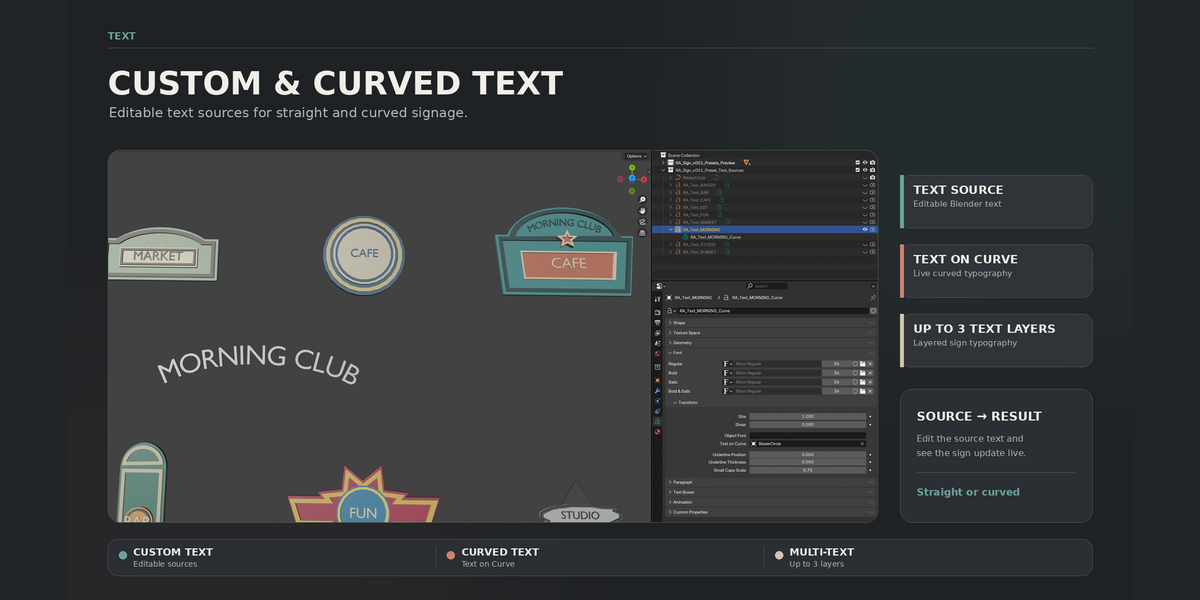
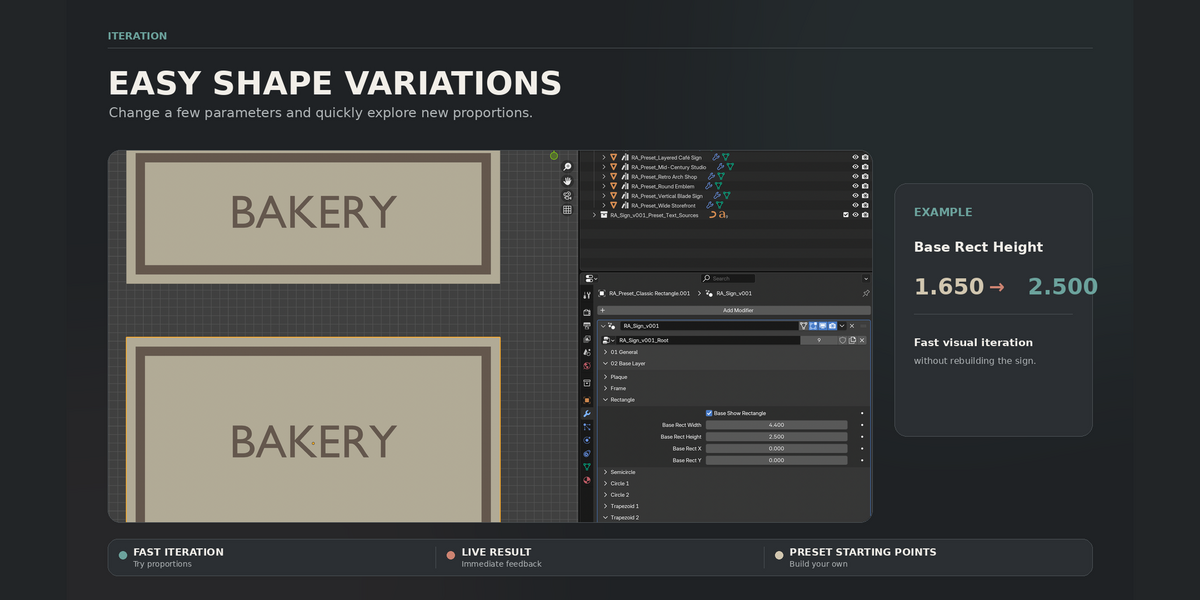
- Use the Geometry Nodes modifier to customize the plaque layers, frames, depth, materials, text and decorative inserts.
- Adjust position, rotation and wall offset to place the finished sign in your scene.
The generator is built with native Blender Geometry Nodes. No add-on or Python installation is required for normal use.
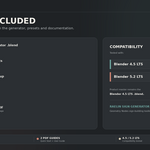
The package also includes a Quick Start PDF, full User Guide, README and CHANGELOG.
Compatibility: Blender 4.5 LTS – Blender 5.2 LTS.
Have questions about this product?
Login to message
| Published | about 2 months ago |
| Blender Version | 4.5 - 5.2 |
| Render Engine Used | Cycles, Eevee |
| License | Royalty Free |
Discover more products like this
decoration low poly stylized sign signage game-art curve environment procedural asset-browser Generator geometry nodes