Random Backrooms Generator
 blender-world


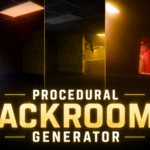

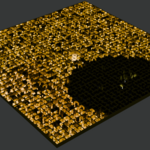
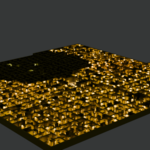
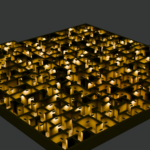
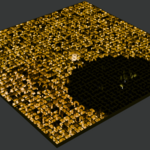

This is not another basic Geometry Nodes preset designed only to spawn 10x10 meter locations and crash Blender when attempting to expand the scene. It is a full-fledged procedural graph engine powered by custom Python code.
True Canonical Scale: The system was specifically engineered for monstrous procedural spaces. In one click, the generator builds massive environments that can span kilometers.
Deterministic Seeds and Presets: Generation relies on strict mathematical logic and algorithmic presets. This architecture is inherently capable of producing more complex and stable geometry than the limitations of GeoNodes allow.
100% Standalone Scene: The output is a clean
.blendfile completely independent of the plugin. You can safely hand off the scene to clients or render it on farms without having the add-on installed—nothing will fall apart.Game Engine Export (UE5 / Unity): Environments can be easily exported to game engines. The only thing you'll need to do is either bake texture maps or recreate the procedural shader in the engine. But that's not an issue—upcoming updates will add simplified real-time logic: tweak procedural sliders, bake maps with a single button, and drive your material in a real-time preset.
Have questions about this product?
Login to message
| Blender Extension Compatible | Yes |
| Published | about 1 month ago |
| Blender Version | 4.5 - 5.2 |
| Extension Type | Add-on |
| Render Engine Used | Cycles, Eevee |
| License | GPL |
Discover more products like this
procedural environment materials models prefab backrooms addon blender level design