Ian Lloyd Dela Cruz
almost 5 years ago
It's in the documentation. You use the F9 hotkey to bring back the redo panel.

This item has an average rating of 5 from 54 ratings by the community.
Purchase this item to leave a review!
This is THE addon I've been looking for during the last 5 years at the time I'm writing this (since I started learning 3D basically).
No more discombobulators, no more 3DS Max Greeble addon, no more wonky particle system setups, no more displacement maps that eat up all my 3070's memory (and still look like sh#t unless I go on Octane), and no regrets of leaving those behind for the most part.
The addon is relatively easy to grasp and the results are way ahead of the vast majority of the methods available on Blender both in terms of looks ,optimization/memory usage, and the speed it takes to create something visually interesting.
Once understood how it works (not really difficult tbh) it's a fantastic addon. Saves so much time for detailing! Excellent!
Alright, we are all artist here, but i saw too much good addon/projet die because the creator did not continue till the asset was fully usable
i don't want to get my hopes up, but i want to support this creator, hoping he will make the best he could
maybe this asset will go mainstream, it solve a frustrating problem for people who work in scifi
wishing you the best, send your asset link/key to blender creator because the more people will buy, the more chance you'll have to not give up
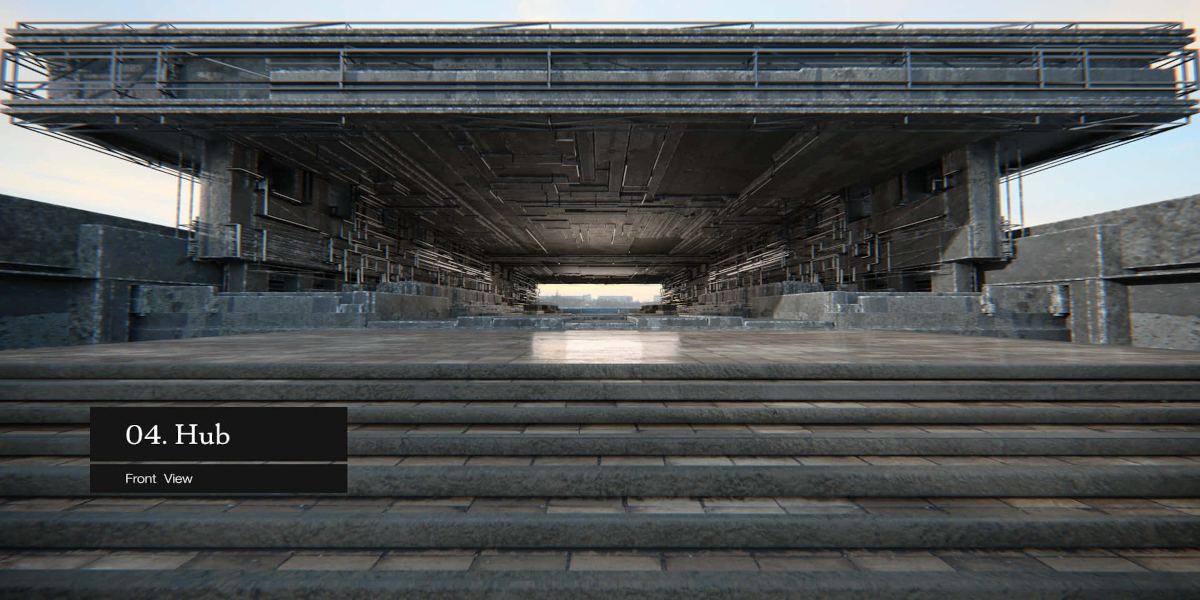
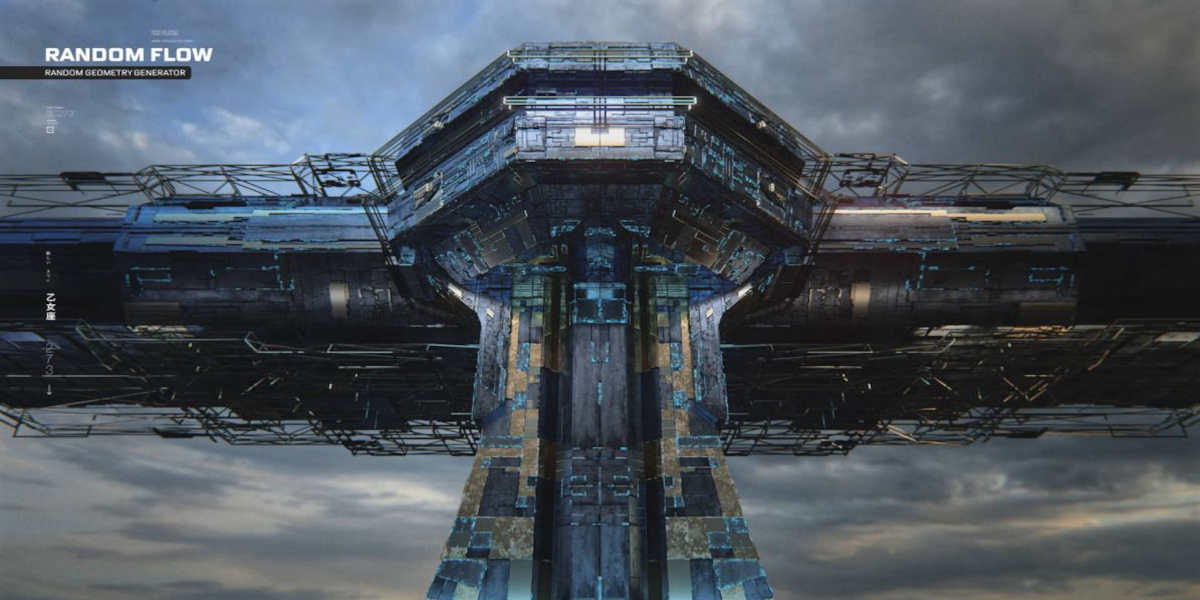
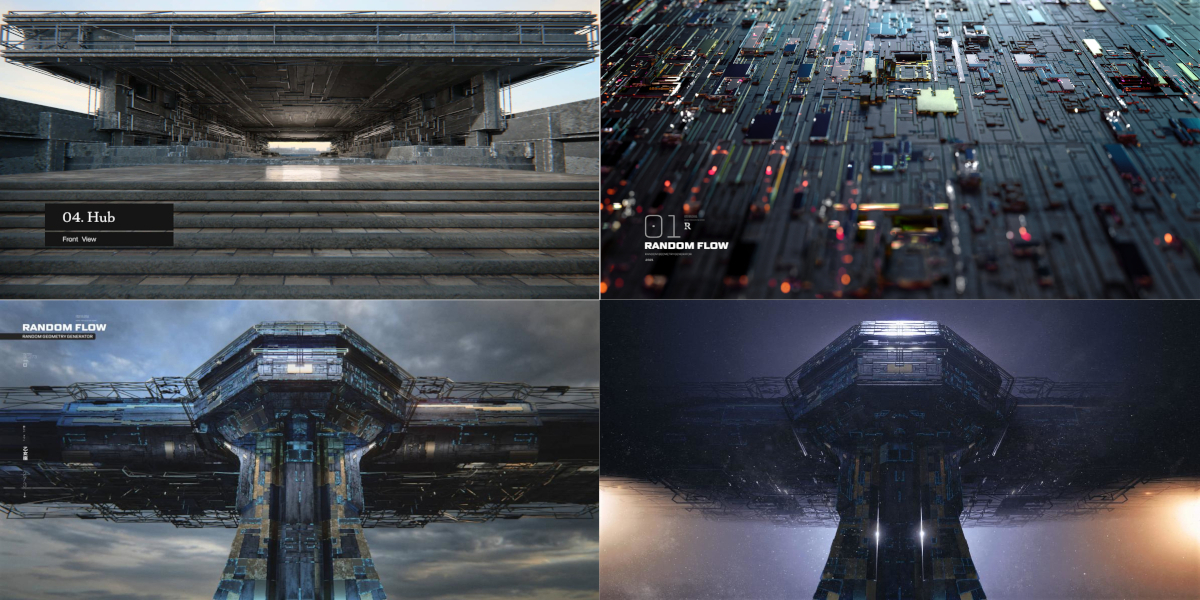
I'm Piero Desopo, I created the cover images for Random Flow.
Let me start by saying that Random Flow is not another greeble add-on. The clean workflow created by Ian, the variety of solutions offered by the add-on, and the simplicity on using it, it all makes this add-on way more than a regular greebler.
There are two ways to use the add-on: simply push the button and let it do its job for you, or play with it. By that what I mean is, play with the base geometry (tweak the mesh), play with the materials, try different panel size, paths, solver, and so on.
There are tools in the add-on that requires a bit more explanation, like the Quad Slice for instance, and once the user understands how it works, the usage becomes very clear (and very handy), and not only when using the add-on to randomize the mesh, but in general when dealing with the geometry. It's all there in the manual. Just read it :)
Also, leaving the cursor over a function for a brief moment, will show a short description of what the function does.
One note about the pop-up window nature of the add-on: it's not a limit of the add-on, it's the way Blender works. But any pop-up window is always one hotkey away: just press F9, and you'll be able to bring back the last operation (that applies to any operation in Blender).
Also, the Discord channel is pretty active, when in doubts, just ask ;)
This add-on is incredible. The tube tool is just... wow. Has a bit of a learning curve for sure, but all good tools do (box cutter and HOPS being prime examples). Just remember to subdivide your mesh or the procedural goodies will have nowhere to be generated :)
One strong criticism I have is that, at the time of writing, orbiting around the mesh with middle mouse button ends the Random Flow operation. This means I sometimes need to manually modify the result or start from scratch because it looks bad from the other side. I hope there's an option to allow rotation in future.
Nice to have add on!
great addon, having tons of fun with it, My only problem so far is that navigating around my object closes the menu for the addon and if it's not the way you wanted it to look at that moment you have to go back in and restart everything, which is kind of a pain, but i support you, so 4 stars!
Ian Lloyd Dela Cruz
almost 5 years ago
It's in the documentation. You use the F9 hotkey to bring back the redo panel.
The documentation is just a nightmare for non-native englishers. This one star is taken from you for you have put a nightmare in the gift from heaven.
Ian Lloyd Dela Cruz
almost 5 years ago
There's no other way to explain the inner workings of the tools without using Blender terminologies. There are links in the documentation which everyone can use to communicate and ask me about things they do not understand as well.
I really wanted this addon to make greebling easier. It's just not very intuitive and always requires a 30 minute refresher if I haven't used it in a while. It is not a magic solution and requires a lot of experimenting and failing - more than any other addon.
I find it a bit confusing and not very intuitive
Ian Lloyd Dela Cruz
over 1 year ago
I'm sorry that the initial complexity of the add-on made you feel this way. However, if you would like to spend more time and also get quick assistance everytime you need help, you can join the discord community here: https://www.blenderguppy.com/add-ons/help-and-support
Included
Includes 12 months of
Extend this product’s Support Period +12 months: 50% of product price
Have questions before purchasing?
Login to message
| Blender Extension Compatible | Yes |
| Sales | 14500+ |
| Rating |
54 ratings
|
| Published | almost 5 years ago |
| Blender Version | 3.6 - 5.2 |
| Extension Type | Add-on |
| Render Engine Used | Cycles, Eevee |
| License | GPL |
loveblender prototyping organic modeling concept art Randomizer Generator greebles hard surface