RapidHair Cards
 Paweł_Harnaź


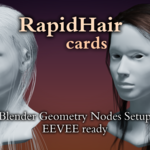
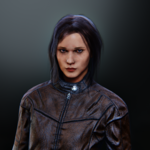
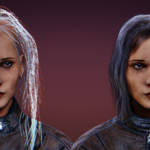
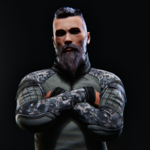
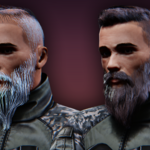
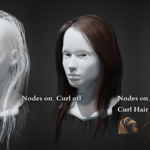
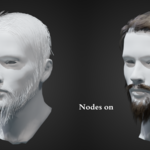
RapidHair Cards is Geometry Nodes setup with pack of fully functional and tweakable materials.
Additionally, there are several helpful nodes available for shortening, selecting, resampling, and mirroring.
The add-on/node setup was created for Blender 5, but it should also work in version 4.5.
I recommend opening the RapidHair Cards file first and familiarizing yourself with the node options. The settings and sliders are self-explanatory and intuitive.
1. Getting started
The entire system is based on Hair Curves, which is Blender's new hair creation system, so in this case you need a model with a UV map.
Now just add a hairstyle, or even a single hair.
Apply the RapidHair Cards node and, most importantly, attach the model in the “Object” field.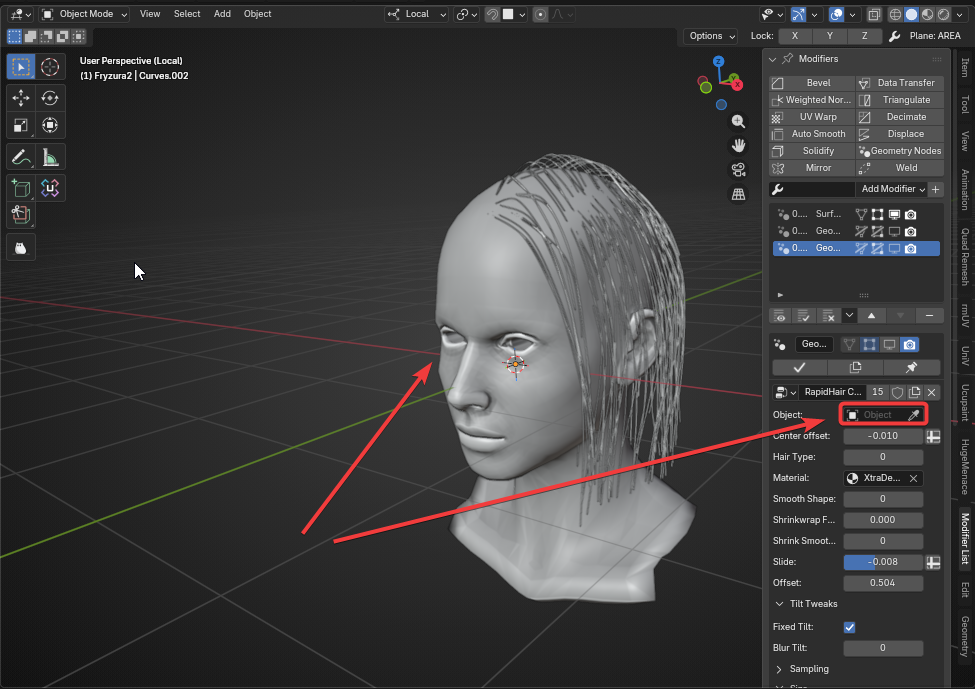
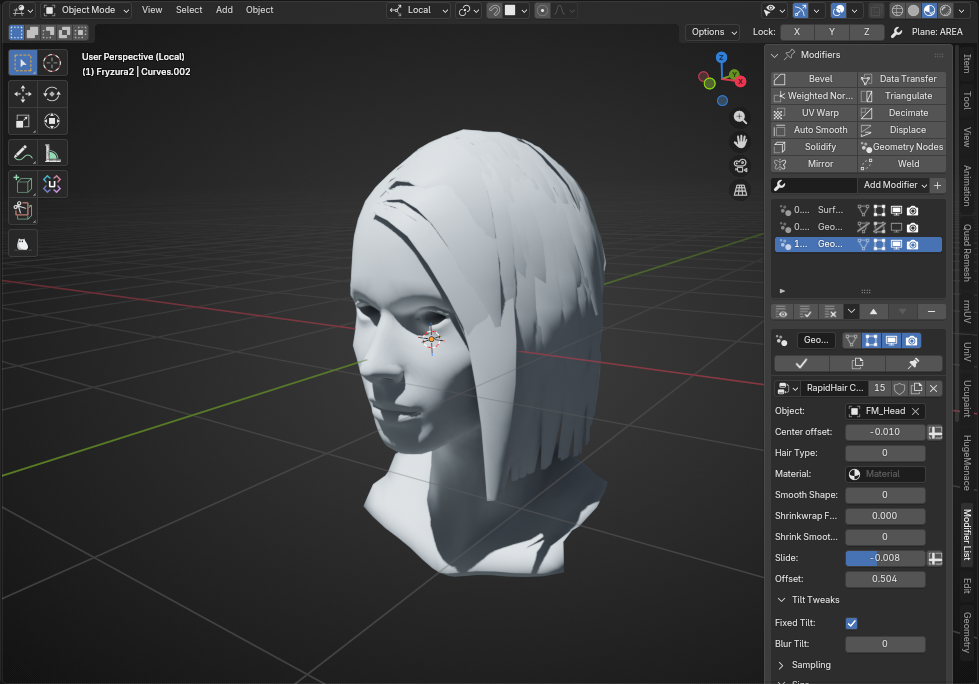
For this haircut i've added also mirror modifier for hair.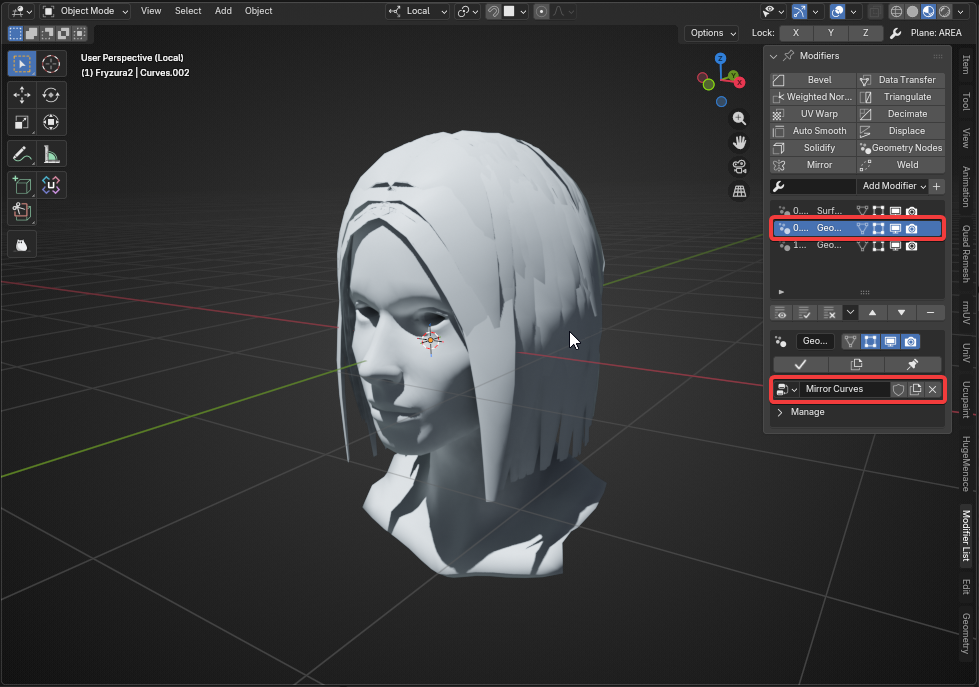
2. Assign the material
The file gives you access to several hair materials, of which I recommend "M_RapidHair_Cards", which contains a hair atlas for the most common scenarios:
Thick hair, thin hair or facial hair.
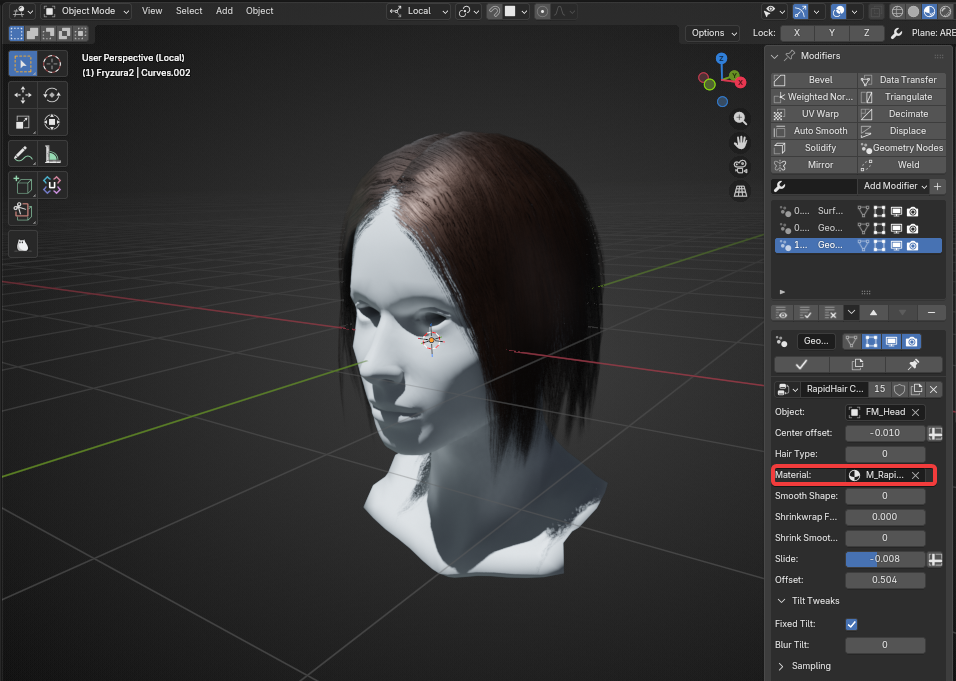
Select Hair Type from atlas (types 1,3 are best for facial hair):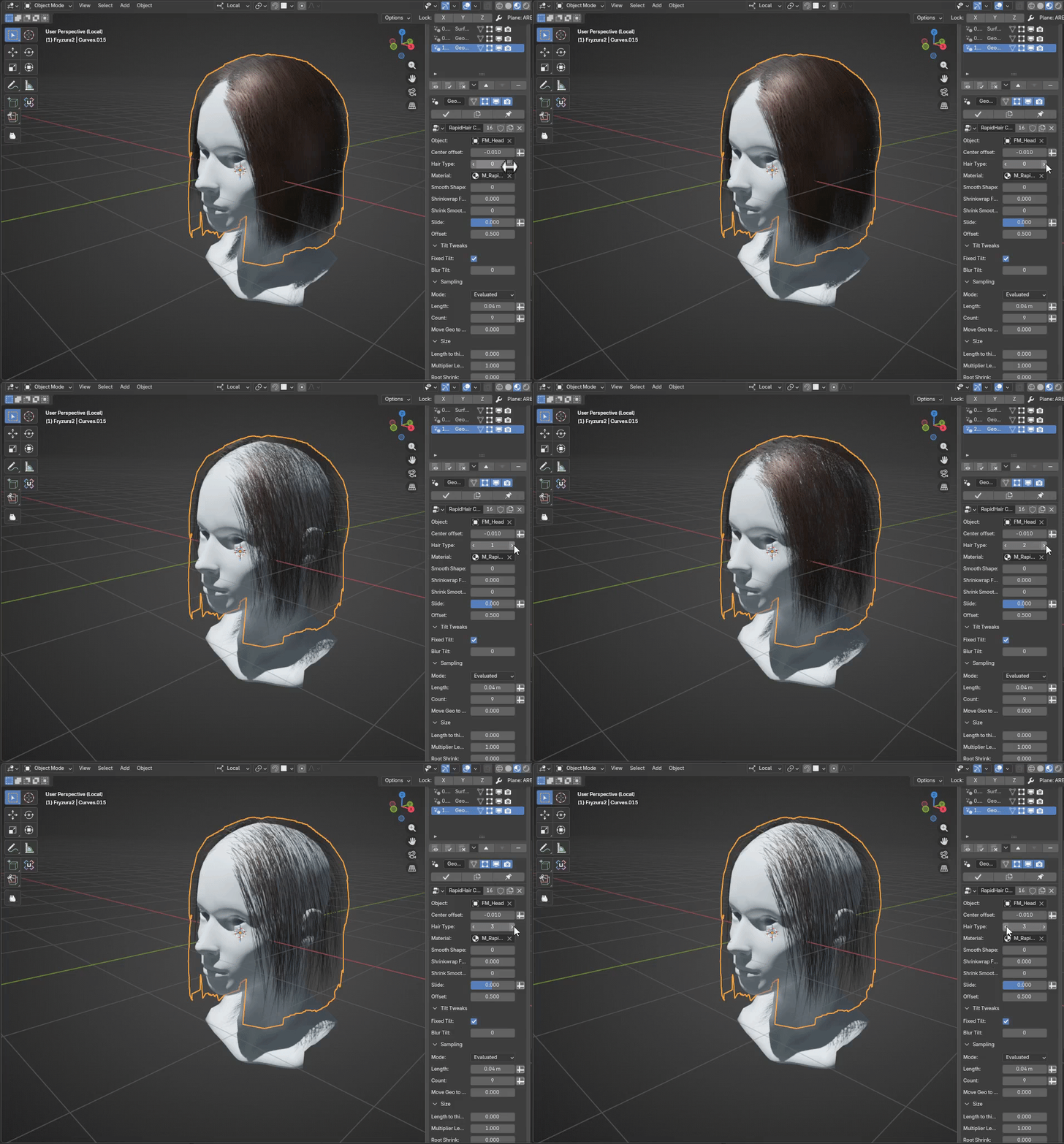
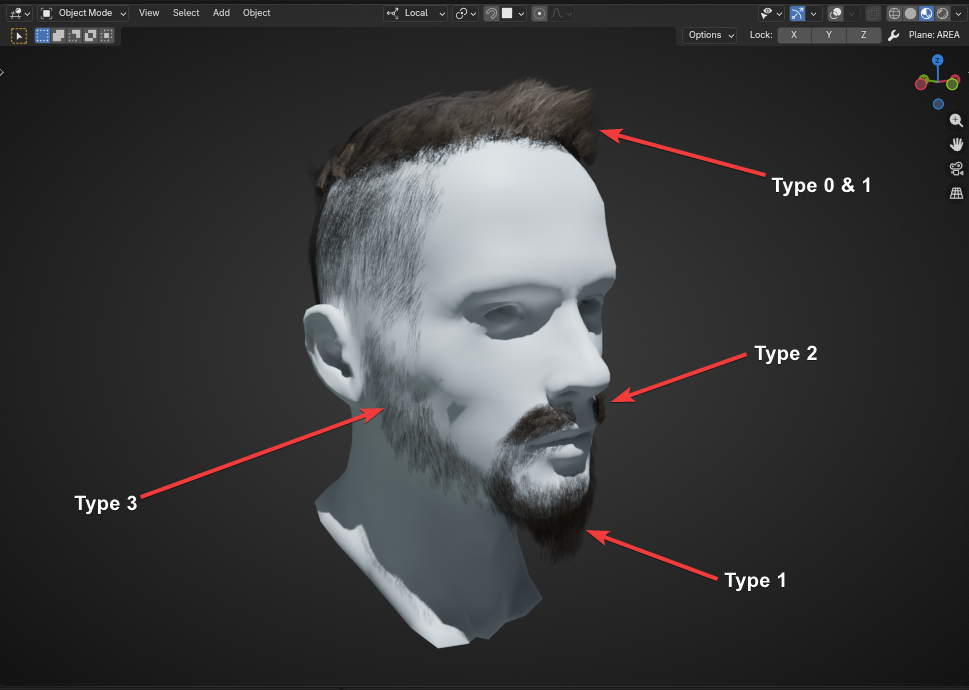
3.Tweak the shape
Center offset:
push or pull the middle edge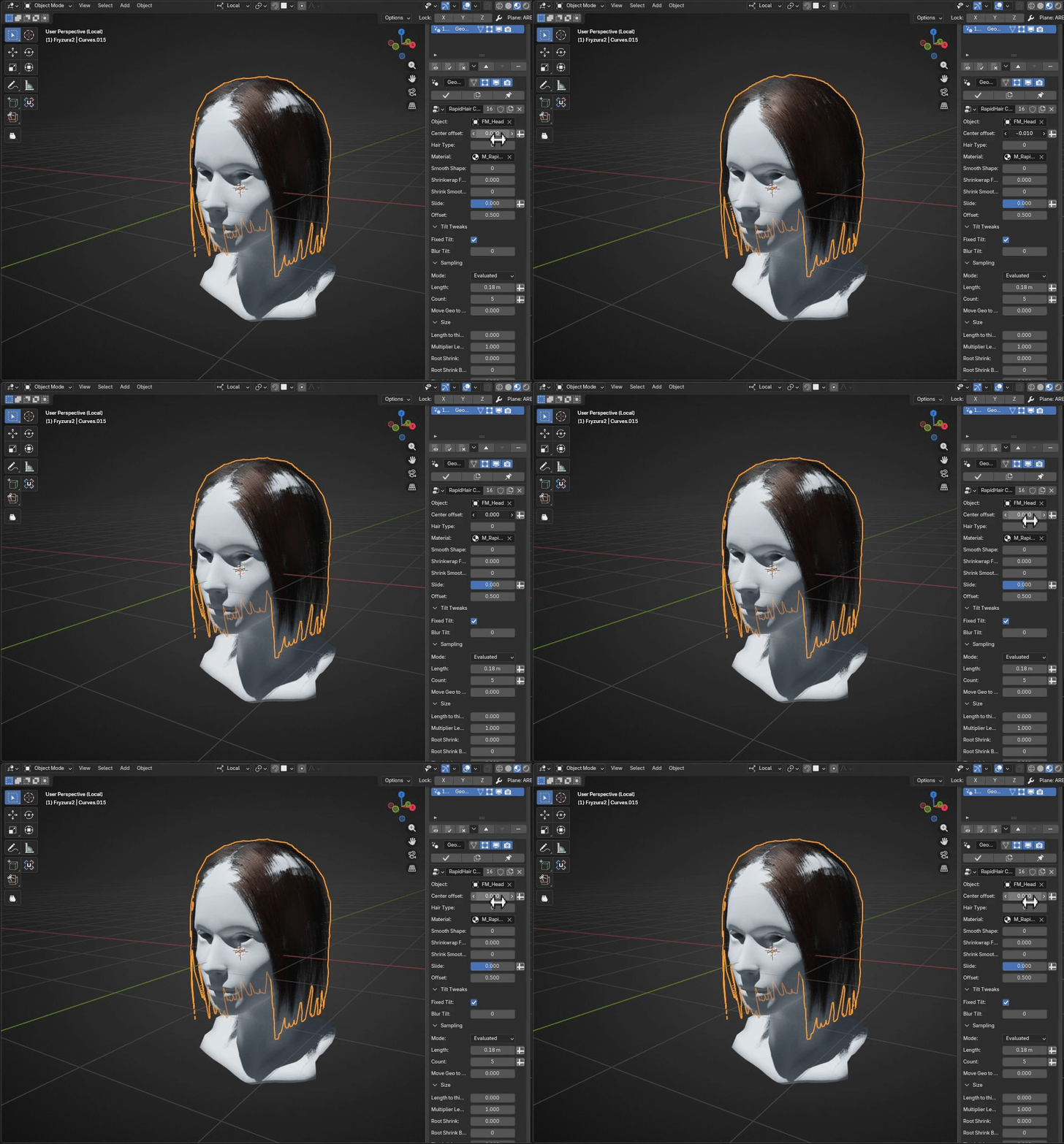
Sampling Mode:
"Evaluated"-based on curve resolution
"Count" -sets constant amount of points on every curve
"Length" -sets resolution based on length (lower values gives denser geometry)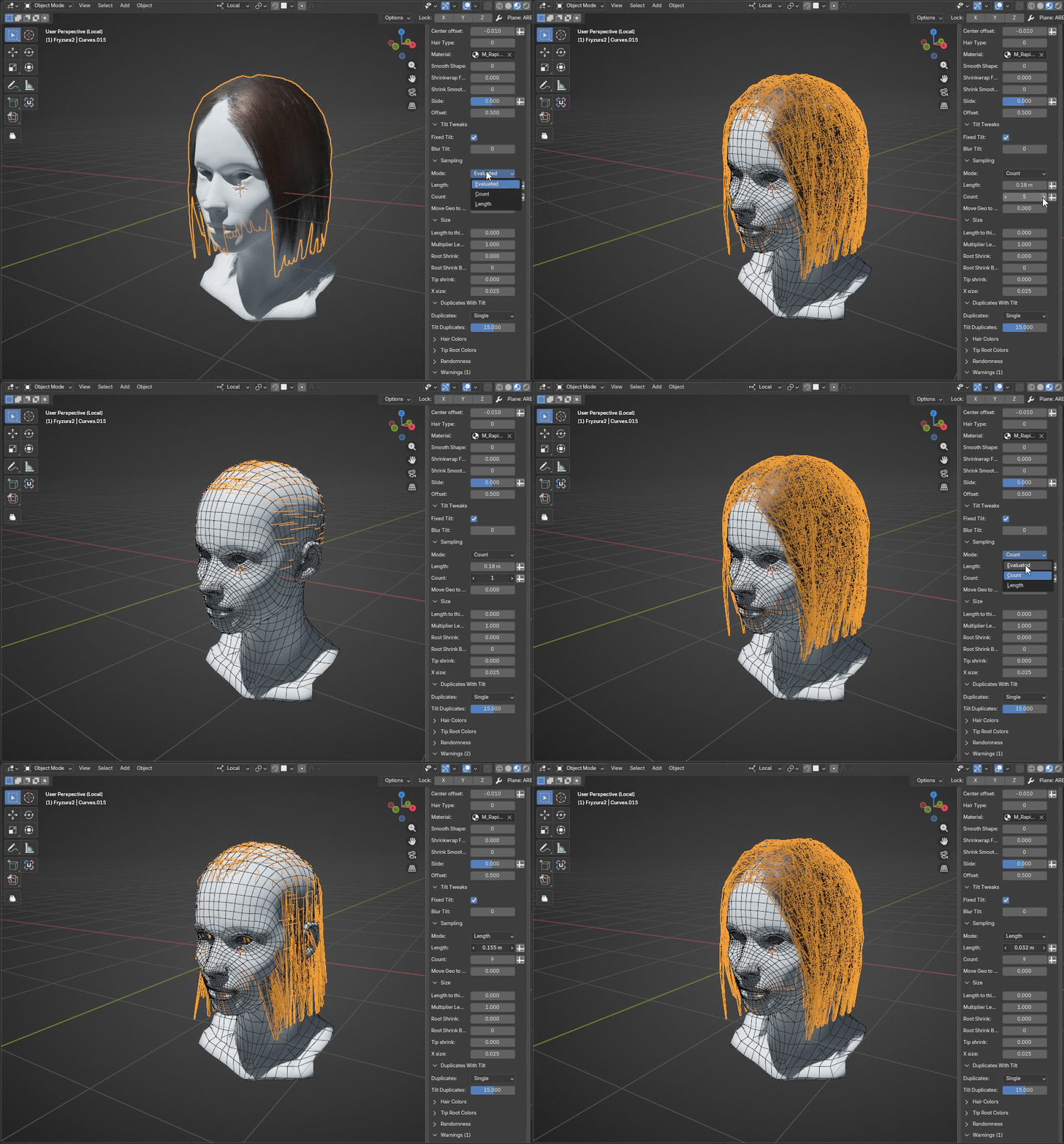
Scale/Thickness:
X size: main card thickness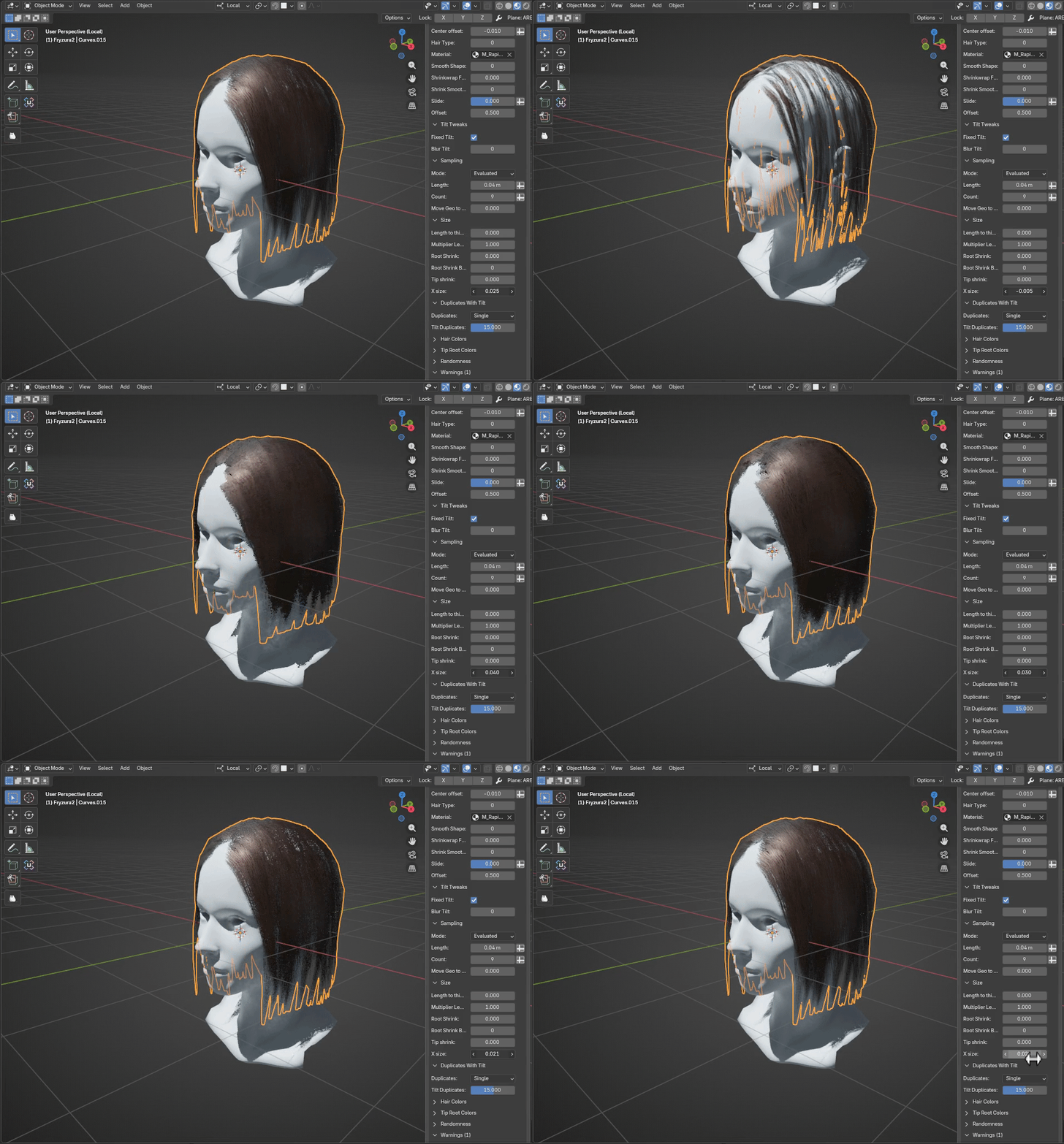
Tip Shrink/Root Shrink + Root Shrink Blur: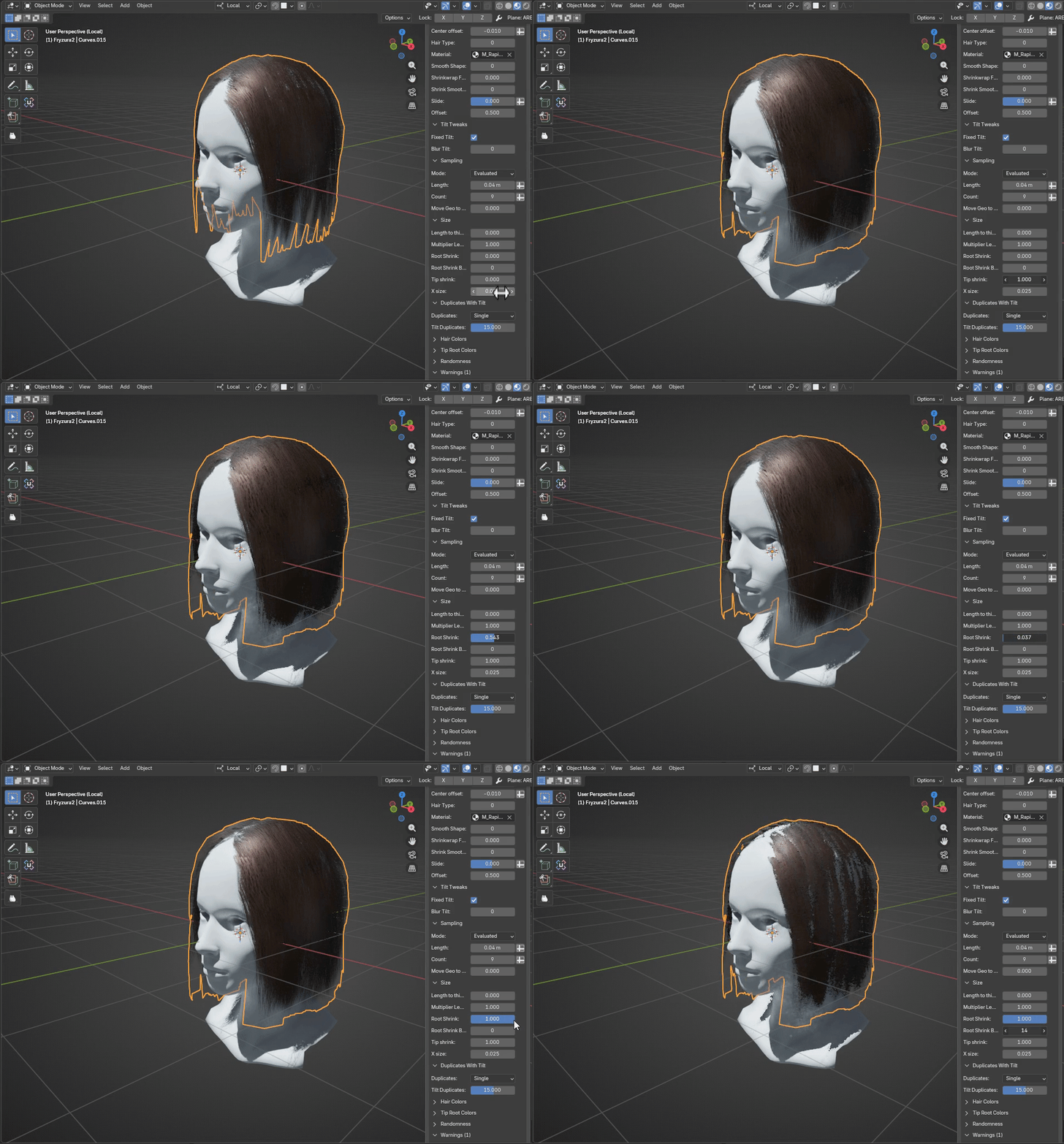
Slide & Offset: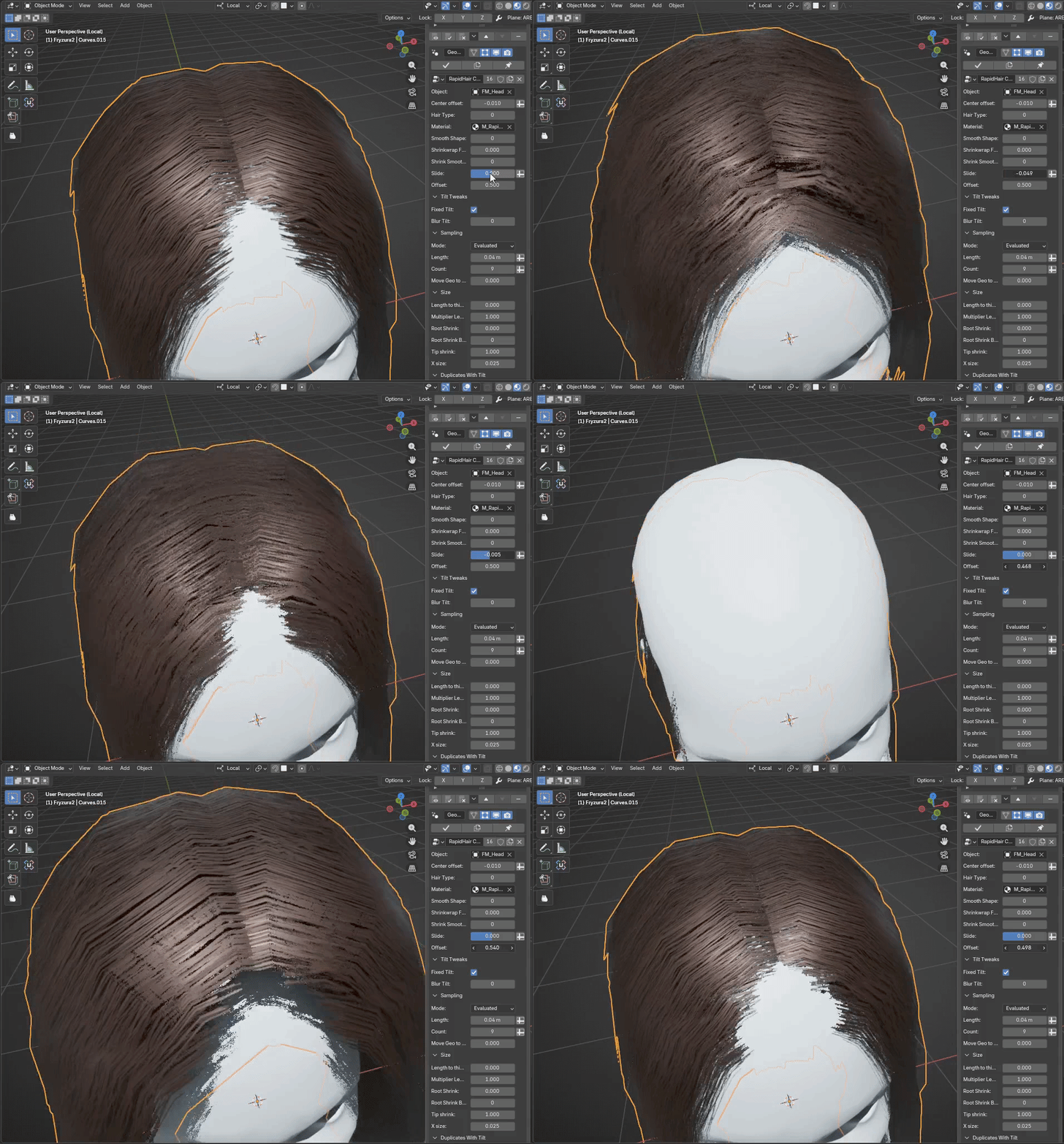
Length to thickness mod with multiplier: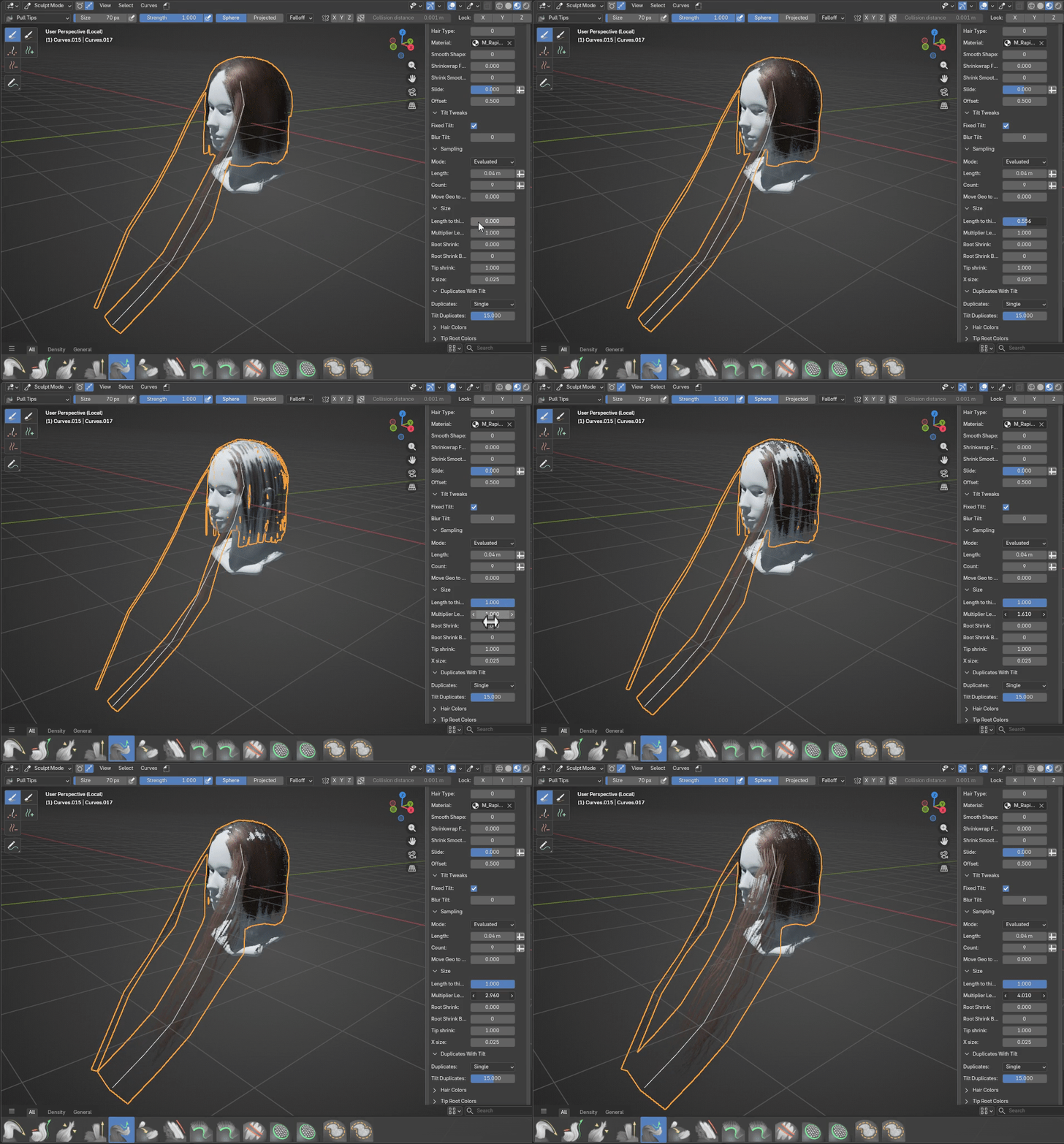
Duplicates with tilt:
adds duplicates with additional tilt.
Add two ("double") or four ("quad") copies, where in "double" mode adds copies rotated in "+" and "-" degree (default 15), but degree in "quad" mode for third and fourth copy is multiplied by 2.
Randomness:
Random radius & Random radius seed - randomize thickness per curve
Random tilt factor & Random tilt seed - randomize hair tilt per curve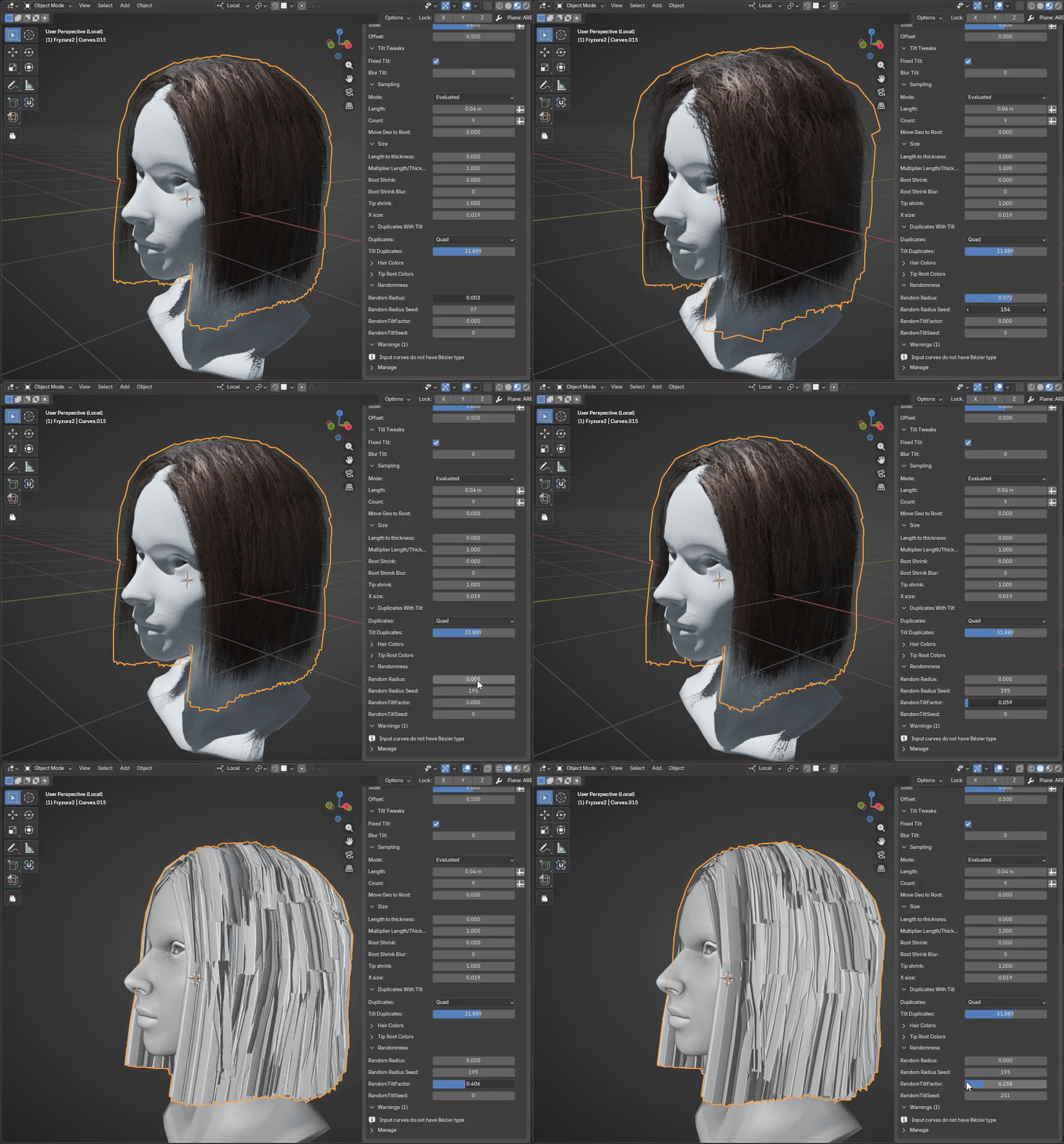
4.Material Settings
You can control material settings by shader editor, or if you want, you can override this in Hair Colors tab.
Shader settings:
Alpha power: alpha channel strength 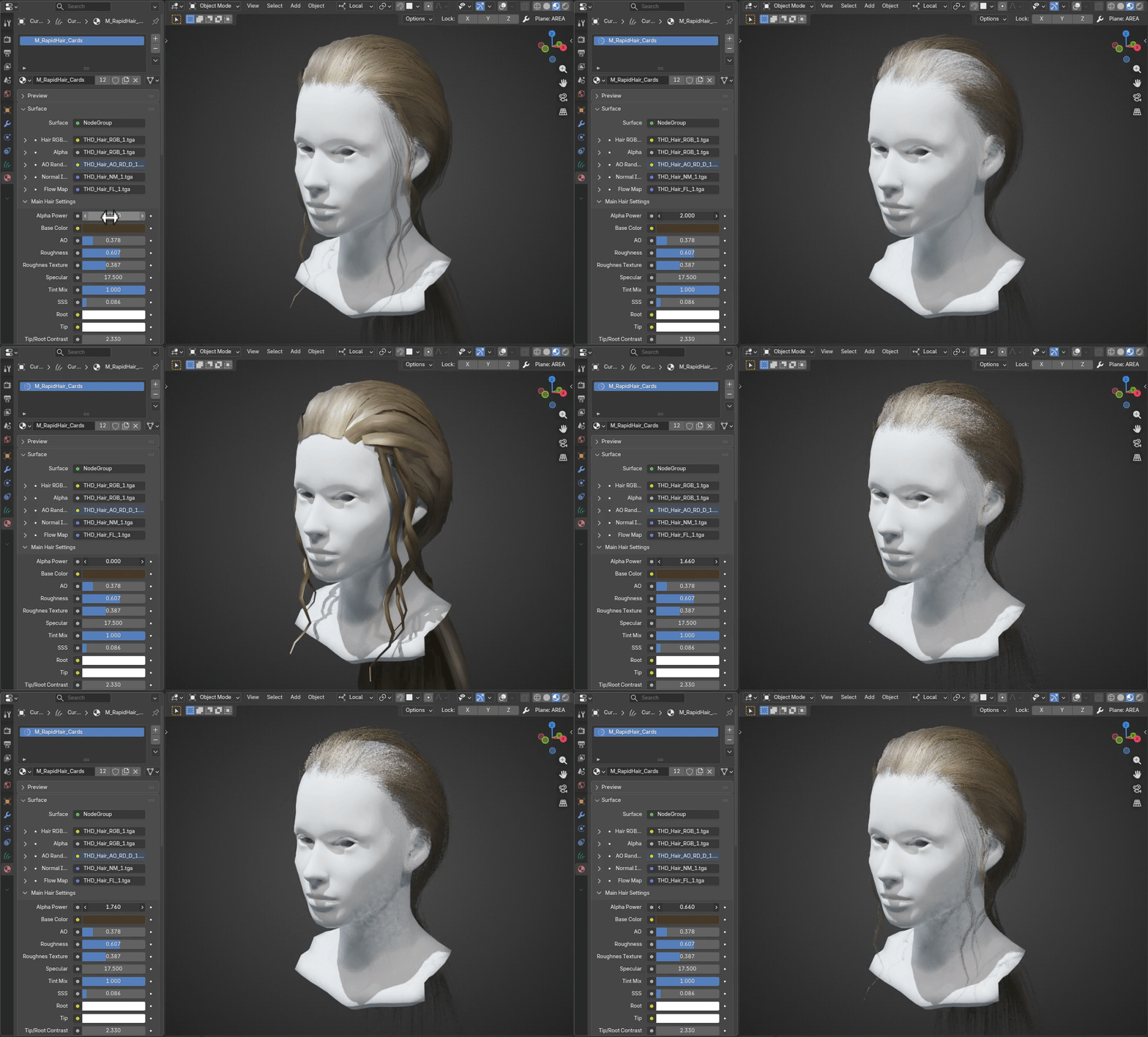
Base Color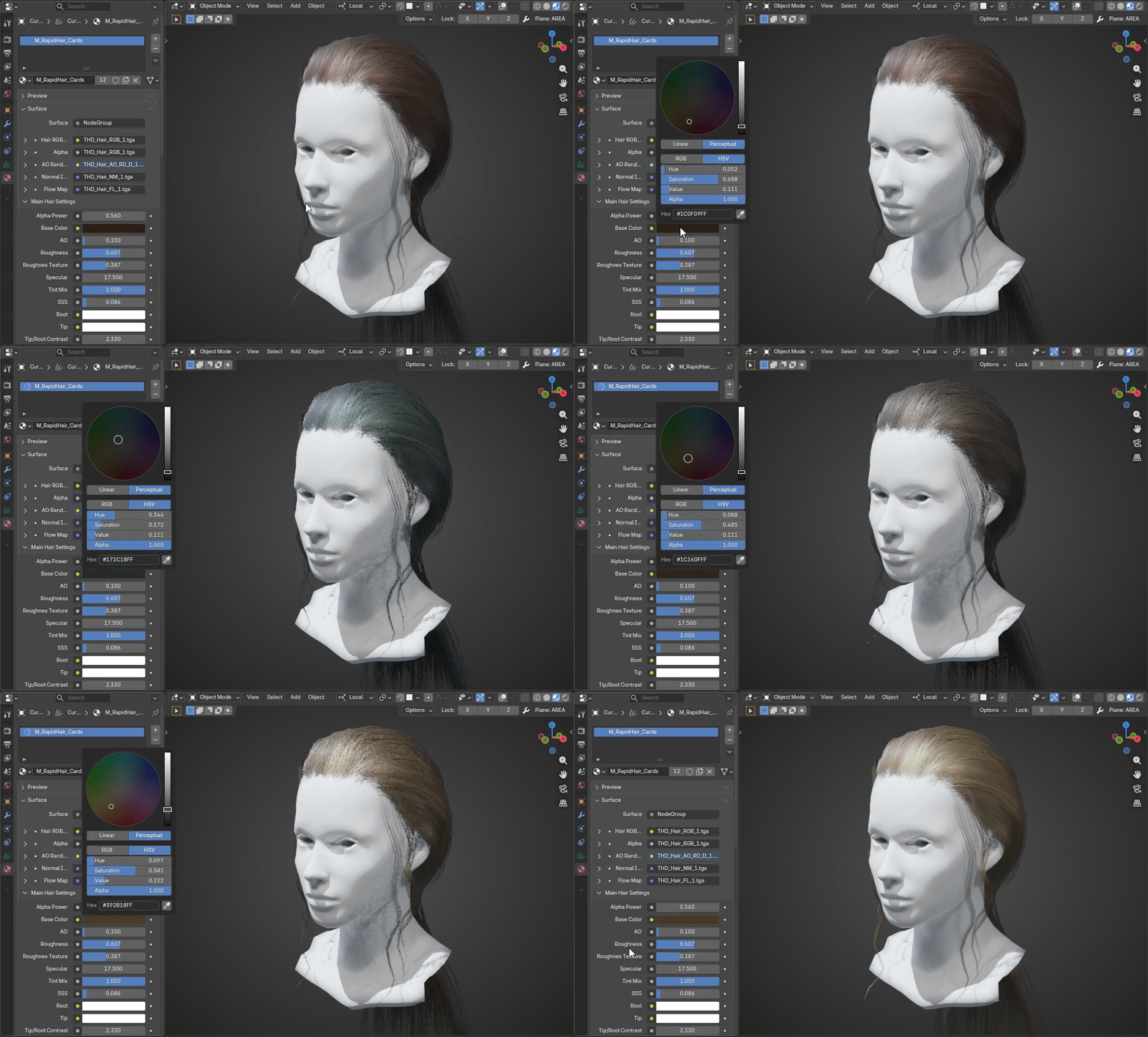
Ambient Occlusion (AO) : small shadows on texture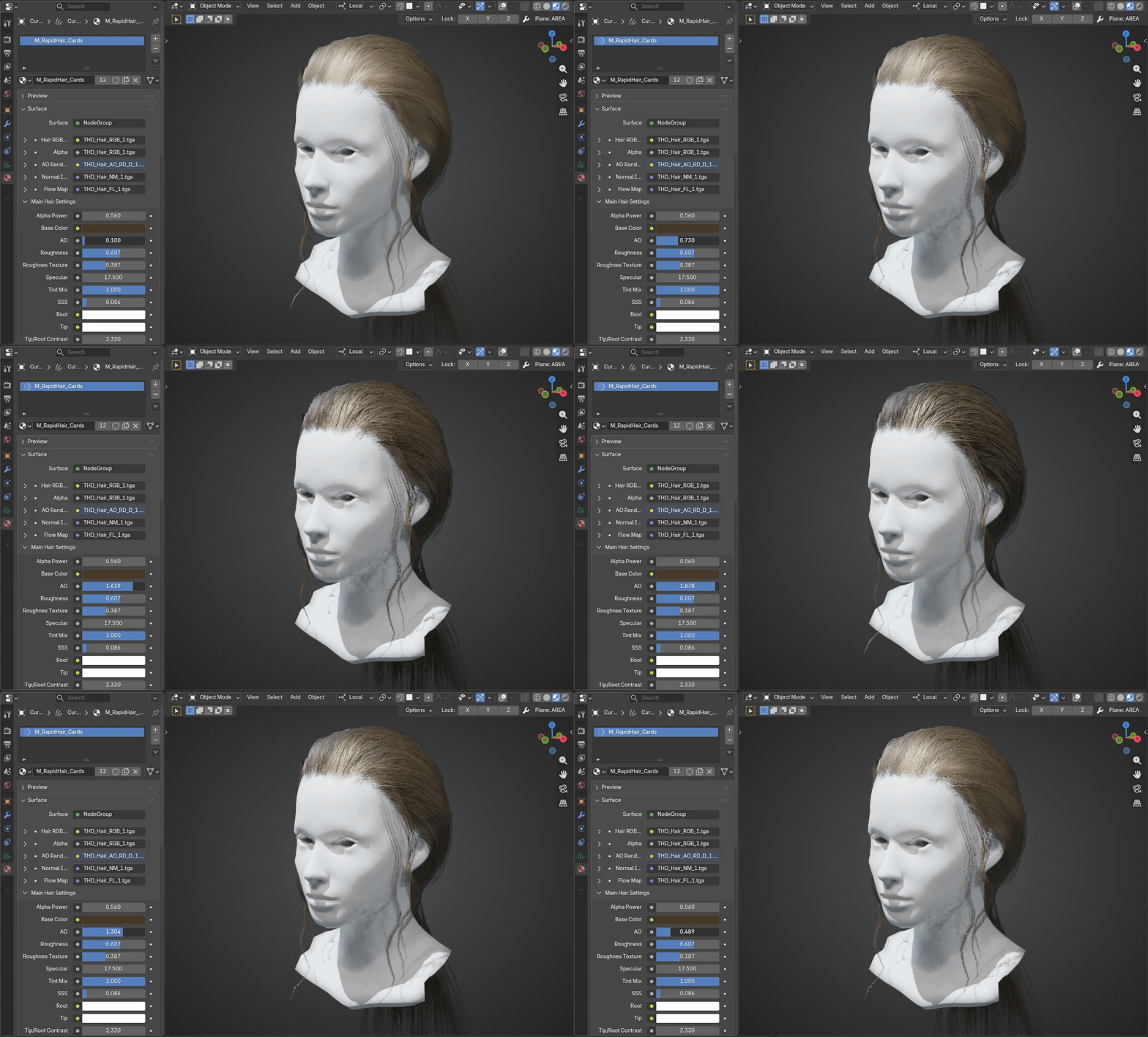
Roughness (uniform) : base roughness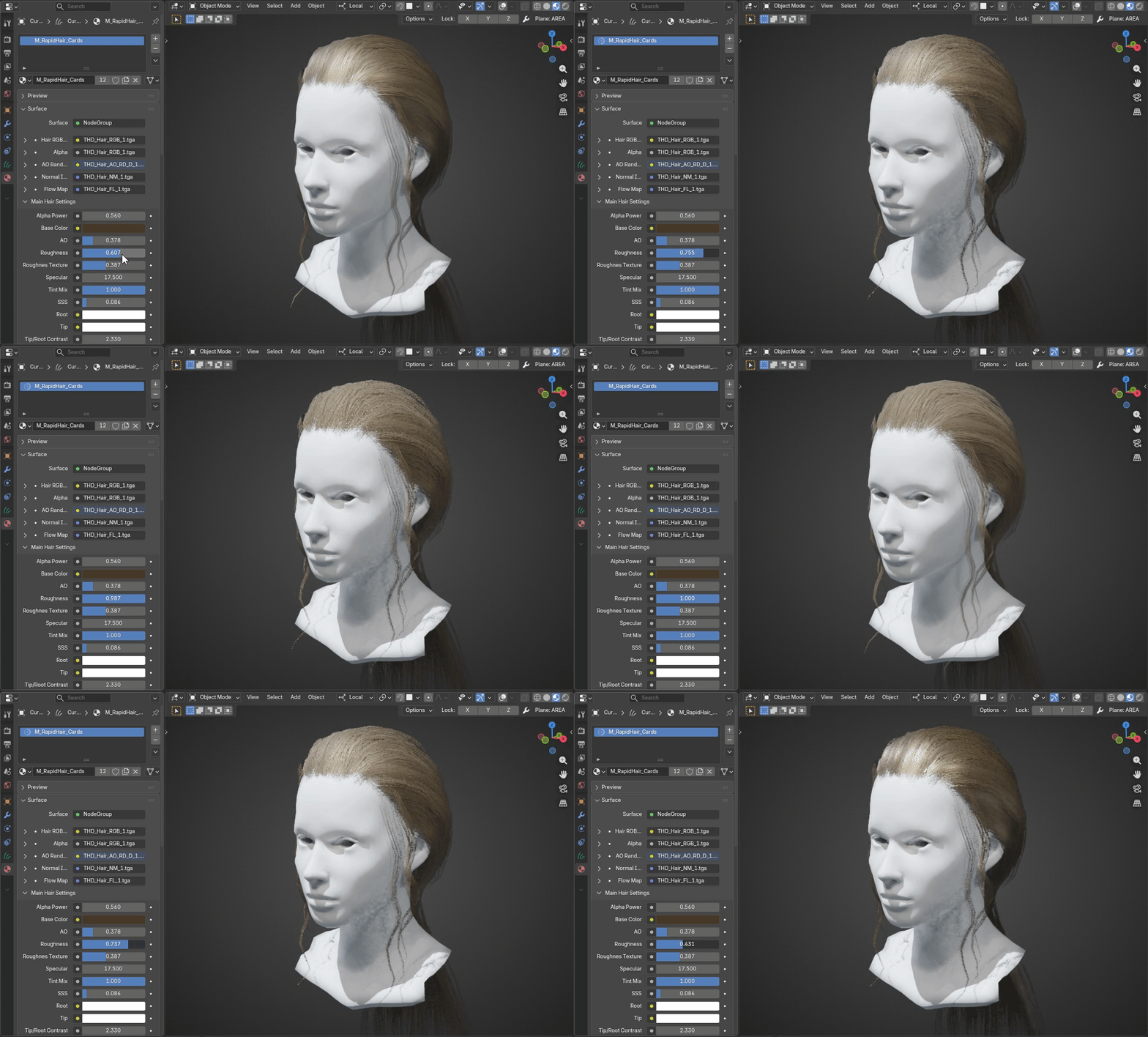
Roughness Texture : roughness overlay from hair texture "random color" layer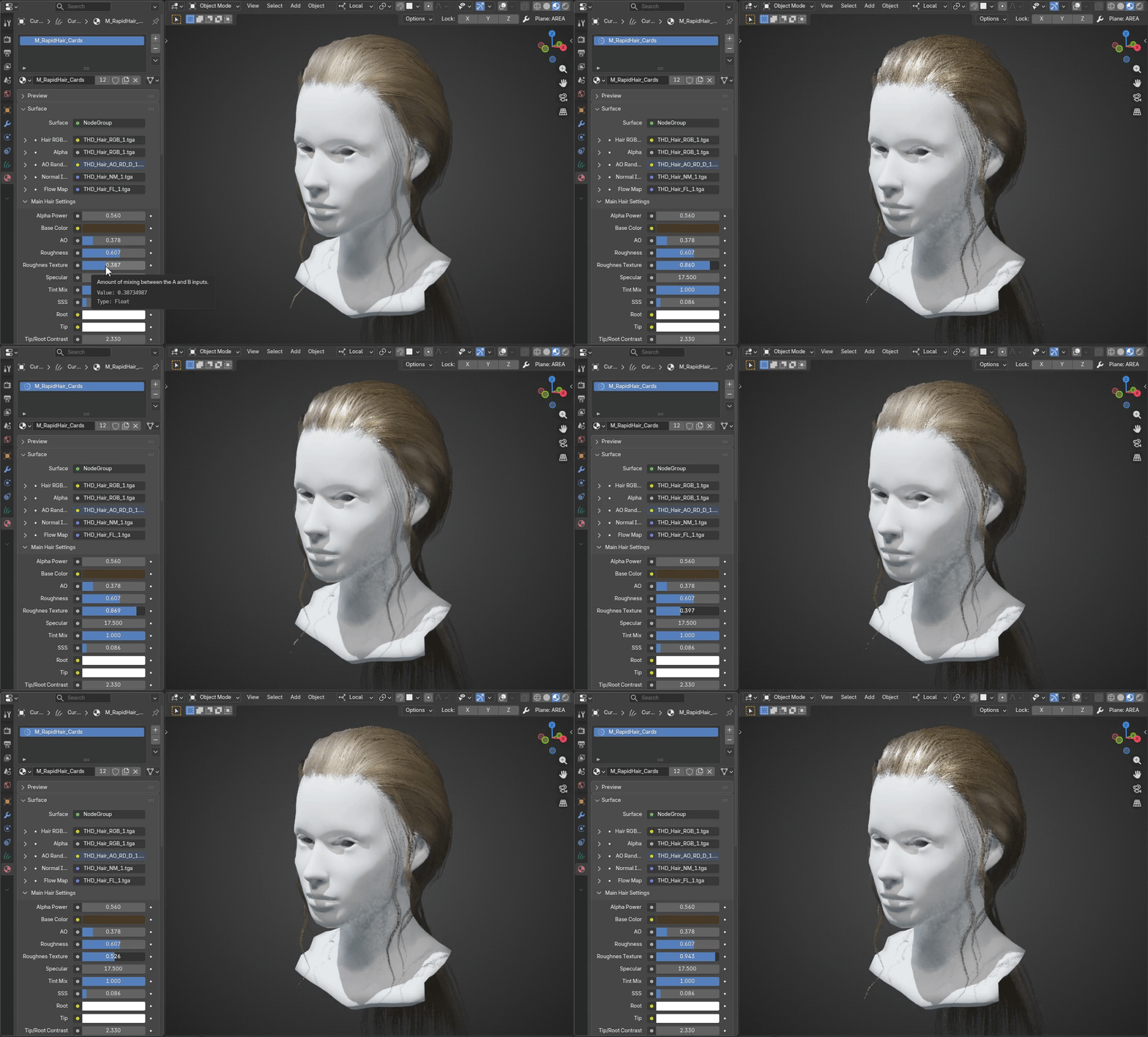
Specular : hair metalness effect for more dry or shiny hair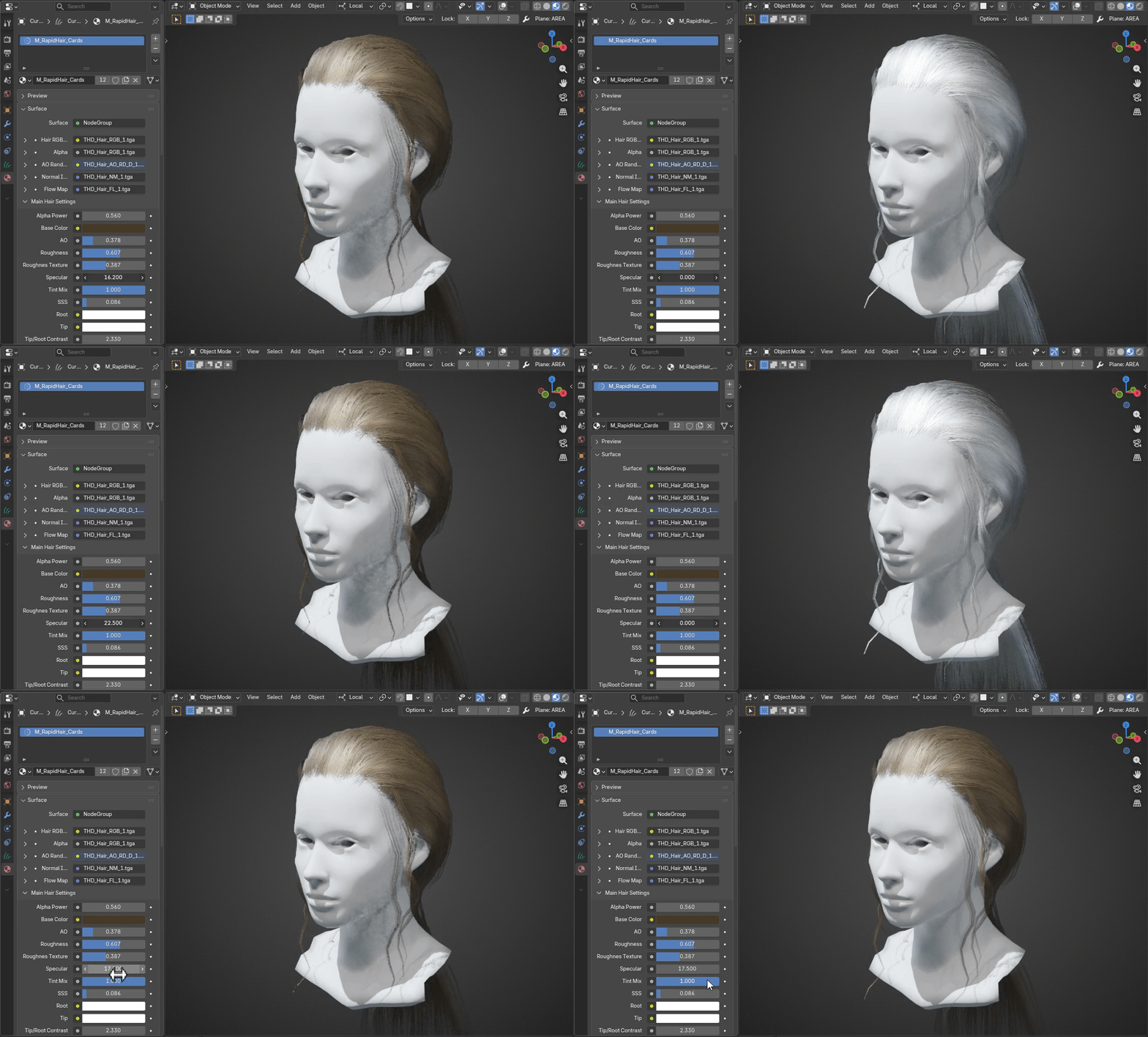
Tint Mix : tint from base color
Subsurface Scattering (SSS)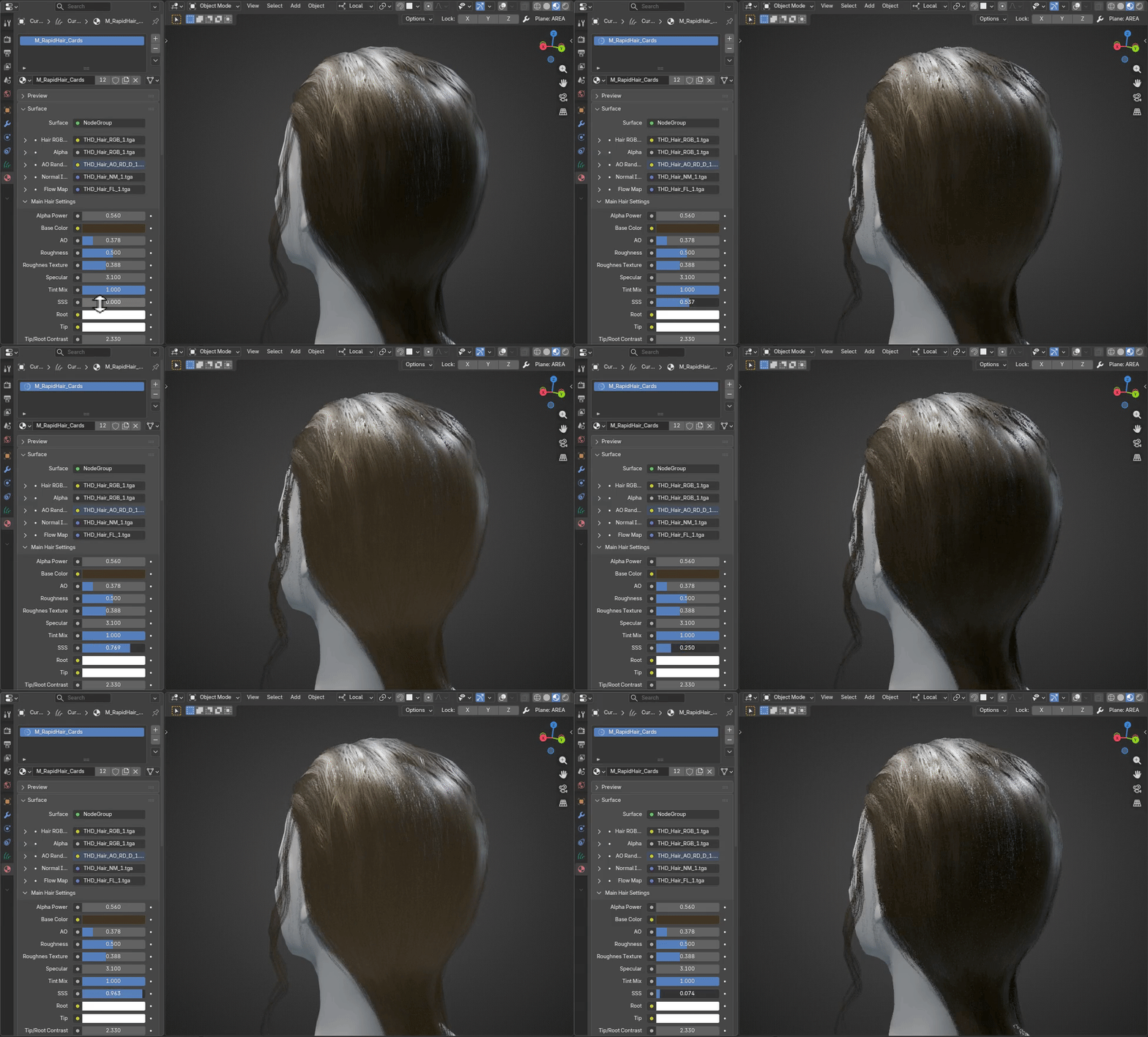
Root : Root color (multiply)
Tip : Tip color (multiply)
Tip/Root Contrast : strenghth of tip root effect
Tip/Root Offset : offset of tip root mask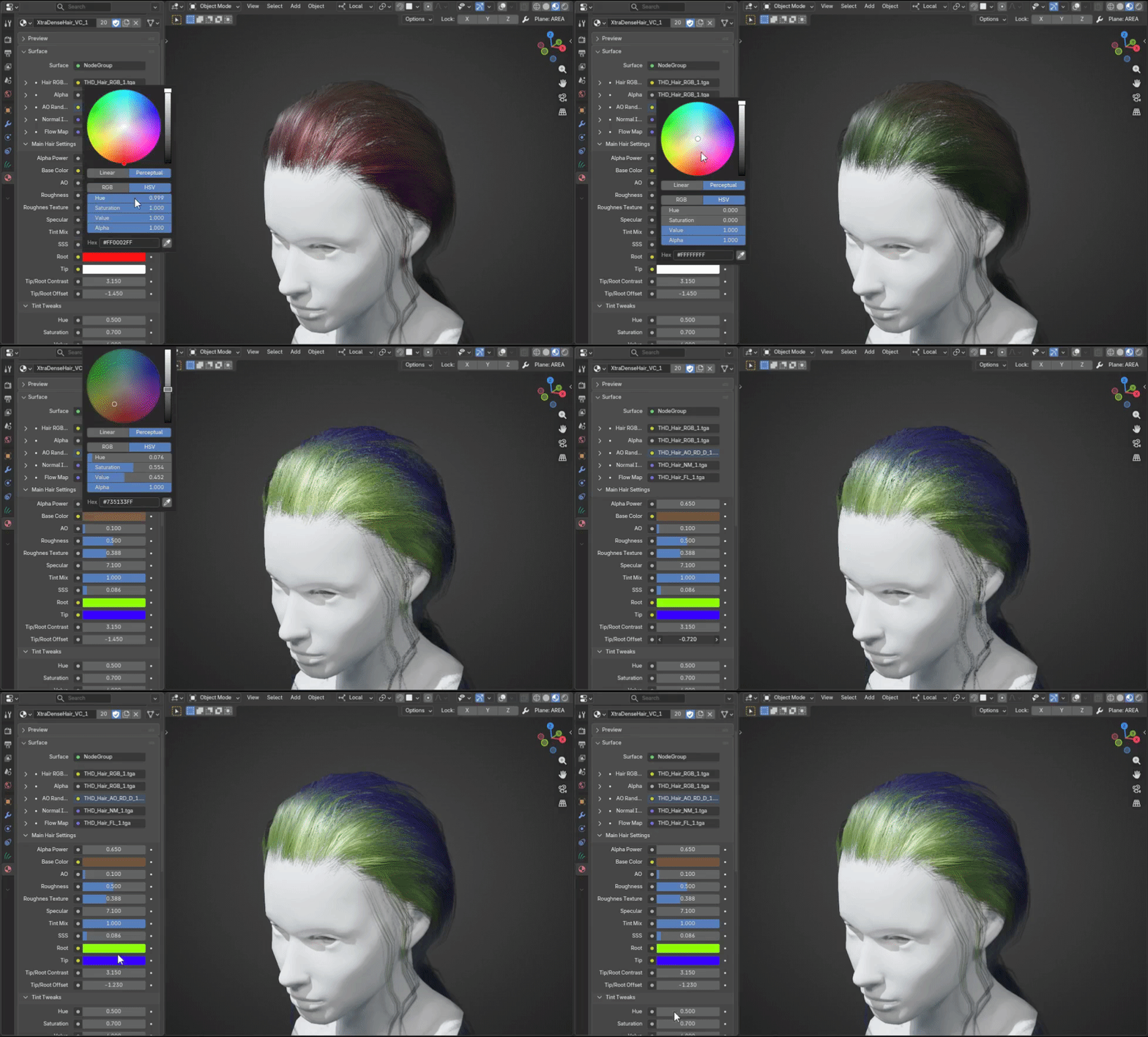
Tint Tweaks (H/S/V)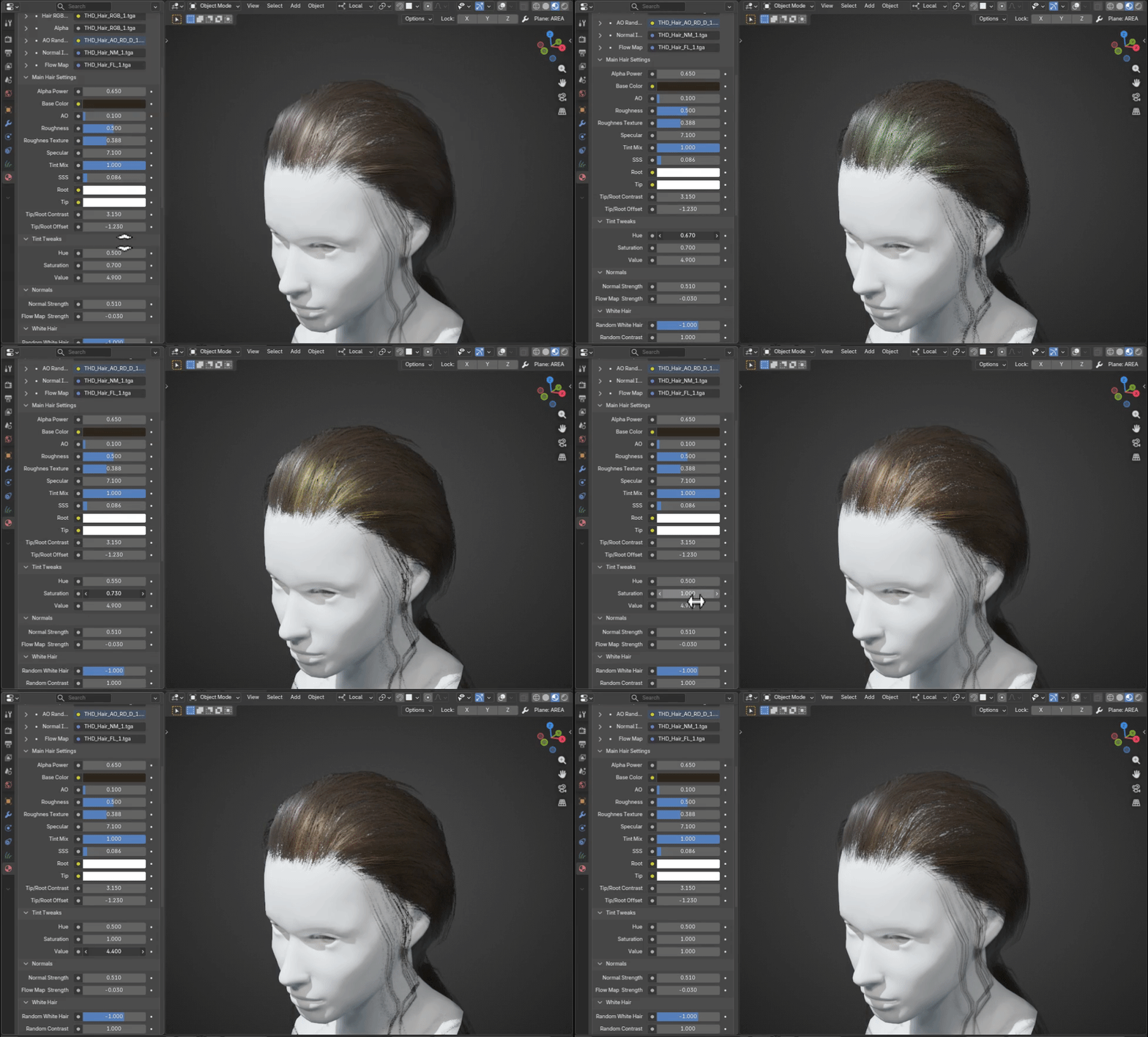
Normal Strength : Base normal map strength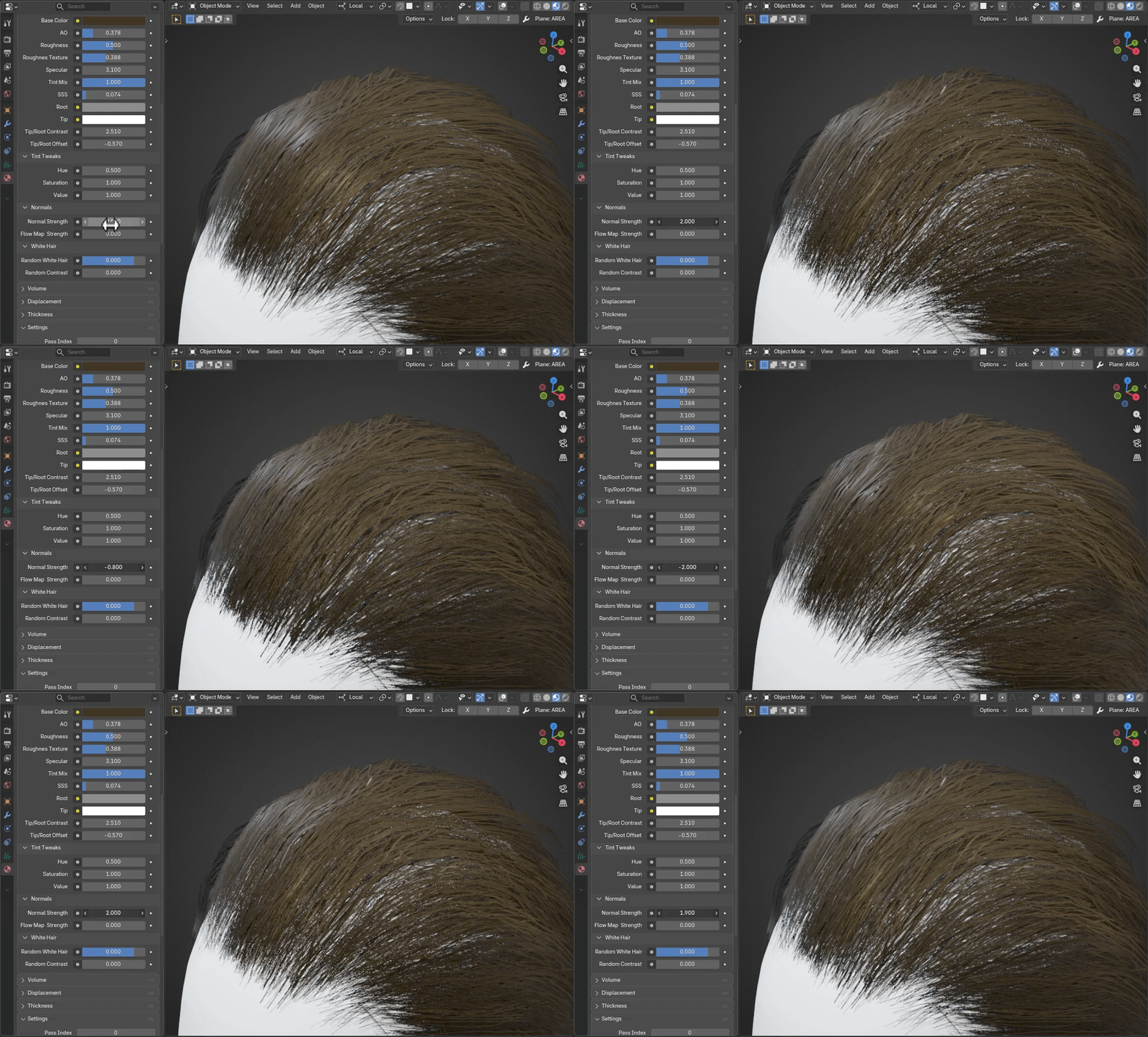
Flow Map Strength : fake hair anisotropy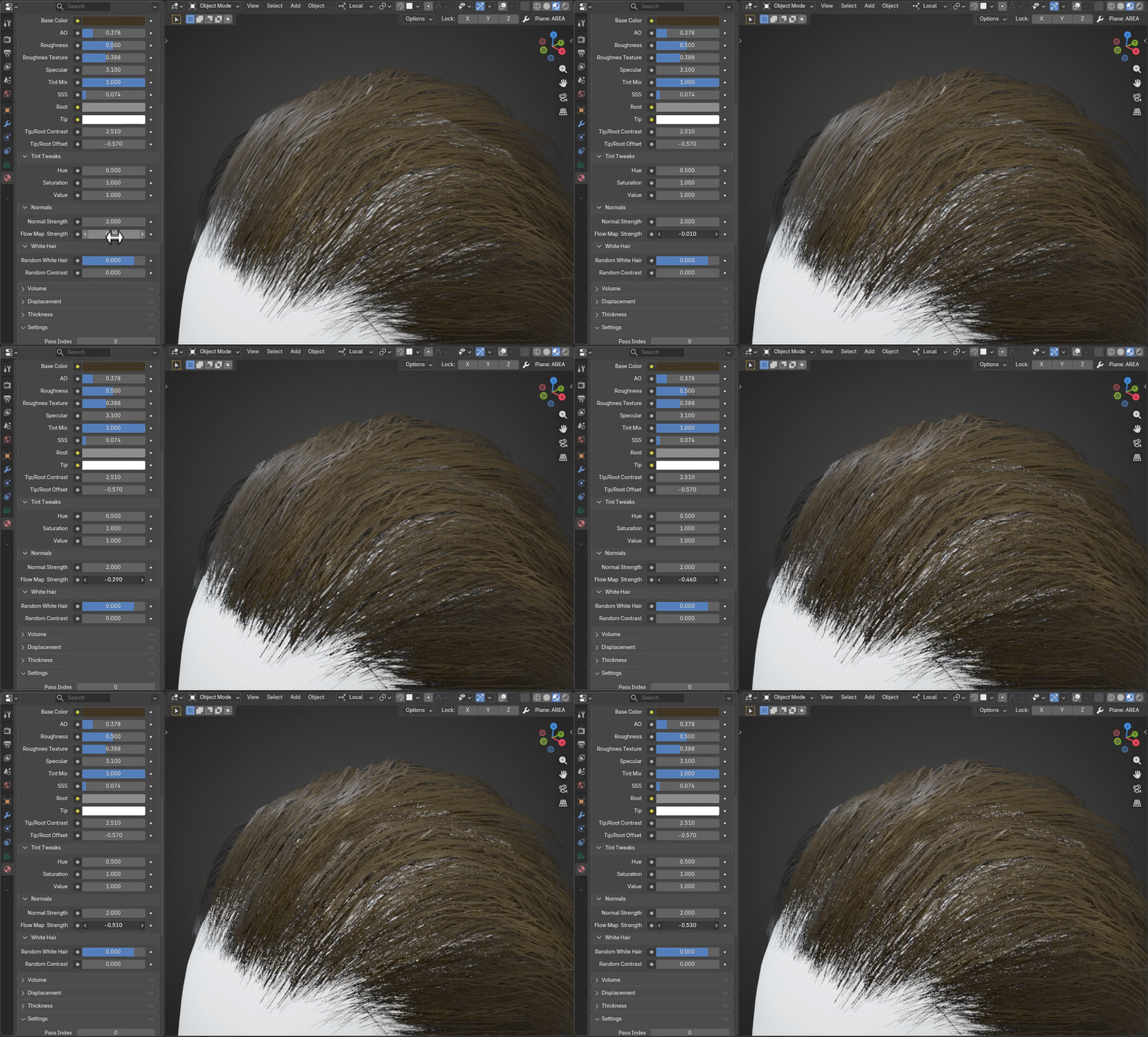
Random White Hair : adds some "age" to hair (value:-1 gives no effect on hair)
Random Contrast : manipulates contrast of white hair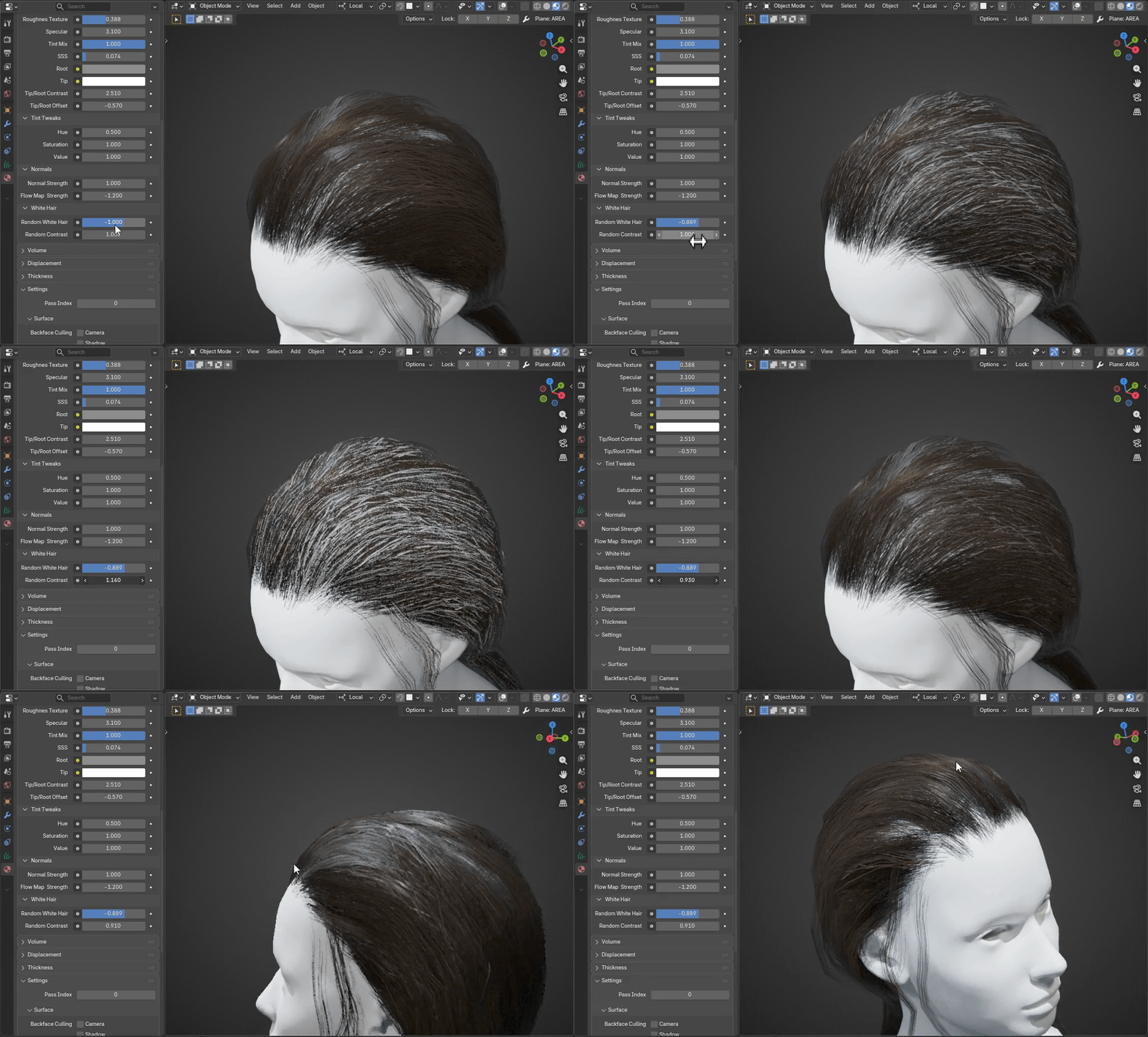

Discover more products like this
Low Poly Hair geometry nodes blender Blender Hair Procedural Hair Sculpt Hair game-ready hair hair curves hair system hair cards hair card generator realtime hair