Blender Easy

In this bundle, you’ll find two high-quality procedural tools designed to take your cloth renderings to the next level. They generate fully woven, customizable 3D fabrics and detailed stitch lines.
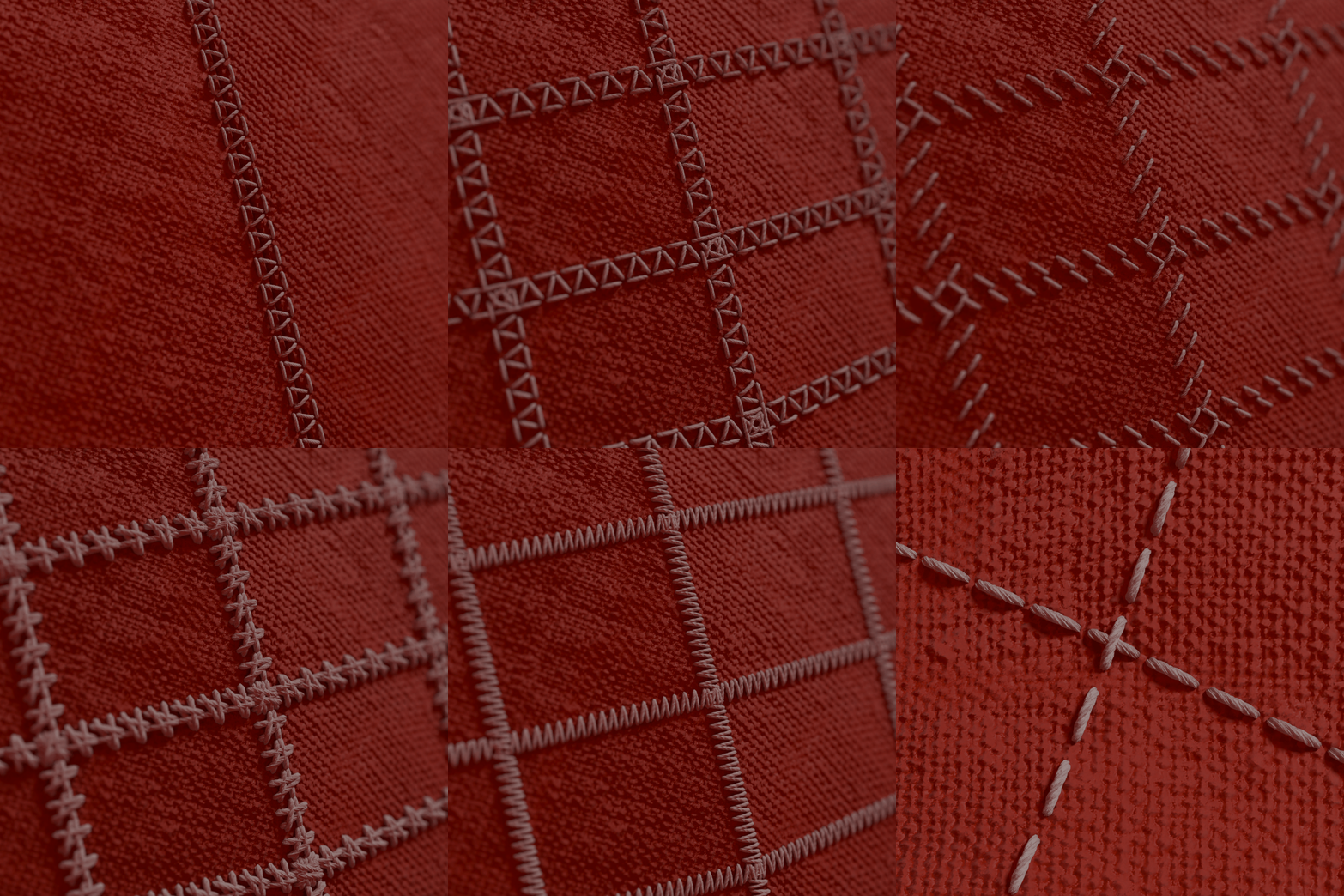
EZStitches is a high-quality procedural tool that allows you to generate clean, realistic stitch lines along the edges of any mesh in Blender.Stitch placement can be driven using vertex groups, UV seams, or sharpened edges, giving you full artistic and technical control.
Now you can easily generate stitch patters with endless customization options of colors and shapes.
for the Custom Stitch Patterns
Create your own stitch designs simply by loading a mesh containing edge geometry.EZStitches automatically duplicates and distributes the pattern along the selected edges, resulting in natural spacing and production-ready results.
Animation-Ready & Motion Blur Support
EZStitches works seamlessly with animated and deforming meshes.The generated stitches remain perfectly attached to the surface and fully support motion blur, making the tool suitable for cinematics, games, and real-time projects.
Animated Mesh Workflow
To use EZStitches with animated objects, simply apply it to a static version of the mesh, then load the animated version into the Animated Object input.This ensures perfect deformation and synchronization throughout the animation.
Installation
To install EZStitches, simply save the EZStitch.blend file inside your Asset Library folder. Once installed, EZStitches will appear in the Asset Browser, allowing you to drag and drop into any mesh and start working immediately.
The KnitGen allows you to create realistic fabric with ease. Use your own custom thread interlacements to generate the perfect fabric for your 3D projects.
It fully supports animated objects and uses hair curves to construct the fabric, ensuring maximum performance with minimal memory usage.
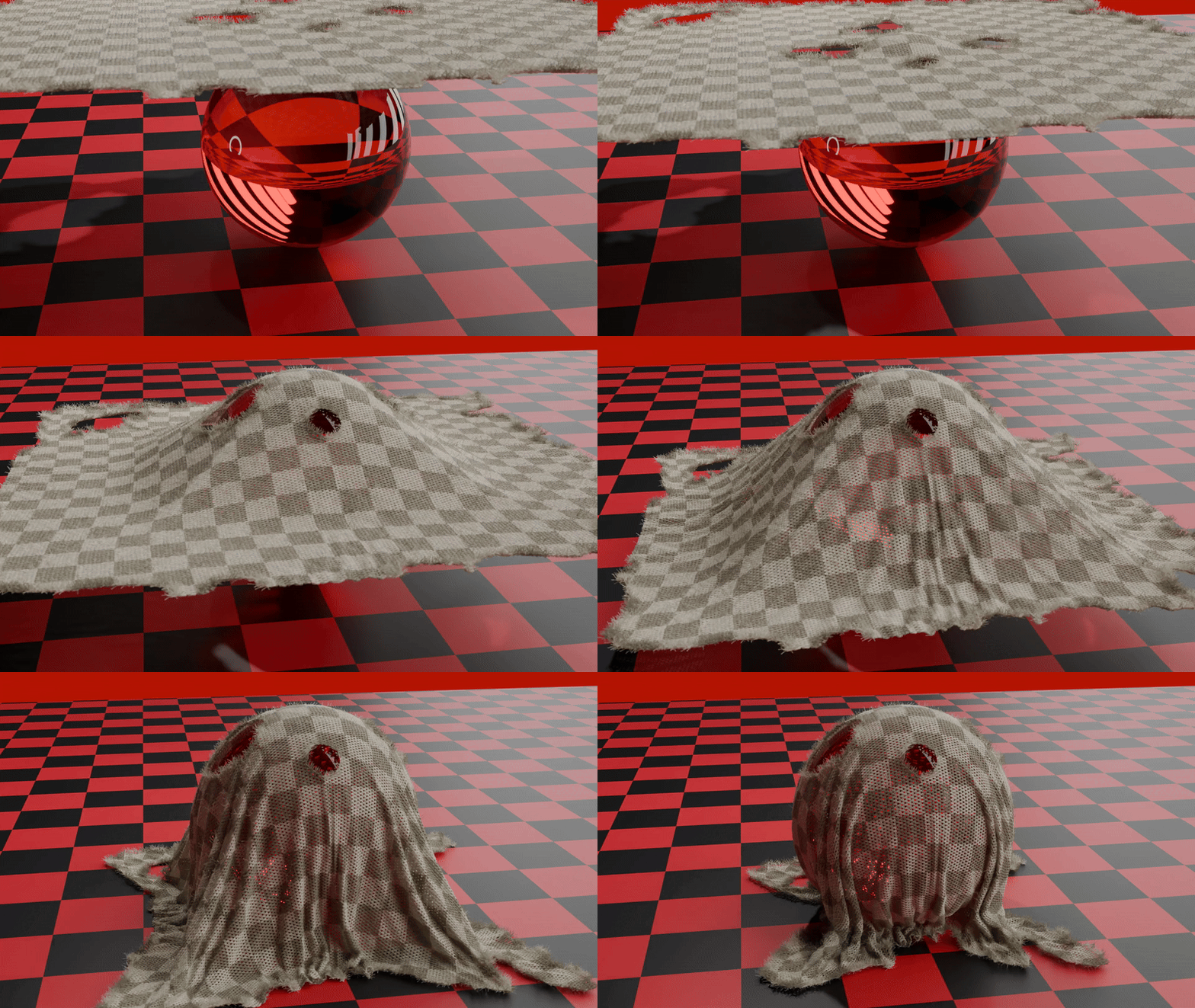
For ultra-realistic results, the tool also adds a layer of fuzz to replicate fine fabric fibers. 
Additionally, you can simulate fabric tearing using a weight map, giving you even more creative control. 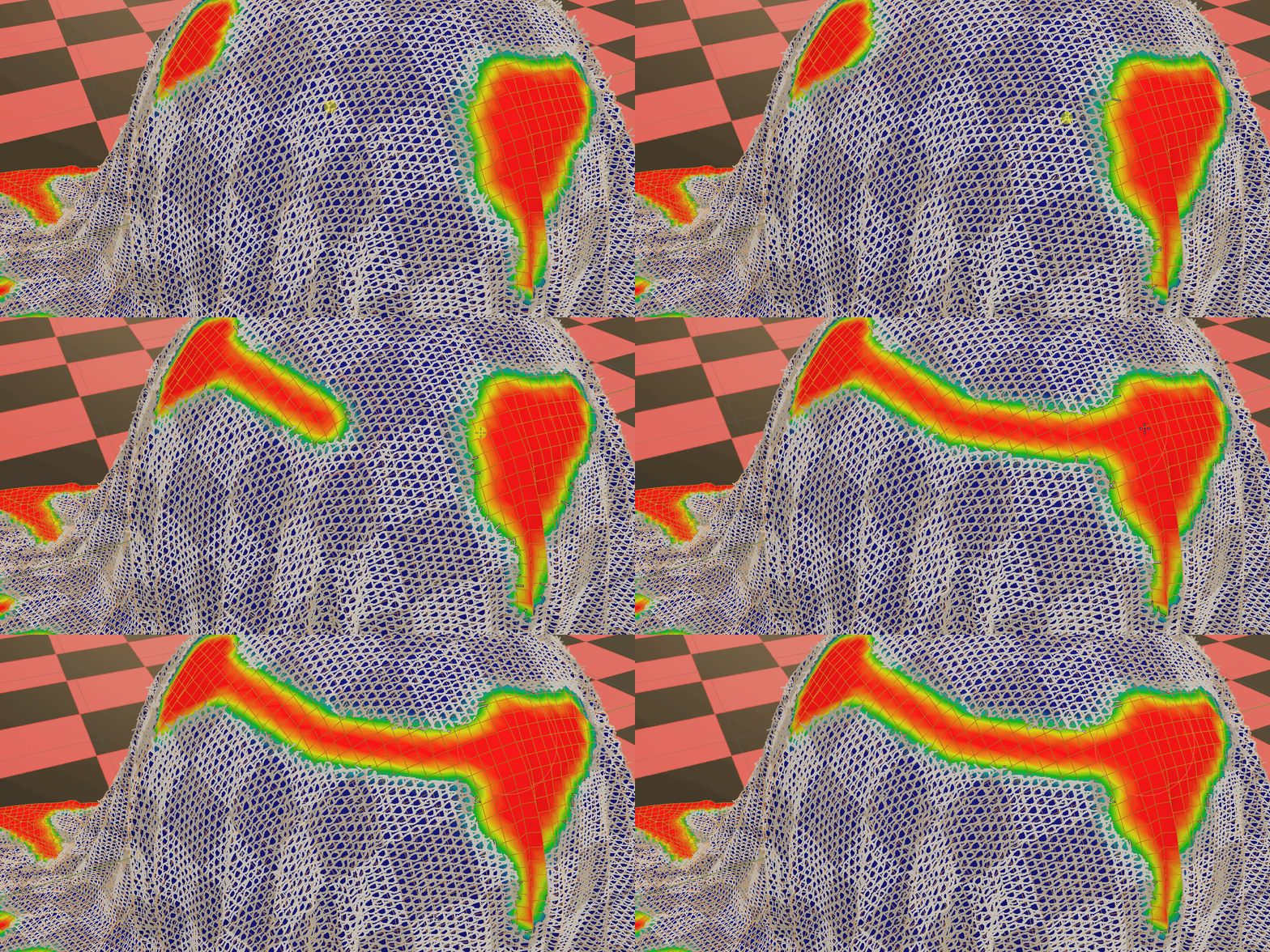
How to use the KnitGen:
To save the KnitGen.blend file to your Asset Library:
Place the
KnitGen.blendfile in your designated Asset Library folder.
(You can find or set this path in Edit > Preferences > File Paths > Asset Libraries.)Restart Blender or reload your Asset Browser.
The KnitGen assets will now appear in the Asset Browser under that library.
To use KnitGen, first add an Empty Hair object to your scene:
Select any object → Add > Curve > Empty Hair
Then, with the Empty Hair selected:
Go to the Modifiers tab → Click +Add Modifier → Under "Unassigned", select KnitGen
You can watch the video bellow to learn how to use it!