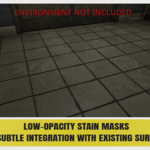
Realistic Decal & Surface Alphas

StillMount Studios in Organic


Realistic Decal & Surface Alphas
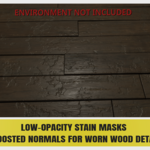
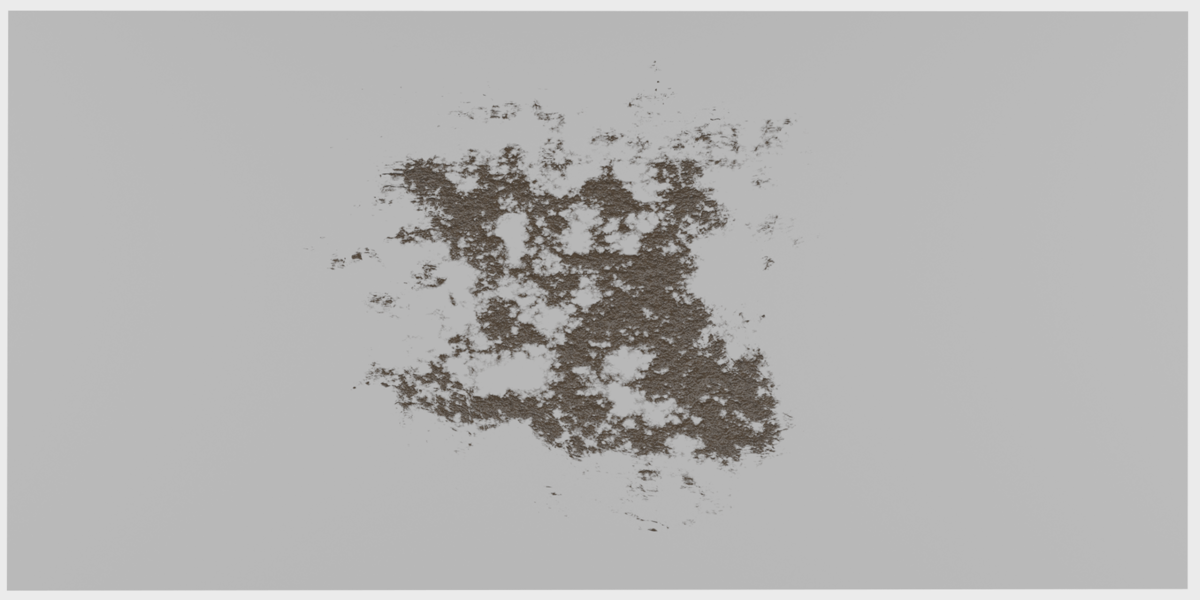
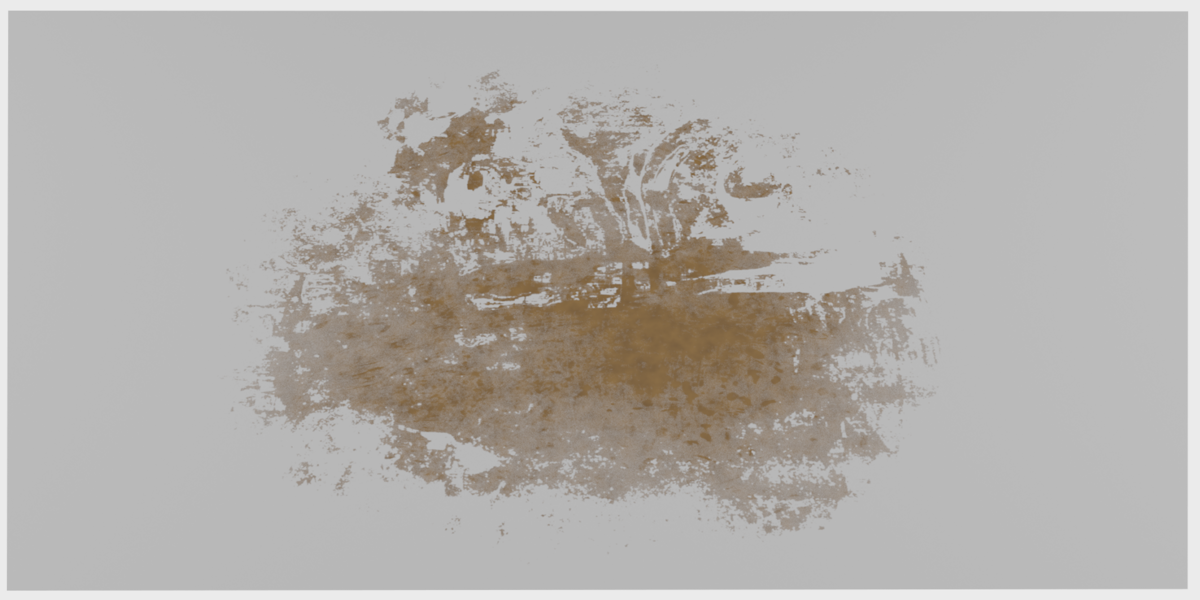
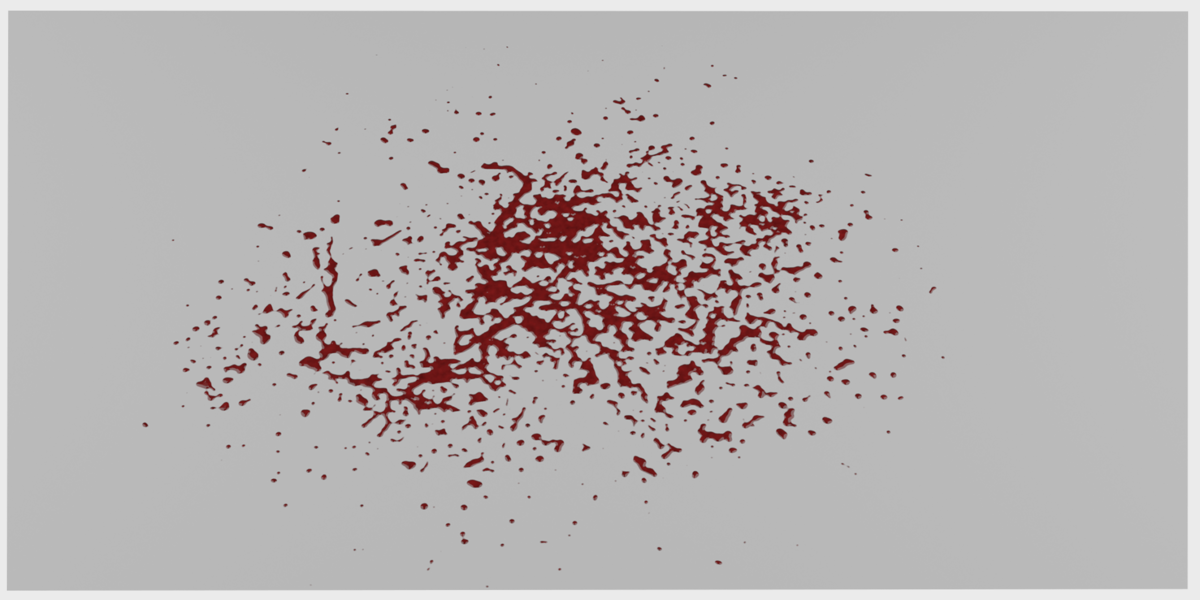
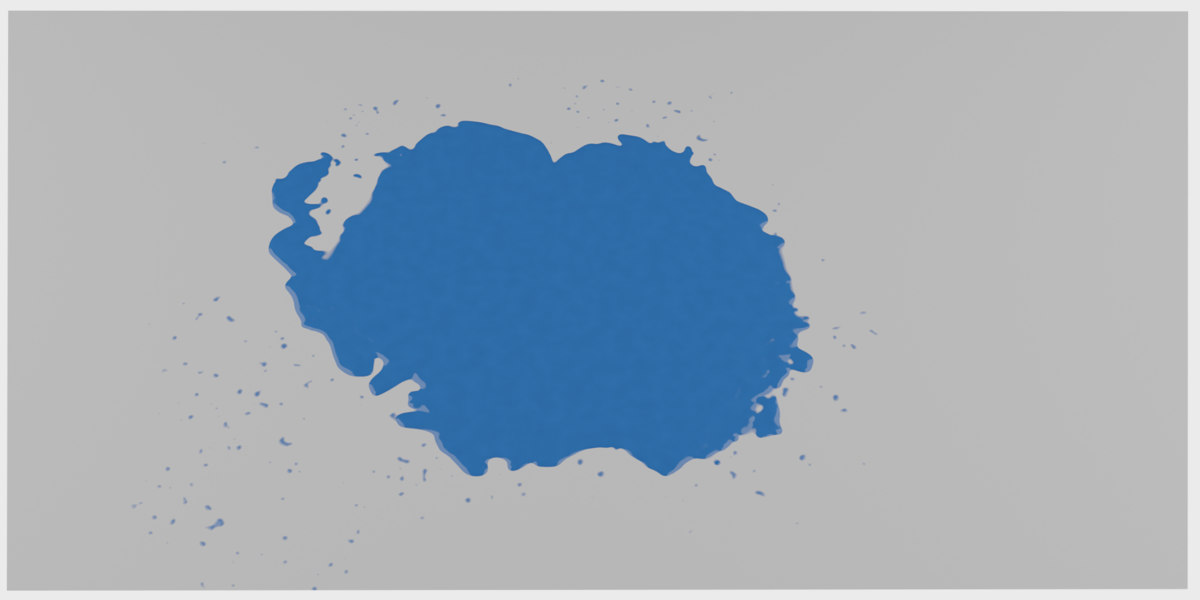
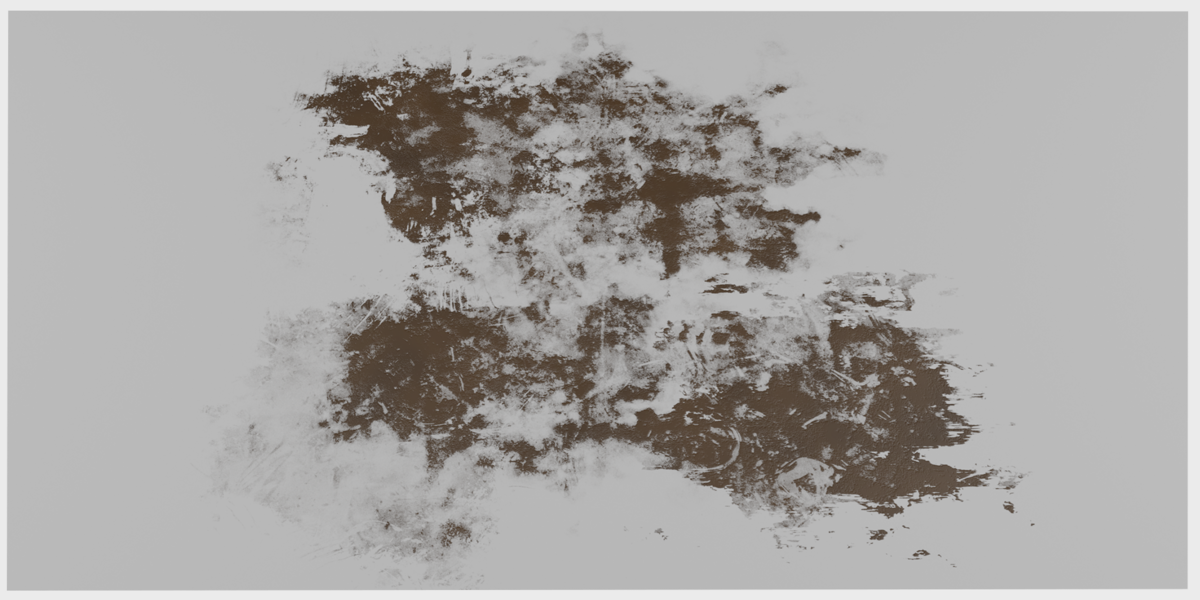
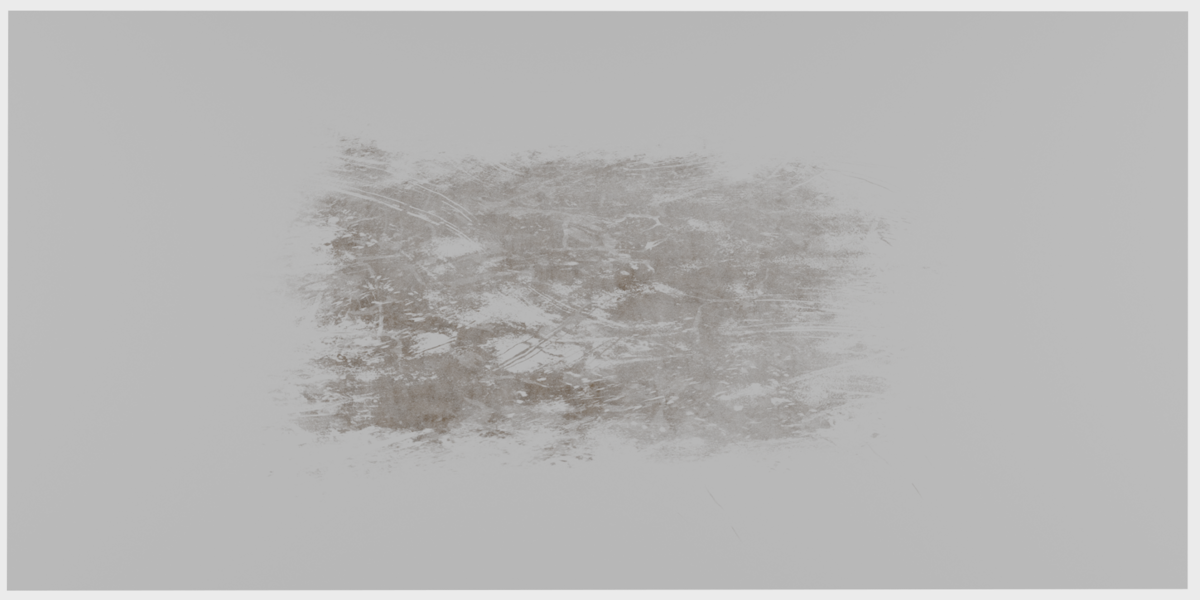
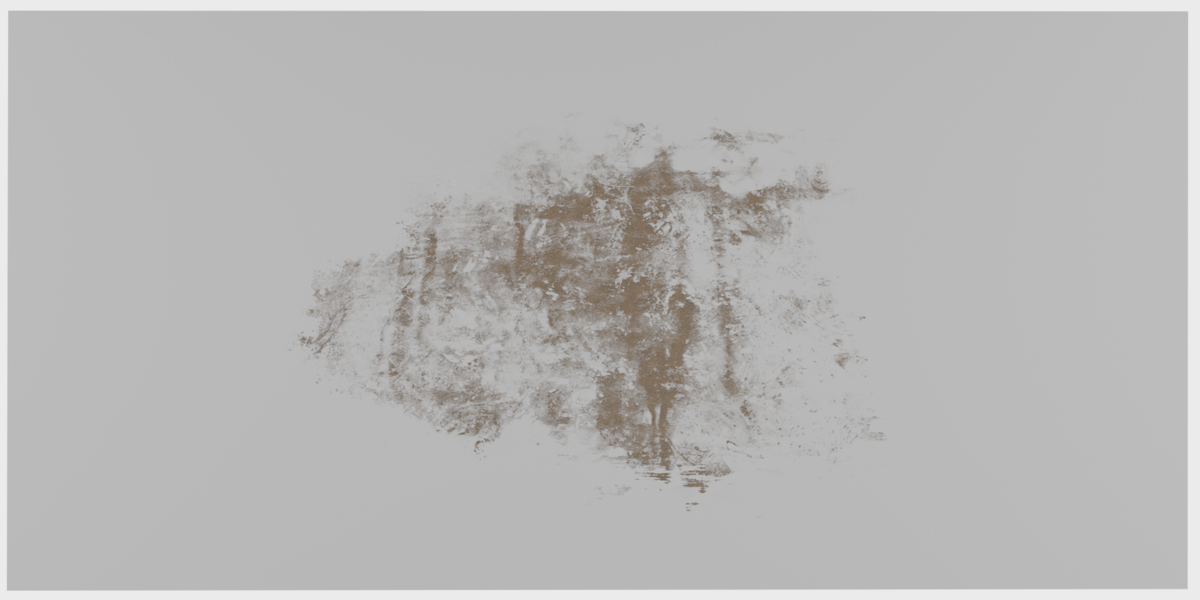
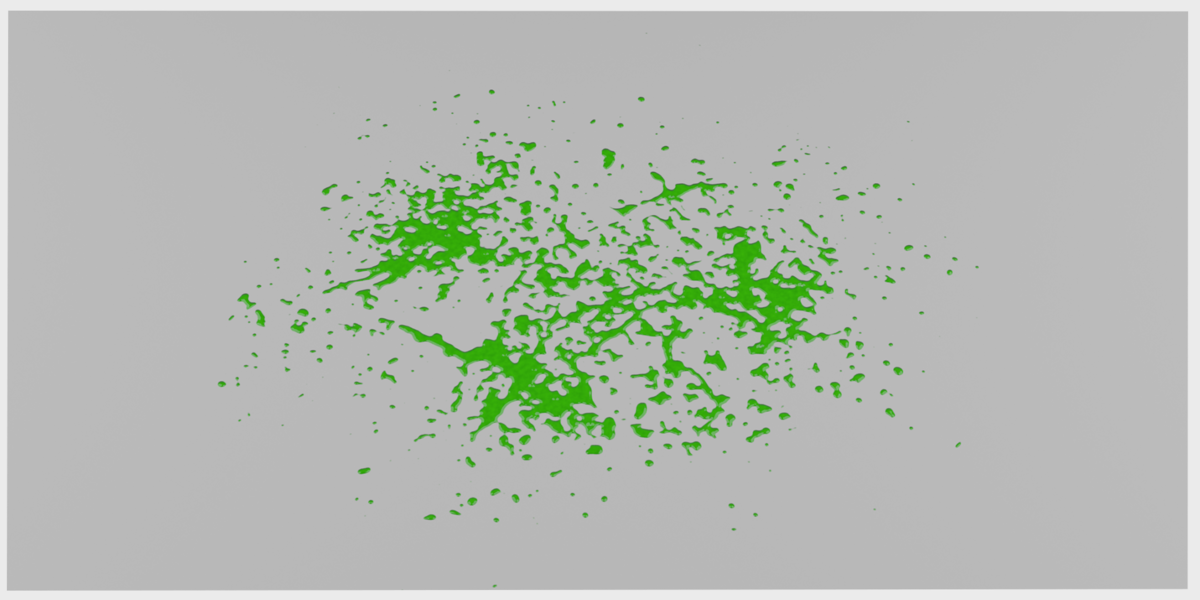
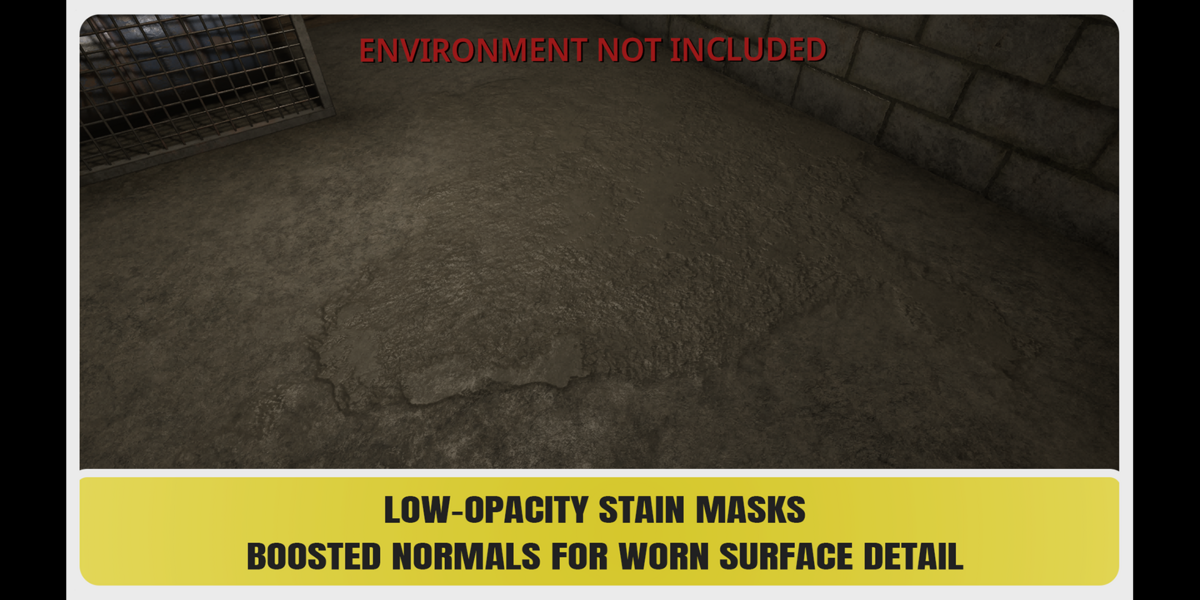
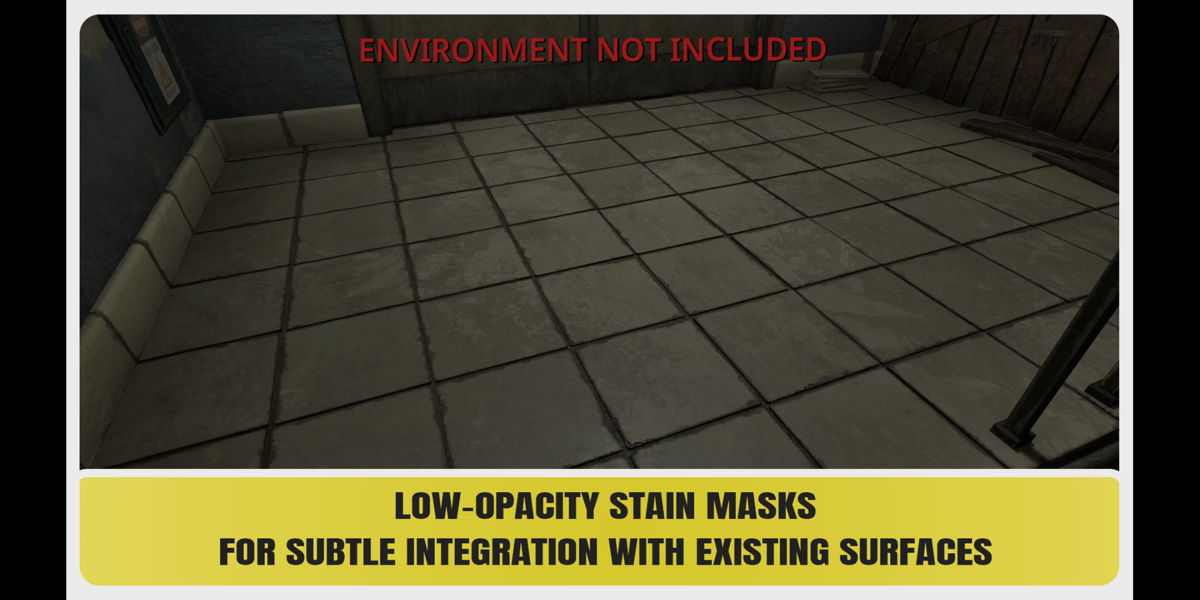
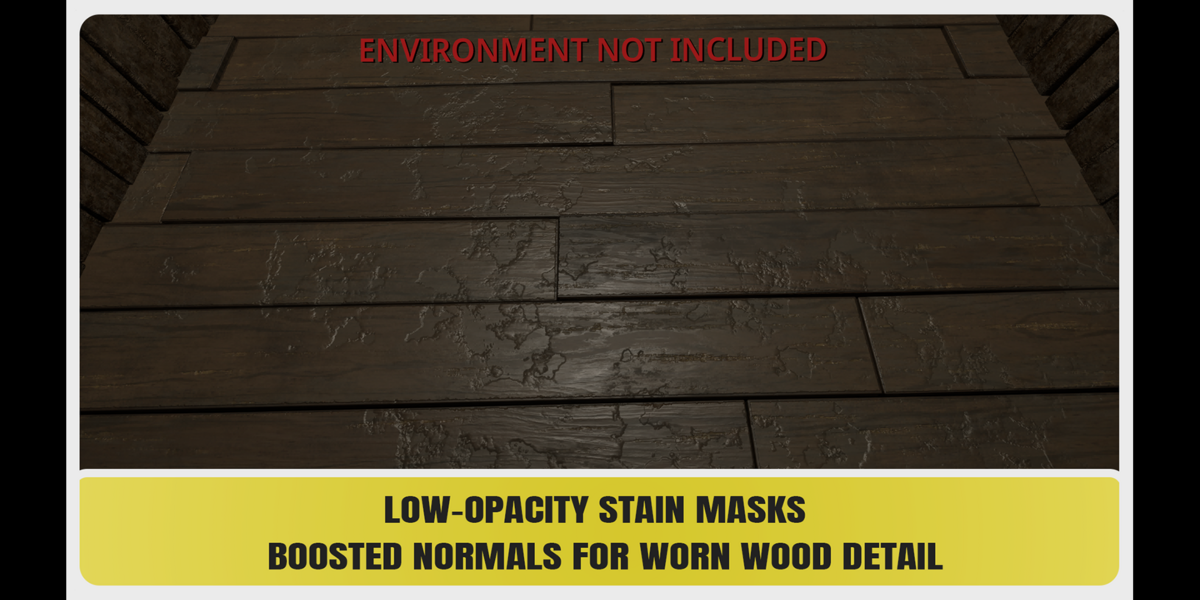
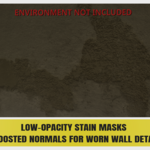
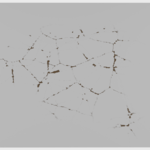
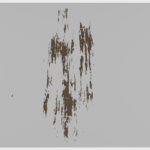
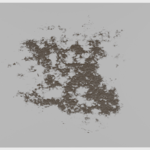
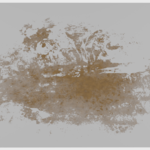
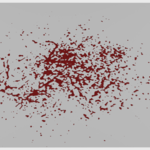
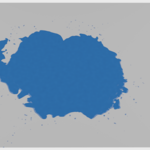
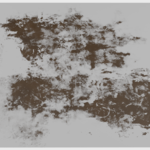
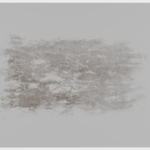
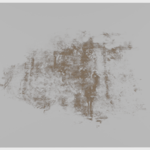
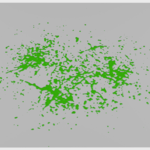
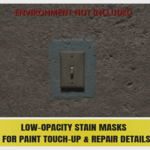
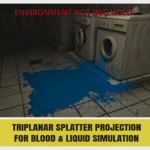
Create your own custom decals and surface details with 250+ high-resolution 4K alpha masks. Designed for decal creation, texturing and material work, these alphas can also be used for sculpting, height details, roughness variations, stencils, surface damage and more.

Easy to Use

Built for a simple drag-and-drop workflow. Each alpha comes as a ready-to-use Blender Shader Node Group in the Asset Browser — just drop it into your material, connect the outputs you need, and customize the result instantly with the built-in controls.
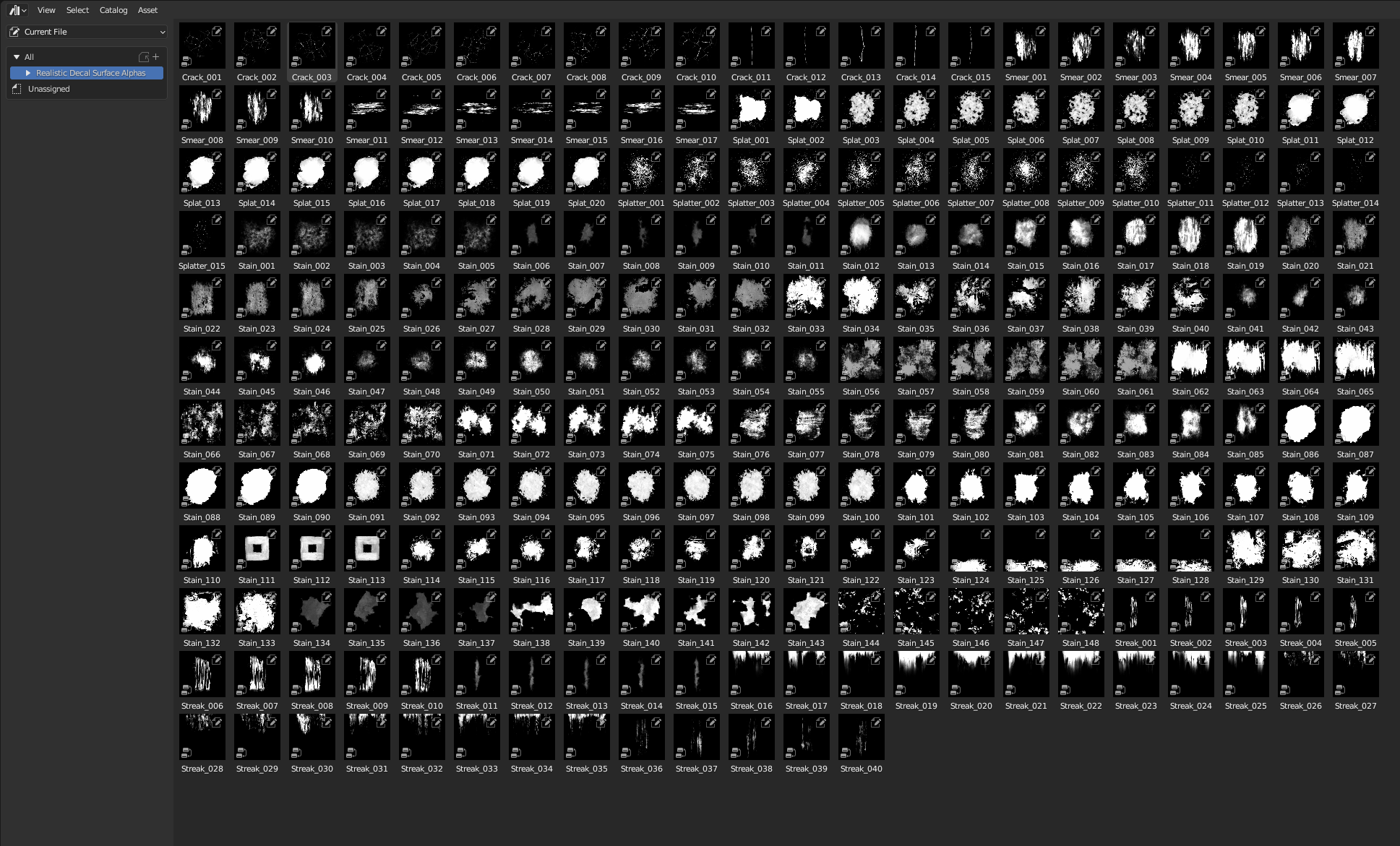
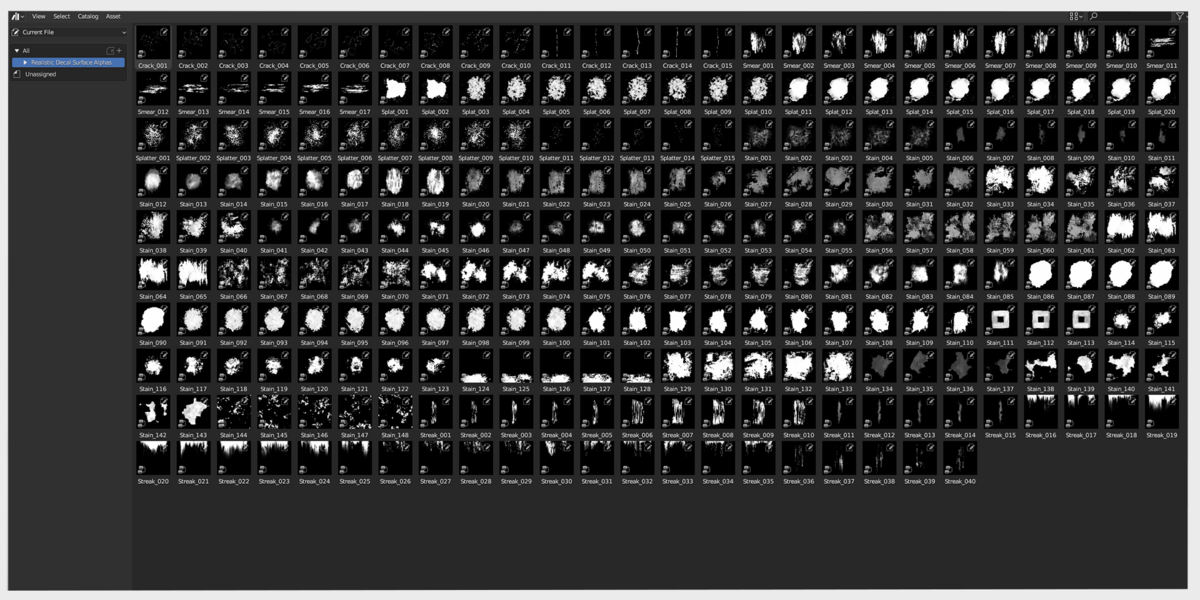
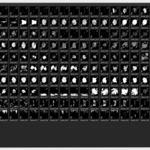
Full Realistic Decal and Surface Alphas collection

Blender Asset Browser Ready

Every alpha is available as a ready-to-use Blender Shader Node Group asset. Browse the library, drag the alpha directly into your Shader Editor and connect the outputs you need.
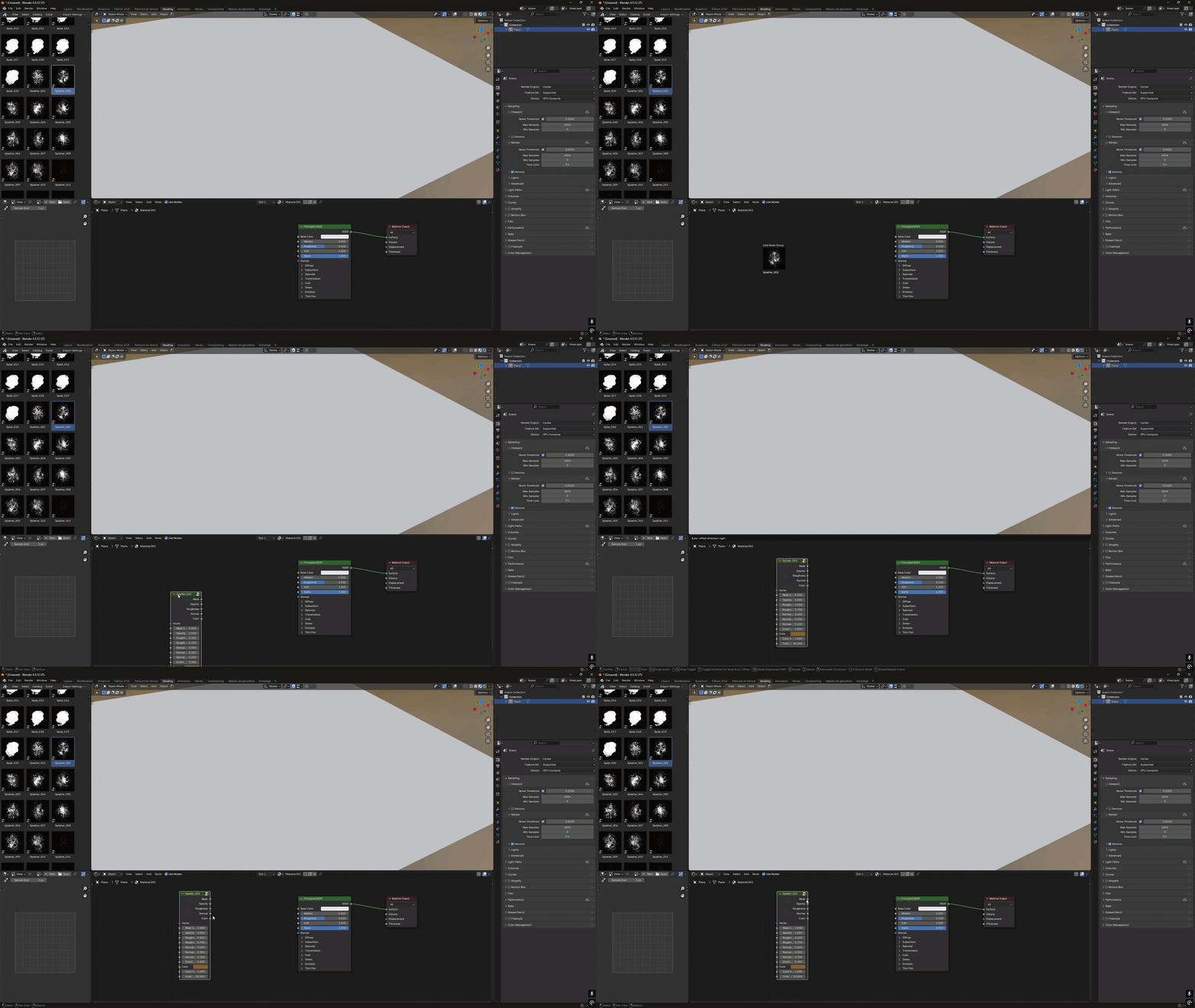
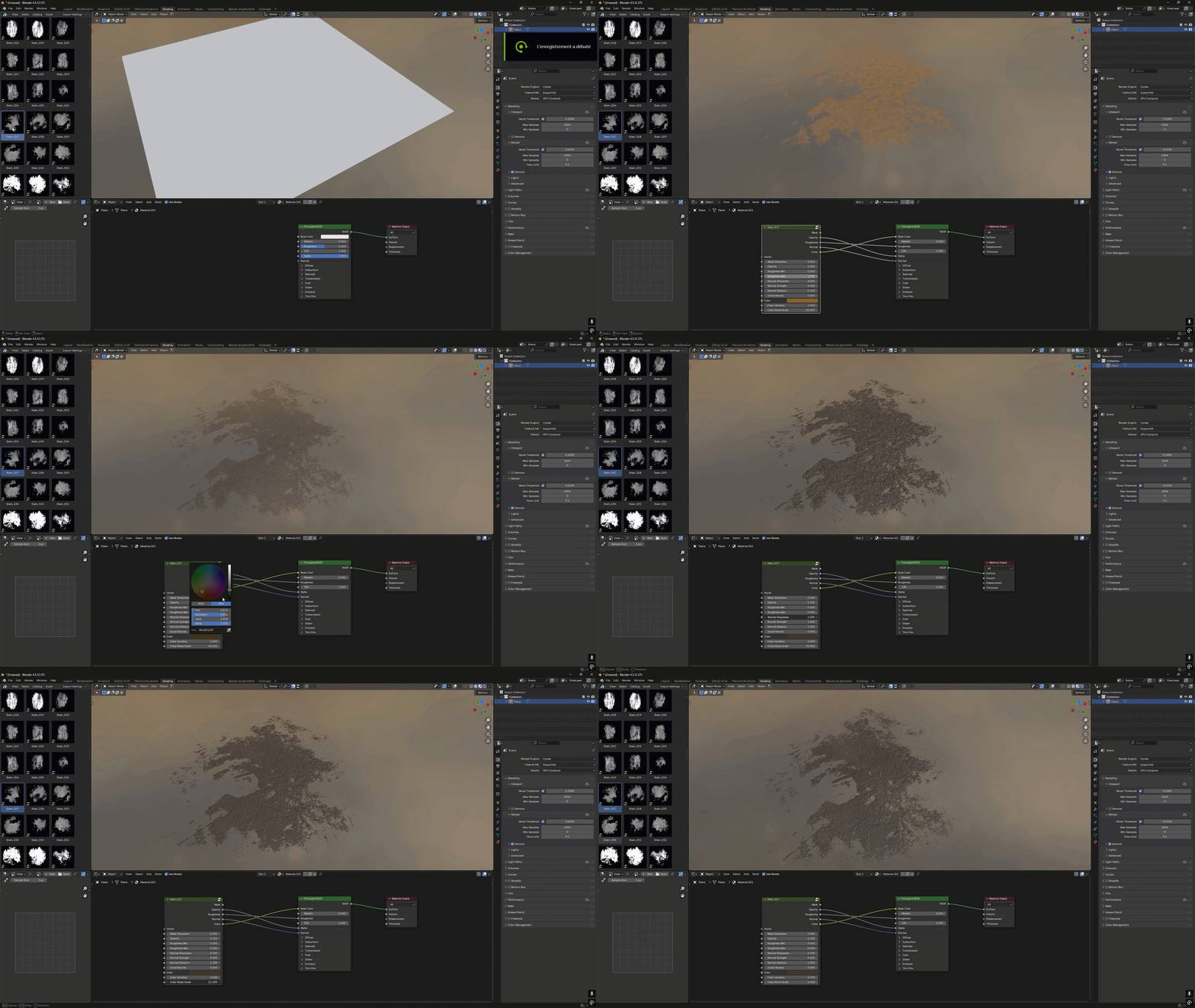
Drag and drop alpha from Blender Asset Browser

Drag & Drop Ready

Drag any alpha directly from the Asset Browser into your Shader Editor with all controls ready to use.

Complete alpha customization workflow

Full Material Control

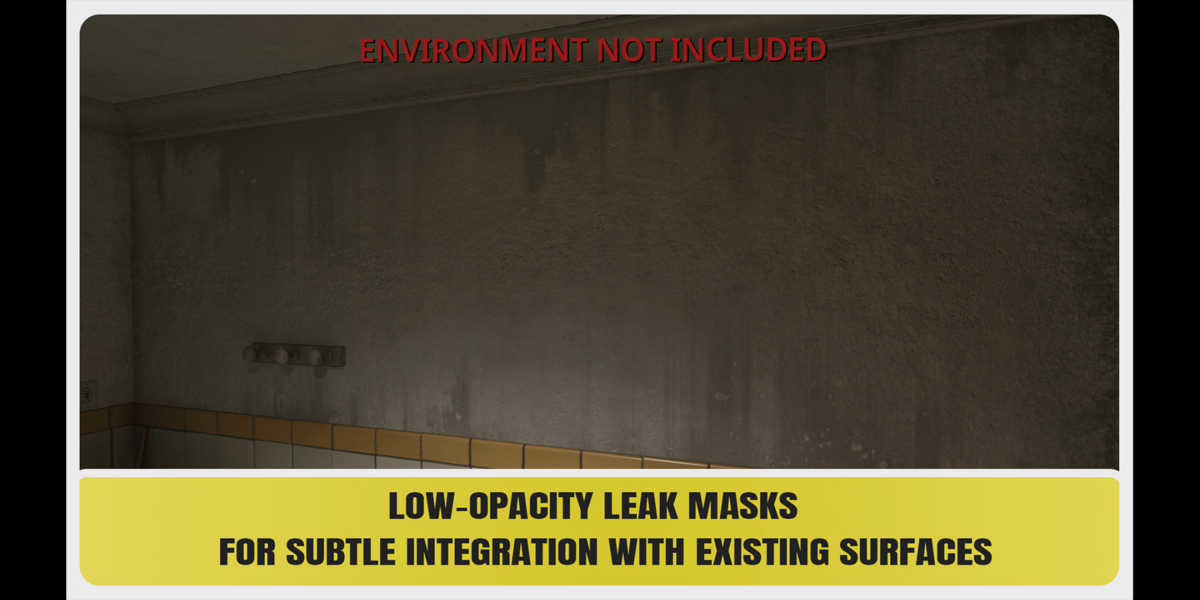
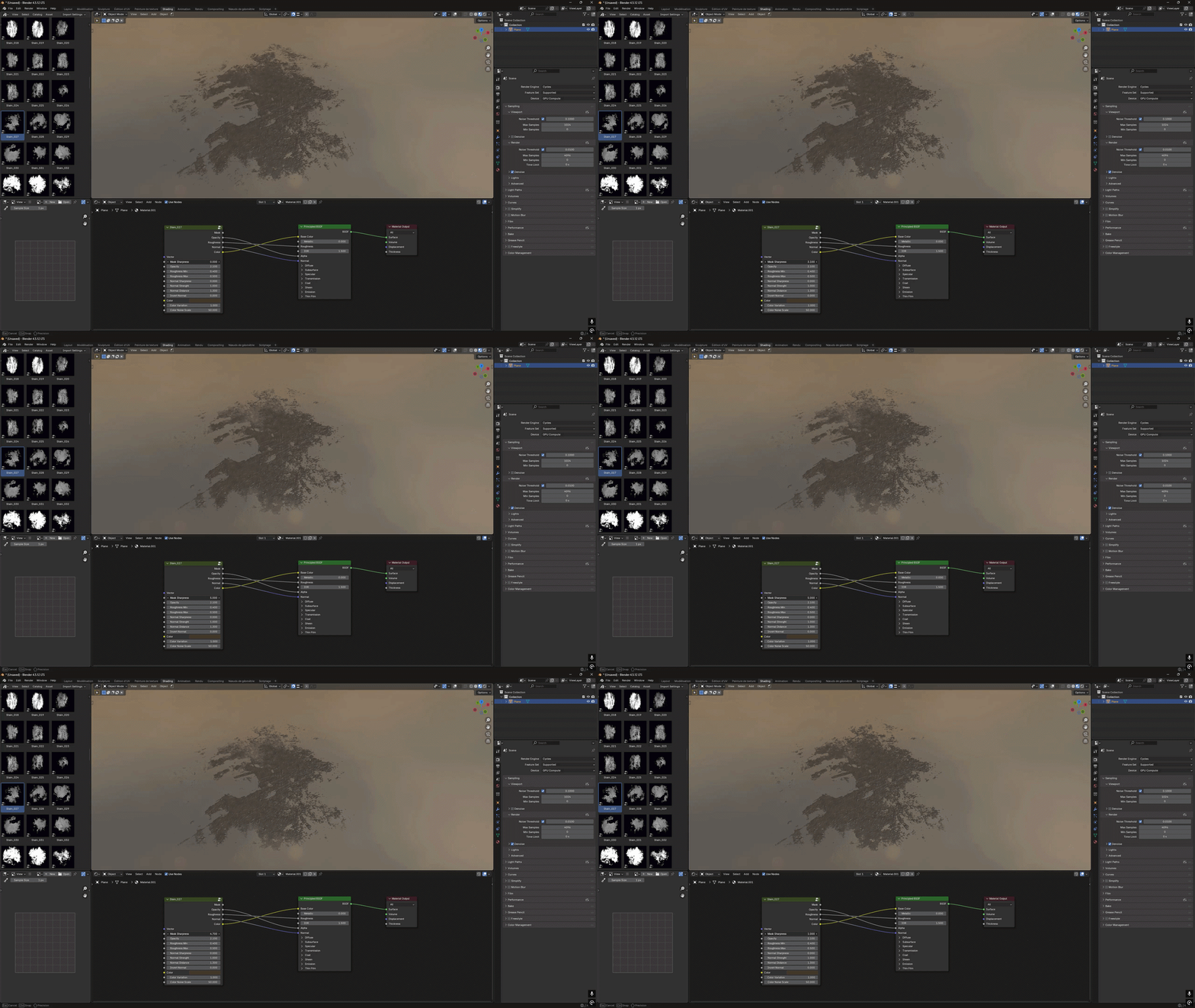
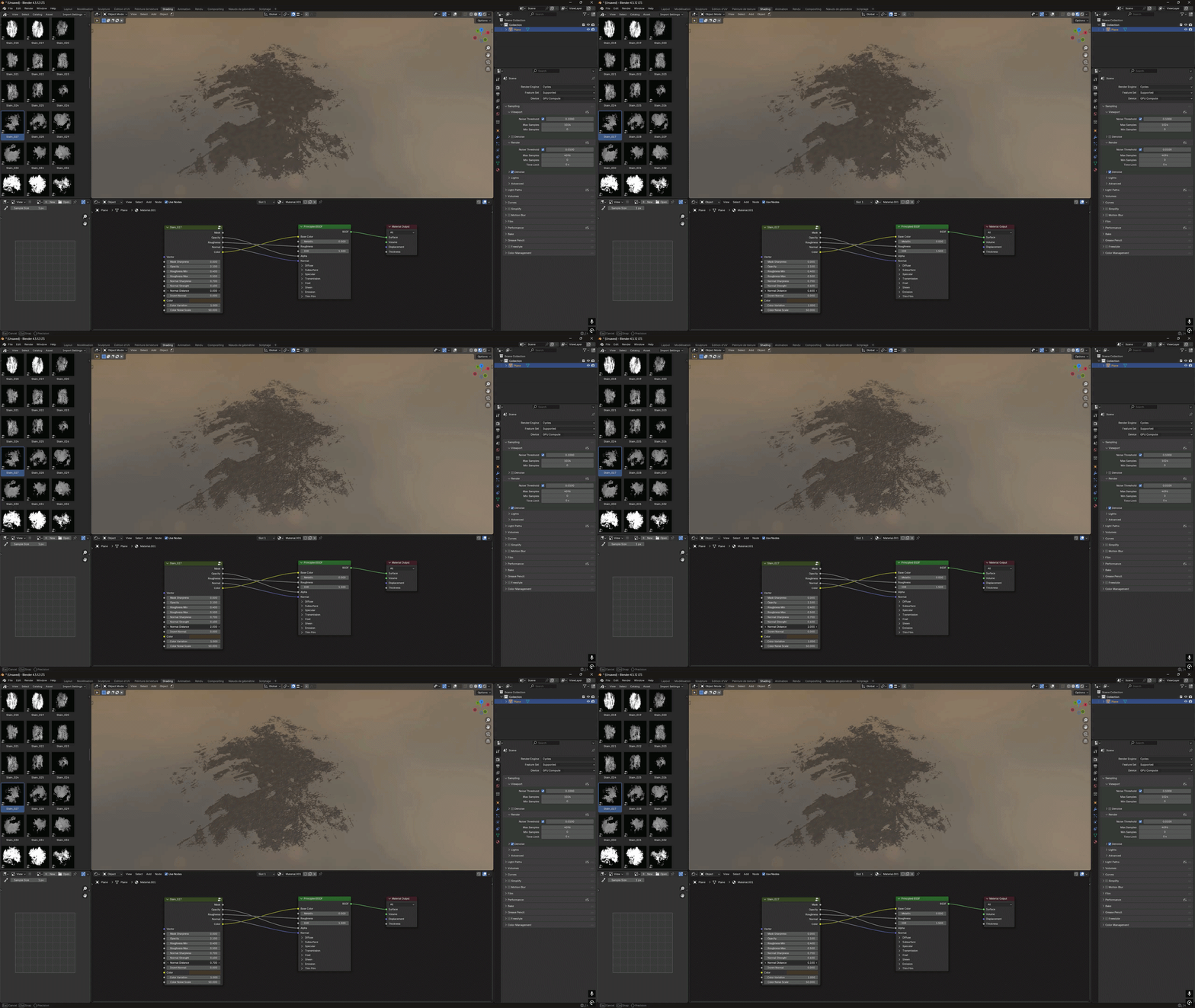
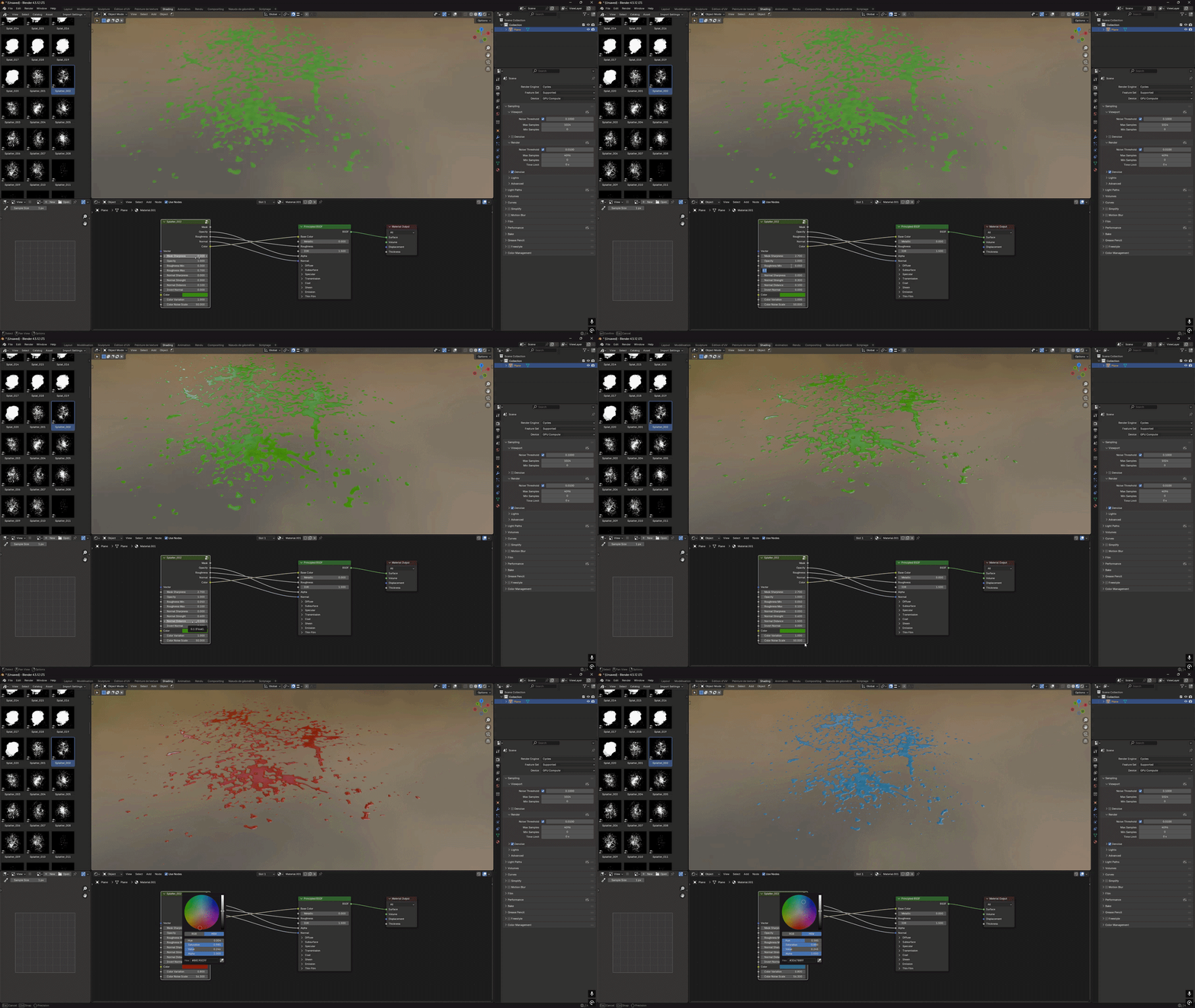
Quickly customize the mask, opacity, normal, roughness and color using the built-in controls, with the final rendered result shown at the end.

Mask sharpness control

Mask Sharpness

Fine-tune mask definition while preserving the original alpha details.

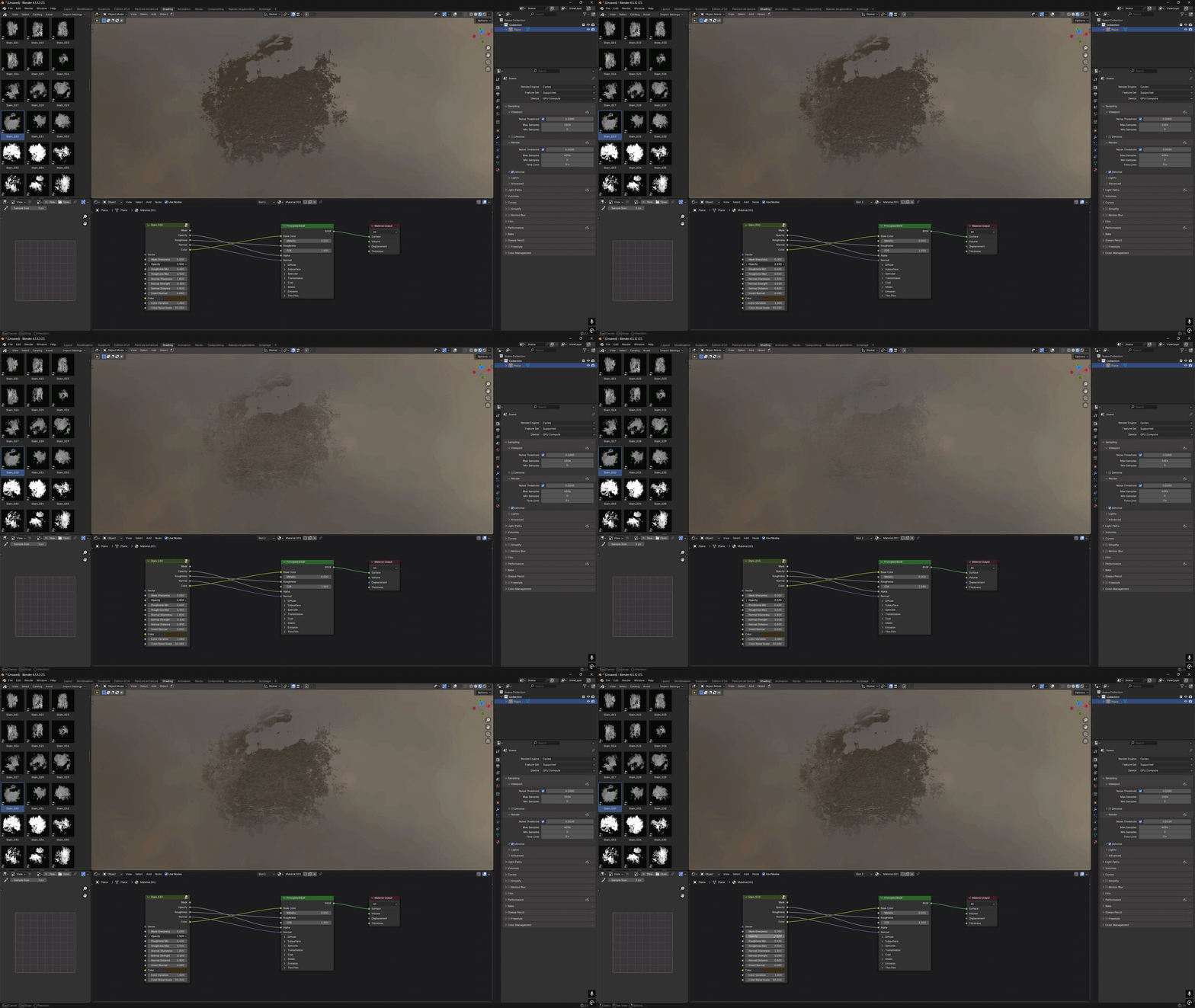
Opacity control

Adjustable Opacity

Control the visibility of the alpha independently without affecting the other material outputs.

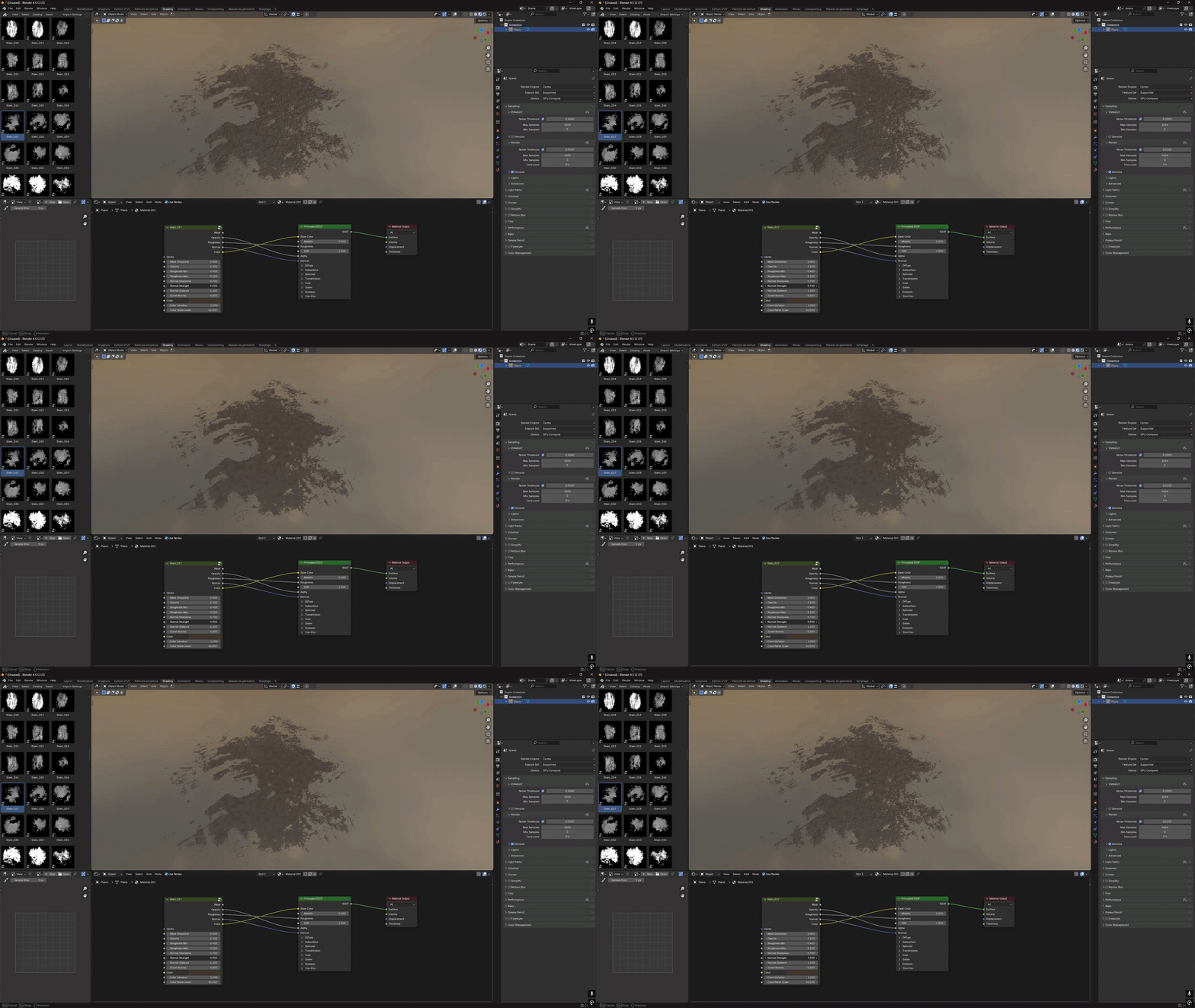
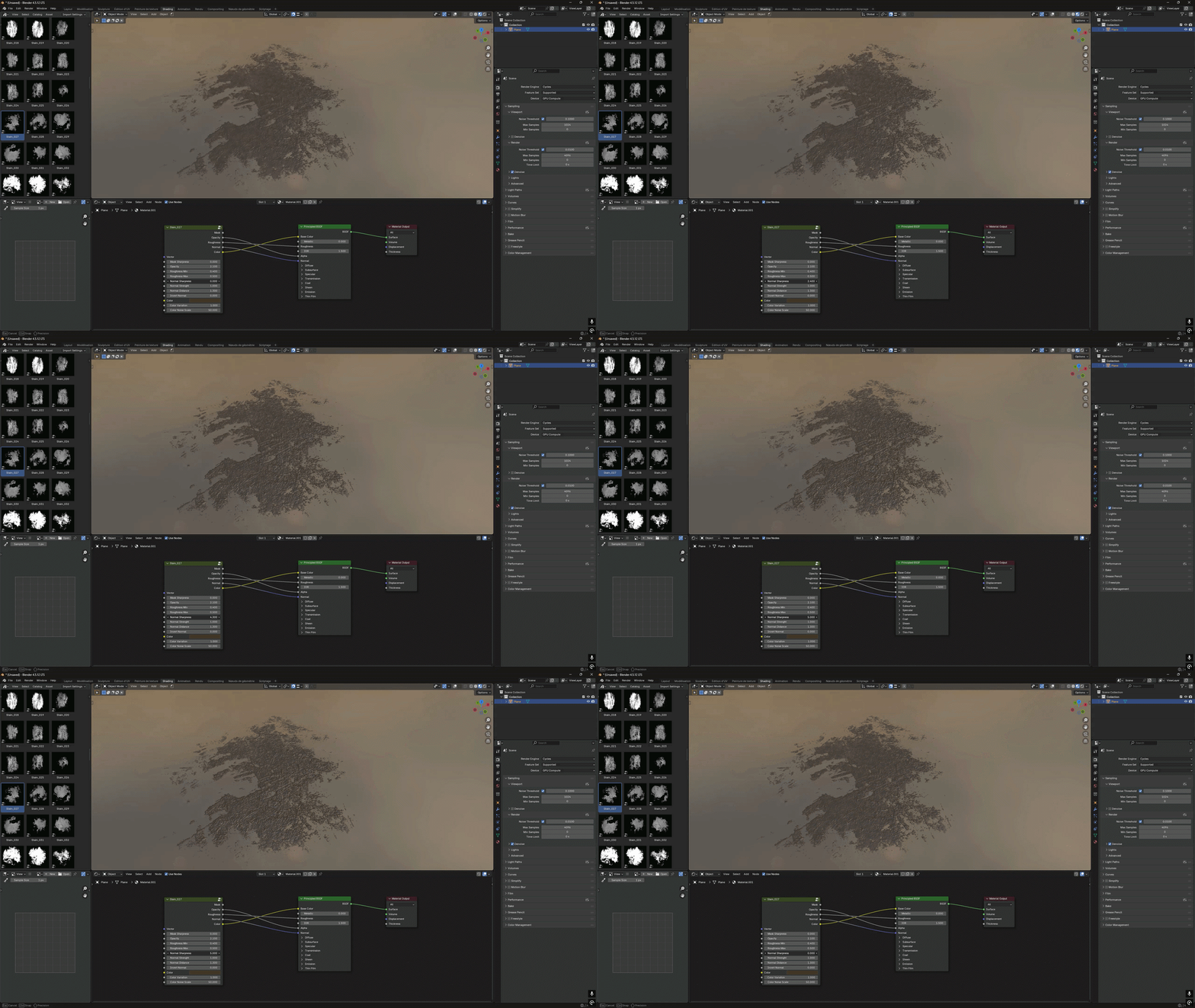
Normal strength control

Normal Strength

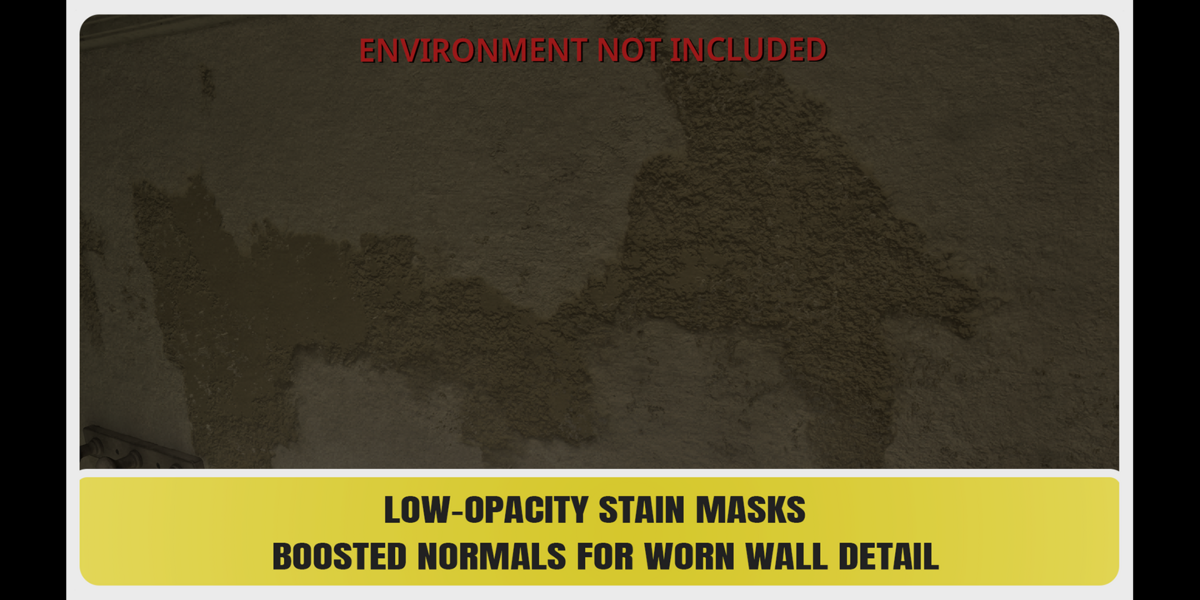
Control the intensity of the generated surface relief directly from the node group.

Normal distance control

Normal Distance

Adjust the depth scale of the generated bump effect to match different surfaces and use cases.

Normal sharpness control

Normal Sharpness

Fine-tune the height mask independently for softer or sharper surface relief.

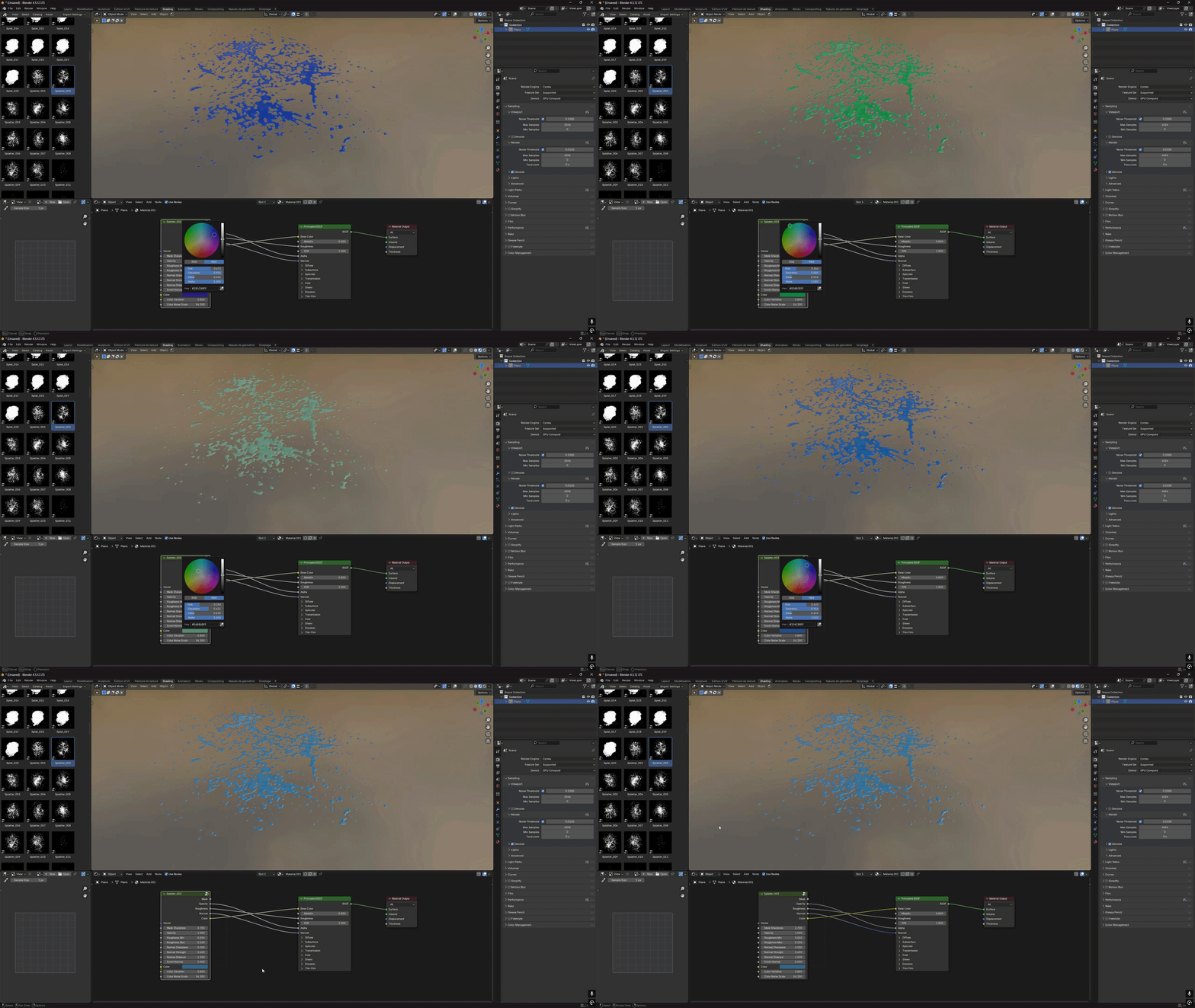
Color and procedural variation controls

Color & Procedural Variation

Choose any base color and add subtle procedural variation to avoid a flat, uniform result.

Complete decal alpha setup example

Complete Setup Example

A second complete customization example, from alpha setup to the final rendered surface.

Flexible Shader Integration

The Blender node groups are designed to integrate into your own materials. Use the complete setup or connect only the outputs required by your shader.

Available outputs:   Mask  •  Opacity  •  Roughness  •  Normal  •  Color

More Than Decals

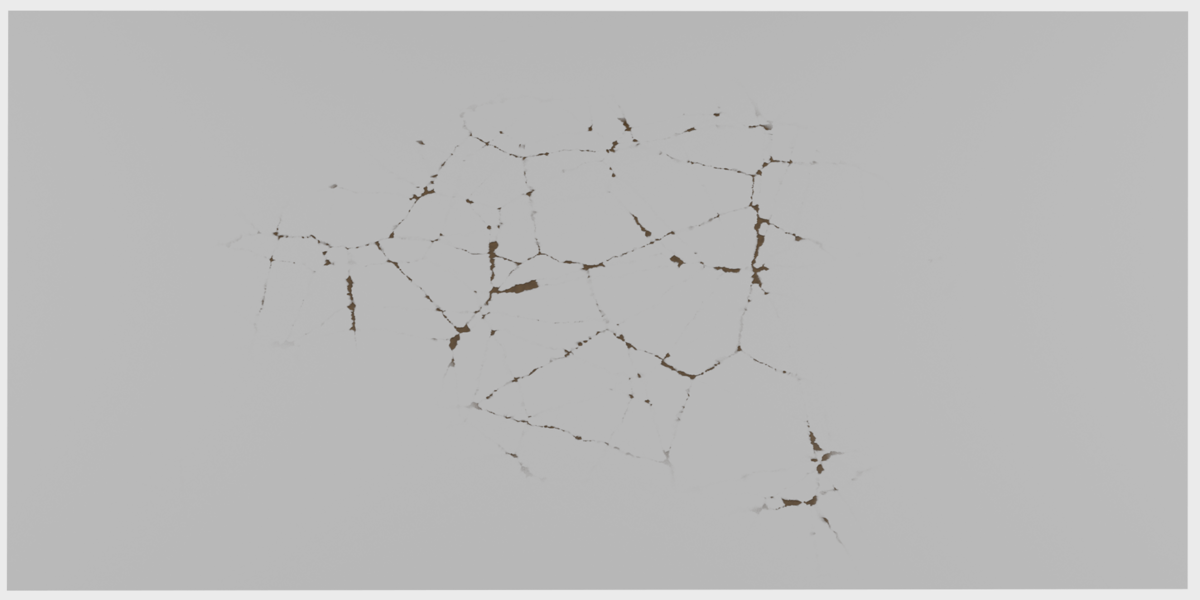
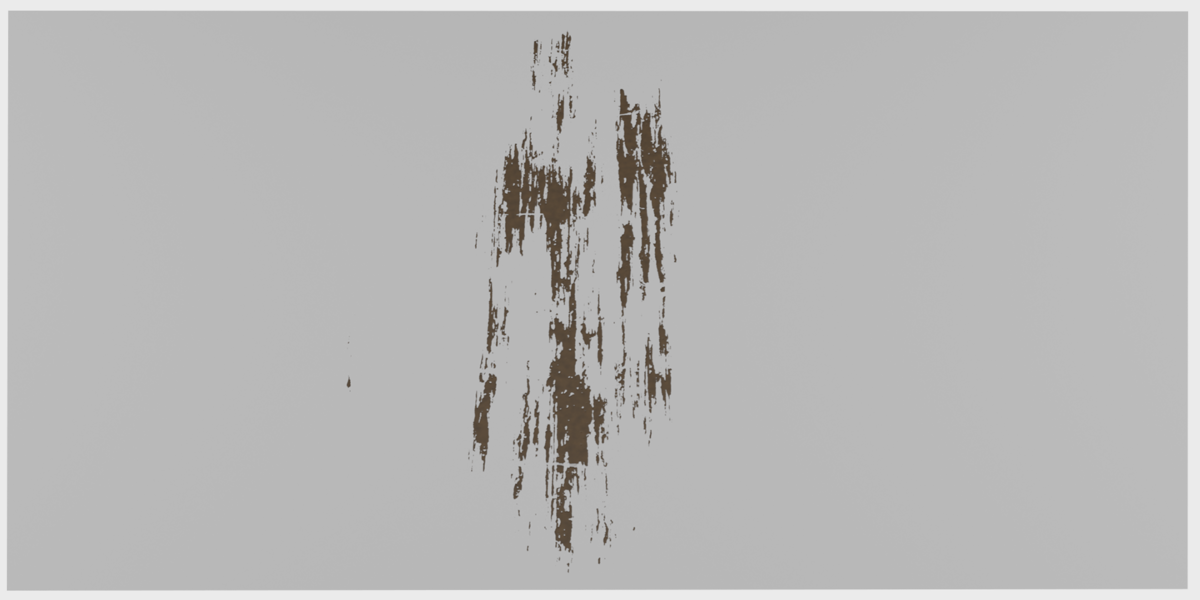
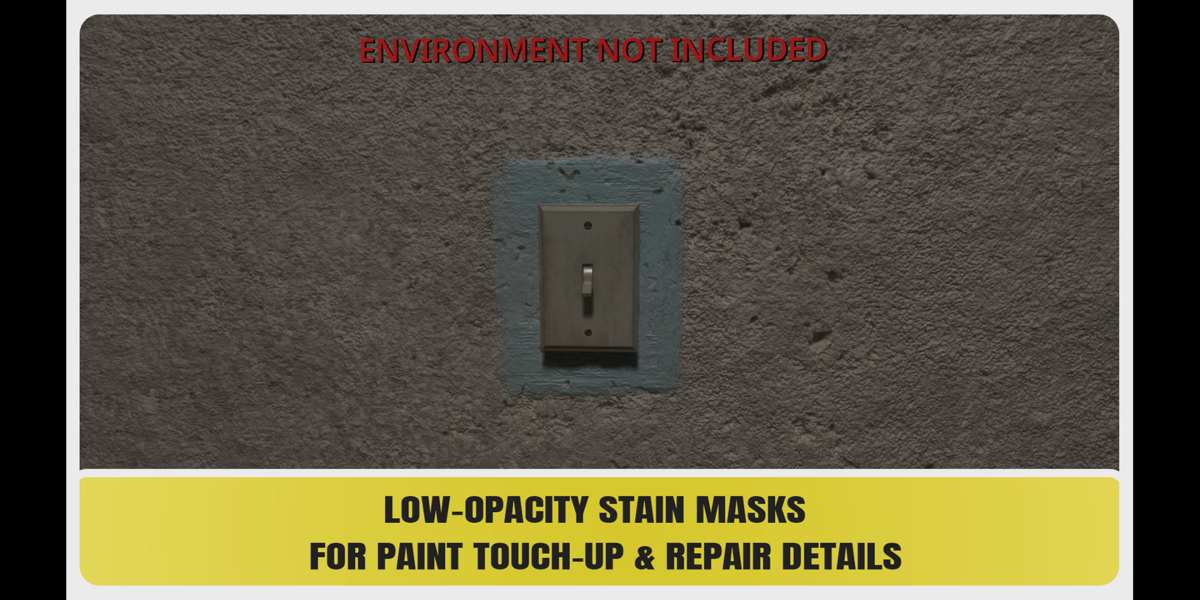
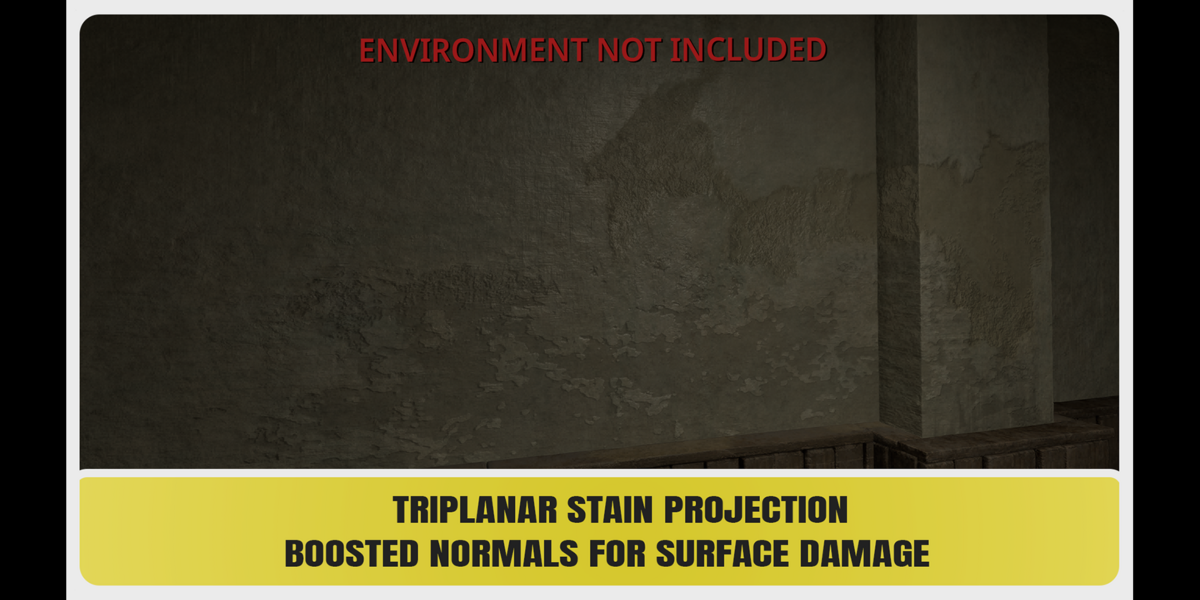
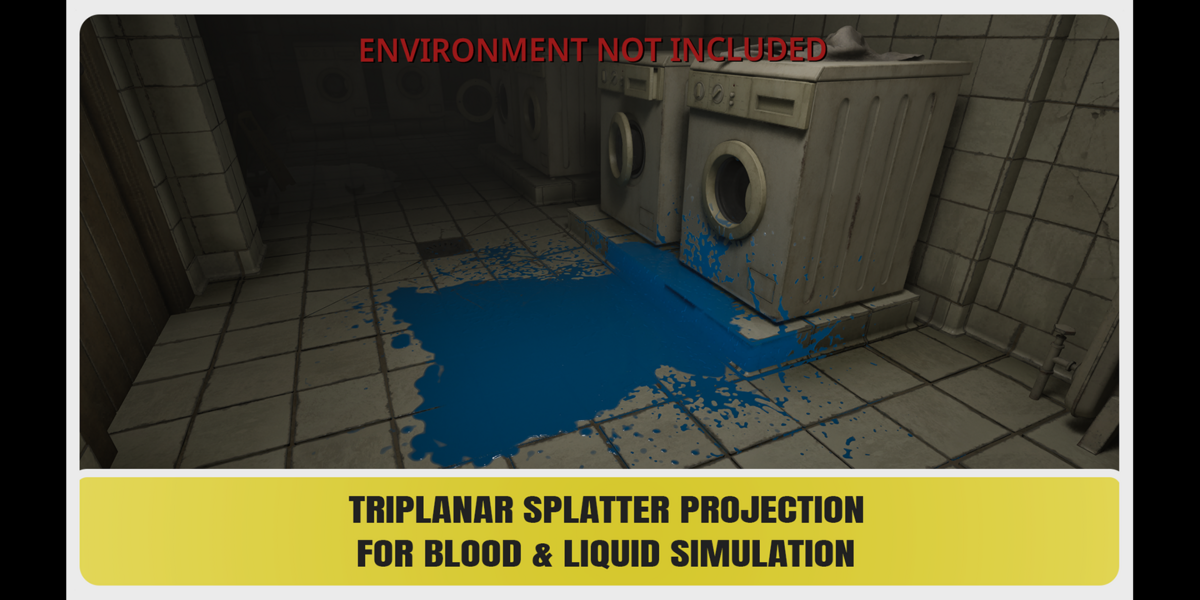
These grayscale alpha masks are not limited to decal creation. Use them for sculpting, height and bump details, roughness variation, material blending, stencils, surface damage, wall details, and a wide range of custom texturing workflows.

Technical Information

255 high-resolution 4K alphas

4096 × 4096 resolution

Grayscale PNG

Created in Adobe Substance 3D Designer

Blender Asset Browser library included

Ready-to-use Shader Node Group assets

Original PNG alpha masks also included

Included Categories

148 Stains

40 Streaks

20 Splats

17 Smears

15 Cracks

15 Splatters


  • 1 User - Commercial Use: unlimited projects

    $15.99 $19.99
  • Up to 10 Users - Commercial Use: unlimited projects

    $27.99 $34.99
  • Up to 100 Users - Commercial Use: unlimited projects

    $55.99 $69.99
$15.99

Have questions about this product?
Login to message

Details
Dev Fund Contributor
Published 1 day ago
Blender Version 3.6 - 5.2
Render Engine Used Cycles, Eevee
Misc Data Textured
License Royalty Free