Realistic Decal & Surface Alphas - Launch Price
 StillMount Studios
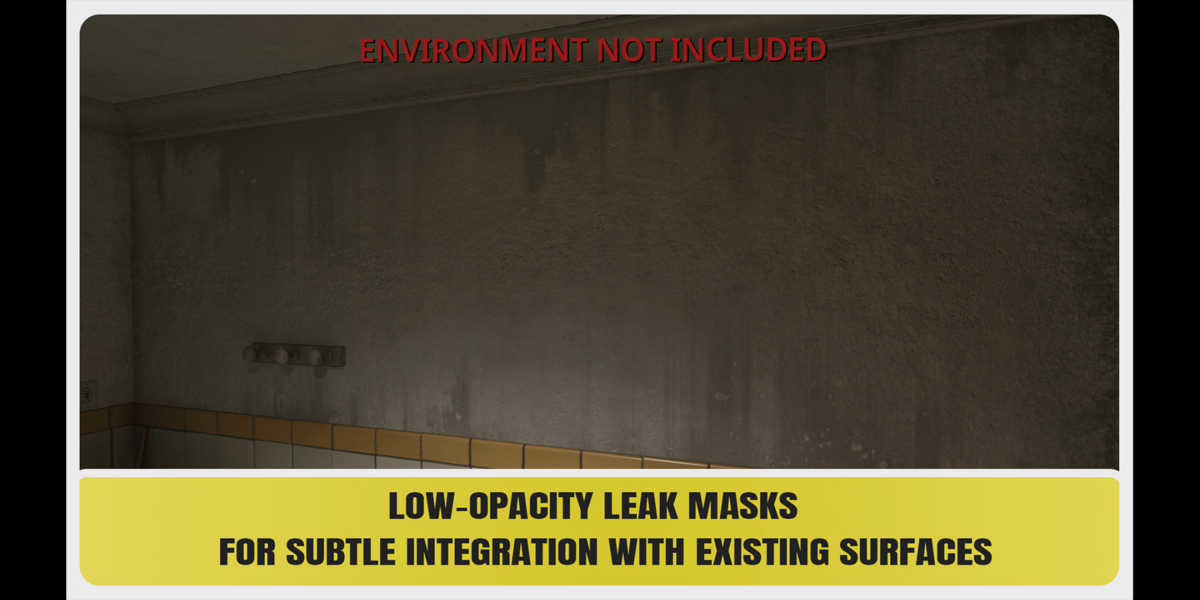
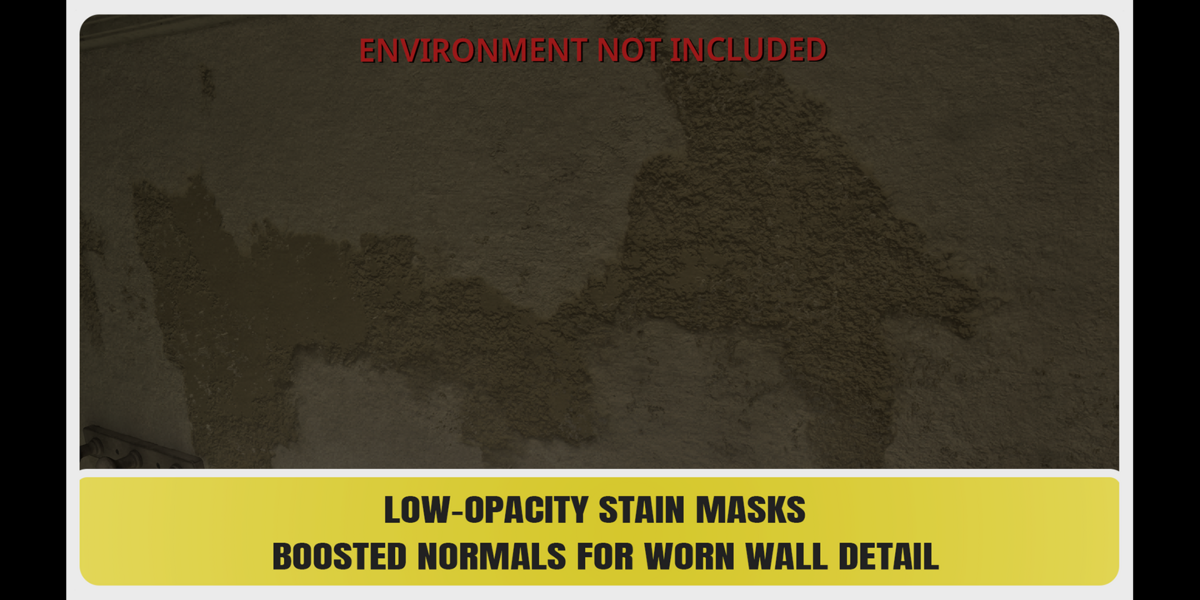
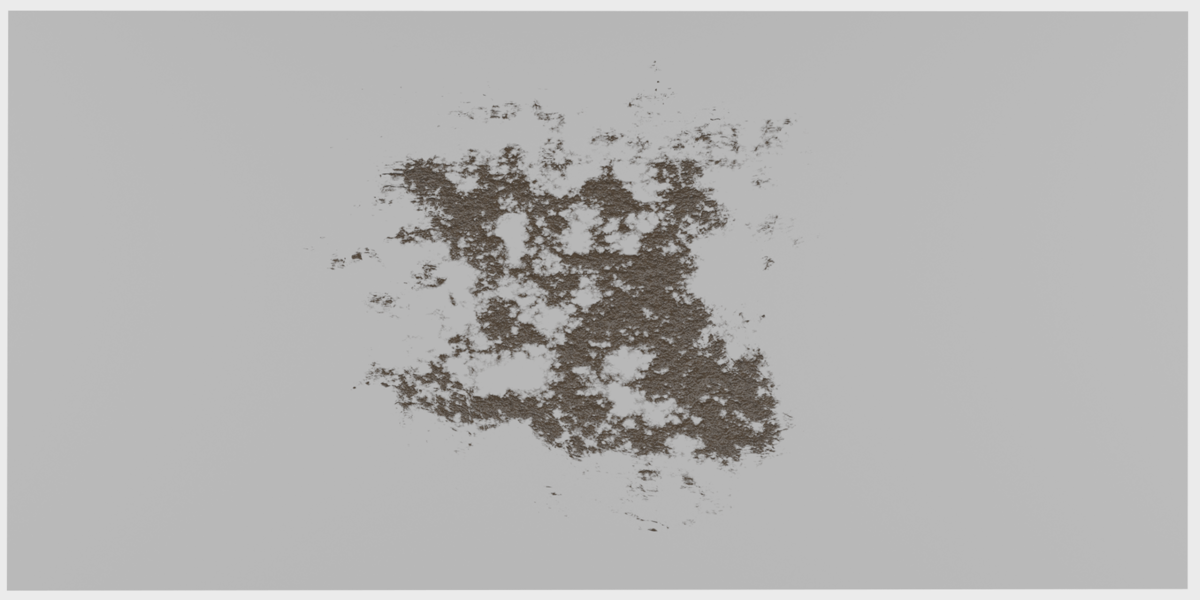
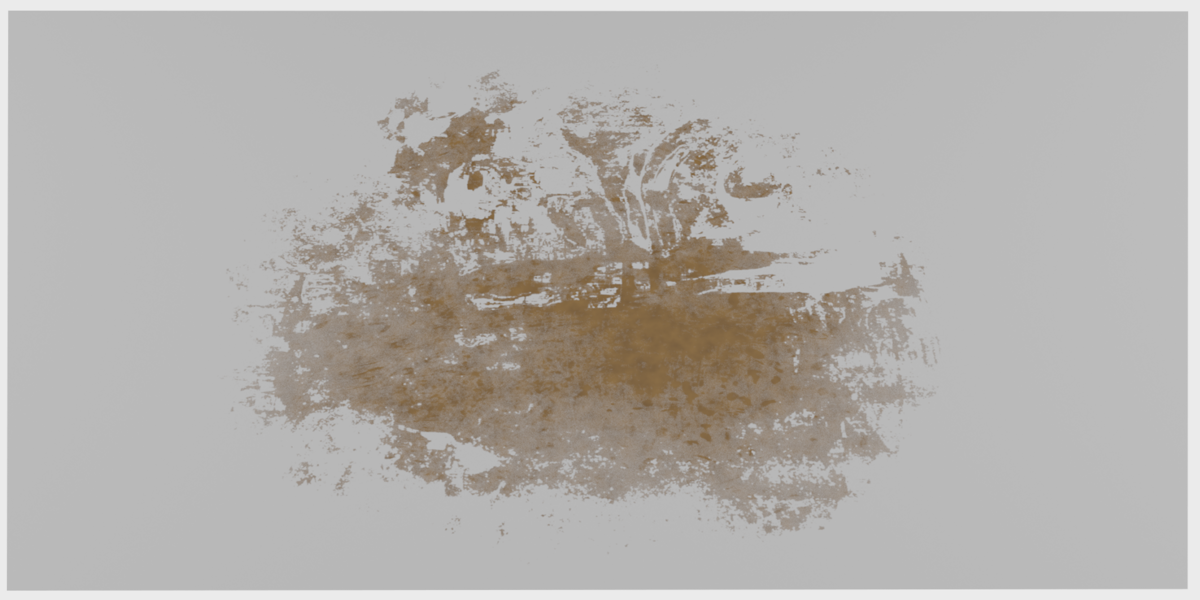
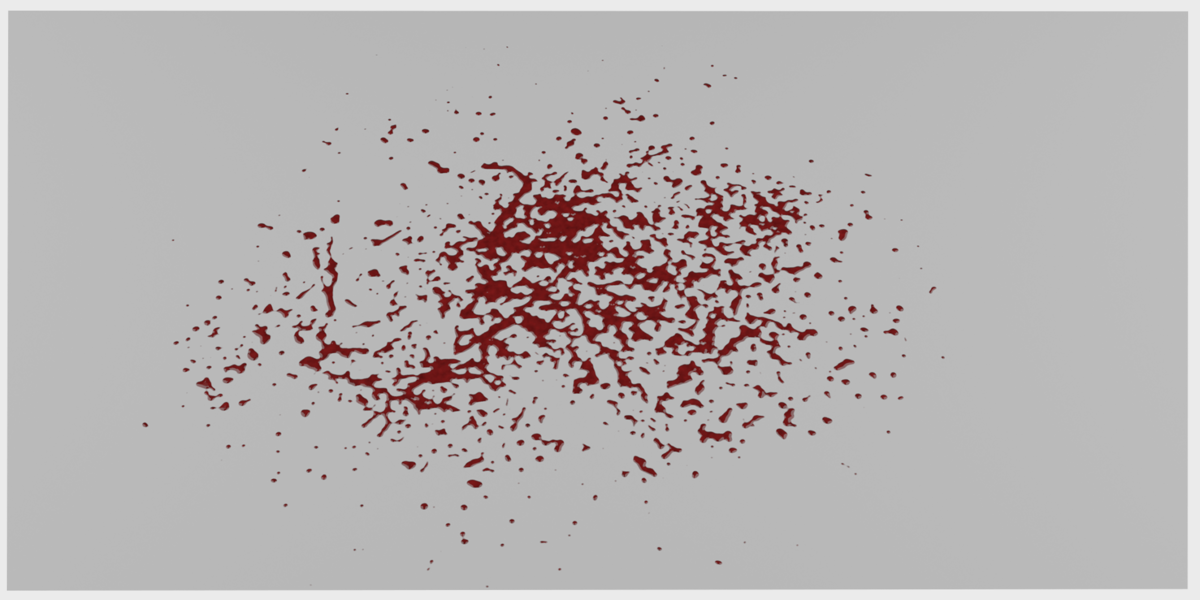
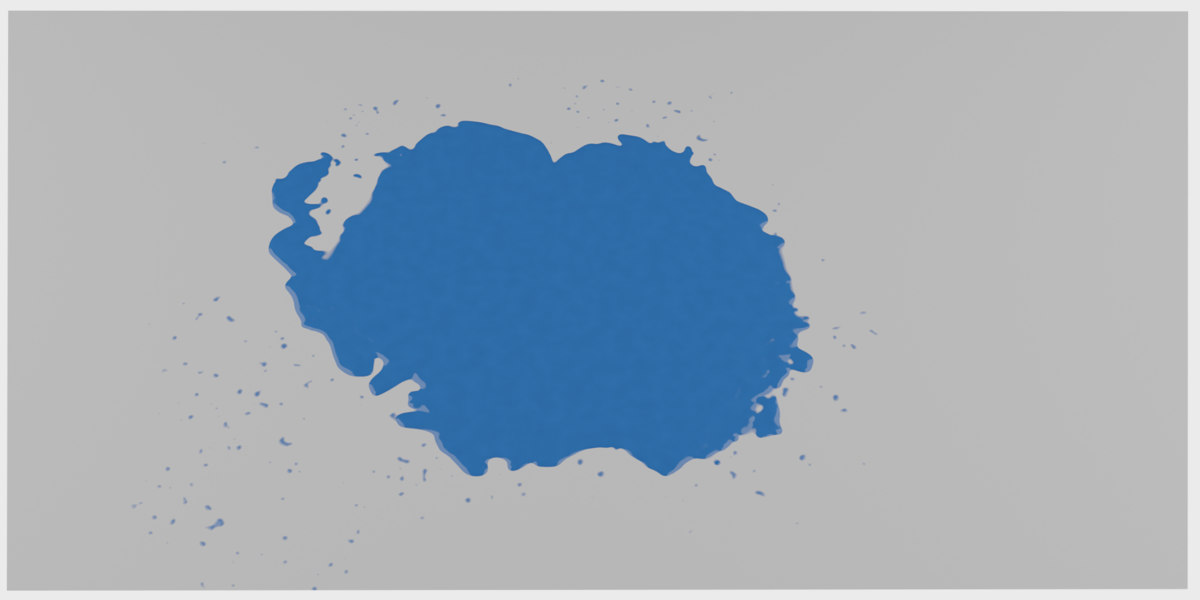
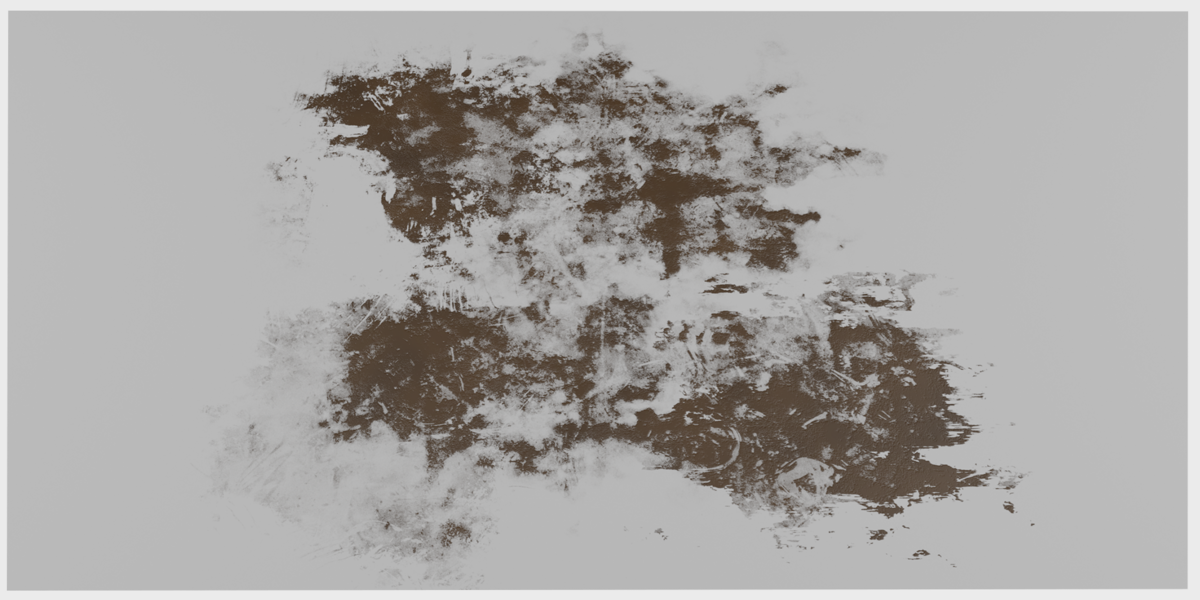
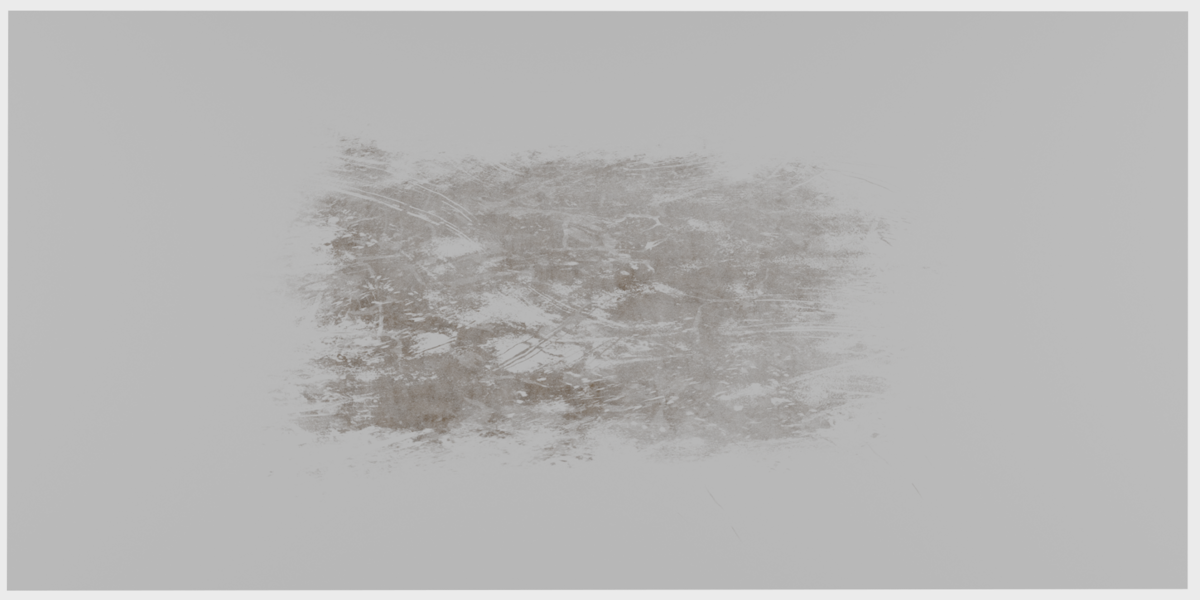
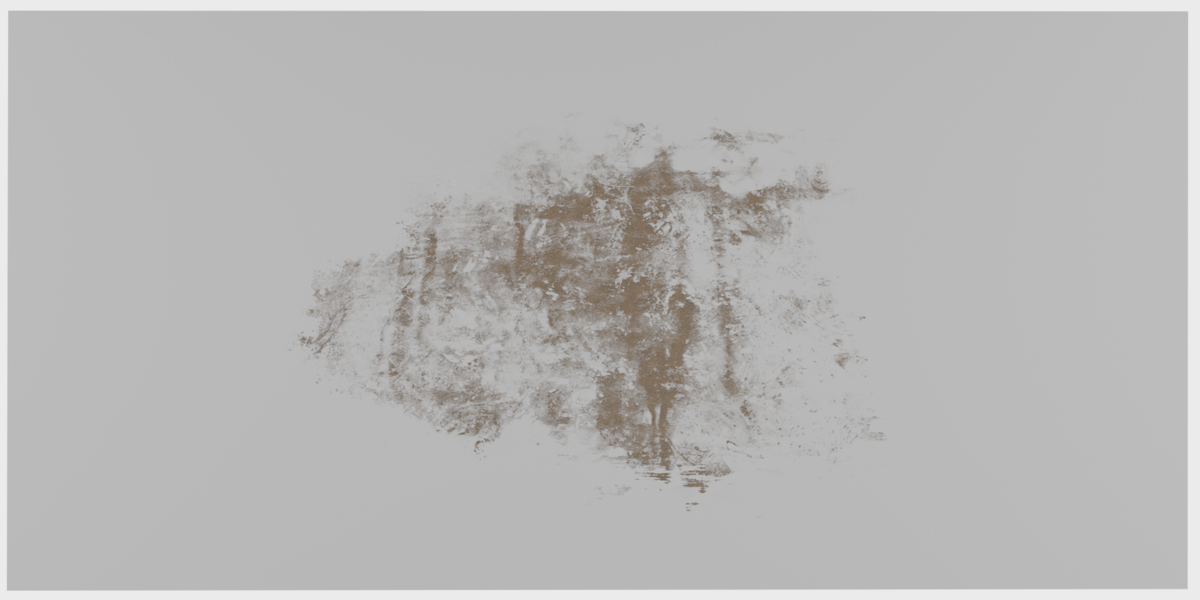
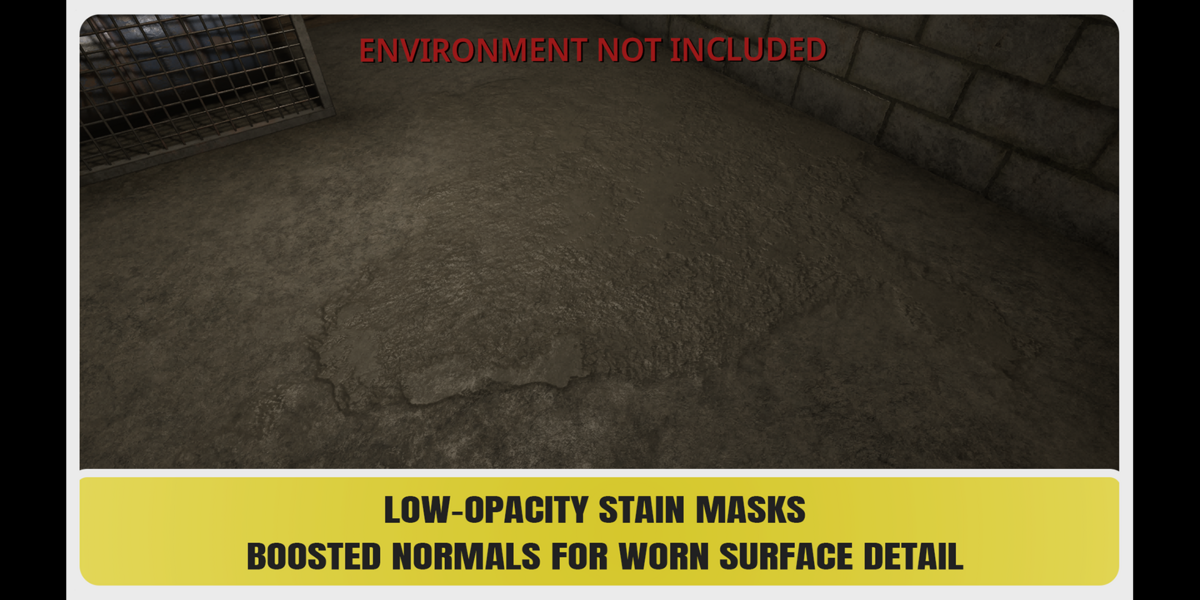
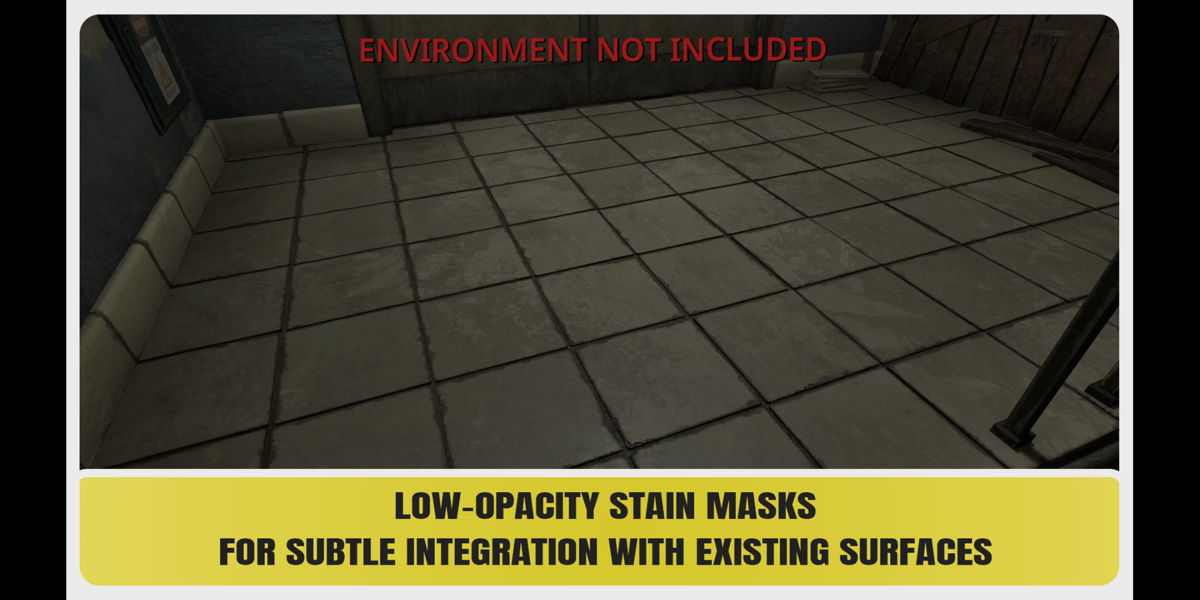
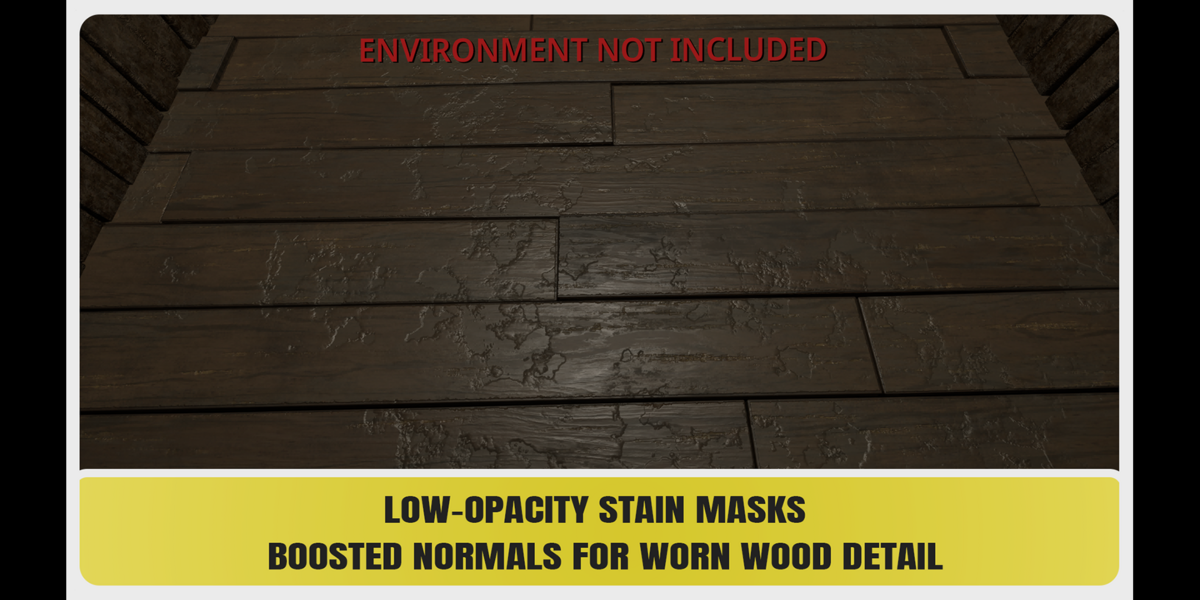

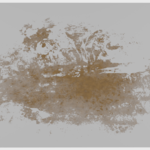
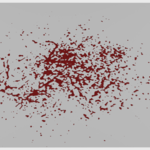
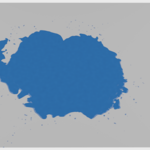
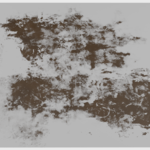
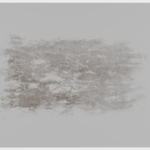
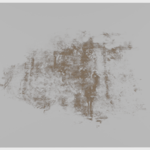
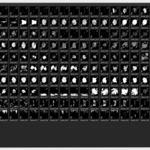
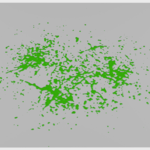
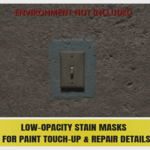
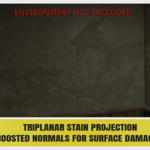
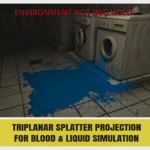
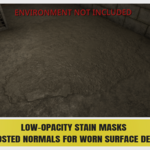
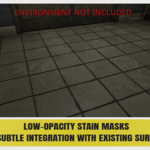
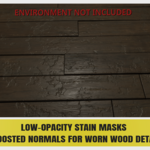
Realistic Decal & Surface Alphas
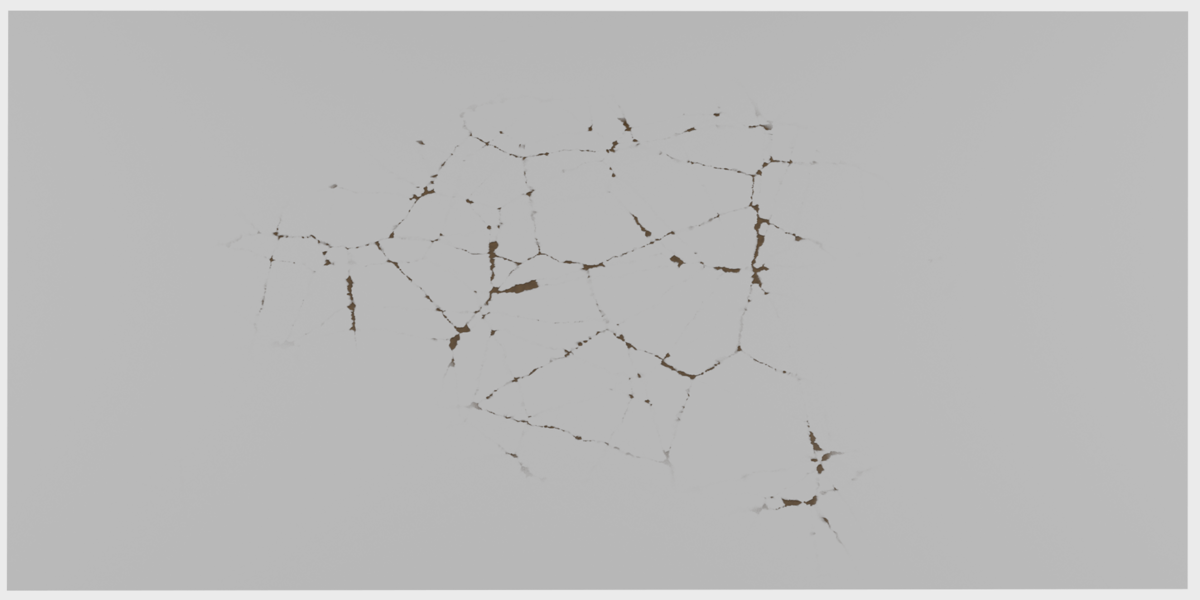
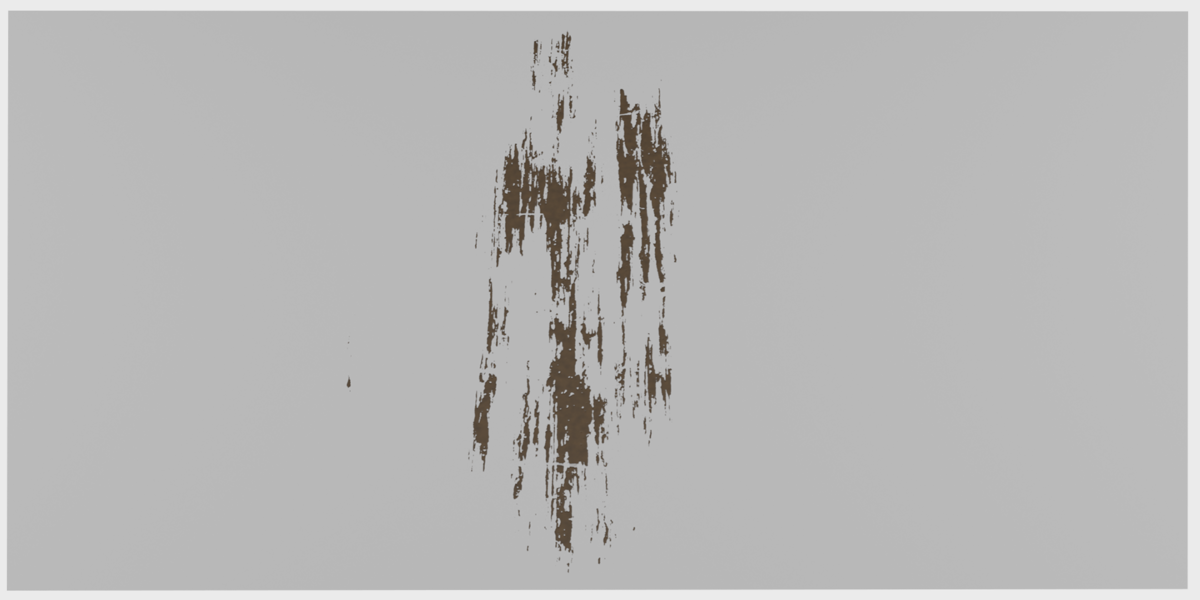
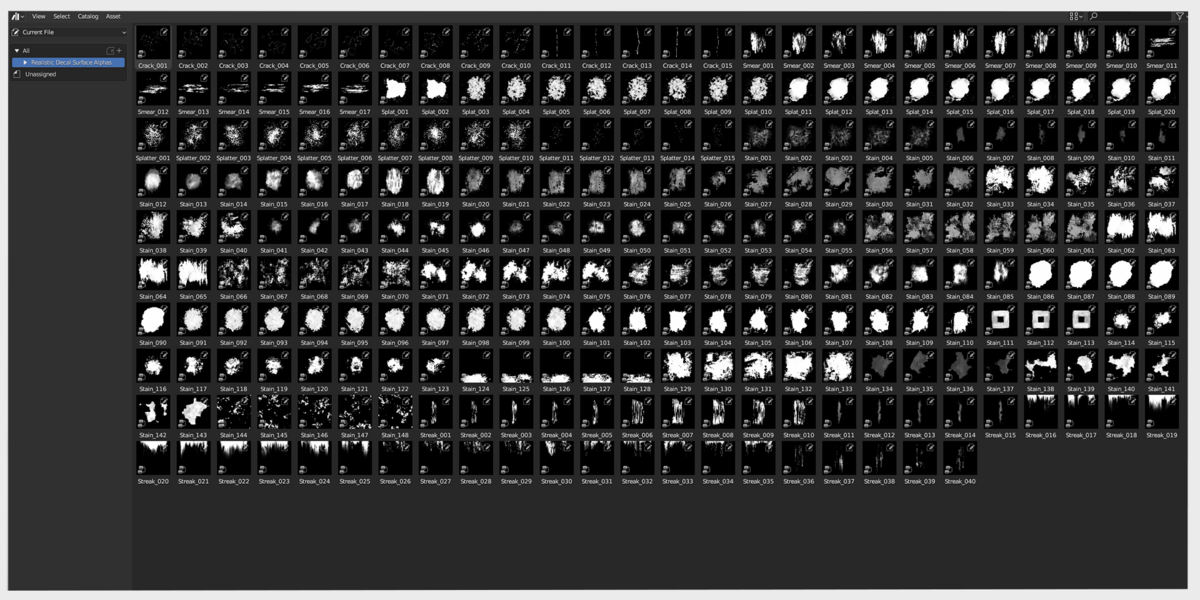
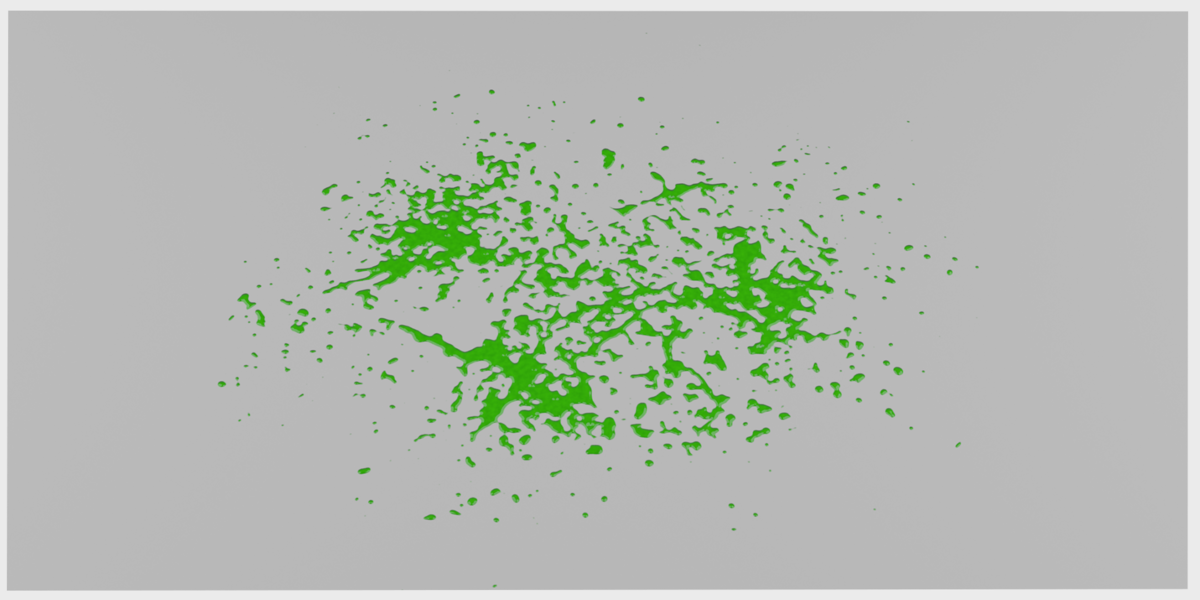
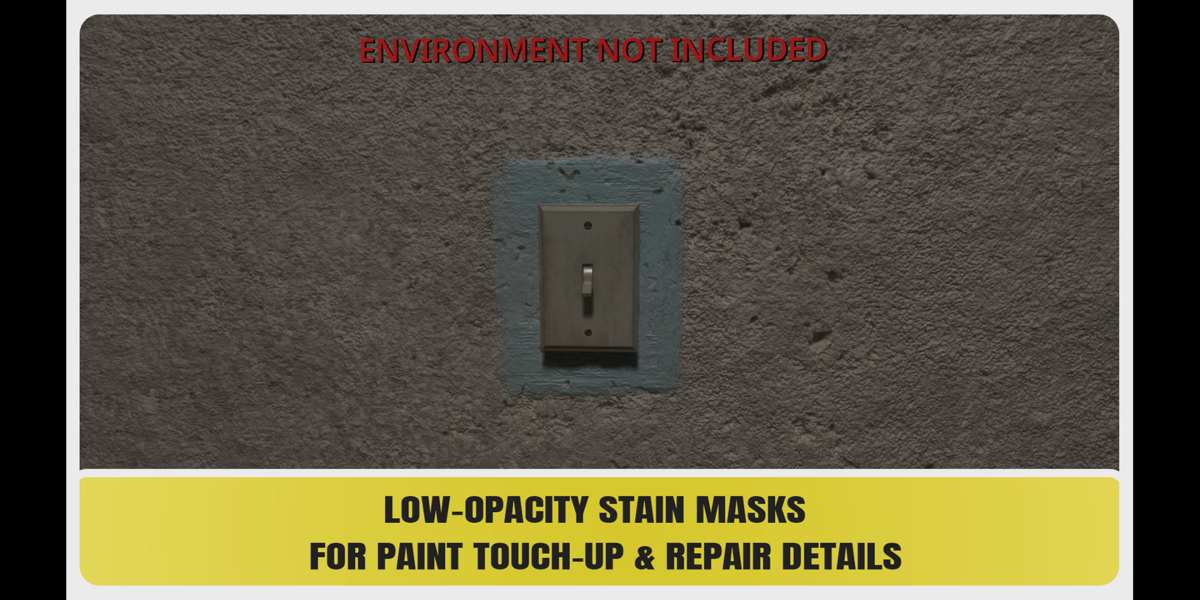
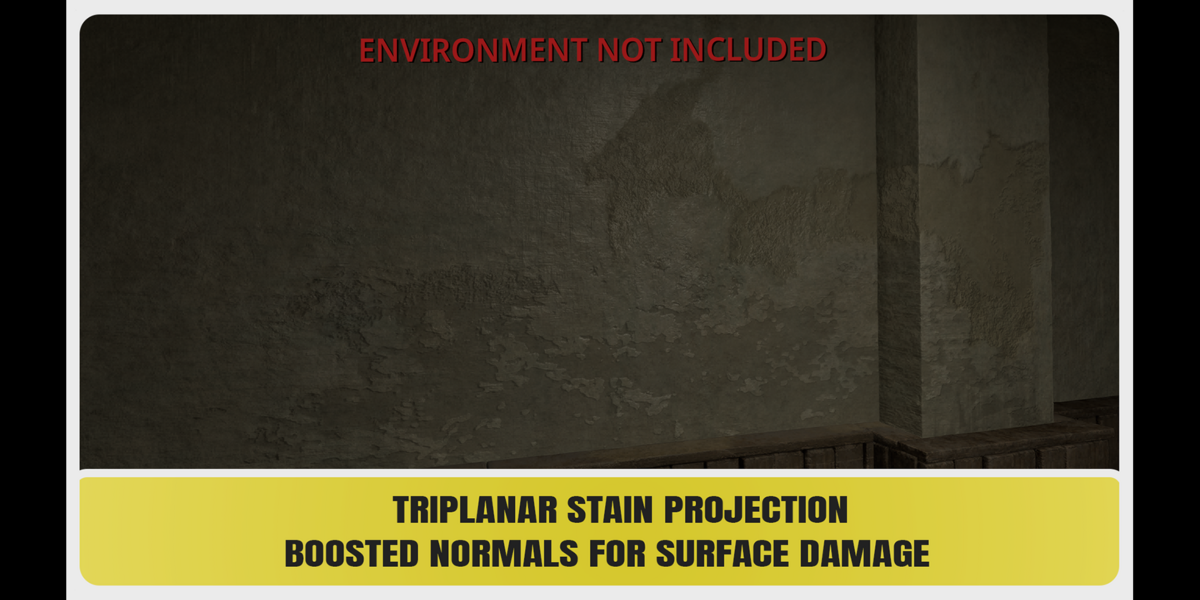
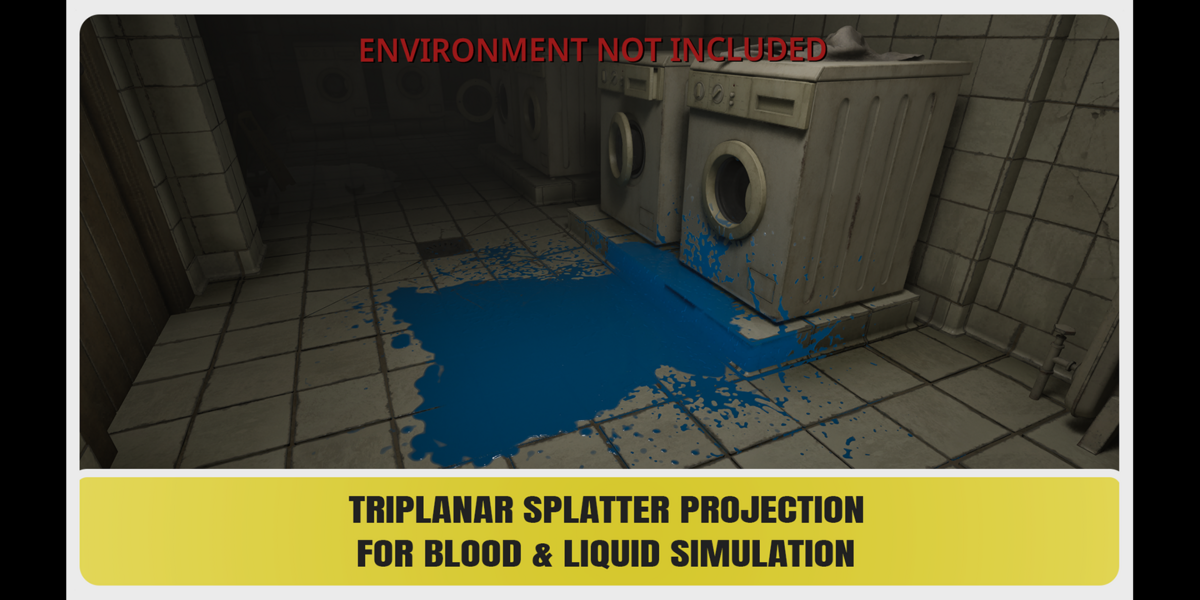
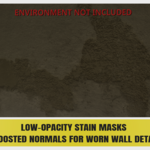
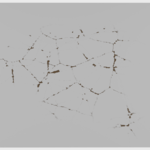
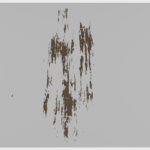
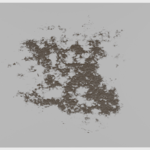
This pack includes 255 high-resolution 4K grayscale alpha masks and a Blender Asset Browser library with ready-to-use Shader Node Group assets.
Installation
- Extract the archive to a permanent location.
- Open Blender.
- Go to Edit > Preferences > File Paths.
- Under Asset Libraries, click the + button.
- Select the Blender Asset Library folder.
- Open the Asset Browser and select Realistic Decal & Surface Alphas.
Usage
Drag any alpha directly from the Asset Browser into your Shader Editor.
Main Controls- Mask Sharpness
- Opacity
- Roughness
- Normal Sharpness
- Normal Strength
- Normal Distance
- Normal Invert
- Color
- Color Variation
- Color Noise Scale
Mask • Opacity • Roughness • Normal • Color
Texture Coordinates
Connect your preferred texture coordinates to the Vector input of the Node Group.
Standard UV Mapping
Additional Position, Rotation & Scale Control
Original Alpha Files
The original 4096 × 4096 grayscale PNG alpha masks are also included and can be used independently in other compatible 3D or 2D software.
Have questions about this product?
Login to message
| Dev Fund Contributor | |
| Published | 3 days ago |
| Blender Version | 3.6 - 5.2 |
| Render Engine Used | Cycles, Eevee |
| Misc Data | Textured |
| License | Royalty Free |
Discover more products like this
splatters surface alphas Shader textures node groups grunge decals stains Alpha-masks surface imperfections decal cracks