 u2y_nodes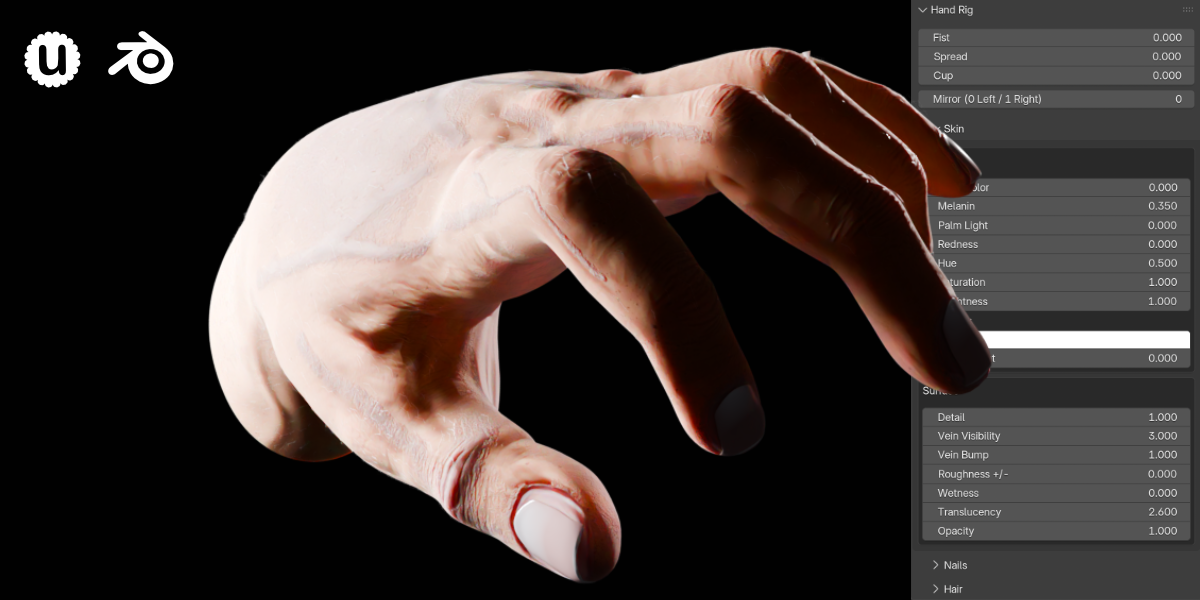
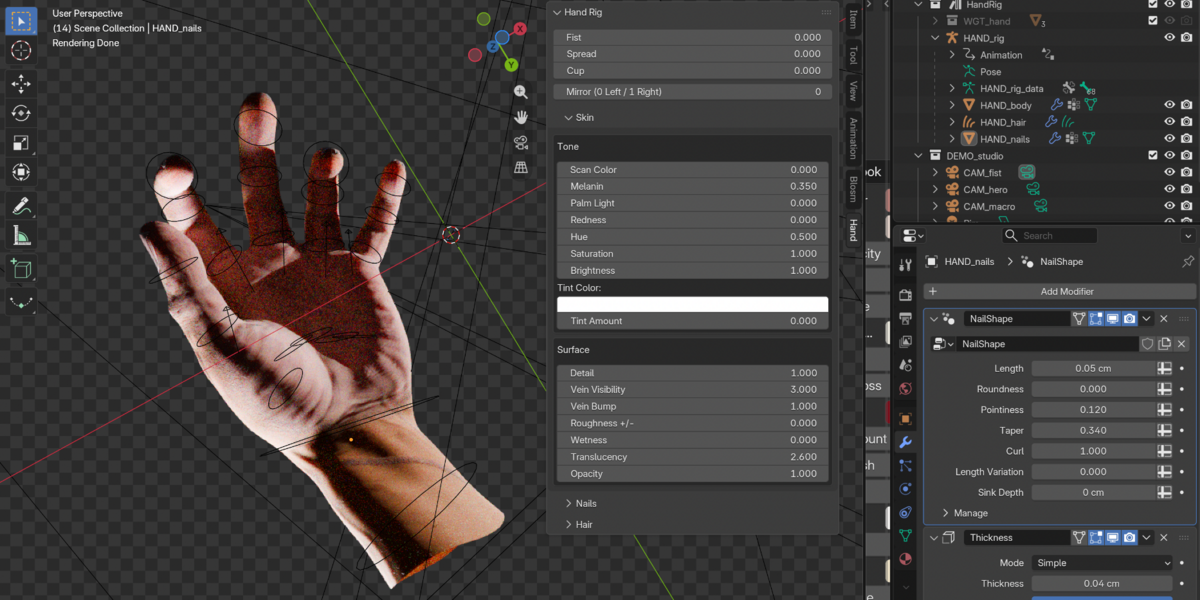
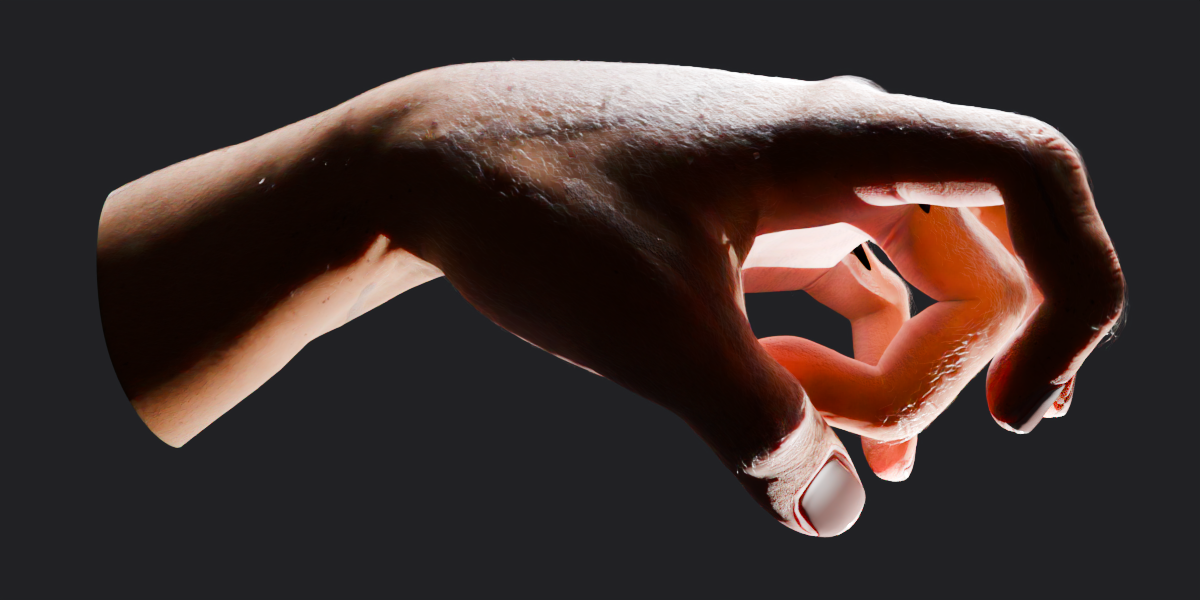
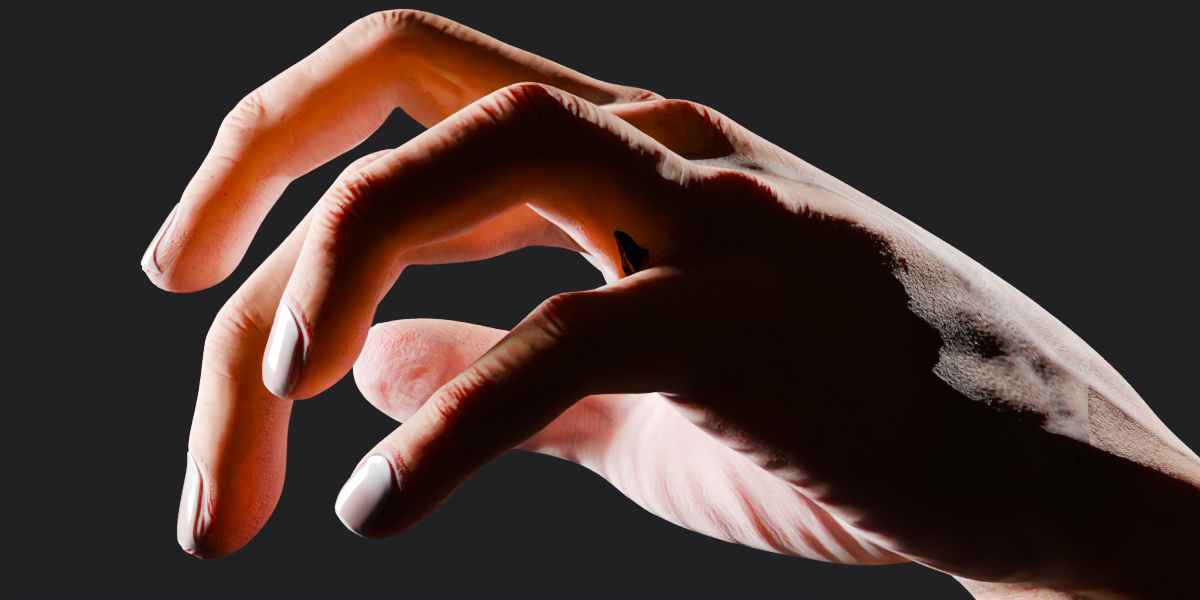
How do I switch between a left and right hand?
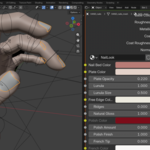
Use the "Mirror" toggle in the custom Hand panel (0 = Left, 1 = Right). The entire asset mirrors instantly without breaking or changing your current pose.
How do I import the hand into my existing scene?
You can seamlessly drag and drop the HandRig asset from the Asset Browser, or navigate to File › Append › HandRig_v1.0.blend › Collection › HandRig. Ensure you choose "Allow Execution" if Blender prompts you, to enable the custom UI panel.
Does this work in EEVEE?
Yes. Cycles is the reference renderer, but EEVEE is fully supported and includes a perfectly matched hair shader.
$30$18
Have questions about this product?
Login to message
| Dev Fund Contributor | |
| Published | about 19 hours ago |
| Blender Version | 5.2 |
| Render Engine Used | Cycles, Eevee |
| Misc Data | Uvs-Unwrapped, Rigged, Normal-Mapped, Textured |
| License | Creative Commons |
Discover more products like this
rigged-hand procedural blender rig 3d hand character-body photorealistic Procedural Hair human anatomy geometry nodes pbr-textures asset-browser realistic hand