


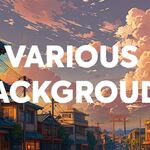
Realistic Skies

Bproduction in Nature


Item Rating

This item has an average rating of 3 from 9 ratings by the community.

34%
12%
12%
12%
34%

Purchase this item to leave a review!

  • Daniel Armour
    over 1 year ago

    As with all B Production products, they knocked this one out of the park!

  • Sonny
    over 1 year ago

    A very good product for adding skies quickly !!!

  • Marco Chacon
    over 1 year ago

    So, it's not usually the way I do skies, but as I looked it over, I thought that I could use it--and the variety is excellent. It also deftly solves a problem with hdris that produce light amounts or colors that I don't want. I like it.

  • yavi
    over 1 year ago

    The images are great but I was under the impression that they would wrap around the scene like a sphere. Instead, they are just high-res images unwrapped onto a plane. You have to place them and scale them to cover the entire background. The video demo seems to be missing this info. I think the developers should make this more clear in the about page, or in the video.

    Other than that, the photos are amazing. I can see a lot of use cases for them.

    • Benedetto Florian

      over 1 year ago

      Hello Yavi,
      Thank you for your comment. You are absolutely right – these are indeed images on planes, not HDRI lighting systems. This is clearly stated in the product page text. However, based on your feedback, I’ve added an explicit image to make the product page even clearer for our customers. 🙂
      Thank you again for your valuable input!

  • ChronicHiker
    over 1 year ago

    Product is well put together and usable for renders. However, know that all images in the pack are AI generated (not just the fantasy ones). Just an FYI if you have feelings about that.

    As other reviews have mentioned, they're just an image plane which you must place manually. I like the variety included for various lighting moods, and the resolution should be suitable for most renders.

  • Sander
    over 1 year ago

    These are 8 bit JPG's, so you can't adjust the hue, saturation and exposure very much to match your scene before they start to fall apart. Also, they're over-developed, so you at least need to tone them down. Looked good at first sight, hard to use in real scenes. The default nodegroup used in the shader blows out the highlights and oversaturates colors, avoid that.

  • Sean
    10 months ago

    Benedetto Florian claims the instructions are written in black and white and everything is clear but as the other 1 star and 2 star comments suggests... it's really nothing like his "demo clip". and this isnt a copy and paste. 

    • Benedetto Florian

      10 months ago

      Hi Sean, and thank you for taking the time to leave a review.
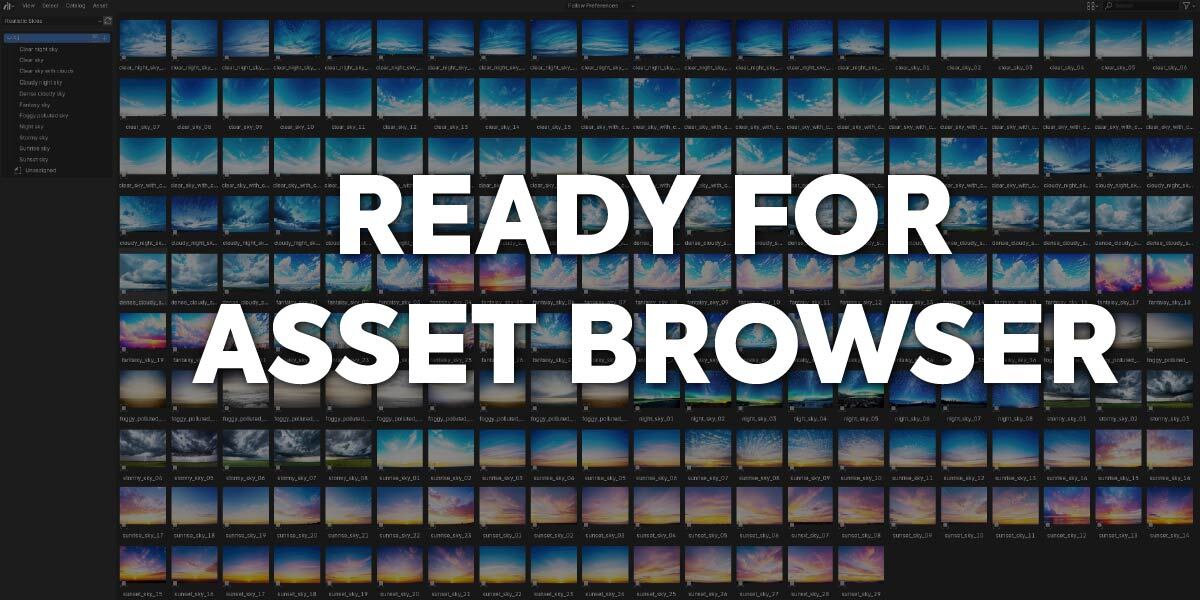
      I’m sorry the product didn’t meet your expectations. Just to clarify: Realistic Skies is an Asset Browser library. It lets you drag and drop a plane with a sky texture into your scene, and then you must position it manually so it matches your camera framing. This is stated clearly in the very first paragraph of the product page, and it is also mentioned in the FAQ, in customer reviews, and in the YouTube video description. Regarding your refund request, I’m unfortunately unable to approve it: it is governed by Superhive’s purchase terms for digital content, and the product works as described on the product page. Best regards

  • Batê
    over 1 year ago

    It isn't look like demo clip he showed up, check feedback from Albert Megbenyo below.
    "This is not at all what seems to be presented on the product page, it's just a bunch of textures mapped onto a plane, which isn't entirely a problem, but you have to also set up the plane yourself after importing which isn't like what he was doing on the product page. I don't think I will be able to use this for what I was hoping I could use it for, could have saved me the purchase if this was made clear on the product page."

    • Benedetto Florian

      over 1 year ago

      Thank you for your comment. However, it doesn't seem particularly relevant to our community, as it appears to be a simple copy-paste of another customer's review.
      I'm sorry, but as previously mentioned, the information you pointed out is clearly displayed — in bold and multiple times on the product page.
      There should be no surprises for those who take the time to read the product page before purchasing.
      Of course, I'm happy to discuss further via private message if you'd like to reach out. Best regards.

  • Albert Megbenyo
    over 1 year ago

    This is not at all what seems to be presented on the product page, it's just a bunch of textures mapped onto a plane, which isn't entirely a problem, but you have to also set up the plane yourself after importing which isn't like what he was doing on the product page. I don't think I will be able to use this for what I was hoping I could use it for, could have saved me the purchase if this was made clear on the product page.

    • Benedetto Florian

      over 1 year ago

      Thank you Albert for your review. However, the product page is clear on this subject, it is not an addon, but a sky background library for Blender. You click/drag in your scene, and you adjust the image to put it at the right size in the place you want. In any case, there is support and you can contact me at any time if you have any questions.

  • Displaying 9 ratings
$19.80$13.86

Have questions about this product?
Login to message

Includes an Asset Library

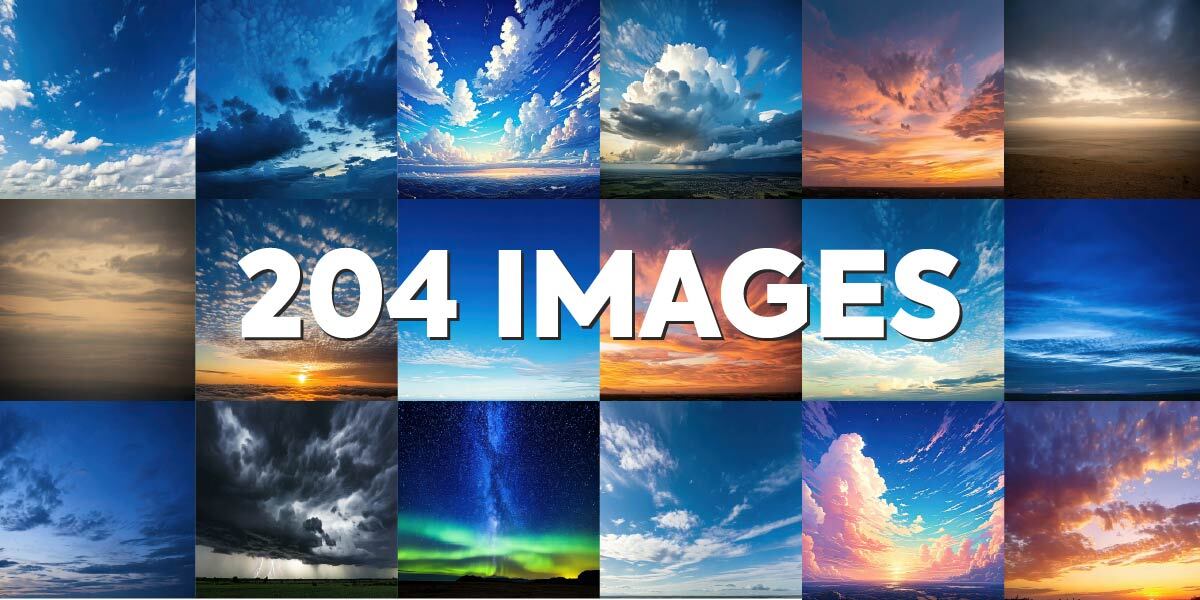
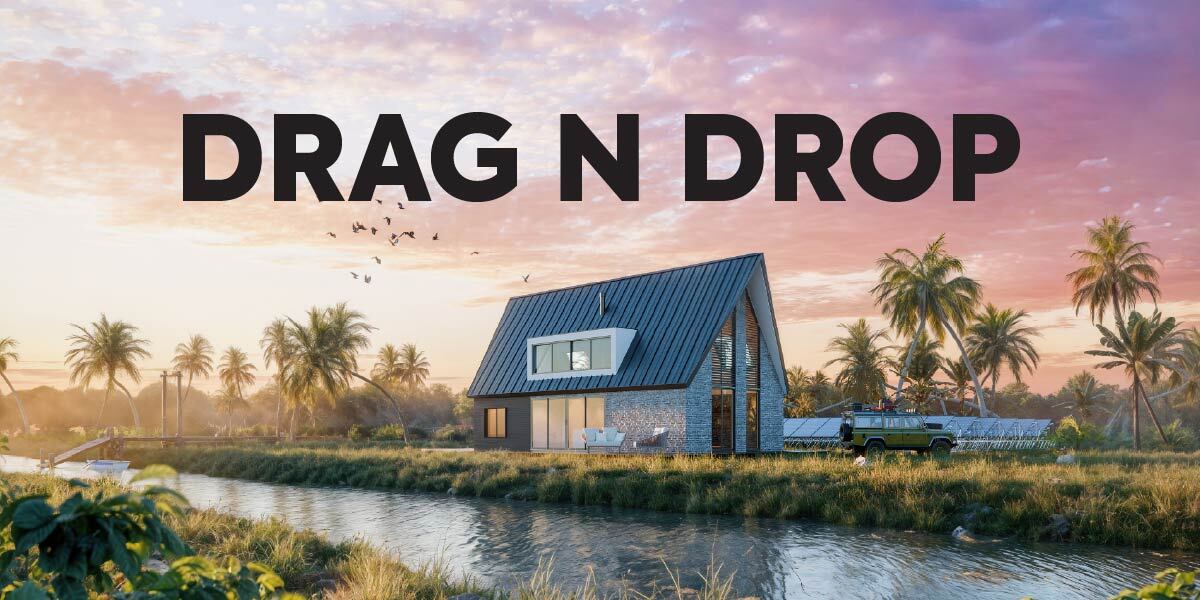
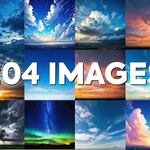
204 drag-and-drop assets for Blender’s Asset Browser.

Browse included assets
Details
Sales 300+
Rating
9 ratings
Dev Fund Contributor
Published over 1 year ago
Blender Version 4.0 - 5.2
Render Engine Used Cycles, Eevee
Misc Data Textured
License Royalty Free
Discover more products like this

skyes 3D background 3darchitect 3d architecture ski