 3DF
3DF
# How to start
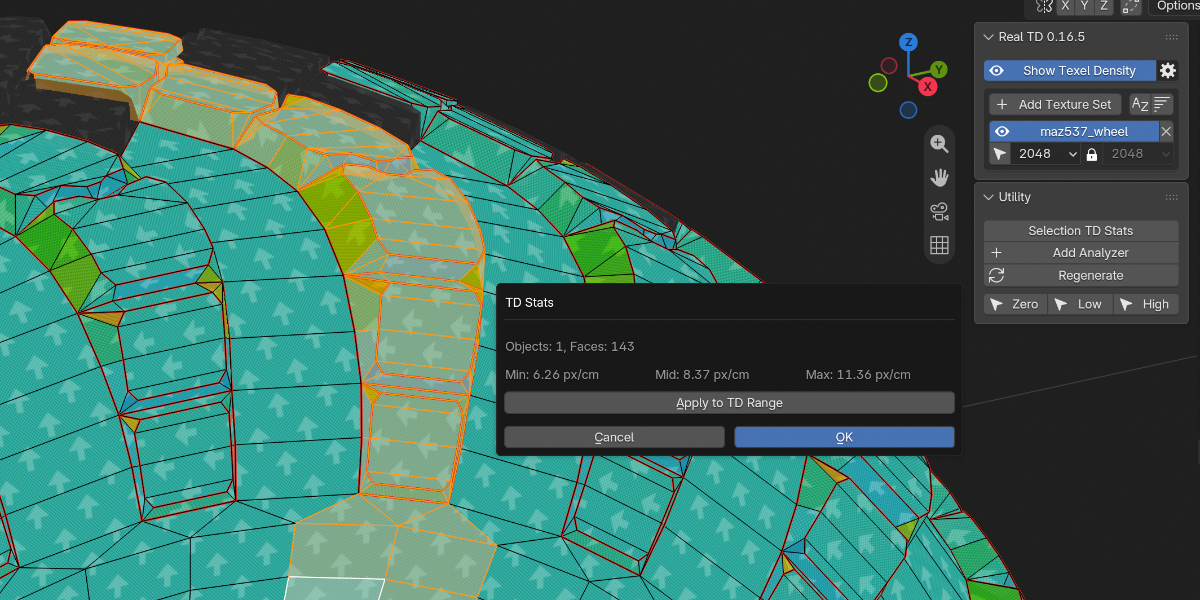
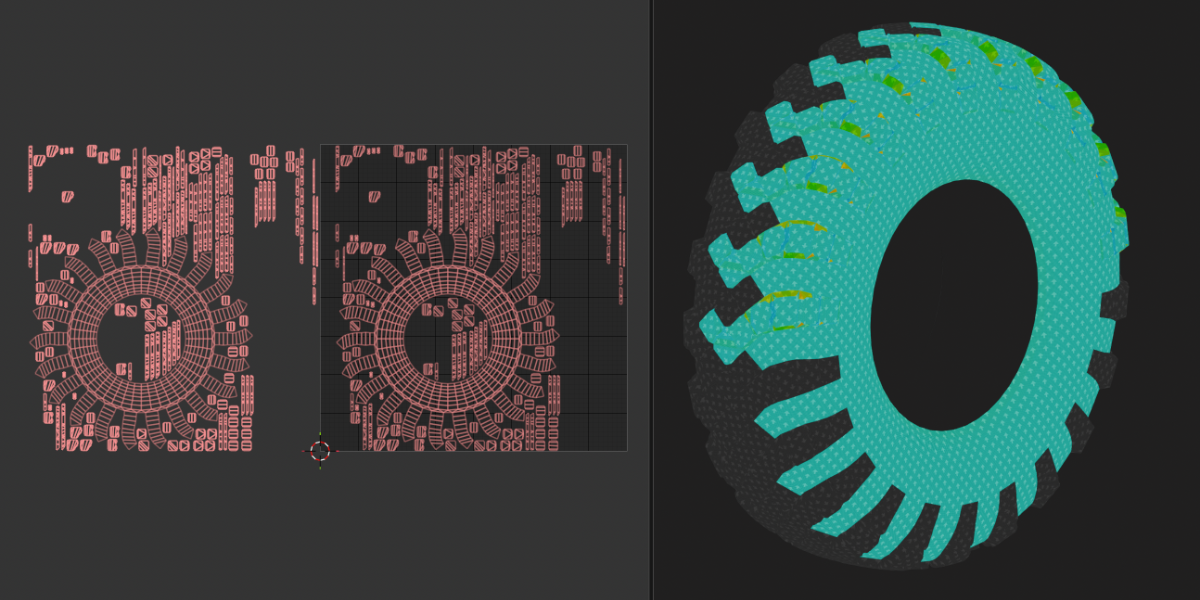
Open the sidebar in the 3D Viewport (N) and go to the RealTD tab.
1. Click Add Texture Set and pick a material from the scene. Shift+click adds a set for every material in the scene.
2. Set the texture resolution.
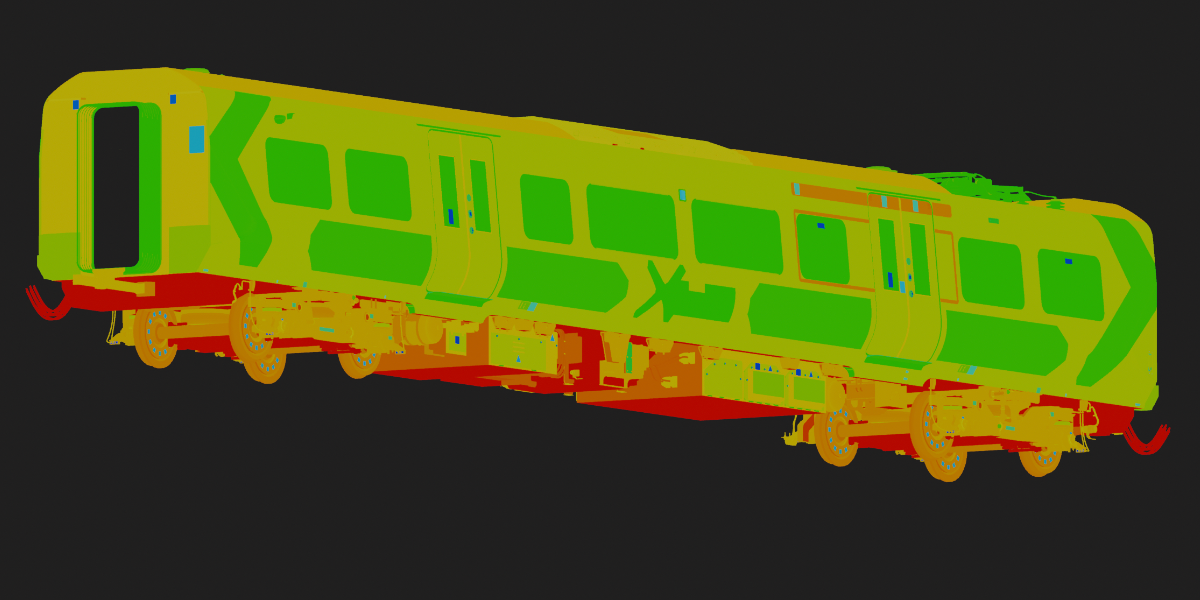
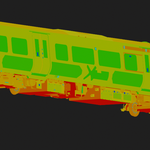
3. Use the Show Texel Density button to toggle texel density. (Requires EEVEE as the active render engine.)
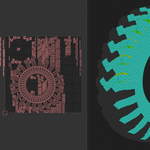
Work on the UVs. The colors update in the viewport as you edit.
The eye on a set turns that material on or off. X removes the set. The select icon selects objects with that material, or faces when you are in Edit Mode.
# Settings
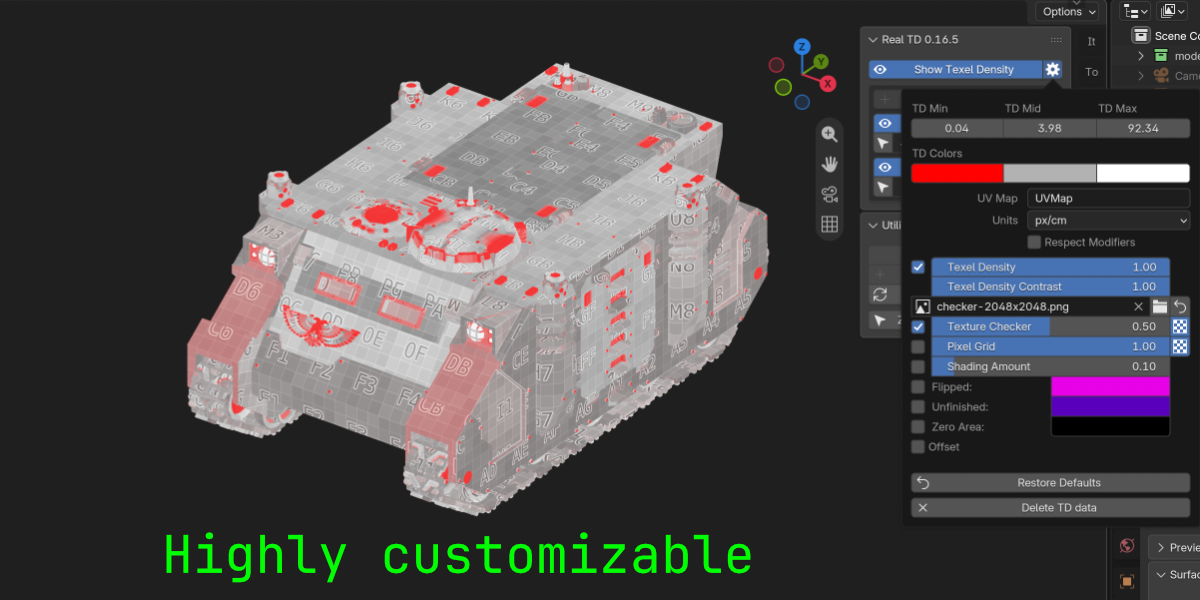
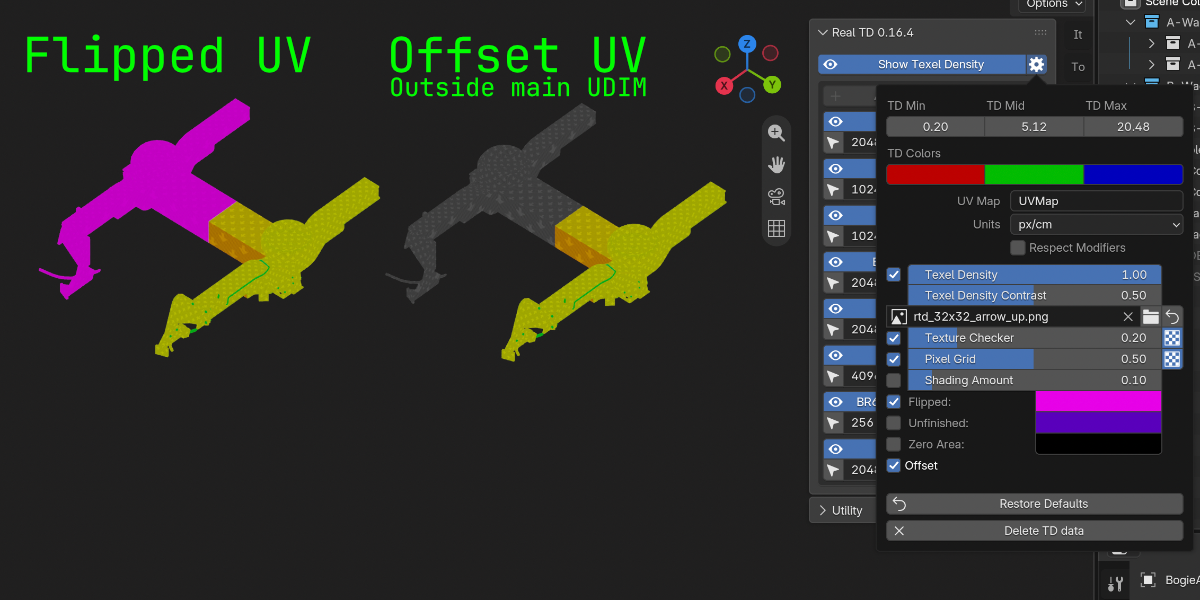
The gear next to Show Texel Density opens the settings.
- TD Min, TD Mid, and TD Max set the density range. The three colors under them are the low, mid, and high colors.
- Units is the texel density unit (px/cm and the rest).
- UV Map is the map used for the check.
- Texture Checker and Pixel Grid can be turned on to see how the UVs will read. Use the folder icon to load your own checker image.
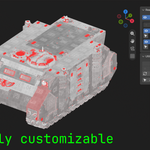
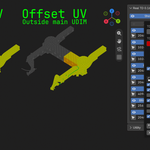
- Flipped, Offset, Unfinished, and Zero Area show UVs with these properties.
- Every control has a tooltip.
Restore Defaults puts the settings back. It does not touch your texture sets or the Show Texel Density toggle.
# Utility
Open the Utility panel.
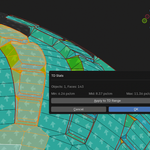
- Selection TD Stats shows the density of what is selected.
- Zero, Low, and High select by texel density. This works in Object Mode and in Edit Mode.
- Add Analyzer adds the Analyzer modifier to selected meshes—mainly for new meshes added after creating a texture set.
- Regenerate is for when something isn't updating as expected—it rebuilds the Analyzer modifiers on all objects that use enabled materials.
# Cleaning the file of addon data
To remove all data added by the addon and keep your file clean, use the Delete TD Data button at the bottom of the settings. This will clear out texture sets and any nodes added by the addon, while leaving your existing materials and their assignments untouched.
$25
 Included
Includes 12 months of
- Support from 3DF
- Product updates
Extend this product’s Support Period +12 months: 50% of product price
Have questions before purchasing?
Login to message
| Blender Extension Compatible | Yes |
| Published | 2 days ago |
| Blender Version | 5.0 - 5.2 |
| Extension Type | Add-on |
| Render Engine Used | Eevee |
| License | GPL |
Discover more products like this
density Material realtime uv game-art Texel check texel density resolution pixel density UV Checker Checker