Ducky 3D
about 5 years ago
I really appreciate that, keep an eye out for a new materials I’ll always be adding new things
This item has an average rating of 5 from 67 ratings by the community.
Purchase this item to leave a review!
Thank you Ducky! I love your collection of materials. They are sooo cool. I just try them one after the other. Easy to find, easy to apply. Awesome!
Ducky 3D
about 5 years ago
I really appreciate that, keep an eye out for a new materials I’ll always be adding new things
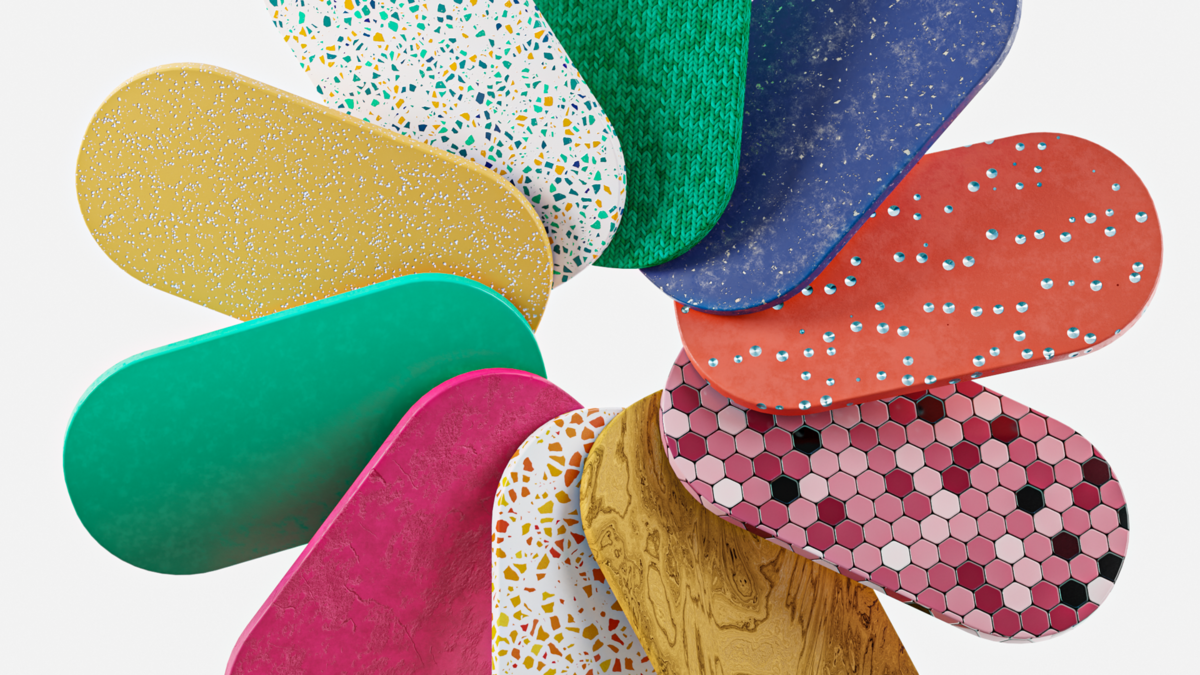
Easy to use and very useful great materials package. I bought the current latest version when I write this review. So for new potential buyer, you can ignore complains about bad naming above. All materials have their own unique names. However the naming convention can be improved to be more consistent and professional. First letter should be capital for example. The icon is too small so I have to make my own reference image. If you can include something like this, that you would be great. https://bit.ly/3iT1GtN
Ducky 3D
about 5 years ago
thank you for the feedback! I will be implementing that in the next update. That update should be available in two weeks
Has some high quality materials! I am really enjoying this add-on, keep it up Ducky3D. Can't wait for future updates!
Ducky 3D
about 5 years ago
thank you!
Very usefull, rendering fast. Thank U!
Ducky 3D
about 5 years ago
I'm glad these materials are benefiting you!
Great Library with quick and easy access to a ton of basic materials, awesome for quick sketches and clean modern looking renders, e.g. for motion graphics and product design.
The exposed parameters are intuitive and allow for the most important basic pattern and shader adjustments. Quality look-wise is great for realtime rendering.
The node graph is not too complex and easy to understand, but could be a bit more structured and documented, especially since this seems to be aimed at beginner users it would help them a lot to better understand what is happening under the hood.
For advanced users: Ditch the Addon. Correct me if I am wrong, but it seems to only expose group parameters in the n-panel but does not add any other functionality. Installing the Asset Library for drag'n'dropping the materials and then adjusting the shader in the node editor is just fine and saves Blender some startup time from one addon less that it has to load.
it's nice and a fast way to add a material to an object, but a big part of them look not really usable to me. like they needed more tweaking to actually look good and not that obviously like a procedural material. And i feel like some essential materials are still missing
For some reason, the cloth materials are not displayed in Cycles or Eevee.
Ducky 3D
almost 4 years ago
Yes you need to unwrap your model for That specific material category to be viewed. If you see UV in the category name it needs to be unwrapped. If you have any other questions feel free to send me a message rather than using the review system, thanks!
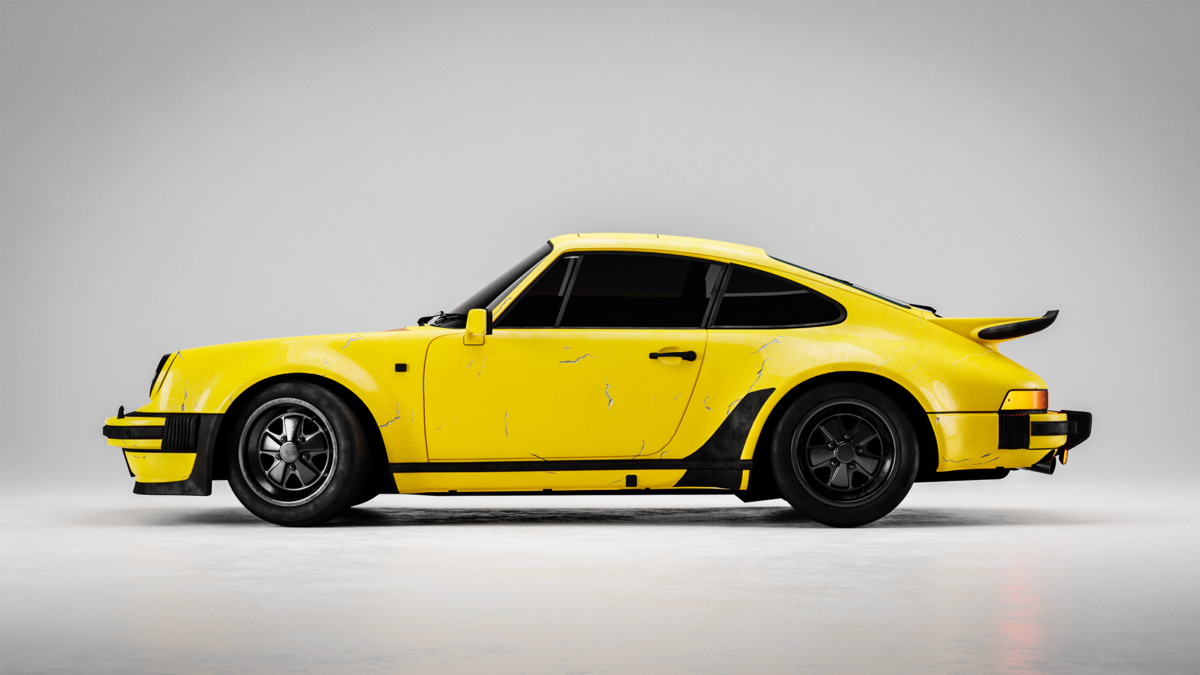
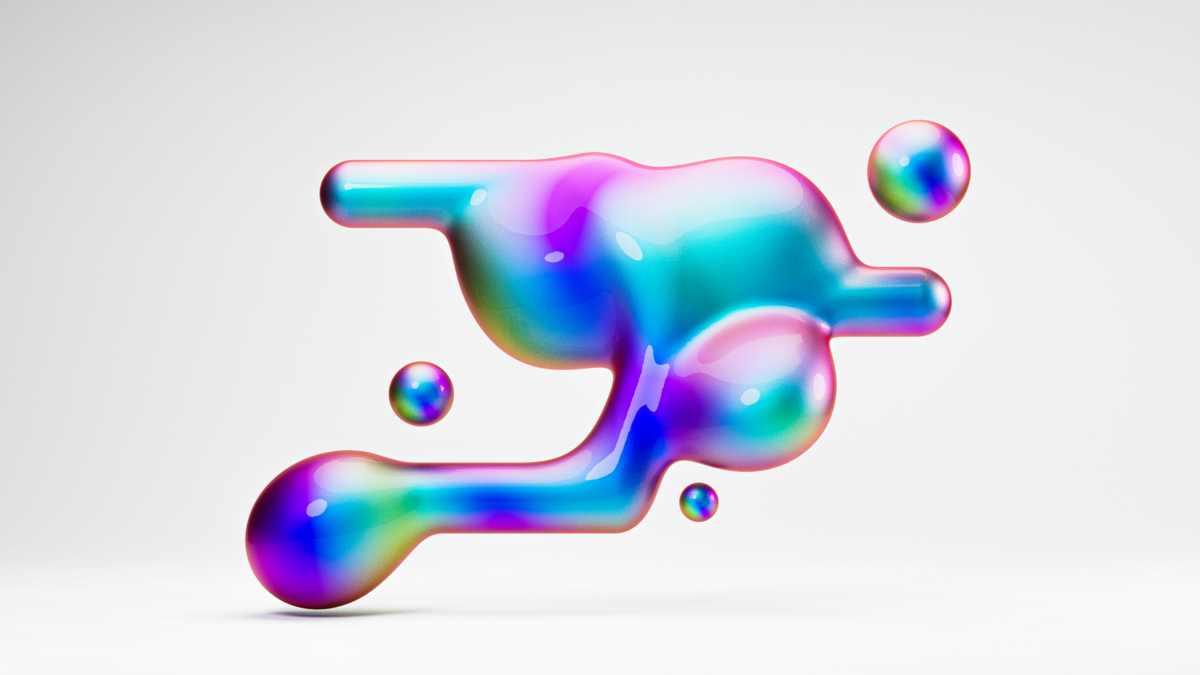
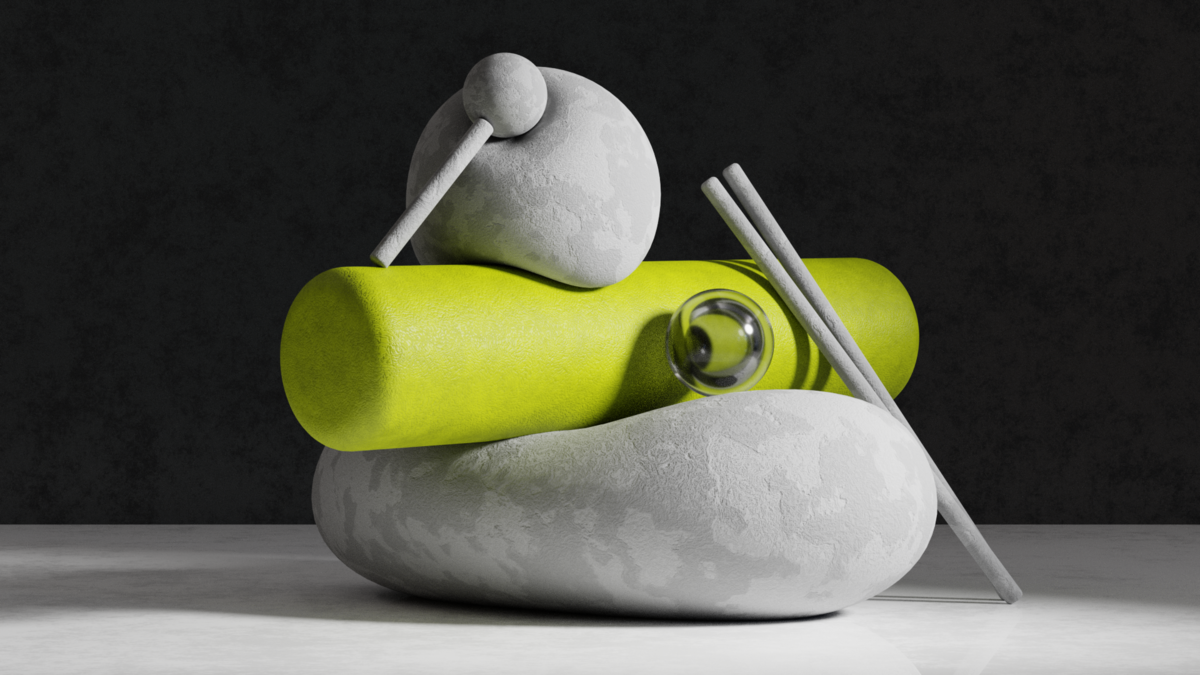
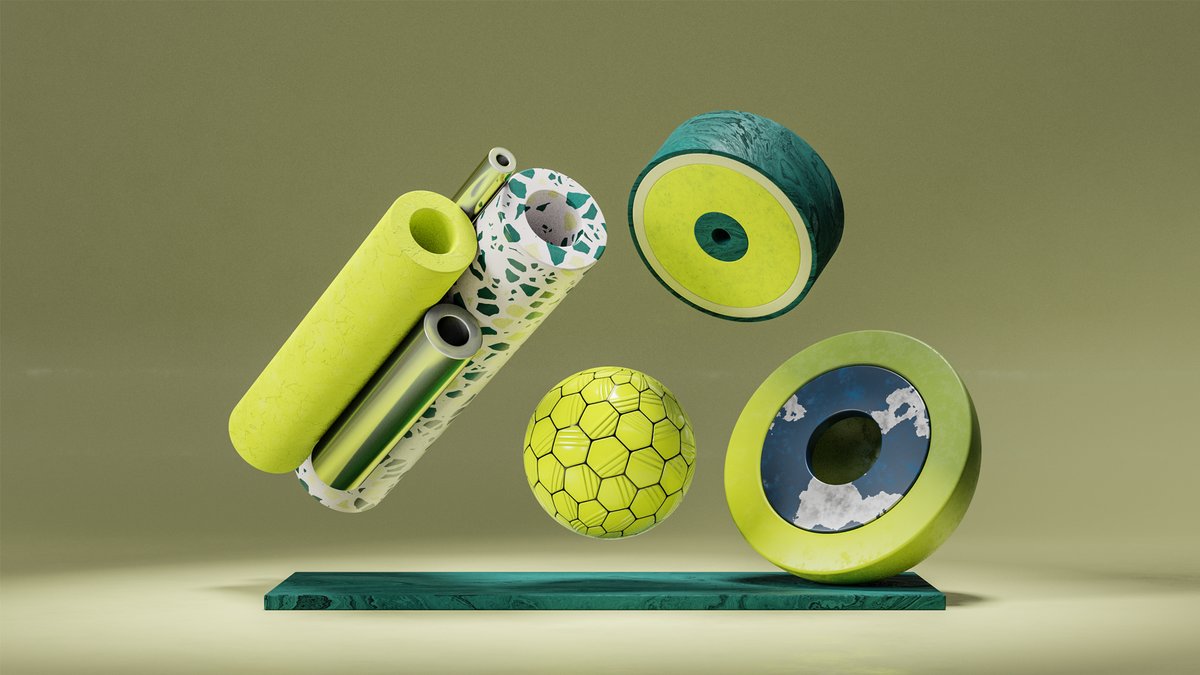
Appreciate if thumbnails can be provided for viewing, either via a website or a html document or even just the images themselves. The addon currently ships with bip files which I have yet figured out how to convert them to jpg or png.
Ducky 3D
about 4 years ago
Thank you for the feedback! I will see if I can add that! Feel free to send me a message if you have any questions
Good materials, but as others have said, the naming makes it tricky to navigate. However, the issue I would also be interested to see addressed is the ability to add the materials directly from the shader menu and use the quick-search. Current workflow requires that I add a material, overwriting my current material setup, then copy that, and revert back to paste it into my prior material. That can quickly accrue time. Ability to add the node group, disconnected, would be super handy to remedy this.
Ducky 3D
over 5 years ago
thanks for the feedback, ill add that implementation in version 2 coming in 2 weeks
Great add-on, with fantastic potential. What I'd really like to see in future is:
- names for all materials. As others have said, it's not very descriptive to have Surface 1, 2, 3 etc.
- a 'crib sheet' of what the materials look like. Whether it's a pdf, jpg, webpage or whatever - it's currently a bit of guesswork to find the right one, and would be so much quicker with some thumbnails we can see.
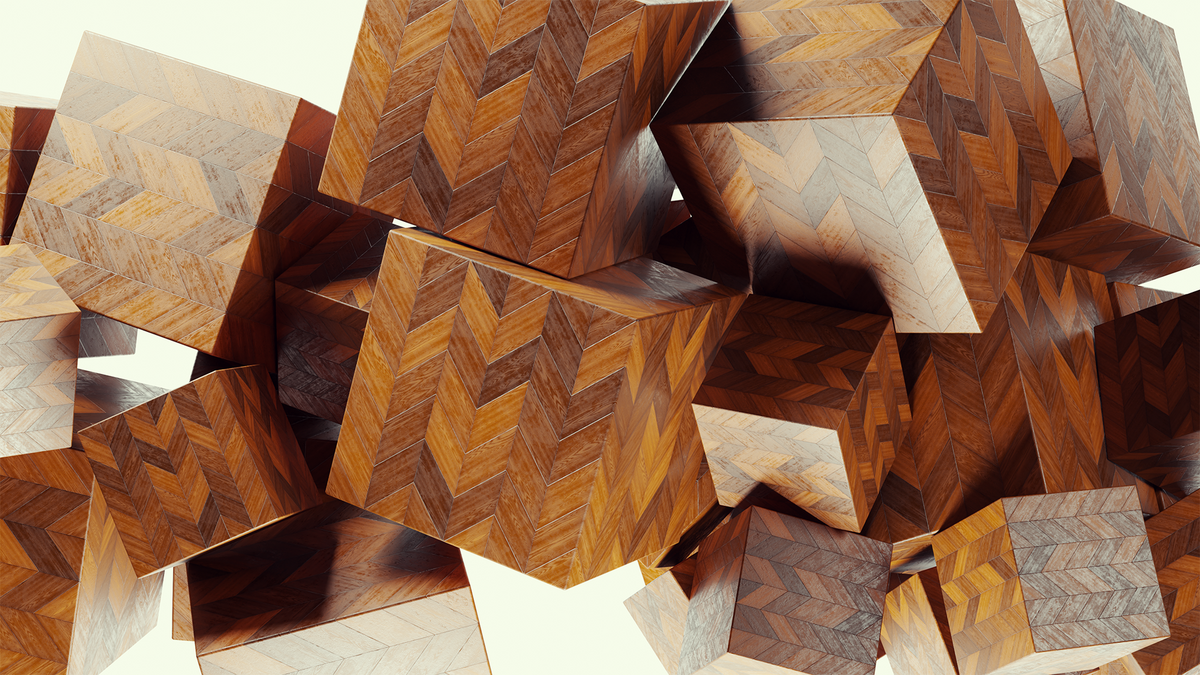
- more organic materials! I'd love to see a wood section in there (:
Ducky 3D
over 5 years ago
thank you! ill be implementing all this info for version 2
Have questions about this product?
Login to message
| Sales | 11500+ |
| Downloads | 55500+ |
| Rating |
67 ratings
|
| Dev Fund Contributor | |
| Published | over 5 years ago |
| Blender Version | 3.0 - 5.0 |
| Render Engine Used | Cycles, Eevee |
| License | GPL |
materials nodes procedural winter24 #procedural shaders bfcm24 procedural materials shaders summer24 spring24