Red Muscle Giant Rigged Character Model
 Salman Animator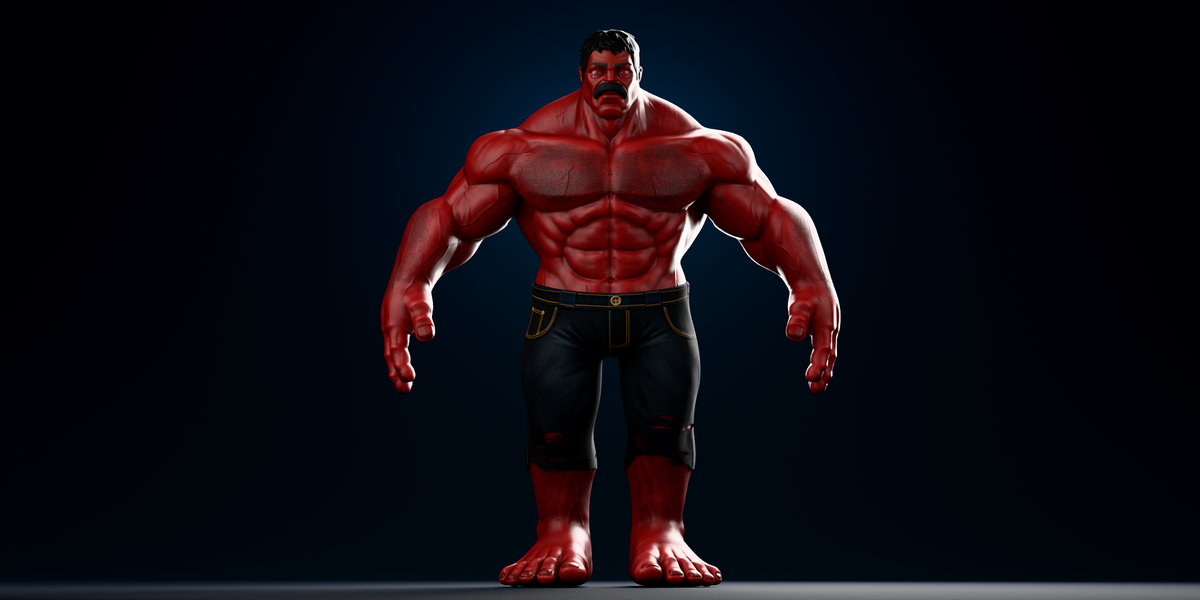
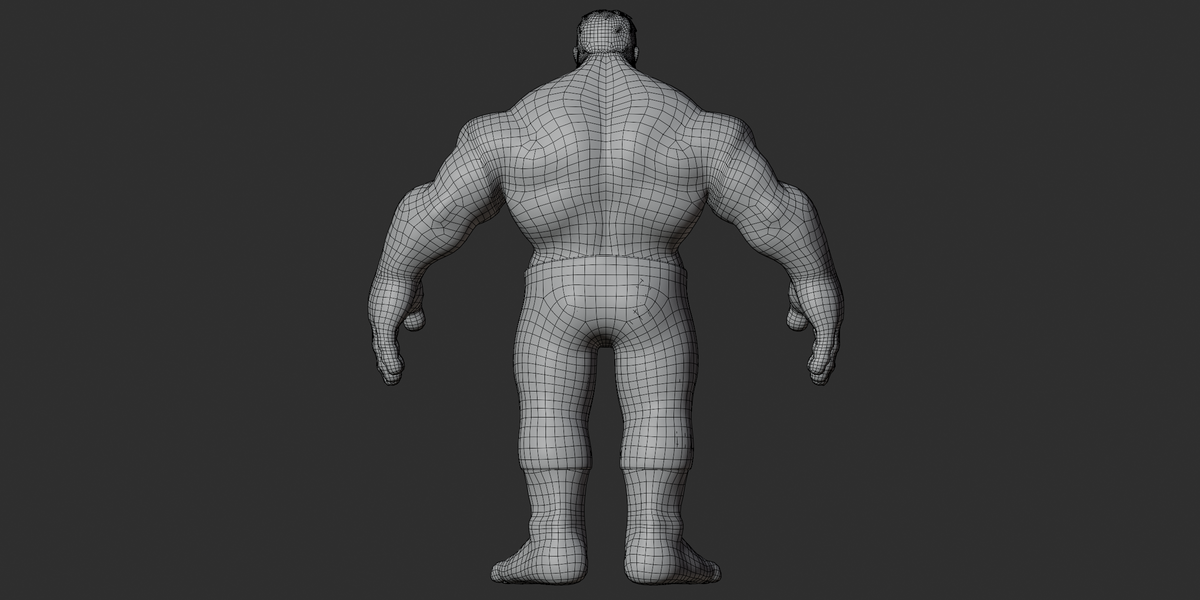
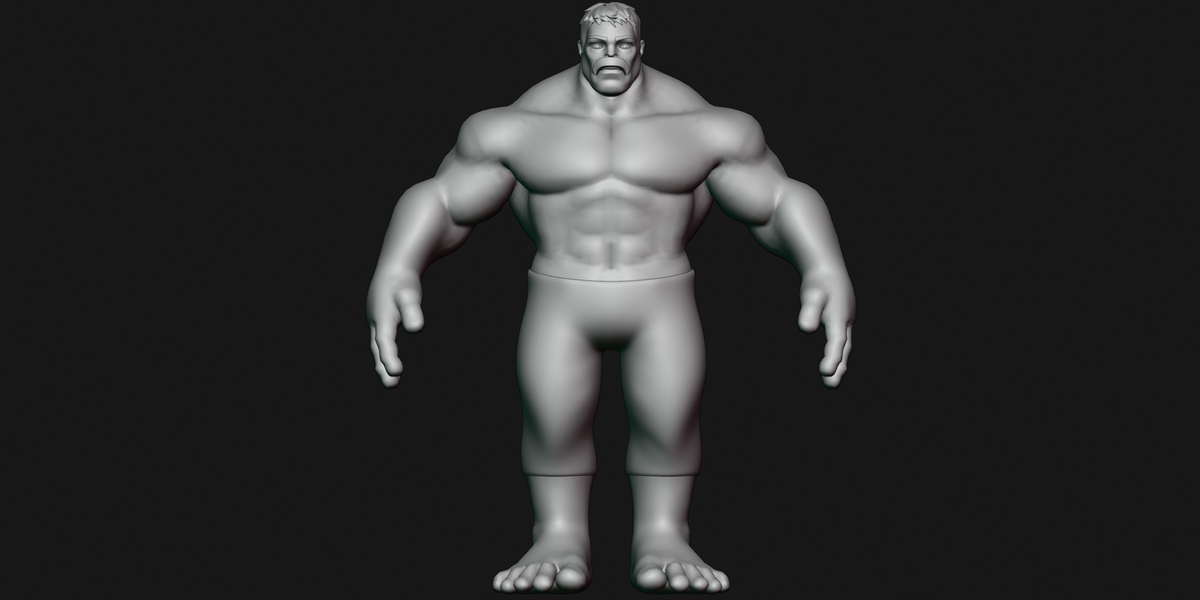
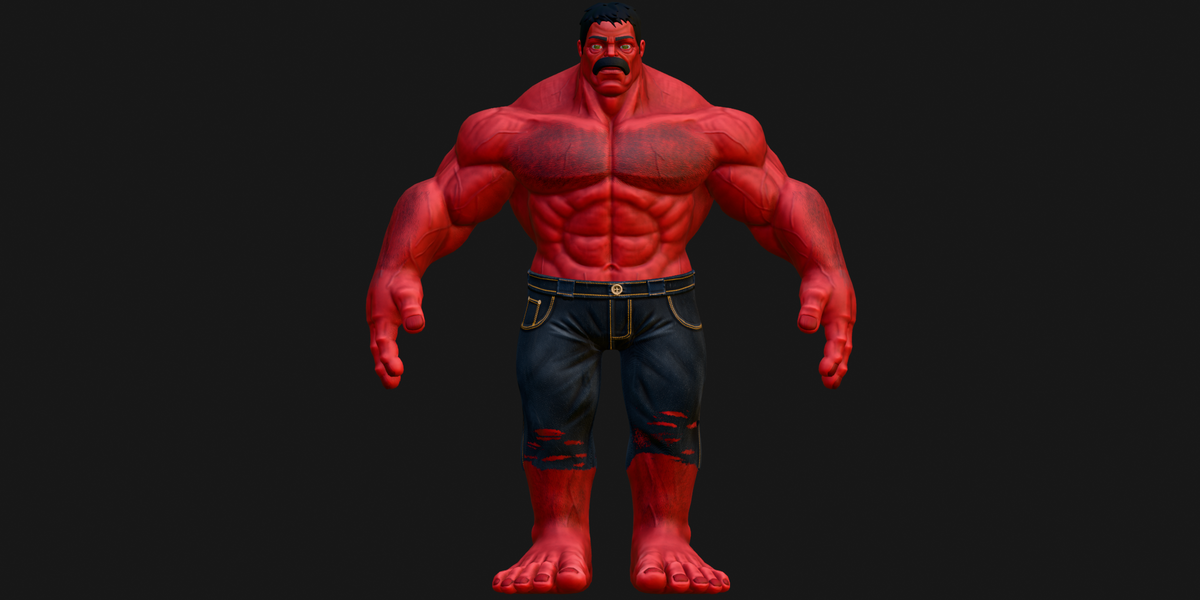
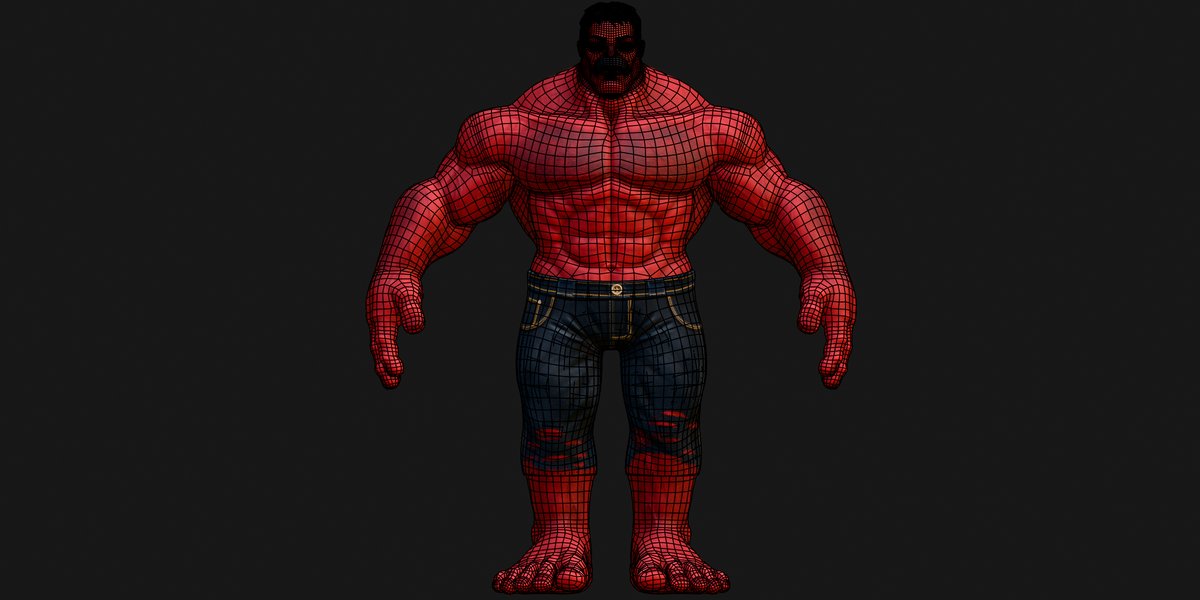
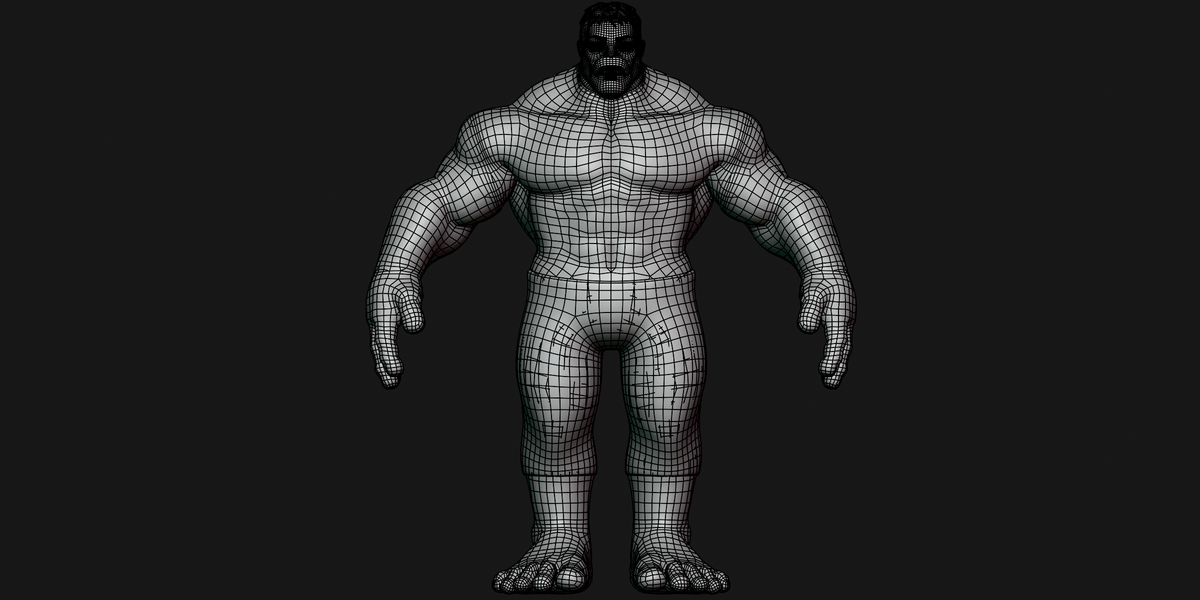
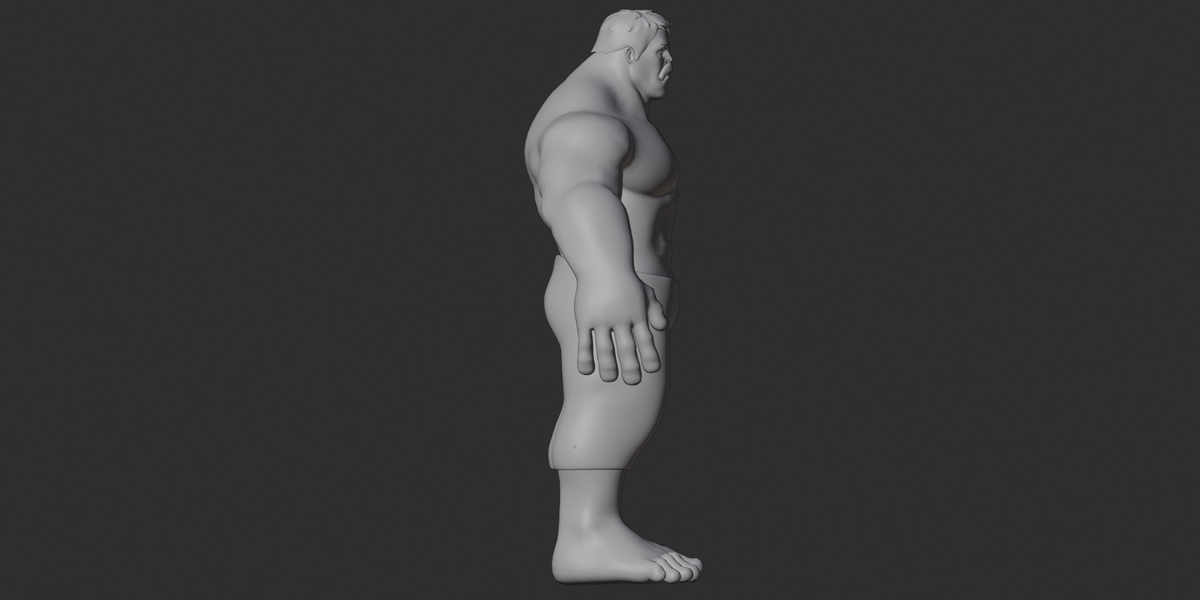
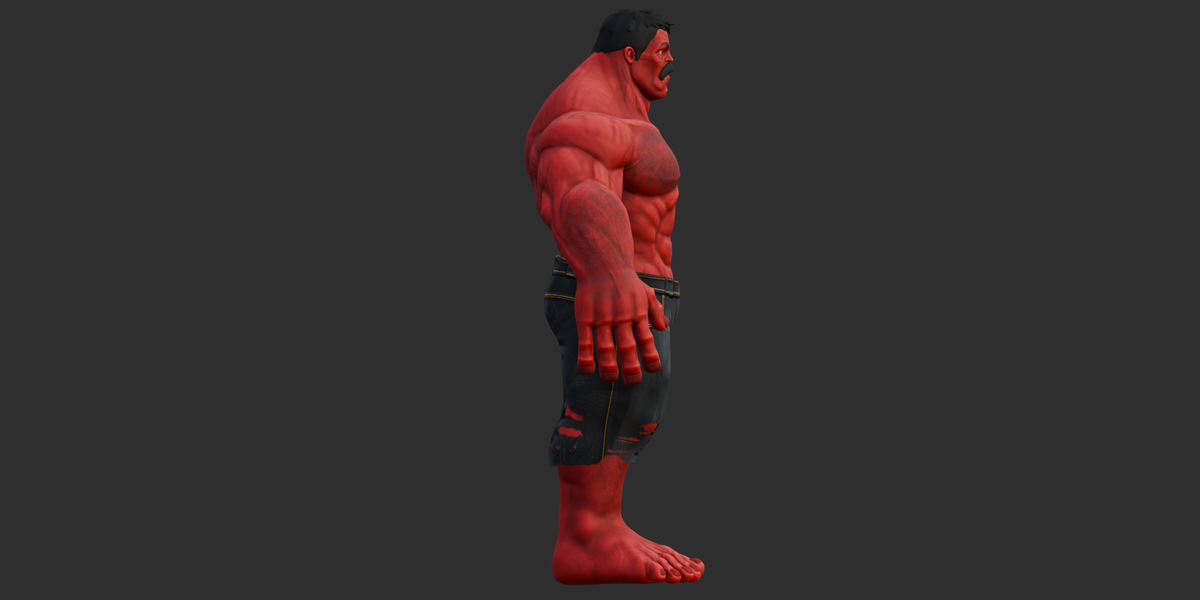
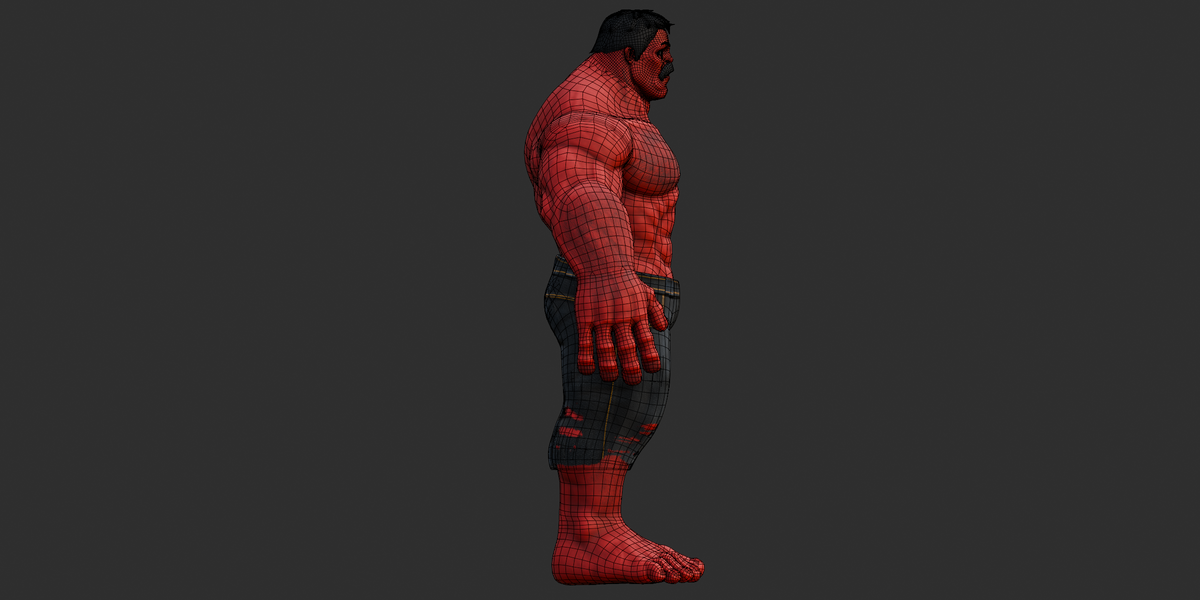
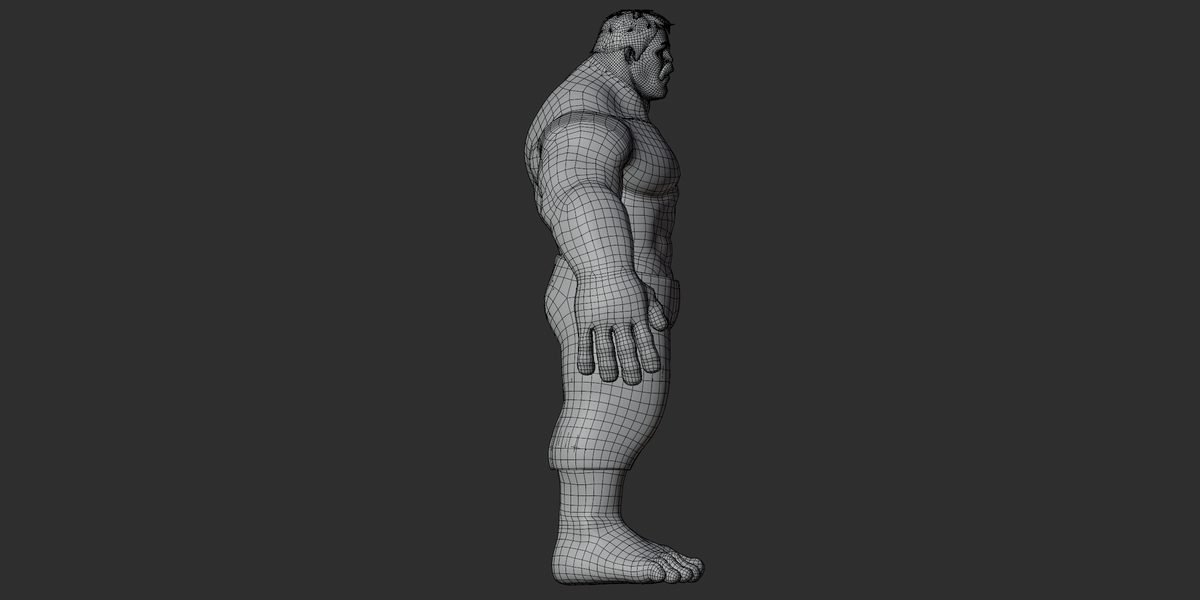
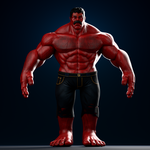
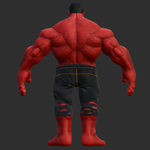
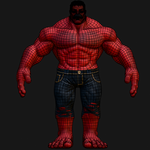
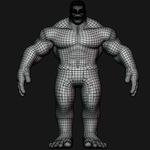
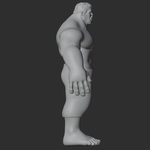
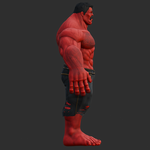
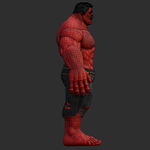
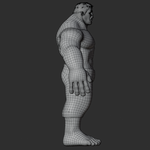
Stylized Red Muscle Giant — 3D Character Documentation
1. Overview
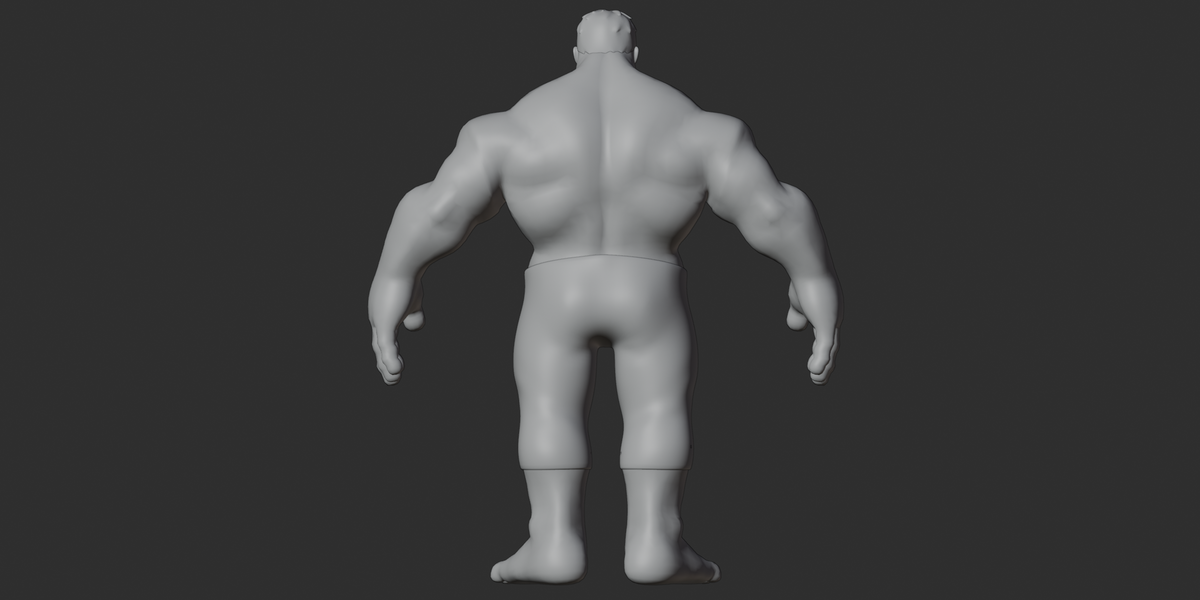
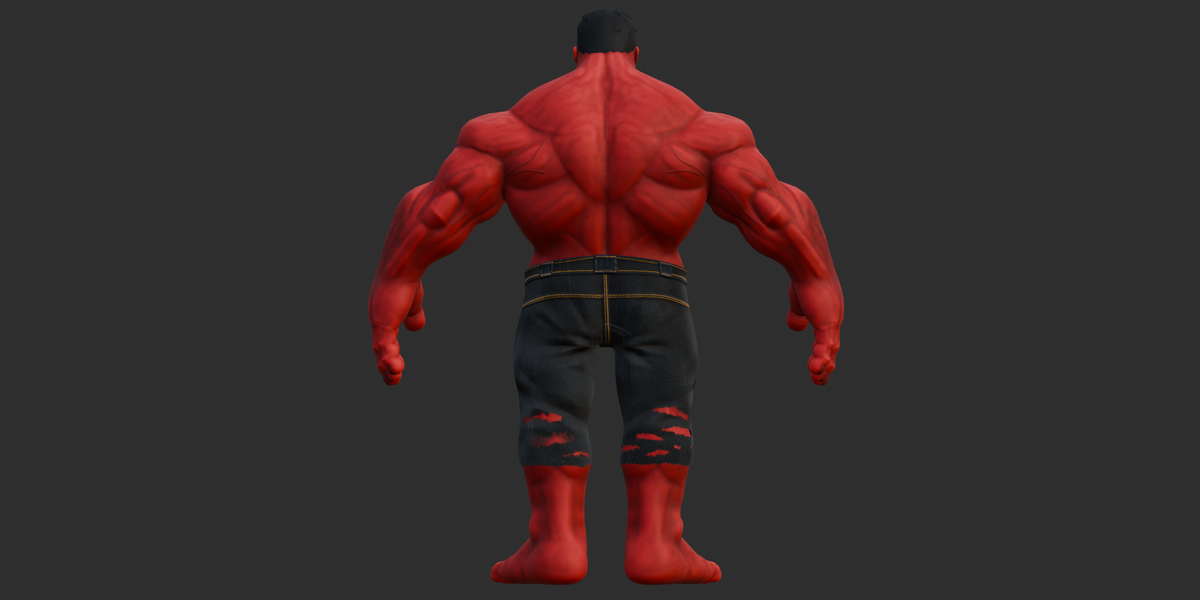
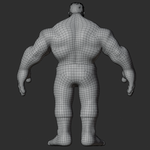
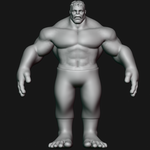
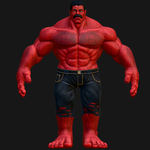
A stylized muscular red giant character with a detailed body, facial features, hair, mustache, denim-style pants, and a fully rigged character setup.
The package includes Blender, FBX, GLB, and OBJ/MTL versions, along with the complete 27-file texture set and preview renders.
The character is suitable for character posing, animation work, rendering, visualization, and general 3D projects.
2. Included Files
| File / Folder | Format | Purpose |
|---|---|---|
.blend |
Blender | Full source scene with character, rig, materials, and source actions |
stylized inspired.fbx |
FBX Binary | Rigged character with materials and k pose
|
stylized inspired.glb |
glTF 2.0 | Self-contained character with PBR materials, rig, and pose |
stylized inspired.obj |
OBJ | Static mesh export |
stylized inspired.mtl |
MTL | Material definitions for the OBJ |
textures.zip |
ZIP | 27 source texture images |
3. File Formats
BLEND
.blend contains the main source scene, including:
Character meshes
Materials
Rig
Source animation actions
Editable Blender scene data
The supplied .blend contains additional named actions such as walk and walk spine.
FBX
stylized inspired.fbx is a Binary FBX export containing:
Character mesh
Materials
Skin/armature
813-joint rig structure
One exported action:
pose
GLB
stylized inspired.glb is a glTF 2.0 binary file containing:
Character mesh
PBR materials
Embedded textures
813-joint skin
h poseanimation
The GLB is the most self-contained option because its required textures are embedded.
OBJ + MTL
The OBJ version is a static mesh export.
It includes:
Mesh geometry
UVs
Material assignments
MTL material definitions
OBJ does not contain the character rig or animation.
4. Materials
The character uses 12 materials in the GLB.
Main material groups include:
bodyfacearms_and_leghand_and_feetpantmustachMaterial.001/ hair.HG_TeethblackirisBlue.001pupil.001scleraBright.001
The materials use PBR-style shading.
The main body materials use Base Color, Normal, and Roughness information. Additional eye and teeth materials use dedicated maps for their appearance.
The pant and .HG_Teeth materials support transparency in the GLB.
5. Textures
A separate textures.zip archive contains 27 texture files.
The supplied texture set includes:
Base Color
Roughness
Normal
Opacity
Eye textures
Teeth/tongue textures
Eye bump/normal information
Eye transmission information
Examples include:
body_Base_Color.pngbody_Roughness.pngbody_Normal_OpenGL.pngface_Base_Color.pngface_Roughness.pngface_Normal_OpenGL.pngpant_Base_Color.pngpant_Opacity.pngpant_Normal_OpenGL.pngmustach_Base_Color.pnghair_Base_Color.pngTeethTongueSet_C_2K.pngTeethTongueSet_N_2K.pngscleraBright_albedo_2k.pngsclera_bump_2k.exrblueIris_Albedo_2k.png
Normal maps are supplied in the OpenGL convention.
6. Rig
The character includes a large control rig named:
rig_rig
The exported skin contains 813 joints.
The rig structure includes:
Root and trajectory controls
IK/FK-style limb chains
Finger controls
Toe controls
Spine and body controls
Facial and eyelid reference bones
Left/right side naming using
.land.r
Examples of control/bone naming include:
c_root.xc_root_master.xc_trajc_posthigh_ik.lthigh_fk.lleg_ik.lleg_fk.l
The package also contains cs_ custom control-shape objects used to visually represent rig controls in the viewport.
7. Bones
The exported character contains 813 joints.
The bone naming system uses several patterns, including:
c_control bones_ikIK-related names_fkFK-related names.land.rside identifiersFacial/eyelid reference bones
Finger and toe chains
Root, pelvis, and spine controls
The rig provides detailed control for body posing as well as smaller areas such as fingers, toes, and eyelids.
8. Animation
The FBX and GLB exports contain one animation/action:
pose
This is a baked static pose, rather than a walking or looping animation.
The source k.blend also contains named actions including:
k posek walkk walk spine
The additional walk-related actions were found in the source Blender file but were not included as exported animations in the FBX/GLB.
Therefore:
FBX/GLB: one static pose
BLEND: contains additional source actions
9. Shape Keys / Blendshapes
No shape keys, blendshapes, or morph targets were found in the supplied exports.
Facial and eyelid control is handled through the rig's bone structure rather than blendshape targets.
10. UV
The character is UV-mapped.
The OBJ contains:
26,197 UV coordinate entries
One UV coordinate set in the OBJ structure
No second UV channel or UDIM setup was verified from the supplied files.
UV overlap and packing efficiency were not separately measured.
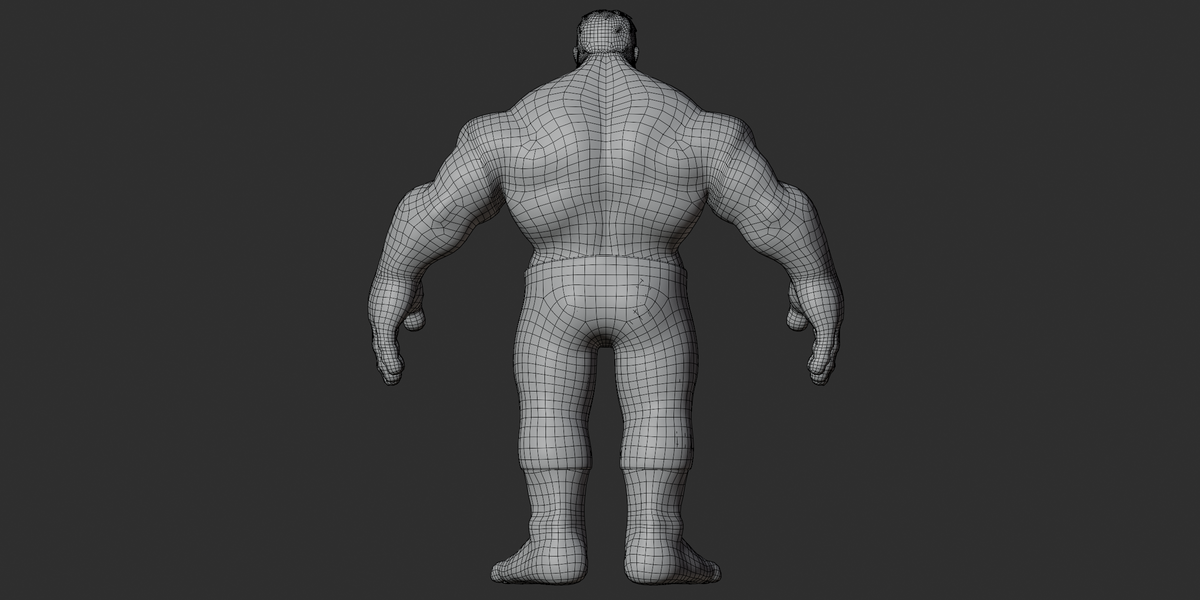
11. Geometry
The OBJ export contains:
31,714 vertices
31,758 polygon faces
32,300 normals
26,197 UV coordinates
The OBJ contains 9 named mesh objects:
bodybody.001upper_teethlowerteethtongeyebroweyespanthairs
The OBJ contains triangles, quads, and n-gons rather than being fully triangulated.
No dedicated LOD versions were identified in the supplied exports.
12. Dimensions & Scale
The OBJ bounding box measures approximately:
| Axis | Size |
|---|---|
| Width | 1.856 units |
| Height | 2.244 units |
| Depth | 0.703 units |
The supplied interchange files do not specify a confirmed real-world unit scale.
Do not assume the character is exactly 2.244 meters tall without checking the scene's unit settings in Blender.
13. Object Structure
The OBJ version is separated into individual named objects for major character parts.
The GLB contains the character meshes together with the rig and control structure.
The GLB contains:
12 mesh nodes
813 skin joints
Rig control/helper objects
Additional scene nodes
The OBJ version is intentionally simpler because it contains the static mesh without the rig.
14. Customization
The supplied files allow several customization options.
Materials
Materials can be recolored or replaced using the supplied texture maps or new textures.
Body Parts
Separate objects such as the following can be edited independently:
Hair
Mustache
Eyebrow
Pants
Eyes
Teeth
Tongue
Rig
The character can be posed using the included 813-joint rig in Blender.
Clothing
The pants are a separate object and can be hidden, recolored, or edited independently.
There is no modular clothing system included.
15. Material & Texture Workflow
In Blender
Open
k.blend.Select the required character object.
Open the Material Properties or Shading workspace.
Select the required material.
Check the connected texture files.
If textures are missing, use File → External Data → Find Missing Files.
Select the extracted texture folder.
Use Pack Resources if you want to embed the external resources into the Blender file.
Important
The source Blender file contains external texture references from the original computer, so textures may need to be relinked when the file is opened on another machine.
16. Import Workflow
Blender
Open
k.blend.Relink missing textures if required.
Selet
k rig_rig.Enter Pose Mode.
Use the rig controls to pose the character.
FBX
Import
stylized k inspired.fbx.Enable animation import if required.
Check the imported armature and materials.
The exported animation is
k pose.
OBJ
Import
stylized k inspired.obj.Keep the
.mtlfile in the same folder.Extract
textures.zip.Make sure the texture paths match the MTL references.
Remember that OBJ contains no rig or animation.
GLB
Import
stylizedk inspired.glb.The textures are embedded in the GLB.
The character, skin, and
k poseare included.No separate texture folder is required for the GLB.
17. Engine Workflow
No Unity, Unreal Engine, or Godot project files are included.
The provided FBX, OBJ, and GLB formats can be used as interchange files in applications that support those formats.
For game engines, materials may need to be rebuilt using the engine's own material system.
The 813-joint rig may also require skeleton mapping or retargeting depending on the target engine.
No specific engine version or real-time performance has been tested.
18. Troubleshooting
Textures are Missing
Extract textures.zip and relink the missing image files in Blender.
OBJ Looks Partially Untextured
Some Base Color textures are not connected through the OBJ/MTL export even though the corresponding texture files are included.
The GLB contains the PBR texture connections more completely.
No Walk Animation
This is expected for the FBX/GLB exports.
Only k pose was exported. The additional walk actions are present in the source .blend.
Rig Does Not Pose Correctly
Make sure you are selecting the actual rig controls rather than the cs_ custom-shape objects.
Scale Looks Different
The supplied files do not define a confirmed real-world unit scale. Check the import scale settings in your target application.
Blender Shows Missing Textures
Use:
File → External Data → Find Missing Files
and select the extracted texture folder.
19. Compatibility
Included
Blender source
Binary FBX
OBJ + MTL
glTF 2.0 GLB
PNG/EXR textures
Format Compatibility
The FBX, OBJ, and GLB files are intended for applications supporting their respective standard formats.
Not Included
Unity project
Unreal Engine project
Godot project
.blendaddon package.stl.dae.abc.usd/.usdc.max.ma/.mb
20. Quick Start
For the easiest preview:
Import the GLB. Its textures are embedded and the rig and exported pose are included.
For full editing:
Open k.blend in Blender.
For game/engine workflows:
Start with FBX or GLB and rebuild/adjust materials and skeleton settings for the target application.
For a static mesh:
Use the OBJ + MTL and the supplied texture archive.
21. Known Limitations
FBX and GLB contain only the exported
k posestatic pose.Additional walk actions are available only in the source
.blend.No shape keys or blendshapes are included.
OBJ is mesh-only and contains no rig or animation.
Some OBJ/MTL Base Color connections are incomplete; the texture files are still included.
The Blender source may require texture relinking on another computer.
Real-world scale is not confirmed.
No engine-specific project files are included.
No dedicated LOD files were identified.
Have questions about this product?
Login to message
| Published | 5 days ago |
| Blender Version | 2.6x - 5.2 |
| Render Engine Used | Cycles, Eevee, Freestyle |
| Misc Data | Rigged, Textured |
| License | Royalty Free |
