 Ludiax Studio


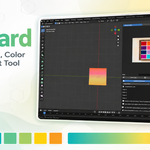
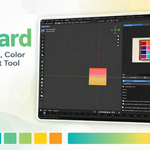
RefBoard - Reference Board, Color Picker & Gradient Tool
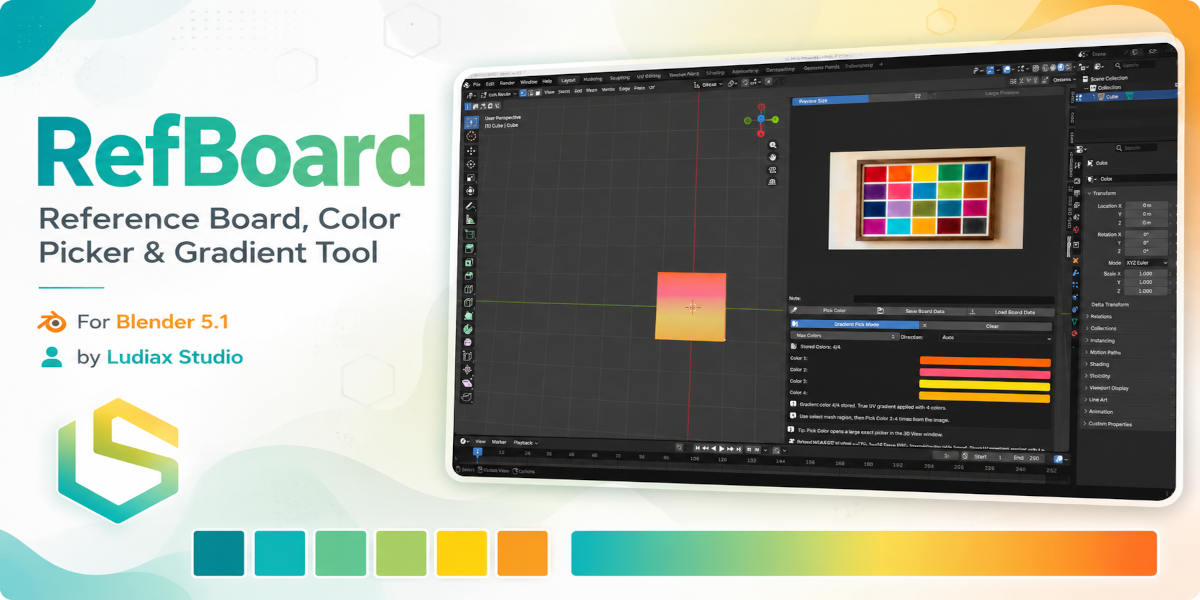
Bring your reference images, color sampling, and mesh coloring workflow directly into Blender.
RefBoard is a Blender 5.1 add-on designed for artists who work with reference images, color palettes, material studies, stylized assets, and visual mood boards. Instead of switching between Blender and external image viewers, RefBoard gives you a clean reference board inside the 3D View sidebar, with tools for previewing images, sampling exact colors, and applying solid or gradient colors to selected mesh areas.
Whether you are blocking out a stylized prop, matching a concept art palette, building color variations, or testing gradient-based looks on a model, RefBoard keeps the process fast, visual, and inside Blender.
Why RefBoard?
Color reference is a big part of visual development, but it often happens outside the main 3D workflow. You may have a color chart open in another window, a concept image on a second monitor, or a folder full of references that you constantly switch between.
RefBoard helps reduce that friction.
Add your references, preview them in Blender, pick colors from the image, and apply them directly to the selected area of your mesh. The goal is simple: keep your reference, color choice, and object editing workflow in one place.
Core Workflow
- Add a reference image to RefBoard.
- Select a mesh object in Blender.
- Enter Edit Mode and select the face, edge, vertex, or mesh region you want to color.
- Use Pick Color to sample a color from the image.
- RefBoard applies the selected color only to the selected mesh area.
- Enable Gradient Pick Mode to sample multiple colors and create a gradient across the selected region.
This makes RefBoard useful for quick color studies, stylized materials, palette testing, object variations, and reference-based color matching.
Key Features
Reference Image Board
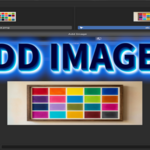
Add and manage reference images directly inside Blender. RefBoard gives you a simple image board where you can keep visual references close to your modeling and shading workflow.
Use it for:
- Color palette references
- Concept art
- Mood boards
- Material studies
- Style references
- Visual development images
Image Preview Inside Blender
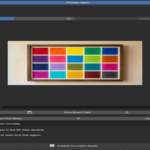
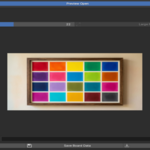
Preview selected images directly in the RefBoard panel. You can also open a larger preview when you need a better view of the image before sampling colors.
This is especially useful when working with detailed color charts, concept images, or stylized reference boards.
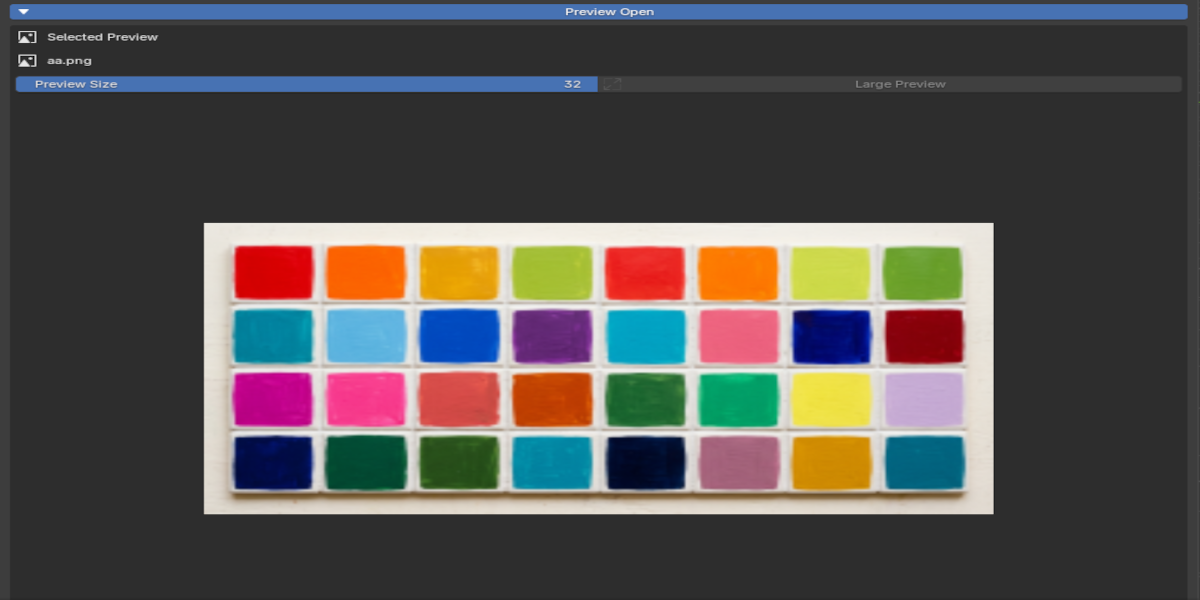
Exact Color Picking
Use Pick Color to sample colors from your reference image and apply them to your model.
RefBoard is designed to read the selected image color directly and use it in the Blender material workflow, helping you build color palettes from real reference images without manually guessing RGB values.
Paint Selected Mesh Areas
RefBoard can apply a picked color to a selected mesh area instead of coloring the whole object.
Select a face, edge, vertex, or region in Edit Mode, pick a color from your image, and RefBoard applies it only to that selected area.
This is useful for:
- Coloring specific cube faces
- Blocking out stylized assets
- Assigning color regions
- Testing palette variations
- Building simple material layouts
- Quickly painting selected parts of a model
Gradient Pick Mode
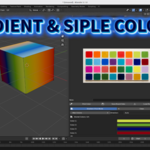
With Gradient Pick Mode, you can sample 2 to 4 colors from a reference image and apply them as a gradient across the selected mesh region.
This is useful for:
- Stylized color transitions
- Concept-based gradients
- Simple material exploration
- Gradient palette testing
- Quick look development
Gradient results are best viewed in Material Preview or Rendered View.

Direction Control
Choose how the gradient is applied across the selected area:
- Auto
- Local X
- Local Y
- Local Z
This gives you more control over the direction of the color transition.
Add Images Locally or by URL
RefBoard supports adding images from your computer and supported direct image URLs.
Some websites may block direct image downloads, but local image loading remains the most reliable option for production use.
Save and Load Board Data
Save your current RefBoard setup and reload it later. This helps you keep reference boards organized across sessions and projects.

Who Is RefBoard For?
RefBoard is built for Blender users who work visually and want a faster way to bring reference-based color decisions into their scene.
It is useful for:
- 3D artists
- Stylized asset artists
- Game artists
- Environment artists
- Concept-driven modelers
- Blender students
- Freelancers
- Small teams
- Studios working with reference-based art direction
Suggested Use Cases
Stylized Asset Creation
Use a reference color board to quickly test colors on selected mesh regions. Pick colors from the image and apply them directly to different parts of your model.
Palette Matching
Keep a palette image inside Blender and sample colors from it while building your material setup.
Fast Color Blocking
Select faces or mesh areas and quickly assign colors without manually creating and managing every material from scratch.
Gradient Look Development
Sample multiple colors from a reference image and apply a gradient across a selected mesh area to test stylized looks.
Reference-Based Workflow
Keep color references, concept boards, and visual direction inside the Blender interface instead of switching between multiple external windows.
Important Viewport Note
Gradient-based results are best viewed in Material Preview or Rendered View.
In Blender’s Solid View, some material and texture-based results may appear simplified or flat. This is expected Blender viewport behavior and does not mean the gradient was not applied.
Included License Variants
RefBoard is available in three variants:
Personal
For one individual user.
Team
For small teams of 3 to 4 users.
Studio
For unlimited internal users within the same studio, company, or organization.
Please check the included license file for the full license terms of the variant you purchase.
Compatibility
Designed for:
Blender 5.1