 Alternative Pack
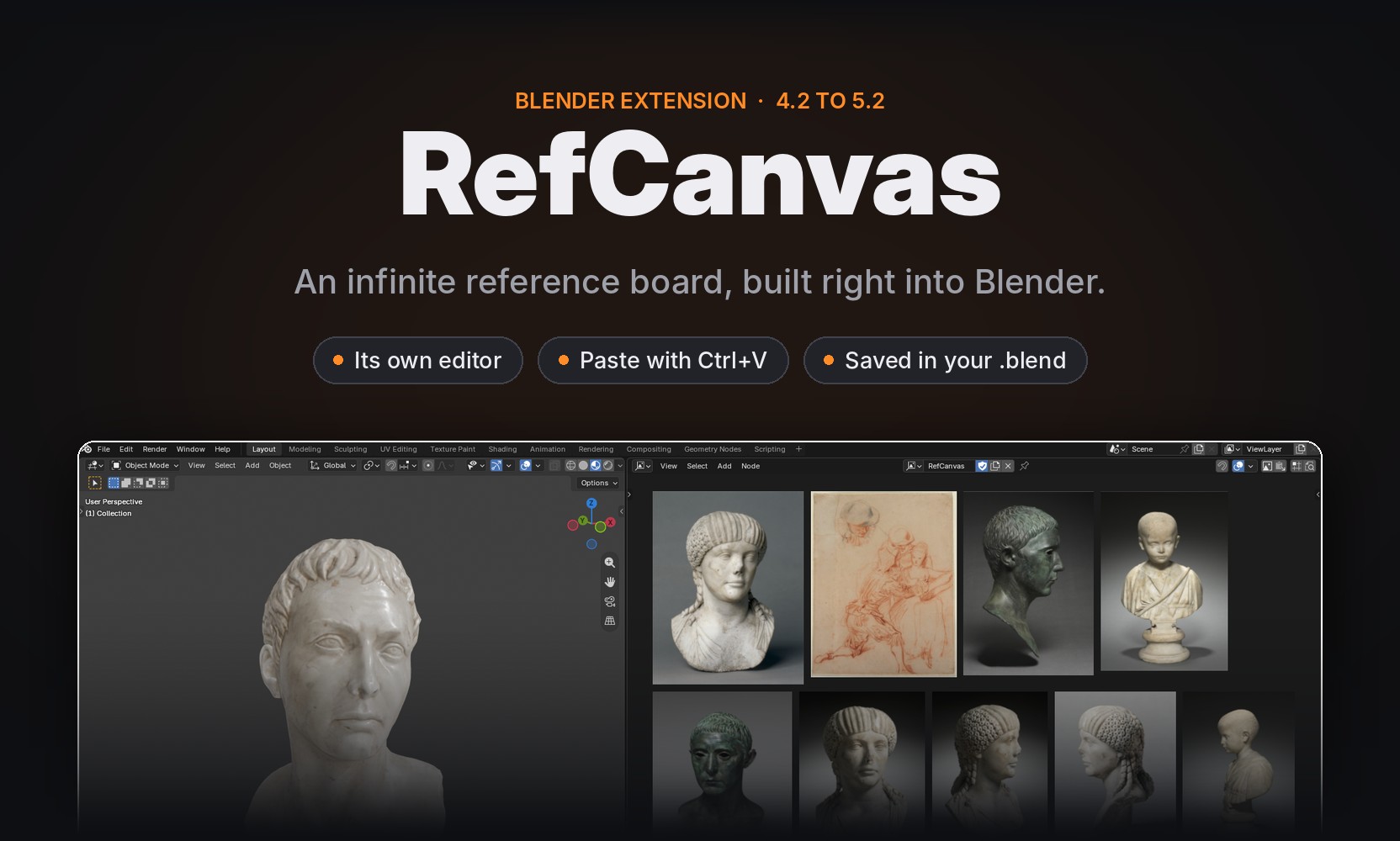
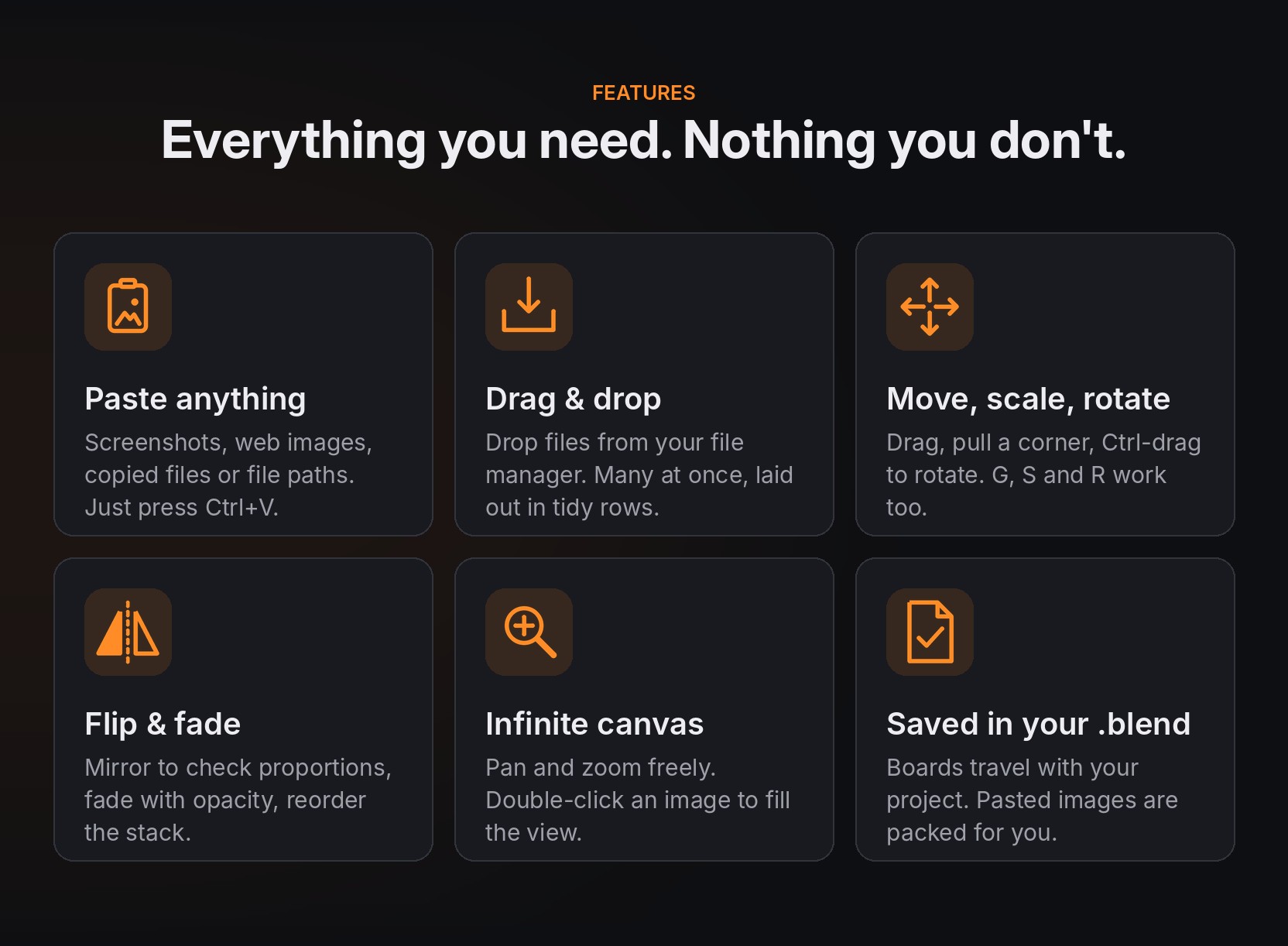
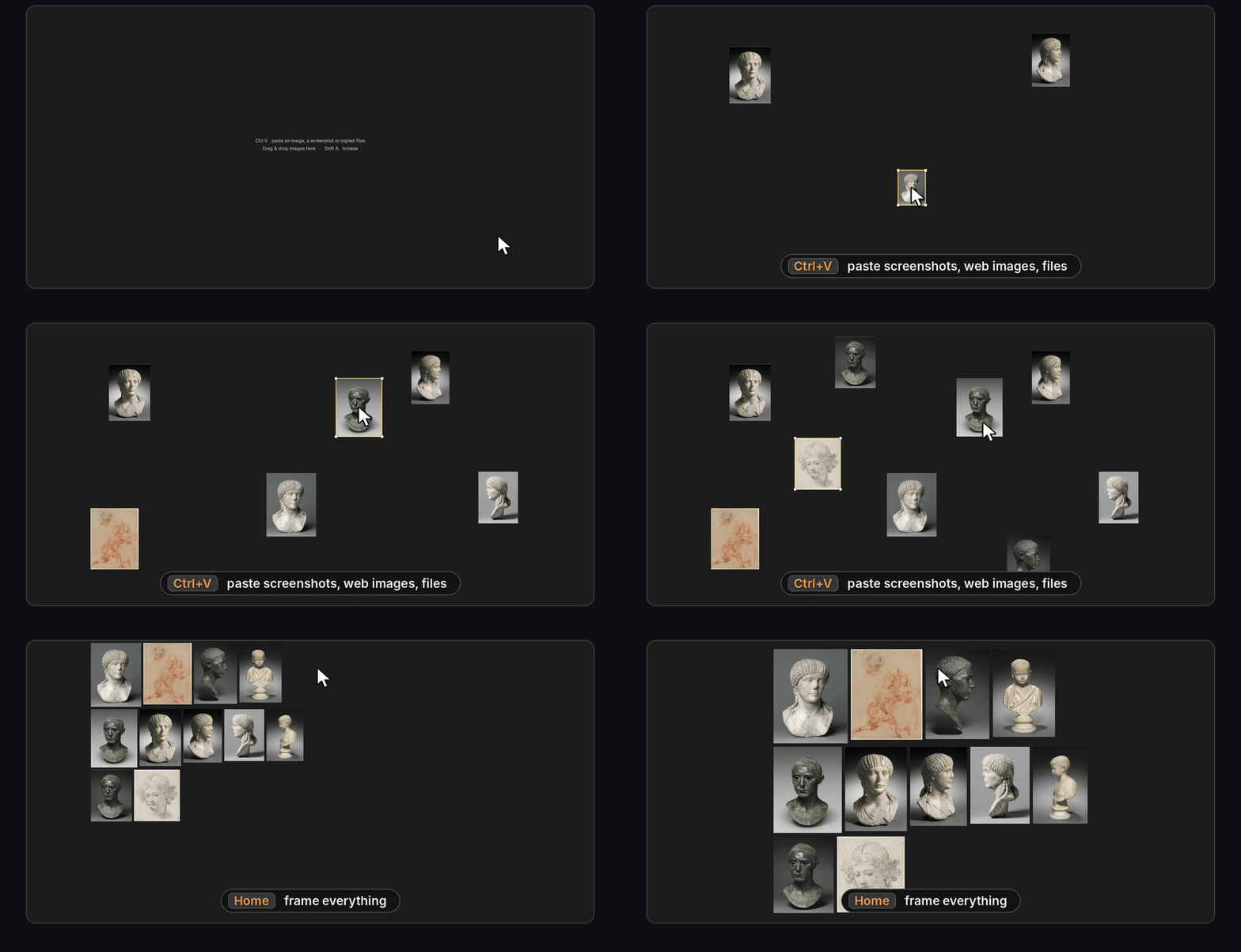
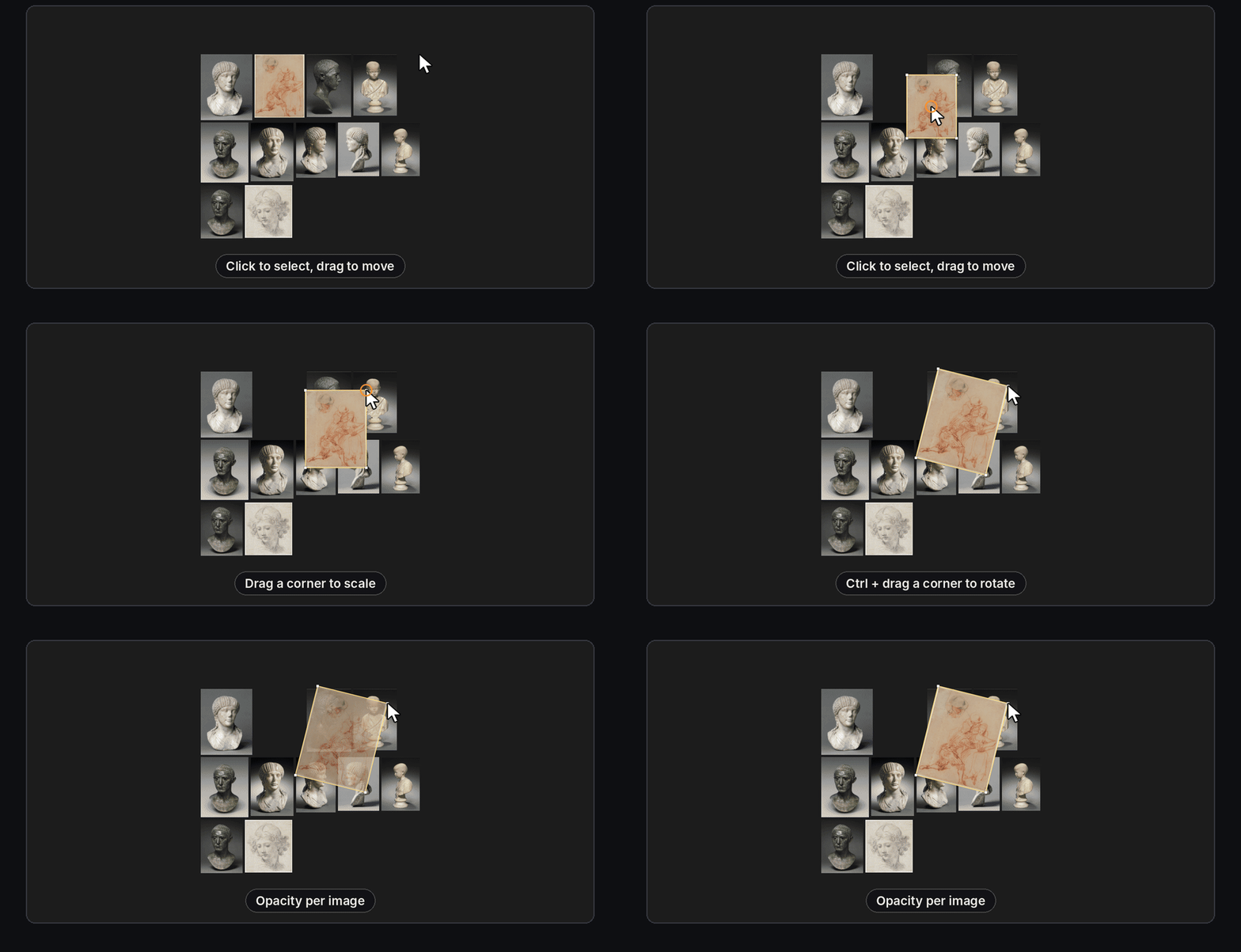
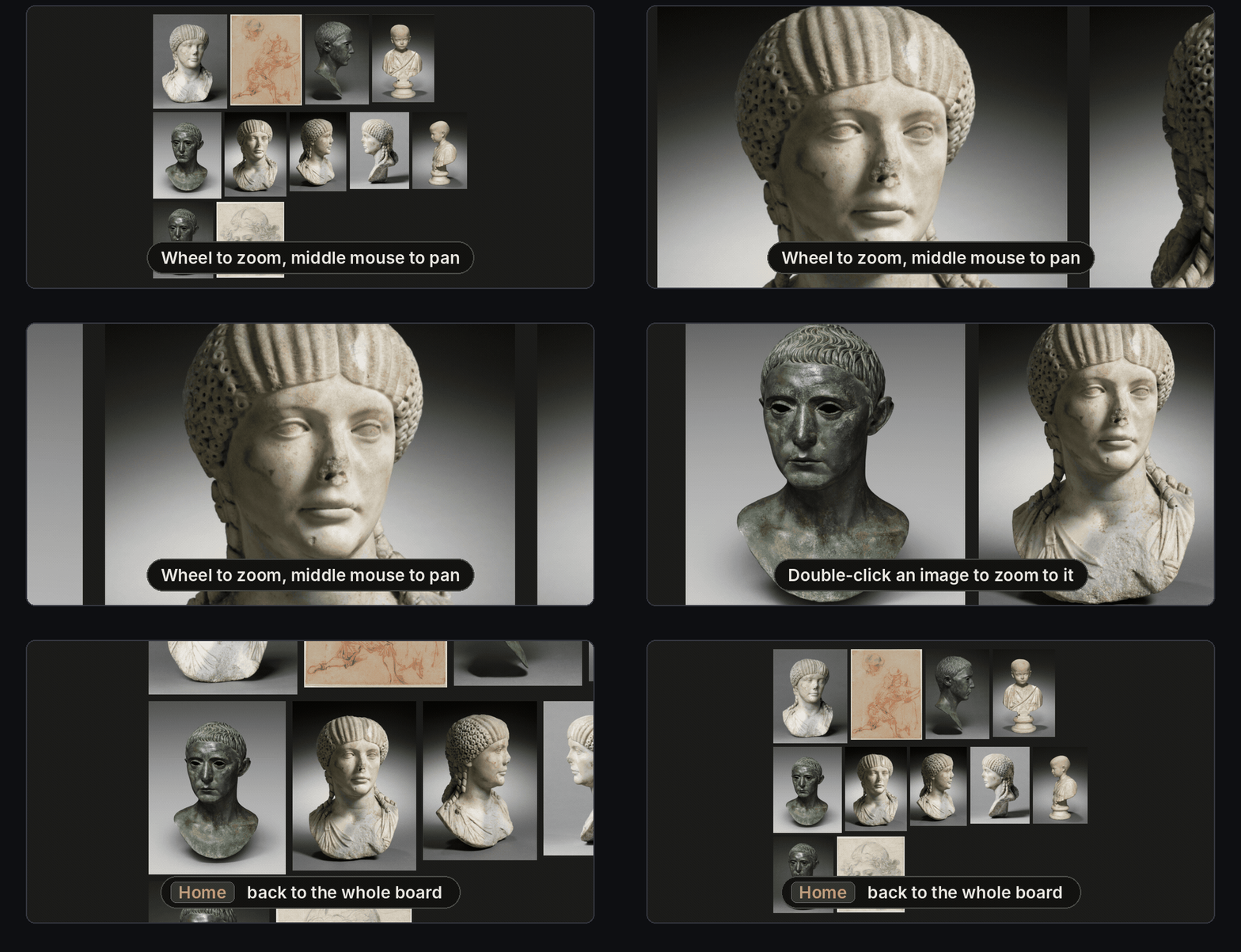
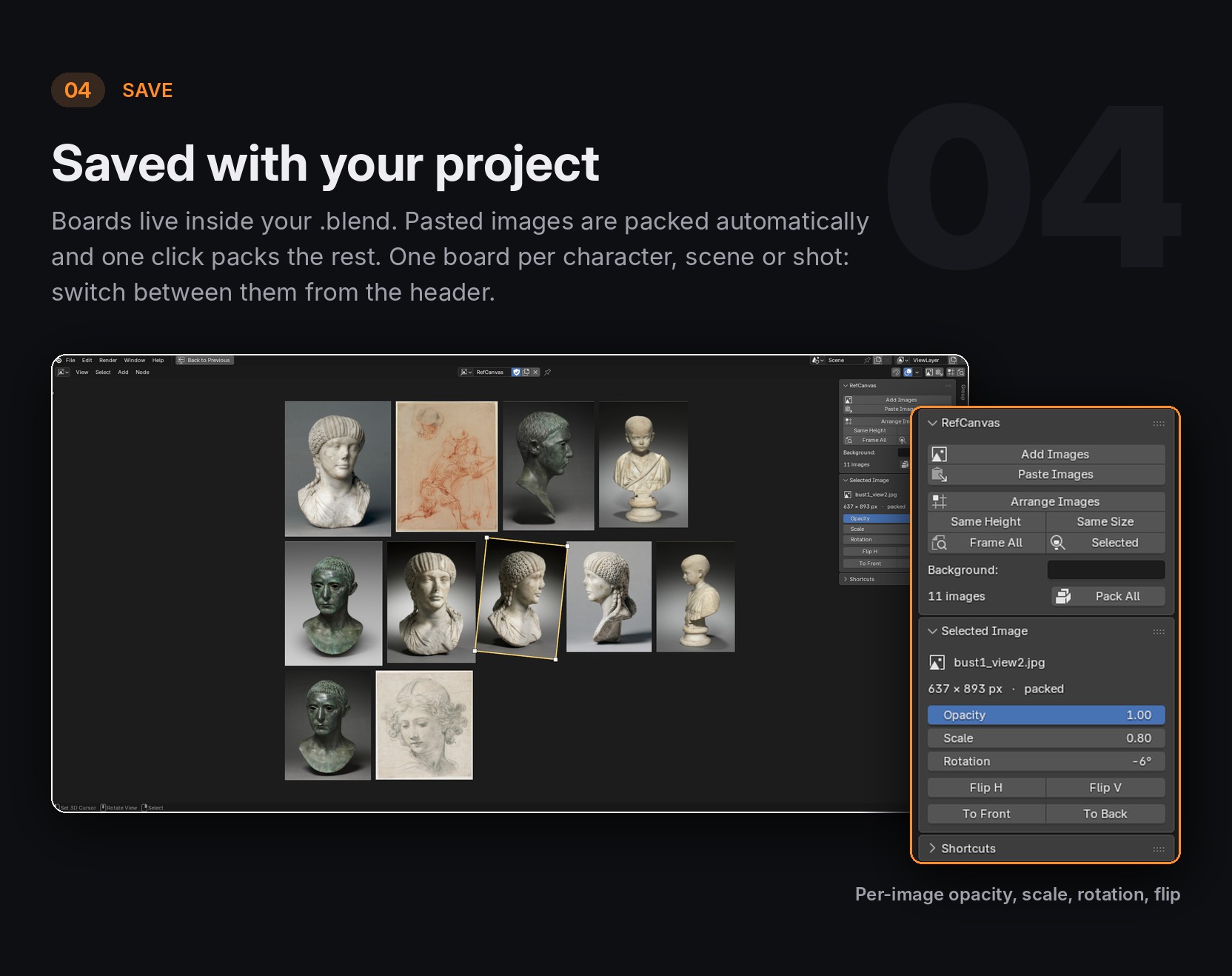
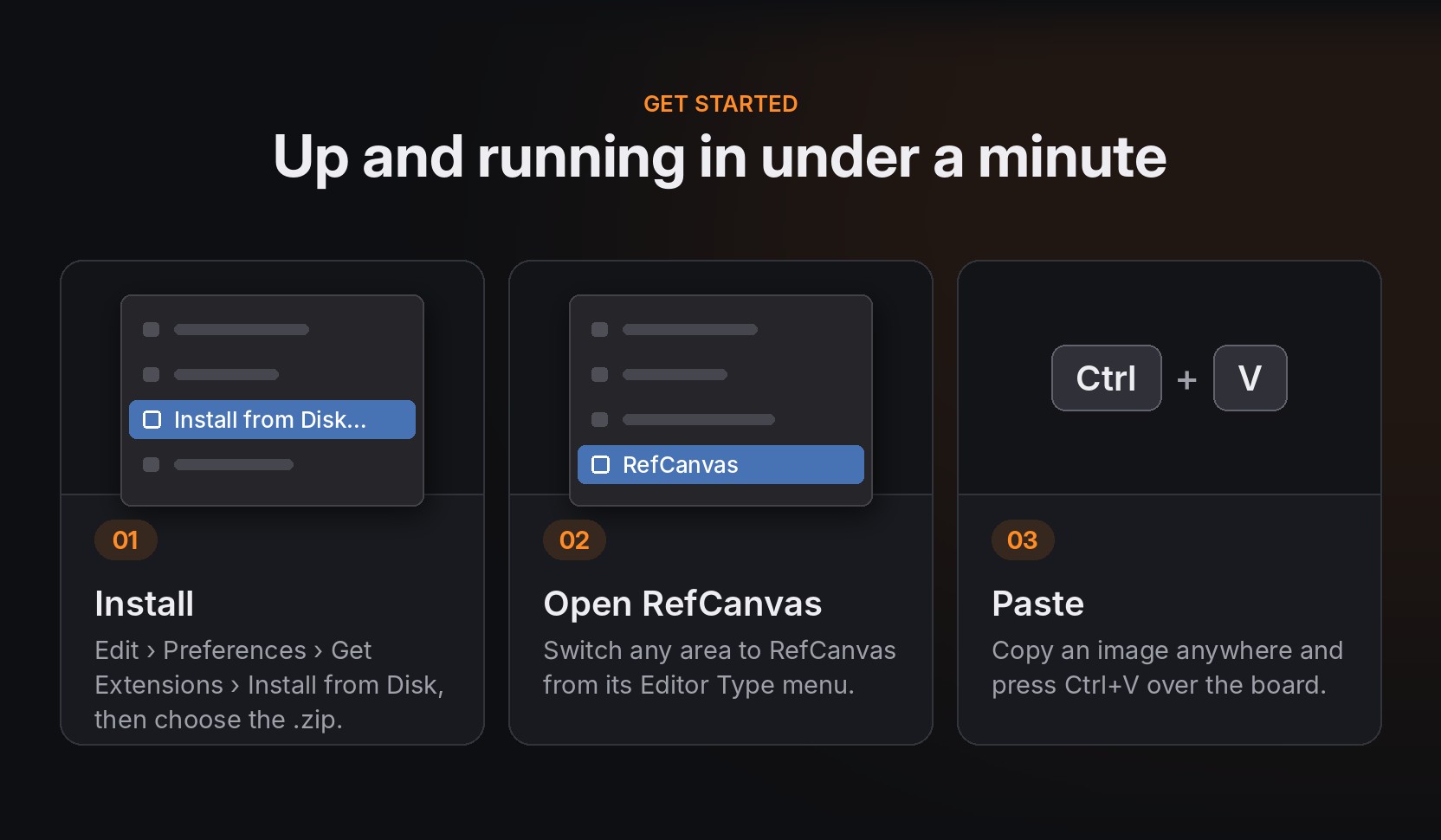
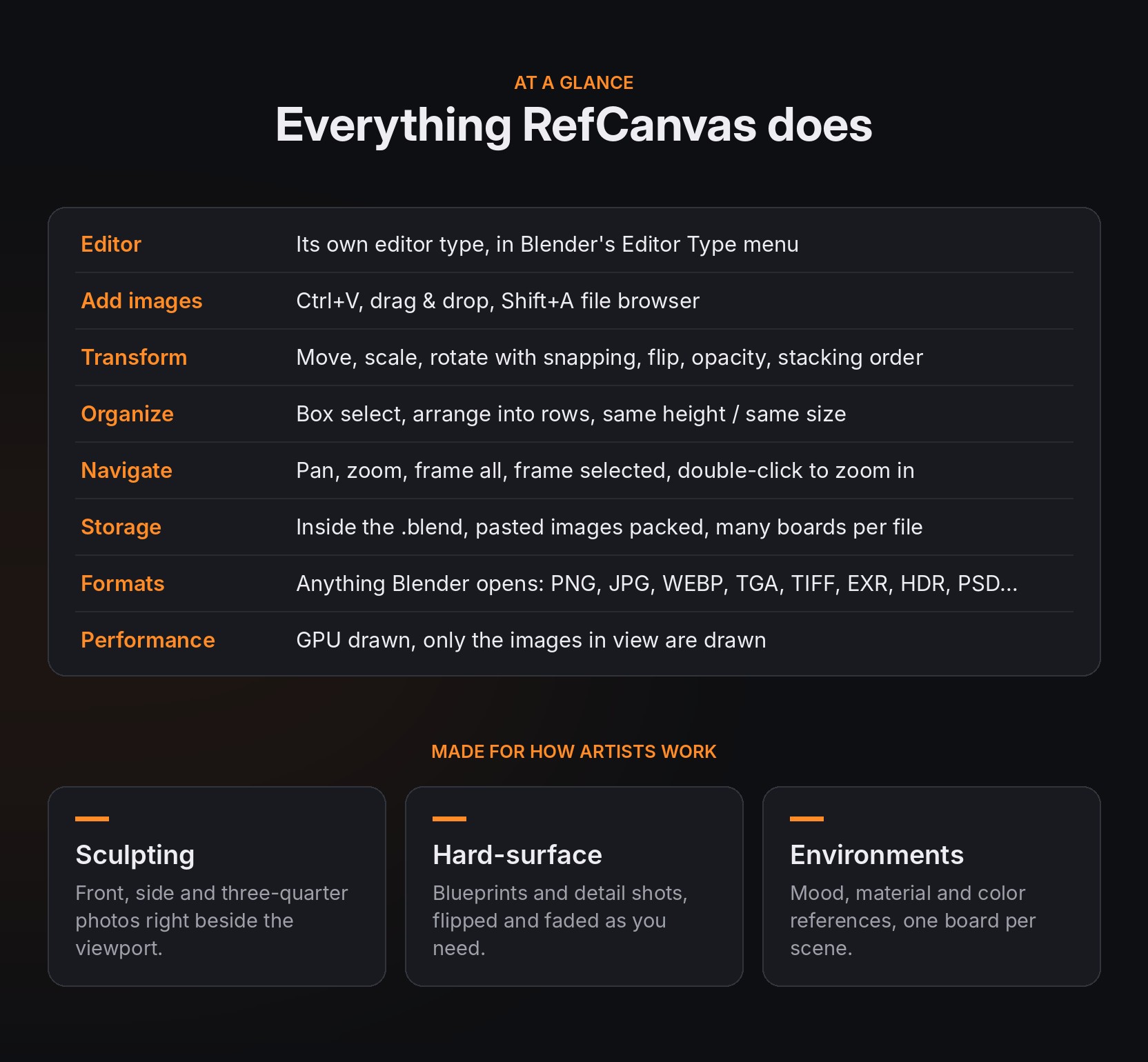
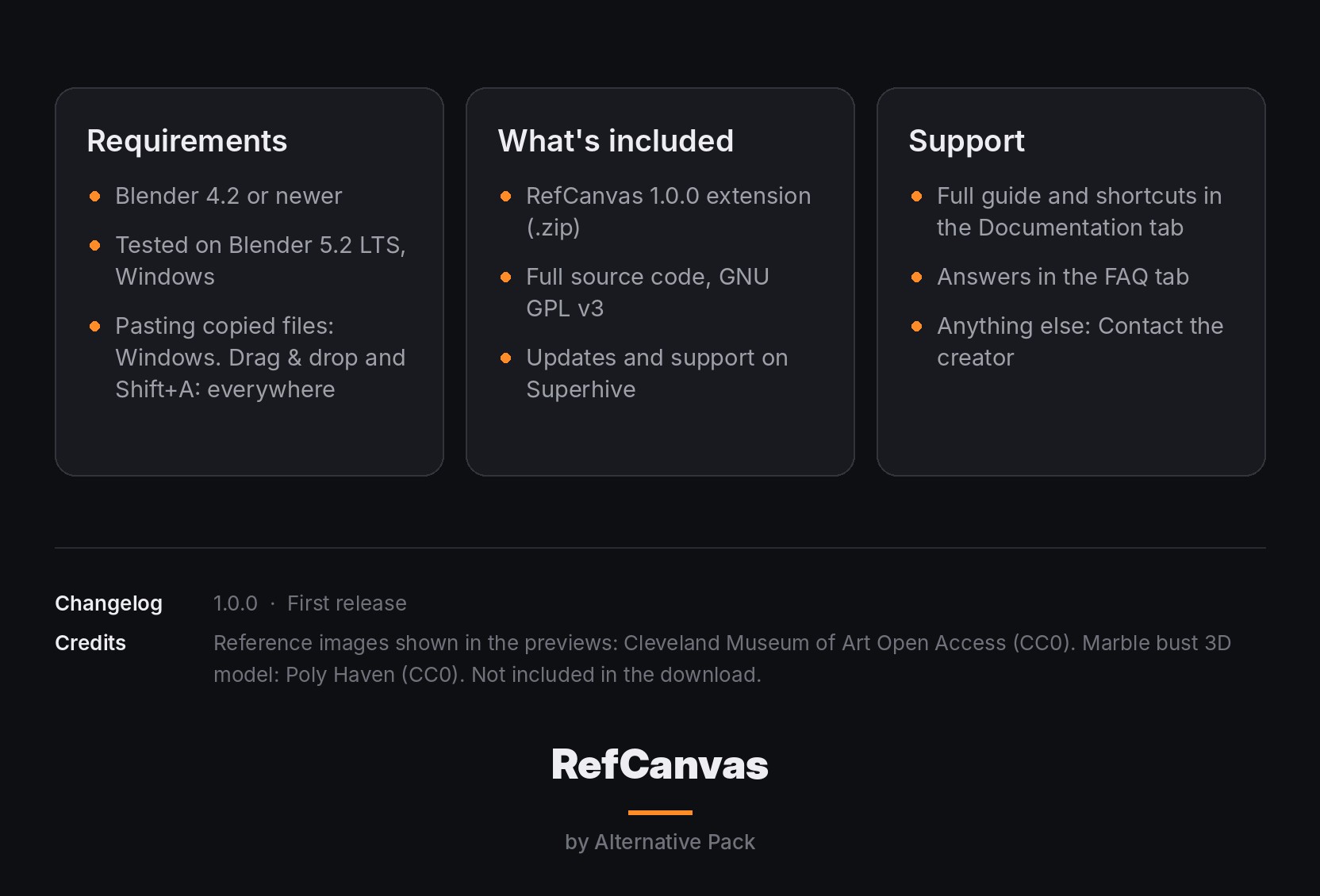
RefCanvas is an infinite reference board for Blender 4.2 and newer: paste screenshots and images with Ctrl+V, drop in files, move, scale, rotate, flip and fade them, and keep every board saved inside your .blend.
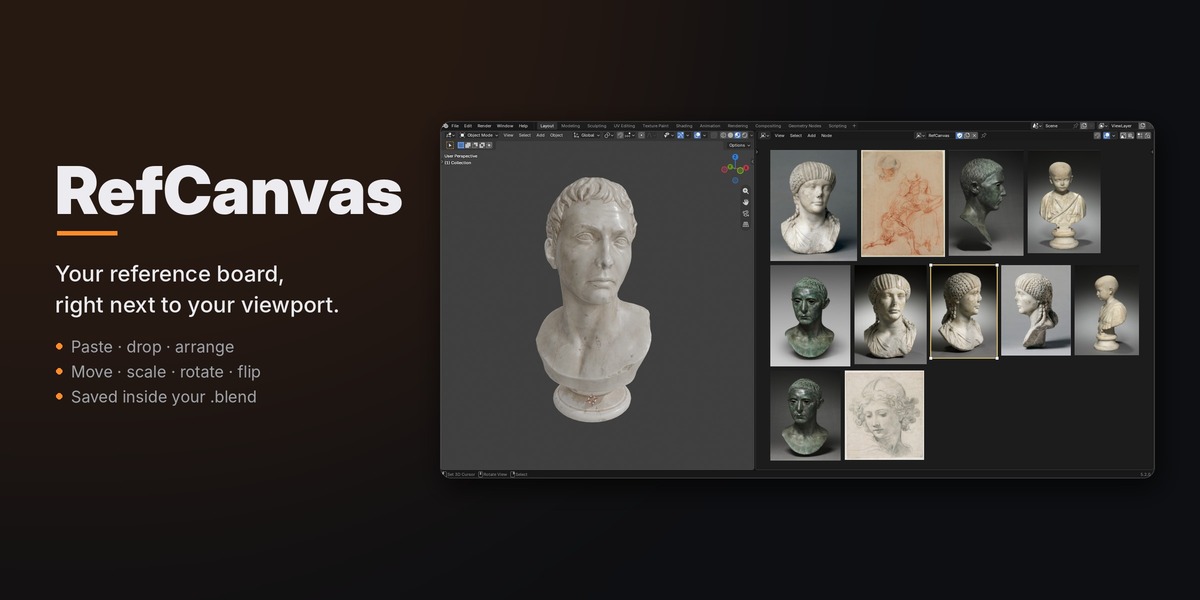
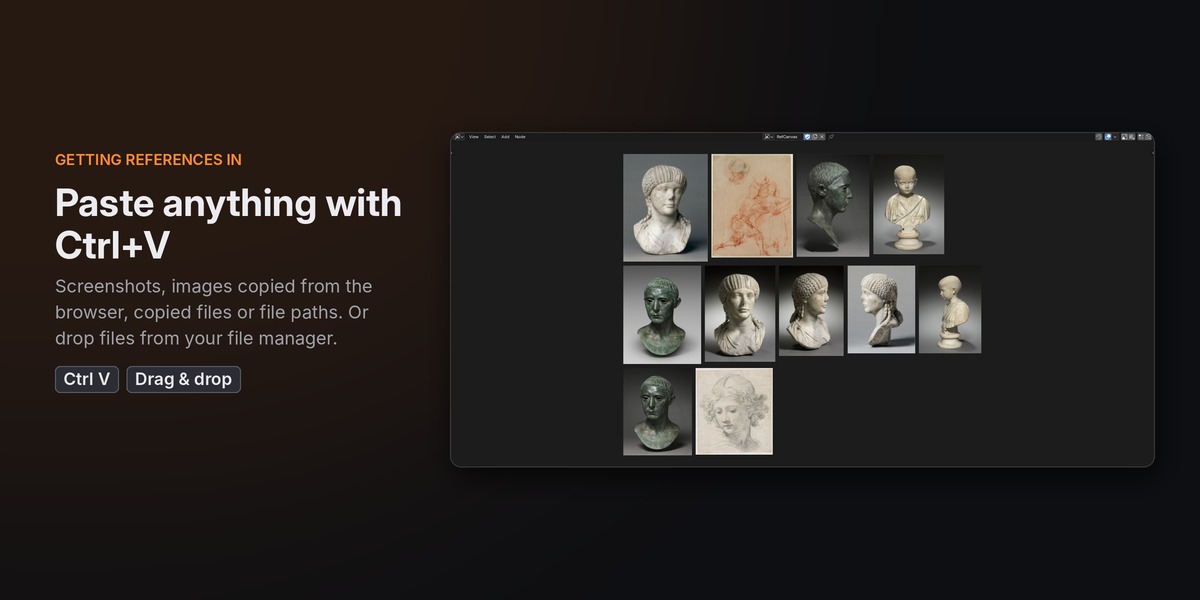
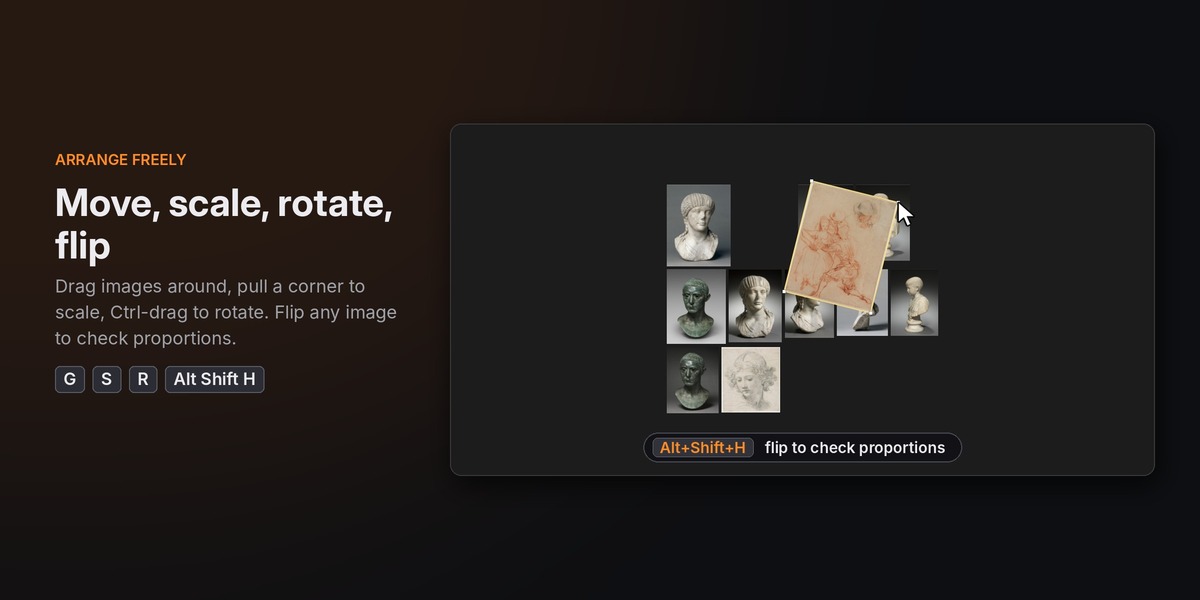
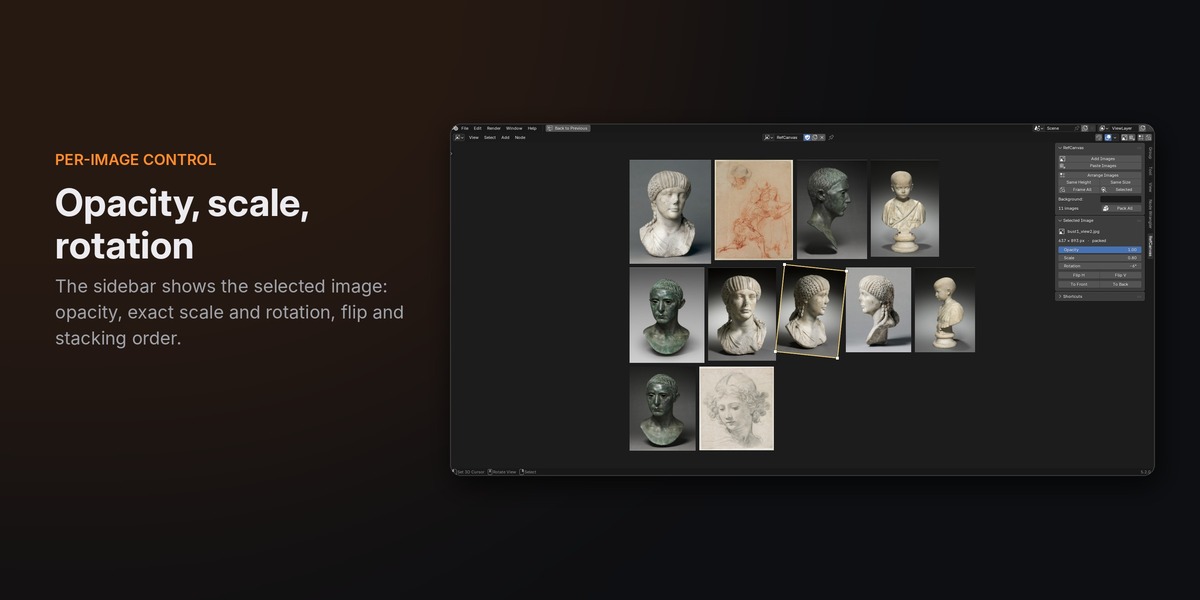
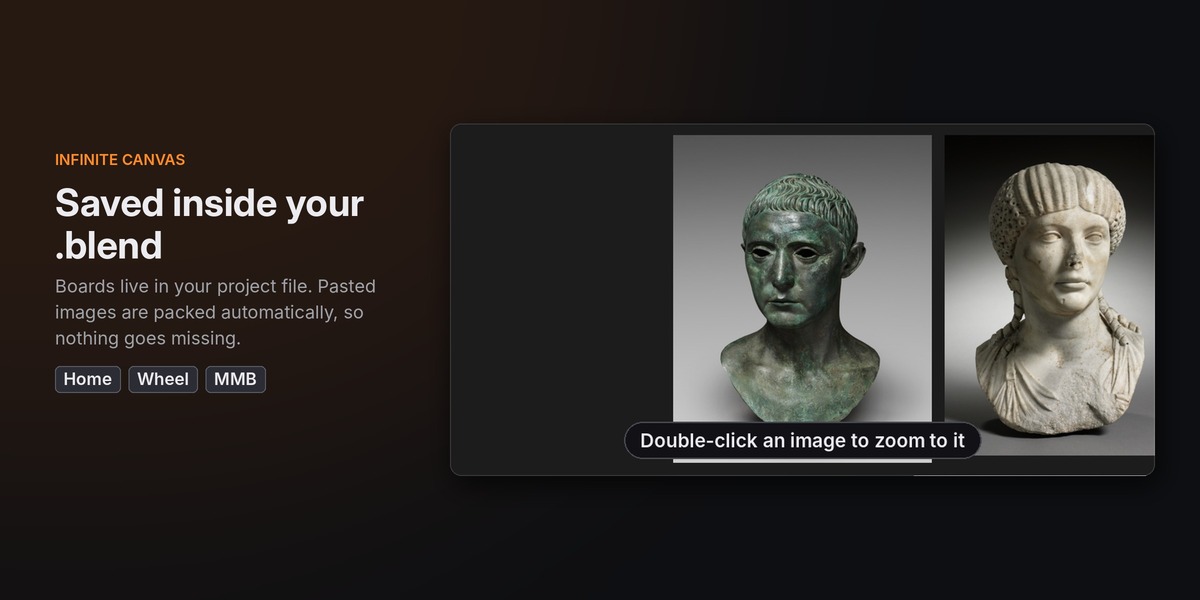
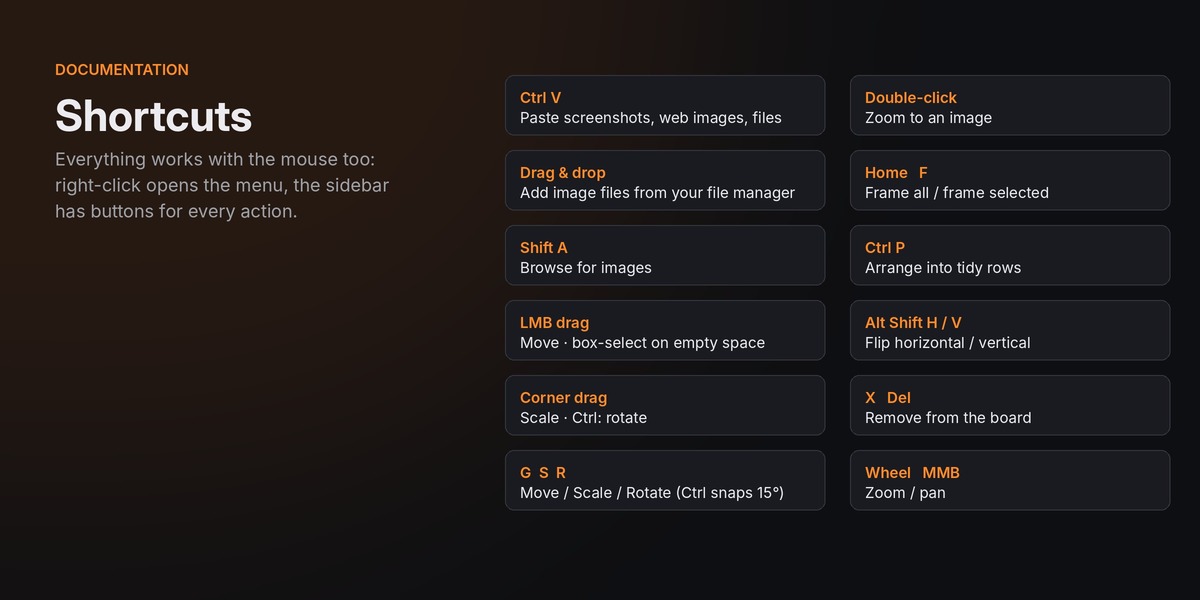
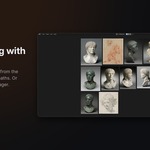
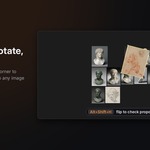
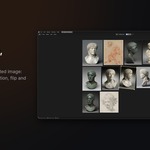
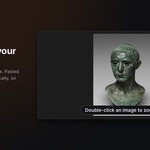
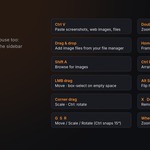
RefCanvas is an infinite reference board for Blender 4.2 and newer: paste screenshots and images with Ctrl+V, drop in files, move, scale, rotate, flip and fade them, and keep every board saved inside your .blend.
reference image image viewer Reference Board Workflow references moodboard inspiration interface concept art productivity canvas
Have questions about this product?
Login to message
| Blender Extension Compatible | Yes |
| Dev Fund Contributor | |
| Published | 1 day ago |
| Blender Version | 4.2 - 5.2 |
| Extension Type | Add-on |
| License | GPL |