RefCanvas – Infinite Reference Board
 Alternative Pack
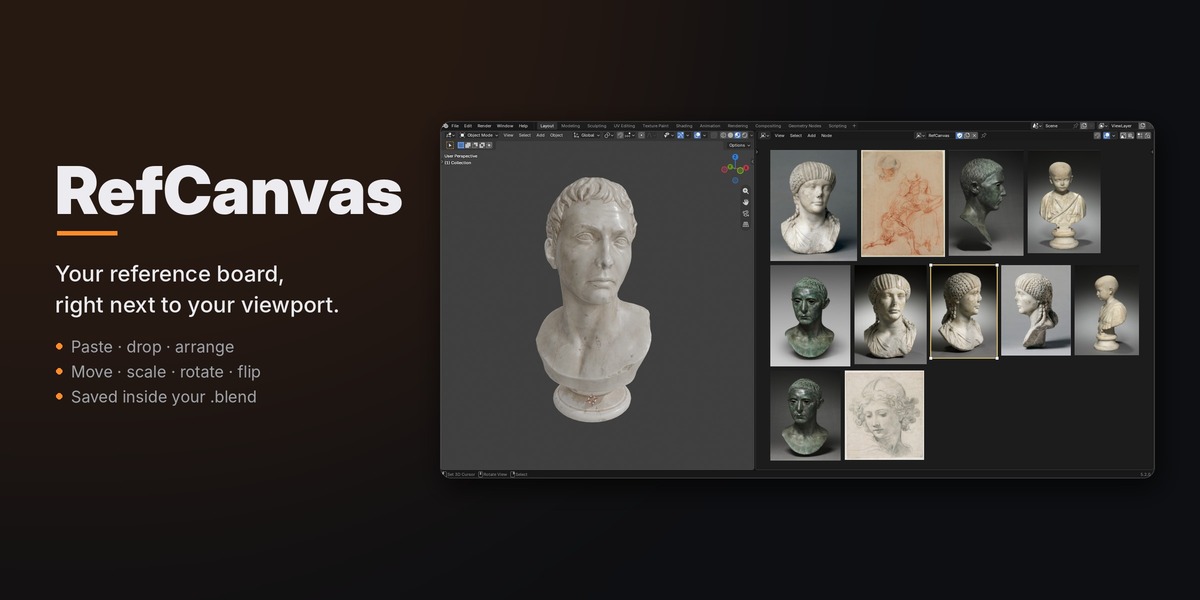
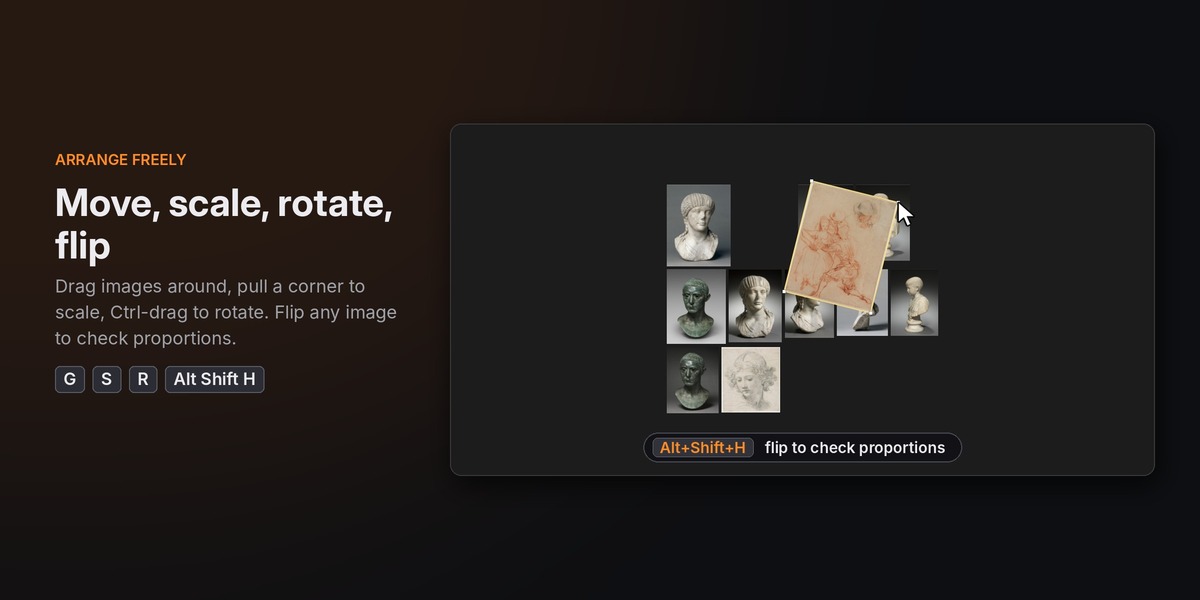
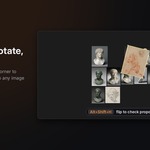
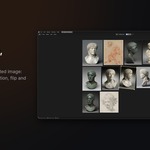
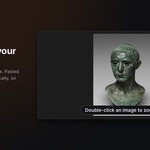
In the Editor Type menu of any area (top-left corner of the area), in the General column next to the Shader Editor. Split an area first if you want the board next to your viewport.
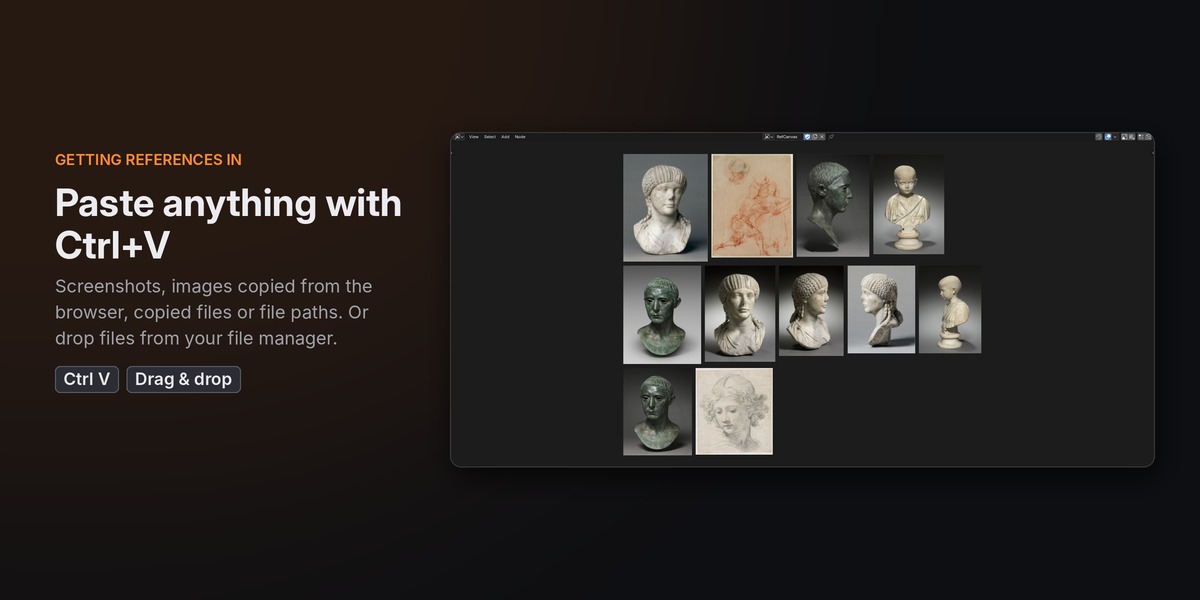
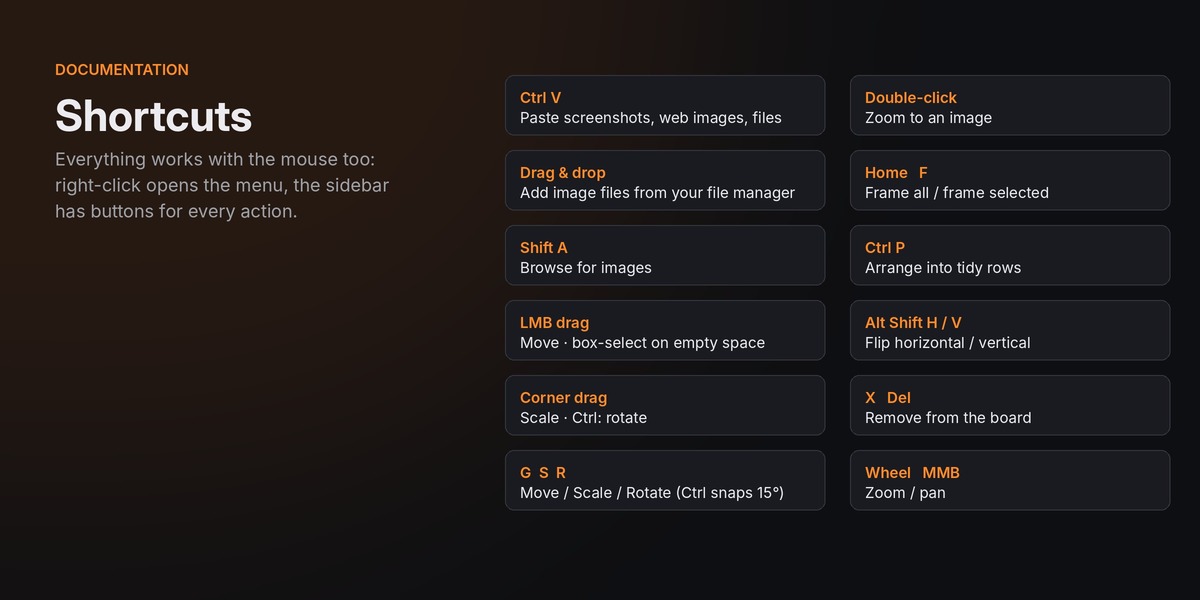
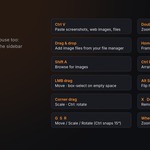
Blender only accepts files on drag & drop. Right-click the image in your browser, choose "Copy image", then press Ctrl+V with the mouse over the board.
No. Boards are separate data-blocks that only hold references to images. Nothing is added to your scene, and RefCanvas never touches the regular node editors.
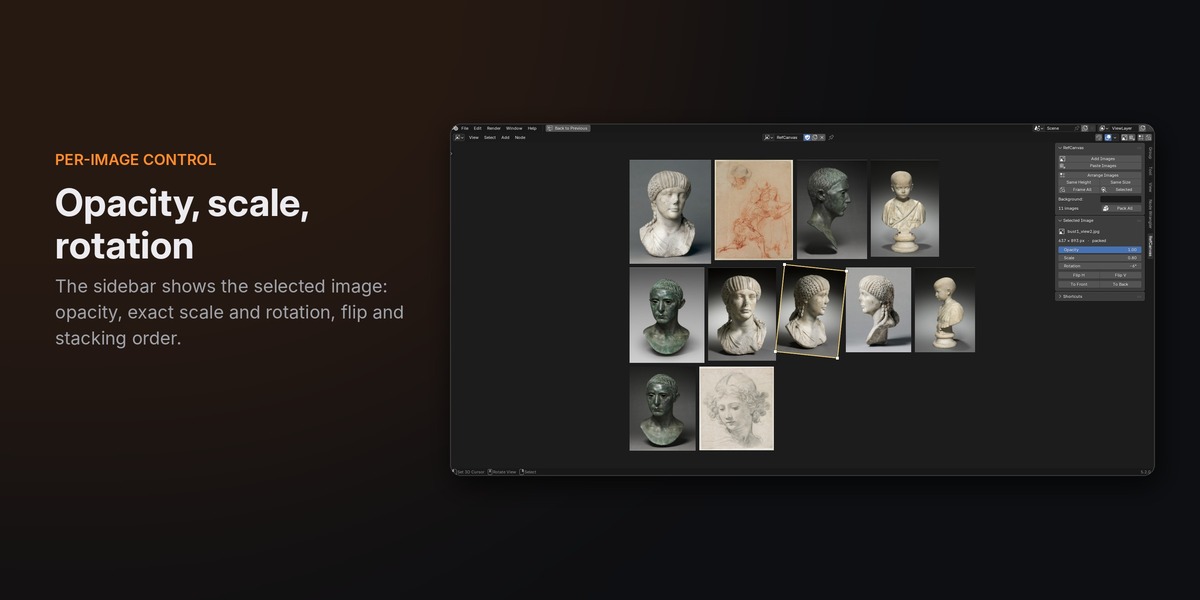
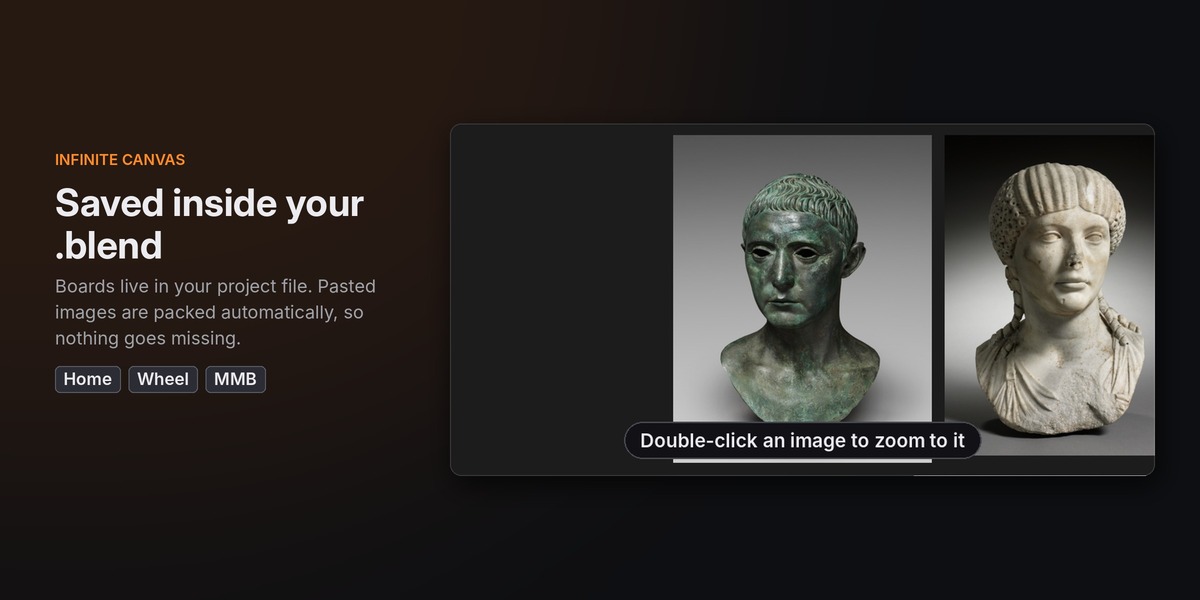
Pasted images are packed into the file automatically, so they always travel with it. For images added from disk, click Pack All in the sidebar, or enable automatic packing in the add-on preferences.
RefCanvas uses Blender's own 2D view, so the zoom range is the same as in the node editors. With the default image size you can fit dozens of images on screen and zoom in to about 2.3x. Change "Size of new images" in the add-on preferences to shift that balance.
RefCanvas is pure Python and runs wherever Blender 4.2+ runs; it has been tested on Windows. On Windows, paste reads screenshots, browser images and copied files directly. On macOS and Linux, paste uses Blender's own image clipboard support, and drag & drop and Shift+A work the same everywhere.
Have questions about this product?
Login to message
| Blender Extension Compatible | Yes |
| Dev Fund Contributor | |
| Published | 1 day ago |
| Blender Version | 4.2 - 5.2 |
| Extension Type | Add-on |
| License | GPL |
Discover more products like this
Reference Board references canvas Workflow image moodboard concept art productivity image viewer interface inspiration reference