 Tesselune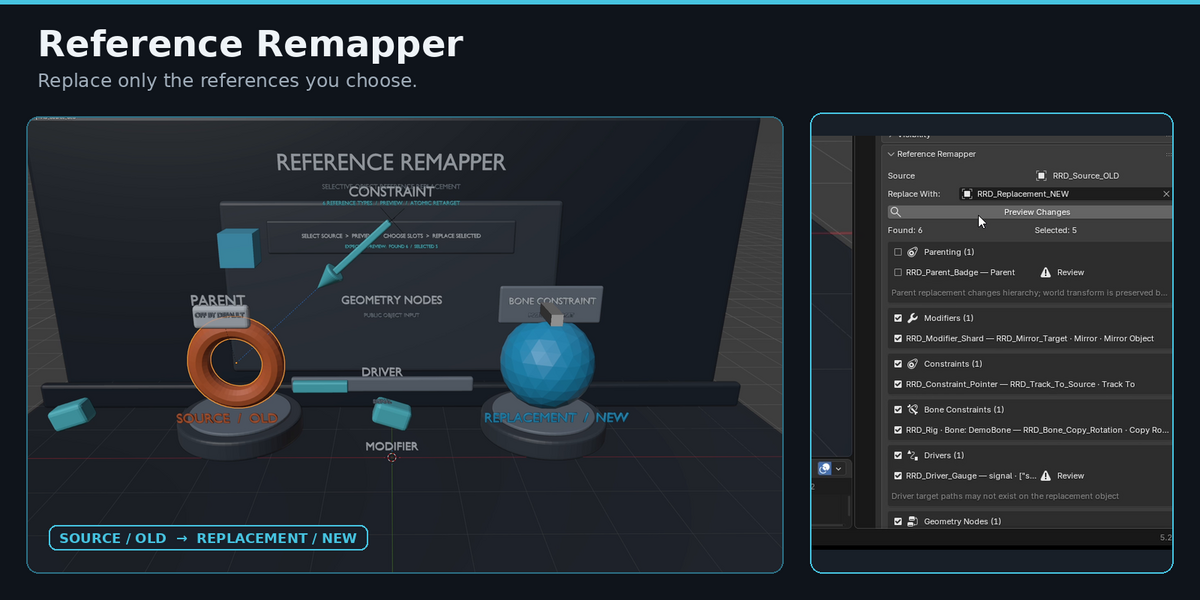
Can I undo a replacement?
Yes.
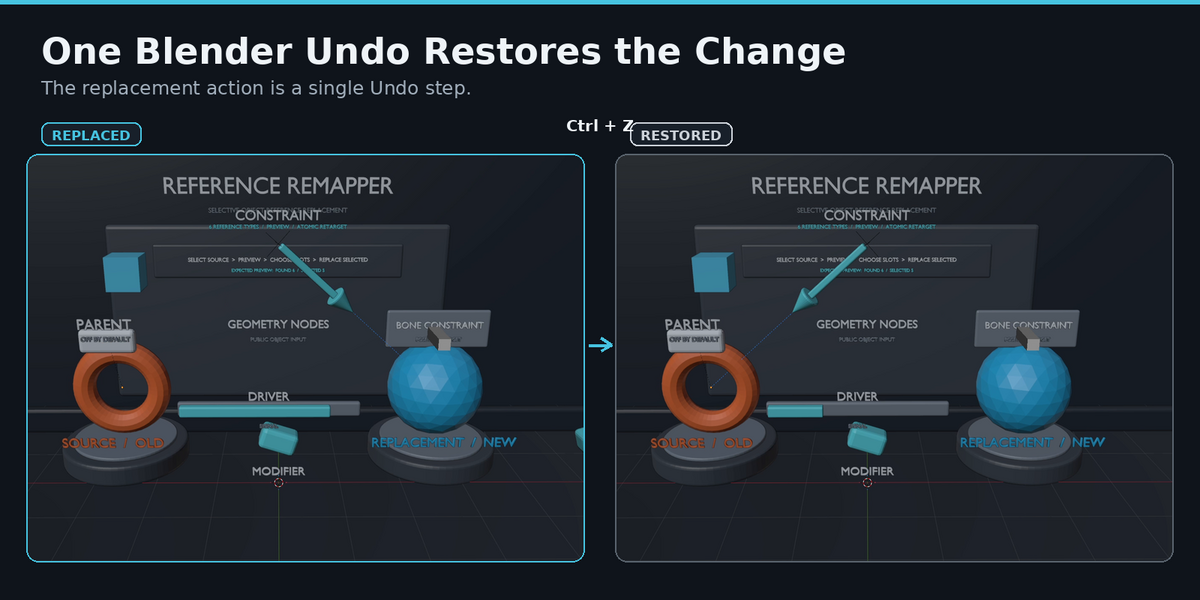
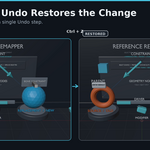
A completed Replace Selected operation is one standard Blender Undo step.
Press Ctrl+Z to restore the previous reference state.
What Geometry Nodes references are supported?
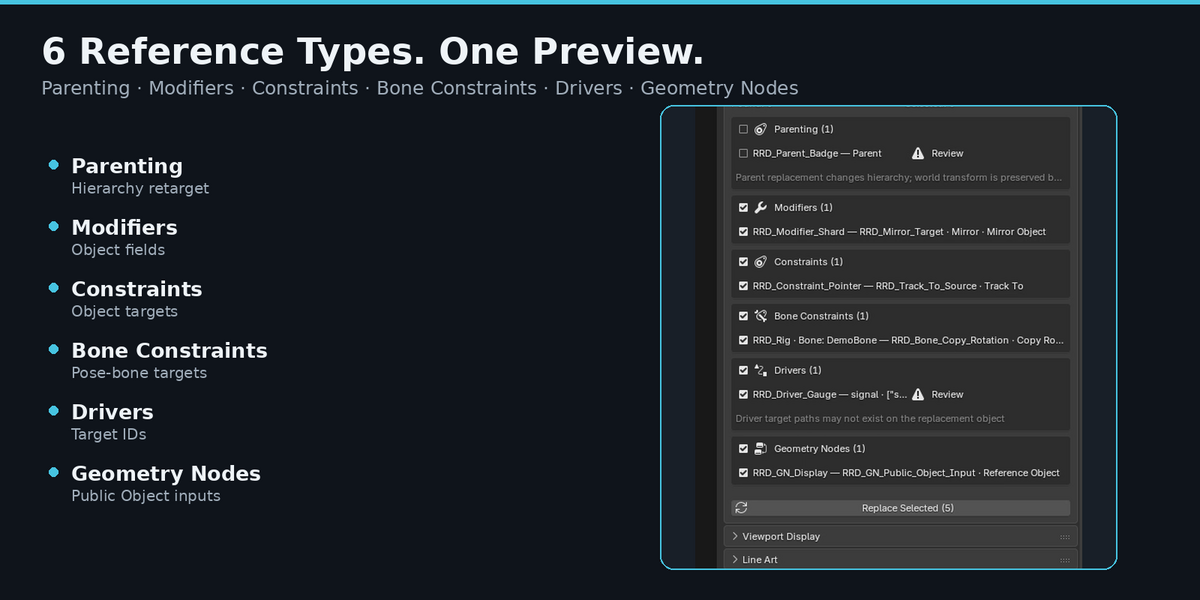
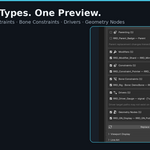
Reference Remapper 1.0 supports public Object inputs exposed on a Geometry Nodes Modifier.
Object references stored inside the node tree itself, such as internal Object Info nodes, are not included in version 1.0.
Can I choose which references are replaced?
Yes.
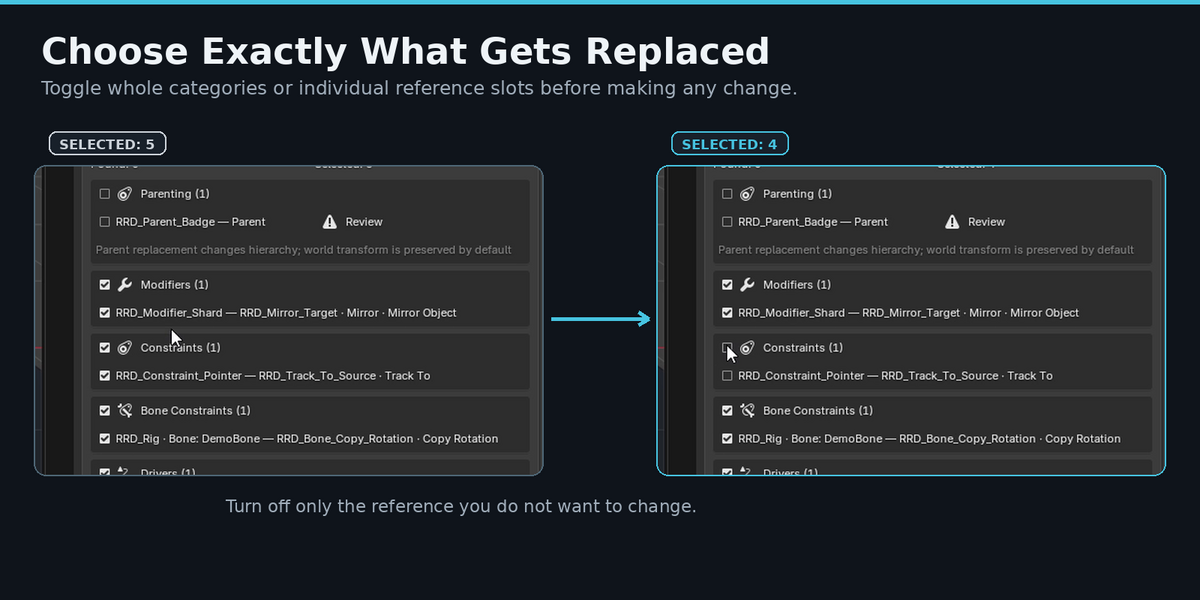
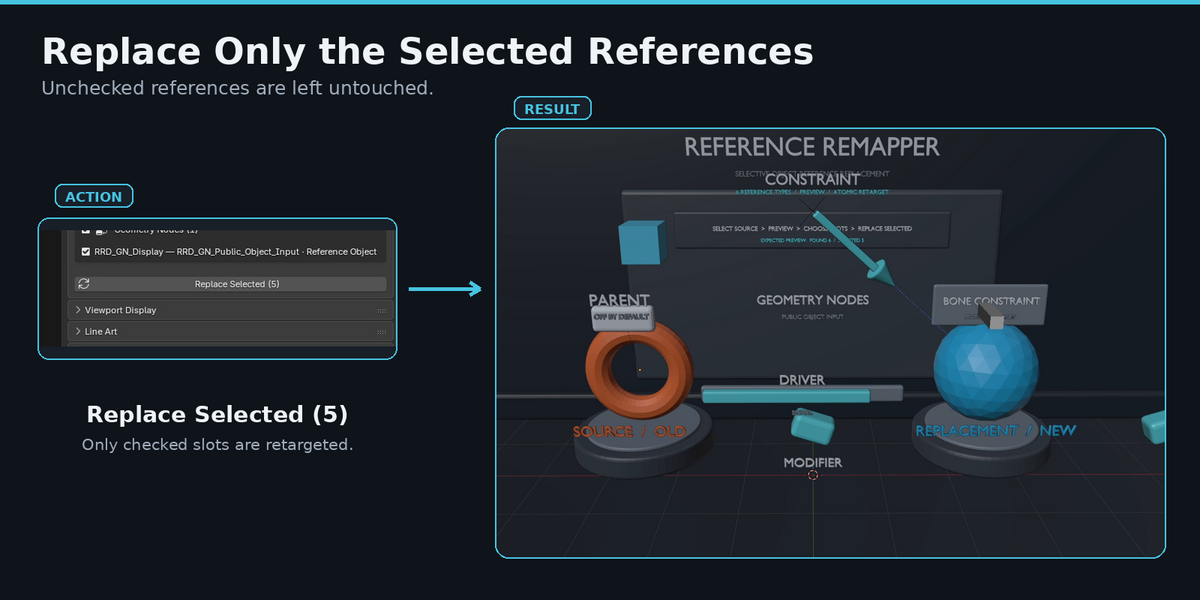
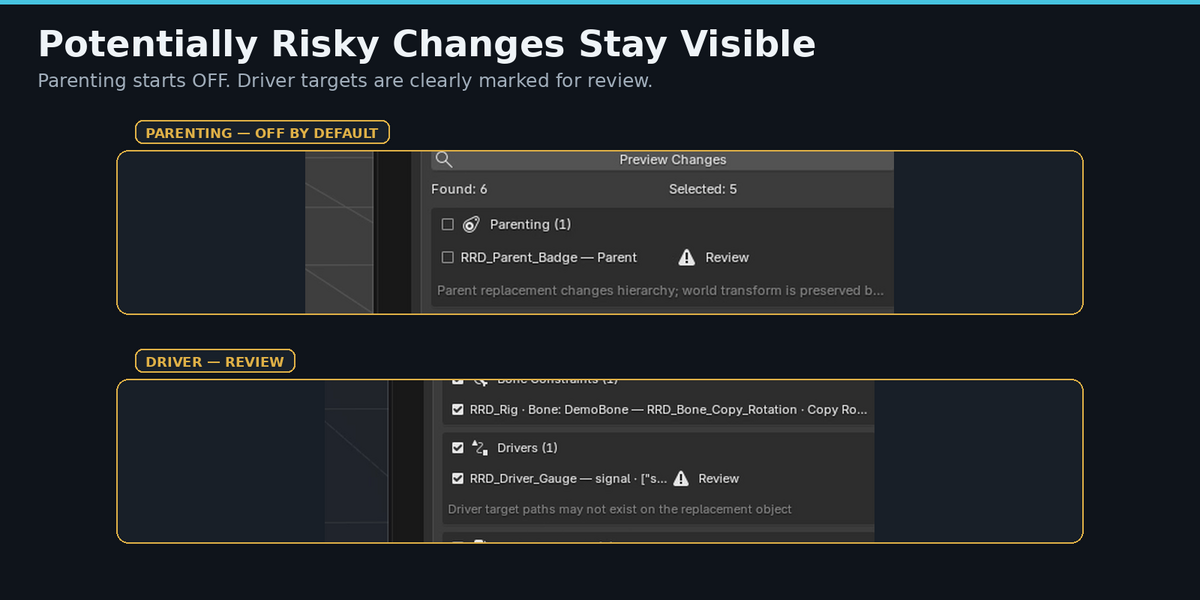
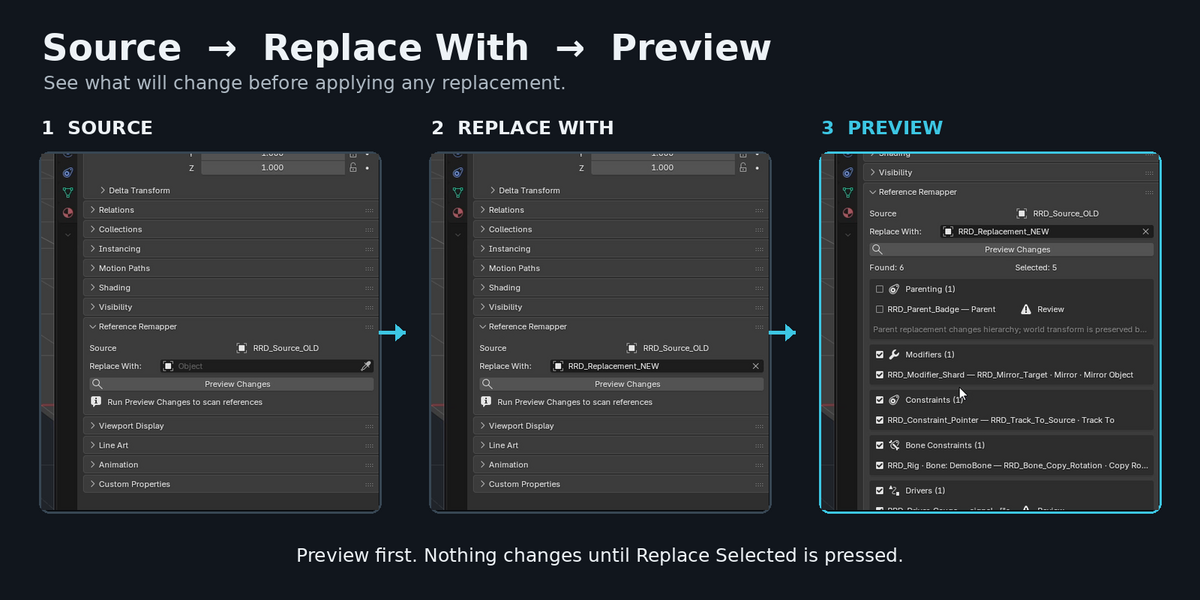
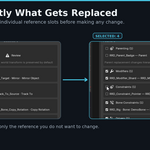
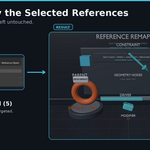
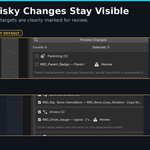
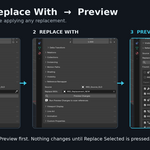
After running Preview Changes, you can enable or disable entire reference categories or individual reference slots.
Only the references selected in the Preview are changed when you press Replace Selected.
Does Reference Remapper delete the Source object?
No.
The Source object is never automatically deleted.
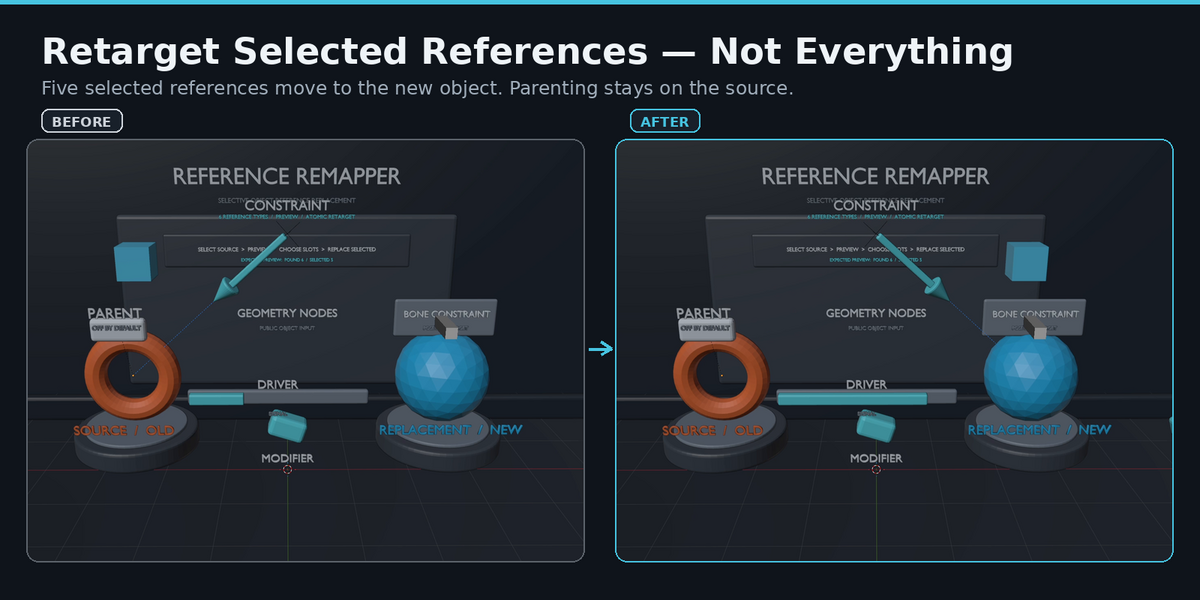
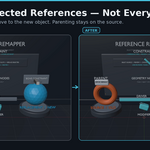
Only the selected references are retargeted. Unselected references continue to point to the original Source object.
Does Reference Remapper copy the Source object's settings to the replacement object?
No.
Reference Remapper changes references that point to the Source object.
For example, if a Boolean Modifier targets Source_OLD, Reference Remapper can change that target to Replacement_NEW.
It does not copy meshes, materials, modifiers, transforms, or other settings from the Source object to the replacement object.
$7
Have questions about this product?
Login to message
| Blender Extension Compatible | Yes |
| Published | 1 day ago |
| Blender Version | 4.5 - 5.2 |
| Extension Type | Add-on |
| Render Engine Used | Cycles |
| License | GPL |
Discover more products like this
reference modifiers drivers constraints remap dependency Scene Management Workflow utility retarget geometry nodes object references