 Cgi Lab
Turn still images into editable 2.5D stages.
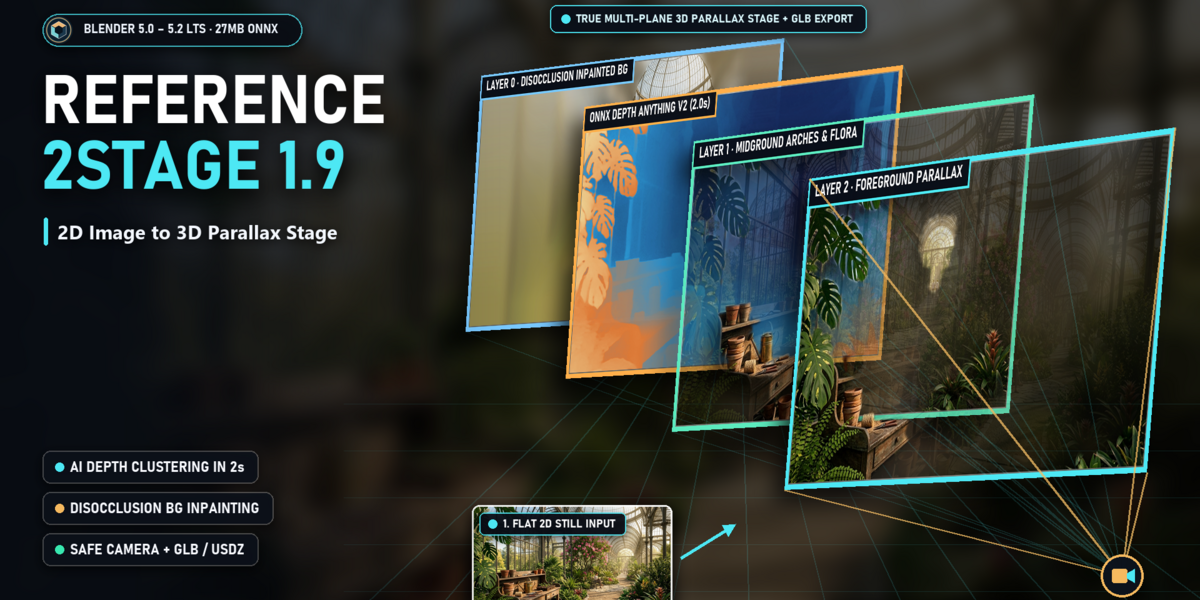
Add depth and camera motion to artwork and photography inside Blender. Reference2Stage uses estimated depth to arrange textured image layers in space, giving you an editable stage for motion posters, concept-art presentations, product visuals and architectural imagery.
Start with a still image, shape the depth, refine the masks, then direct the camera. Your result remains a layered Blender scene that you can inspect, adjust and render.
Windows x64. Validated in Blender 5.0.1 and 5.2.1 LTS.
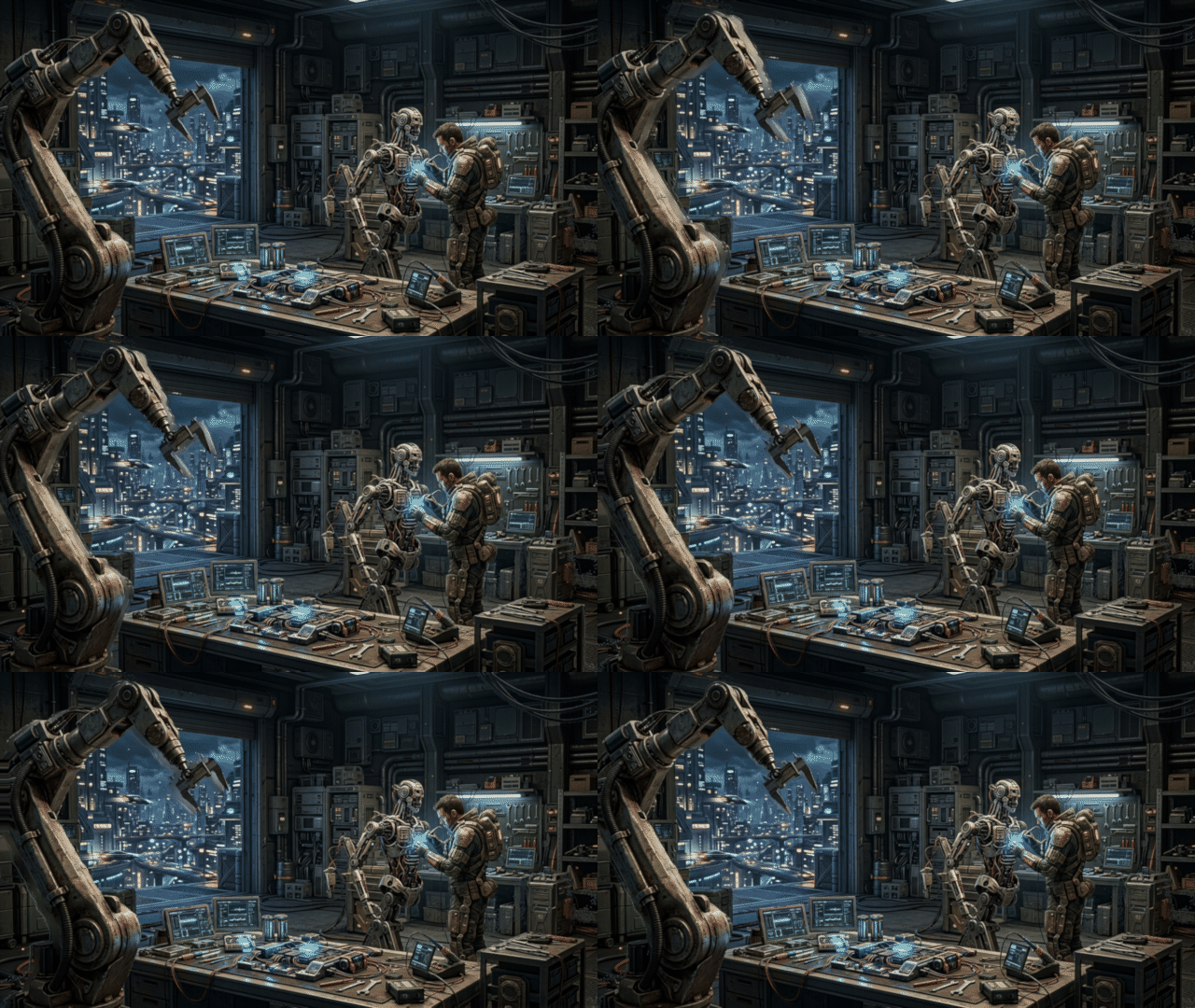
Camera animation rendered from a still image. Source artwork created separately.
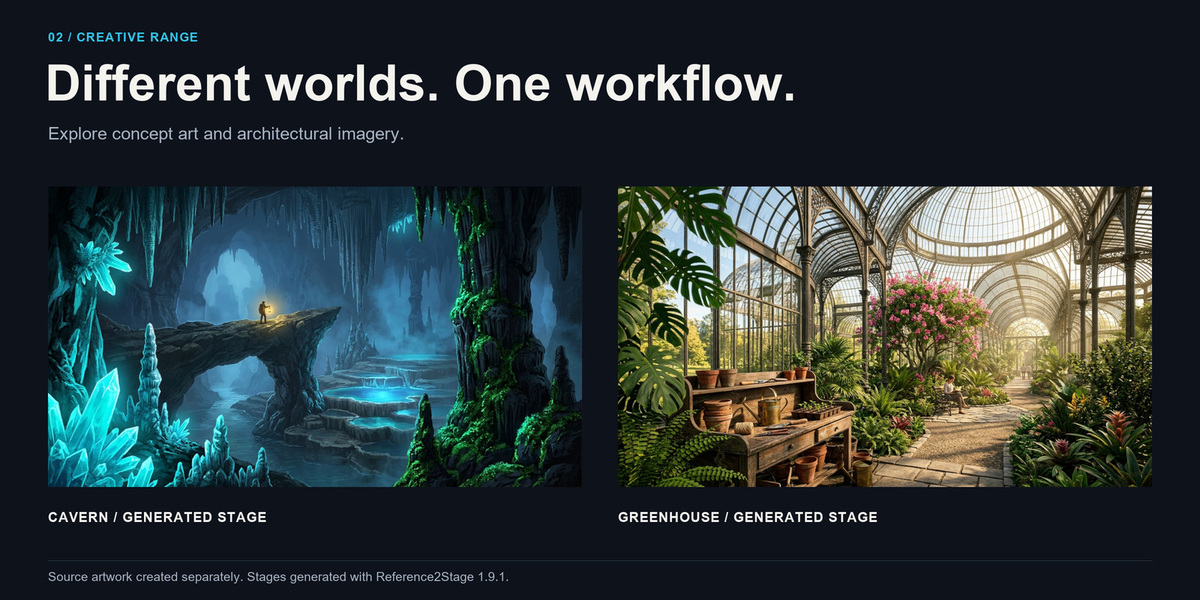
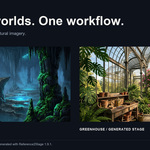
Different source images, the same layered 2.5D workflow.
Art-direct the depth
- Local Depth Anything ONNX estimation, with a depth preview before building.
- Invert depth and adjust black point, white point, gamma and smoothing.
- Choose Adaptive Depth, Equal-Pixel Bands or Connected Depth Regions, with up to eight depth layers depending on the image and settings.
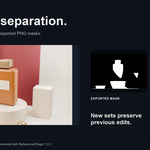
- Refine separation with edge-aware, soft or hard masks.
- Use five workflow presets as starting points: Cinematic, Motion Poster, Architecture, Product and Portrait.
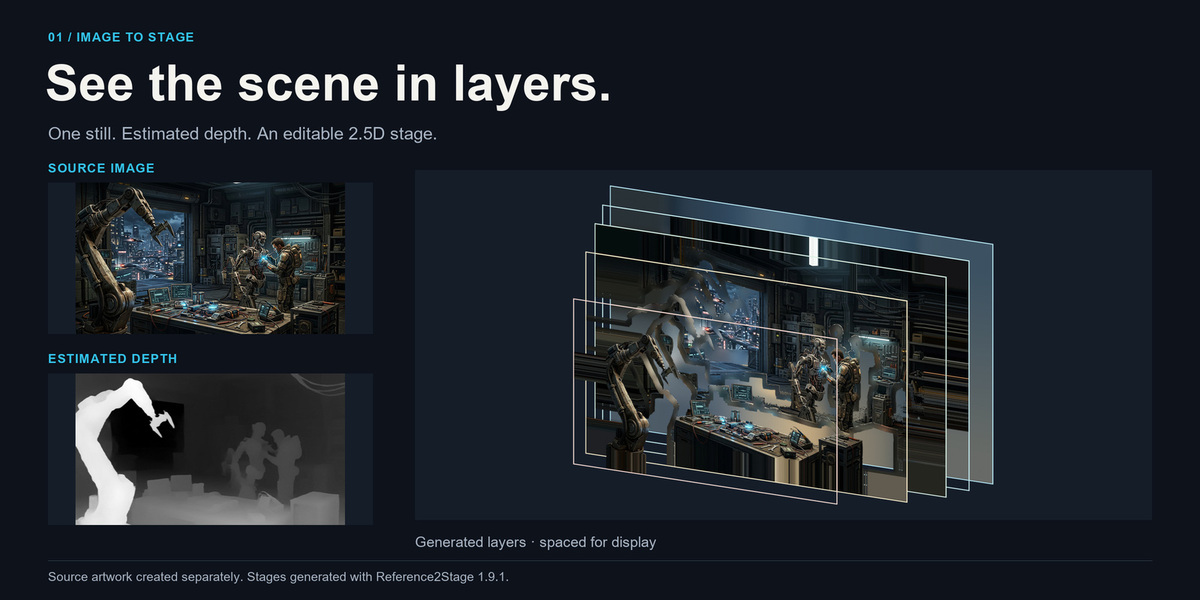
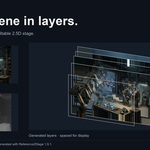
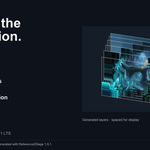
Actual exported depth estimate and generated stage. Layers spaced for display.
Refine masks in your preferred editor
- Export numbered PNG masks with source and depth references.
- Paint them in Photoshop or another image editor: white reveals, black hides, and gray creates soft transparency.
- Rebuild to reload the selected mask set from disk.
- Export a new set without overwriting previous edits.
- Handle blank layers and overlapping masks, with validation for source and image dimensions.
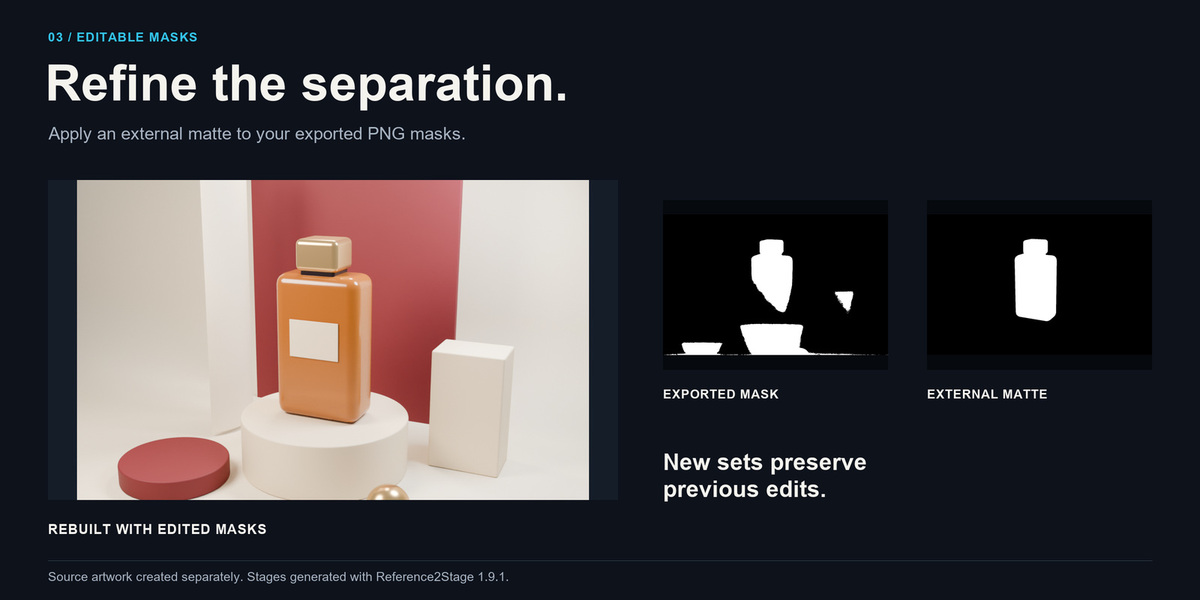
The external matte was applied to exported PNG masks and reloaded by the add-on.
Direct the parallax
- Animate Orbit Arc, Truck, Dolly or Organic Float moves.
- Control animation duration and motion intensity.
- Add camera overscan and use calculated Safe Camera translation limits as a conservative starting point.
- Reapply camera motion from a stable origin without accumulating positional drift.
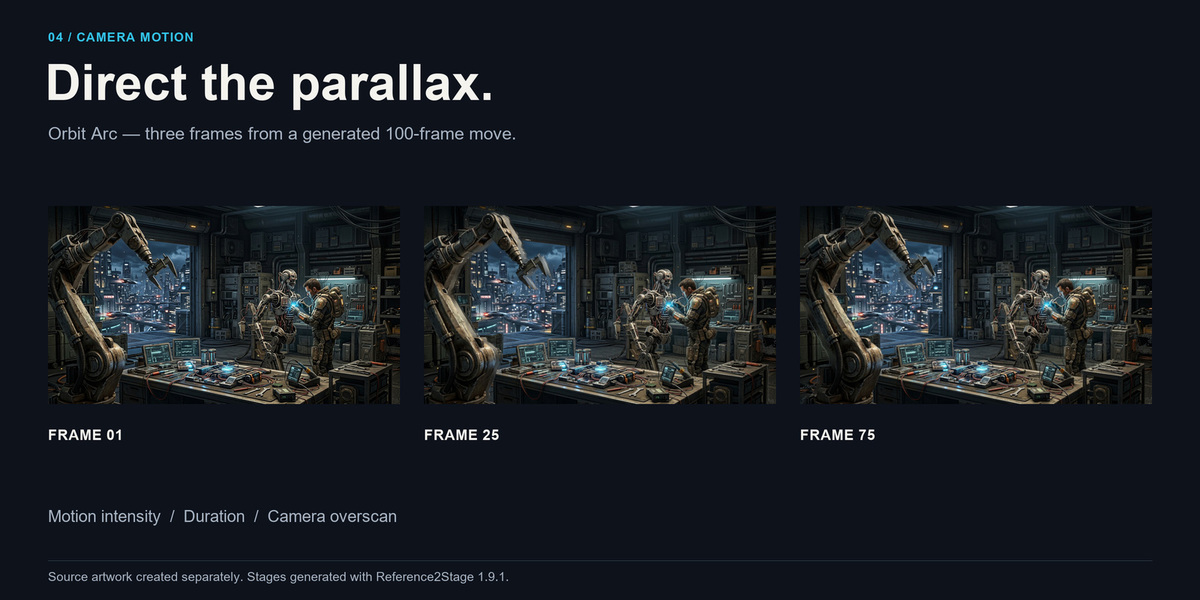
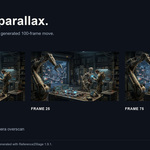
Three frames from a generated 100-frame move.
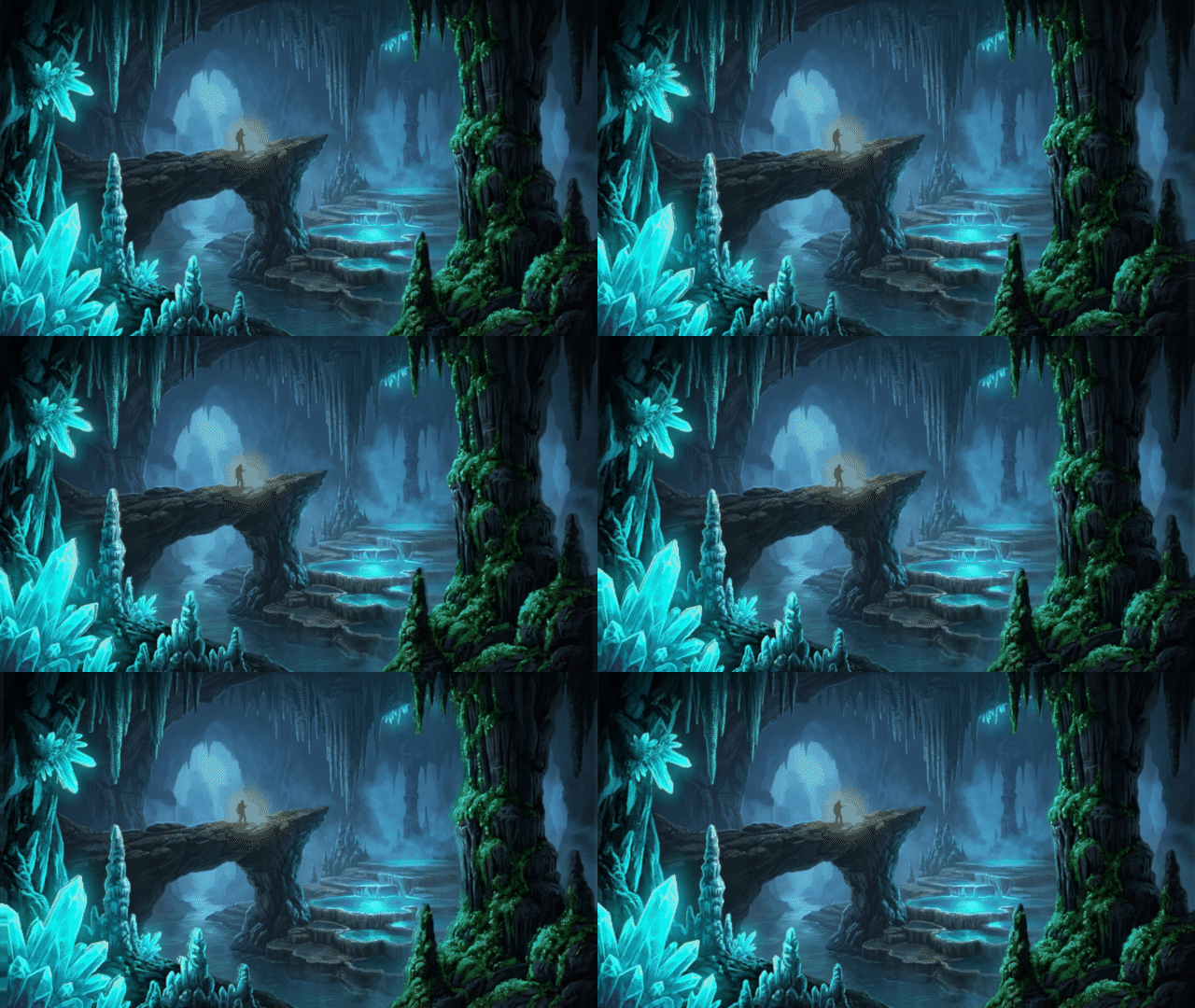
Animated preview rendered from a still image with Reference2Stage 1.9.1.
Add surface detail and atmosphere
- Optional depth-derived normal maps and Geometry Nodes surface relief.
- Optional light-reactive materials for Blender lighting.
- Volume fog and parallax particle effects with Dust, Snow and Sparks presets.
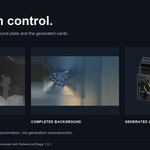
- Approximate disocclusion completion for the far background and hidden layer margins, with Fast, Balanced and High quality options.
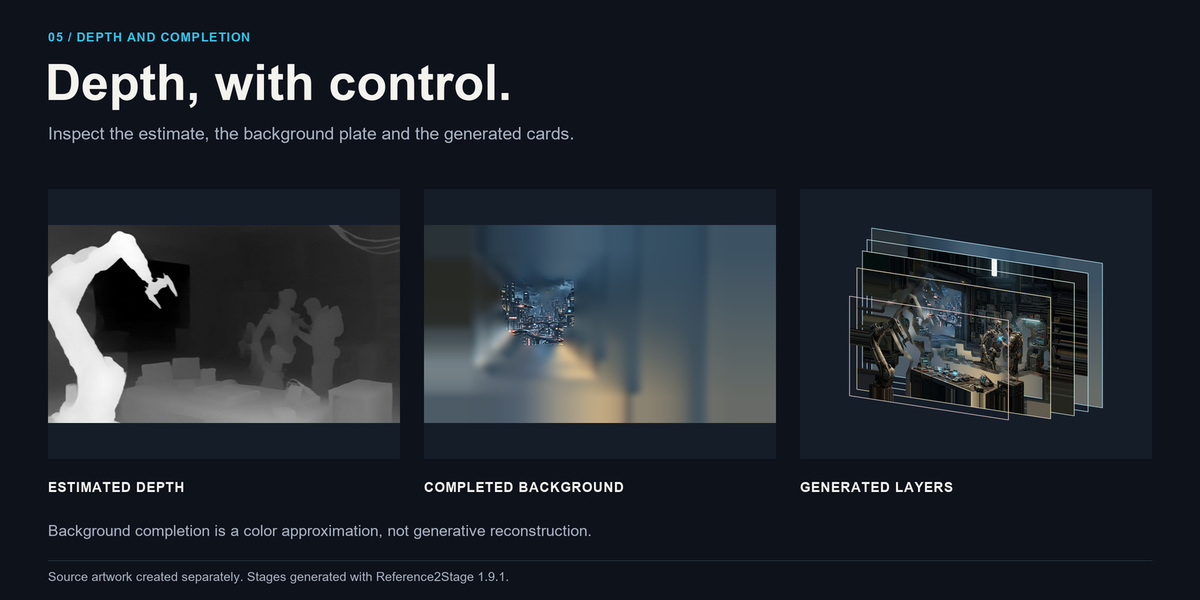
Background completion approximates visible image colors. It does not reconstruct unseen objects.
Keep your Blender project editable
Version 1.9.1 improves how generated stages are managed. Stages are handled per scene, user objects are preserved when clearing generated content, and a new build is completed before replacing the previous stage. If generation fails, the existing stage is retained.
Generated color, normal and depth textures are packed into the .blend. Each build also uses its own texture directory, so rebuilding from the same source image does not overwrite textures referenced by an earlier project.
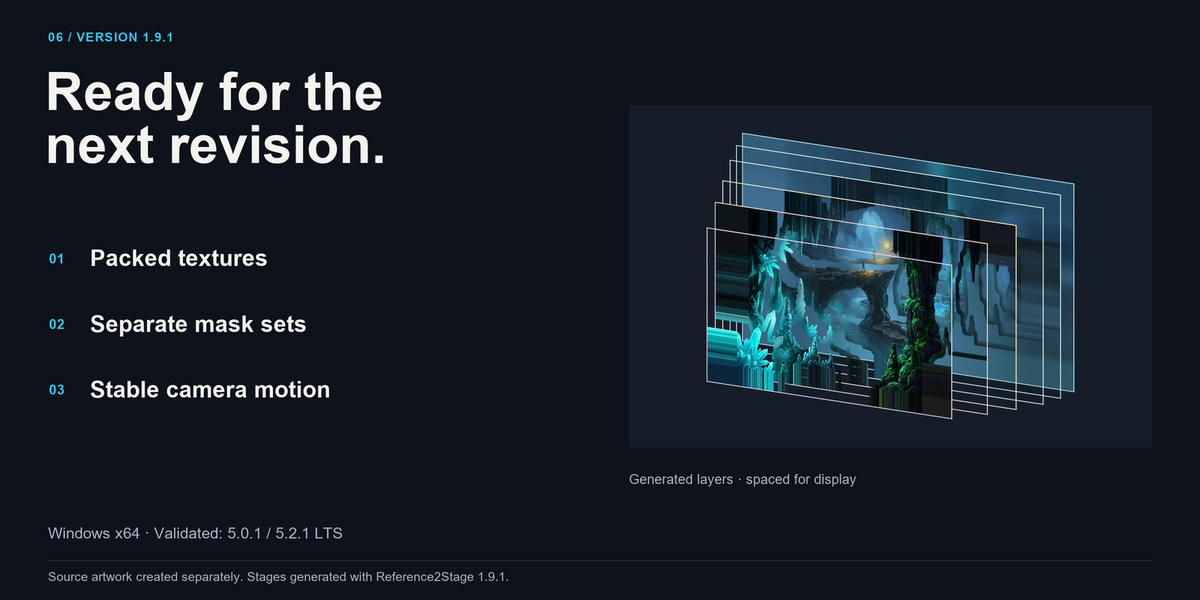
Packed textures, separate mask sets and stable camera motion. Layers spaced for display.
Render in Blender or export the stage
Export GLB, GLTF or USDZ for further use in your pipeline. The viewport guide is excluded from exports. GLB and GLTF omit volume fog, and Blender-specific shading or particle effects may differ in other applications. Check the exported asset in its intended viewer before delivery.
How It Works
- Select a still image in the Ref2Stage sidebar and apply a workflow preset.
- Preview the depth and adjust its controls.
- Export and refine masks if you need more control over the separation.
- Build the stage, keep its camera active, choose a camera move, and click Animate Camera.
- Inspect the full animation, then render, save or export.
Compatibility And Requirements
- Platform: Windows x64.
- Validated Blender versions: 5.0.1 and 5.2.1 LTS.
- Depth estimation runs locally on the CPU.
- An initial internet connection and Blender Online Access are required to download the optional depth model. The model is downloaded separately and verified before use; it is not included in the Extension ZIP. Once downloaded and verified, ONNX depth generation can run offline.
- Auto uses ONNX when available and reports Synthetic Preview when it falls back. Require ONNX cancels generation if ONNX cannot run. Synthetic Preview is a radial placeholder, not AI depth estimation.
- Supported still-image inputs: PNG, JPG/JPEG, WebP, BMP and TIFF.
- Layer masks can be edited in any suitable image editor; Photoshop is optional.
- Install the Extension ZIP from disk in Blender Preferences. Disable legacy copies before enabling this Extension.
- Blender 5.1, other Blender versions, macOS and Linux are not included in the validated compatibility claim.
What Is Included
- Reference2Stage 1.9.1 Blender Extension ZIP.
- Windows runtime dependencies bundled with the Extension.
- README, changelog, license texts and third-party notices.
The depth model is a separate download. Source photographs, artwork and commercial demo scenes are not included in the Extension ZIP.
Important Workflow Notes
Reference2Stage creates a layered 2.5D scene. It does not reconstruct a complete 3D environment or unseen sides of objects.
Disocclusion completion propagates colors from visible image areas. It is an approximation for parallax margins and broad backgrounds, not generative AI inpainting or semantic reconstruction of hidden objects.
Depth separation is not semantic object segmentation. Complex silhouettes and thin details may need manual mask refinement. Inspect the full camera move for revealed edges or approximate fill areas. Safe Camera limits are conservative translation limits, not a guarantee for manually modified cameras or geometry.
This release is for still-image workflows. Video and GIF input are not supported. Extended GPU/Material Preview sessions and playback in external mobile AR viewers are outside the completed release validation.
Version 1.9.1 Release Notes
This maintenance update focuses on preserving edits and making repeated builds more reliable.
- Stages are now managed per scene, with explicit ownership checks for generated objects and data.
- Clear Stage preserves user objects, nested user collections and objects shared with other collections or scenes.
- Objects parented to a generated layer retain their world-space placement when that parent is removed.
- Rebuilds finish the new stage and its optional effects before replacing the previous stage. Failed builds preserve the existing result.
- Generated color, normal and depth images are packed into the .blend, with separate texture directories for each build.
- Export New Mask Set preserves existing masks instead of overwriting painted edits.
- Mask loading uses the actual exported layer count, fixing round trips with sparse or flat depth maps.
- Connected Depth Regions now works without an OpenCV dependency.
- Camera animation is restricted to the owned stage camera. Reapplying Organic Float or changing motion presets no longer accumulates positional drift.
- The depth-model download uses a fixed revision and checksum verification. Failed downloads preserve the existing file.
- Added Object Mode checks and protection for stages linked from Blender libraries.
- Updated interface labels, compatibility information, documentation and license notices.
Upgrading From 1.9.0
Keep a backup of your existing projects before updating. Rebuild and save an older stage with 1.9.1 to benefit from the new packed-texture workflow. Previous external cache files are not automatically deleted. Existing 1.9.0 mask manifests remain supported.