 Cgi Lab
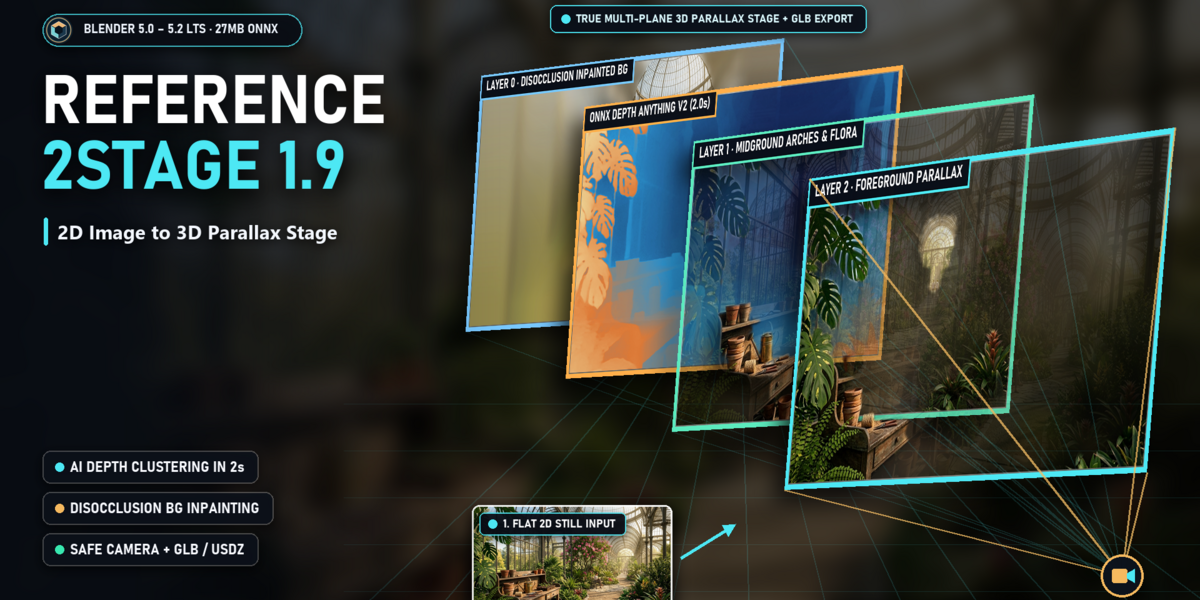
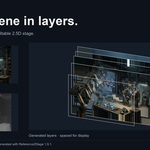
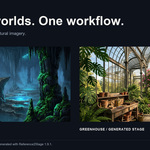

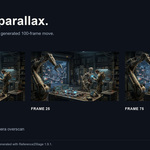
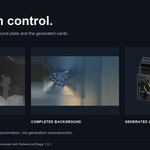
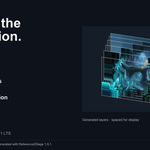
Reference2Stage 1.9.1 — Quick Start & FAQ
Install the Extension
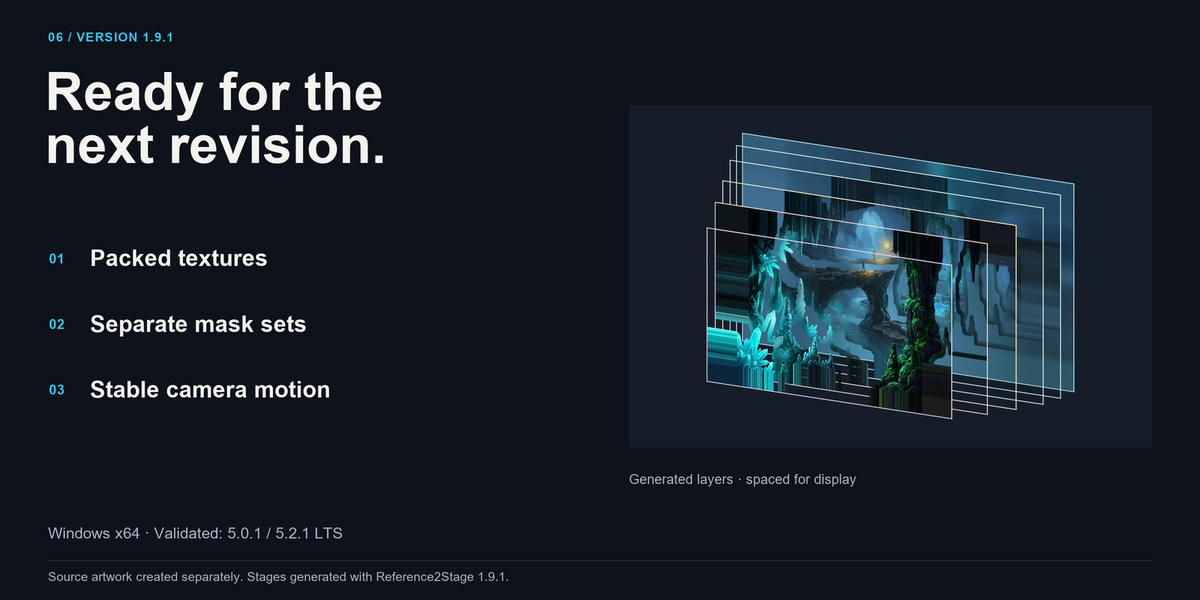
- Use Windows x64 and a validated Blender build: 5.0.1 or 5.2.1 LTS.
- Keep a backup of existing projects. Disable any legacy Reference2Stage copy.
- In Blender Preferences, open Get Extensions and choose Install from Disk from its menu. Select the supplied Extension ZIP, then enable it.
- Open the 3D View sidebar with N and select the Ref2Stage tab.
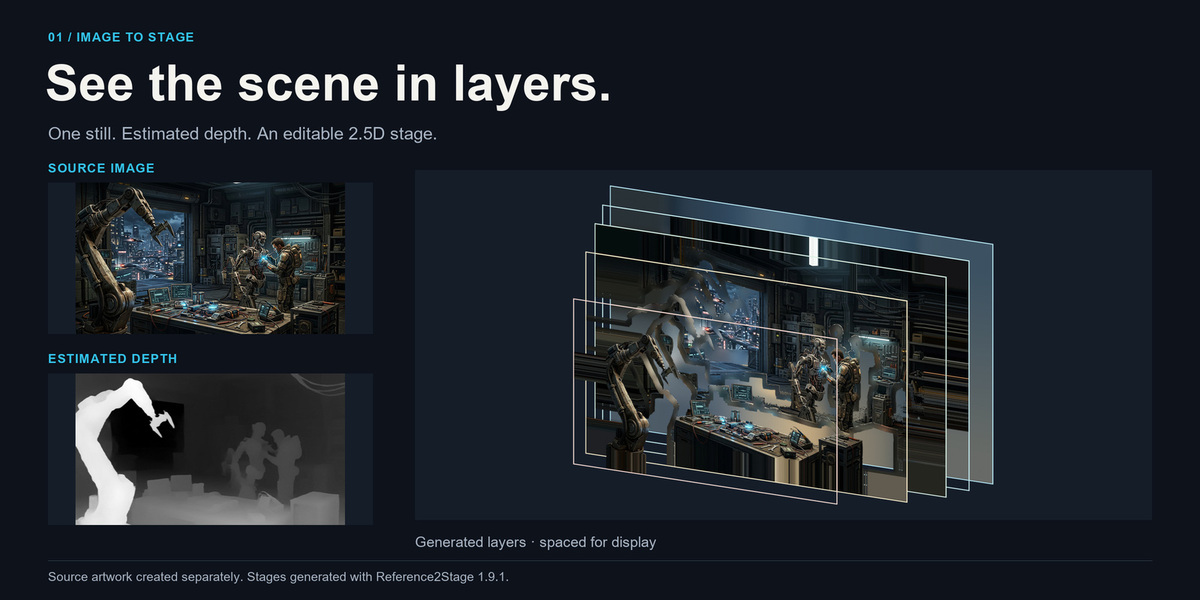
- Select a still image, apply a workflow preset, preview the depth, and click Build 2.5D Stage.
Download the optional ONNX depth model
Enable Online Access in Blender Preferences, then click Download Depth Model in the Ref2Stage panel. The model is downloaded separately and verified before use; it is not included in the Extension ZIP. Once downloaded and verified, ONNX depth generation runs locally on the CPU and can work offline.
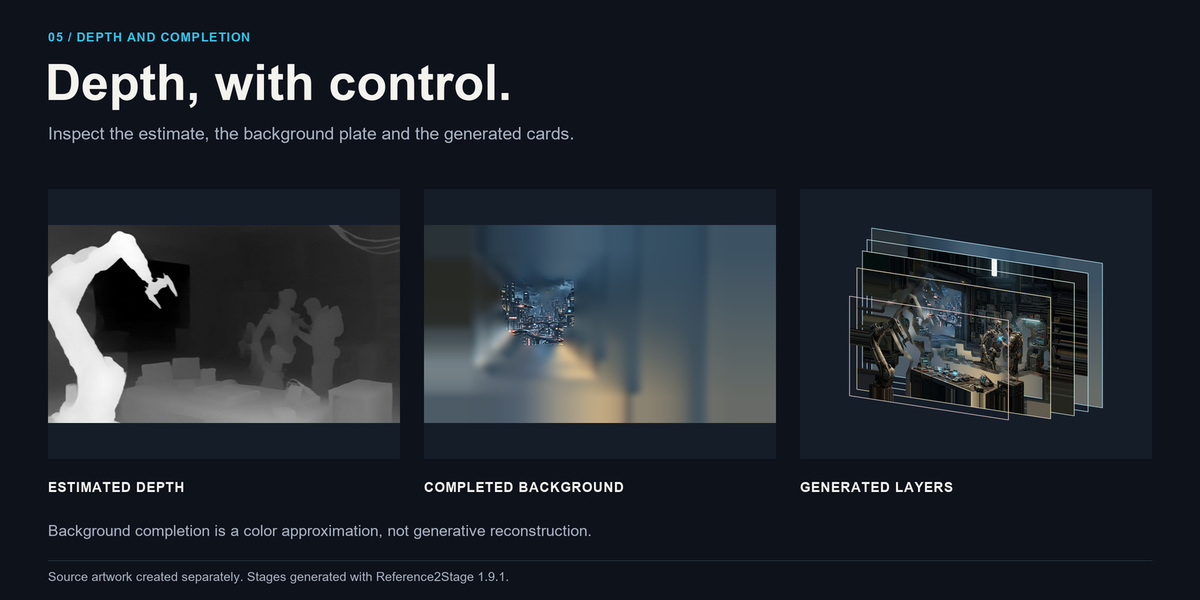
Choose Require ONNX when you need actual estimated depth. Auto uses ONNX when available and clearly reports Synthetic Preview when it falls back. Synthetic Preview is a radial placeholder, not AI depth estimation.
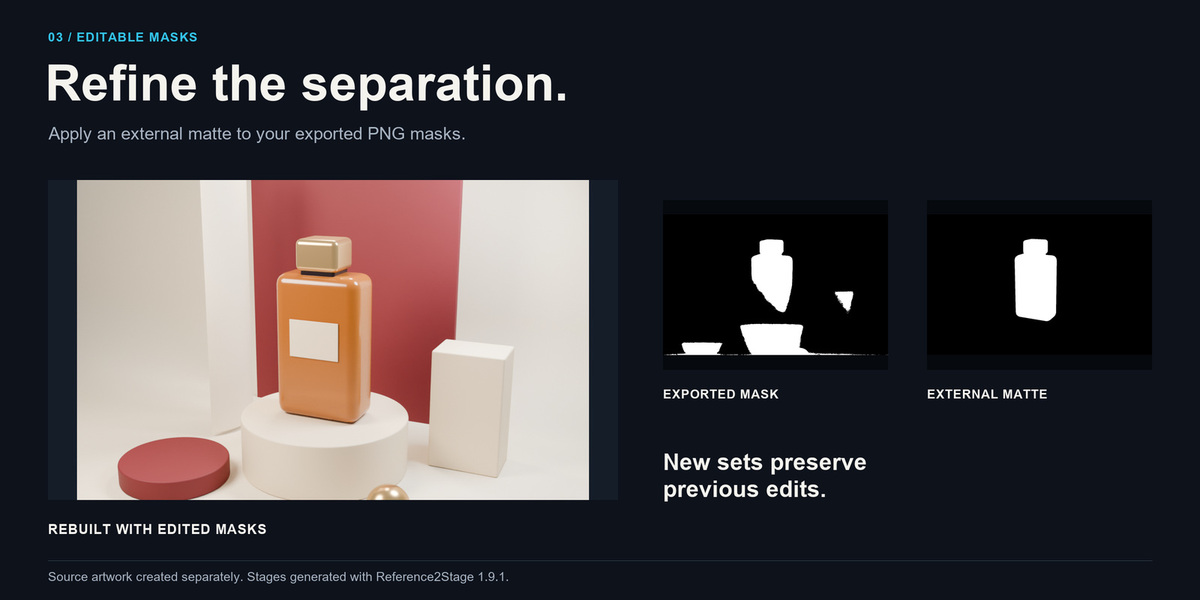
Refine the layers with editable masks
Click Export New Mask Set, then edit the numbered PNG masks in Photoshop or another image editor. White reveals, black hides, and gray gives soft transparency. Keep the filenames, image dimensions and JSON manifest unchanged. Enable Use Edited Masks, select the correct Mask Directory, and rebuild to reload the files. Exporting another set preserves the previous edits.
Animate and review the camera
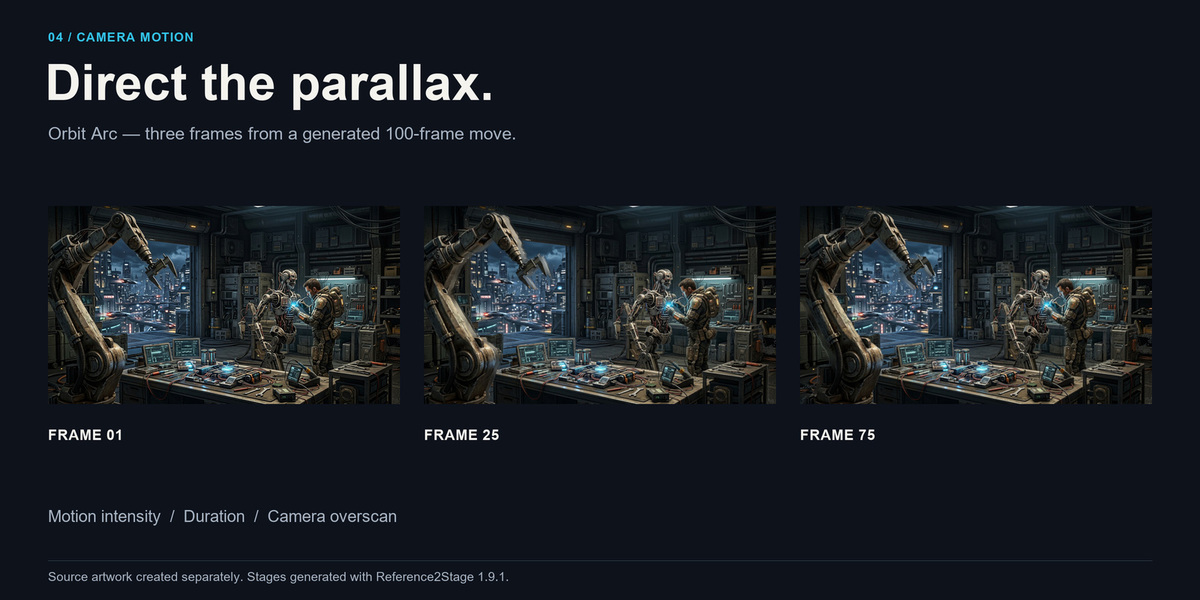
Keep the generated stage camera active, choose Orbit Arc, Truck, Dolly or Organic Float, set the duration and intensity, then click Animate Camera. Inspect the entire move in camera view before rendering. Reduce motion intensity or increase overscan if edges become visible. Safe Camera limits are conservative translation limits, not a guarantee for manually changed cameras or geometry.
What does the add-on reconstruct?
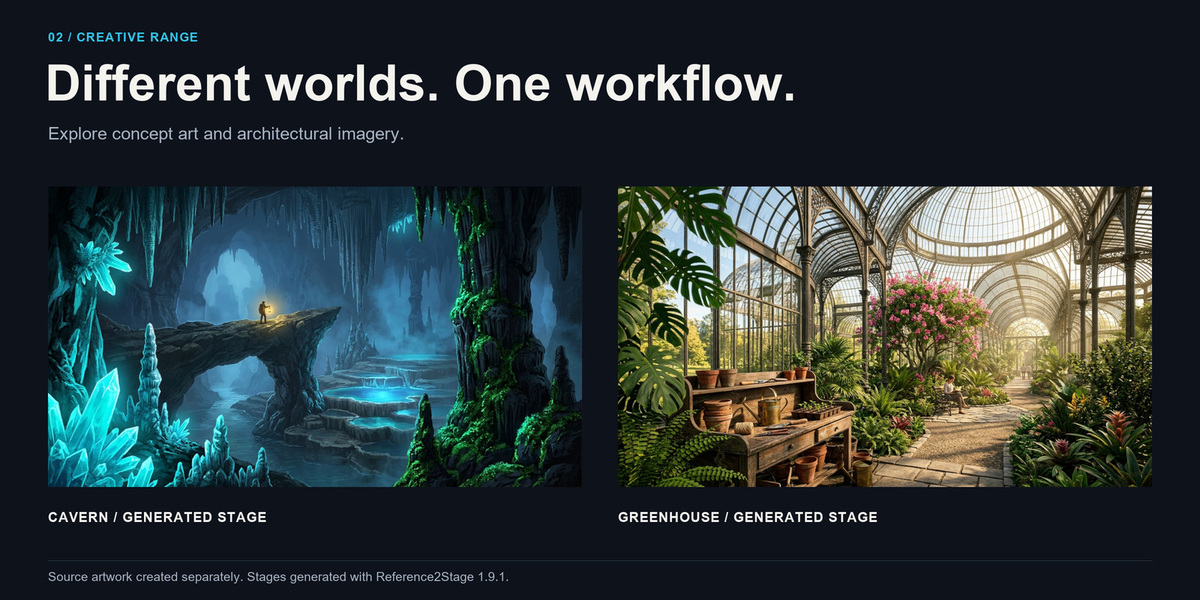
A layered 2.5D scene from a still image. It does not reconstruct a complete 3D environment, unseen object surfaces or semantic object masks. Thin details and complex silhouettes may need external mask refinement. Background completion approximates hidden colors from visible pixels; it is not generative inpainting.
Export and render limits
Render the editable stage in Blender or export GLB, GLTF or USDZ. The viewport guide is excluded from export; GLB and GLTF also omit volume fog. Blender-specific shading and particle effects may differ in other applications. Check every export in its target viewer, especially for mobile AR. Video and GIF input are not supported; the gallery GIFs are rendered animation outputs.
Troubleshooting
- Model missing or invalid: enable Blender Online Access and use Download Depth Model again. Check the panel status before building.
- ONNX Runtime unavailable: confirm Windows x64, a validated Blender build and the supplied Extension ZIP. Remove or disable legacy copies before enabling this Extension.
- Masks rejected or unchanged: check Mask Directory, Use Edited Masks, source image, PNG dimensions, filenames and manifest. Rebuild after saving edits.
- Camera animation is refused: activate the generated stage camera and use Object Mode. The add-on protects unrelated cameras and linked library stages.
- Halos, stretched margins or exposed edges: refine the masks, lower camera intensity and inspect completion areas. Estimated depth and approximate fill depend on the source image.
- A large build takes time: test a smaller input or a lower completion quality first. Local CPU generation time depends on image size, settings and hardware.
Support
Contact the seller through Superhive. Include your Reference2Stage version, Blender version, Windows version, the exact error message and the steps that reproduce the problem. A small reproducible project or test image can help explain an image-specific issue.
License and compatibility
Reference2Stage code is licensed under GPL-3.0-or-later. Bundled dependencies retain their own licenses, included in the package. The separately downloaded depth model is declared Apache-2.0 by its upstream repository. The Extension manifest permits Blender 5.0.0 or newer on Windows x64; the release validation claim covers only Blender 5.0.1 and 5.2.1 LTS. Other versions, macOS and Linux are outside that validation.
Have questions about this product?
Login to message
| Blender Extension Compatible | Yes |
| Published | 8 days ago |
| Blender Version | 5.0 - 5.2 |
| Extension Type | Add-on |
| Render Engine Used | Eevee |
| License | GPL |
Discover more products like this
image layers motion graphics concept art depth camera animation parallax 2.5d editable masks