 Cgi Lab
Turn Flat 2D Artwork & Photos into Living, Editable 2.5D Parallax Stages Inside Blender.
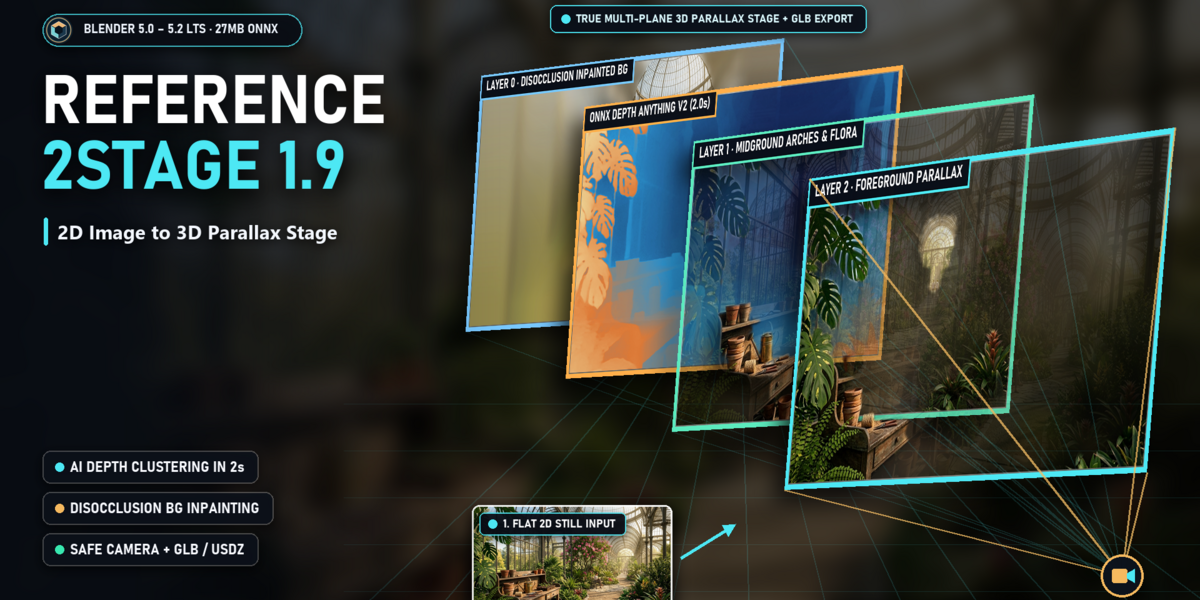
Stop slicing layers by hand just to test a camera move. Reference2Stage analyzes any flat illustration, concept art, render or photograph and builds a true multi-plane 2.5D scene in Blender—ready for motion posters, concept-art reveals, product showcases and architectural presentations.
100% Local CPU Inference (Zero Cloud Credits or Subscriptions) • Bundled Windows x64 Runtime • Validated in Blender 5.0.1 & 5.2.1 LTS
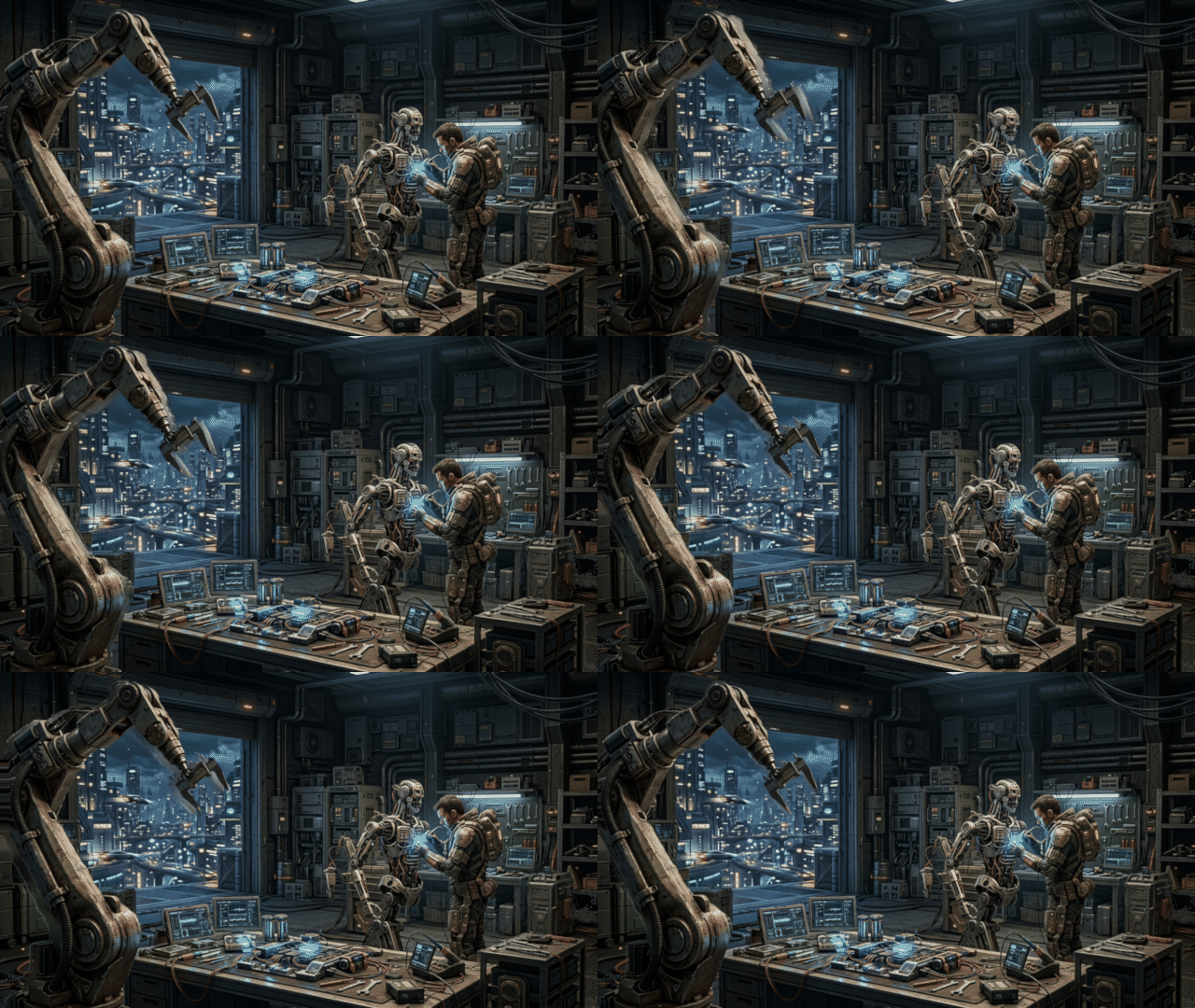
Camera animation rendered from a single still image inside Blender. Source artwork created separately.
Why Artists & Motion Designers Use Reference2Stage
- Fast Local Depth-to-Stage Workflow: Preview and tune depth on your CPU (no cloud fees, no API keys, no heavy GPU setup), then generate an inspectable, layered Blender scene in clicks.
- 1-Click Parallax Camera Moves: Animate Orbit Arc, Dolly, Truck or Organic Float rigs instantly with conservative Safe Camera bounds to help keep unprojected borders out of frame.
- Photoshop / Image Editor Mask Roundtrip: Need pixel-accurate silhouettes? Export numbered PNG masks, paint clean edges in your favorite 2D editor, and reload non-destructively.
-
Atmosphere, Surface Relief & Pipeline Export: Enhance flat planes with optional normal maps, Geometry Nodes relief, fog/particles, packed
.blendtextures, and GLB / GLTF / USDZ export.
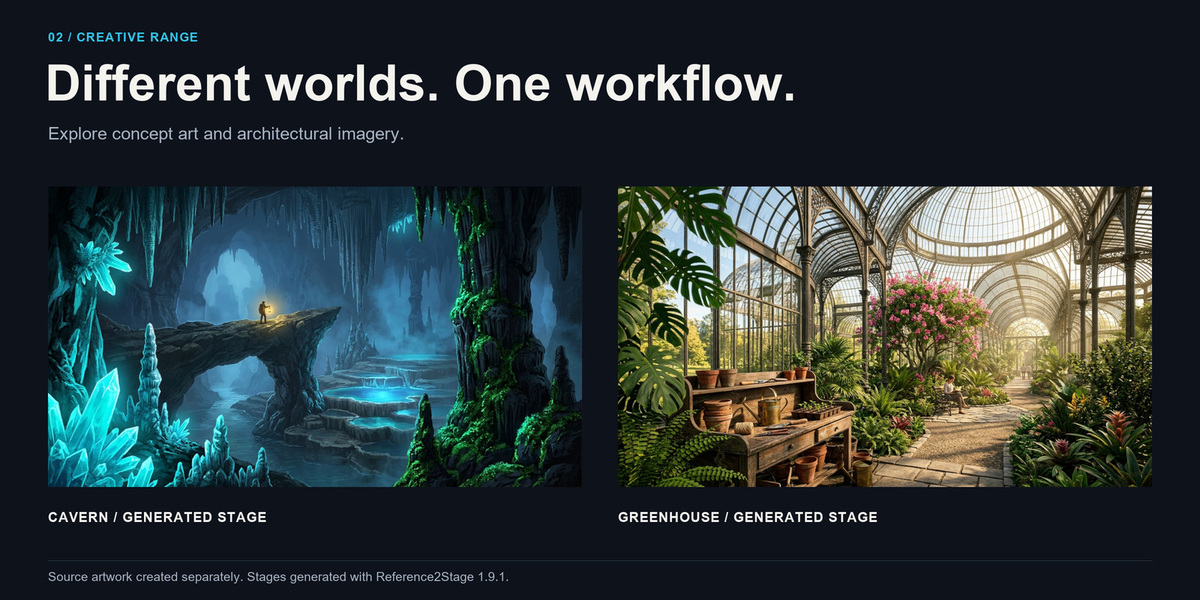
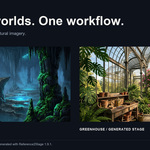
Different source images, the same editable layered 2.5D workflow.
1. Art-Direct the Depth Before You Build
- Local Depth Anything ONNX Engine: Runs on your CPU with a live depth preview before building the stage (offline-capable after a one-time model download).
- Full Tonal Depth Shaping: Invert depth and fine-tune black point, white point, gamma and smoothing right in the sidebar.
- 3 Layering Strategies (Up to 8 Depth Layers): Choose Adaptive Depth, Equal-Pixel Bands or Connected Depth Regions depending on your composition.
- Flexible Edge Separation: Switch between edge-aware, soft or hard layer masks.
- 5 Production Presets: Jump-start your setup with Cinematic, Motion Poster, Architecture, Product and Portrait starting points.
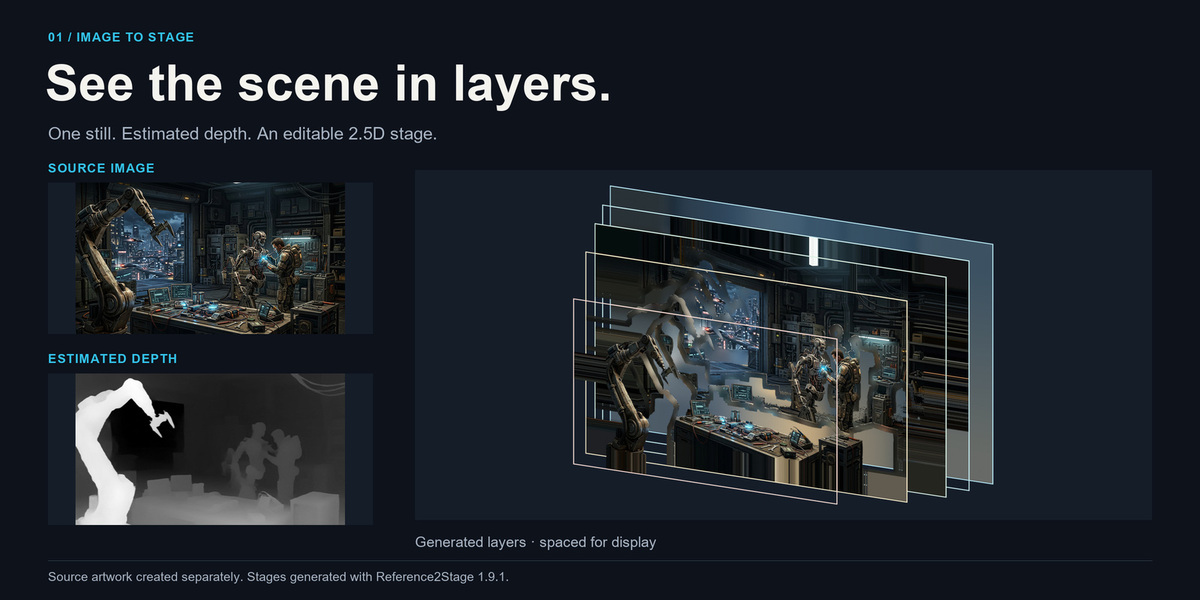
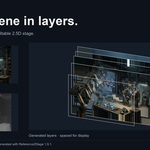
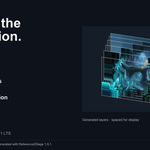
Actual exported depth estimate and generated stage. Layers spaced for display.
2. Refine Masks in Your Preferred 2D Editor
- 1-Click Reference Export: Export numbered PNG masks alongside your source and depth reference images.
- Intuitive Painting Rules: Refine complex silhouettes in Photoshop, Krita, Affinity or GIMP—white reveals, black hides, and gray creates soft transparency.
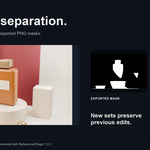
- Non-Destructive Reloading: Rebuild the stage to reload your selected mask set directly from disk, or export a fresh mask set without overwriting previous painted edits.
- Built-In Validation: Cleanly handles blank layers and overlapping masks while validating image dimensions automatically.
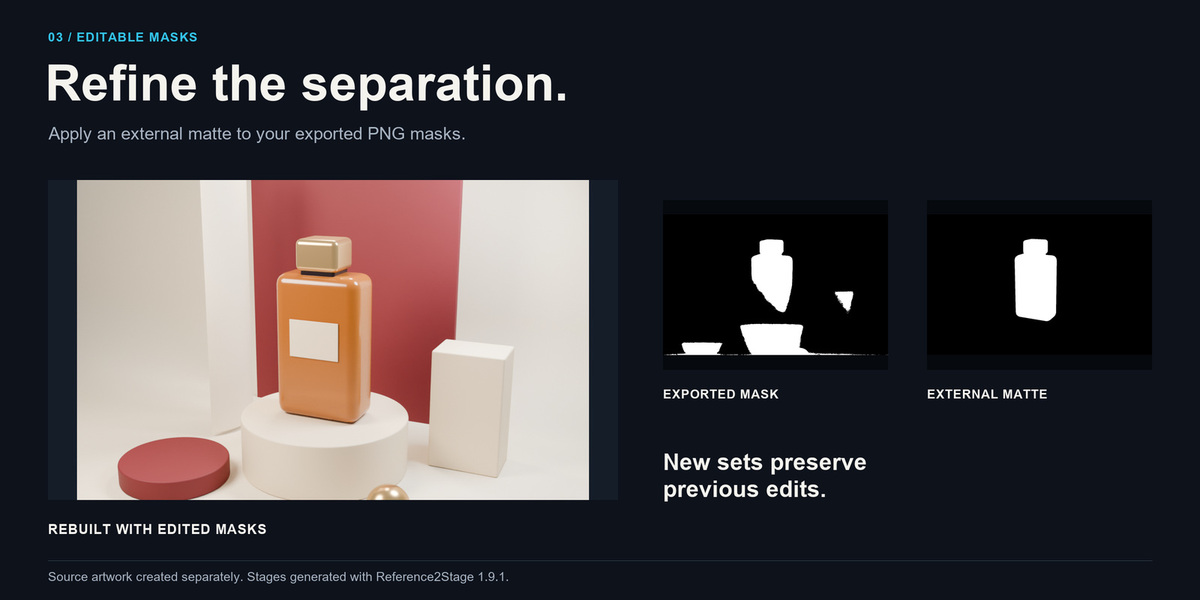
Product stage rebuilt cleanly using an externally painted bottle matte reloaded by the add-on.
3. Direct Smooth Parallax Camera Motion
- 4 Ready-to-Render Camera Moves: Apply Orbit Arc, Truck, Dolly or Organic Float animations in one click.
- Dial In Timing & Feel: Control animation frame duration, motion intensity and camera overscan.
- Calculated Safe Camera Limits: Uses conservative translation bounds as a safe starting point to minimize revealed background edges.
- Zero Drift Re-Application: Audition different moves or reapply camera motion from a stable origin without accumulating positional drift.
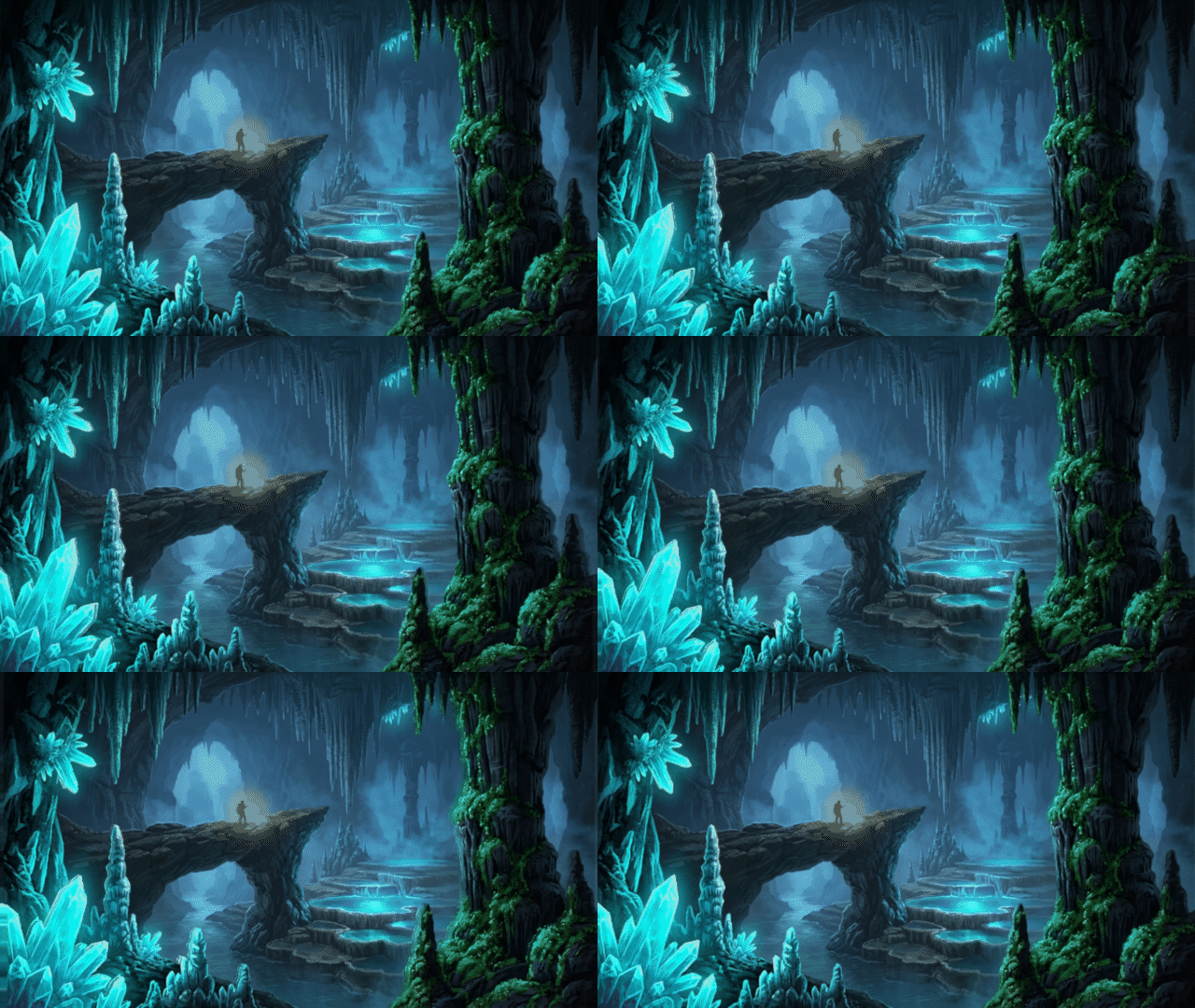
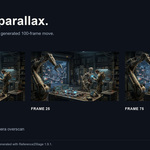
Animated preview rendered from a single still image with Reference2Stage 1.9.1.
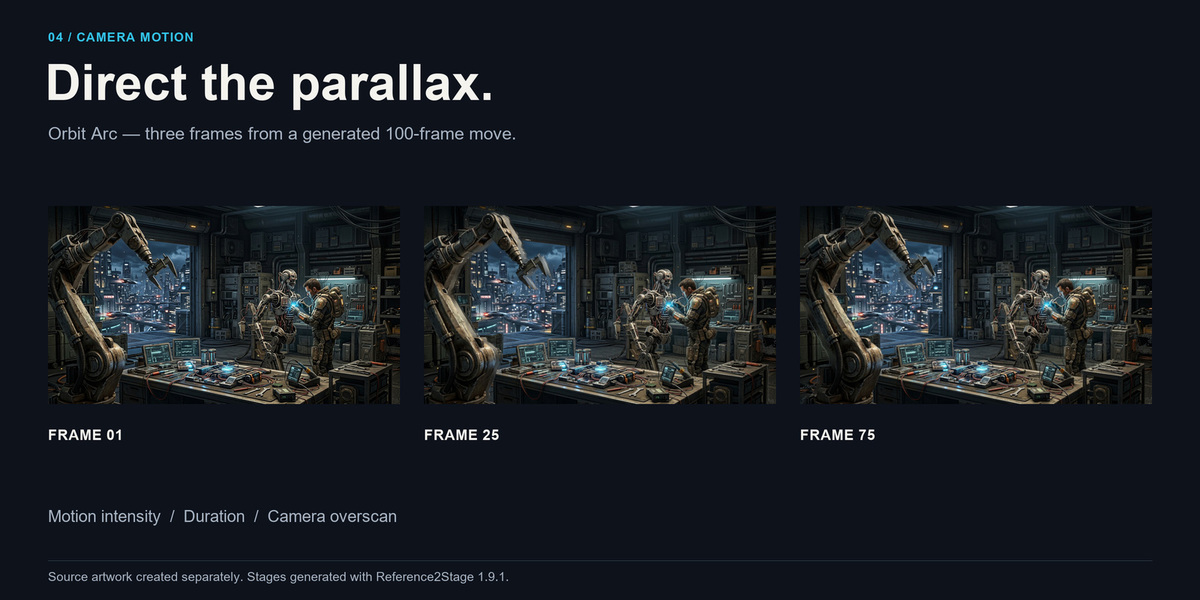
Frames 1, 25 and 75 from a generated 100-frame Orbit Arc camera move.
4. Add Surface Detail, Lighting & Atmosphere
- Tactile 2.5D Depth cues: Enable optional depth-derived normal maps and Geometry Nodes surface relief.
- Light-Reactive Shading: Optional materials that respond naturally to 3D Blender lights placed inside your stage.
- Instant Atmospheric Depth: Add volumetric fog and parallax particle presets (Dust, Snow and Sparks).
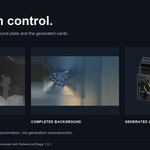
- Approximate Margin & Background Fill: Includes Fast, Balanced and High disocclusion completion options to propagate visible colors behind foreground edges and far backgrounds.
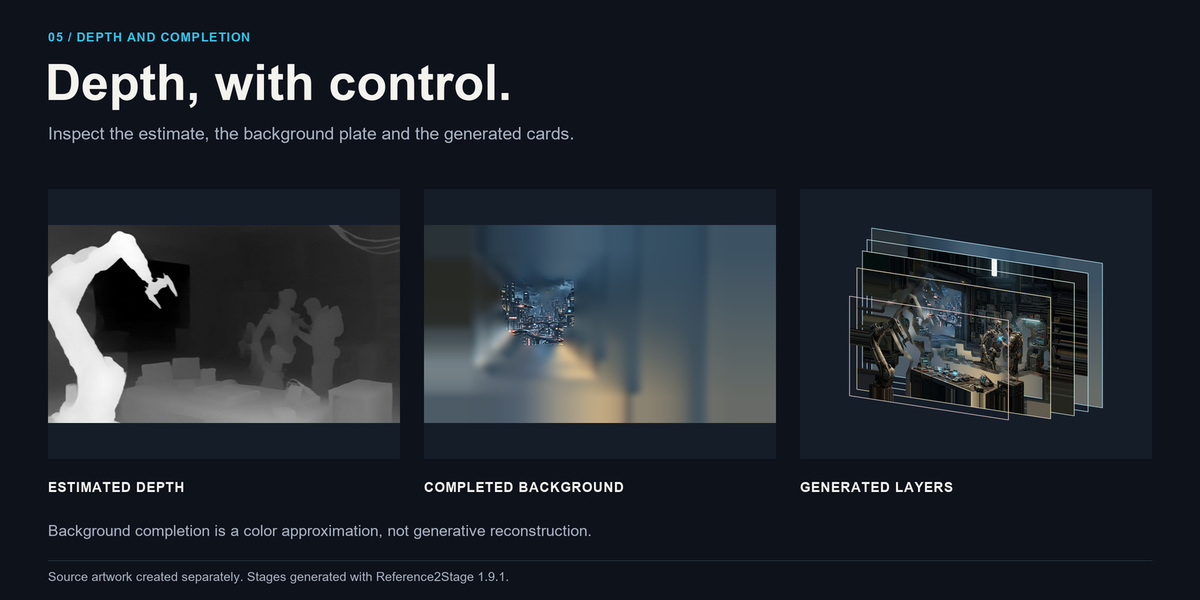
Background completion approximates visible image colors for clean parallax margins. It does not reconstruct unseen objects.
5. Production-Safe Scene Management & Export (v1.9.1)
Your output stays a real, non-destructive Blender scene. Version 1.9.1 manages stages per scene, preserves your custom 3D objects and collections when clearing or rebuilding, and completes any new build before replacing the previous stage—if a build ever fails, your existing stage stays safe.
Generated color, normal and depth textures are automatically packed into the .blend, and each build uses an isolated texture directory so iterating on the same image never overwrites earlier project files.
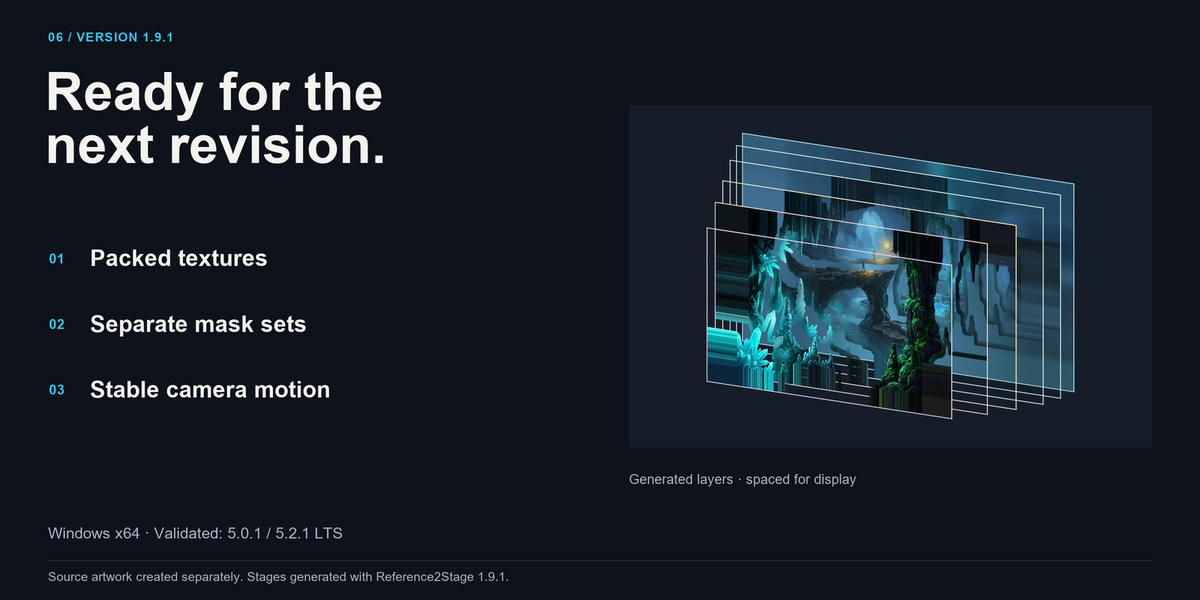
Packed textures, isolated mask sets and drift-free camera motion. Layers spaced for display.
Render in Blender or Export Elsewhere: Export GLB, GLTF or USDZ stages cleanly (viewport guides are automatically excluded). Note: GLB/GLTF omit volume fog, and Blender-specific shading or particles may differ in external engines—always preview exported assets in your target viewer before final delivery.
How It Works in 5 Steps
- Load Image: Select a still image in the Ref2Stage sidebar and pick a workflow preset.
- Tune Depth: Preview the local depth map and adjust tonal range or smoothing.
- Refine Masks (Optional): Export PNG masks if a complex silhouette needs custom 2D brushwork.
- Build & Direct: Build the stage, choose a camera preset, and click Animate Camera.
- Deliver: Inspect the motion range, add lighting/atmosphere, and render in Blender or export to GLB/USDZ.
Compatibility & Requirements
- Platform: Windows x64.
- Validated Blender Versions: Blender 5.0.1 and 5.2.1 LTS. (Blender 5.1, other Blender versions, macOS and Linux are not included in the validated compatibility claim.)
- Local CPU Execution & One-Time Model Setup: Depth estimation runs locally on your CPU. An initial internet connection and Blender Online Access are required once to download and checksum-verify the optional ONNX depth model (downloaded separately, not bundled inside the Extension ZIP). Once verified, ONNX depth generation runs offline.
- Fallback Behavior: Auto uses ONNX when available and reports Synthetic Preview (a radial placeholder, not AI depth) if it falls back. Require ONNX cancels generation if ONNX cannot run.
- Supported Inputs: Still images in PNG, JPG/JPEG, WebP, BMP and TIFF formats. Masks work with any standard image editor (Photoshop is optional).
- Installation: Install the Extension ZIP from disk in Blender Preferences. Disable any legacy copies before enabling this Extension.
What Is Included
- Reference2Stage 1.9.1 Blender Extension ZIP.
- Bundled Windows x64 runtime dependencies included inside the Extension.
- Documentation: README, changelog, license texts and third-party notices.
Note: The depth model is a separate automated download. Source photographs, artwork and commercial demo scenes shown in previews are not included in the Extension ZIP.
Important Workflow Notes
- Layered 2.5D Stage (Not Full 3D Reconstruction): Reference2Stage arranges layered 2.5D planes; it does not reconstruct complete 360° 3D environments or unseen backsides of objects.
- Disocclusion Color Propagation: Background completion propagates colors from visible image regions for parallax margins and broad backgrounds—it is not generative AI inpainting or semantic reconstruction of hidden objects.
- Depth vs. Semantic Segmentation: Fine hair, thin rigging or complex overlapping silhouettes may benefit from quick manual PNG mask refinement. Always inspect the full camera move; Safe Camera limits provide conservative translation bounds for the generated setup, not a guarantee for manually altered cameras or geometry.
- Still-Image Scope: Built for still-image workflows (video and GIF inputs are not supported). Extended GPU/Material Preview sessions and external mobile AR viewer playback are outside the completed release validation.
Version 1.9.1 Release Notes
This maintenance update focuses on preserving user edits and making repeated stage builds rock-solid:
- Stages are managed per scene with explicit ownership checks for generated objects and data.
- Clear Stage preserves user objects, nested user collections and objects shared across collections or scenes.
- Objects parented to a generated layer retain their world-space placement when that parent is removed.
- Rebuilds complete the new stage and optional effects before replacing the previous stage; failed builds preserve your existing result.
- Generated color, normal and depth images are packed into the
.blend, with isolated texture directories per build. - Export New Mask Set preserves existing painted masks instead of overwriting edits, and mask loading uses the exact exported layer count.
- Connected Depth Regions now runs without an OpenCV dependency.
- Camera animation is restricted to the owned stage camera—changing presets or reapplying Organic Float no longer accumulates positional drift.
- Depth-model download uses a pinned revision and checksum verification; failed downloads preserve any existing file.
- Added Object Mode checks, library-linked stage protection, and updated UI labels, docs and license notices.
Upgrading From 1.9.0
Keep a backup of existing projects before updating. Rebuild and save older stages with 1.9.1 to take advantage of packed textures (previous external cache files are not auto-deleted; existing 1.9.0 mask manifests remain supported).