 TastyVoxels
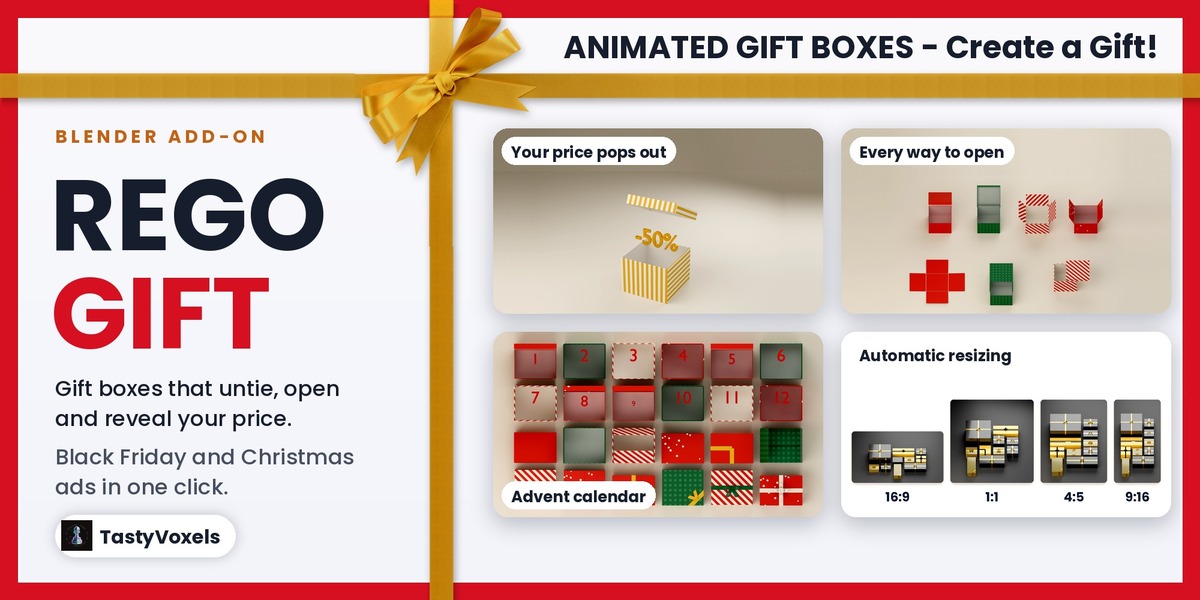
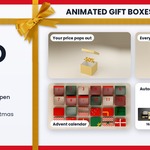
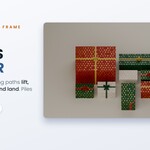
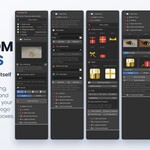
Gift boxes that untie and open themselves. Mosaics that re-flow like a web page.
Rego Gift is a Blender add-on for animated gift boxes. It builds wrapped presents whose ribbon unties and whose lid, flaps or doors open by themselves, with your price, your text, your product or confetti coming out, and it lays many boxes out as a responsive mosaic that re-flows for 16:9, 9:16, 1:1 and 4:5. Your logo goes on the boxes as a round label, your own image can be the wrapping paper, and seven ready sets and six light presets put them in a gift shop, a library of presents, on a wooden table or under fairy lights. Everything is procedural and keyframed, so it renders the same in Cycles and EEVEE, on any machine.
- A finished ad shot in three steps. Pick a template, type your prices, press Build This Shot.
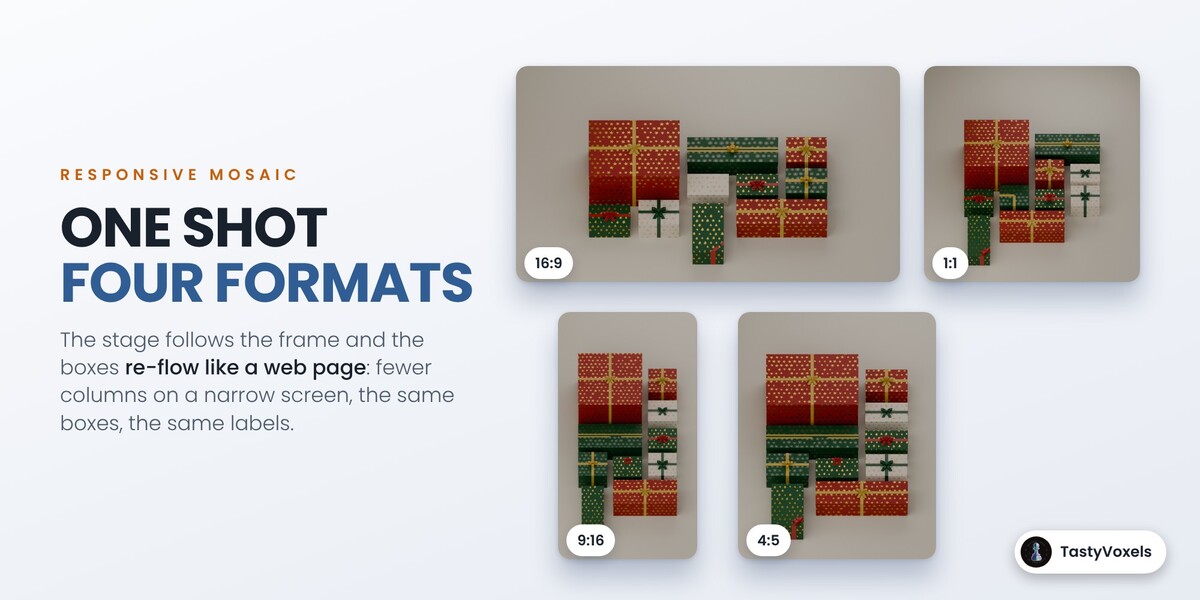
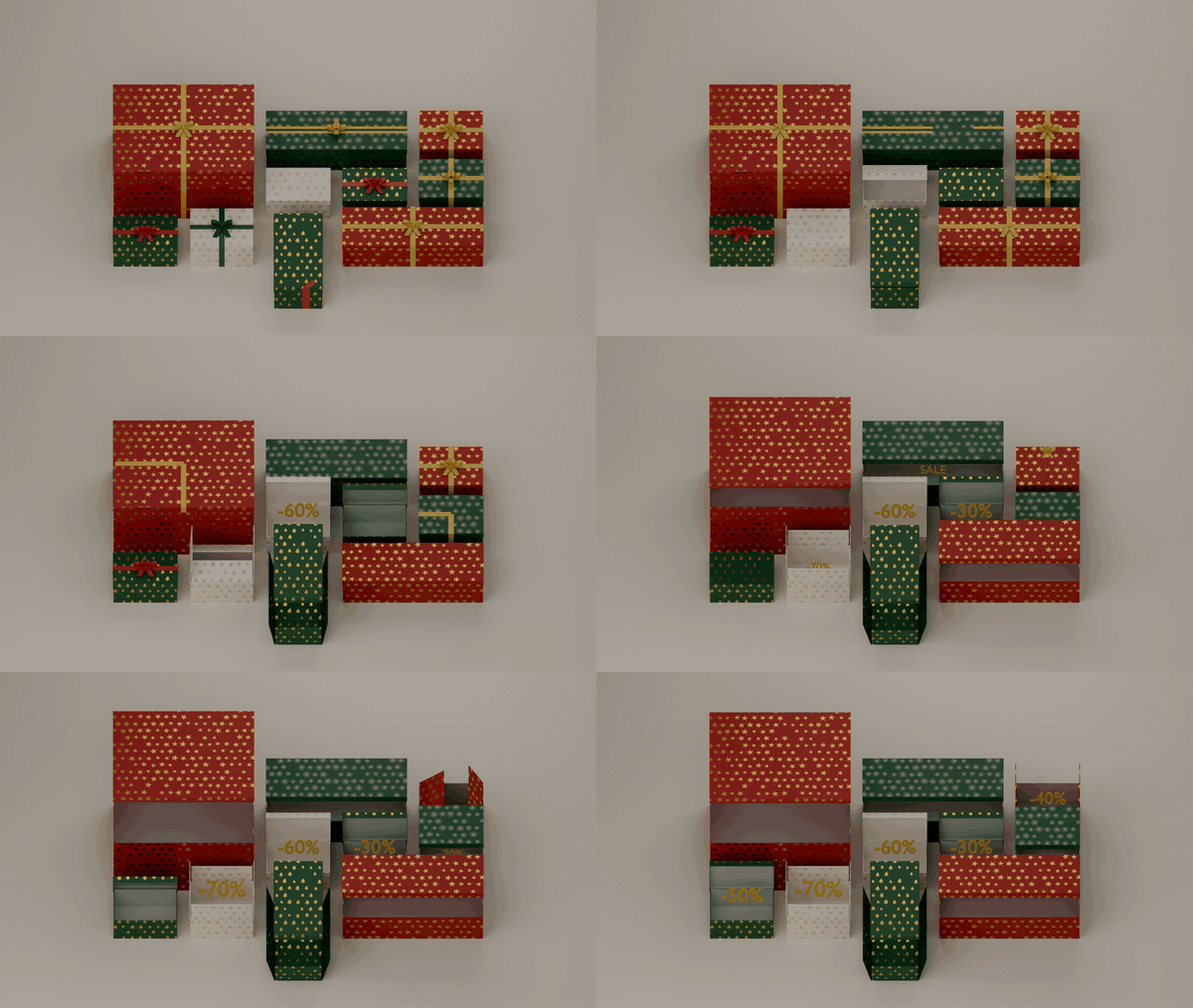
- Boxes that behave like a page layout. Change the format, the stage or the order: every box travels to its new cell and none touches another. The add-on measures it on every frame.
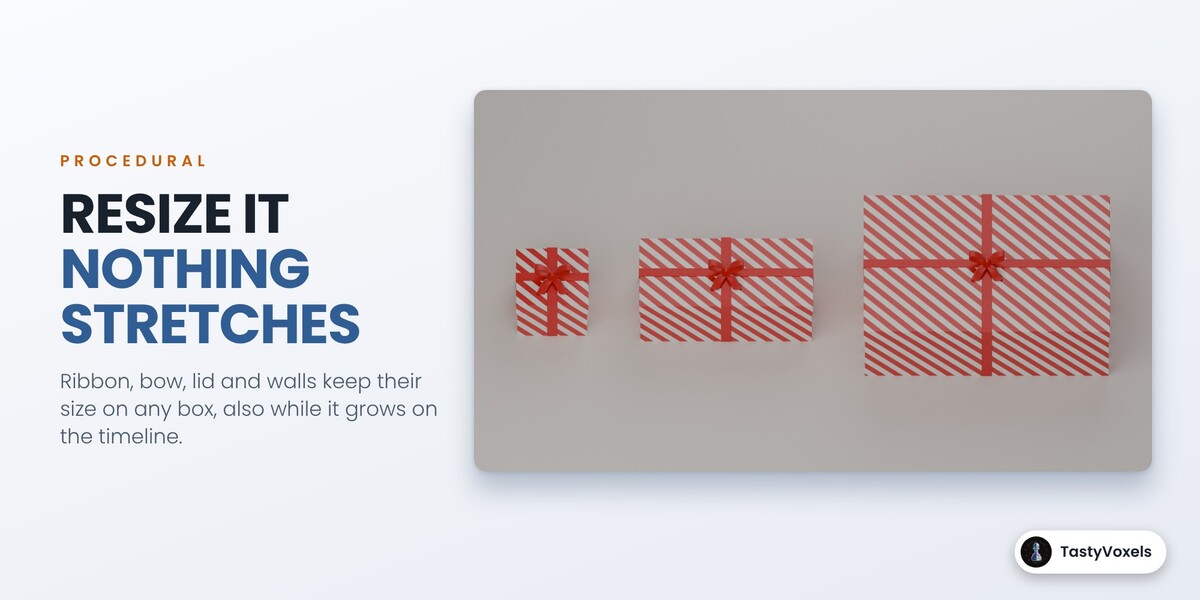
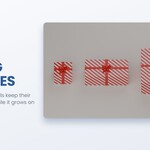
- Nothing stretches. Resize a box and the ribbon, the bow and the lid keep their size. The paper shows more pattern.
What you can make with it
- Black Friday, Cyber Monday and end of season sale ads, with the discounts popping out of the boxes.
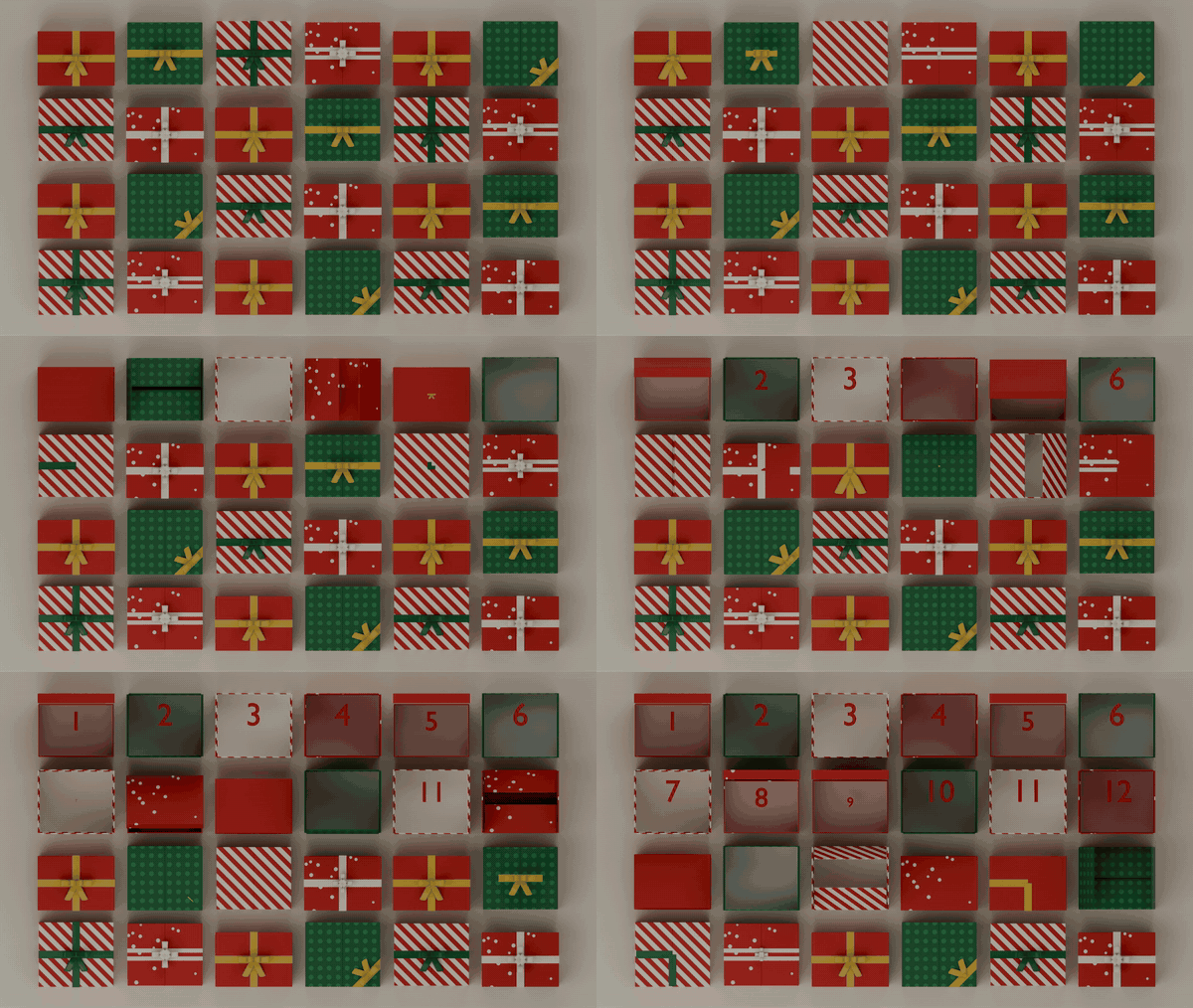
- Christmas, holiday and New Year greetings, and an advent calendar of 24 boxes that open one day at a time.
- Unboxing and product reveal videos: your own product rises out of the box.
- Birthday, Valentine's Day, Mother's Day and anniversary posts and video cards.
- Instagram Reels, TikTok, YouTube Shorts, Stories, Facebook posts and web banners, from the same scene.
- Gift shop, e-commerce and brand promos with your logo on every box.
- Motion graphics loops and backgrounds for streams, shop windows and websites.
How it works
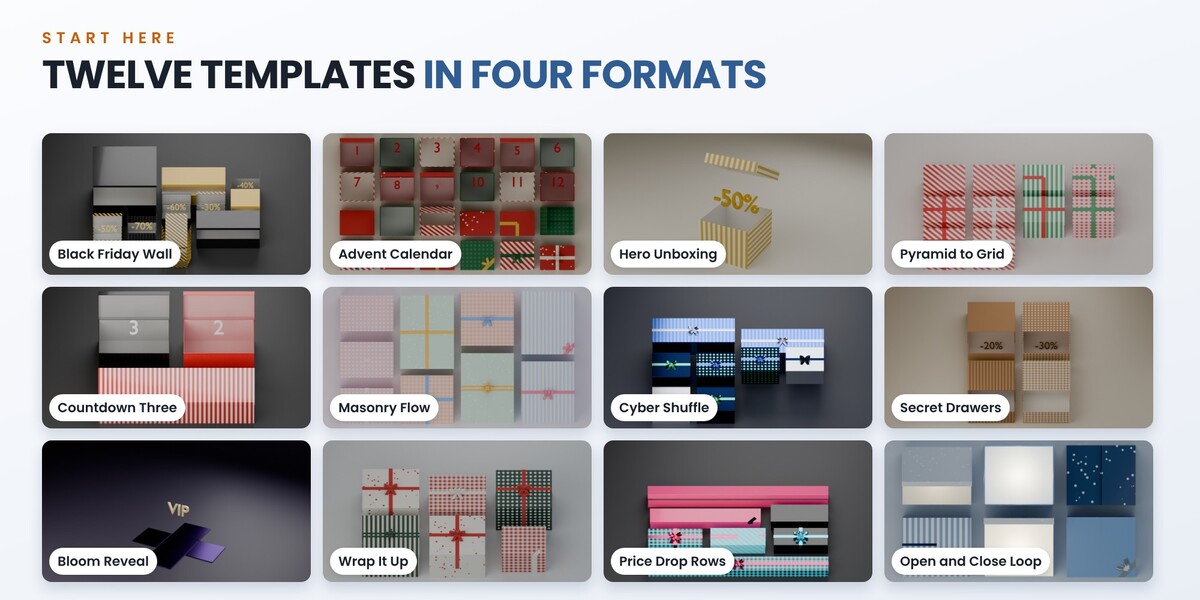
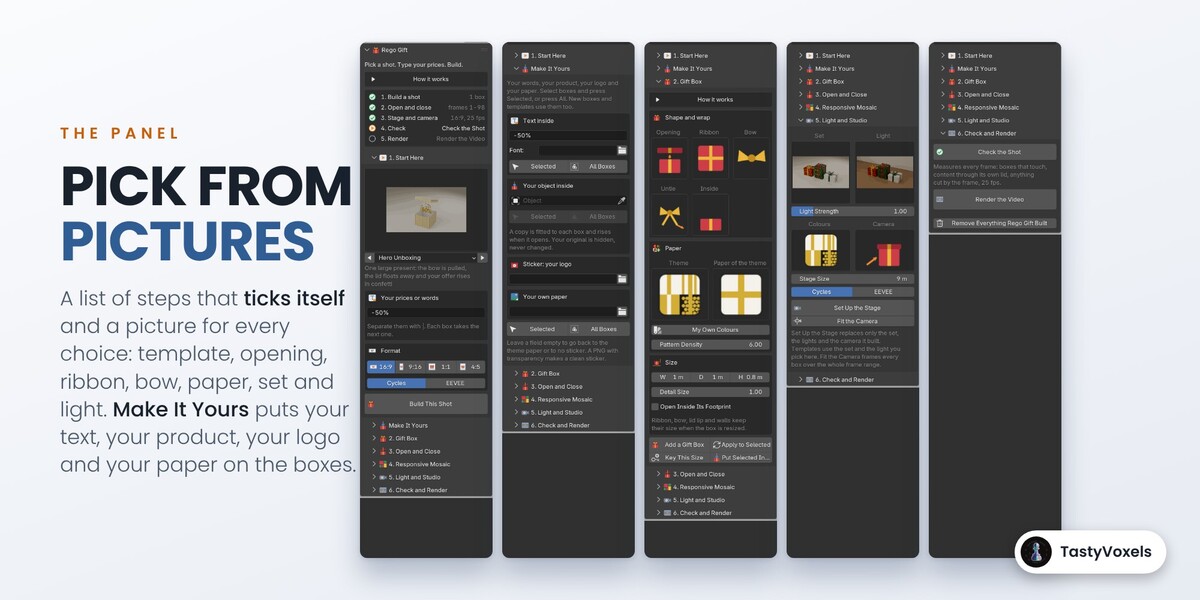
- In 1. Start Here pick one of the 12 templates and a format: 16:9, 9:16, 1:1 or 4:5.
- Type your prices or words in Labels, separated by |, and press Build This Shot. Boxes, layout, animation, lights and camera are built at 25 fps.
- Open 6. Check and Render, press Check the Shot, then Render the Video.
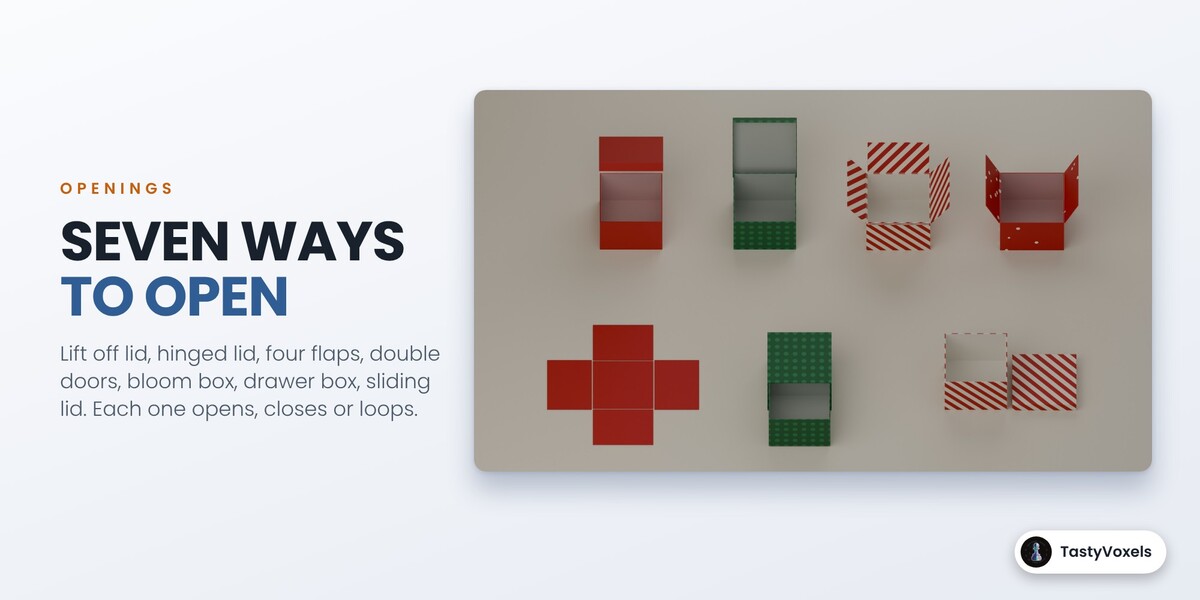
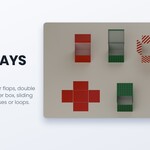
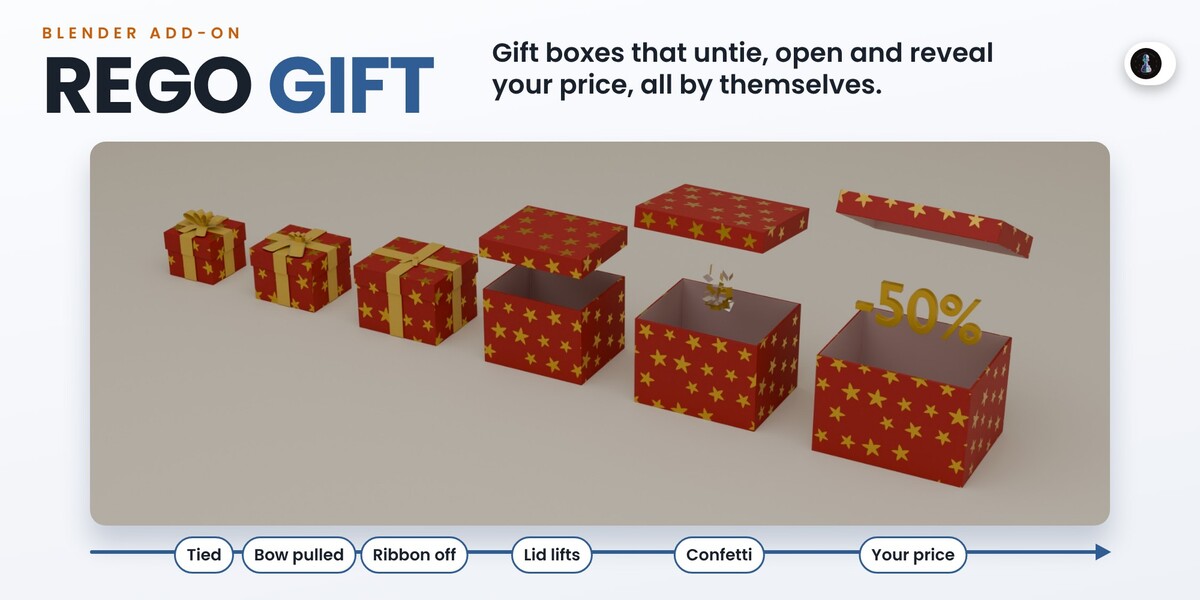
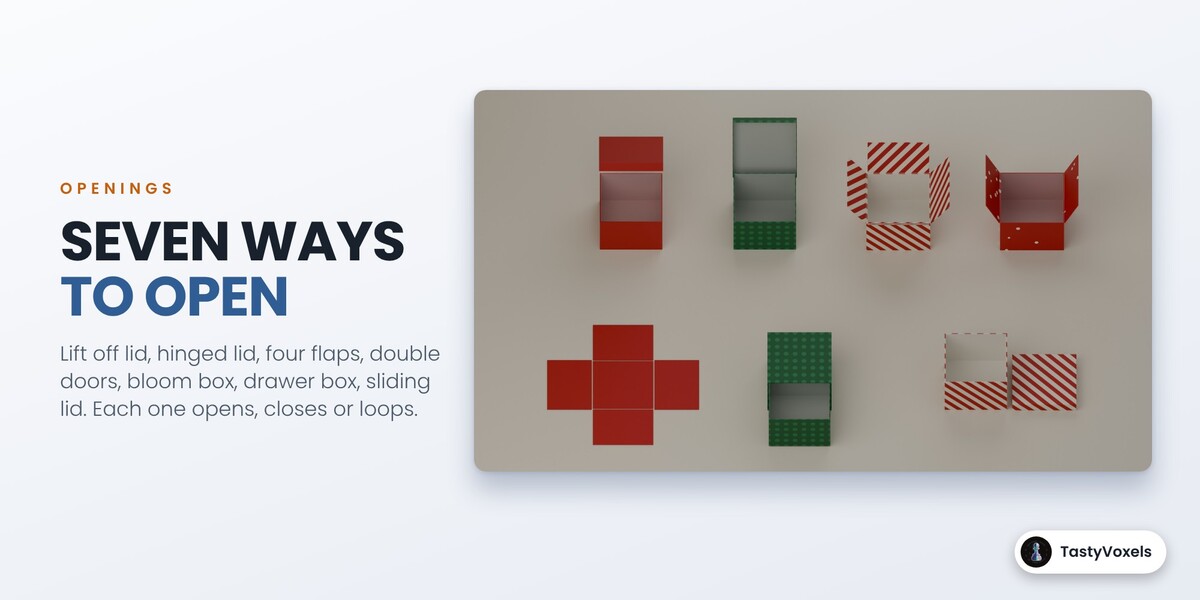
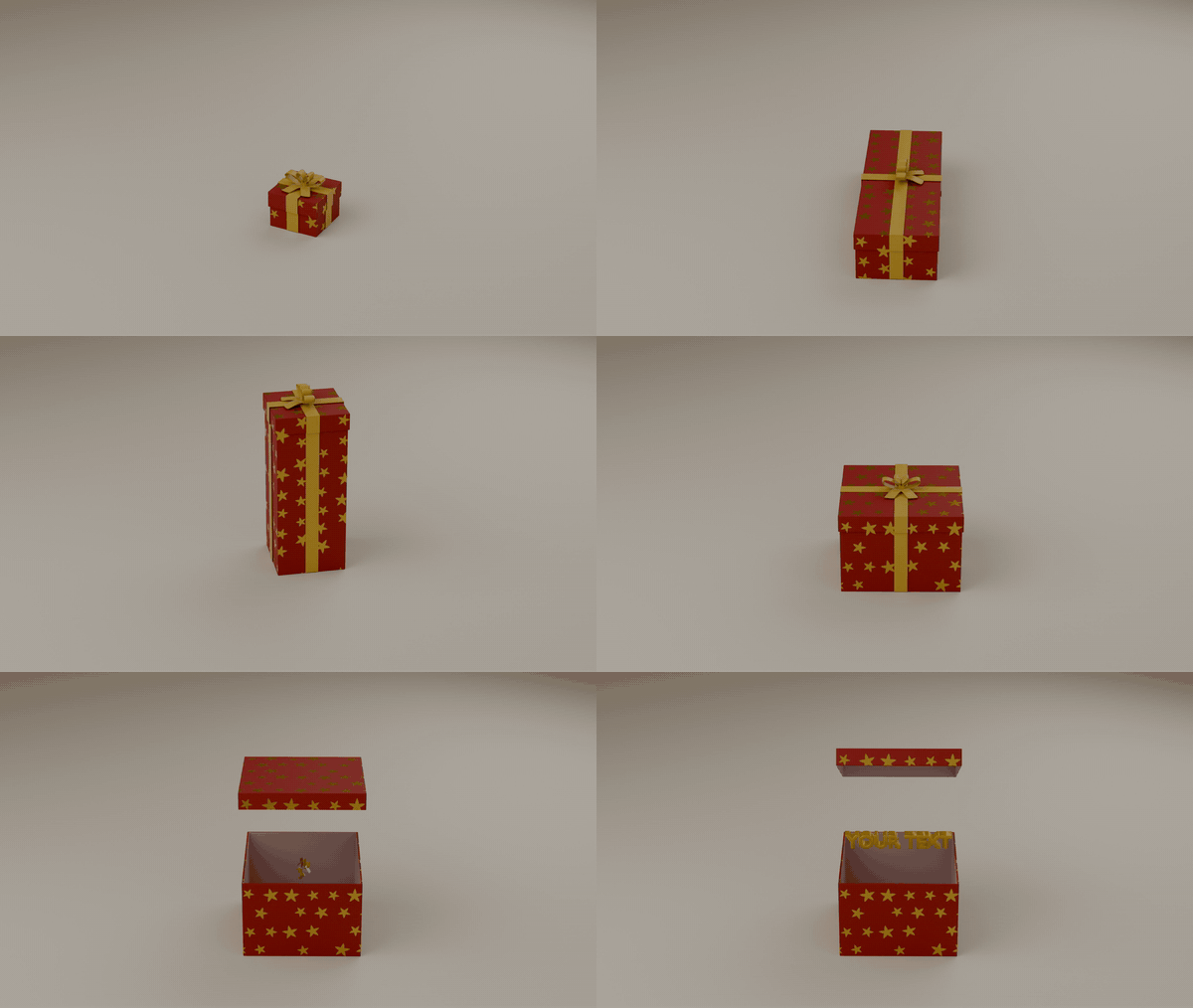
Seven ways to open. Lift off lid, hinged lid, sliding lid, four flaps, double doors, bloom box (the lid flies off and the four walls fall open) and drawer box. Each one opens, closes, or opens, waits and closes again as a loop. Close runs the same movement backwards: the box shuts, the ribbon wraps round it and the bow ties itself, which makes a good ending for a video.
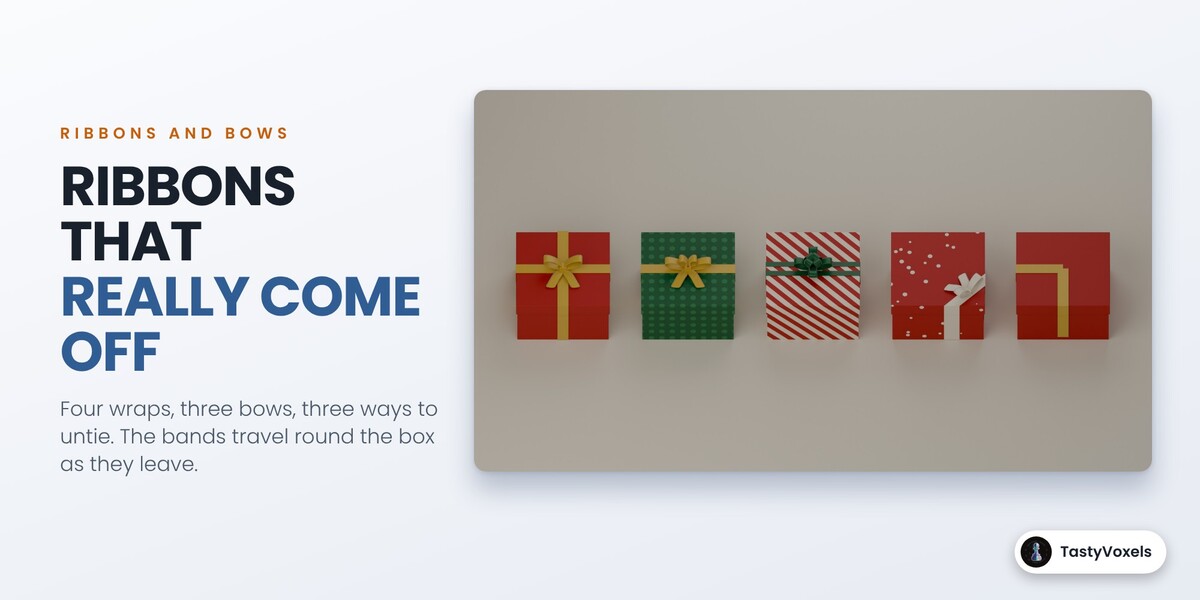
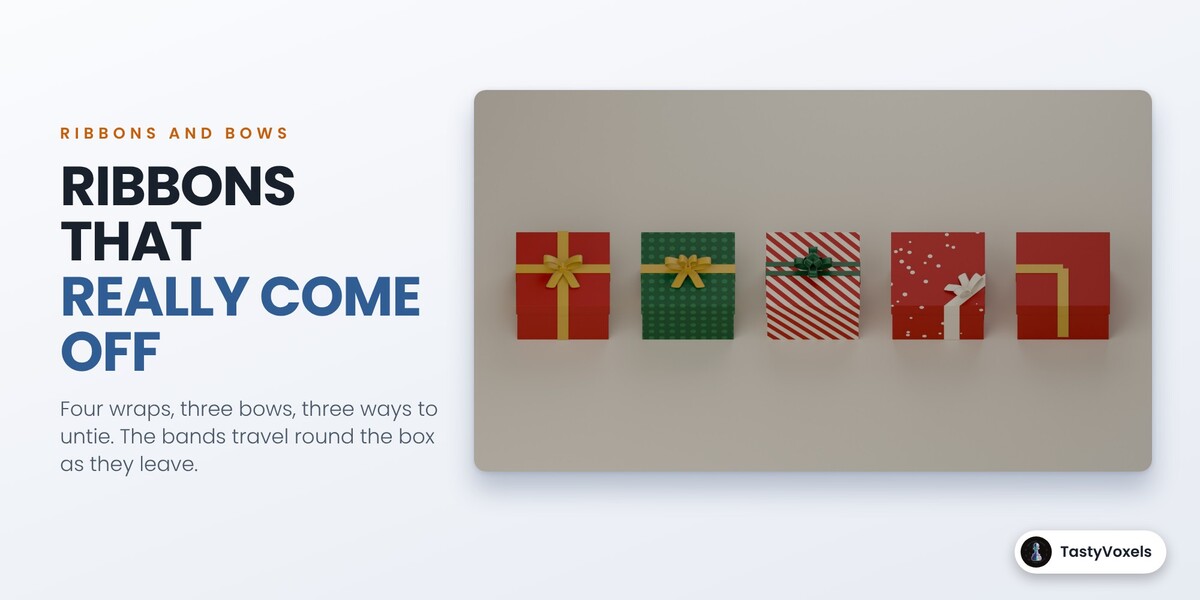
Four wraps, three bows. Cross, single band, twin bands and corner, with a classic bow, a double bow, a rosette or no bow at all. Ribbon and bow keep their size on a small box and on a large one.
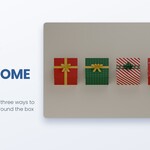
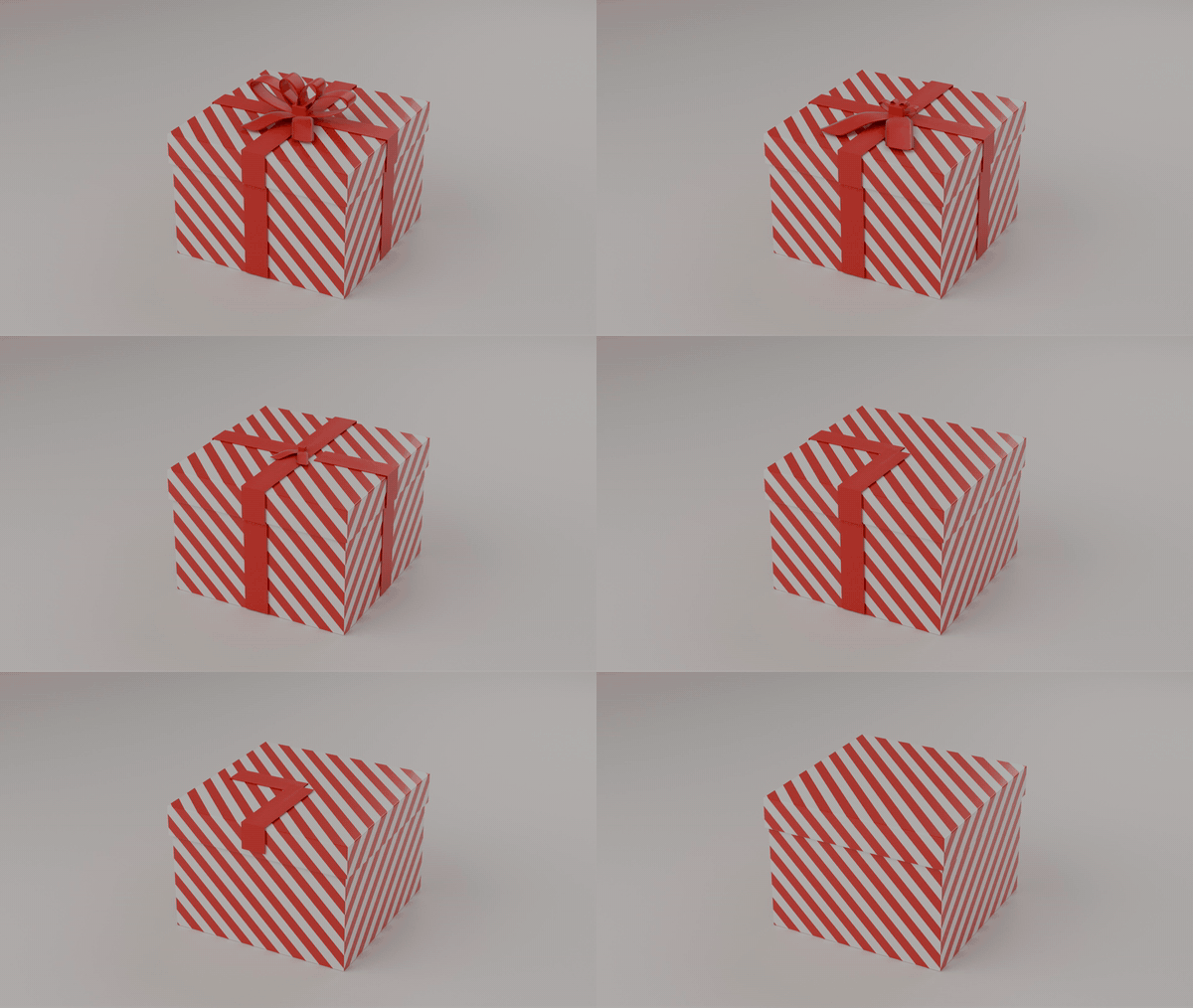
Ribbons that really come off. Three ways to untie: Pull the Bow (the loops shrink as the tails are pulled, then the bands slip away one after the other), Slip Off (the bands unwrap from under the box while the bow lifts away) and Snap (the bow pops and the bands whip away together). The bands travel round the box as they leave, they do not just fade.
What comes out. A price or a word that rises out of the box, a burst of confetti, a warm glow, or your own product: select your object, then the box, and press Put Selected Object Inside. It is fitted to the box and rises when the box opens. Nothing passes through the box on its way out: the content waits until the lid or the flaps are clear, a floating lid rises higher for a taller content, confetti stay in the column above the opening, and in a drawer box the content rides in the drawer.
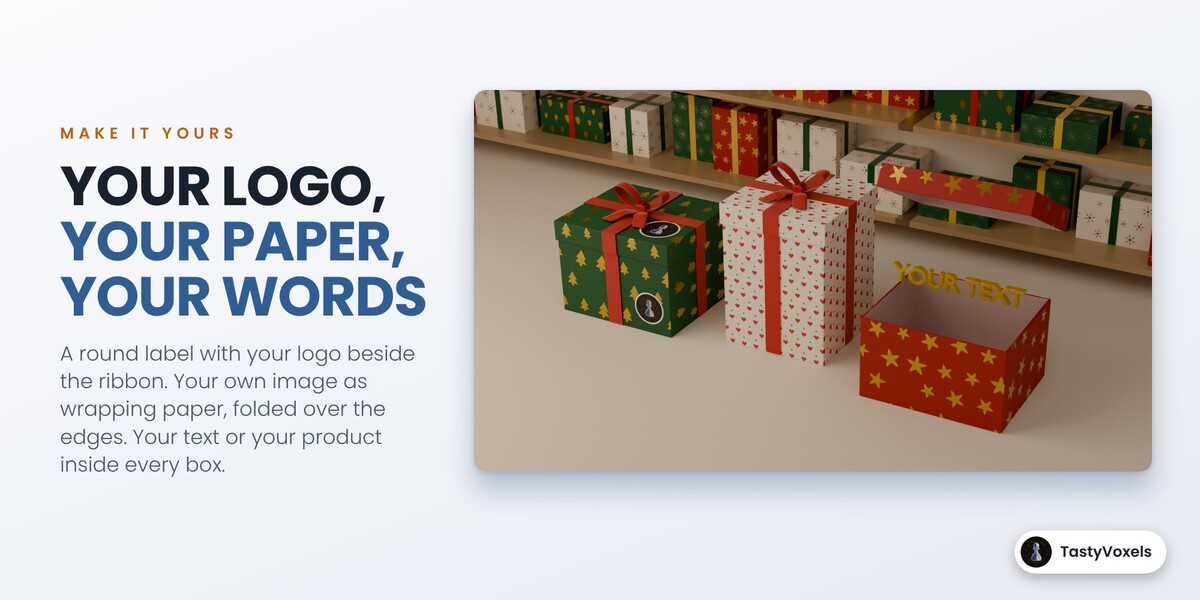
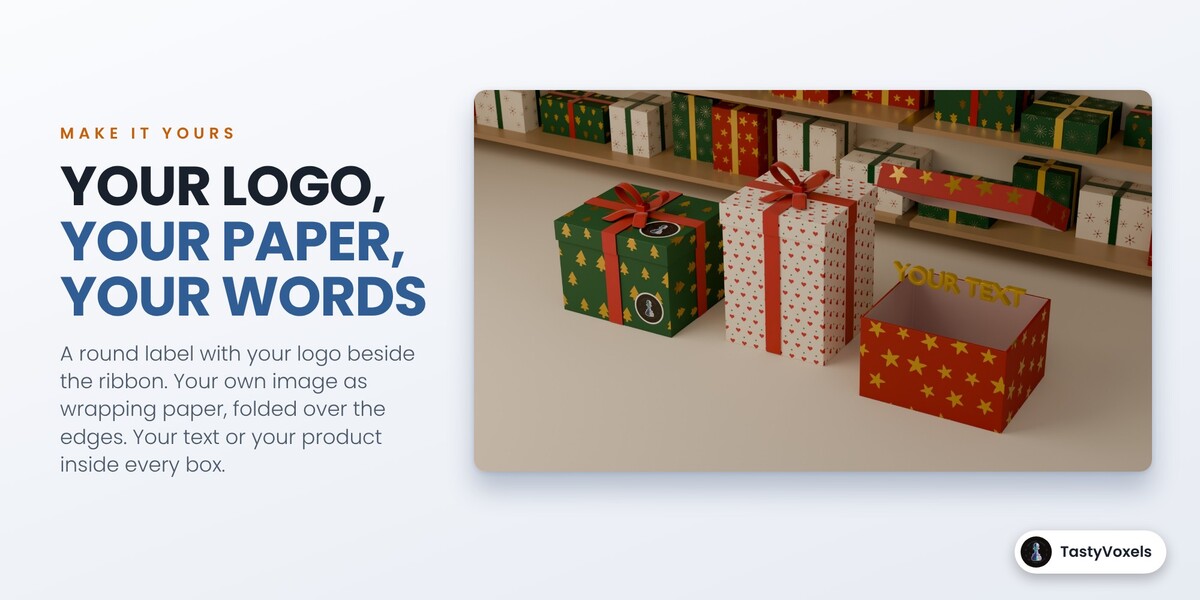
Make it yours. One sub-panel for everything that is yours. Type your text and press Selected or All Boxes: it rises out of the boxes. Pick your product, logo or model and every box gets a copy, fitted to its size, that rises when it opens, while your original stays untouched. Choose an image as a sticker: it becomes a round label with a thin white rim, printed beside the ribbon on the front and on the lid, or the whole image as it is. Choose an image as wrapping paper: it tiles at the size you set and folds over the edges like the built-in papers. New boxes and templates use them too.
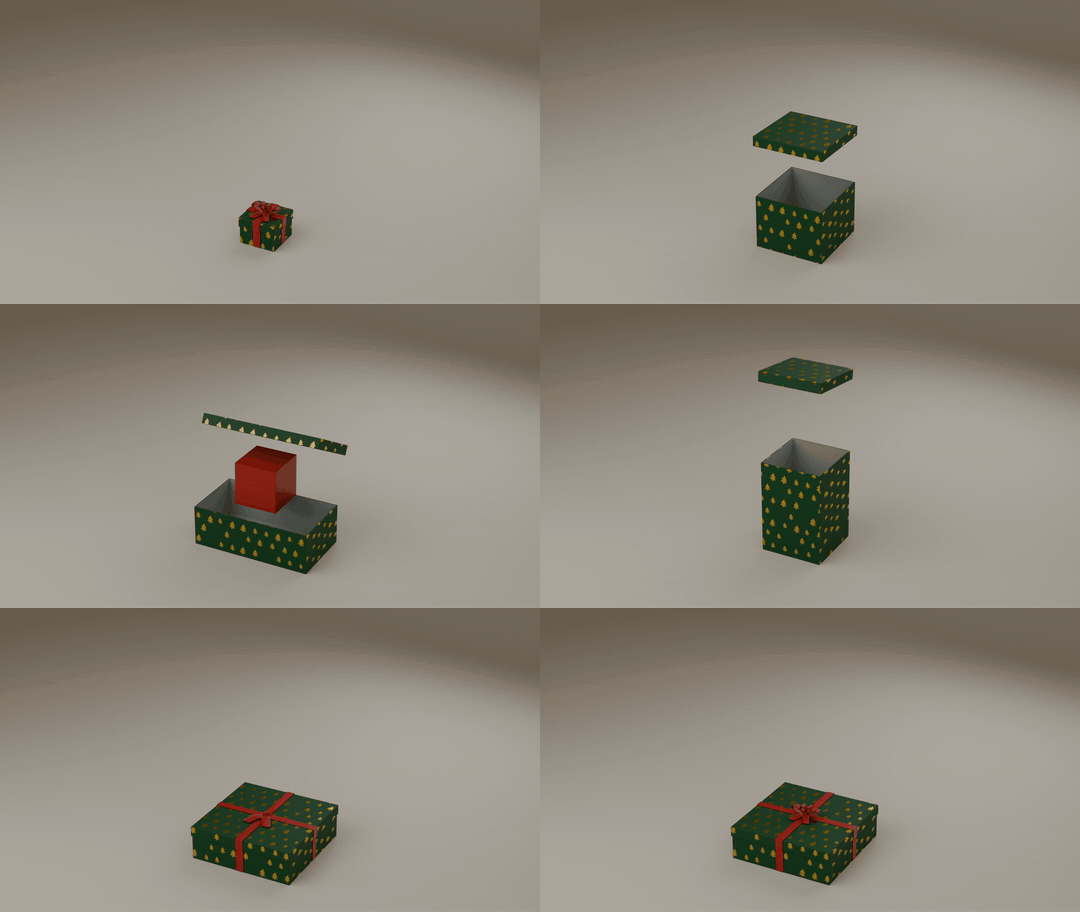
A responsive mosaic. A list of boxes laid out on a stage like the cards of a web page. Four layouts: Bento Grid (boxes span cells and holes are filled), Masonry, Justified Rows and Pyramid. The stage width and the cell size decide how many columns fit, the way breakpoints do on a site. A narrower stage means fewer columns and the boxes re-flow.
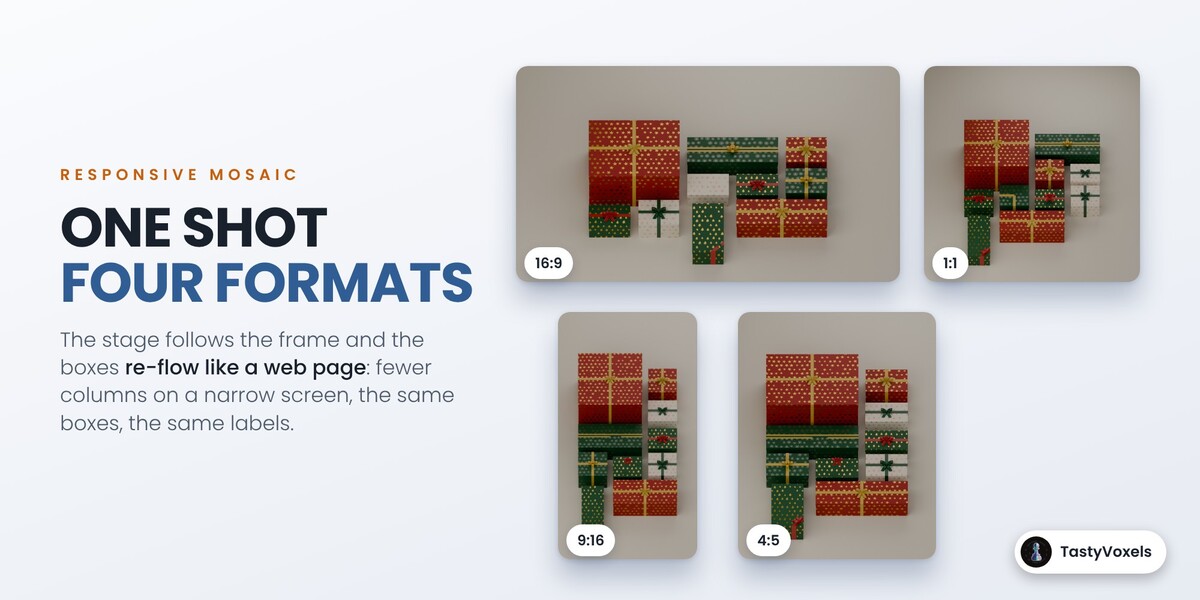
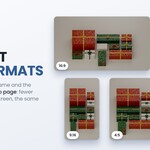
One shot, four formats. The 16:9, 9:16, 1:1 and 4:5 buttons resize the stage to the new frame, the mosaic re-flows to fill it and the camera is fitted again. A wall of ten boxes that is five columns wide on YouTube becomes three columns tall for Reels, with the same boxes and the same labels.
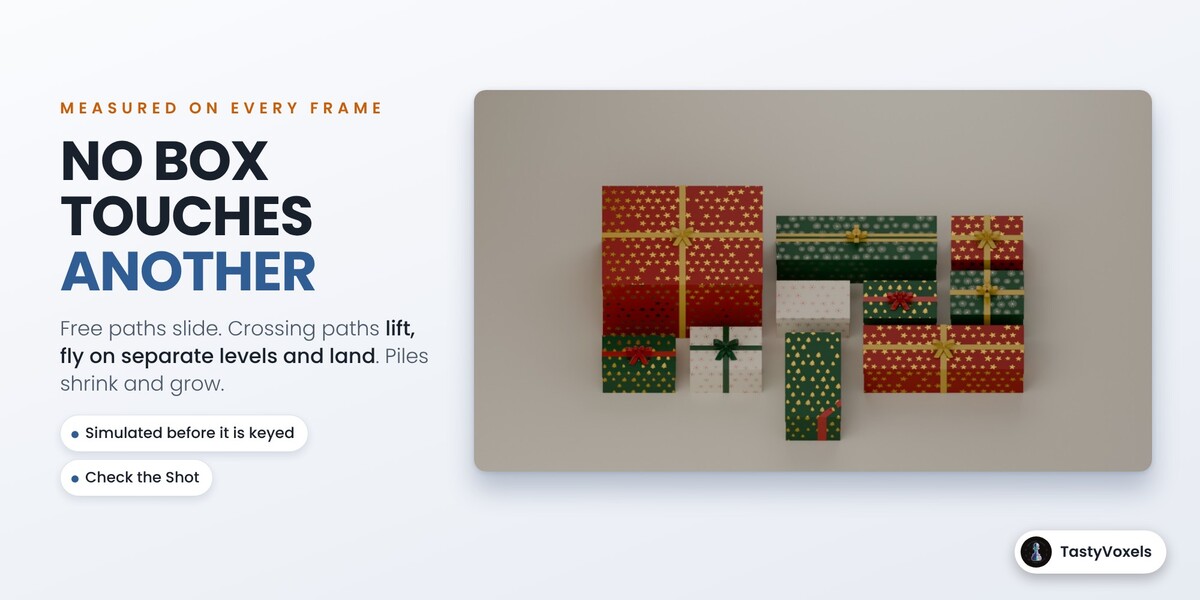
Reorder and travel without contact. Move a box up or down the list, shuffle, reverse, or put the big ones first, then press Animate to This Layout. Every box travels to its new cell. When the paths are free the boxes slide. When they cross, the boxes lift, fly on separate levels and land. A pile turns into a grid by shrinking and growing in place.
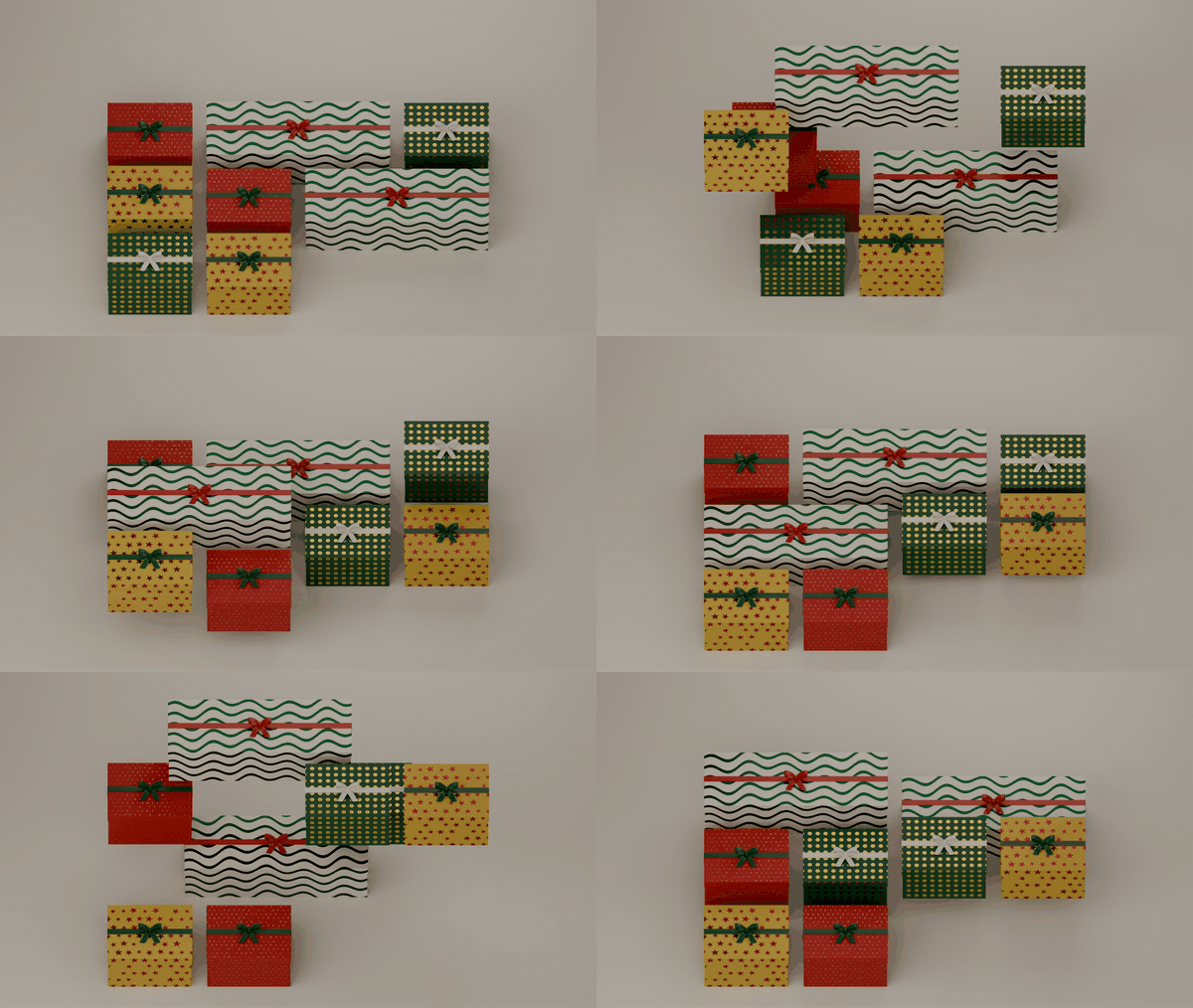
Measured, not promised. The travel is simulated before it is keyed, and if a plan would make two boxes touch the add-on picks the next safer one by itself. Check the Shot then measures the result on the real geometry, ribbons and open lids included.
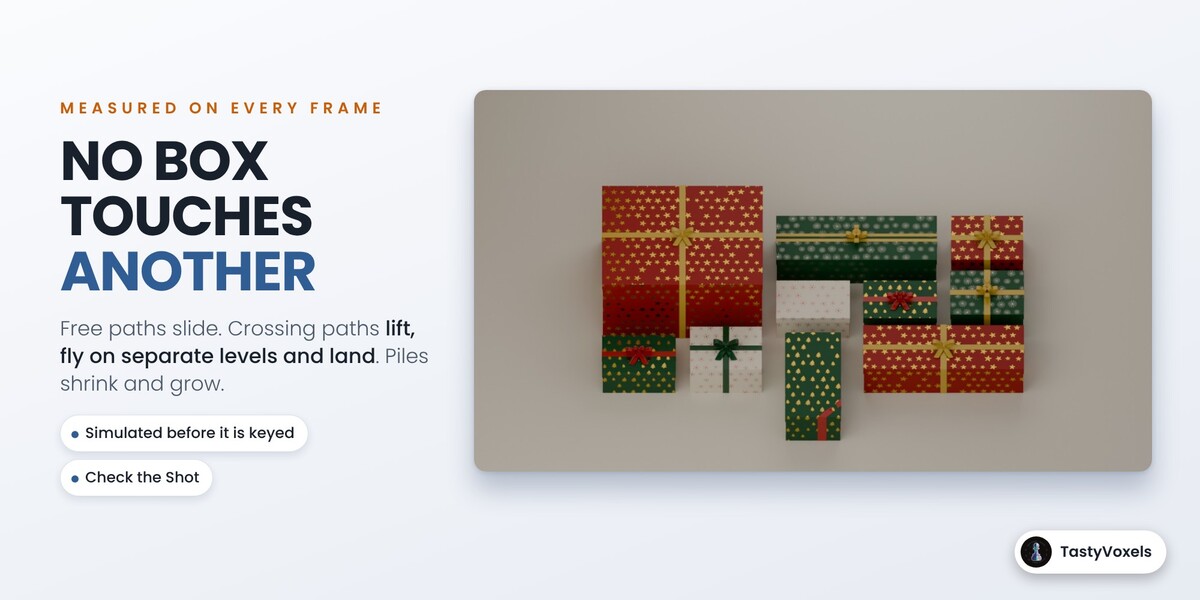
Resizing that never stretches. The size of a box is three numbers you can key. Walls keep their thickness, ribbons their width, bows their size and the lid its lip, at any size and during the animation. The paper is drawn from the box's own coordinates, so a bigger box shows more stripes instead of wider ones, and it folds over the edges like a real sheet: a stripe runs from the top down the side without a jump, and the lid and the box line up.
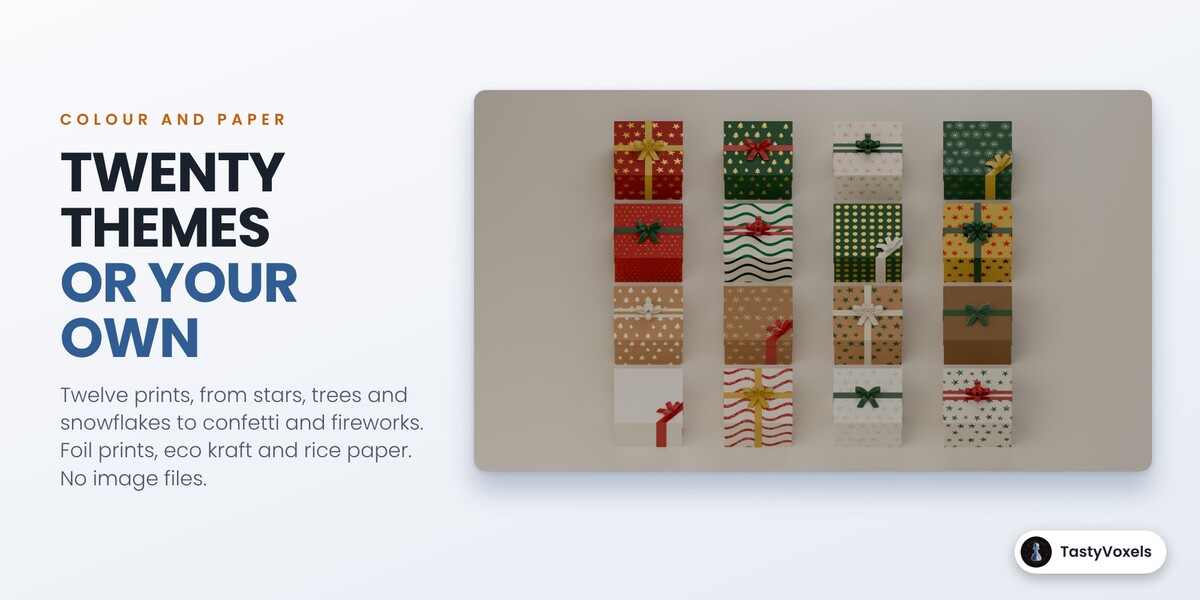
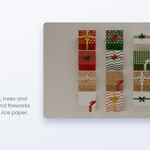
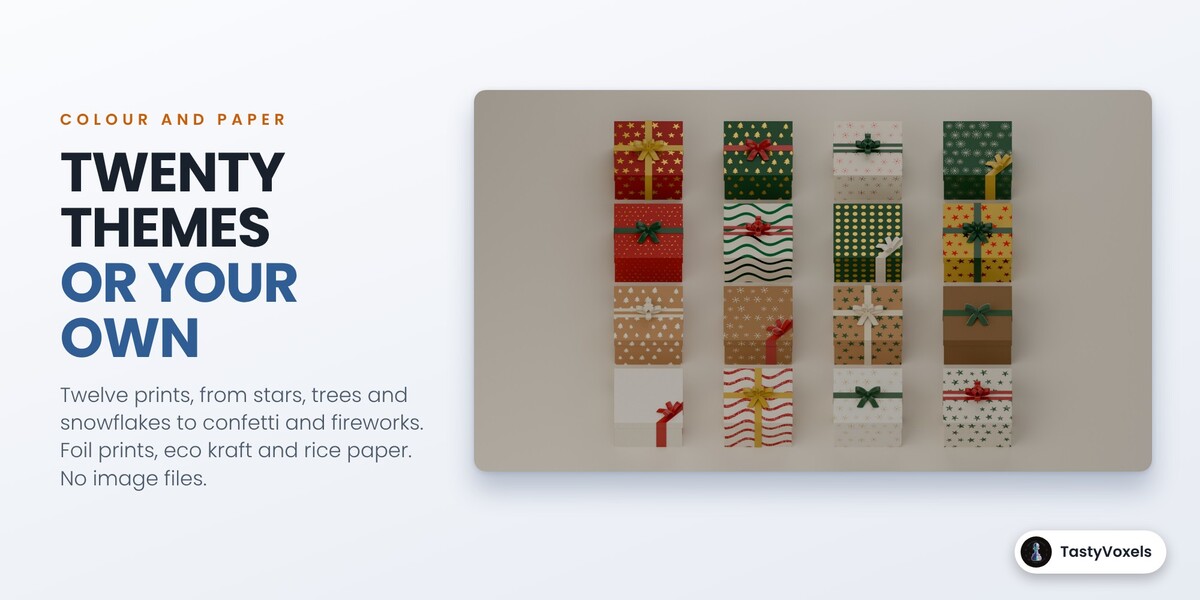
20 themes. Black Friday Gold, Black Friday Red, Black Friday Neon, Cyber Sale, Christmas Classic, Christmas Fancy, Christmas Sparkle, Christmas Nordic, Candy Cane, Winter Frost, Eco Kraft, Rice Paper, Luxury White and Gold, Kraft and Twine, Pastel Party, Valentine, Birthday Pop, Royal Purple, Emerald Night and Midnight Silver. A theme sets the papers, the ribbons, the backdrop and the light. Or tick My Own Colours and pick yours: twelve paper patterns (solid, stripes, diagonal, dots, gingham, snow, stars, trees, snowflakes, fireworks, confetti and abstract waves) and six papers (matte, glossy, metal foil, kraft, foil print with the pattern in metal foil, and rice paper with long fibres). The printed motifs are moved, turned and sized a little by chance, so the paper never reads as a grid. Everything is procedural, there are no image files.
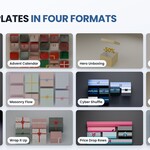
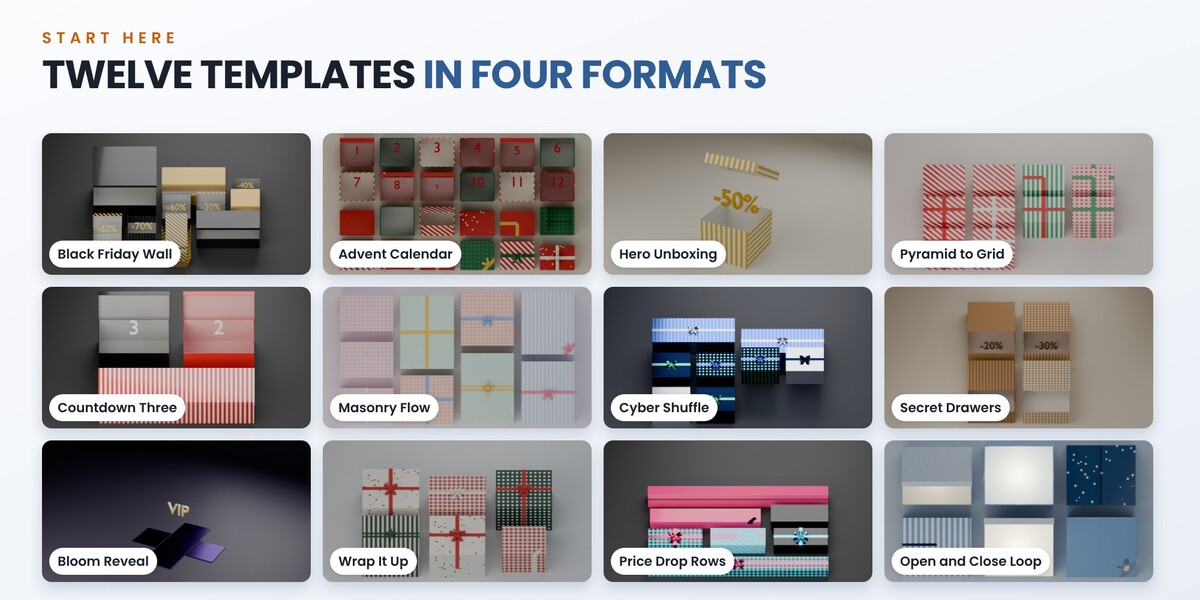
12 templates. Black Friday Wall, Advent Calendar, Hero Unboxing, Pyramid to Grid, Countdown Three, Masonry Flow, Cyber Shuffle, Secret Drawers, Bloom Reveal, Wrap It Up, Price Drop Rows and Open and Close Loop. Each one is a starting point: every box, key and light stays editable.
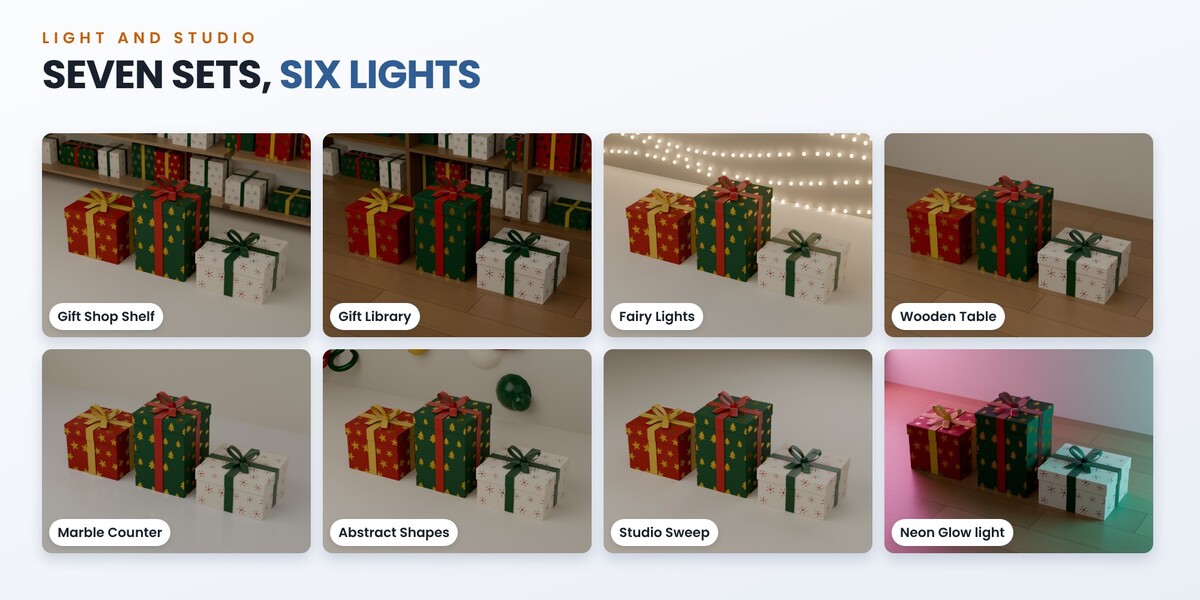
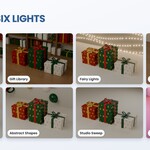
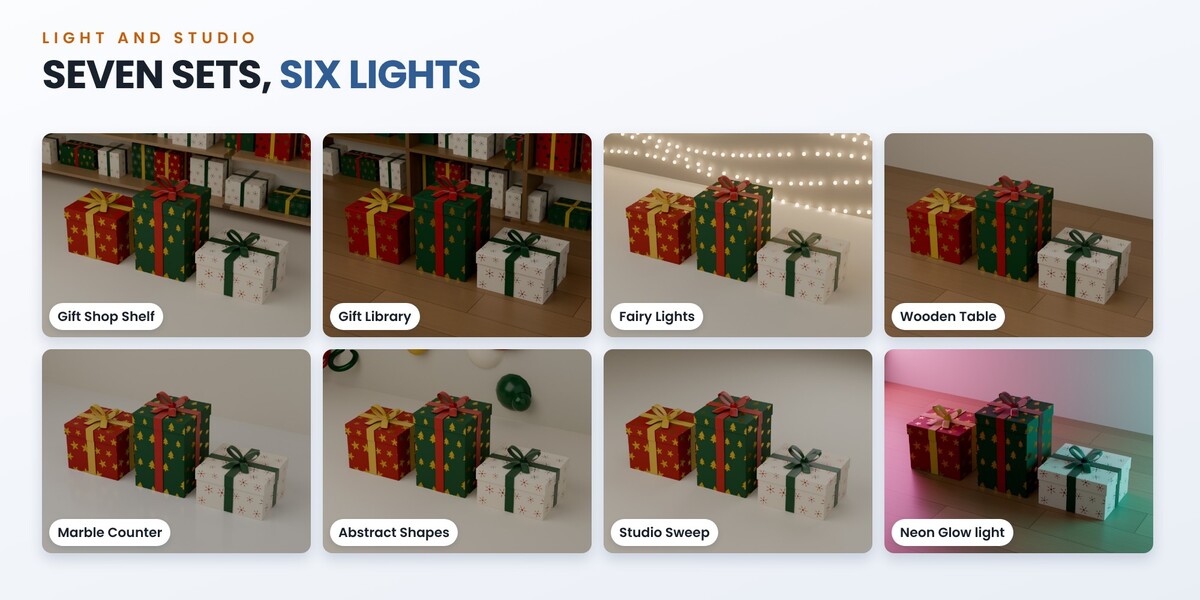
Light and studio. Seven sets: Studio Sweep, Wooden Table, Marble Counter, Gift Shop Shelf, Gift Library, Fairy Lights and Abstract Shapes. Six light presets: Soft Studio, Bright Shop, Warm and Cozy, Window Light, Dramatic and Neon Glow, with one slider for their strength. With the Hero camera, shelves, lights and shapes fall softly out of focus behind sharp boxes. A set always stands behind and under the stage, never on it, so it cannot touch a box. Three camera styles: Flat Lay (from above), Tilted and Hero (a low view with perspective). Fit the Camera frames every box over the whole frame range, lids and flying boxes included. Every set is procedural: no image files.
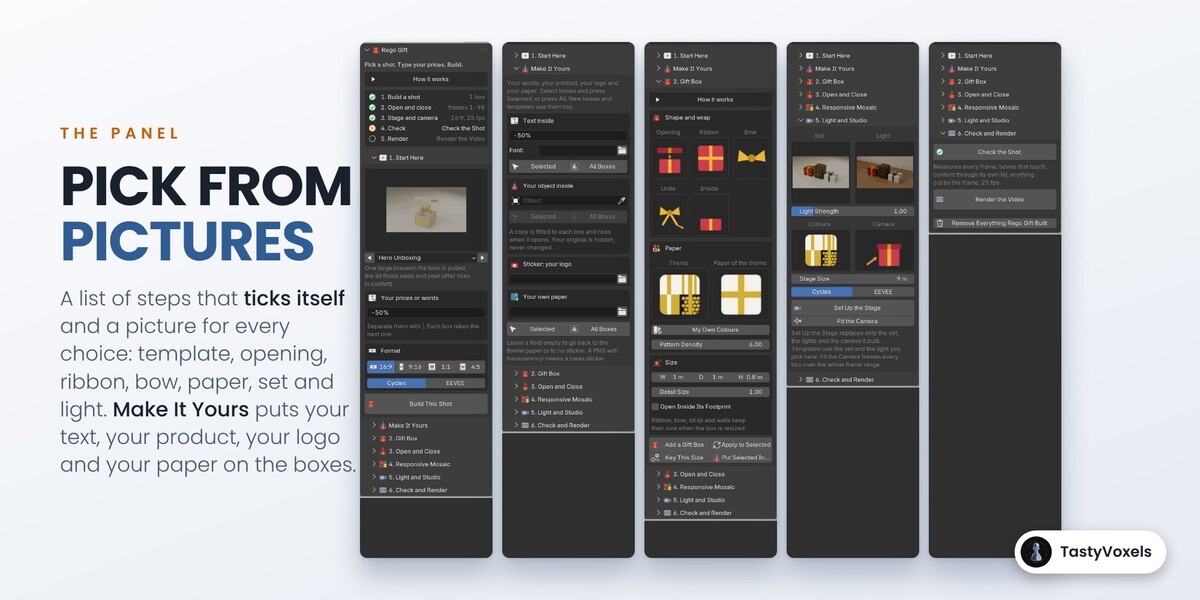
Pick from pictures. At the top of the tab a list of steps ticks itself and shows the next one. Templates, openings, ribbons, bows, papers, sets and lights are chosen from pictures, and every sub-panel has a short How it works.
Check the Shot. One button measures every frame of the range: boxes that touch, a text, a product or confetti passing through its own lid or flaps, anything cut by the frame, and a frame rate other than 25.
It is ordinary Blender data. Meshes with shape keys, simple drivers that need no Python to run, Mask and Solidify modifiers and keyframes. A file made with the add-on opens and renders on a machine or a render farm that does not have it. Your own objects, camera and world are never changed: Remove Everything Rego Gift Built takes away only what the add-on made.
What it does not do. It is not a cloth or physics simulation: ribbons, lids and confetti follow keyframes, so they render the same every time and need no baking. It does not wrap a box of any shape: boxes are rectangular. The travel between layouts is planned on closed boxes, so if you move boxes while they are open, press Check the Shot. In a Pyramid the boxes rest on each other, so use No Bow there. A sticker is printed on the paper, it is not an object you can peel or animate on its own. It adds no sound.
Requirements. Blender 4.2 or newer. Pure Python, no internet connection needed.
No AI inside the product. No model, no inference, no telemetry, no network access, no data collection: plain geometry and keyframe code that runs offline.
How it is made. I have been programming since long before generative tools were mainstream. AI assists me with code and with the English of this page, which is not my first language. The design, the decisions and the checks are mine. Every release passes an automated suite of 4723 checks in Blender 4.2, 4.5, 5.0, 5.1 and 5.2: every layout is tested for overlaps, every transition is simulated, every opening is checked for content crossing its own lid, flaps or walls, and every template is built in all four formats and measured frame by frame for contacts, crossings and anything cut by the frame.
Updates and support. Updates and support are included for good: no support period, no renewal fee. Write to me through Superhive chat.
The gold ribbon on the cover image is a photo by kstudio on Freepik. Every gift box on this page is rendered with Rego Gift.