Rego Gift - Animated Gift Boxes, Ribbons and Responsive Mosaics for Sale and Holiday Ads
 TastyVoxels
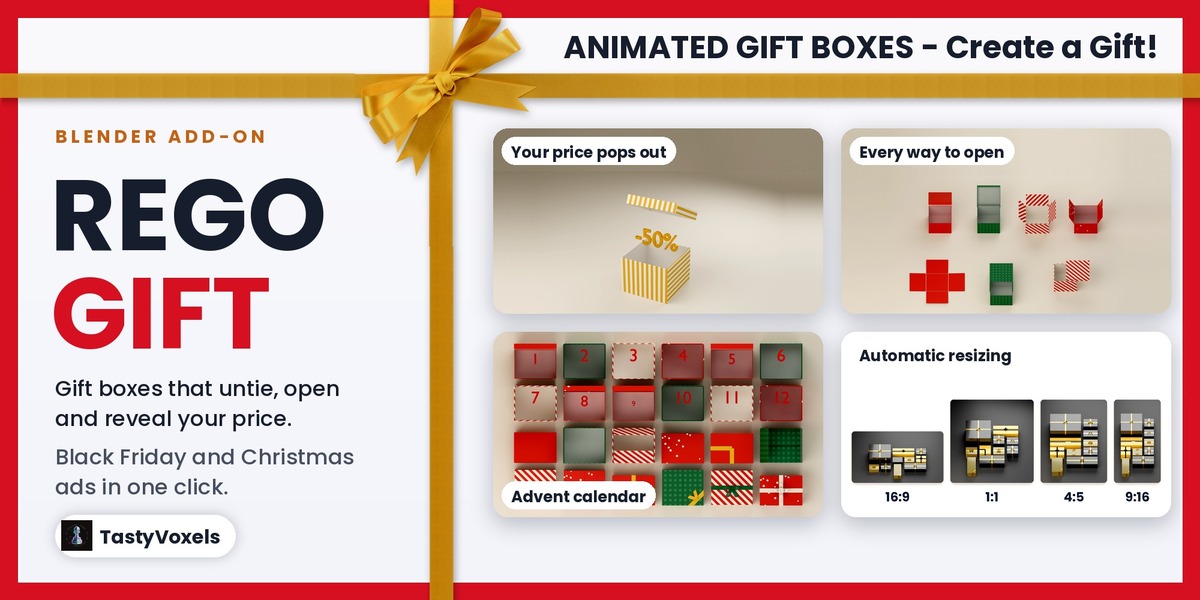
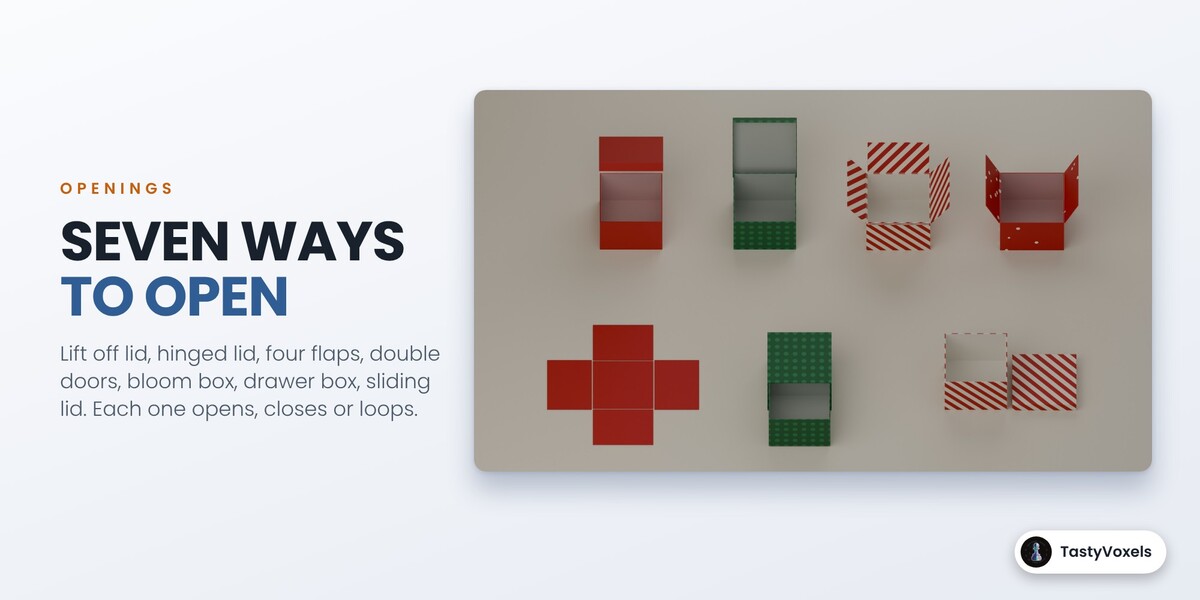
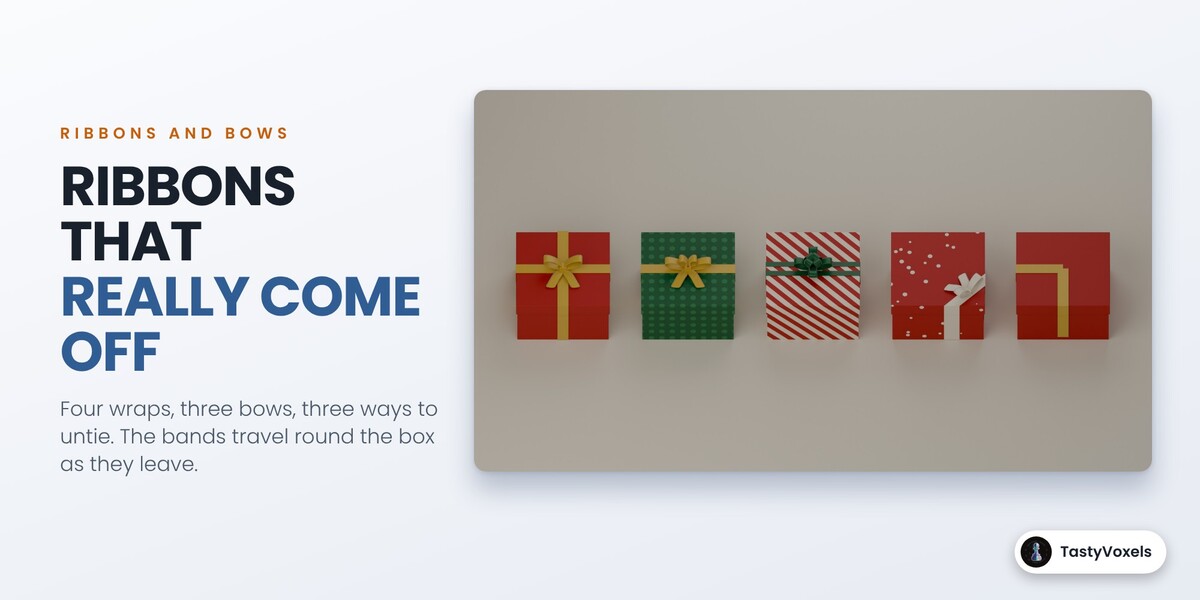
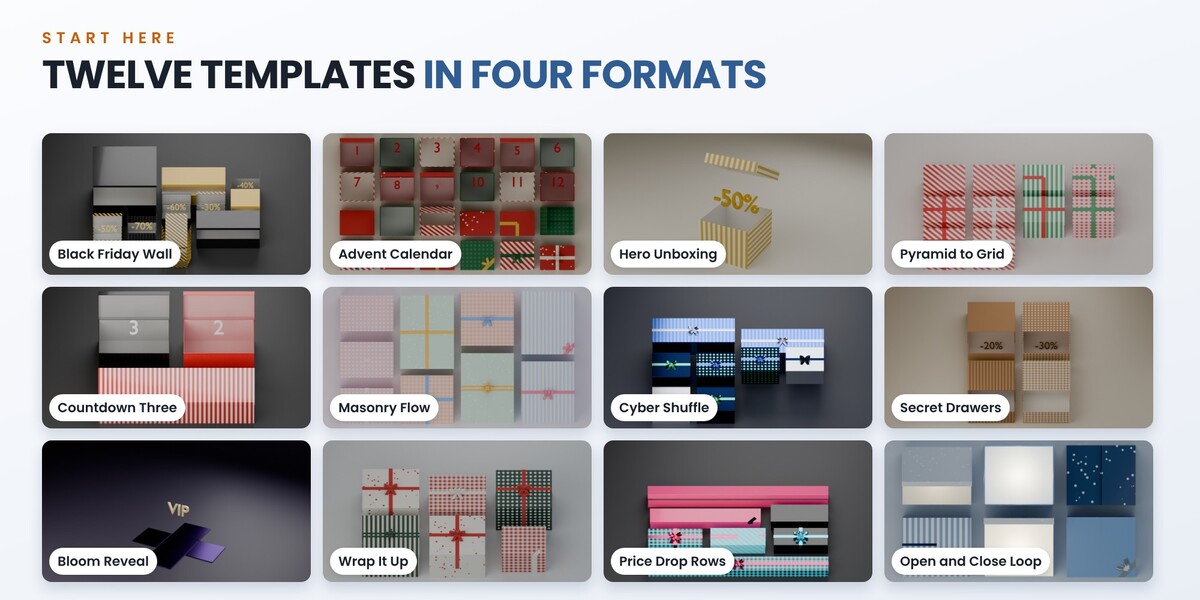
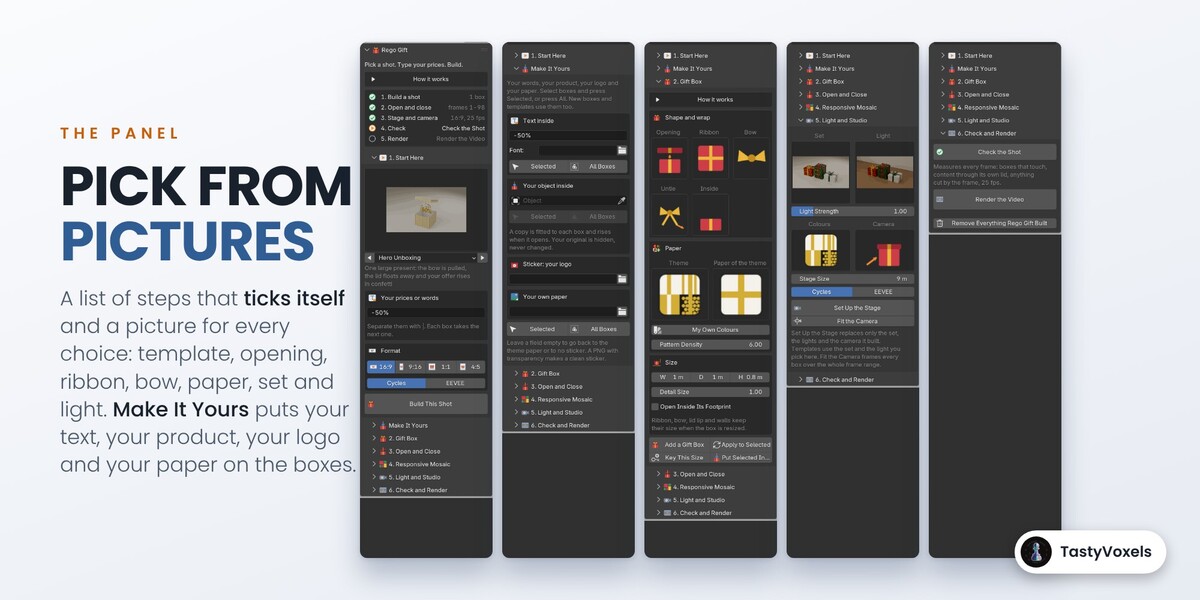
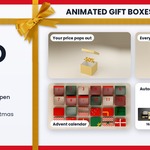
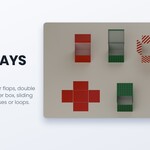
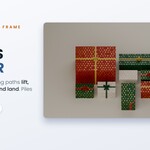
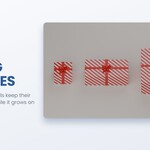
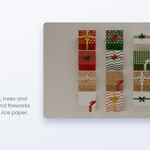
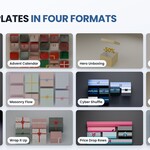
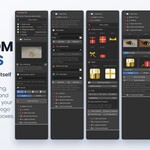

Install Rego Gift, press N in the 3D Viewport and open the Rego Gift tab. In 1. Start Here click a template, for example Hero Unboxing, type your price or word, pick 16:9, 9:16, 1:1 or 4:5 and press Build This Shot. The box, the ribbon that unties, the lid that opens, what comes out, the lights, the set and the camera are built and keyed at 25 fps. Press Check the Shot, then Render the Video. Every key stays editable.
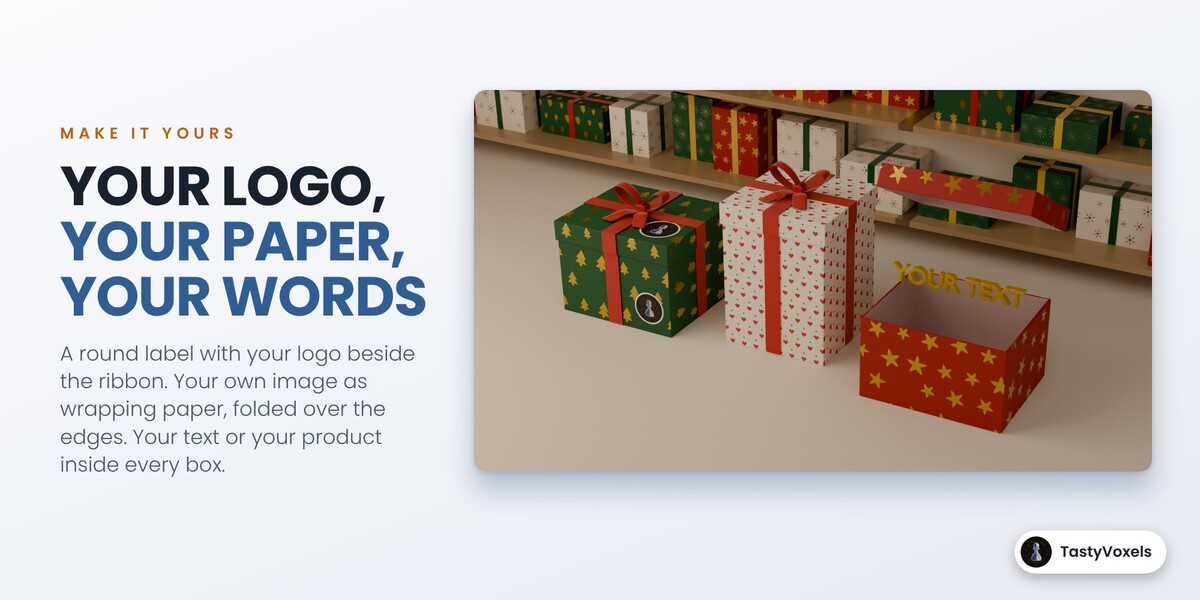
Yes, in Make It Yours. Your logo becomes a round label with a thin white rim, printed beside the ribbon on the front and on the lid (or the whole image as it is, a PNG with transparency). Your product: pick the object and press Selected or All Boxes, and each box gets a copy fitted to its size that rises when it opens, while your original stays untouched. Your text: type it and press Selected or All Boxes. You can also use your own image as wrapping paper: it tiles at the size you set and folds over the edges.
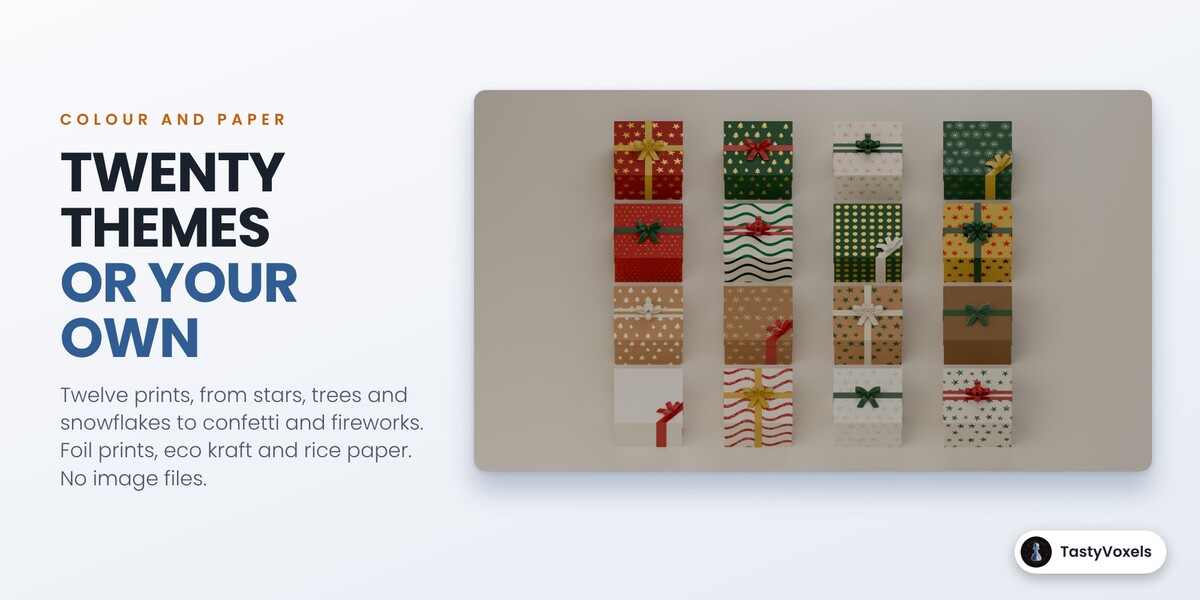
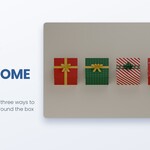
For a sale: Black Friday Wall, Price Drop Rows or Cyber Shuffle, with your discounts in the prices field. For one product: Hero Unboxing or Bloom Reveal, then put your object inside. For December: Advent Calendar, with the Christmas Fancy or Christmas Sparkle theme. For a birthday or Valentine's Day: any template with the Birthday Pop or Valentine theme. For an ending card: Wrap It Up, where the boxes close and tie themselves. For a background that repeats: Open and Close Loop.
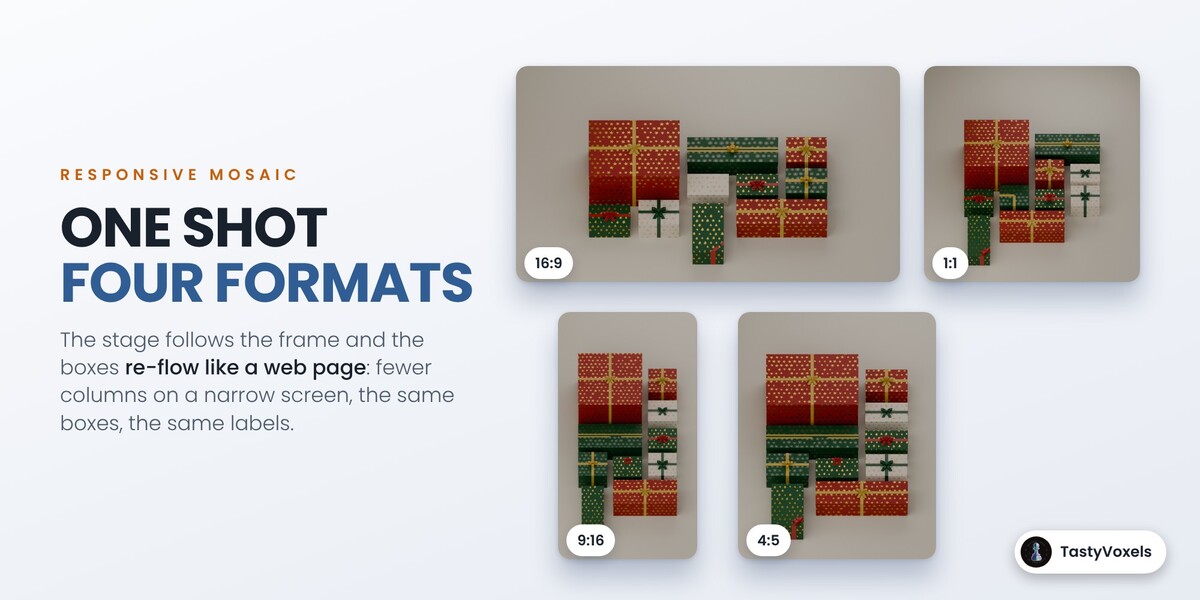
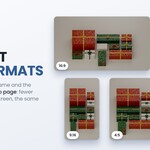
Press another format button: 16:9, 9:16, 1:1 or 4:5. The stage takes the shape of the new frame, the mosaic re-flows like a web page on a phone, and the camera is fitted again, with the same boxes and the same prices. If you want the same number of columns in every format, type it in Columns.
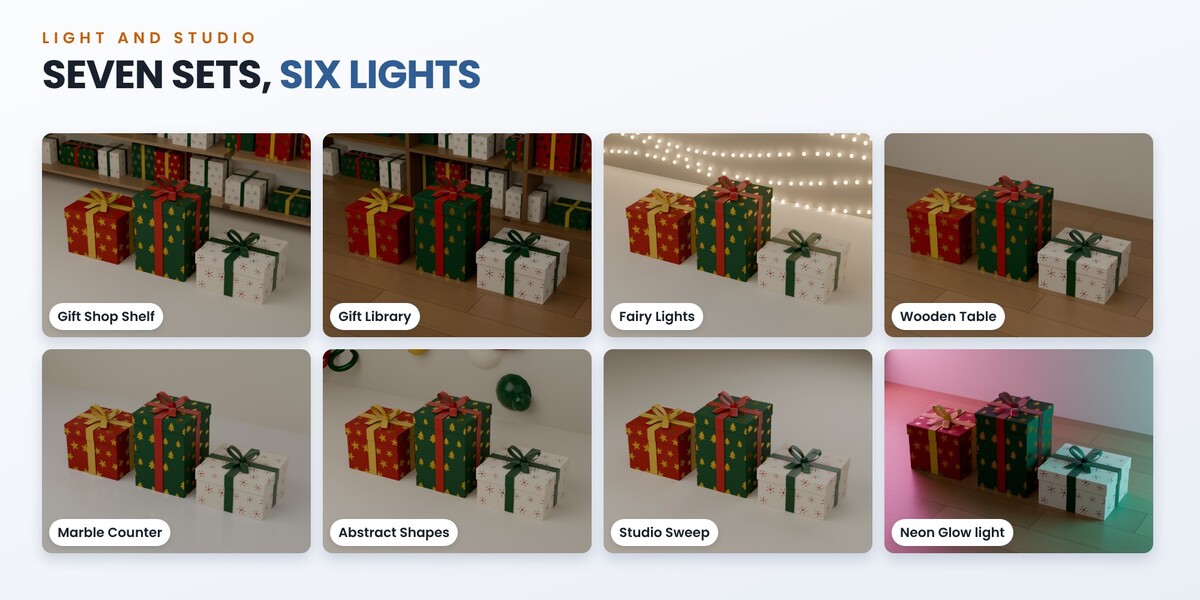
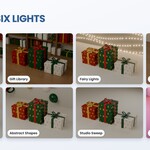
Seven sets: Studio Sweep, Wooden Table, Marble Counter, Gift Shop Shelf, Gift Library, Fairy Lights and Abstract Shapes. Six light presets: Soft Studio, Bright Shop, Warm and Cozy, Window Light, Dramatic and Neon Glow, with a slider for their strength. Pick them in 5. Light and Studio; templates use them too. They are procedural, with no image files, and they always stand behind and under the boxes, never in their way.
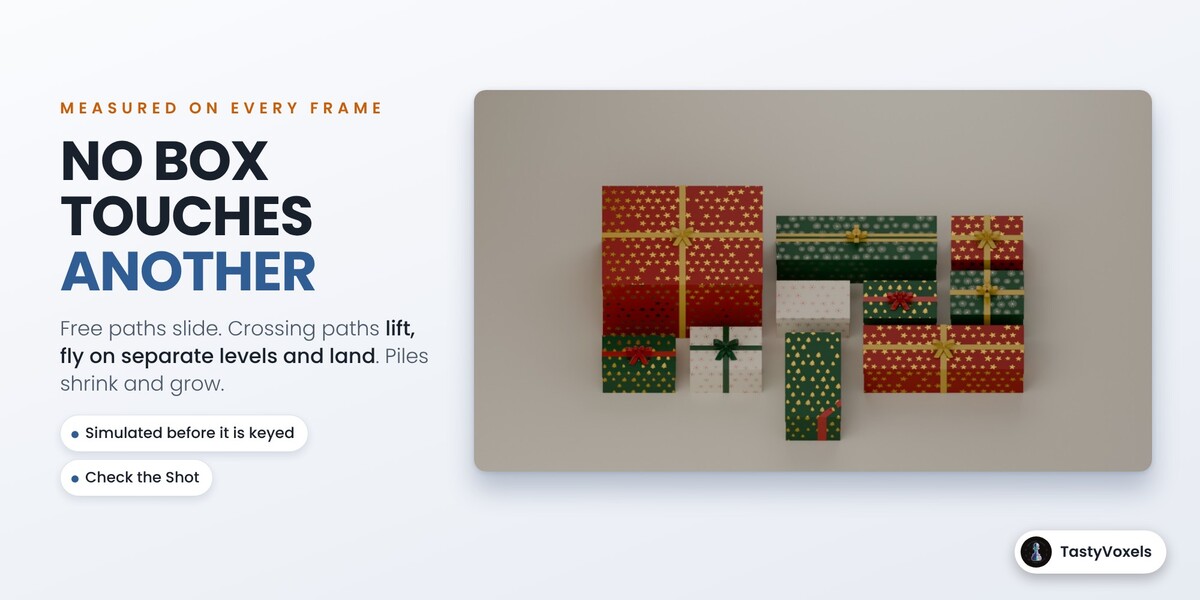
In a mosaic, no, and it is measured. Every box gets a cell with room for its own opening. The travel between two layouts is simulated before it is keyed: boxes slide when their paths are free, fly on separate levels when they cross, and shrink and grow when they are piled up. Check the Shot then measures every frame on the real geometry and tells you the first frame where two boxes touch, or where a text, a product or confetti passes through its own lid or flaps. Two cases are yours to check: boxes you place by hand outside the mosaic, and boxes you move while they are open.
Blender 4.2 is the minimum. The automated suite passes in 4.2, 4.5, 5.0, 5.1 and 5.2, and it works in Cycles and EEVEE. The videos and pictures on this page were rendered in Cycles on my PC, with an RTX 4090, at 1920 x 1080 with 64 samples and denoising, in about 6 seconds per frame. On a slower card or on the processor alone it takes longer; fewer samples with denoising still look clean, and EEVEE is much faster for previews.
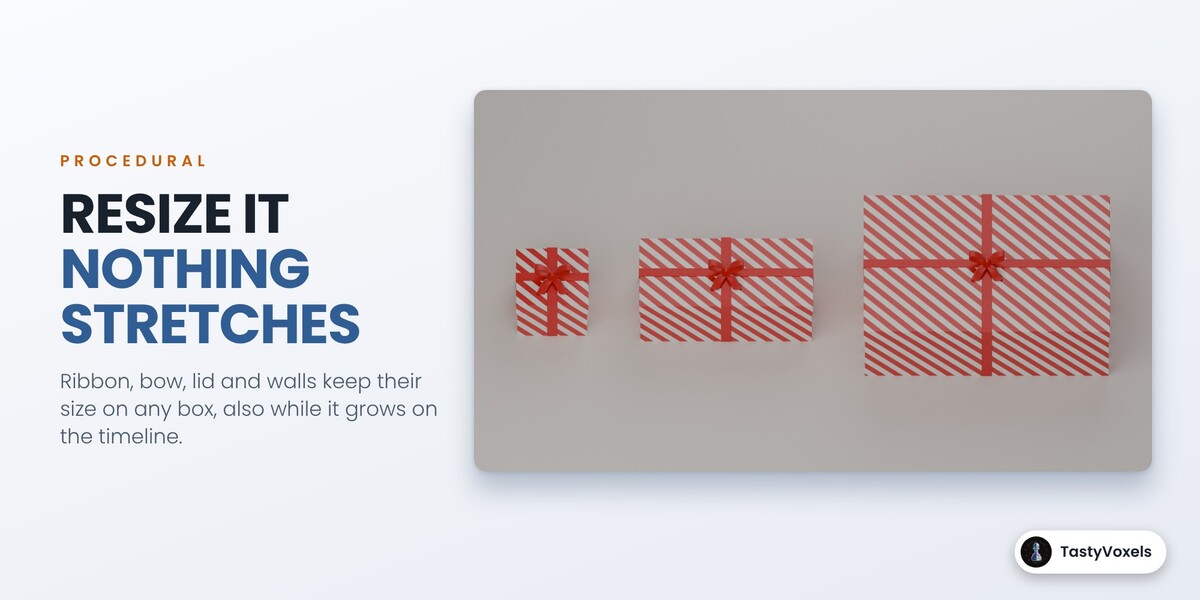
Resize a box with Width, Depth and Height and Key This Size, or let the mosaic do it: scaling it in the viewport stretches the ribbon like any object. A transition starts at the current frame from where the boxes are at that frame, so move the play head first. If the boxes of a mosaic already have layout keys, use Animate to This Layout, or Build the Mosaic to start clean.
Yes, everything you render is yours to use commercially, for your shop or for clients. The add-on is GPL. Updates and support are included for good: no support period, no renewal fee. Write to me through Superhive chat.
No. There is no model, no inference, no telemetry and no network access in the add-on: it is geometry and keyframe code that runs offline. AI assists me while I write the code and the English of this page.
Have questions about this product?
Login to message
| Blender Extension Compatible | Yes |
| Dev Fund Contributor | |
| Published | about 1 hour ago |
| Blender Version | 4.2 - 5.2 |
| Extension Type | Add-on |
| Render Engine Used | Cycles, Eevee |
| License | GPL |
Discover more products like this
motion graphics product reveal unboxing social-media gift-box Black Friday mosaic procedural sale Christmas advertising ribbon