Rego Kit Card - Snap-Together Kit Cards for 3D Printing
 TastyVoxels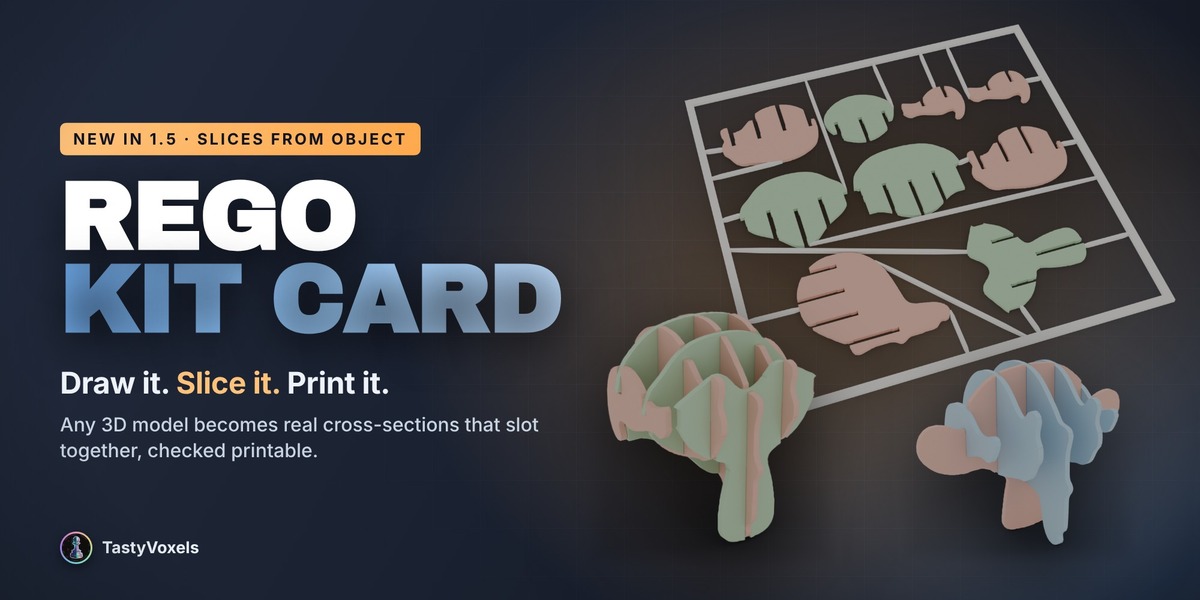





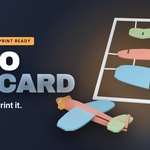
What Rego Kit Card does
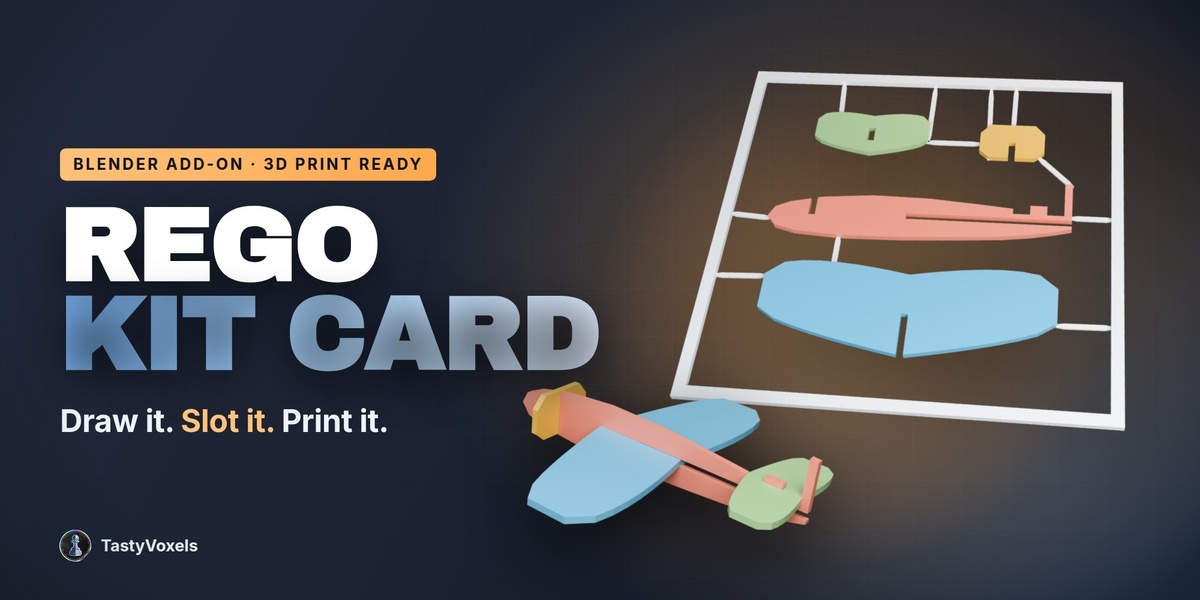
Rego Kit Card turns flat outlines - a Grease Pencil sketch, an imported SVG, a curve, a flat mesh, or silhouettes traced from a 3D model you already have - into a print-ready, snap-together kit card: automatic joints, nozzle-derived tolerances, a sprue frame with gates, and a colour 3MF export. Everything runs offline, inside Blender.
Installation
- Download rego_kit_card-1.5.1.zip (the latest version).
- Blender 4.2 and newer: drag the zip straight into the Blender window, or use Edit › Preferences › Add-ons › Install from Disk.
- Open the 3D viewport sidebar with the N key and pick the Kit Card tab.
- No external dependencies - nothing to pip install, no internet connection needed.
The five-minute workflow
- Set Up Scene for 3D Printing - one click puts the scene in millimetres (1 Blender unit = 1 mm) and re-clips the viewports for print-scale work. No geometry is touched. The button turns into a green “Scene ready” check.
- Printer & Fit - pick your printer preset (nozzle and layer height) and a fit: Tight, Snug, Standard (default, holds without glue) or Loose. Every tolerance downstream derives from these two numbers.
- Pieces - press New Sketch: Front / Side / Top to get a Grease Pencil object already oriented on the right plane, draw your silhouette, then click Plate from Selected Outline. Inner strokes become holes; freehand lines are simplified automatically. Choose Upright for a standing silhouette or Flat for a deck or a base. Already have a 3D model? Use Silhouettes from Object to trace its front, side and top profiles into plates, or Slices from Object (new in 1.5) to cut it into real cross-sections that slot together: Profile + ribs or Sliceform grid, with Smooth edges to round off jagged outlines. Sections too thin to print, or that nothing would hold, are left out and the report says why.
- Arrange (optional) - Diorama + Base spaces upright plates evenly front-to-back and adds a base with locking tabs; Cross / Star Array builds the classic front + side × (tree, rocket) with 4 spokes, or a ✳ star with 6 or 8. You can also just move the pieces by hand - the add-on reads their current positions.
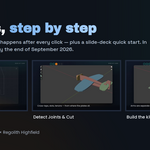
- Detect Joints & Cut - one click finds and cuts every joint implied by the layout: cross-laps between upright pieces (slot width corrected for oblique crossings), slots and tenons where a silhouette meets a deck, stand tabs into bases, radial tabs on star clusters. A plan solver guarantees no piece is ever cut into two islands, and every pair of assembled pieces is boolean intersection-tested: you get “no assembly collisions” or an exact mm³ warning. Press Back to Editing, move something, and cut again as often as you like.
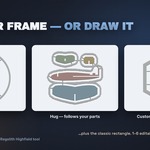
- Card & Sprues - packs the pieces inside the card and builds the frame and arms as separate, editable objects. Four frame shapes: Rectangle, Circle, Hug parts (the frame follows the outline of the packed pieces) and Custom outline (draw any closed shape with Grease Pencil and it becomes the card). Each piece gets 1-6 arms, straight to the frame where a clean run exists, otherwise to a neighbouring piece; arms never cross or crowd each other and end flush against the frame; tune neck, body and height and press Rebuild Arms, or move and delete arm objects by hand. Arm tips are clamped inside each piece so no gate pokes out and marks your first layers.
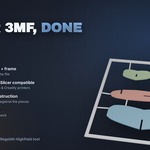
- Export 3MF (colours) - do this before fusing. One colour object per piece plus “Frame & sprues”, with the extruder map baked into the file, so Bambu Studio assigns a filament per piece automatically (PrusaSlicer reads the same configuration). Every exported body is manifold-verified.
- Fuse & Check - only needed for a plain single-colour STL: exact boolean of frame + pieces + arms into one body, verified manifold and fully connected. Pattern inlays stay on it as engravings.
Tolerance model
Nothing is a magic number. Every dimension derives from your nozzle and layer height using PrusaSlicer’s shipped per-nozzle extrusion widths, not the naive “110% of nozzle”:
- Fit presets: Tight 0.25 × nozzle · Snug 0.375 · Standard 0.50 · Loose 0.75
- Card thickness snapped to whole layers; minimum slot, minimum wall and part gap all derived
- Sprue gates: roughly 0.8 mm neck, height in whole layers
Measured on the produced meshes at a 0.4 mm nozzle and 0.2 mm layer: clearance 0.200 mm, cross-lap and slide-in slots 2.000 mm, thickness 1.800 mm (9 whole layers), arms 0.600 mm (3 whole layers), fused STL watertight with one shell and zero degenerate triangles.
Elephant-foot note: keep your slicer’s elephant-foot compensation on (Bambu Studio defaults to 0.15 mm, PrusaSlicer 0.2 mm) or first-layer slots come out a touch tight.
Built-in tutorials and examples
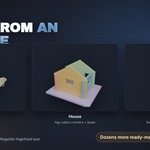
Every panel section has an expandable How it works box, so the whole guide is available without leaving Blender. Three ready-made starters ship in the Examples gallery - Aircraft, House and Rocket × - and load with one click. More are on the way, free with the add-on.
Current limits
- Single-plate output - no multi-plate nesting yet
- Simple shelf packing (tall pieces are auto-rotated 90°); if the pieces do not fit you get a warning to enlarge the card or scale them down
- No stained glass, engraved text or image tracing yet - vectorise the image and import the SVG instead
Quick start guide and tutorials
Three ways to learn it, depending on how you like to work:
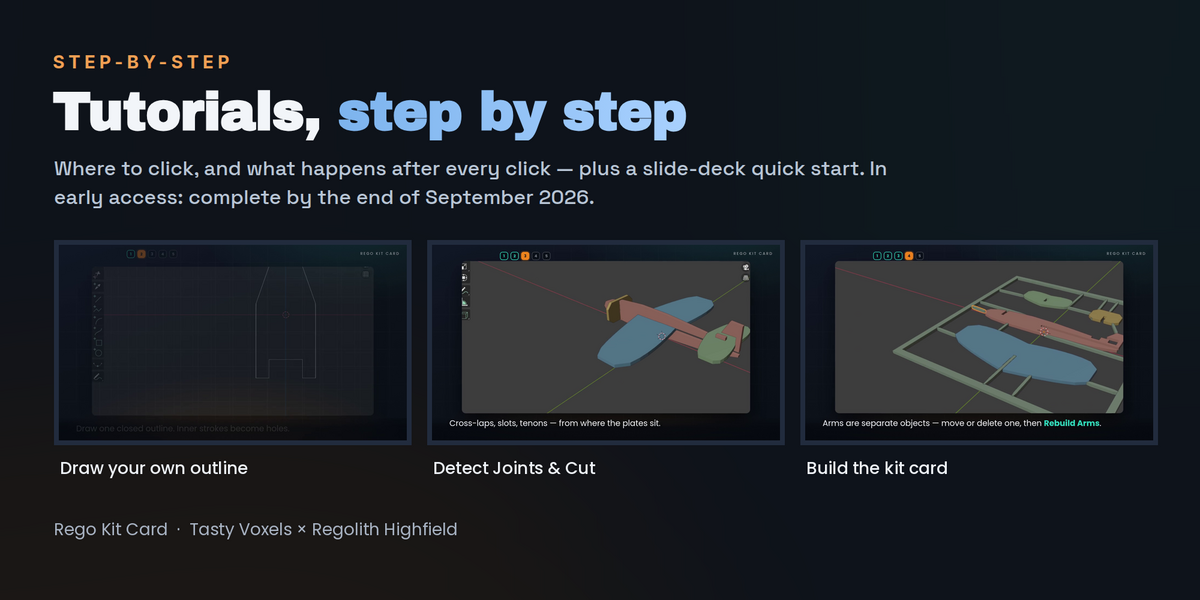
- The quick start guide (PDF) - the whole workflow as a slide guide with real screenshots: where the panel lives, Set Up Scene, the ways to get your shapes in (an example, your own Grease Pencil outline, Silhouettes or Slices from a model you already have), Detect Joints & Cut, Build Kit Card, colours, the 3MF export, and a page of what to do when something looks wrong. It is part of the download from version 1.5.0.
- Inside the add-on - every section of the Kit Card panel has an expandable How it works block, so the explanation is always next to the button.
- Video walkthroughs - a full guide plus shorter videos on colours and printer slots and on the pattern preview. Message me here on Superhive and I will send them to you.
Compatibility and support
Blender 4.2 LTS and newer (tested on Blender 4.5 LTS and 5.2 LTS) on Windows, macOS and Linux. Field-tested on Bambu Lab (primarily), Elegoo and Creality printers, with the colour mapping verified in Bambu Studio; PrusaSlicer reads the same standard 3MF configuration and is expected to work, but has not been print-tested yet.
Questions, bug reports and feature requests are welcome - message me here on Superhive, before or after buying. Updates and support are included for good - there is no support period and no renewal fee. More Regolith Highfield tools: regolith-highfield.com
Have questions about this product?
Login to message
| Blender Extension Compatible | Yes |
| Dev Fund Contributor | |
| Published | about 2 months ago |
| Blender Version | 4.2 - 5.2 |
| Extension Type | Add-on |
| License | GPL |
Discover more products like this
kit card snap together 3d printing sprue papercraft Grease Pencil multicolor diorama tolerances 3MF Joints laser cut style