Rego Kit Card - Snap-Together Kit Cards for 3D Printing
 TastyVoxels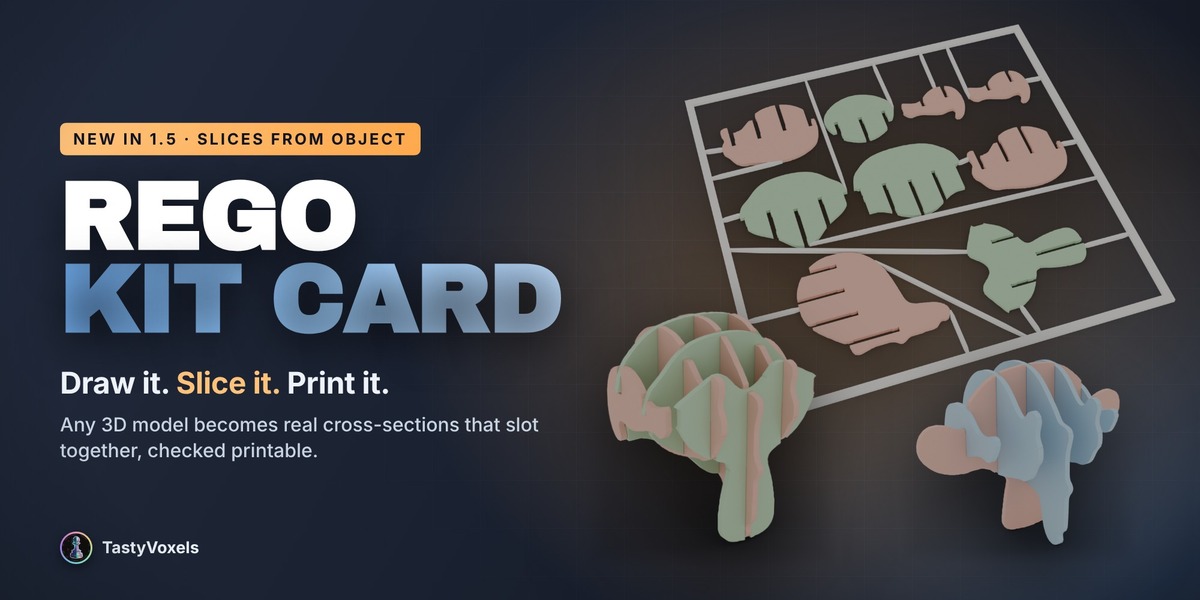


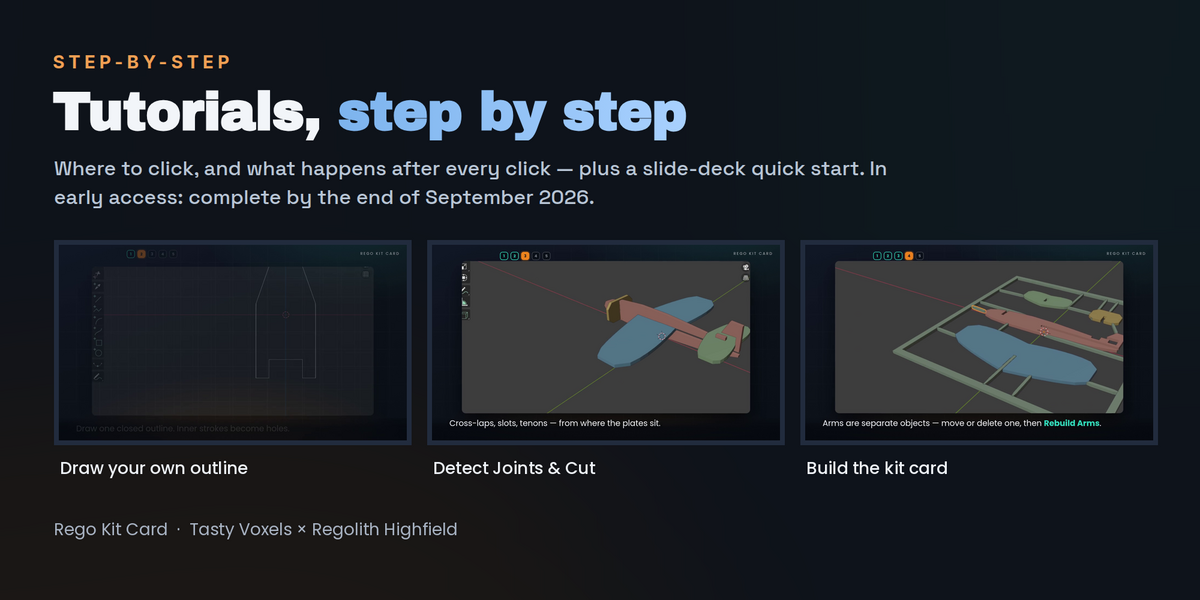


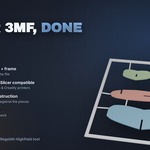


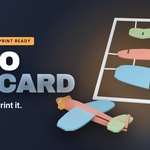
Yes. Three ways in, depending on how you like to learn:
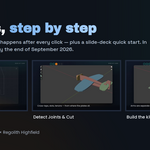
- The quick start guide (PDF), part of the download from version 1.5.0: the whole workflow with real screenshots, from Set Up Scene to the 3MF export, including Slices from Object and a page on what to do when something looks wrong.
- Inside the add-on: every section of the panel has an expandable How it works block, next to the buttons it explains.
- Video walkthroughs: a full guide plus shorter videos on colours and printer slots and on the pattern preview. Message me here on Superhive and I will send them to you.
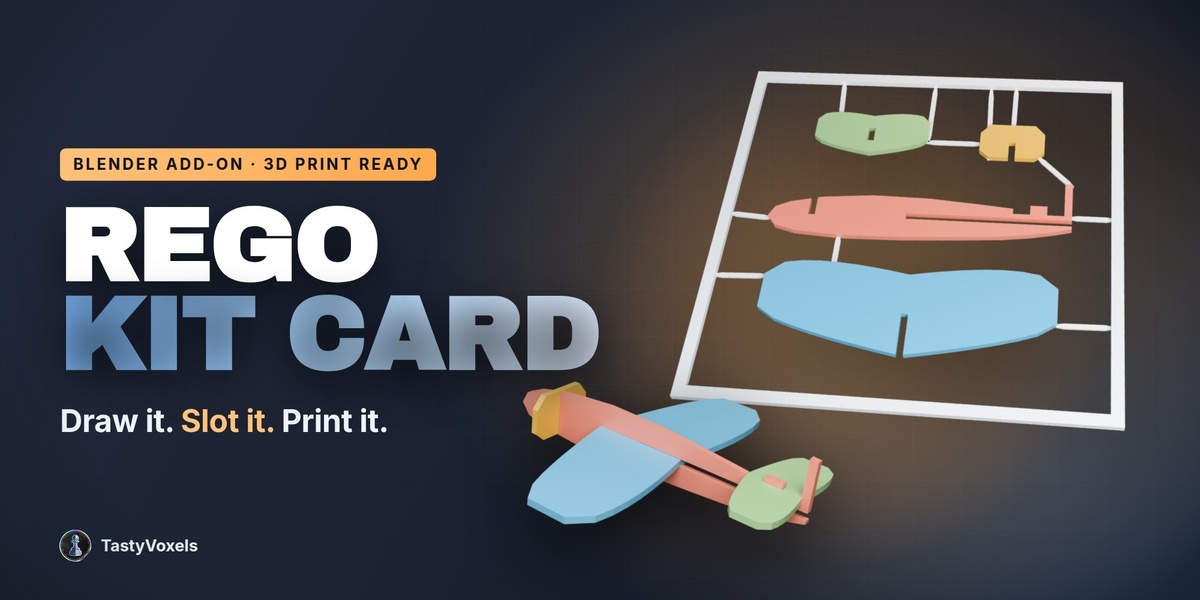
The fastest start: Set Up Scene for 3D Printing, load an example, then Detect Joints & Cut and Build Kit Card.
You set it. Card size is a parameter with ready presets (the default is the Regolith 120 - a 120 mm card), and Piece size scales the largest dimension of each part in millimetres, so a card can be a keyring-sized trinket or fill a large plate.
The output is laid out on a single plate. If the packed pieces do not fit inside the card you chose, the add-on tells you instead of producing something broken - enlarge the card or reduce the piece size and rebuild. Multi-plate nesting is not in this version.
No guesswork required. The Pieces section has New Sketch: Front / Side / Top buttons that create a Grease Pencil object already oriented on the right plane and snap the view to it, and the add-on reads the plane you actually drew on. Front and Side are the two silhouettes that cross into the classic × kit card; Top is for decks and bases.
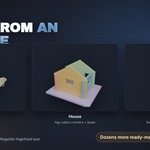
If you already have a 3D model, skip drawing entirely: select it and use Silhouettes from Object to trace its profiles into plates. Or load one of the three built-in examples and take it apart to see how a card is put together.
Blender 4.2 LTS and newer - tested on Blender 4.5 LTS and 5.2 LTS - on Windows, macOS and Linux. It installs as a modern Extension - drag the zip into the Blender window - and also works with the legacy Install from Disk button. There are no external dependencies: nothing to pip install, and it never touches the network.
Field-tested on Bambu Lab machines (primarily), plus Elegoo and Creality, with the colour 3MF mapping verified in Bambu Studio. PrusaSlicer reads the same standard 3MF configuration and is expected to work, but I have not print-tested it yet - I will say so here the day I do.
The tolerance model itself is printer-agnostic: it derives everything from your nozzle diameter and layer height, so any FDM machine you can describe with those two numbers is covered.
Tell me. Detect Joints & Cut reports exactly which joints it found and warns you about collisions, thin walls and pieces that would be cut into two parts, so the cause is usually quick to pin down. Send me the case here on Superhive - bug reports are the fastest way to make the next version better, and updates are free.
Yes. Anything you design and print with Rego Kit Card is yours - no royalty, no attribution required, commercial use included. The add-on’s own code is GPL, as Blender add-ons must be.
No to both. There is no model, no inference and no network access anywhere in it: it is deterministic geometry code, so the same input gives the same output, forever, offline. It collects no data, sends nothing anywhere, and will keep working with no service behind it.
Yes, as an assistant - for implementation work and for translating my documentation into English, which is not my first language. The design, the engineering and the testing are mine: the tolerance model, the joint taxonomy, the plan solver, the geometry and the printing decisions.
I have been writing code since long before generative tools were mainstream, and this is a choice about how I spend my hours, not a substitute for knowing what I am doing. Everything here ships verified by measurement rather than by assertion - the numbers are in the product description - and I stand behind it with support and free updates.
Have questions about this product?
Login to message
| Blender Extension Compatible | Yes |
| Dev Fund Contributor | |
| Published | about 2 months ago |
| Blender Version | 4.2 - 5.2 |
| Extension Type | Add-on |
| License | GPL |
Discover more products like this
laser cut style kit card multicolor sprue tolerances Joints diorama 3MF Grease Pencil 3d printing papercraft snap together