TastyVoxels




Draw it. Slot it. Print it.
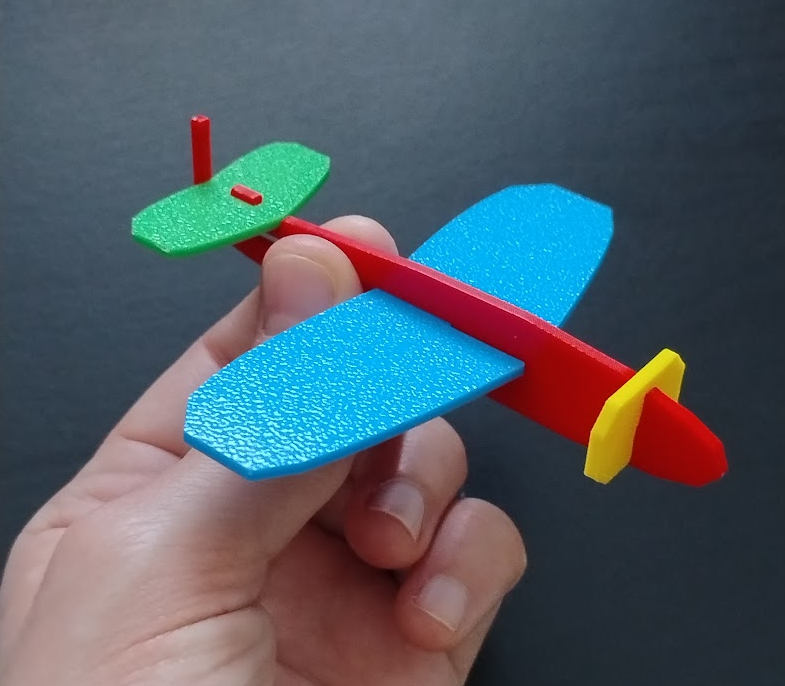
Rego Kit Card turns a sketch — or a model you already have — into a print-ready, snap-together kit card. The joints, the tolerances, the sprue frame and the colour export are all handled for you.
Sketch a silhouette with Grease Pencil, place your pieces where you want them, and one click cuts every slot, tenon and tab from their current positions. Build the card, export a colour 3MF, print it, snap it together.
Made by TastyVoxels, the artist behind the Regolith Highfield print-tool suite — this add-on brings the Regolith KitCard engine straight into your viewport.
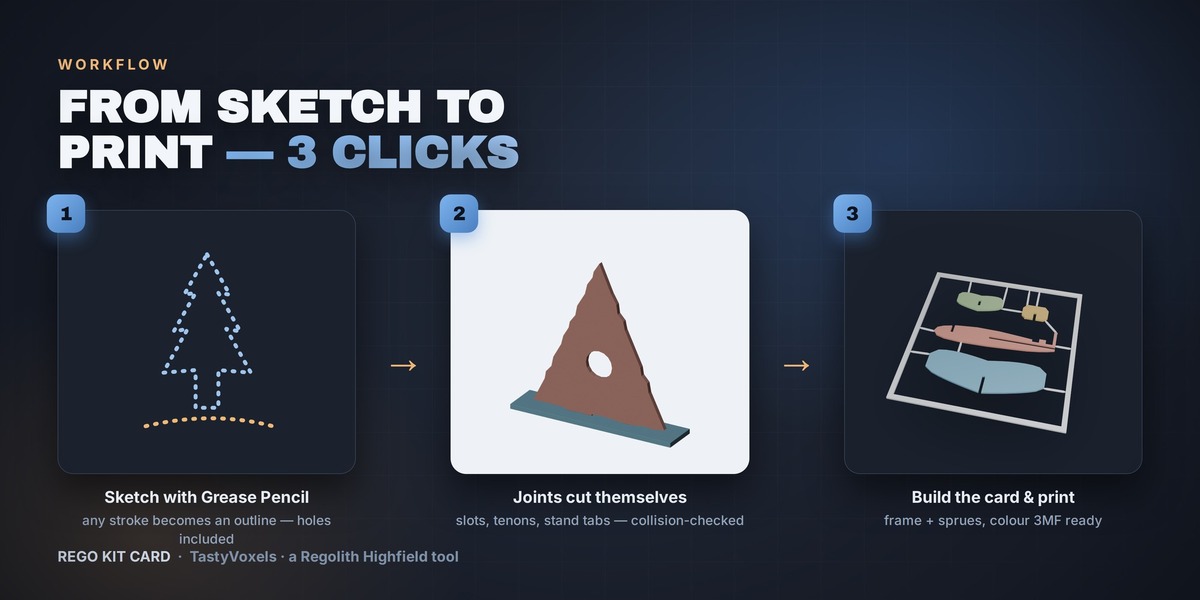
START THREE WAYS
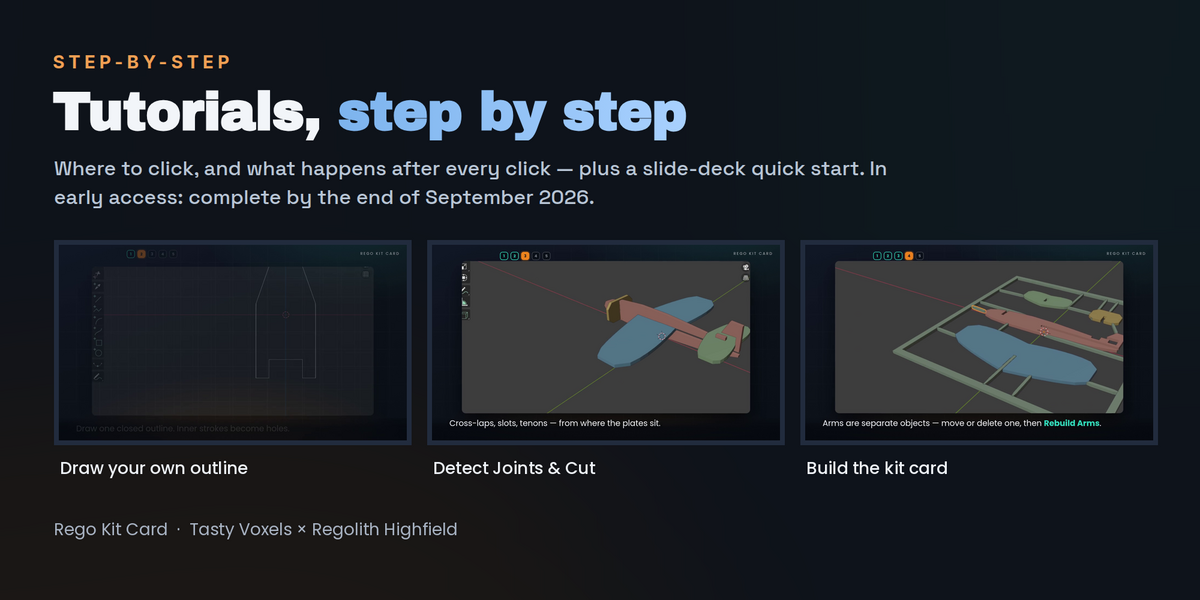
- Draw it — press Front, Side or Top and the sketch is created already oriented in that view. Every stroke becomes an outline, inner strokes become holes, freehand lines are cleaned up automatically.
- Trace a 3D model — select any mesh or sculpt and Silhouettes from Object turns its front and side profiles into crossing plates.
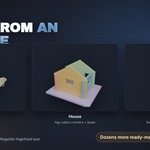
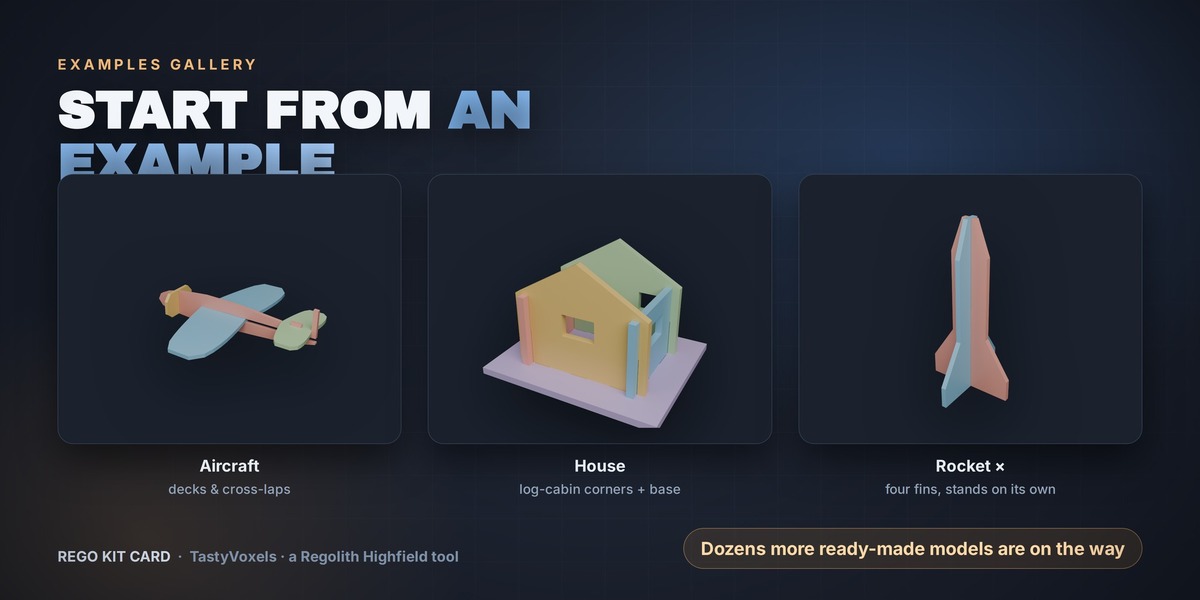
- Load an example — Aircraft, House and Rocket ship in the panel, ready to cut and print.
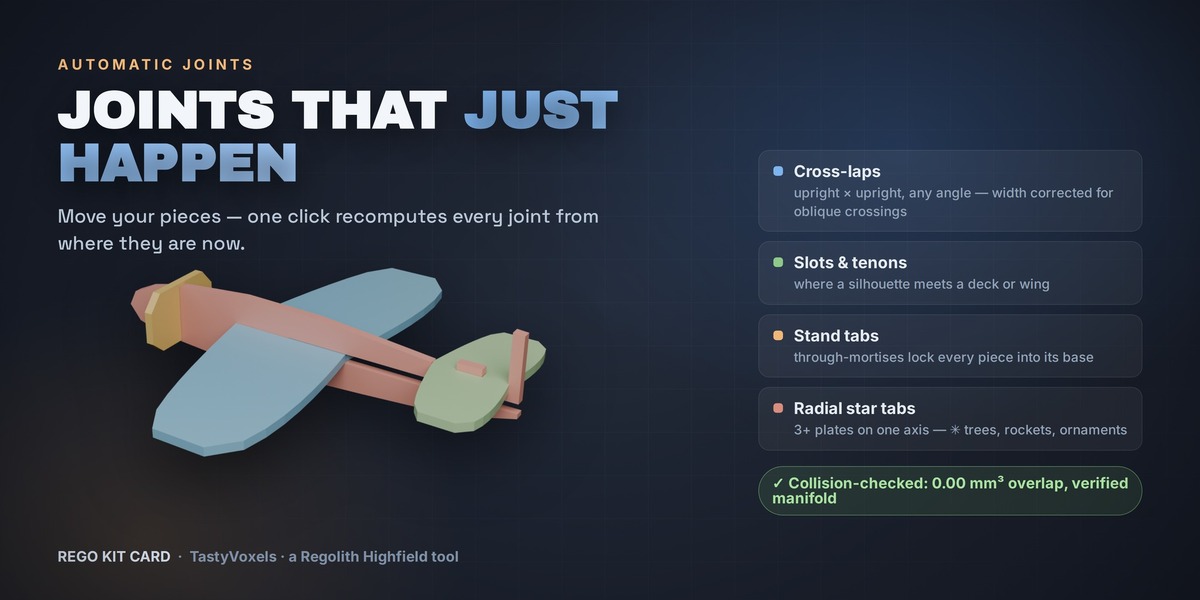
JOINTS THAT JUST HAPPEN
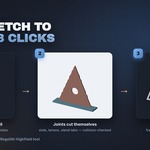
One click detects and cuts every joint implied by the current layout:
- Cross-laps — upright × upright at any angle, slot width corrected for oblique crossings
- Slots, tenons and bridged notches — wherever a silhouette meets a deck, chosen to suit the shape so tall pieces never lose their tips
- Stand tabs and through mortises — pieces lock into their base plate
- Radial star tabs — three or more plates sharing one axis, for trees, rockets and ornaments
A plan solver guarantees no piece is ever cut into two islands, and every pair of assembled pieces is boolean intersection-tested: you get no assembly collisions or an exact mm³ warning. What you preview is what you can physically build.
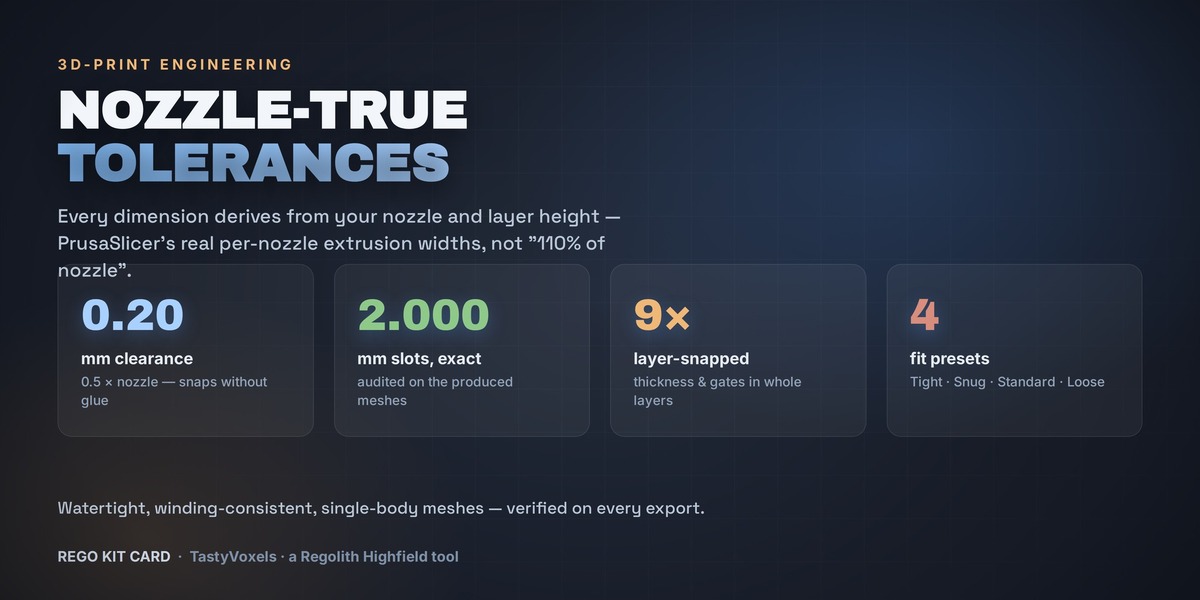
REAL PRINT TOLERANCES
Every dimension derives from your nozzle and layer height, using PrusaSlicer's shipped per-nozzle extrusion widths — not the naive 110% of nozzle.
- Four fit presets: Tight, Snug, Standard (holds without glue) and Loose
- Card thickness snapped to whole layers, sprue gates in whole layers
- Printer presets for Bambu Lab, Prusa, Elegoo, Creality, Anycubic, Sovol, Qidi and Voron
- One click sets your scene to millimetres, without touching a single vertex
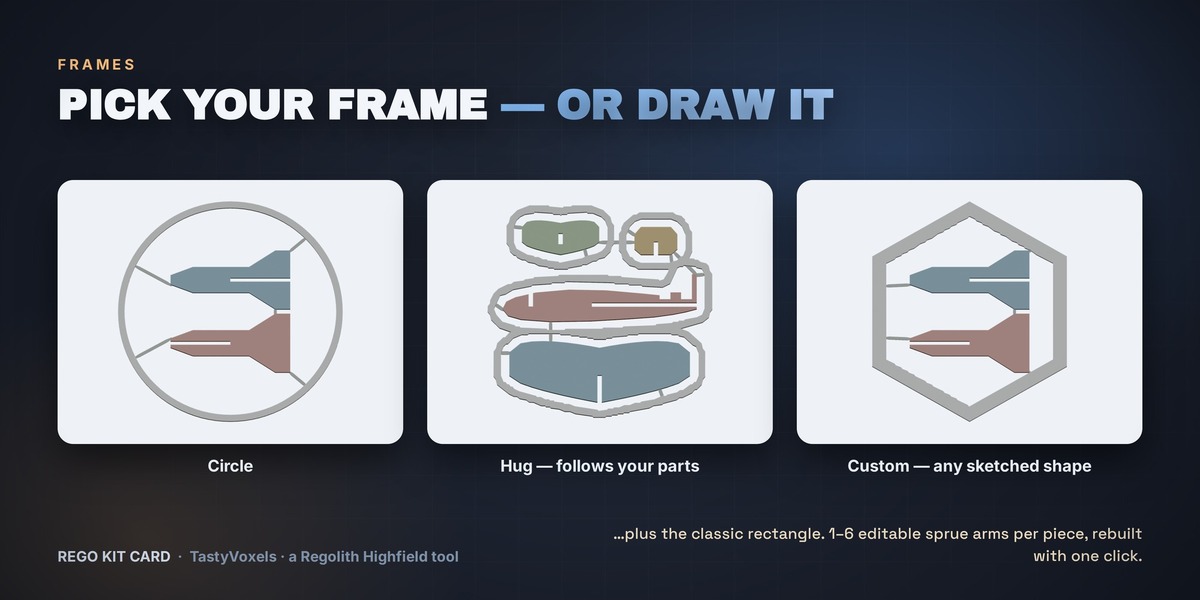
CARDS WITH CHARACTER
Four frame shapes: classic Rectangle, Circle, Hug (the frame flows around your parts) and Custom — draw any closed shape and it becomes the card.
Every piece gets one to six sprue arms straight to the frame, and the arms are separate editable objects: move them, delete them, duplicate them, or tune neck, body and height and press Rebuild Arms. Arm tips stay inside each piece, so no gate pokes out and marks your first layers.
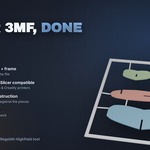
COLOUR 3MF, DONE RIGHT
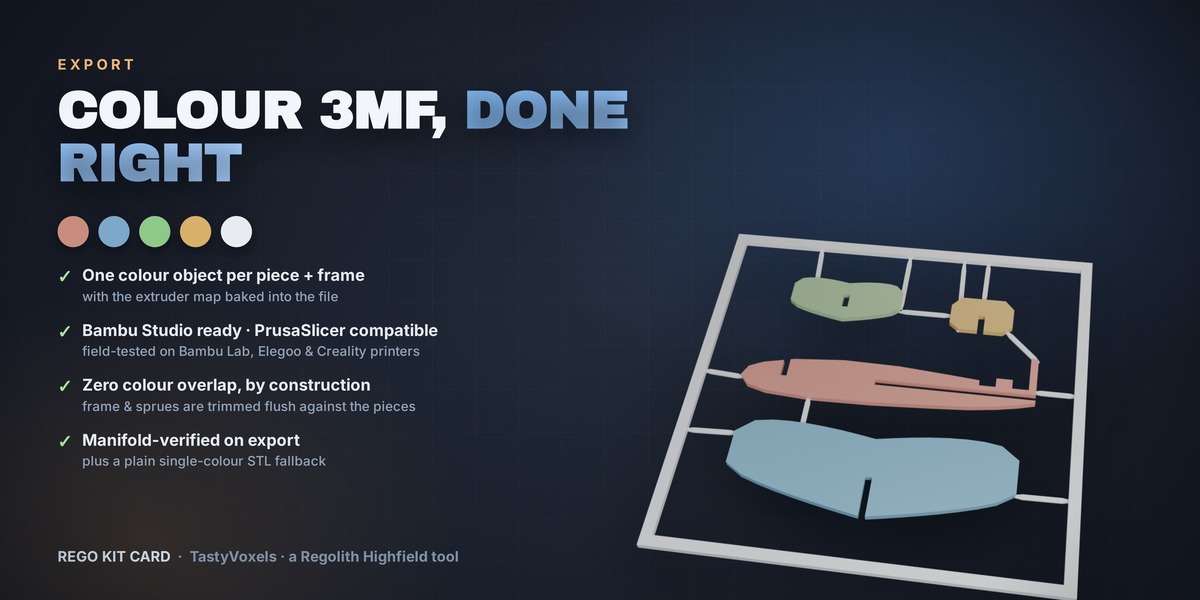
- One colour object per piece plus the frame, with the extruder map baked into the file
- Bambu Studio assigns a filament per piece automatically — PrusaSlicer reads the same standard configuration
- Zero colour overlap by construction — frame and sprues are trimmed flush against the pieces
- Manifold-verified on export, plus a plain single-colour STL fallback
COMPATIBILITY
- Blender 4.2 LTS and newer — tested up to Blender 5.0 — on Windows, macOS and Linux
- Installs as a modern Extension (drag the zip into Blender) or with the legacy Install button
- No external dependencies — one self-contained add-on, nothing to pip install
- Field-tested on Bambu Lab (primarily), Elegoo and Creality printers, with colour mapping verified in Bambu Studio. PrusaSlicer reads the same standard 3MF configuration and is expected to work, but has not been print-tested yet.
GOOD TO KNOW
- Single-plate output for now — no multi-plate nesting yet
- Shelf packing is simple; if pieces do not fit you get a warning to enlarge the card or scale them down
- No stained glass, engraved text or image tracing yet — vectorise an image and import the SVG instead
- Keep your slicer's elephant-foot compensation on (it is on by default in Bambu Studio), or first-layer slots come out a touch tight
INSTALLATION
- Download the zip
- Blender 4.2+: drag the zip into the Blender window, or Edit › Preferences › Add-ons › Install from Disk
- Open the sidebar with N and pick the Kit Card tab
- Press Set Up Scene for 3D Printing, load an example, then Detect Joints & Cut
TUTORIALS & QUICK START GUIDE — early access, complete by the end of September 2026
You do not have to work the panel out on your own.
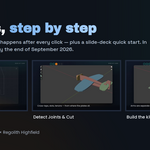
- A written quick start guide — a slide deck with real screenshots that walks the whole workflow: where the panel lives, the three ways to get your shapes in, Detect Joints & Cut, Build Kit Card, colours, the 3MF export, and a page of “if something looks wrong”. It is published here as a download during September; ask me for it in the meantime and I will send it over the same day.
- Video walkthroughs — a full guide that shows exactly where to click and what happens after every click, plus shorter ones on colours and printer slots, and on the pattern preview. They go up on YouTube a few at a time, and every link is added here and under Demo Links as it lands.
- Why gradually: Rego Kit Card is in early access while this material is produced, so the tutorials arrive in batches rather than all at once. Everything listed here is in place by the end of September 2026 — the add-on itself is finished and fully working today.

Anything the guide does not answer, message me here on Superhive. If a question comes up twice, it goes into the guide.
MADE BY A PERSON — AND VERIFIED BY MEASUREMENT
I am Alessia (TastyVoxels). I have been writing code since long before generative tools were mainstream, and everything that makes this add-on work is an engineering decision, not a prompt: the nozzle-derived tolerance model, the joint taxonomy, the solver that keeps every piece in one island, the radial star geometry, the pairwise collision audit. I specify it, I break it, I fix it, I print it.
I did not build it alone: I use AI assistance the way I use every other tool in my pipeline — it writes code with me, and it translates my documentation into English, which is not my first language. What I do not delegate is judgement. Every behaviour in this add-on is checked against numbers, not vibes:
- clearance 0.200 mm at a 0.4 nozzle — exactly half the nozzle diameter
- cross-lap and slide-in slots measured at 2.000 mm on the produced meshes
- card thickness 1.800 mm = 9 whole layers; sprue gates = 3 whole layers
- every exported body checked watertight, single-shell, zero degenerate triangles
- every pair of assembled pieces boolean-tested for collisions: 0.00 mm³
NO AI INSIDE THE PRODUCT
Rego Kit Card ships no AI. No model, no inference, no telemetry, no network access, no data collection. It is deterministic geometry code that runs entirely offline on your machine, and it will keep working with no service behind it.
The imagery on this page is rendered in Blender (Cycles) from the add-on's real output, with layout and typography done in HTML and CSS. One exception, for the record: the brass nozzle still that appears in the promo video is an AI-generated image, used instead of setting up a studio shot for a single object.
PATTERNS — TECHNOLOGY PREVIEW, VERSION 1.4.0+
Version 1.4.0+ introduces surface patterning as a preview: 51 printable patterns applied to the top face, the bottom face, both, the side walls, or the whole object. A pattern here is geometry, not an image — every motif is sunk into the face by whole layers and kept as its own coloured body, so the 3MF hands your slicer one solid per filament and the outside dimensions never change. Every joint still fits.
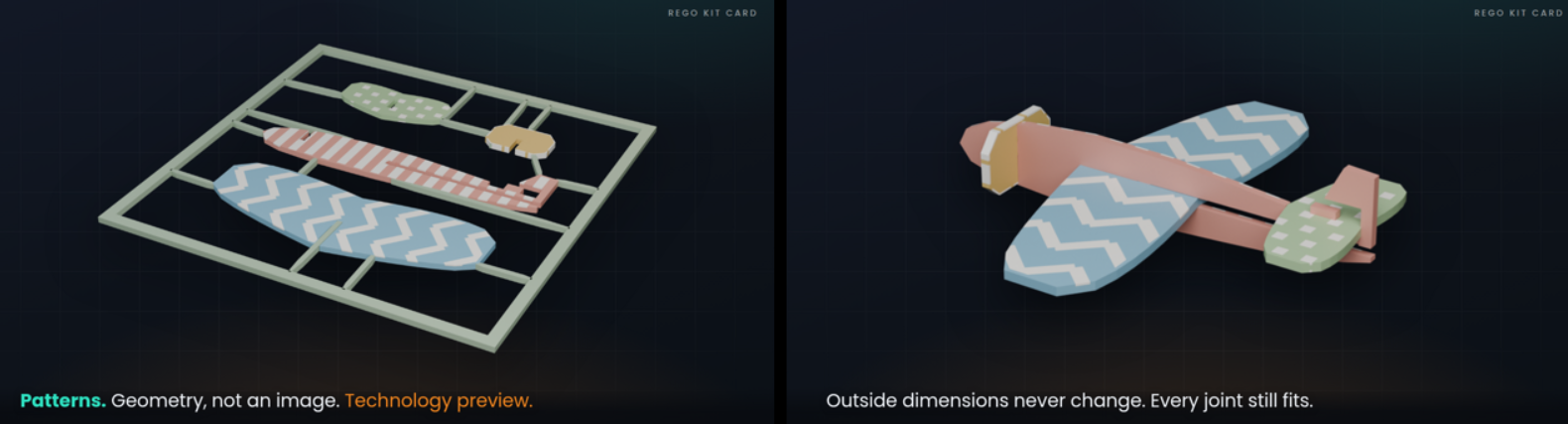
This part of the add-on is a preview, not a settled feature: the controls and the pattern set may still change before it becomes a confirmed part of the product. The rest of the add-on is not affected by it.
Your feedback on it is genuinely useful — message me here on Superhive chat and tell me what you tried, what worked and what you would want next. Version 1.3.0 stays available if you prefer the build you already know.
SUPPORT
Questions, bug reports and feature requests are welcome — message me here on Superhive before or after buying. Updates and support are included for good — no support period, no renewal fee: buy once and every future version is yours. More ready-made example models are on the way, free with the add-on.
More Regolith Highfield tools: regolith-highfield.com