Rego Nimbus - Realistic VDB Cloud Generator
 TastyVoxels
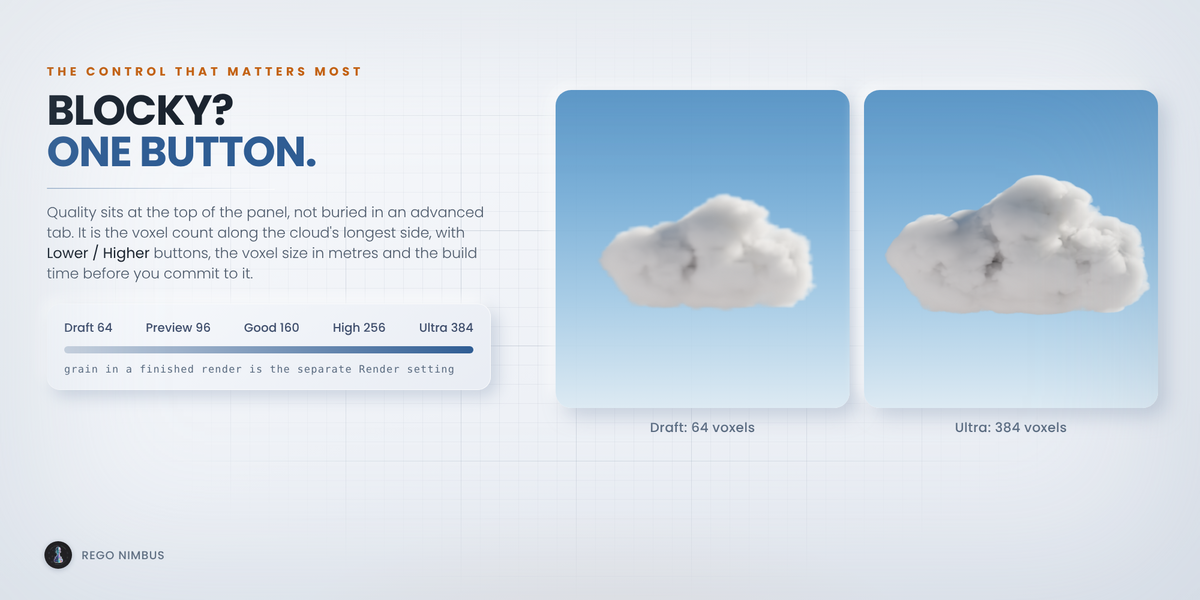
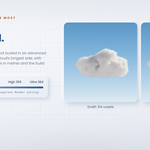
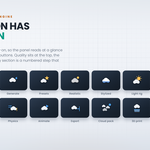
Quality, at the top of the panel. It is the number of voxels along the longest side of the cloud, and Higher is one click: Draft 64, Preview 96, Good 160, High 256, Ultra 384.
If the cloud looks grainy in a finished render instead, that is a different problem. Use the Render setting next to Quality and move it to Balanced or Final.
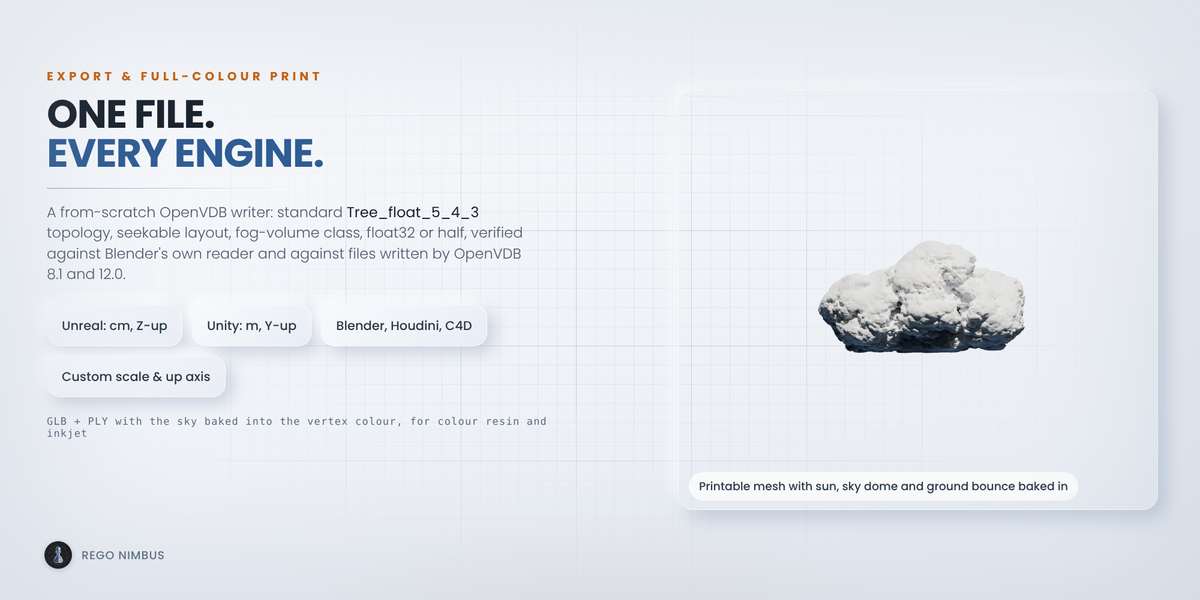
Yes, that is what the Target setting is for: Unreal in centimetres with Z up, Unity in metres with Y up, Blender, Houdini and Cinema 4D in metres with Z up, or your own unit scale and axis. Unreal reads the files as Sparse Volume Textures and in Niagara. The VDB Inspector tells you before you leave Blender whether a file is ready for an engine.
The files are uncompressed OpenVDB, float32 or half float. They are larger than Blosc files and they open everywhere.
Sizes are in metres, and anything from a few centimetres to a few kilometres works. The density scale follows the size, so a cloud on a table and a 500 m cumulus both look right straight away. What costs time is the number of voxels, not the metres.
No. The looks and the light rig are set up for Cycles and EEVEE, and the Render setting configures volume shadows and samples for the one you use. Cycles gives the softest light inside the cloud.
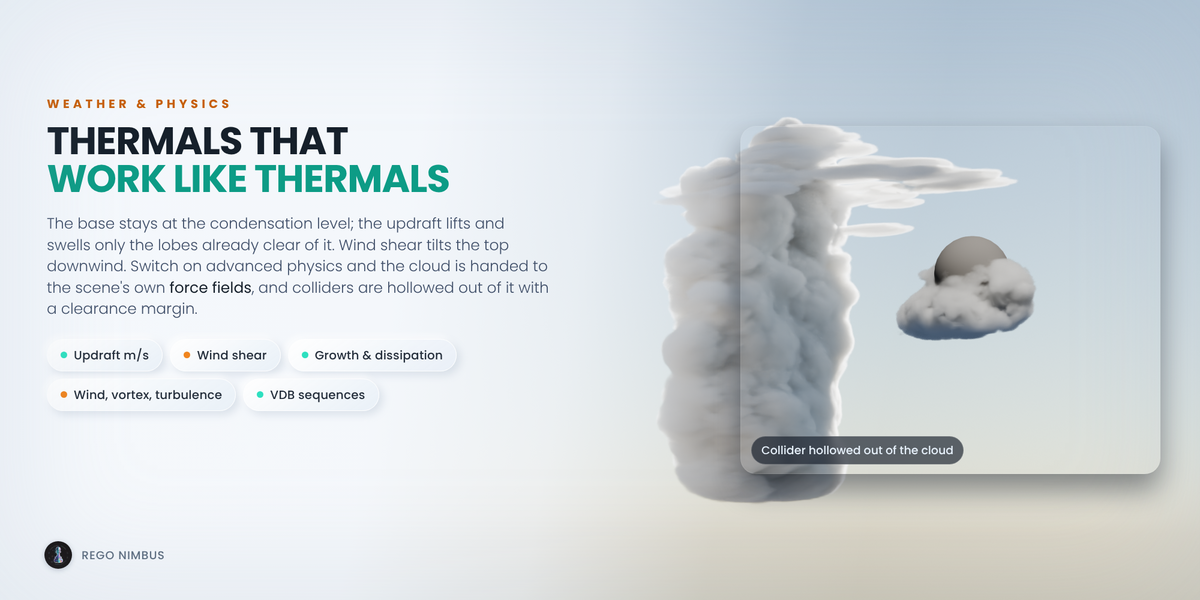
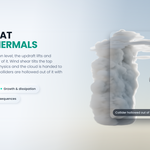
No. The weather model is procedural: thermals, wind shear, growth and dissipation are worked out directly, and the force fields move the finished cloud. Nothing solves Navier-Stokes. If you already have simulation frames, bring them in with Import VDB with Cloud Look and use the looks and the light rig on them.
Blender 4.2 LTS up to 5.x. The test suite, 210 checks, runs headless on 4.2 LTS, 5.1 and 5.2 and passes on all three. It is pure Python and numpy, so the platform does not matter. I develop it on Windows.
Yes. The clouds you generate are yours for anything, including client work, games, film and asset packs you sell. The add-on's own code is GPL, as Blender add-ons must be. Updates and support are included for good, with no support period and no renewal fee.
No to both. There is no model, no inference, no telemetry, no network access and no data collection. It is deterministic geometry and noise code, and it keeps working offline.
Yes, as an assistant. It writes code with me, and it translates my documentation into English, which is not my first language. The design, the engineering and the testing are mine: the weather model, the cloud engine, the VDB writer, the printing pipeline and every decision about how it should look. I have been programming since long before generative tools were mainstream.
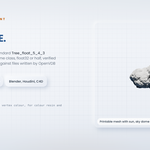
The parts that matter are measured: 210 automated checks on Blender 4.2 LTS, 5.1 and 5.2, the VDB writer checked against Blender's own OpenVDB reader and against files written by OpenVDB 8.1 and 12.0, and the printable mesh checked watertight. Every image on this page is a render of the add-on's real output with typography added.
Have questions about this product?
Login to message
| Blender Extension Compatible | Yes |
| Dev Fund Contributor | |
| Published | about 2 months ago |
| Blender Version | 4.2 - 5.2 |
| Extension Type | Add-on |
| Render Engine Used | Cycles, Eevee |
| License | GPL |
Discover more products like this
openvdb clouds unreal unity volumetric volume vdb cloud procedural weather sky environment