 TastyVoxels
This is a beta release. Everything described on this page is in it and works today: I use it for my own shots, and 201 automated checks run against it headless on Blender 4.2 LTS, 5.1 and 5.2. Beta means the polish is still moving — the walkthrough video is not up yet, more presets and examples are on the way, and I am still improving the look of the big set pieces. Every update is free and included for good.
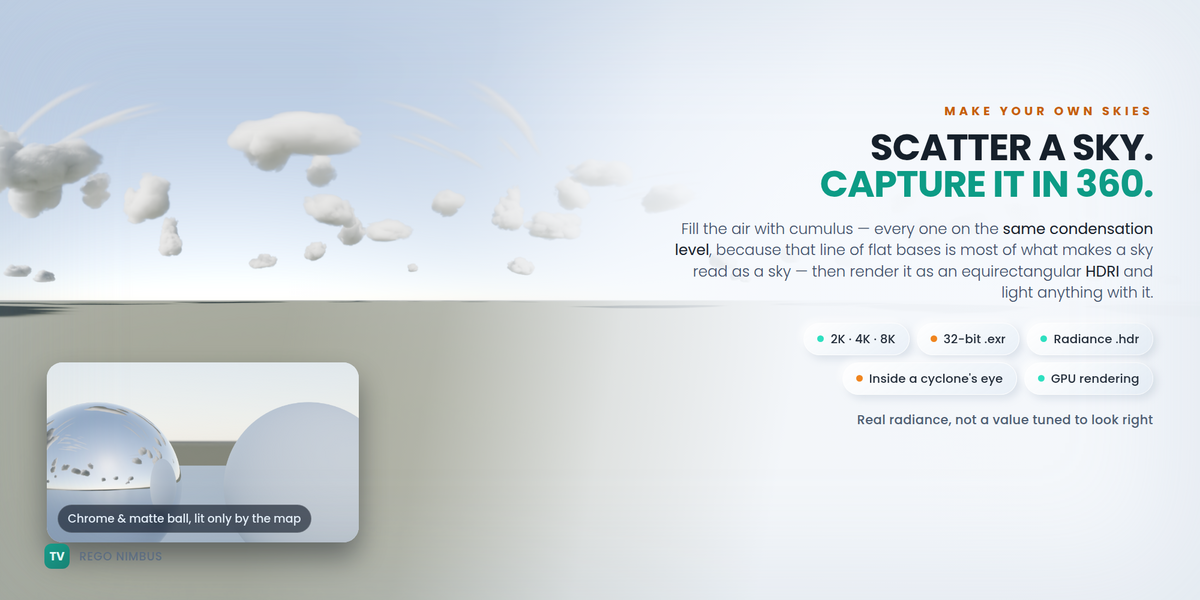
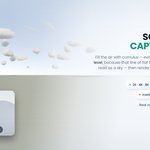
You need a cloud. Not a fuzzy sphere with a noise texture — a cloud: flat base, cauliflower top, lobes casting shadows on each other, edges that read crisp against a blue sky. You need it in Blender today, and you need the same file in Unreal tomorrow.
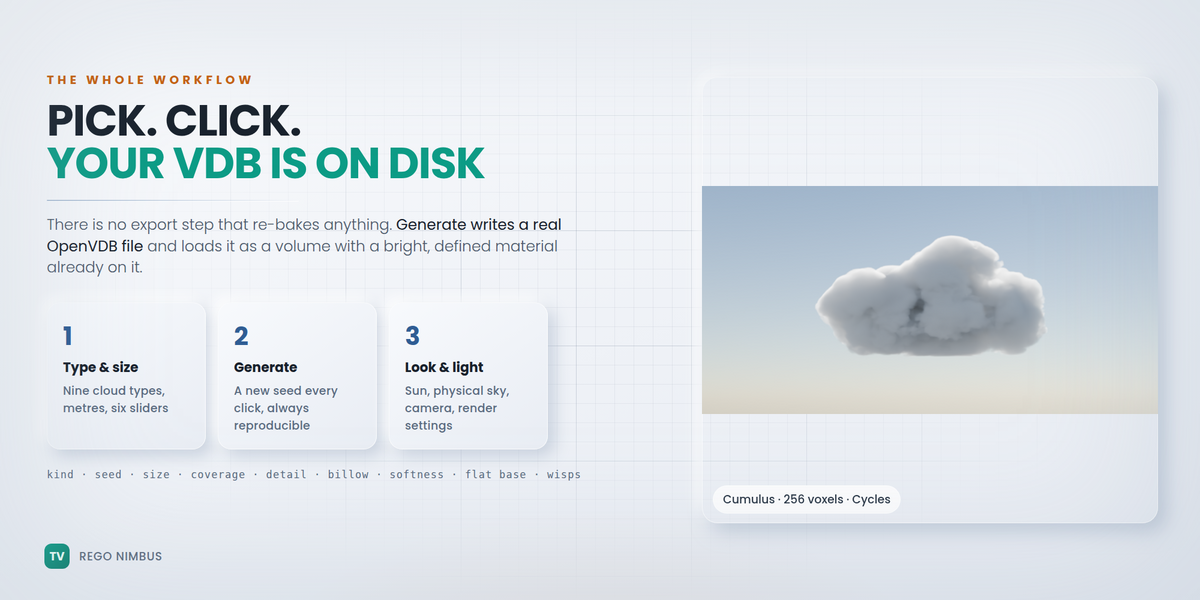
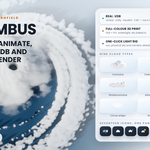
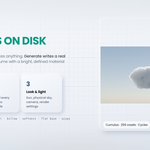
Rego Nimbus builds it. Pick a type, a seed and a size in metres, click Generate, and a real .vdb file is written to disk and loaded as a volume with a bright, defined material already on it. What you see in the viewport is byte for byte the file you export, because there is no export step that re-bakes anything: the cloud is the VDB.
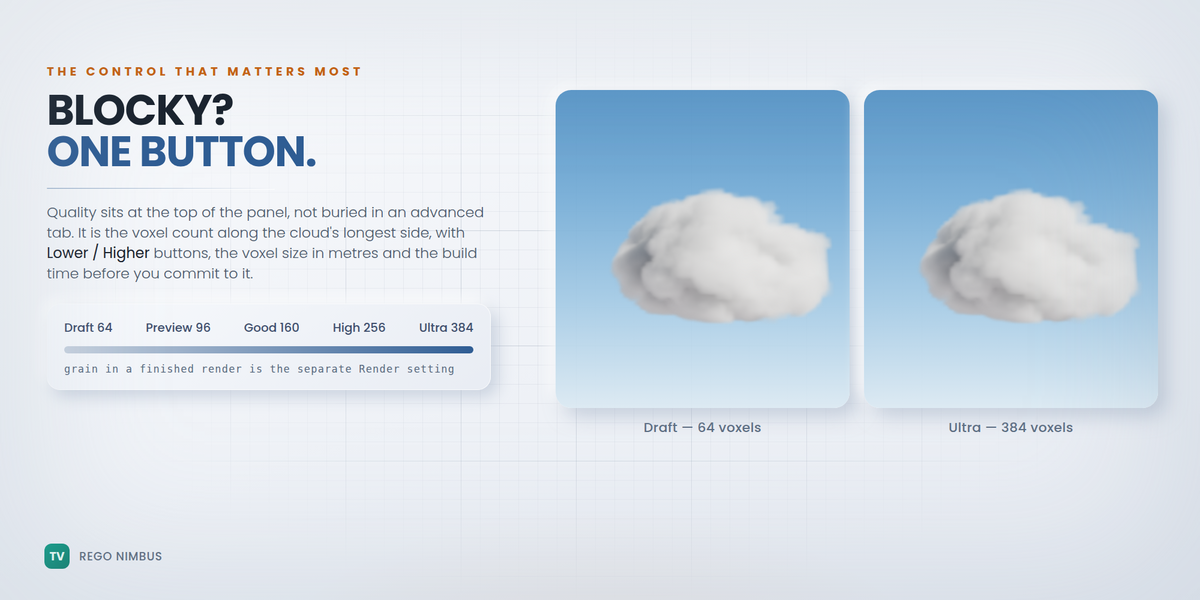
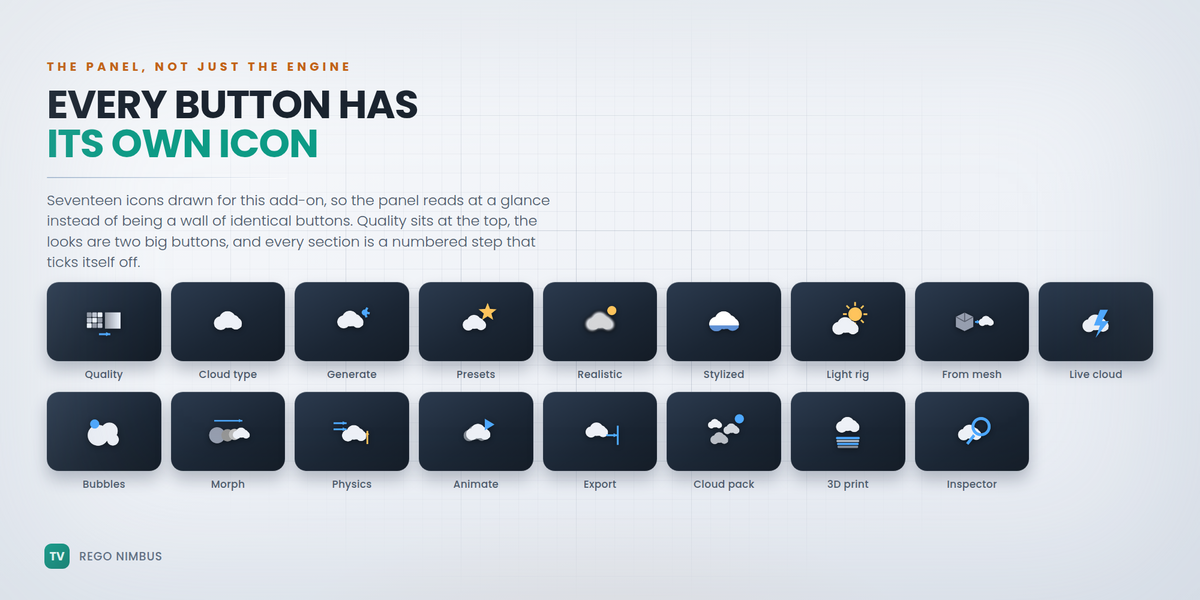
Quality is the first control in the panel
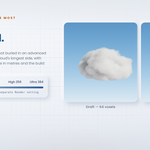
Not a buried preference. It is the voxel count along the cloud's longest side, with Lower and Higher buttons, the voxel size in metres and the build time before you commit. Draft 64 · Preview 96 · Good 160 · High 256 · Ultra 384. Blocky cloud? One button. Grain in a finished render is the separate Render setting next to it — samples and volume step size — and it is configured for you at three levels, for Cycles and EEVEE.
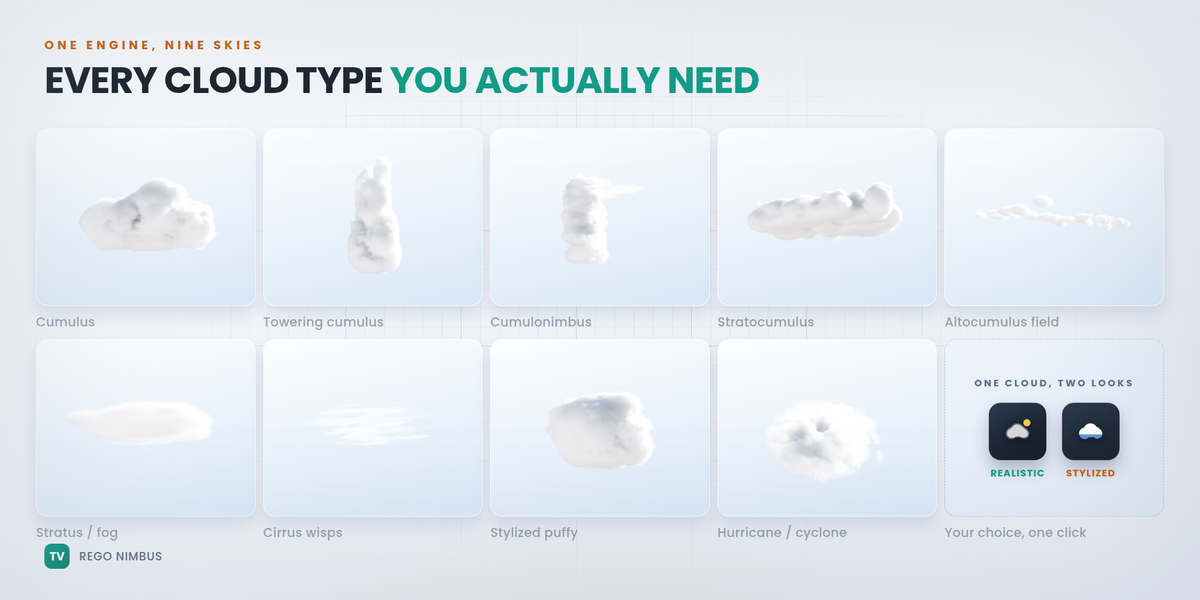
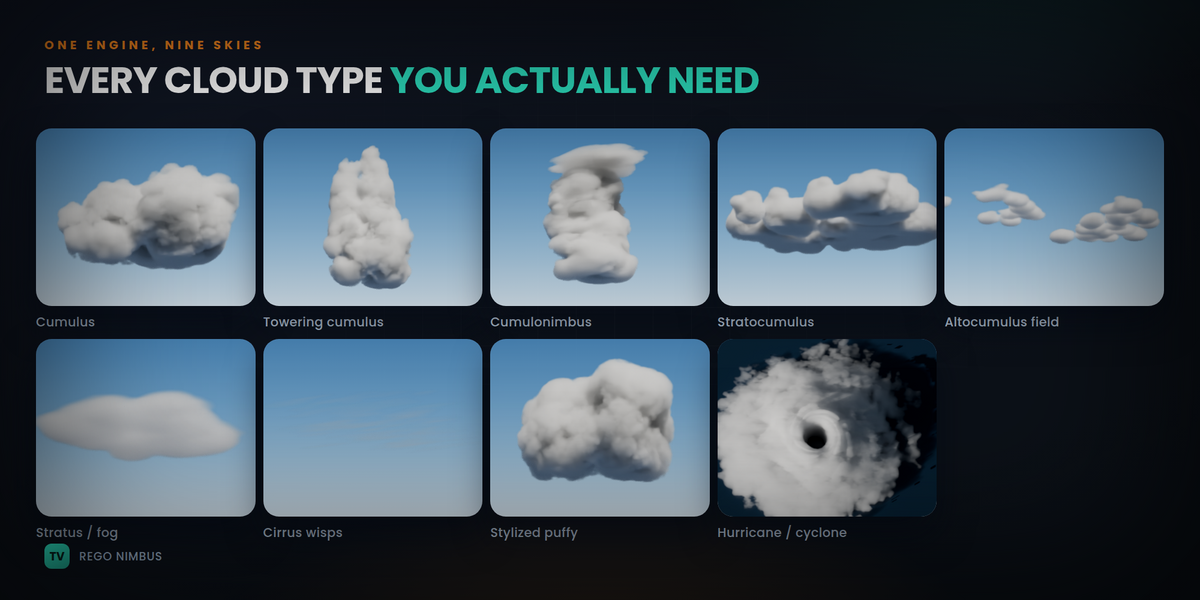
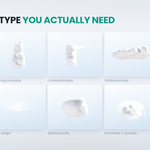
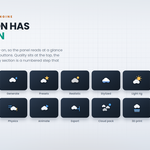
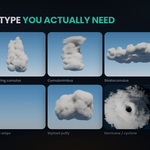
Nine cloud types, one engine
Cumulus · Towering cumulus · Cumulonimbus with an anvil · Stratocumulus · Altocumulus field · Stratus / fog bank · Cirrus wisps · Stylized puffy · Hurricane / Cyclone.
Each is built the way production volumetric shaders build theirs, then baked to voxels so any renderer can use it: a hierarchy of lobes lays out the silhouette — children grow on the upper surface of their parents, so the body is one connected cloud and not floating polka dots — low-frequency noise sculpts it, five octaves of cellular billow push out the rounded cauliflower bumps, and high-frequency erosion eats the rim, more at the edge, never in the core.
Six sliders do the talking: Coverage, Detail, Billow, Edge softness, Flat base, Wisps, plus Interior variation so the body has thermals and dry pockets inside instead of reading like solid rubber.
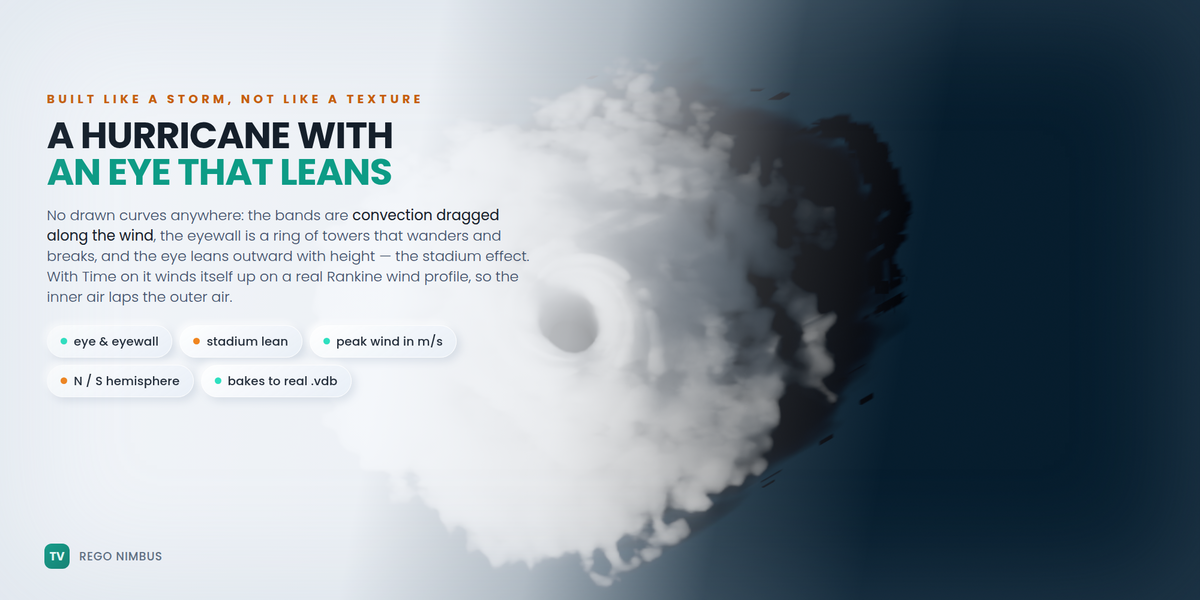
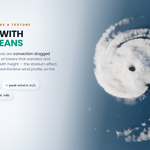
A hurricane that is built like a hurricane
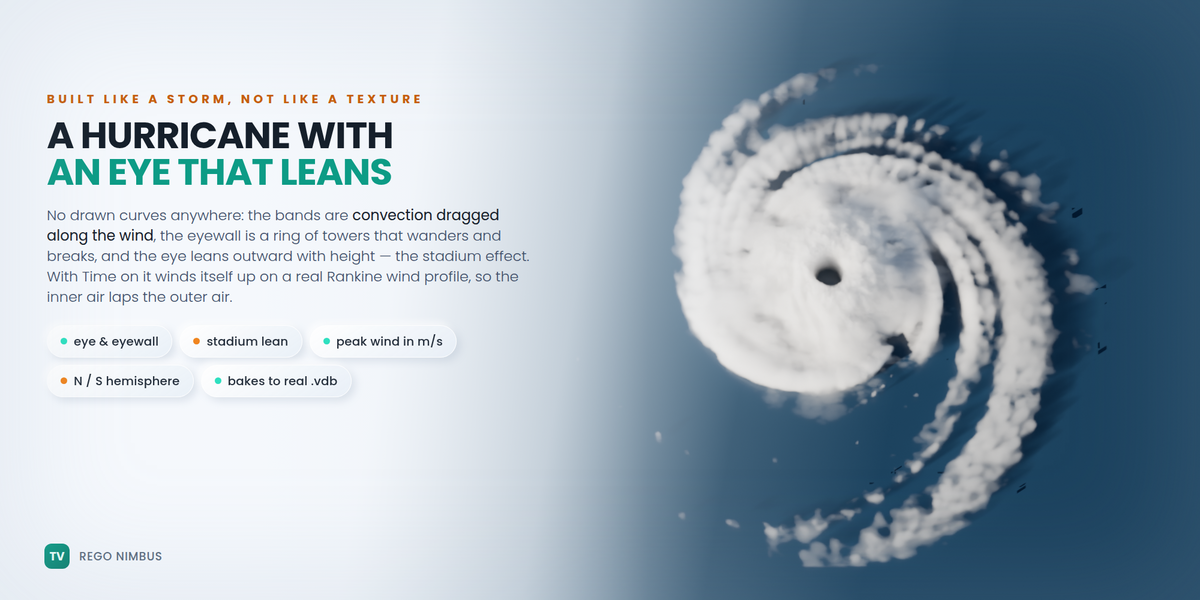
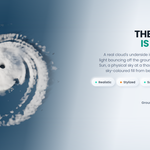
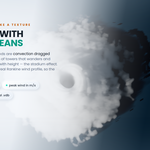
The Cyclone type does not stack lobes; it is a storm written in cylindrical coordinates, and every part of it is the part meteorology names. A clear eye punched through every level. An eyewall of deep convection around it that leans outward with height — the stadium effect pilots describe when they fly into one. Rainbands on true logarithmic spirals at a crossing angle you set between 3° and 60° (real storms sit between 10 and 25), breaking into convective cells the further out they run. A cirrus canopy laid over the core by the outflow and spun the other way. And the eye is a slowly turning polygon, not a circle, because mesovortices in the eyewall pull it out of round.
Turn on Time or Animate and it winds itself up the way a real vortex does: a modified Rankine profile — solid-body rotation inside the radius of maximum wind, decaying outside it — so the inner air laps the outer air and the spiral tightens instead of turning rigidly. Set the peak wind in m/s and the storm’s real radius in kilometres; the box stays a scale model while the dynamics stay honest.
Hemisphere is a switch: northern turns anticlockwise, southern clockwise. It is the detail people notice. Arms, pitch, eye size, eyewall thickness, canopy reach and break-up are all sliders, and the storm bakes to a real .vdb like every other type.
A generator that behaves like one — and remembers
Every Generate picks a fresh seed, so no two clicks give the same cloud; the seed is always visible and stored on the object, so any result can be rebuilt exactly. Twelve built-in presets, Save to My Presets, Export / Import .json to share or sell a recipe, copy-paste through the clipboard — and every exported VDB carries its own recipe in its metadata: drop the file into the Inspector months later and Load Recipe from VDB brings the whole cloud back.
Realistic or Stylized — and shadows that are not black
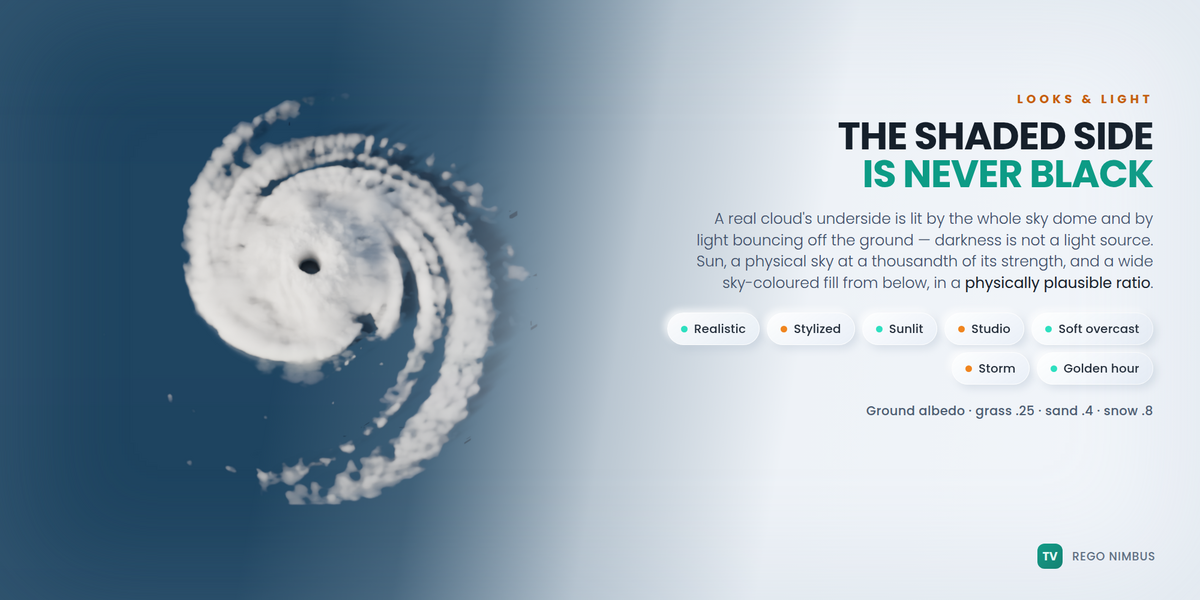
Two big buttons. Realistic is soft vapour with light coming through the thin rim. Stylized is opaque and graphic for games and motion work. In both, the shaded side goes sky-blue, never black, because a real cloud's underside is lit by the whole sky dome and by light bouncing off the ground — darkness is not a light source.
The rig is three parts in a physically plausible ratio: a key sun, a physical sky whose strength is a thousandth of the sun and which carries a ground albedo, and a wide sky-coloured fill from below so EEVEE and low bounce counts get it too. The sky colour follows the sun's height — deep blue high up, pale and warm near the horizon. Sky bounce and Ground albedo are sliders, not guesses (grass .25, sand .4, snow .8). Five more looks: Sunlit silver lining, Studio white, Soft overcast, Storm cell, Golden hour.
The density scale is derived from the cloud's size and the look, so a 400 m cumulus and a 4 cm table-top cloud both read correctly the moment they appear.
Your own shapes — three routes
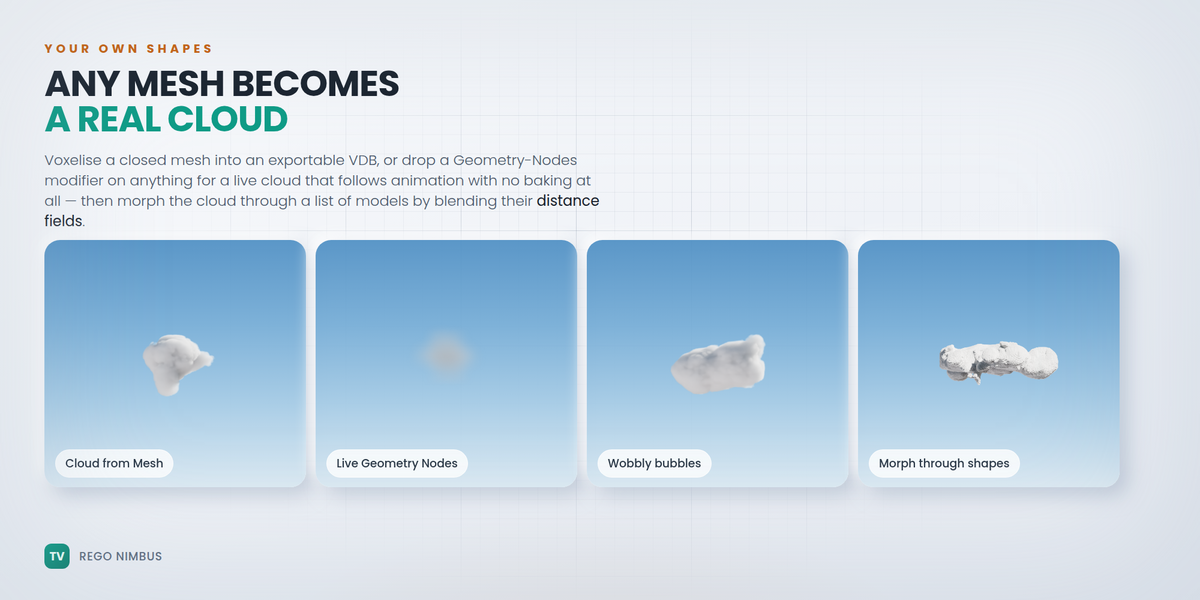
- Cloud from Mesh — voxelises any closed mesh into a real VDB. Accurate, exportable.
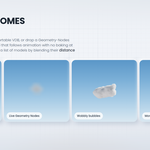
- Live Cloud — a Geometry Nodes modifier turns any object (mesh, metaball, curve, text) into a volume with no baking at all; the detail comes from the shader, so it follows animation, armatures and physics live. The shortcut for when there is no time to bake.
- Metaball rig — a cumulus-shaped cluster of blobs you can move and keyframe by hand, with Add Children to grow the cauliflower and Animate Metaballs to keyframe drift, rise and a breathing radius on every blob at once.
Morph a cloud through a list of models
Suzanne into a bird into your logo. Bake Morph & Play blends the shapes' distance fields, not their densities, with an Organic bulge that peaks halfway through — so the cloud rearranges itself instead of one shape cross-fading into another. Each step has its own hold, and the result is a playable VDB sequence.
Weather, and physics when you want it
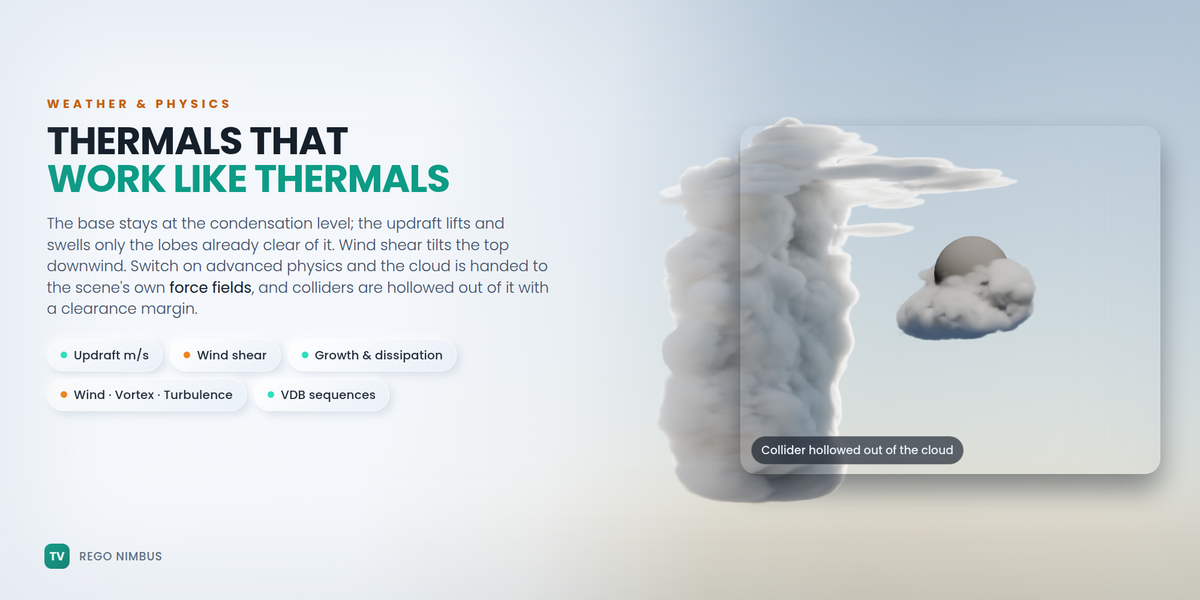
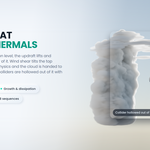
The base sits at the condensation level and stays there; the Updraft (m/s) lifts and swells only the lobes already clear of the base, the way a thermal actually works; Wind shear makes the top drift faster than the base and tilts the cloud downwind; Growth, Dissipation and Turbulence do the rest.
Switch on Advanced physics and the cloud is handed to the scene's own force fields — Wind, Vortex, Turbulence, Force, Harmonic — with their real strengths and falloffs, and the domain grows so the pushed cloud is never clipped. Meshes with a Collision modifier (or a nimbus_collider flag) are hollowed out of the cloud with a clearance margin, so it flows around a rock instead of through it.
A cloud is static unless Animate is on. Then one light VDB per frame is written and loaded as a playable sequence, with a Time scale in cloud-seconds per real second, because in real time clouds barely move.
Export that engines accept
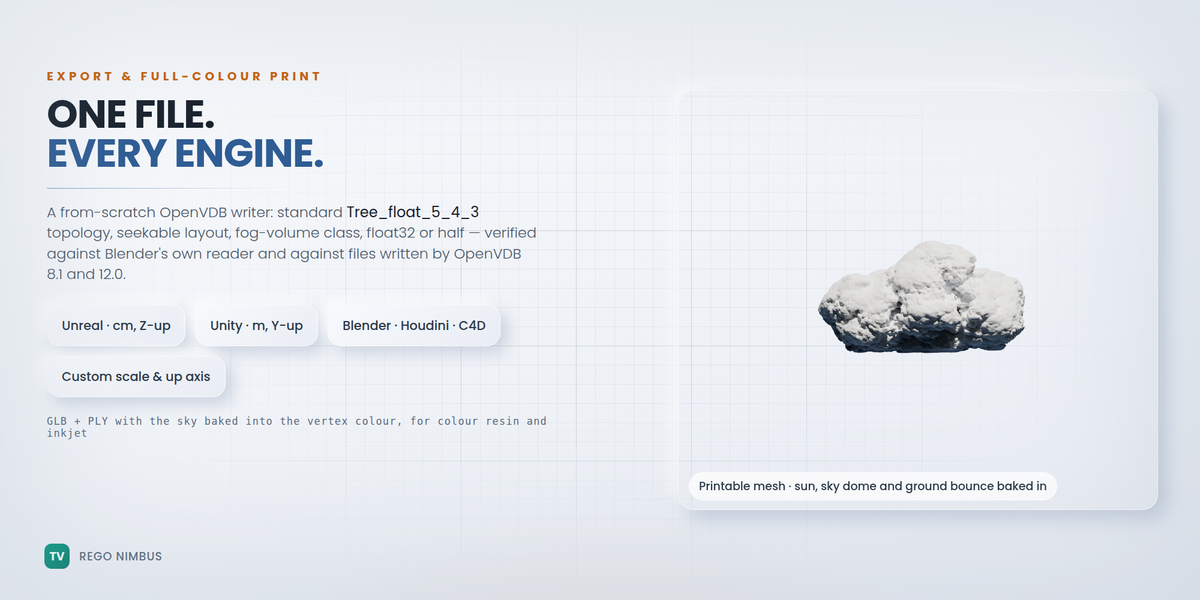
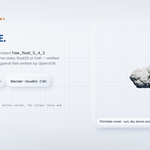
The writer is a from-scratch OpenVDB implementation in pure Python: standard Tree_float_5_4_3 topology, seekable layout with grid offsets, fog-volume class, float32 or half-float, UniformScaleTranslateMap transform — verified against Blender's own OpenVDB reader and against files written by OpenVDB 8.1 and 12.0.
One click per target: Blender / Houdini / C4D (metres, Z-up), Unreal Engine (centimetres, Z-up — Sparse Volume Textures and Niagara read it directly), Unity / Maya / Omniverse (metres, Y-up), or a custom unit scale and up axis. The object's scale can be baked into the voxel size, and the grid name is yours. Export Cloud Pack writes N seed variants with a README table. VDB Inspector reads any .vdb header and says in plain language whether an engine importer will be happy with it.
Full-colour 3D printing
A colour resin or inkjet printer cannot print light, so the light is printed into the colour. Make Printable Cloud turns the volume into a closed mesh and bakes the whole sky model into its vertex colours: direct sun with real self-shadowing, the blue sky dome on the top and flanks, the warm ground bounce underneath. Set the size in millimetres, smooth it, simplify it, push exposure and saturation (inks read flatter than a screen), then export GLB and PLY — the format most full-colour printers read — with a printability report for triangles, watertightness and the real size in mm.
Built on the Regolith engines
The noise and field code descends from the procedural engines behind the Regolith Highfield tools, built in collaboration with TastyVoxels. Nothing here was invented for a plugin listing; it is the part of that pipeline that is finished, tested and useful inside Blender today.
What it is NOT
Honest limits, so nobody buys the wrong thing:
- It is not a fluid simulator. The weather model is procedural and the force fields advect the finished field — nothing solves Navier-Stokes. If you need a simulation, bring its frames in with Import VDB with Cloud Look and use the looks.
- Generation is CPU numpy. A 96-voxel preview takes about a second, 160 voxels a few seconds, 256 around half a minute, 384 a couple of minutes. Sequences build one frame at a time — start with a short range.
- The writer emits uncompressed VDB (float or half). Bigger than Blosc, and it opens everywhere. If you need Blosc, re-save from Houdini or Blender's own bake.
- Cloud from Mesh and Morph need closed meshes: an open shell encloses no volume.
- Live Geometry-Nodes clouds are not written to .vdb. They are for the viewport and for renders; bake with the engine when the cloud has to leave Blender.
FAQ
How big can a cloud be, and does the size matter?
Sizes are in metres and anything from a few centimetres to a few kilometres works — the density scale is derived from the size, so a table-top cloud and a 500 m cumulus both read correctly straight away. What costs time is the voxel count, not the metres.
My cloud looks blocky. What do I change?
Quality, at the top of the panel — it is the voxel count, and Higher is one click. If instead the cloud looks grainy in a finished render, that is the Render setting beside it: move it to Balanced or Final.
Which Blender versions and platforms?
Blender 4.2 LTS through 5.x. The whole test-suite — 201 checks — runs headless on 4.2 and on 5.2 and passes on both. It is pure Python and numpy, so it does not care about the platform; it is developed on Windows.
Do I need Cycles?
No. The looks and the light rig are set up for both Cycles and EEVEE, and the Render setting configures volumetric shadows and samples for whichever you are in. Cycles gives the softest multiple scattering.
Will the .vdb open in Unreal or Unity?
Yes — that is what the Target selector is for: Unreal in centimetres Z-up, Unity in metres Y-up. Unreal reads them as Sparse Volume Textures. The Inspector tells you before you leave Blender whether a file is engine-ready.
Is the hurricane just a spiral texture?
No. It is built in cylindrical coordinates from the parts a storm actually has — eye, eyewall leaning outward with height, logarithmic rainbands at a crossing angle you set, and an outflow cirrus canopy spun the other way — and it winds up over time on a modified Rankine wind profile, so the inner air laps the outer air. Arms, pitch, eye size, eyewall thickness, break-up and hemisphere are all yours, and it bakes to a real .vdb like every other type.
Can I use the clouds commercially?
Yes. The clouds you generate are yours, for anything, including client work, games and asset packs you sell. The add-on's own code is GPL, as Blender add-ons must be.
Does the add-on use AI, or need an internet connection?
No to both. There is no model, no inference, no telemetry, no network access and no data collection. It is deterministic geometry and noise code, and it will keep working offline forever.
Was AI used while making it?
Yes, as an assistant. The honest version is in the transparency note below.
Do I get updates?
Updates and support are included for good — no support period, no renewal fee.
Transparency
NO AI INSIDE THE PRODUCT. No model, no inference, no telemetry, no network access, no data collection. Every cloud is deterministic geometry and noise code that runs offline, forever.
AI does assist me while I build: it writes code with me, and it translates my documentation into English, which is not my first language. I have been programming since long before generative tools were mainstream, and the part of this product that matters is measured, not written: 201 automated checks on Blender 4.2 and 5.2, the VDB writer verified against Blender's own OpenVDB reader and against files written by OpenVDB 8.1 and 12.0, the printed mesh checked watertight, and the force-field advection checked against the distance the field itself says.
Every image and every frame of video on this page is a render of the add-on's real output plus typography. There is no generated imagery here.