 3D Tudor
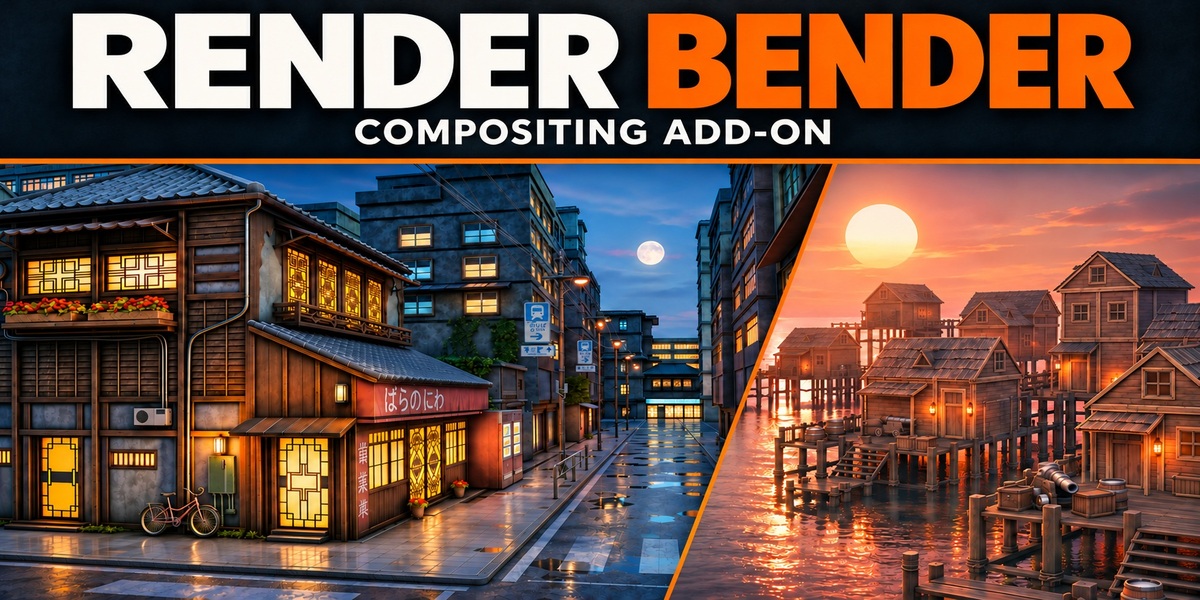
3D TUDOR · BLENDER COMPOSITOR ADD-ON
Your scene. A stronger finish.
Render Bender brings colour, atmosphere and camera effects into organised Blender panels. Shape the mood of your render, compare the result and keep control of the details.
See Render Bender in action
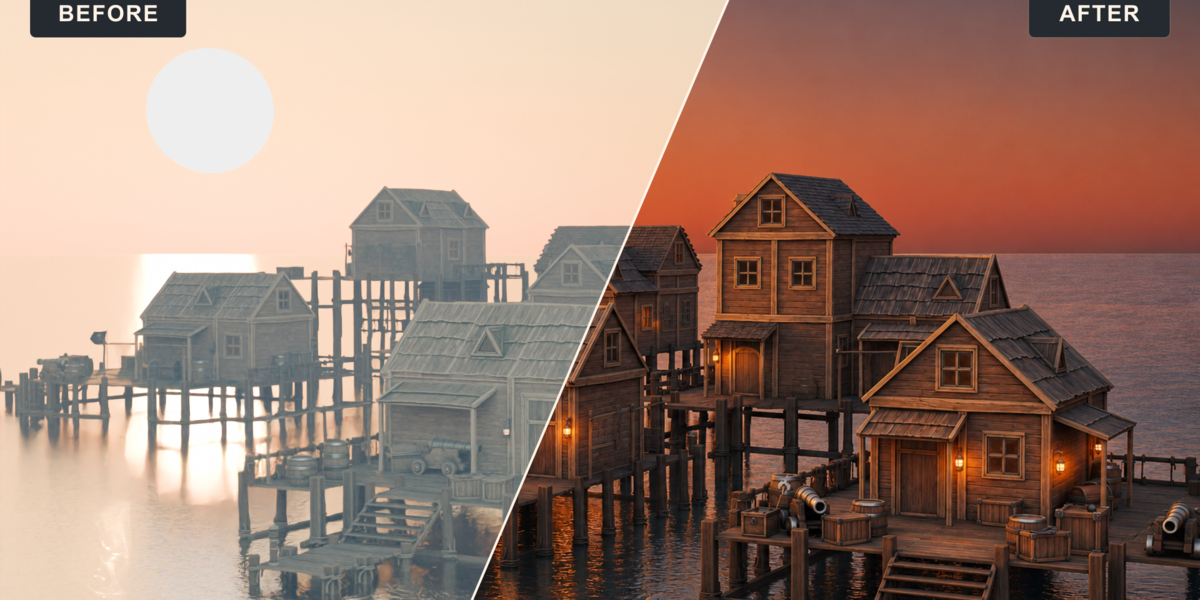
Watch the workflow, then compare the before-and-after examples below.
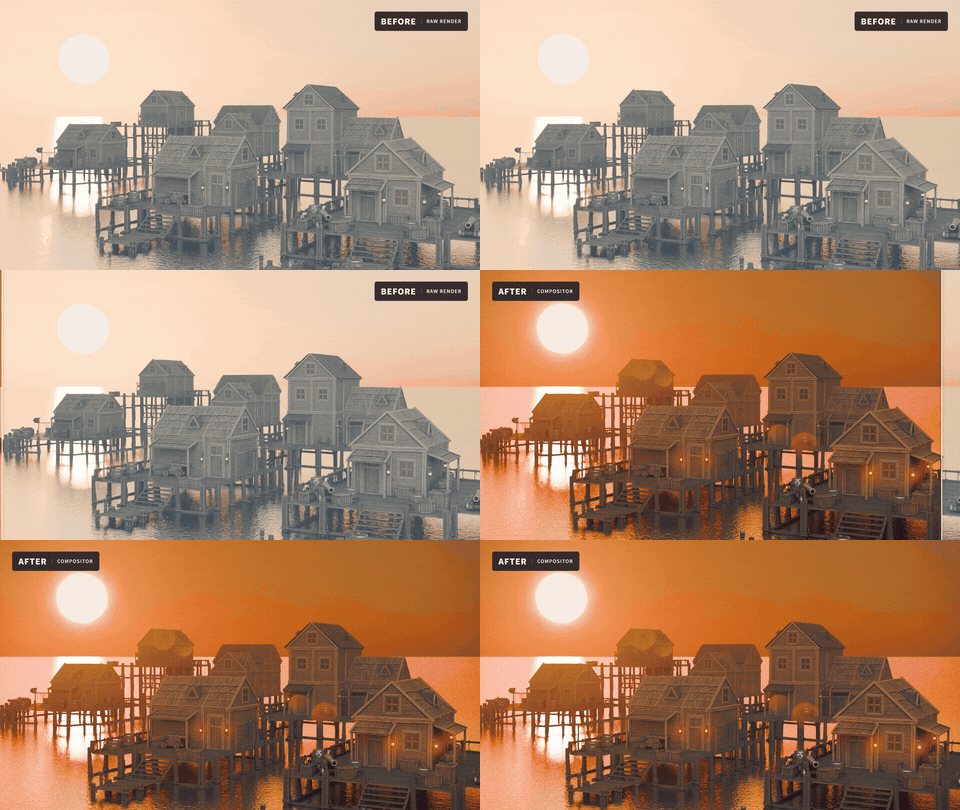
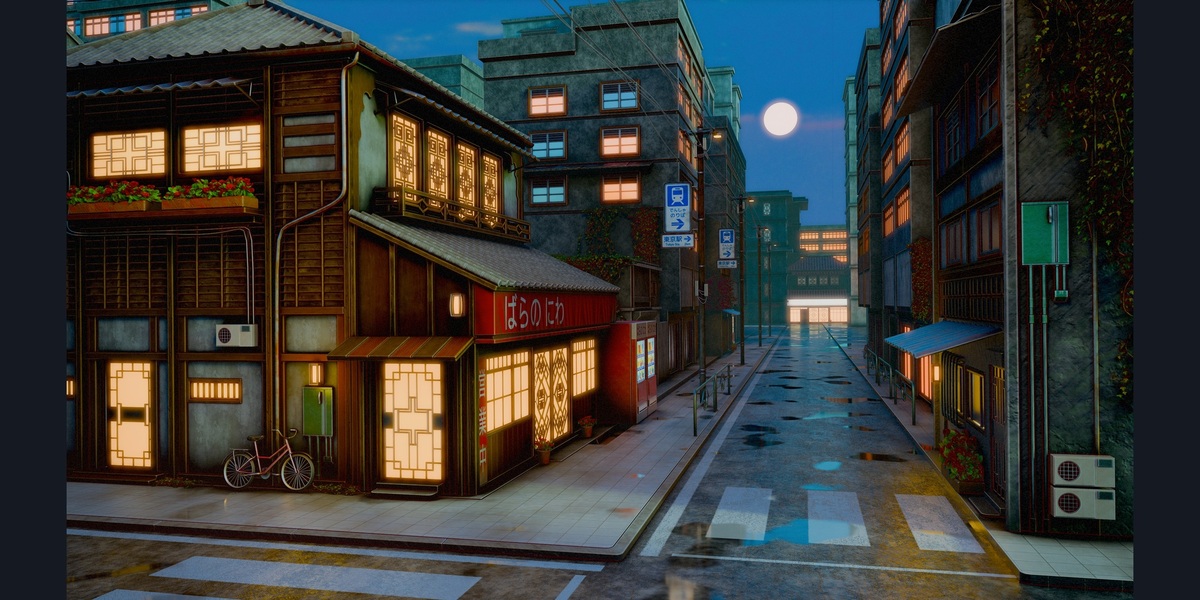
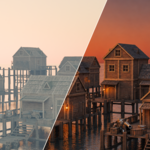
Before and after: the dock scene moves from its starting render to a warmer finished treatment. Example scenes are shown for demonstration and are not included.
Make the finishing decisions that matter
Your modelling, materials and lighting are already in place. The finishing pass is where you decide what catches the eye: a warm window, a softer horizon, a restrained film grade or a deliberately rough camera treatment.
Render Bender gives those decisions a clear home. Work on the overall image, then refine individual render contributions without rebuilding a compositor for every variation.
Choose the part of the image you want to change
- Colour and contrast: establish a coherent image-wide grade.
- Emission and highlights: refine emissive pixels and glossy contributions separately.
- Mist and volume: shape depth haze and adjust existing rendered volume lighting.
- Water: refine transmissive water colour, depth and reflections.
- Surface accents: use captured Edgewear and Cavities masks to bring out edges and recesses.
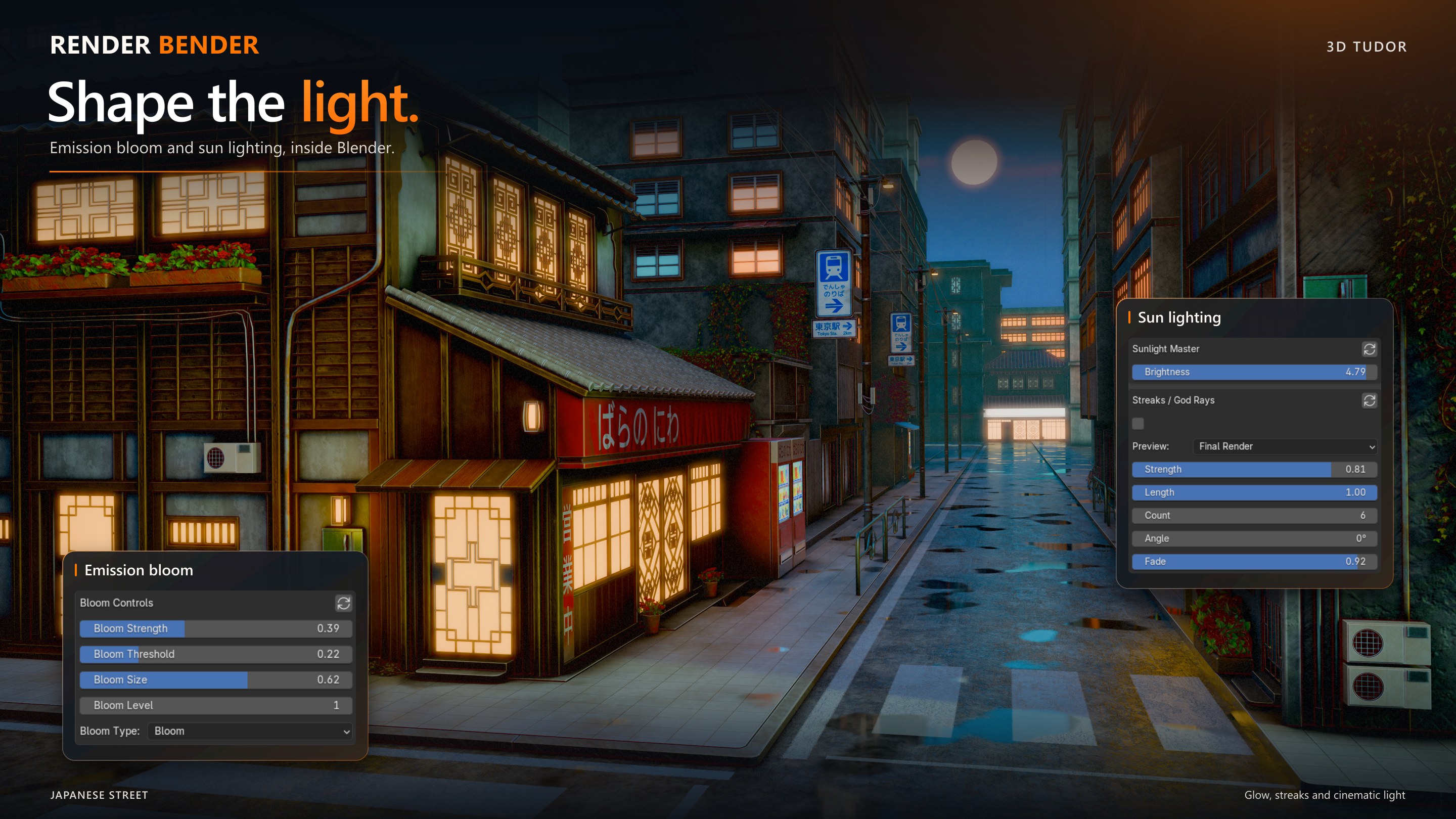
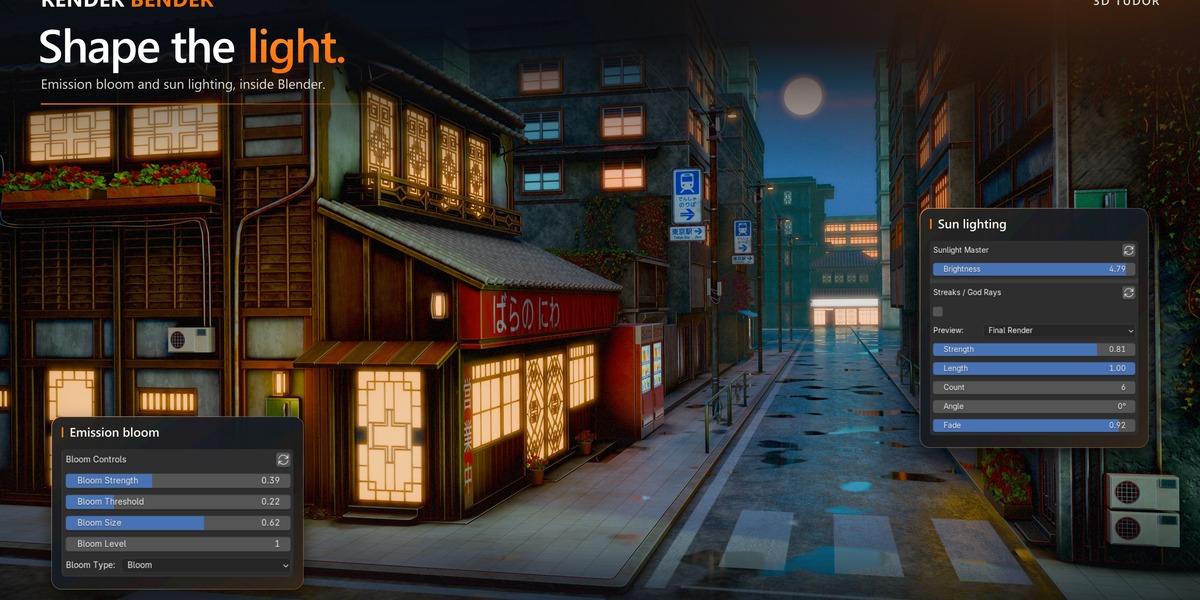
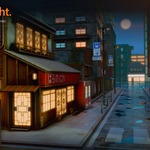
Light and atmosphere controls alongside environment examples. The UI overlays illustrate available controls; their values are references rather than exact recipes for these renders.
A clean render—or a camera with character
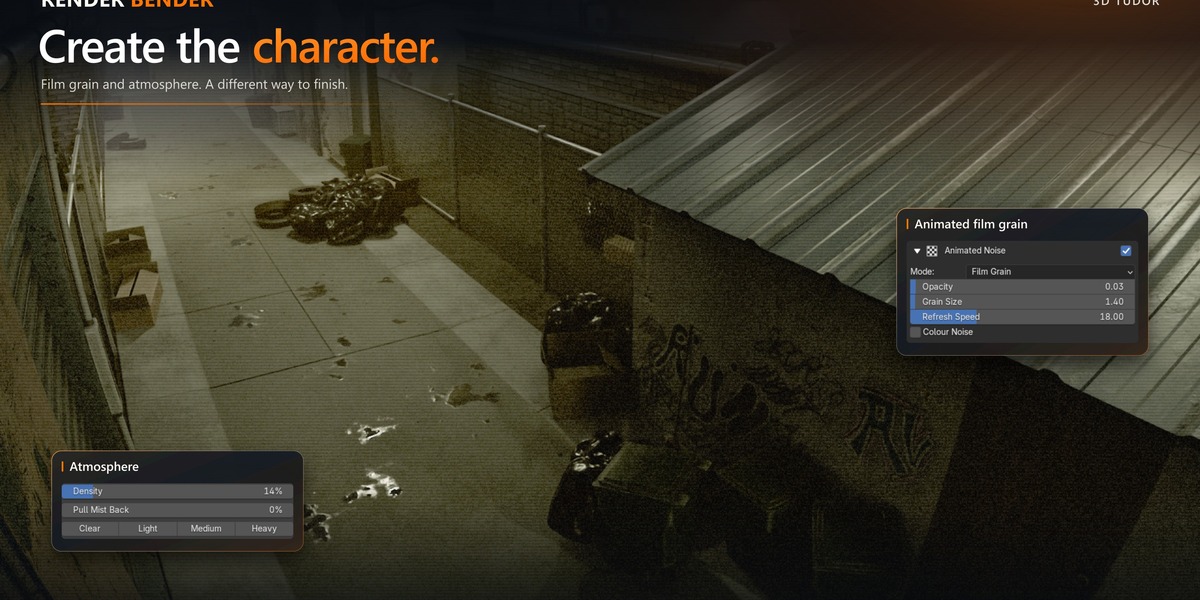
Use a restrained treatment for an environment portfolio, or push the shot towards film, CRT, VHS or surveillance footage. Animated VFX includes grain, glitches, light leaks and heat distortion.
Judge moving effects over several frames. Colour and Animated VFX have documented animation workflows; captured still masks need refreshing when their source frame, camera or geometry changes.
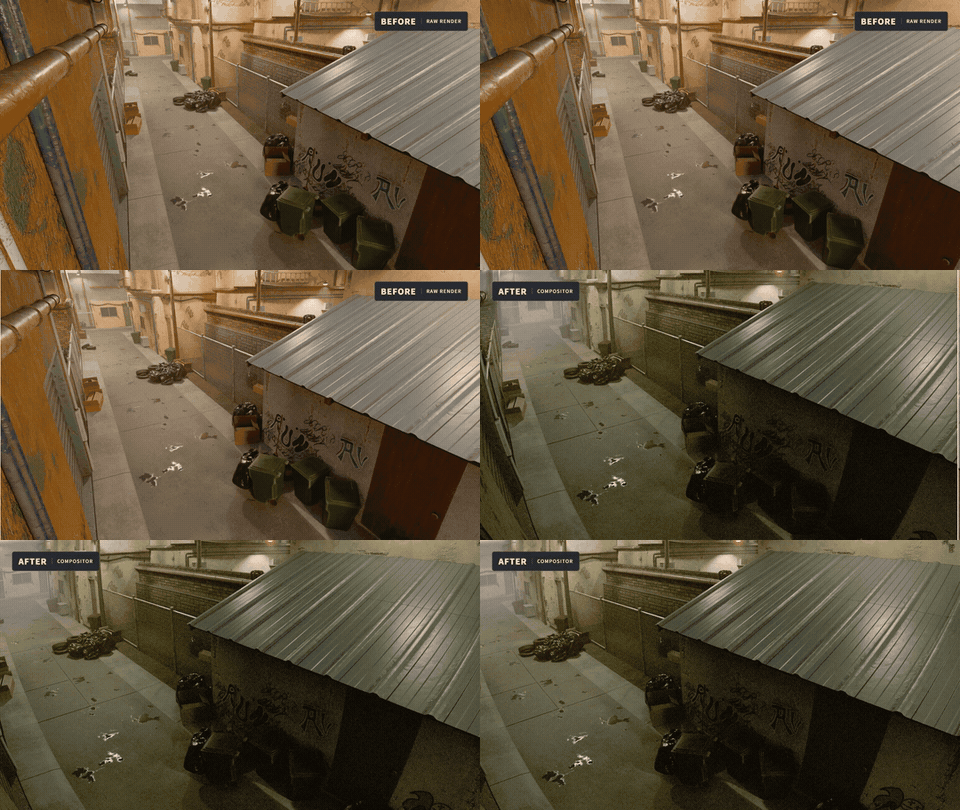
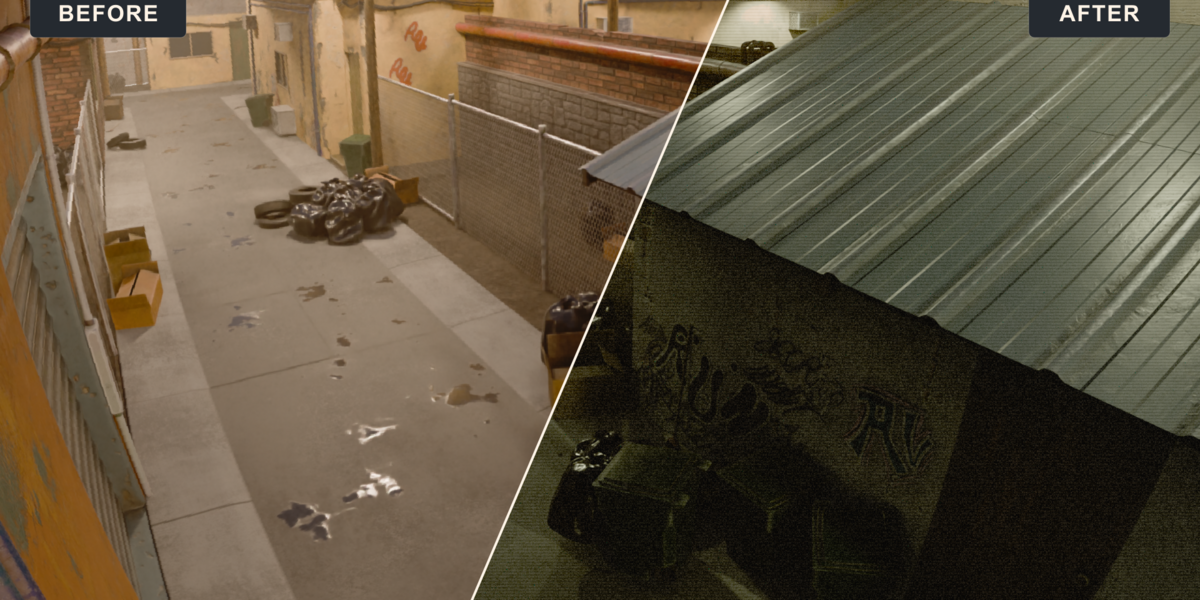
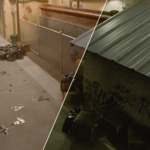
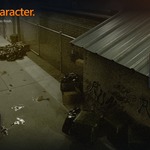
Urban Alley before and after: compare the scene with a deliberate camera treatment.
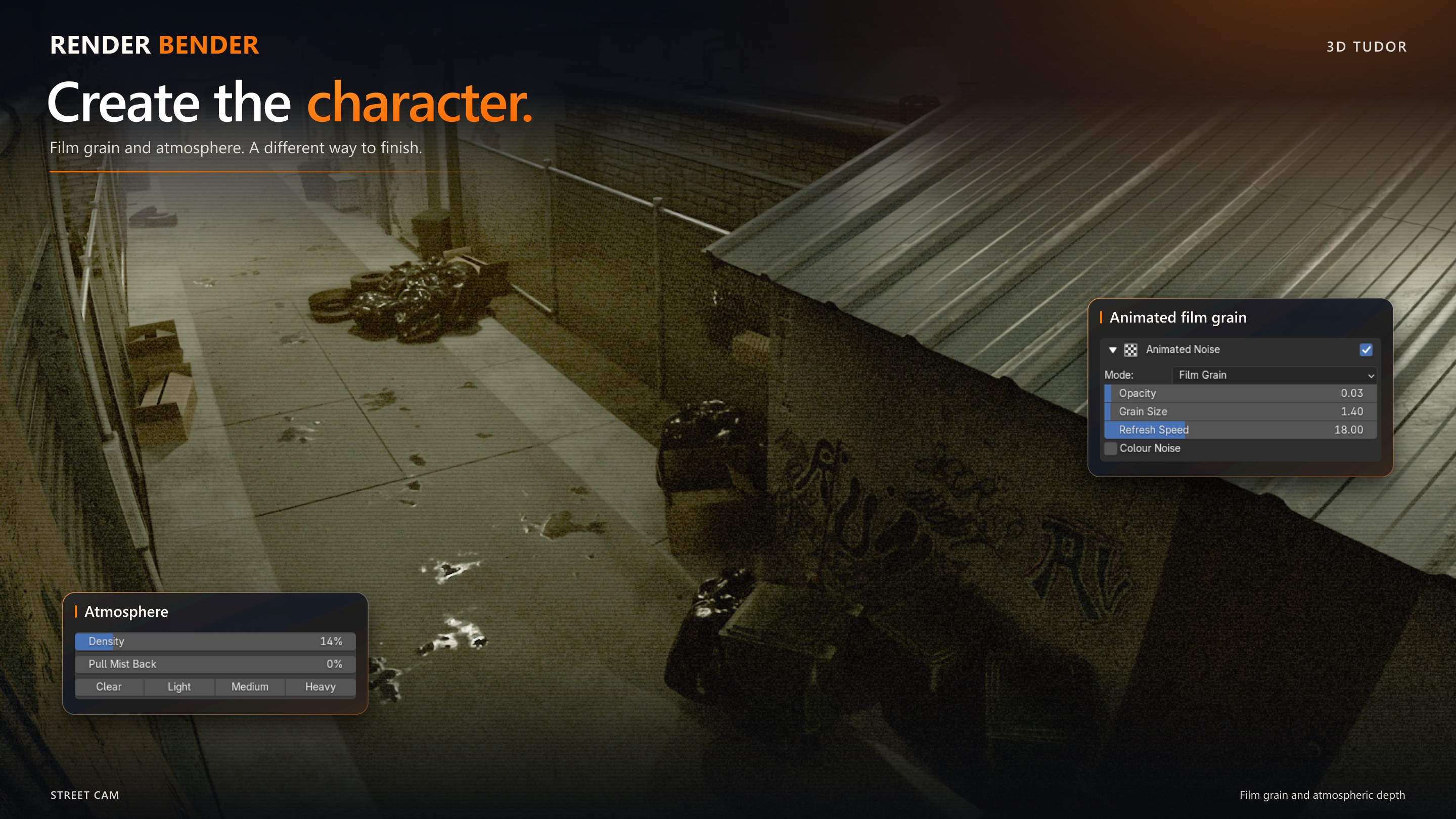
Film and camera character controls illustrated with an urban scene. These are examples of the controls, not a promise that one setting produces the same result in every scene.
Start with a look. Keep your own judgement.
74 factory entries: nine global and 65 section entries, including neutral resets. Start with Clean Starting Look, Warm Film, Cinematic Teal and Amber, Noir Film, VHS Playback or Neon Glitch, then adjust the treatment for your own lighting and materials.
Global presets combine settings across sections. Section presets change a particular effect group. Save your own variations and export/import them to another computer. Presets contain settings, not scenes or render passes.
From your scene to a finished image
- Install: add the supplied ZIP in Blender Preferences and enable Render Bender.
- Prepare: save a working copy of your scene, then choose Set Up & Open Compositor.
- Render and refine: render the required passes, choose a starting preset and work through the sections your image needs.
- Compare and export: restore your intended effects, return to Final Render and save the image and project.
Start at a modest resolution while learning. Adjustments using existing passes can update after the first render. Changes to scene geometry, camera, materials, lighting or required masks need a new render or capture.
What is included
- Render Bender add-on installer, helper modules and factory presets.
- Getting-started guide covering installation, the first render, presets, saving, transfer and troubleshooting.
- Bundled README, preset guide and version notes.
Bring your own Blender scene. The example scenes, models and textures in the artwork are not part of the download.
Is Render Bender right for your workflow?
Use Blender 5.2 and Cycles for the full render-pass workflow. Supplied testing covers Windows; macOS and Linux have not been verified. No additional Python packages or online account are needed to use the add-on.
Scene-dependent controls need the correct inputs: emissive pixels for emission, transmissive materials for water and current captures for mask effects. Volume adjusts existing rendered volume light; it does not generate fog geometry.
The included version notes cover current limits, including captured-surface differences, thin edges in dense mist and streak controls. The Python code is supplied under GNU GPL 3.0, with the licence notice inside the installer.
Ready to finish your next render?
Bring a scene you know, choose the mood you want and build the treatment one section at a time. Render Bender gives you a practical place to make those finishing decisions.
What 3D Tudor Customers Say
Wider 3D Tudor customer feedback across our tools, assets and training. These are not Render Bender reviews.
|
"Super easy to use, great results, and saved me a lot of time!" ★ ★ ★ ★ ★ |
"This is helping a lot when doing concept art. Nice add-on!" ★ ★ ★ ★ ★ |
|
"This creator's tools work, and they are usable products." ★ ★ ★ ★ ★ |
"Day and night scenes, vegetation and nodes, animated fire and water, and so much more." ★ ★ ★ ★ ★ |
Happy modelling everyone!
Neil - 3D Tudor
Explore the 3D Tudor library
Join the 3D Tudor community
Share your renders, ask questions and meet other Blender artists.