 RealDevCode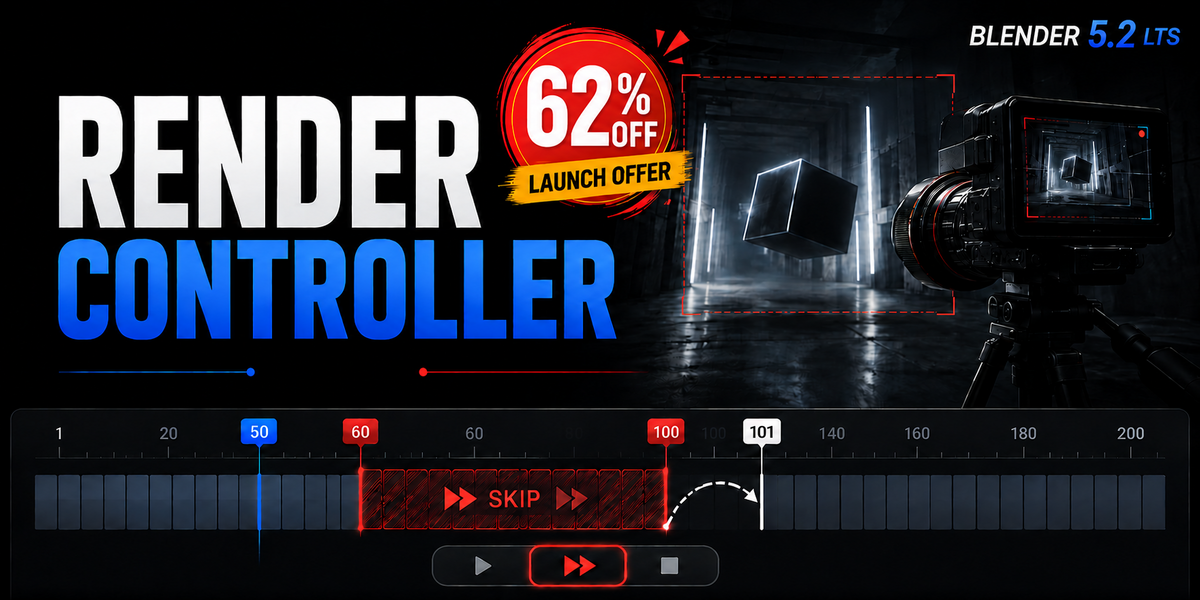

BLENDER ADD-ON
RENDER CONTROLLER
Frame Skipping & Render
WHAT IT DOES
Skip frames in viewport playback and rendering
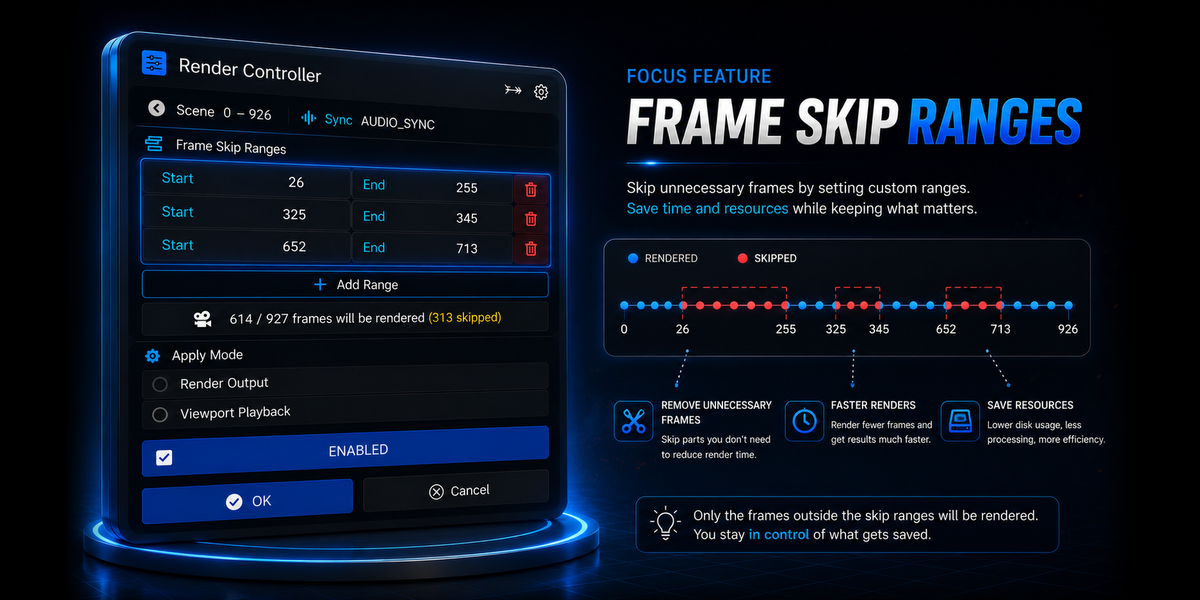
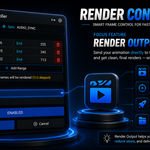
Render Controller gives you a simple way to set frame ranges that should be skipped. It helps keep your viewport playback and rendering workflow moving without wasting time on unwanted frames.
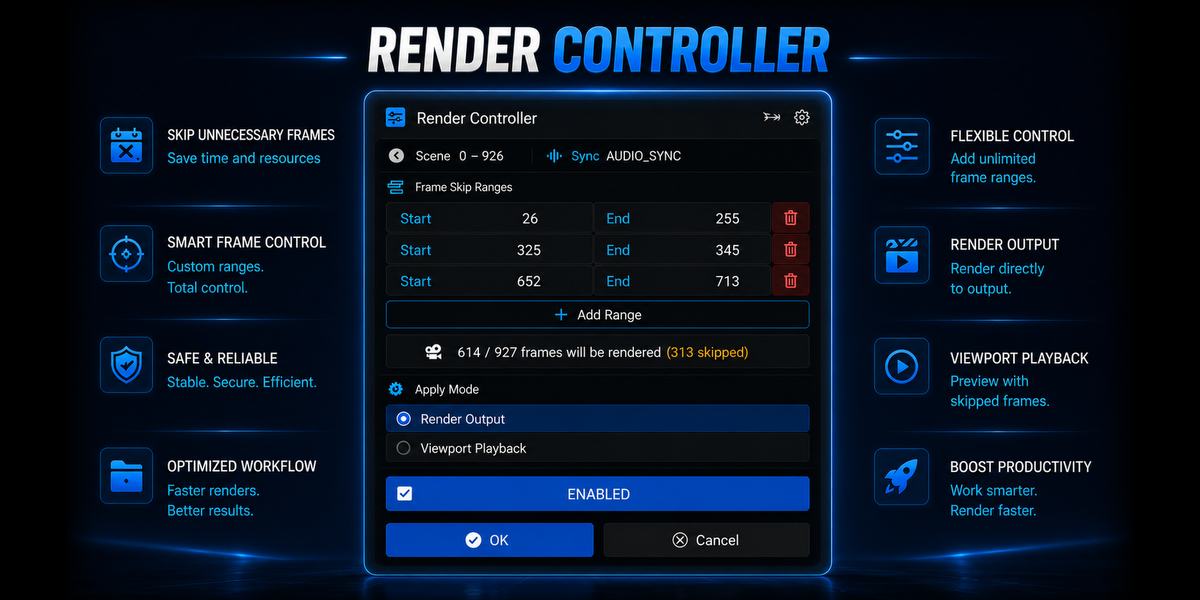
| 01 Skip Frames Set the frame ranges you want to skip. | 02 Viewport Playback Play animation with skipped frames. | 03 Render Render while skipping selected frames. | 04 Recovery Restore settings after interruption. |
FRAME CONTROL
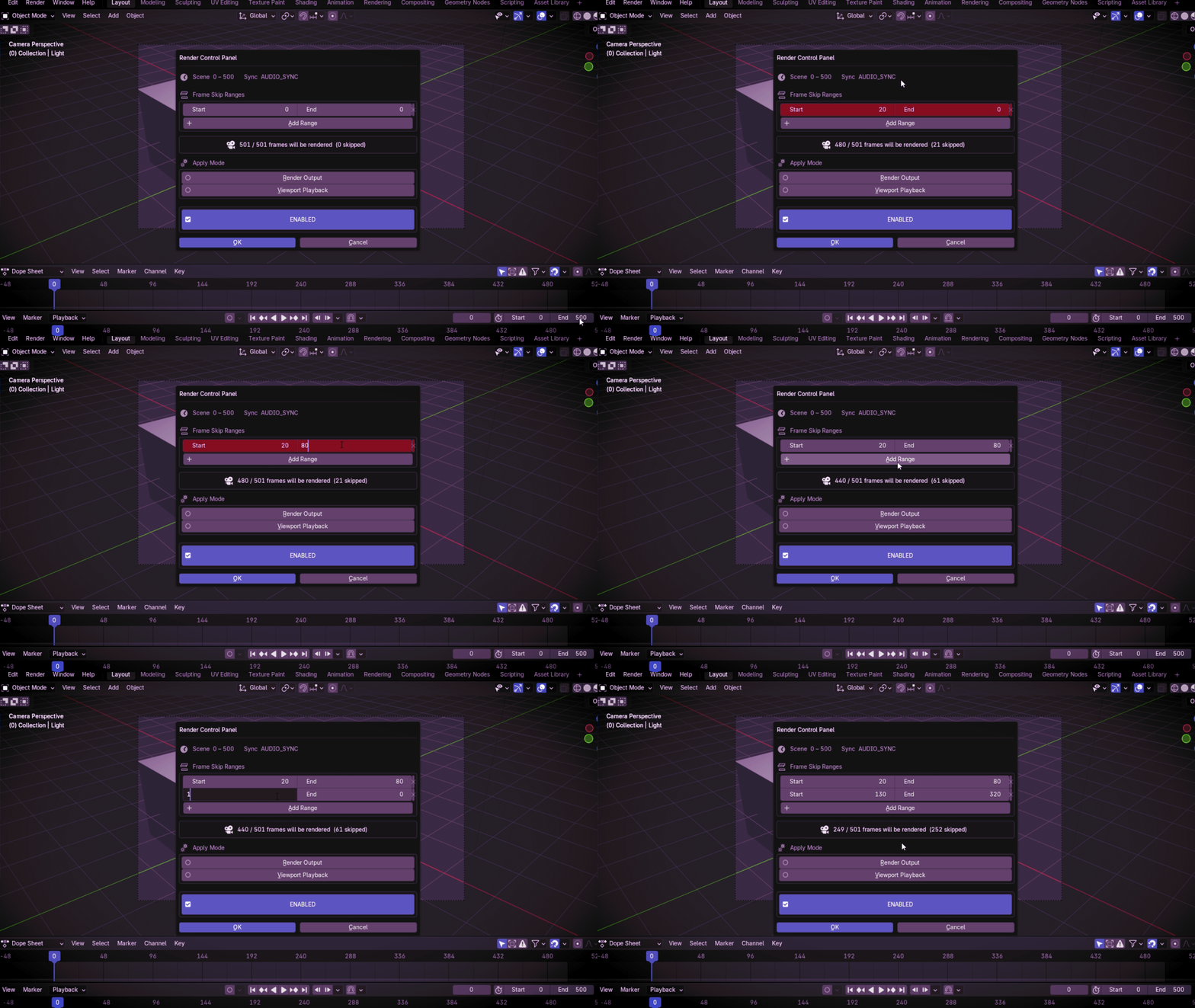
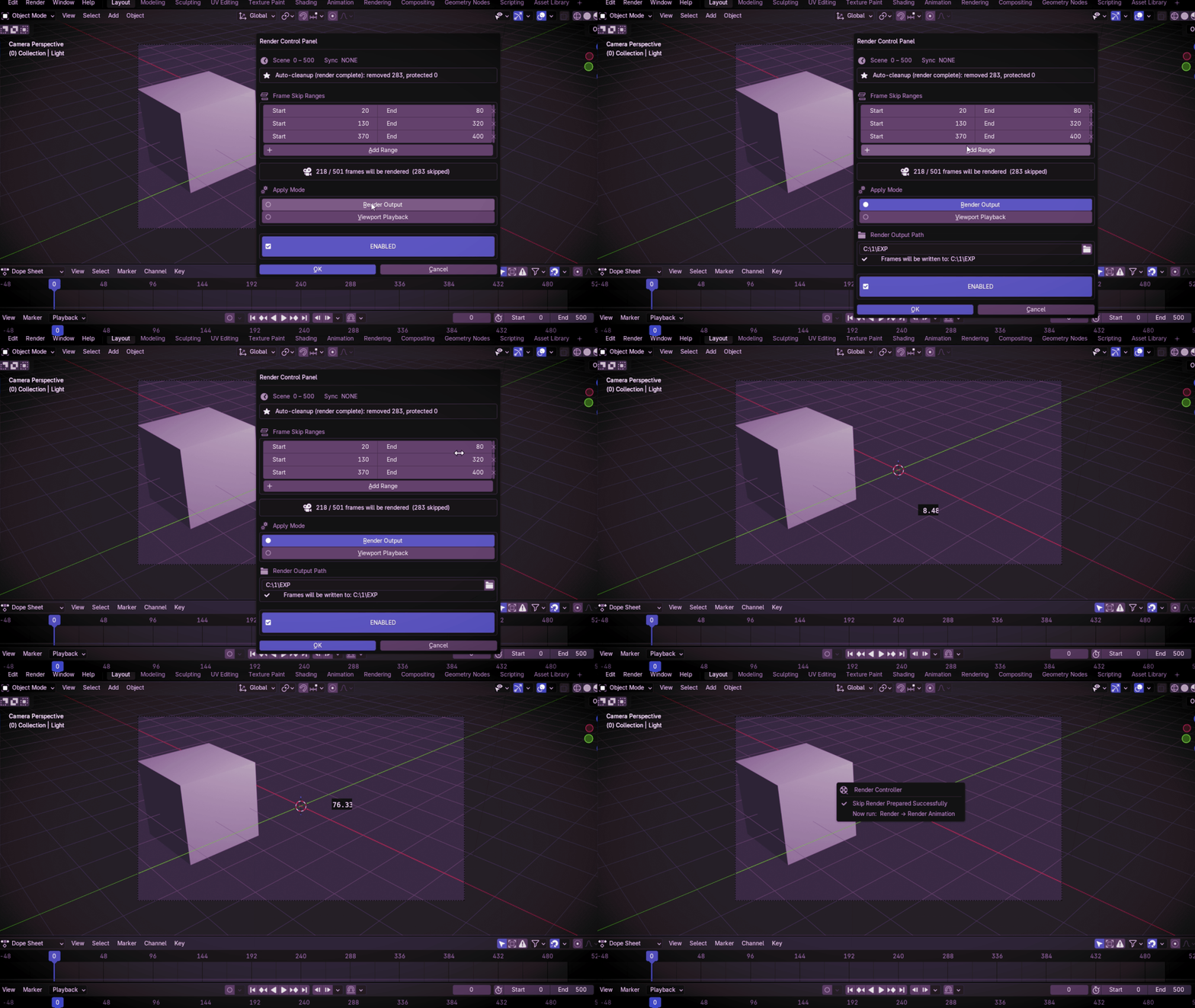
Choose the frames you want to skip
Select one or more frame ranges and let Render Controller handle the skip.
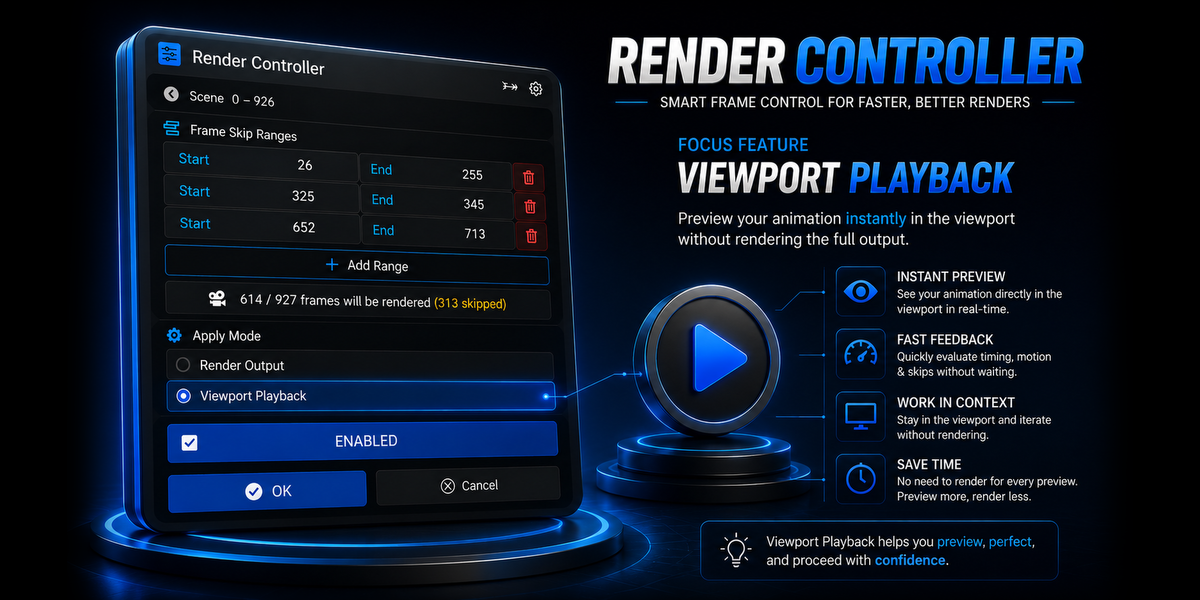
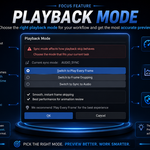
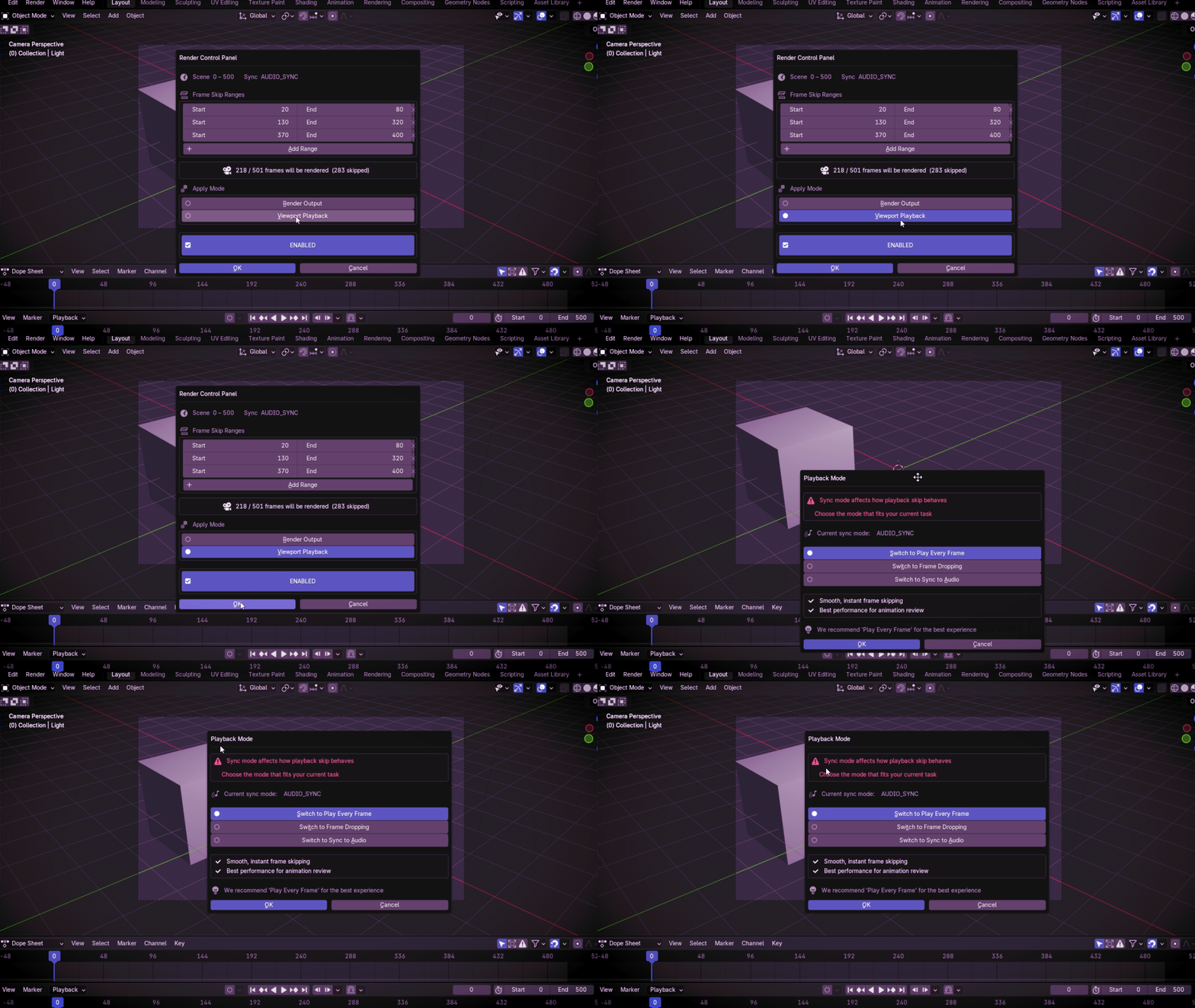
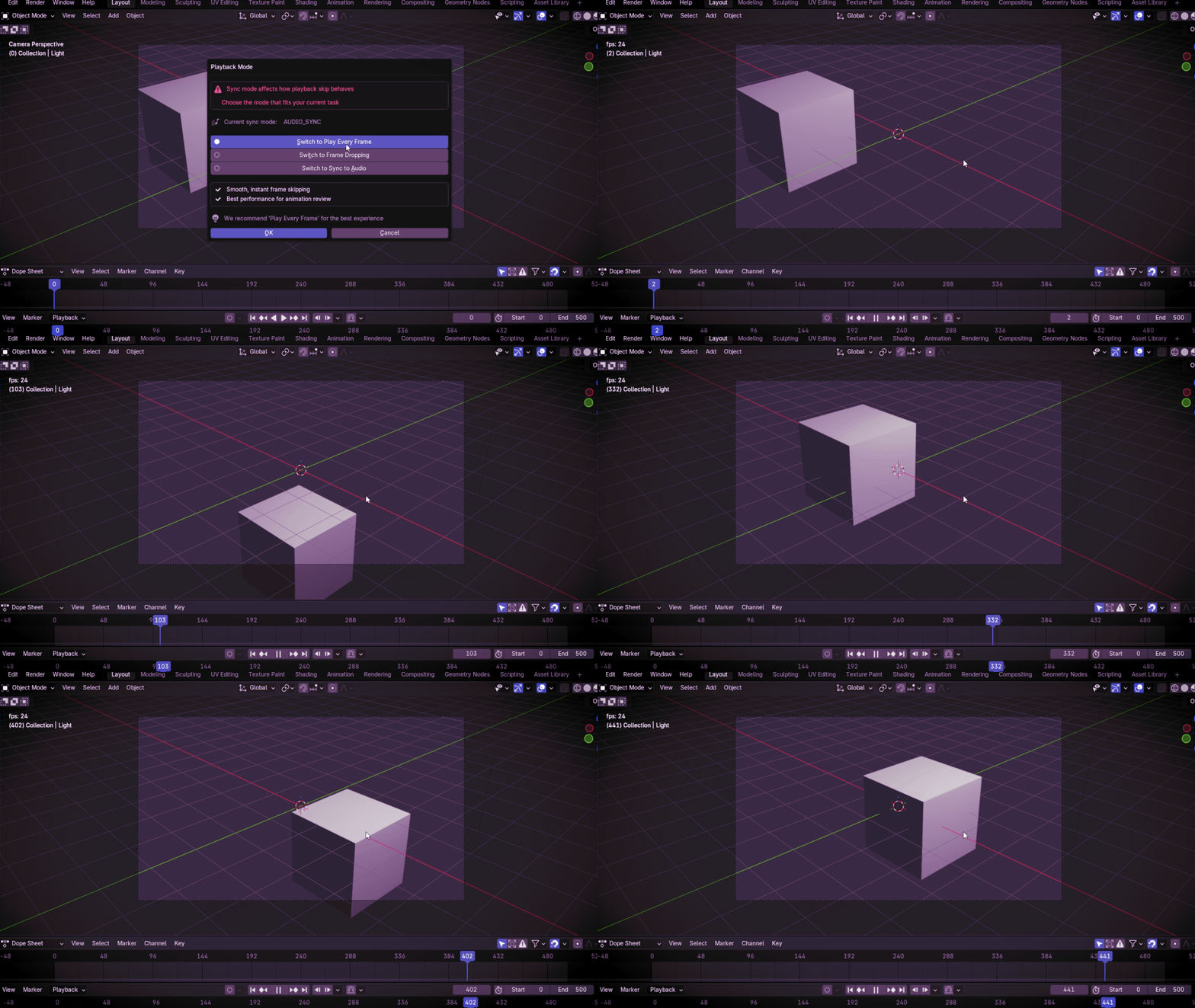
VIEWPORT PLAYBACK
Play only the frames you need
Play your animation in the viewport while Render Controller automatically skips your selected frame ranges.
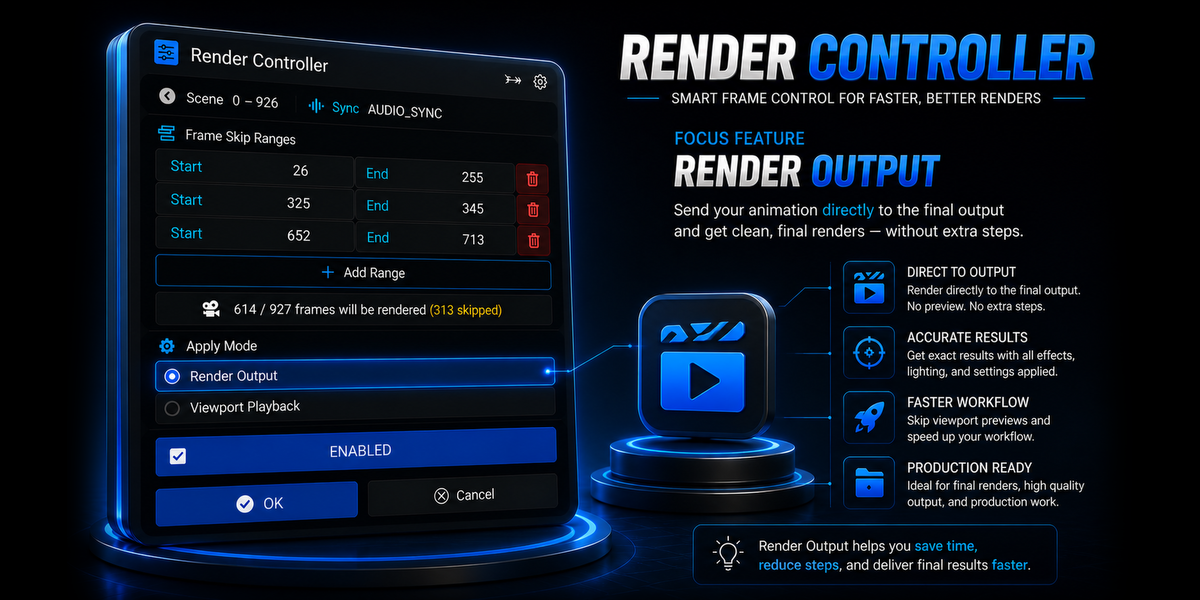
RENDER
Render only the frames you need
Select your frame ranges and render the rest as usual.
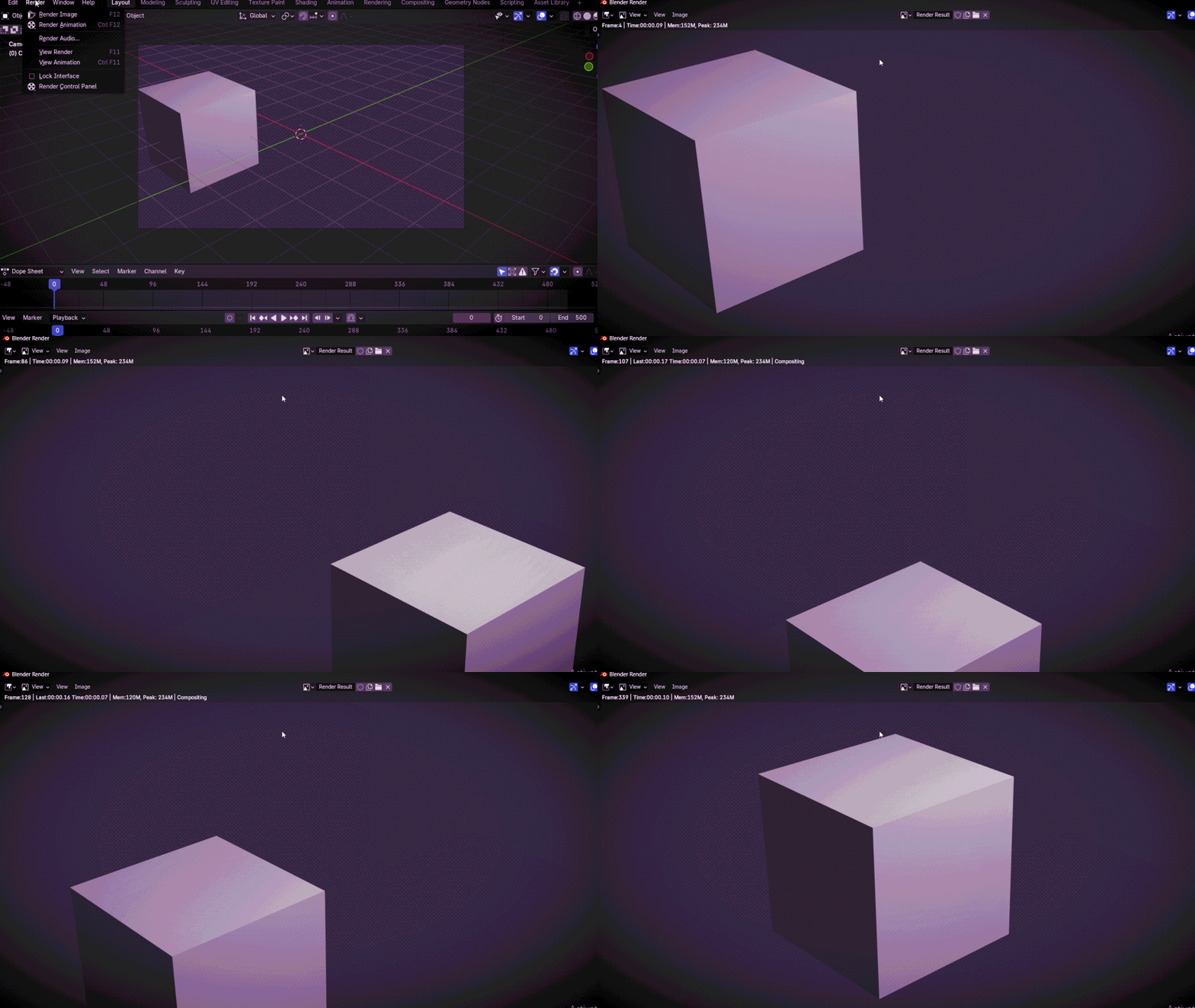
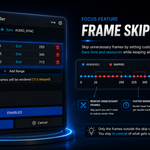
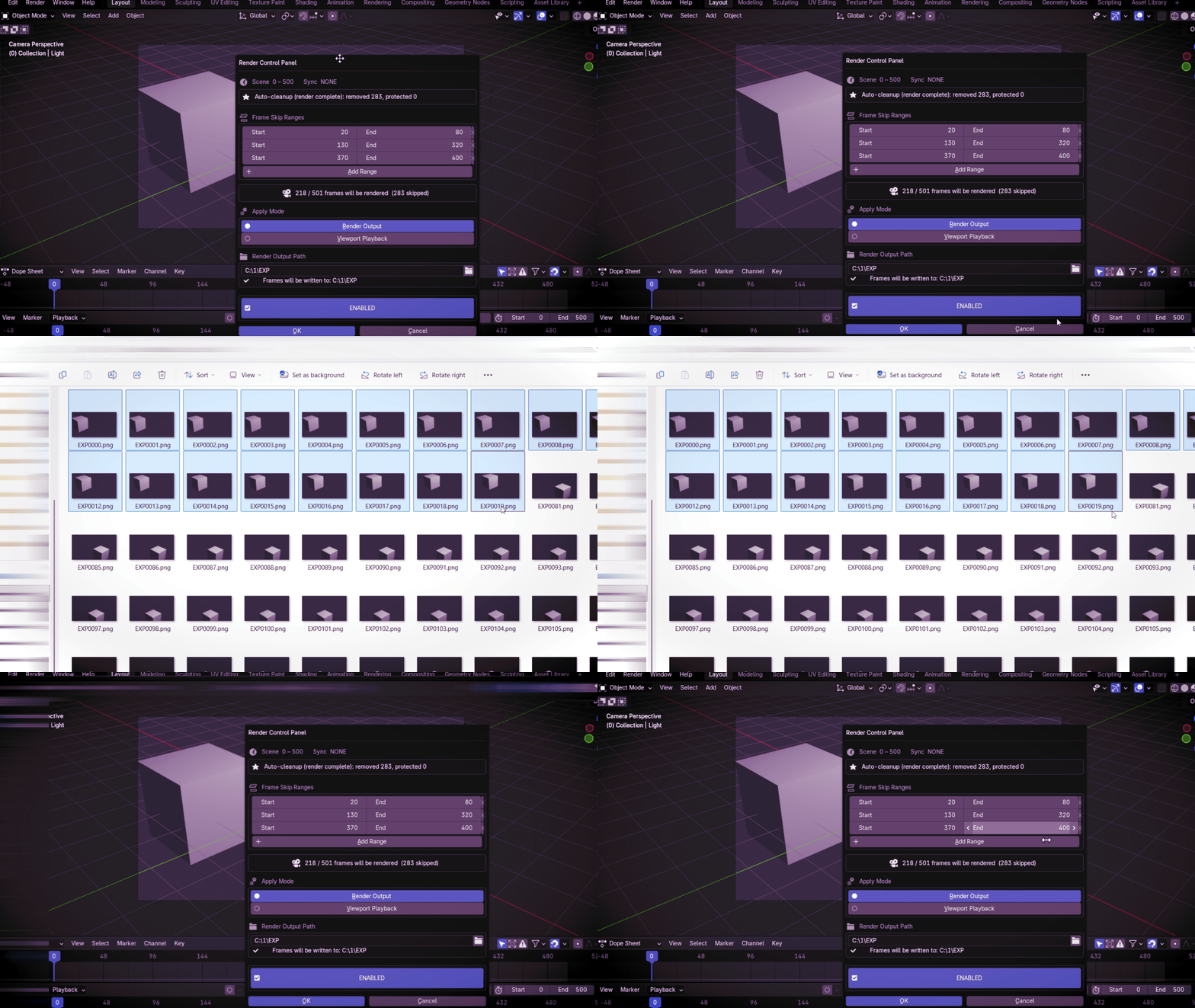
FRAME SKIPPING
See skipped frames in the final output
Choose any frame range to skip, and keep the rest of your animation rendering normally.
FEATURES
| Everything you need to control your frames | ✓ Multiple frame ranges ✓ Viewport frame skipping ✓ Render frame skipping ✓ Automatic cleanup ✓ Recovery support ✓ PNG / EXR / JPEG workflows |
LIMITATIONS
No direct video output
MP4, AVI, and other video output formats are not supported.
Image sequence output only
PNG, EXR, JPEG and other image-sequence formats are supported.
Saved .blend for // paths
Blend-relative output paths require the .blend file to be saved first.
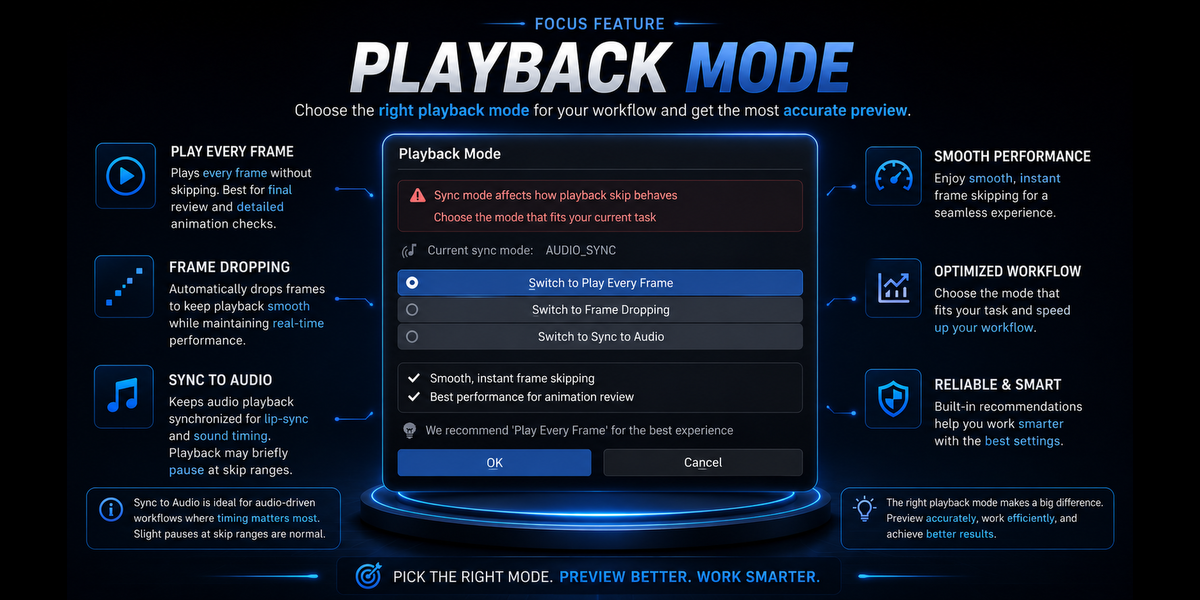
Viewport Playback Sync Affects Frame Skipping
Playback may lag when using skip ranges with sync modes.
COMPATIBILITY
Blender 4.2 - 5.2 LTS
RENDER CONTROLLER
Take control of your frames
Skip the frames you don't need and keep working
62% OFF — LAUNCH OFFER