Render Controller – Frame Skipping & Render
 RealDevCode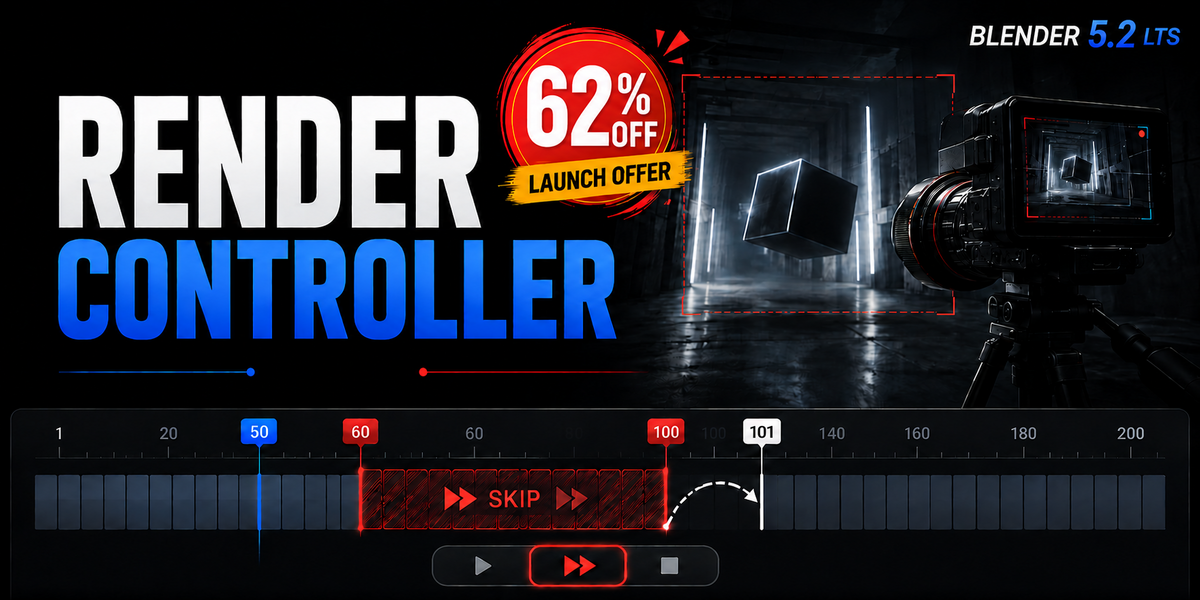
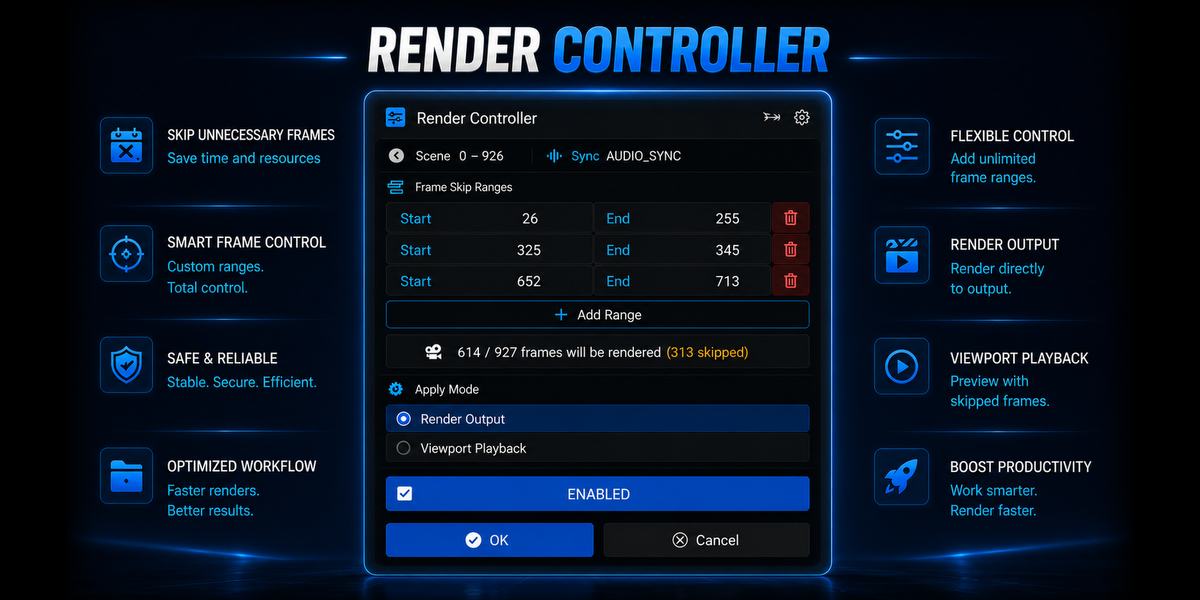
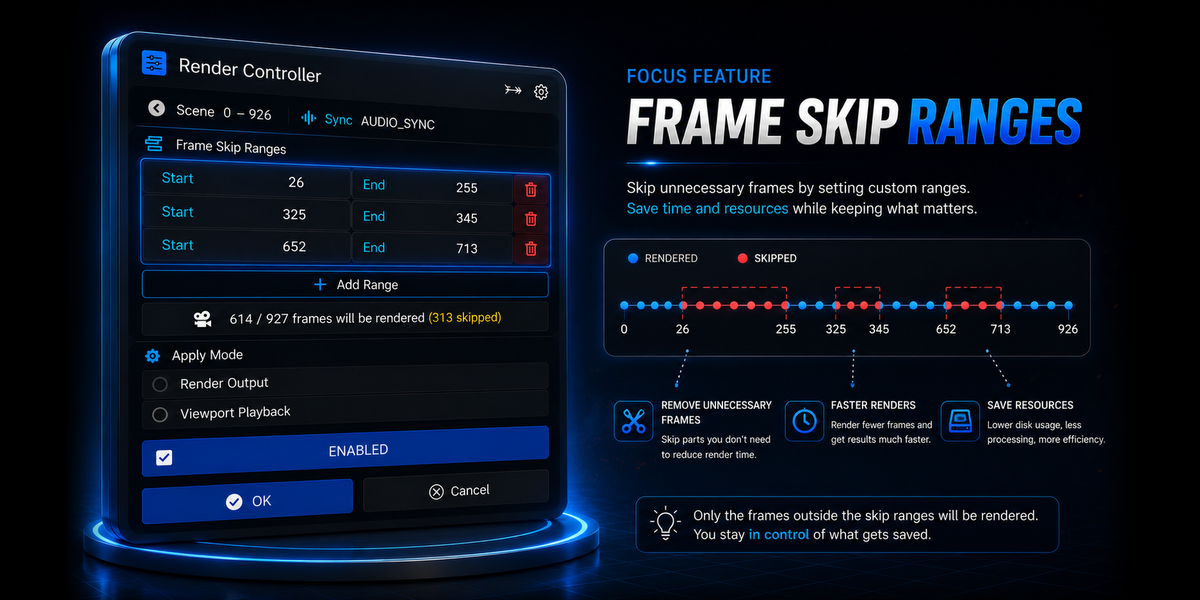

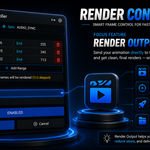
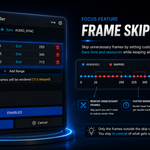
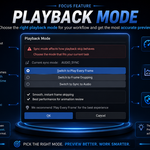
Control which frames Blender should skip during viewport playback and rendering, while keeping your normal workflow intact.
Installation
- Open Blender.
- Go to Edit → Preferences.
- Open the Add-ons section.
- Install the Render Controller ZIP file.
- Enable the addon.
Once enabled, Render Controller can be accessed from the Blender interface.
Frame Skip Ranges
- Open the Render Controller panel.
- Add a frame range using the Start and End values.
- Add as many skip ranges as needed.
- Remove any range you no longer want to skip.
Multiple frame ranges can be defined so unwanted sections of an animation can be skipped during the workflow.
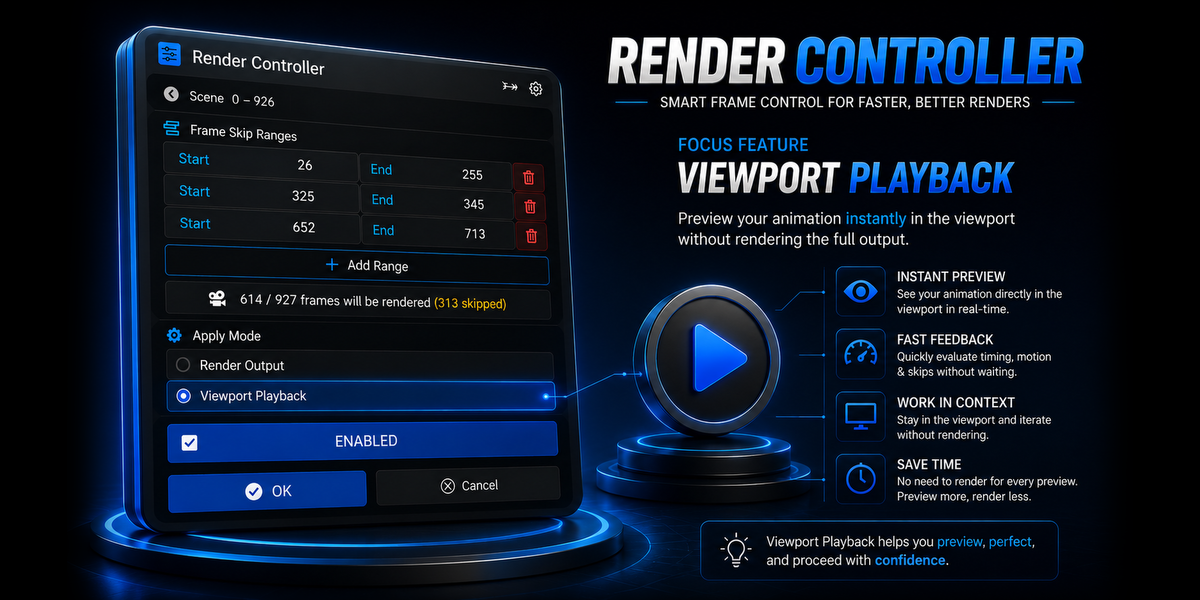
Viewport Playback
- Set the frame ranges you want to skip.
- Select Viewport Playback as the apply mode.
- Start playback from the Blender timeline.
- Frames inside the selected ranges are skipped during playback.
Use viewport playback to move through your animation without stopping on unwanted frames.
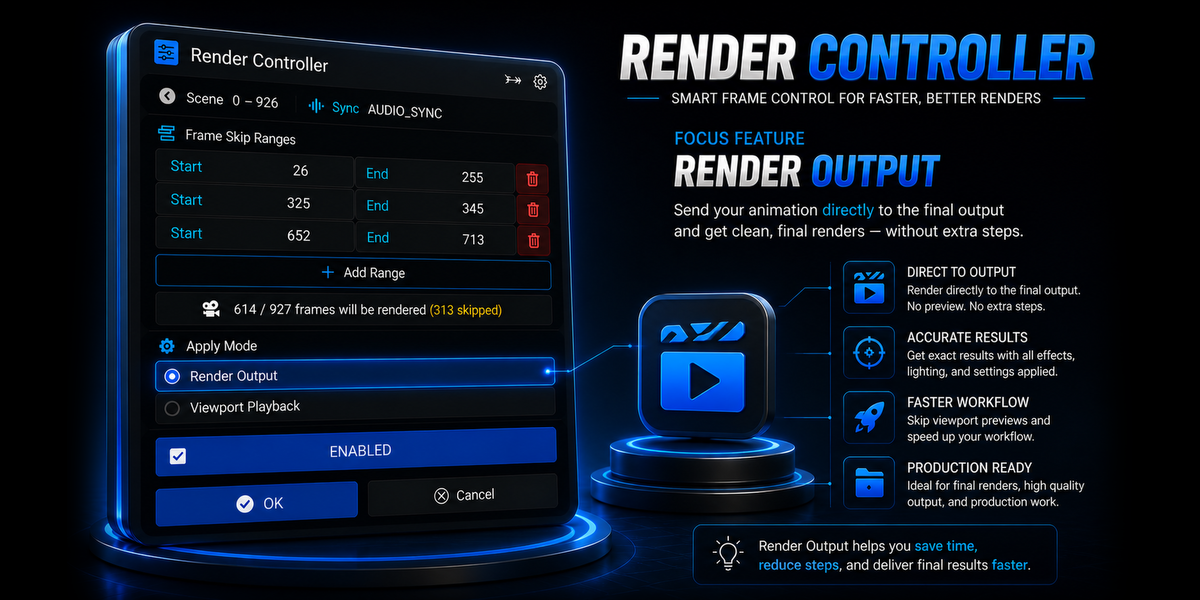
Render
- Set the frame ranges you want to skip.
- Select Render Output as the apply mode.
- Choose your normal Blender output settings.
- Start the render as usual.
Render Controller skips the selected frame ranges while Blender continues rendering the remaining frames normally.
Basic Workflow
|
01
SelectSet your frame ranges. |
02
PlaybackSkip ranges in the viewport. |
03
RenderRender only needed frames. |
04
ContinueContinue with your workflow. |
Limitations
No Direct Video Output
MP4, AVI, and other video output formats are not supported.
Image Sequence Output only
PNG, EXR, JPEG and other image-sequence formats are supported.
Saved .blend for // Paths
Blend-relative output paths require the .blend file to be saved first.
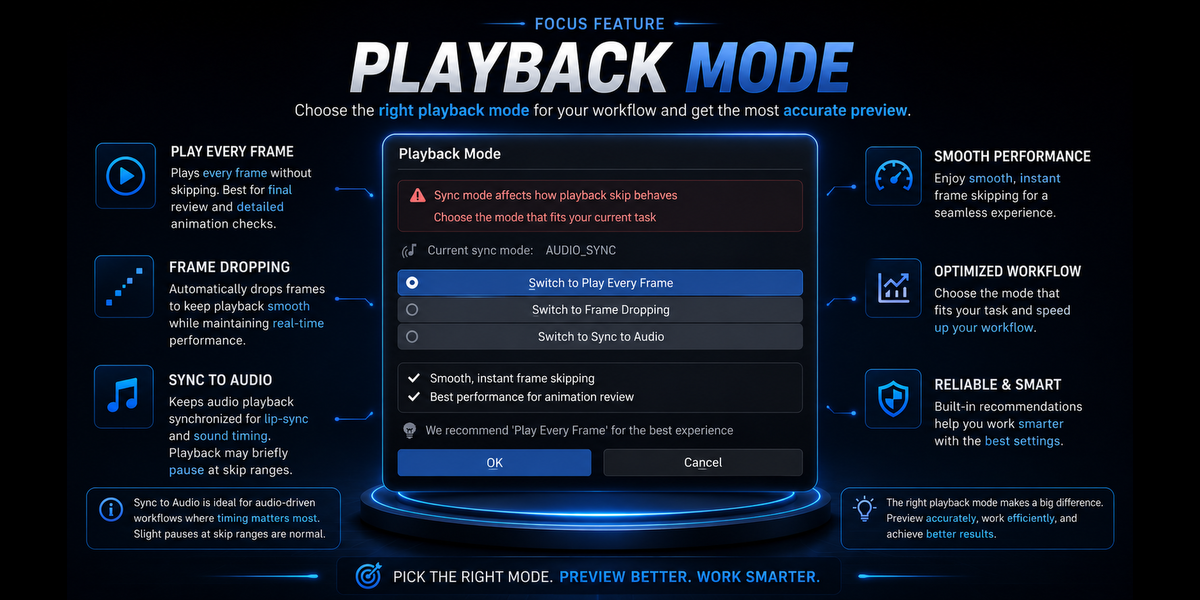
Viewport Playback Sync Affects Frame Skipping
Playback may lag when using skip ranges with some sync modes.
Compatibility
Blender 4.2 - 5.2 LTS
Have questions about this product?
Login to message
| Blender Extension Compatible | Yes |
| Dev Fund Contributor | |
| Published | 23 days ago |
| Blender Version | 4.2 - 5.2 |
| Extension Type | Add-on |
| Render Engine Used | Cycles, Eevee |
| License | GPL |
Discover more products like this
render-optimization Workflow frame range viewport playback frame skipping animation rendering animation tools Render Control viewport render utility blender addon