Render Controller – Frame Skipping & Render
 RealDevCode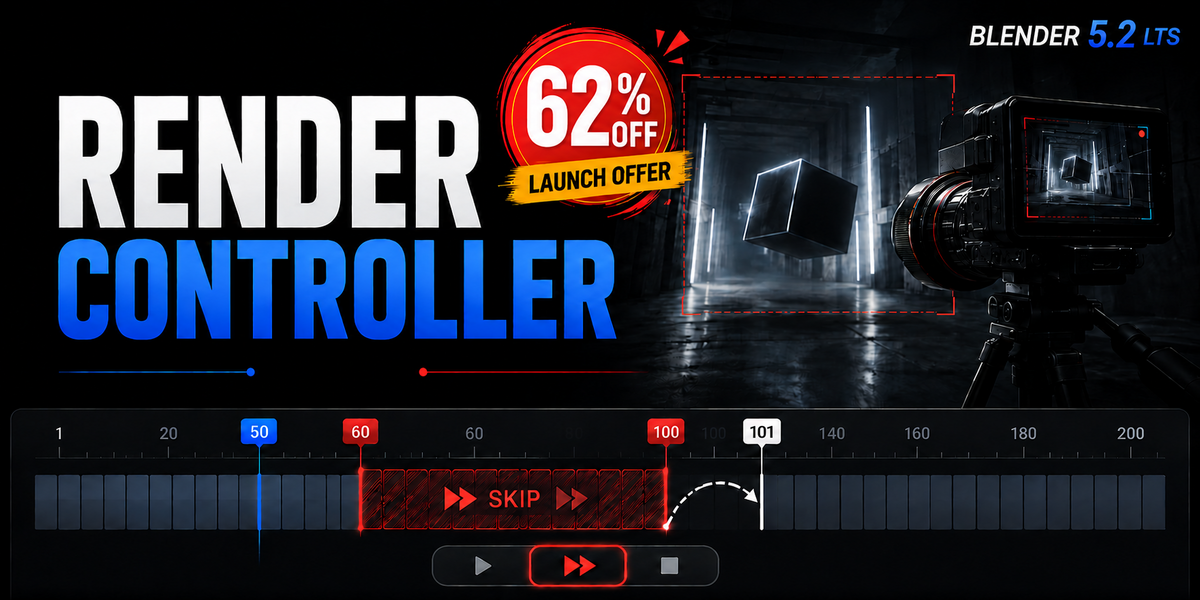

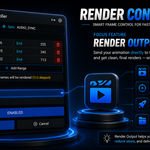
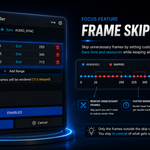
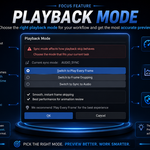
What does Render Controller do?
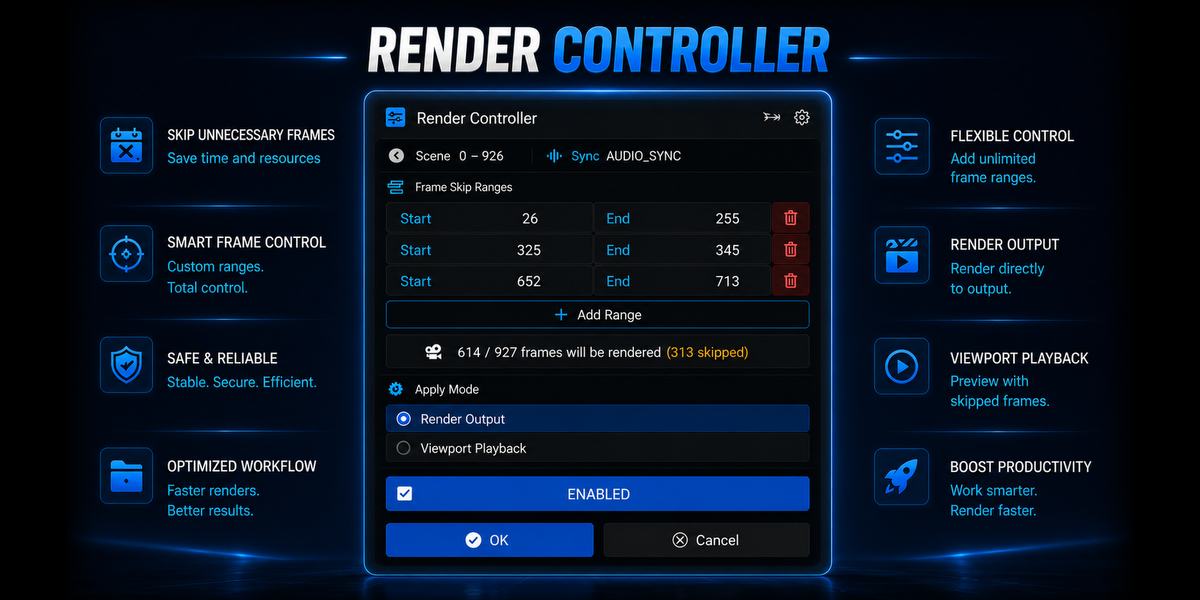
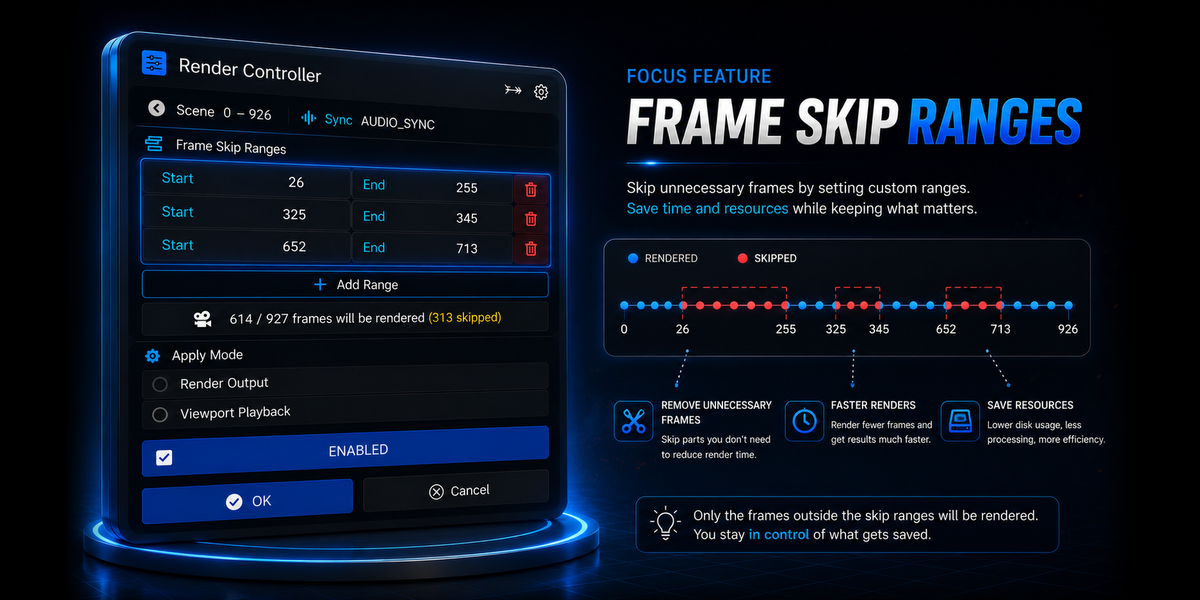
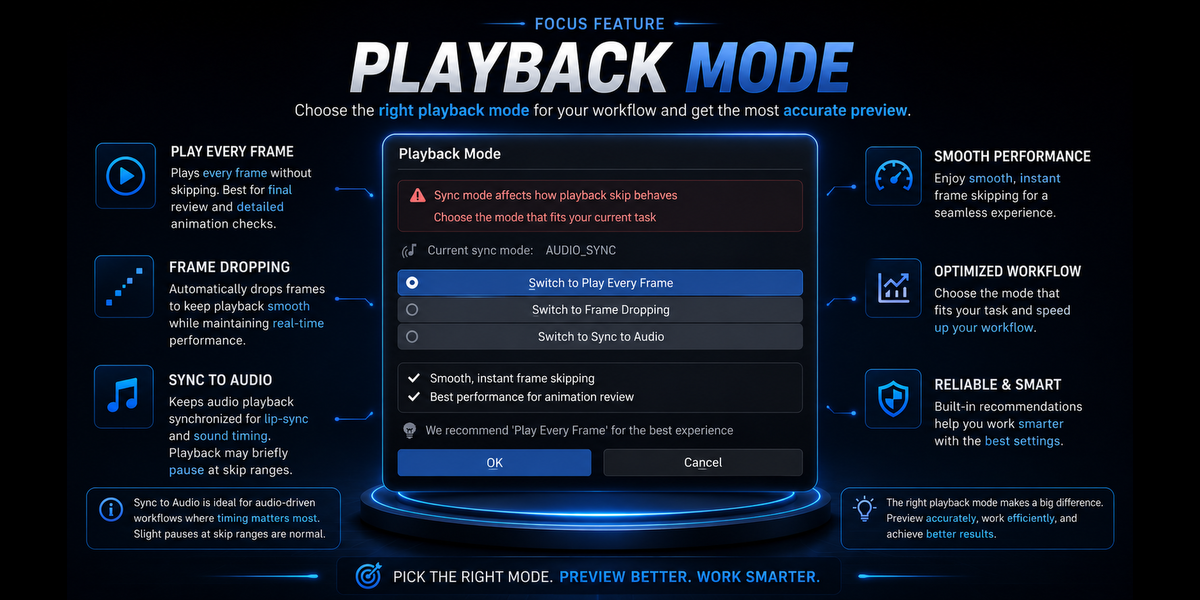
It lets you set frame ranges to skip during viewport playback and rendering, helping you avoid unwanted frames in your workflow.
Can I set multiple frame ranges?
Yes. You can add multiple frame ranges and choose exactly which parts of your animation should be skipped.
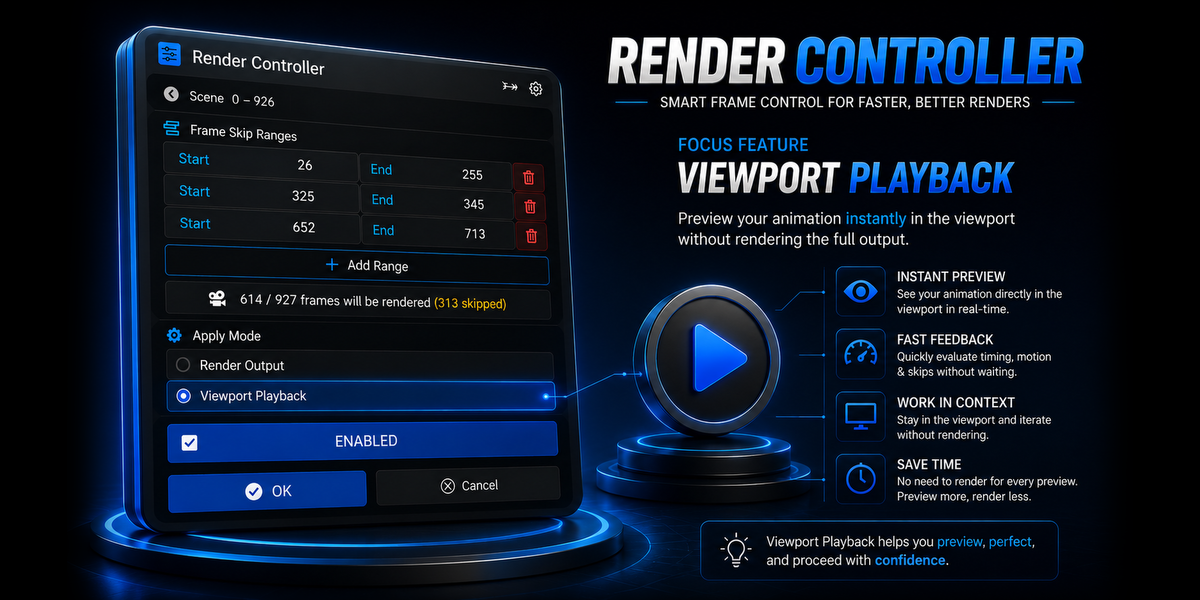
Can I skip frames during viewport playback?
Yes. Render Controller can skip your selected frame ranges while playing the animation in the viewport.
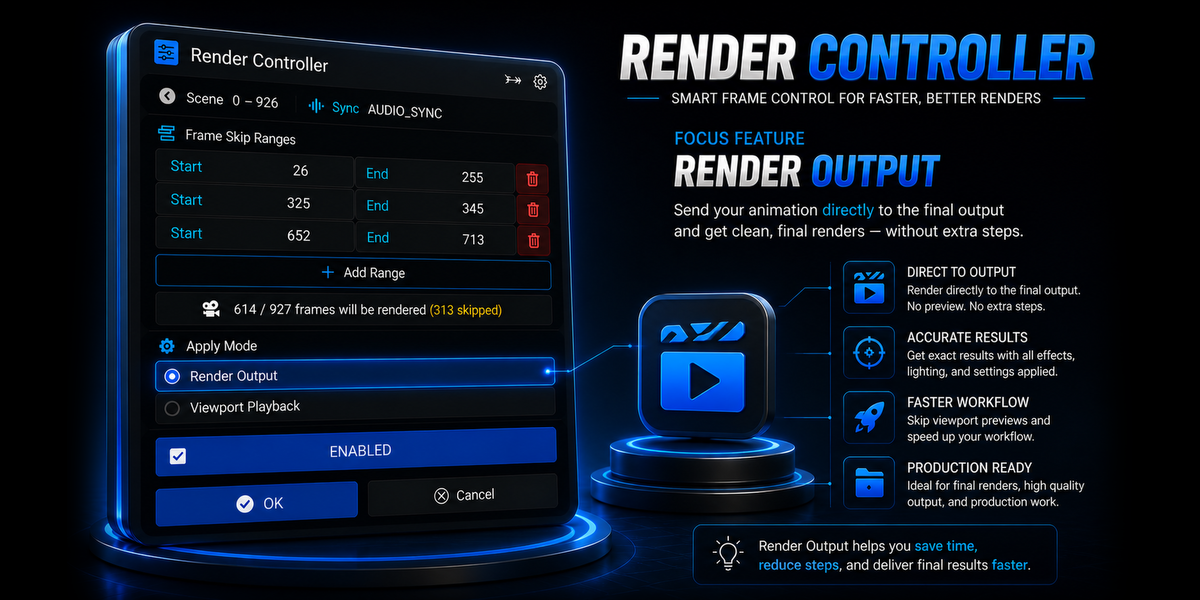
Can I skip frames while rendering?
Yes. Set your skip ranges and Render Controller leaves those frames out while the remaining frames render normally.
Which output formats are supported?
Render Controller supports image-sequence workflows such as PNG, EXR, and JPEG etc.
Does it support direct video output?
No. Direct video output such as MP4 and AVI is not supported in the current workflow.
Have questions about this product?
Login to message
| Blender Extension Compatible | Yes |
| Dev Fund Contributor | |
| Published | 23 days ago |
| Blender Version | 4.2 - 5.2 |
| Extension Type | Add-on |
| Render Engine Used | Cycles, Eevee |
| License | GPL |
Discover more products like this
rendering Render Control animation tools Workflow viewport playback render utility viewport render-optimization frame skipping blender addon animation frame range