Save Render Output Settings as Presets and Manager for Blender
 GabrielMoro


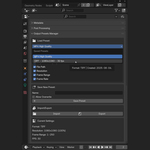
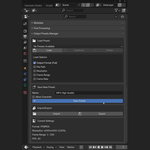
Q: Which Blender versions are supported?
A: The addon is built for Blender 3.6 and newer, but it should work with most recent versions.
Q: Can I edit a saved preset?
A: Yes. Just load it, adjust the settings, and save it again under the same name to overwrite it.
Q: Do I need any extra Python libraries?
A: No, the addon works with Blender out of the box—no extra installs required.
Q: Will this overwrite my Blender defaults?
A: No. It only saves and loads presets that you create, and it doesn’t touch your default Blender settings unless you manually replace them.
Q: Can I share my presets with other projects or users?
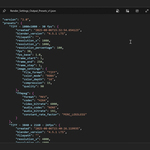
A: Yes. Presets are saved as files, so you can back them up or share them with others by copying them to their presets folder.
Q: What does the Render Output Presets addon do?
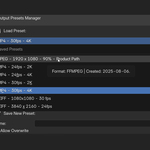
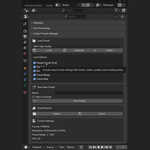
A: It lets you save and load your favorite render output settings as presets in Blender. This way, you can quickly switch between different output configurations without manually changing settings every time.
$4
Have questions about this product?
Login to message
| Published | about 1 year ago |
| Blender Version | 3.6 - 4.5 |
| Extension Type | N/A |
| Render Engine Used | Cycles, Eevee |
| License | GPL |
Discover more products like this
animation output render workflow blender addon file format presets render presets render settings output manager Resolution presets render manager Batch rendering output presets