 FlinCode


Installation
Open your blender and follow the instructions in the image
Click on the install button and then select the add-on and click Install Add-on
How to use:
Go to the render tab
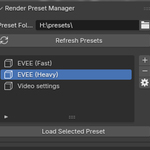
Scroll down and find the "Render Preset Manager" option
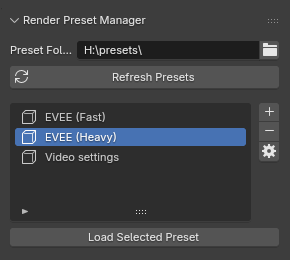
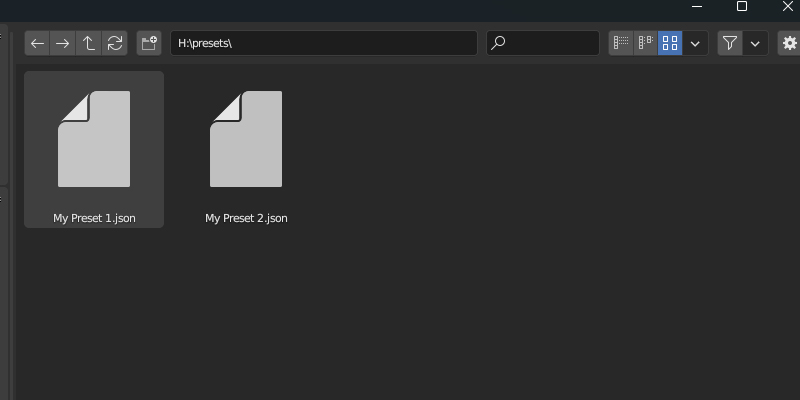
First, click on the folder icon next to the Preset folder input, and select an empty folder, this is where your presets will be saved as a JSON file.
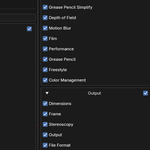
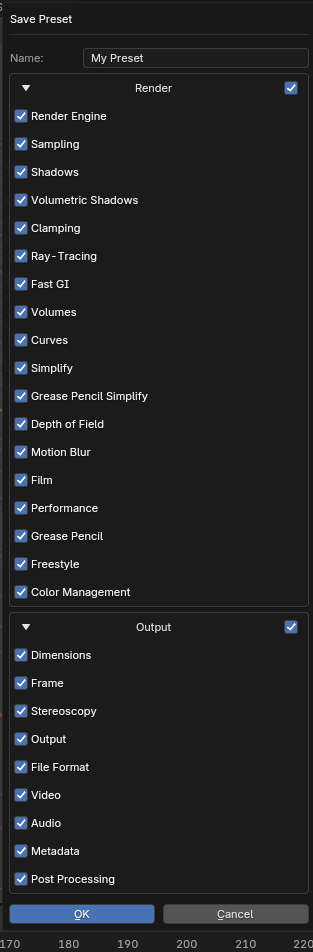
First make your changes, then click the plus(+) Icon to create a new preset, It will ask you to give a name and select if you want to save render and output tabs options with checkboxes (i.e. selecting all will save every entry from both sections, even the defaults)
Or Click the cog wheel icon to modify existing presets
-
$2
Same as the support version.
-
$4.99
This is the exact same addon, this option is here if you want to support me!
Have questions about this product?
Login to message
Discover more products like this
preset-creator render-preset BlenderAddon preset-creation-addon blender presets blender preset