 Densle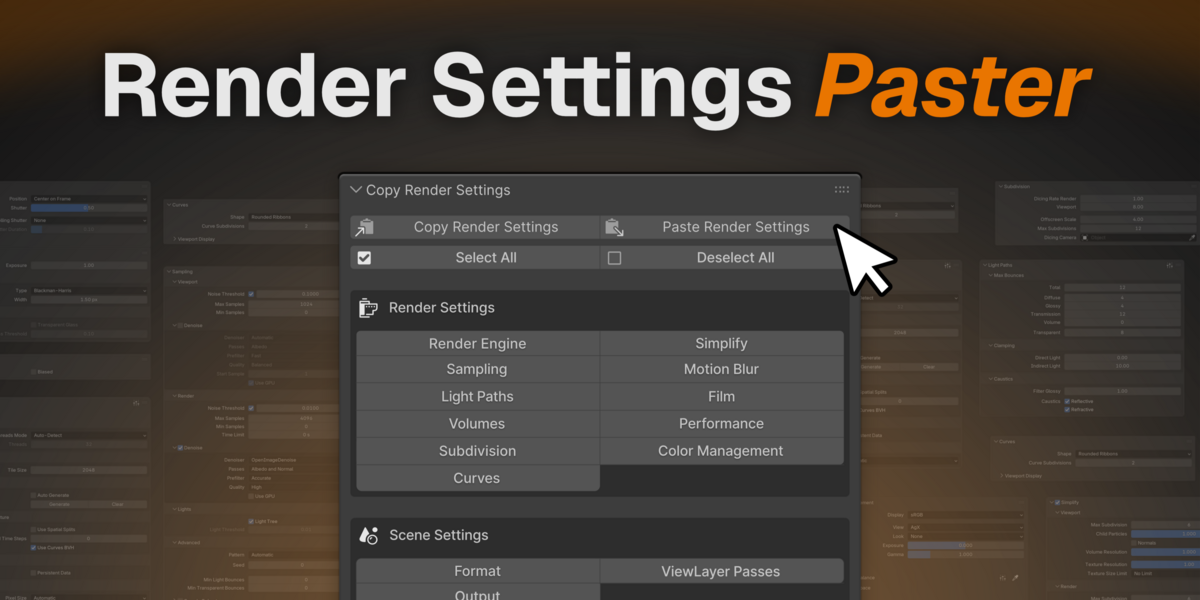
Blender has like a billion render settings
And no way to save them all.
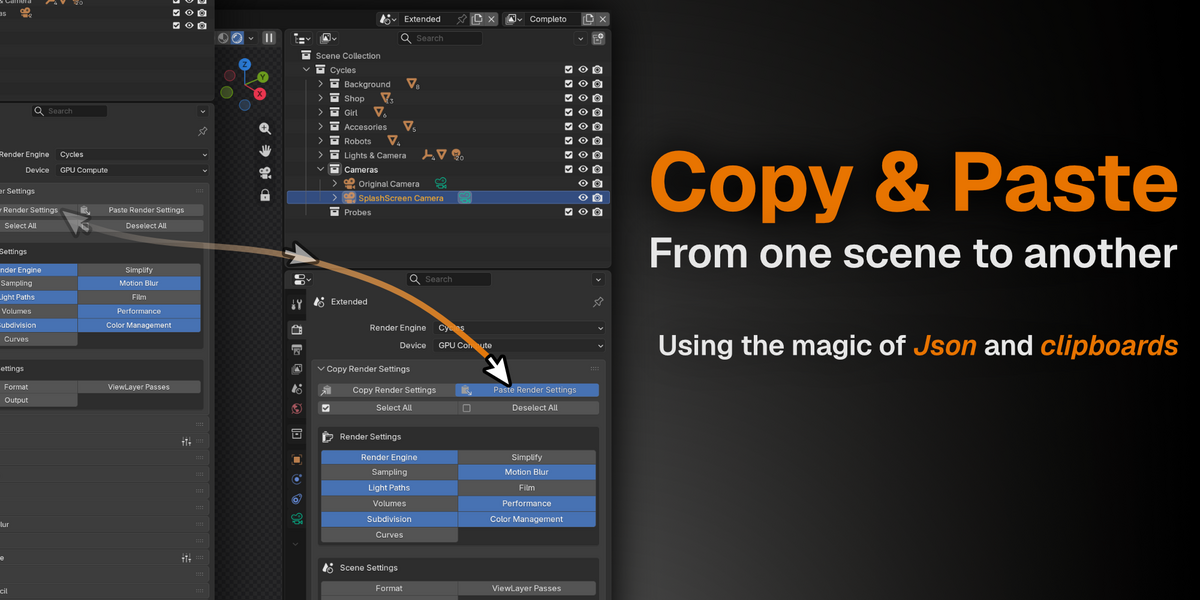
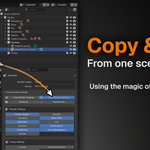
The scene is perfect. Samples, denoising, color management, and output settings are all set just the way you like it. And now you need all of that in another scene. Or another file. Or on a different machine. Retyping dozens of settings by hand is a great way to discover you missed a bunch of settings 3 hours into your render. With Render Settings Paster, it's a lot easier saving, transferring, and sharing render settings across Blend scenes.
Core Features:
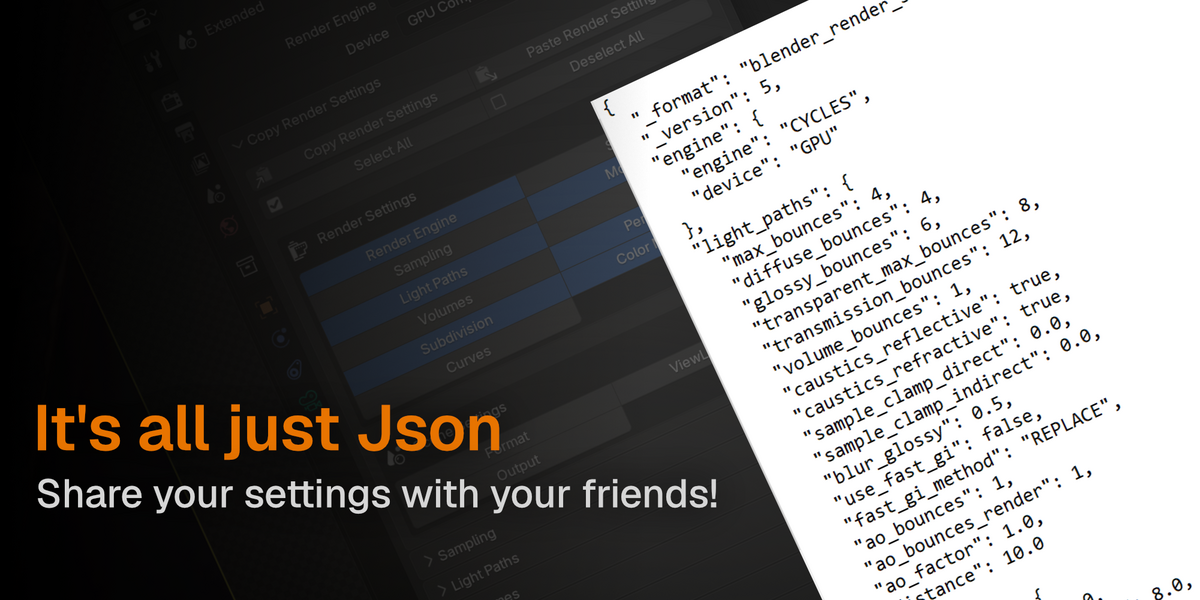
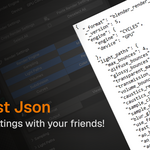
- Copy & paste all render settings via the system clipboard (Json) - between scene, open Blender instances, and between machines
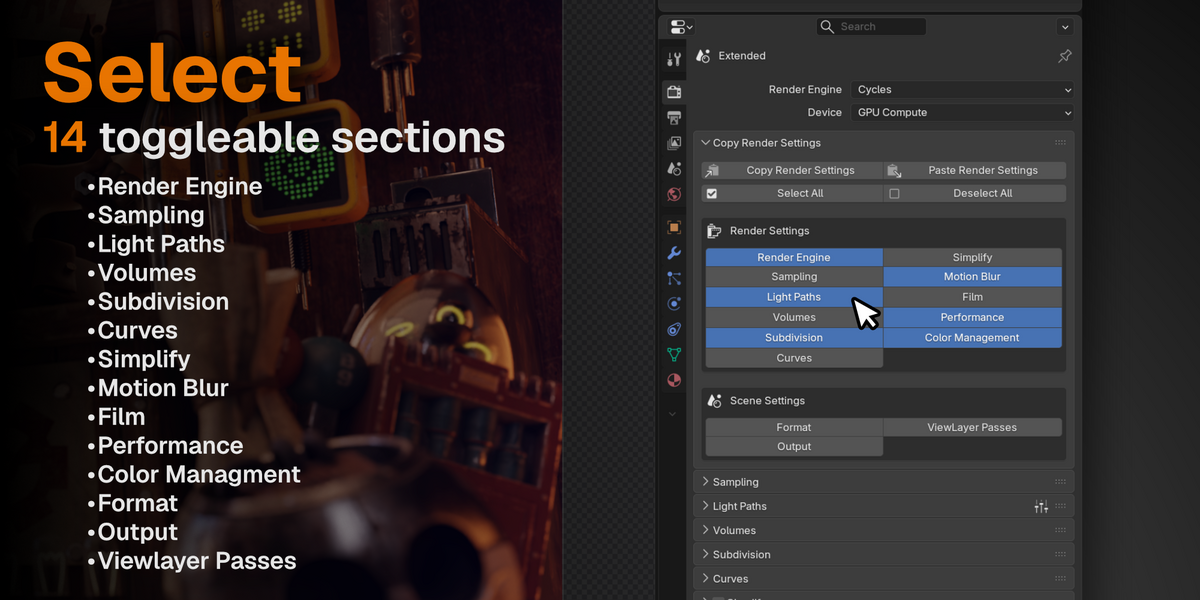
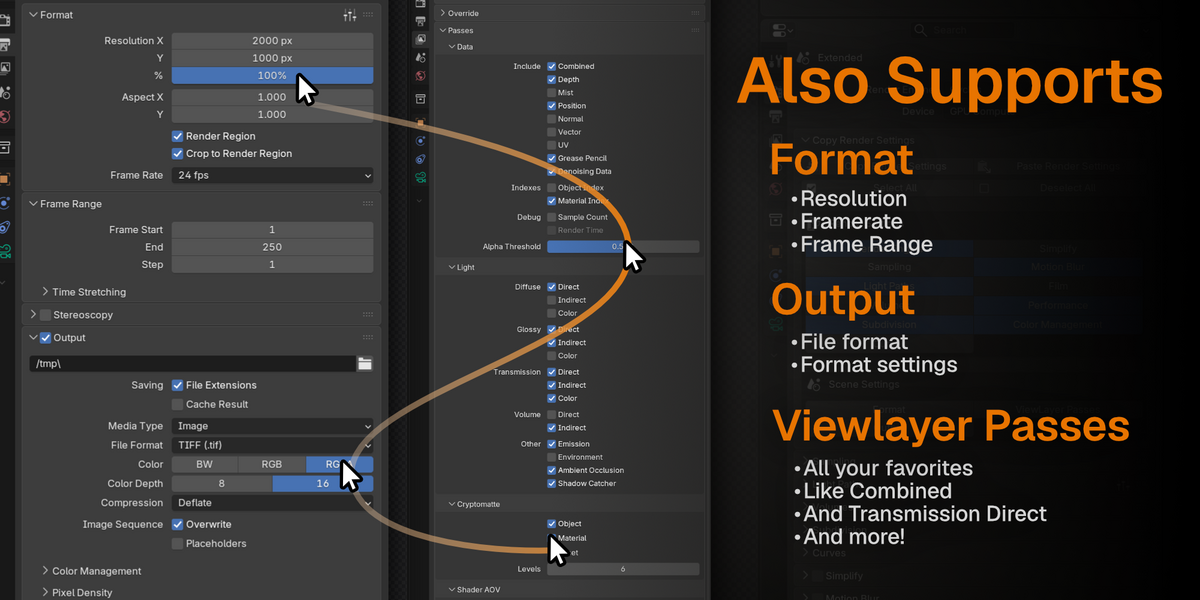
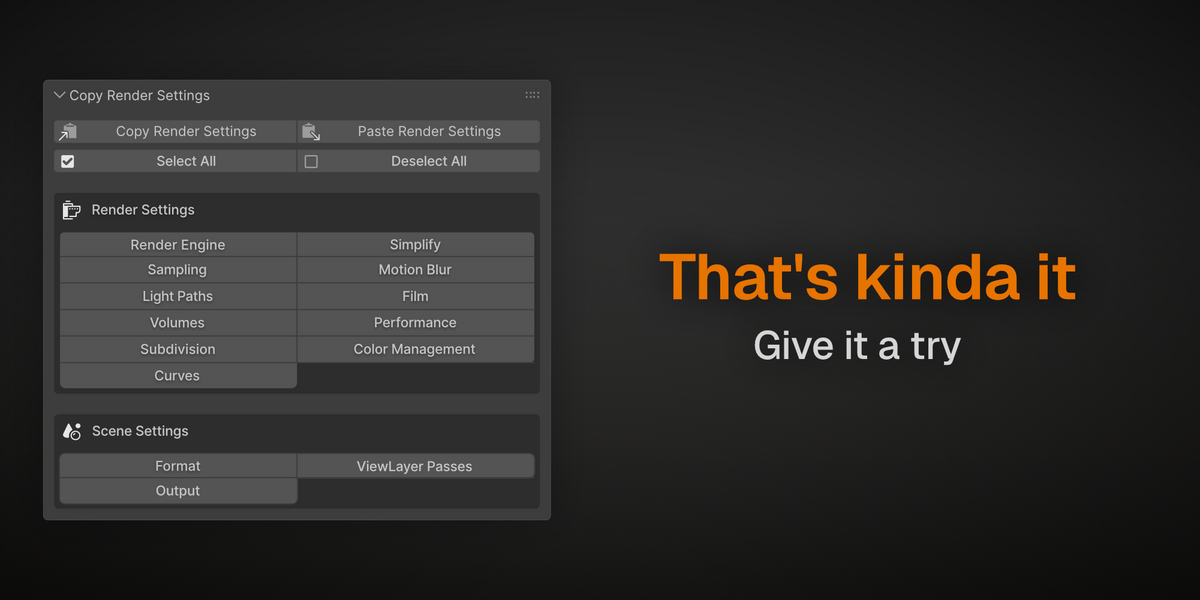
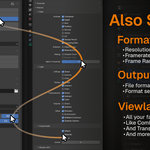
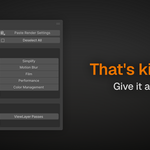
- Supports 14 toggleable sections (Render Engine, Sampling, Light Paths, Volumes, Subdivison, Curves, Simplfy, Motion Blur, Film, Performance, Color Management, Format, Output, Viewlayer Passes)
- Select All / Deselect All
- Human-readable copy/paste reports
- Cross-version engine translation
- Full curve serialization
- Cycles & EEVEE support
- Supports Viewlayers, Output settings, and Format.
Anyone who has ever set up Cycles for a lookdev scene and then stared at a fresh scene wondering how they'd configured
47 settings. Studio pipelines, render farm wranglers, tutorial makers syncing settings across machines, and anyone
who's ever muttered "why is my EEVEE different over here?"
Compatibility
- Cycles & EEVEE
- Blender 4.5
- Blender 5.x
