 Densle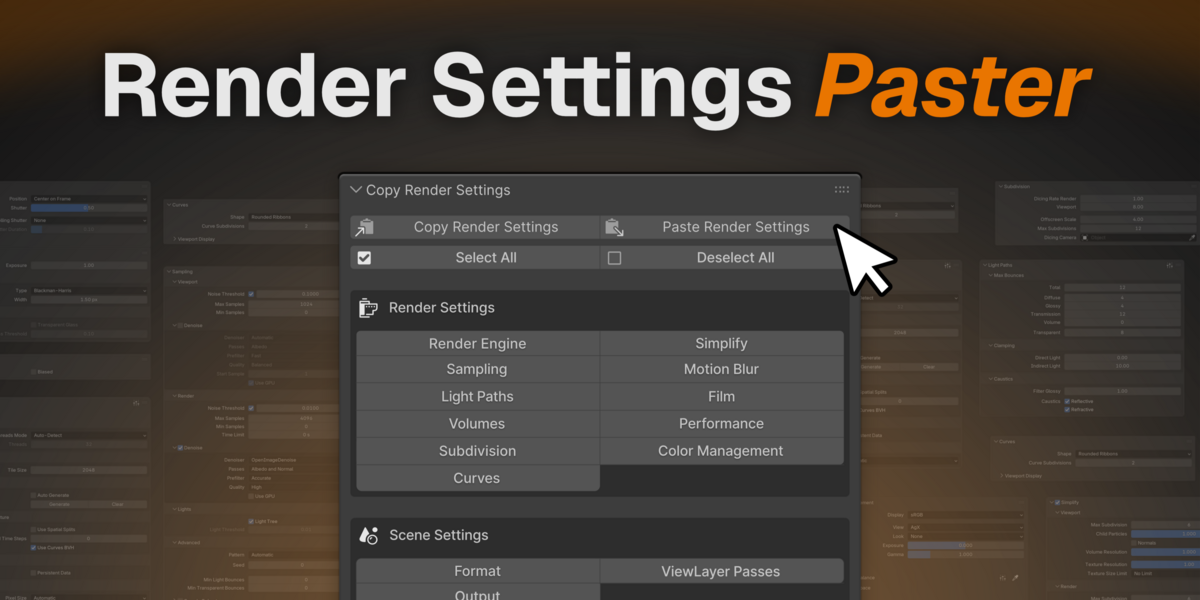
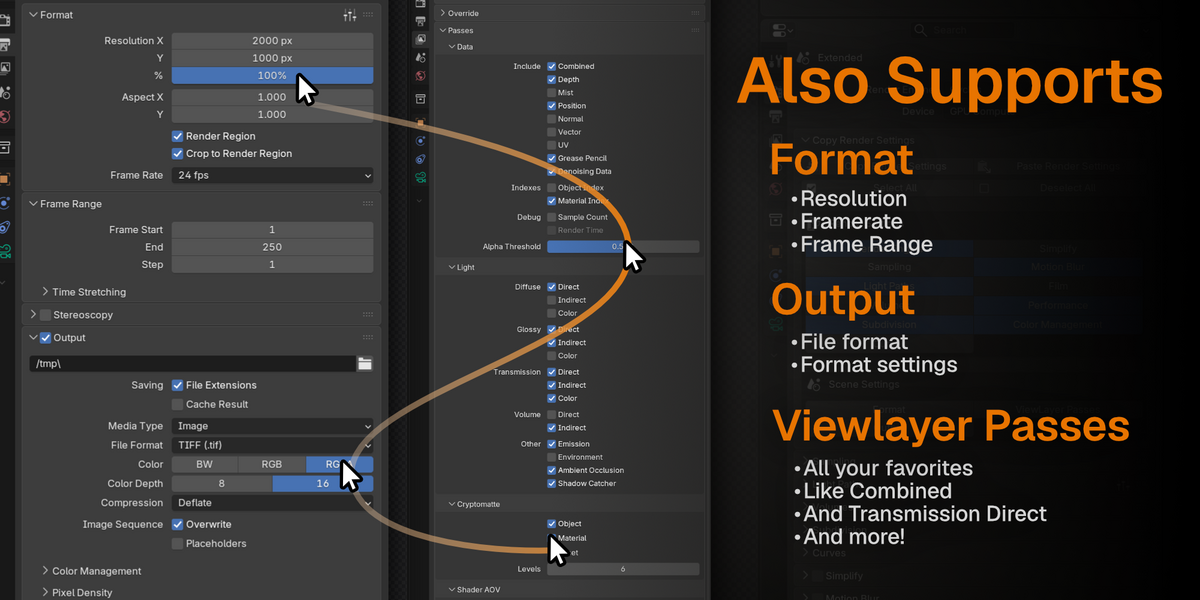
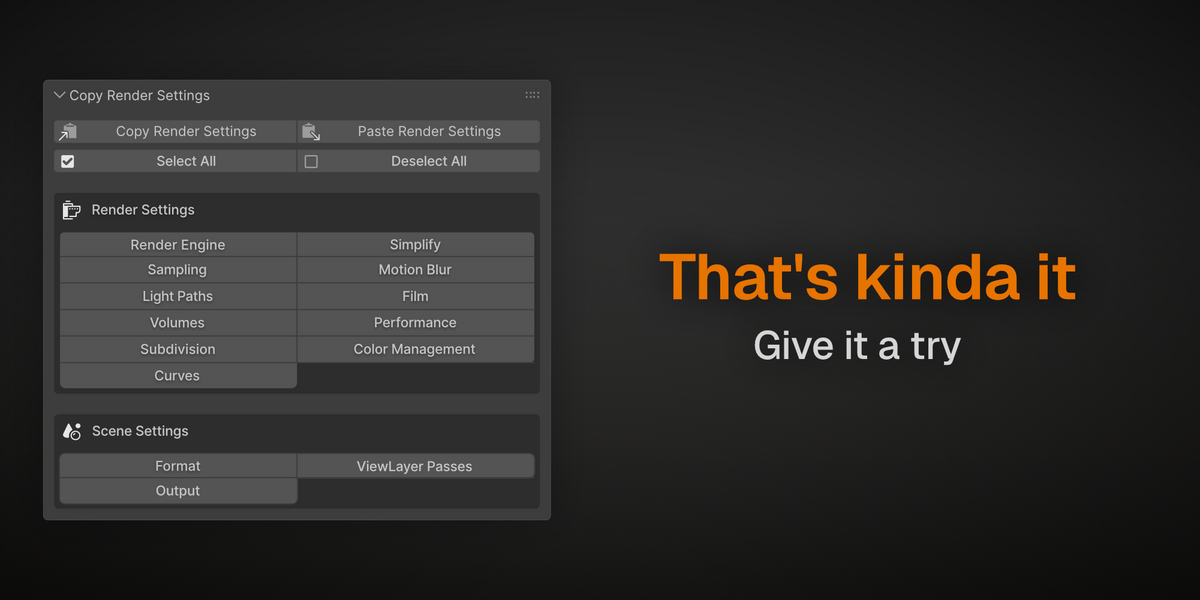
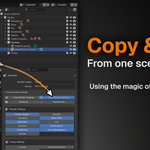
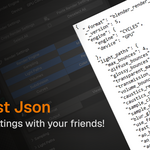
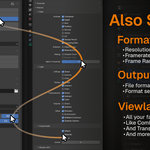
What exactly does this copy?
Render-related settings only. Things like samples, denoising, light paths, color management, motion blur, output
format, and ViewLayer passes. It does not copy meshes, materials, lights, or objects. Think of it as "the entire
render panel's configuration," not scene contents.
How do I get settings from one Blender file to another?
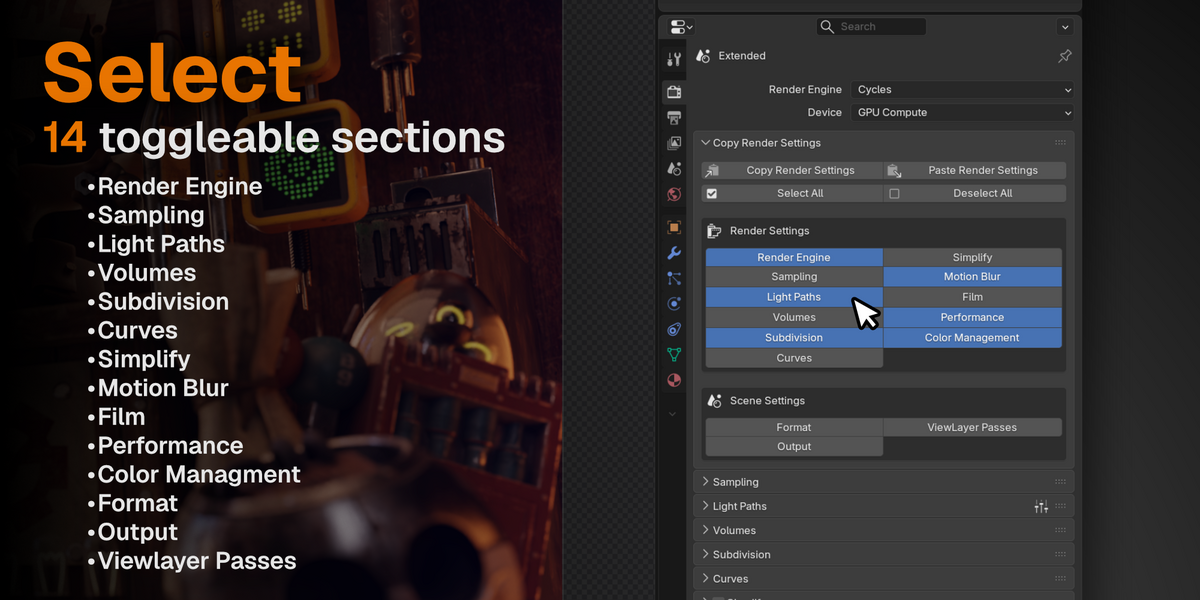
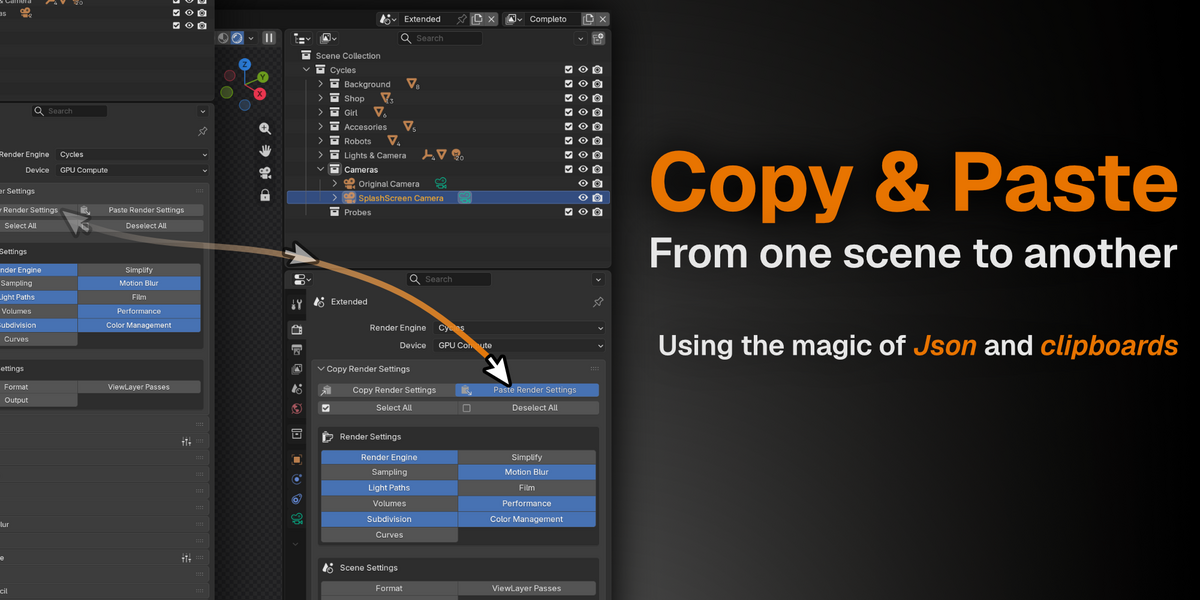
Just three steps: enable the categories you want in the Render properties panel, click Copy Render Settings, then open
the other file (or another Blender window) and click Paste Render Settings. The settings travel on your system
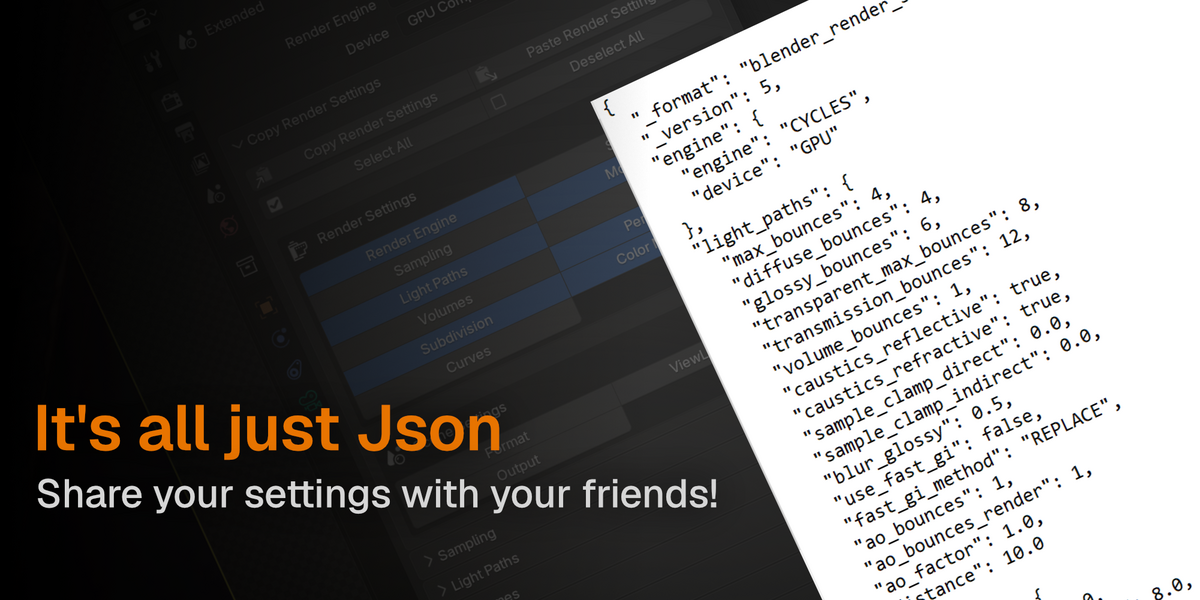
clipboard. No temp files, no fiddling with paths.
Does it work between different Blender versions?
Yes! If a setting doesn't exist in the target Blender, it's simply skipped.
You can see exactly what was skipped in a status message and settings that changed during versions get translated automatically, so settings survive the version jump.
Can I copy only some settings, like just color management?
Yes! Every category is a toggle. Turn off everything except Color Management, and only that gets copied and pasted.
Select All / Deselect All buttons are there for quick setup.
Does it work with the standard preset system?
Different tools for different jobs. Blender's presets save snapshots inside one Blender install. This addon
moves settings between scenes, files, and machines on demand — including across versions — without maintaining a
preset file per setup. They complement each other nicely
$3
Have questions about this product?
Login to message
| Blender Extension Compatible | Yes |
| Published | 19 days ago |
| Blender Version | 4.5 - 5.2 |
| Extension Type | Add-on |
| Render Engine Used | Cycles, Eevee |
| License | GPL |

Discover more products like this
render tools Blender-render-settings rendersettings render toolkit